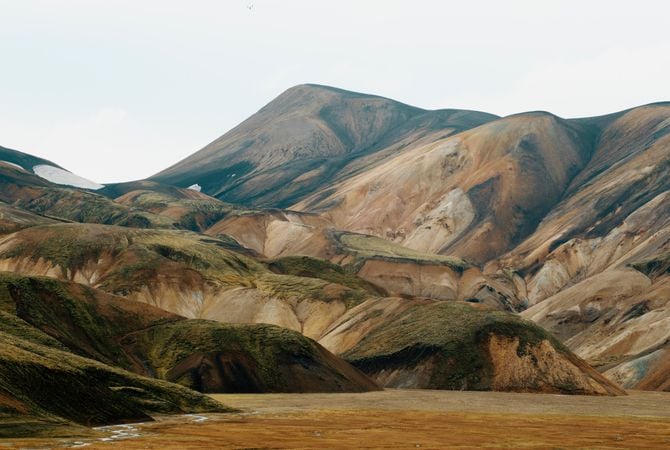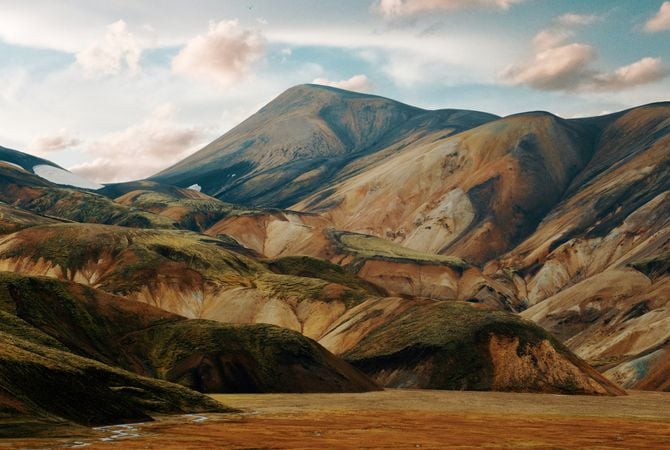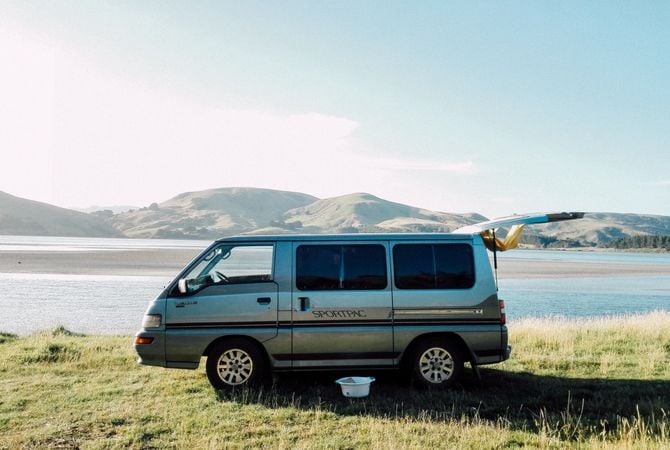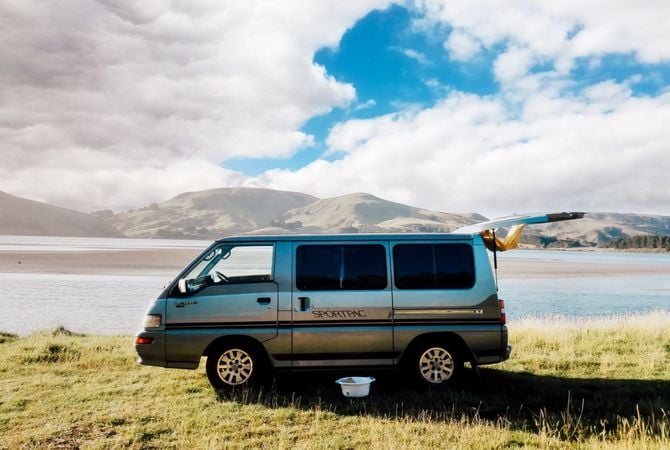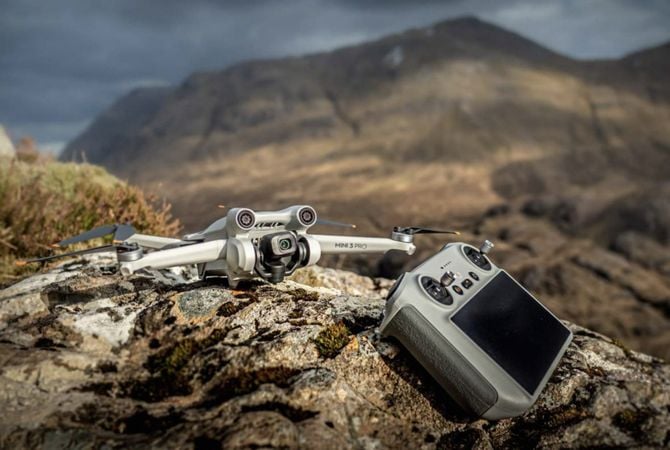







© ademyan

Pixel-perfecte
opschaling

Onthul de Verborgen Schittering in Elke Foto met AI Opschalen

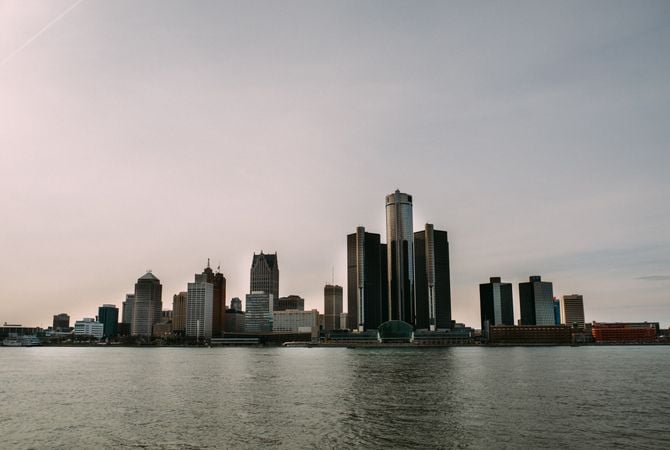
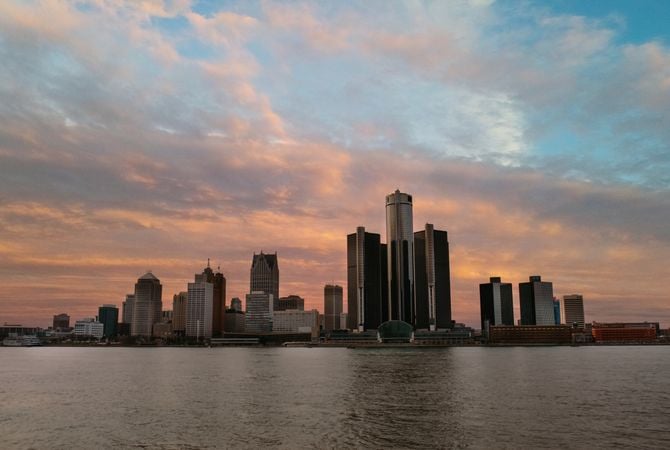
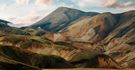
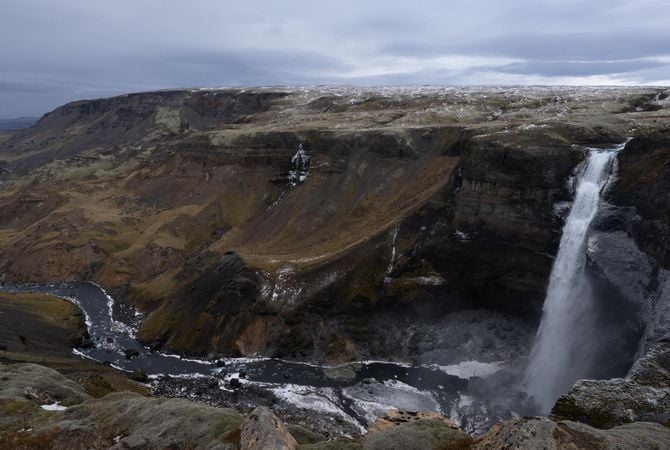
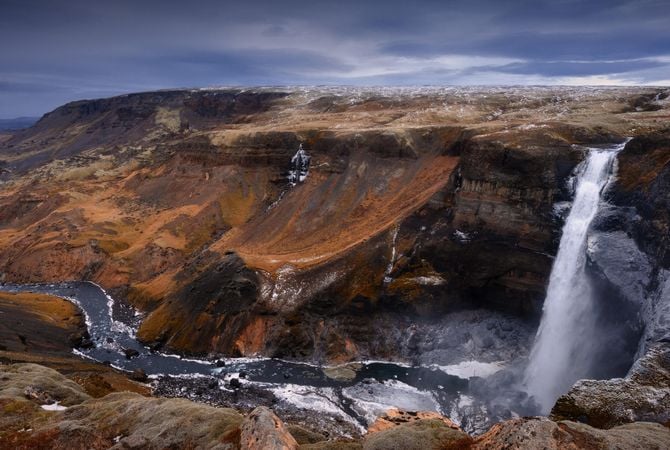
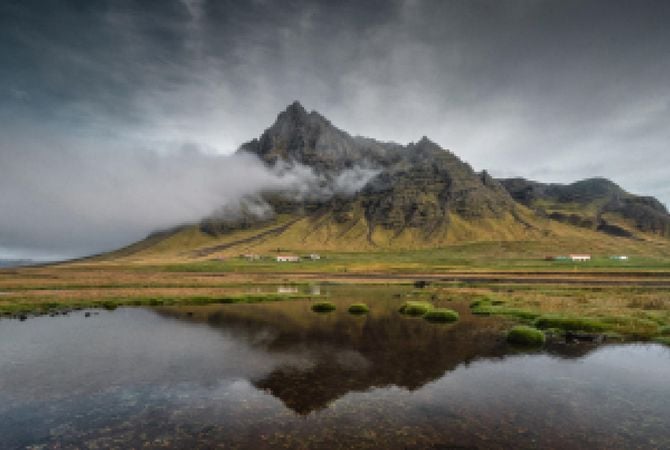
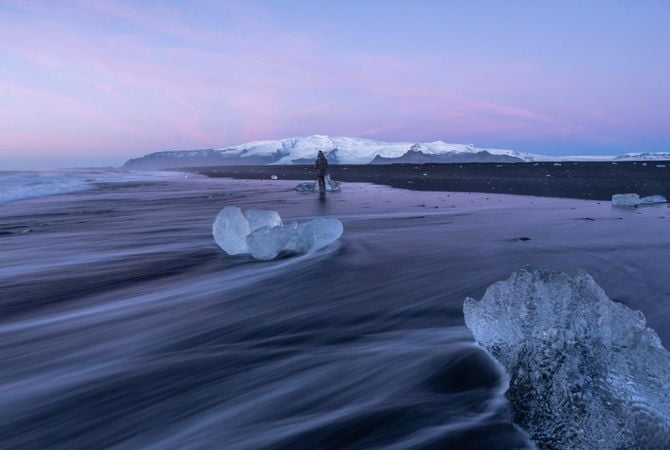
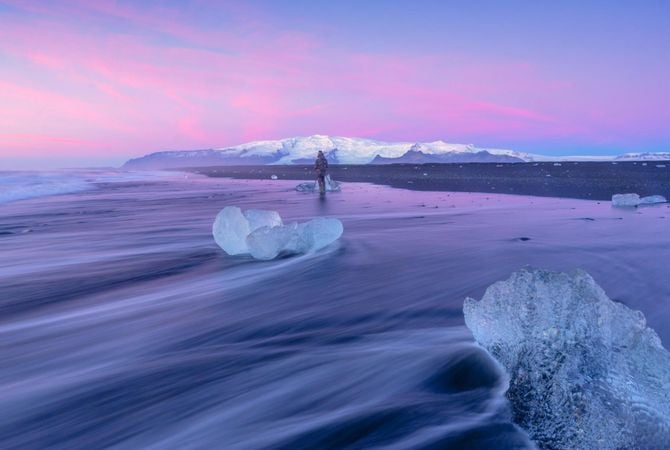
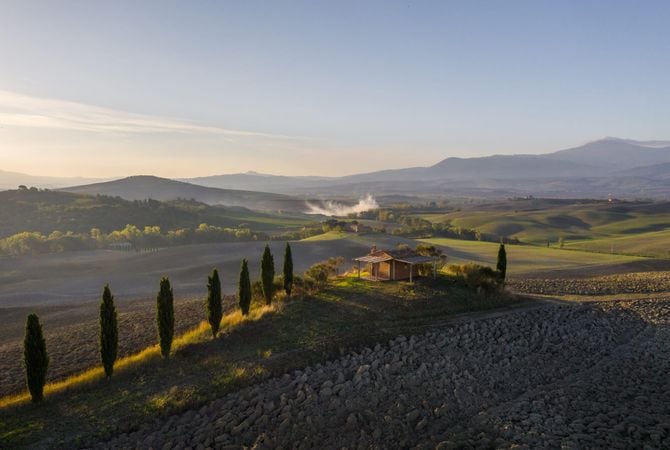
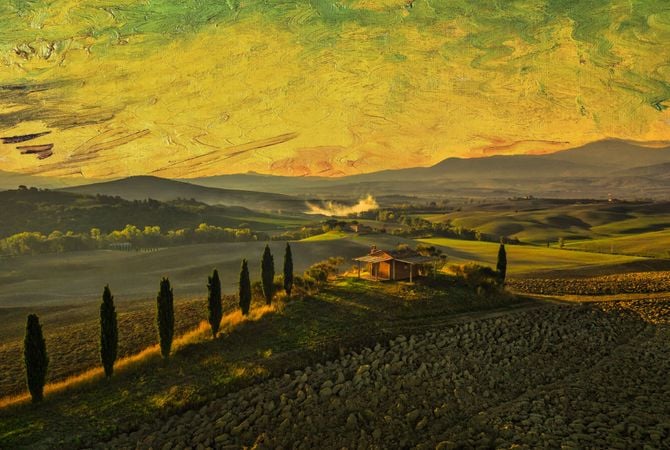
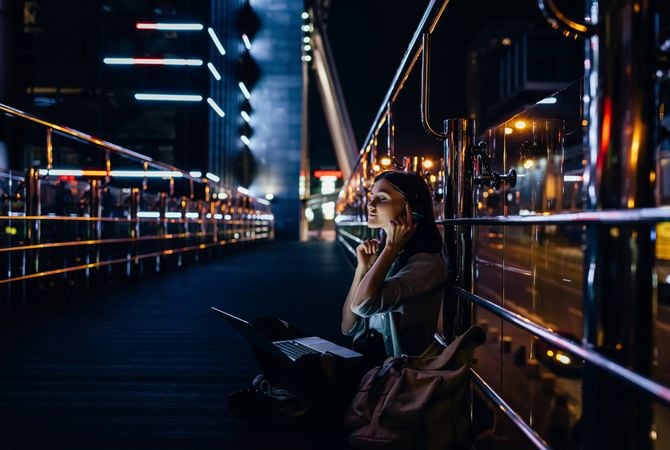
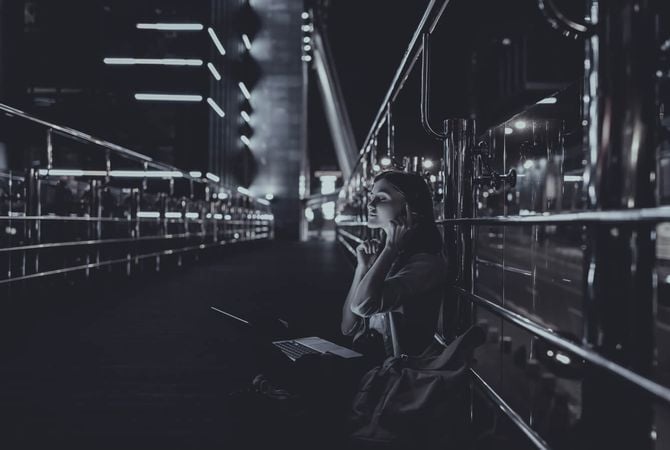
Origineel Image upscaler: original photo before using ai upscale
OpschalenAI x4 Image upscaler: original photo after using ai upscale
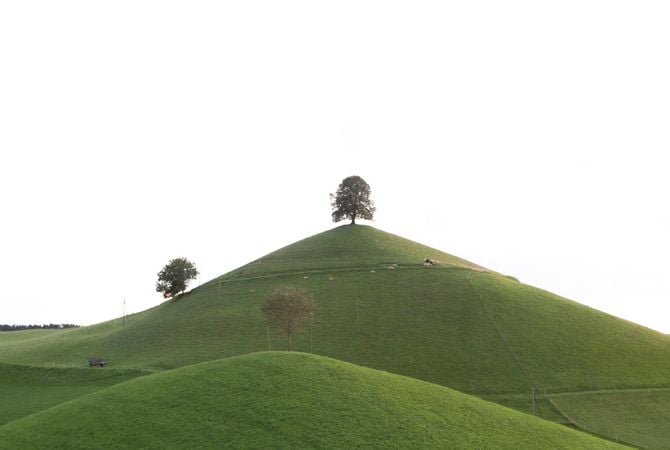
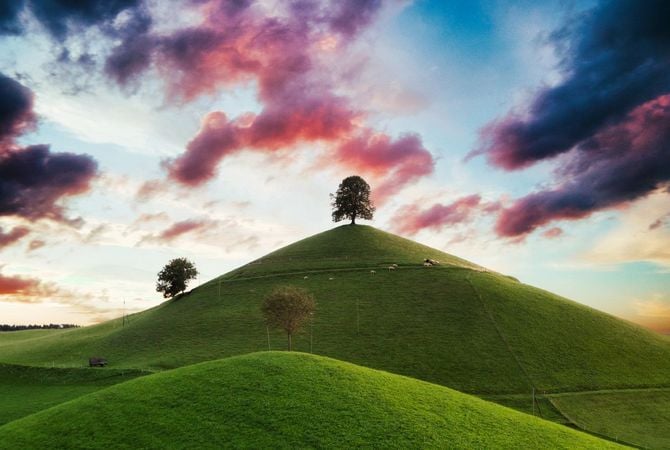
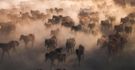
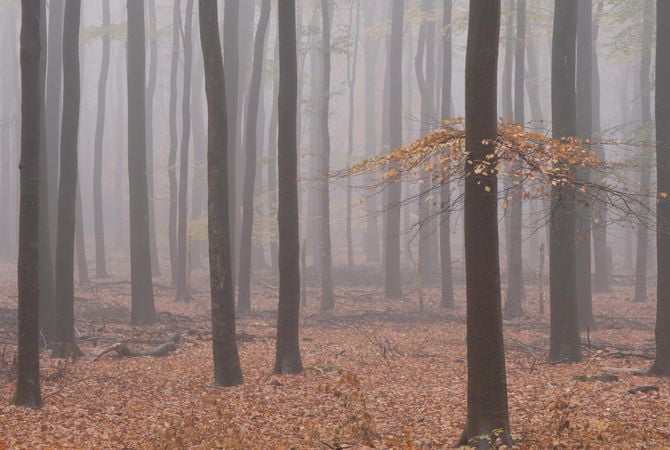
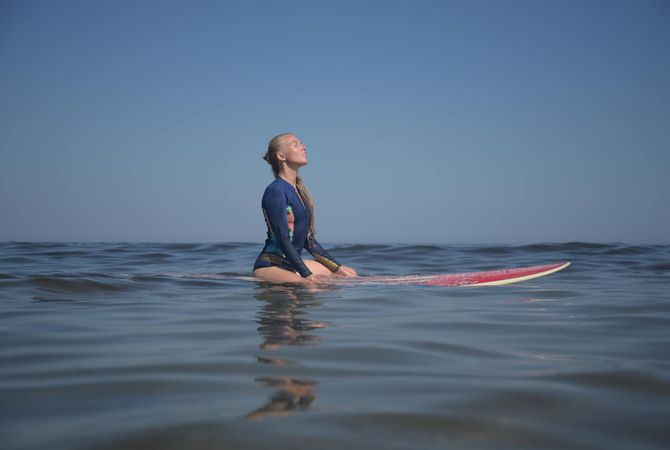
AI image upscaler: original photo before using ai upscale

AI Afbeeldingen Opschalen voor Perfecte Composities

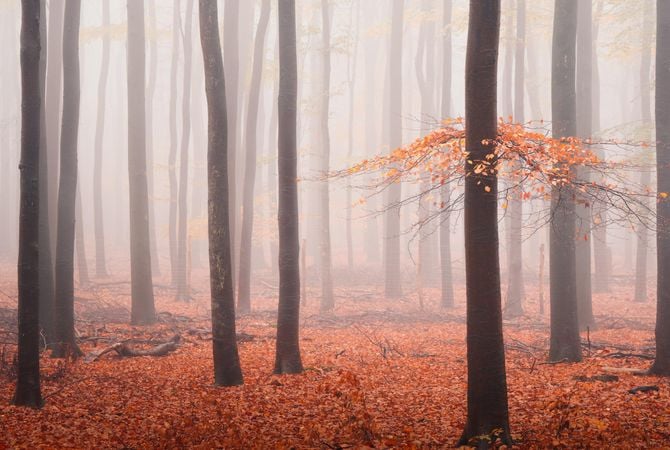
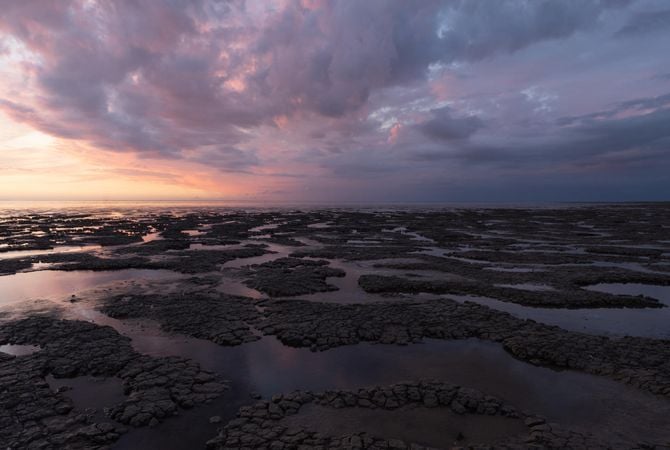
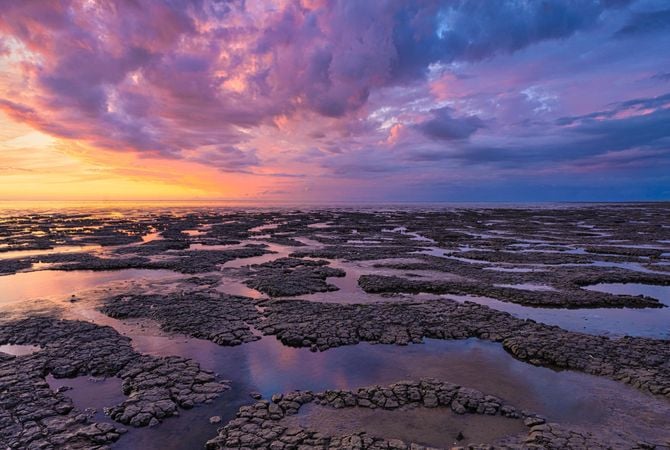
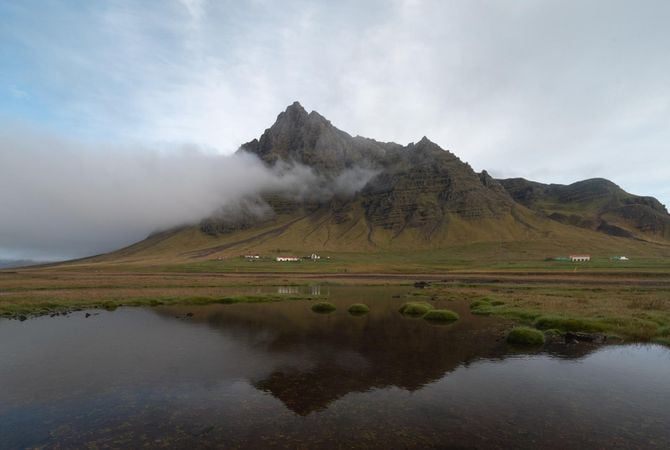
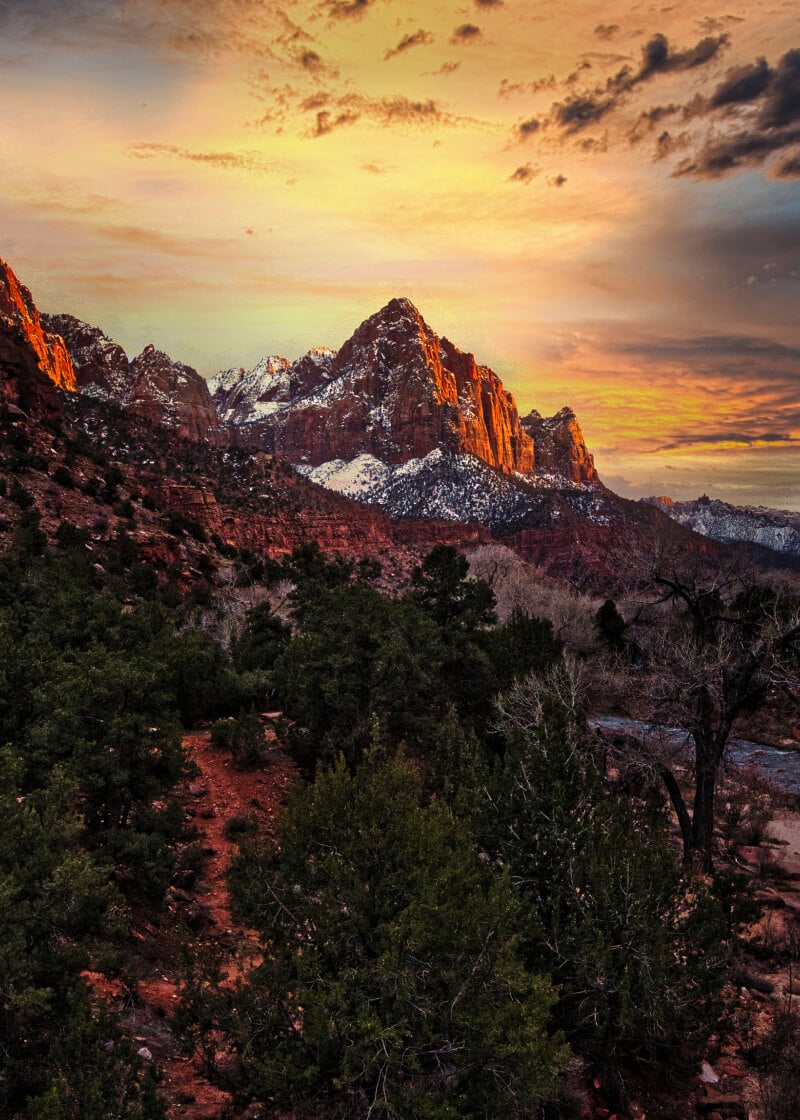
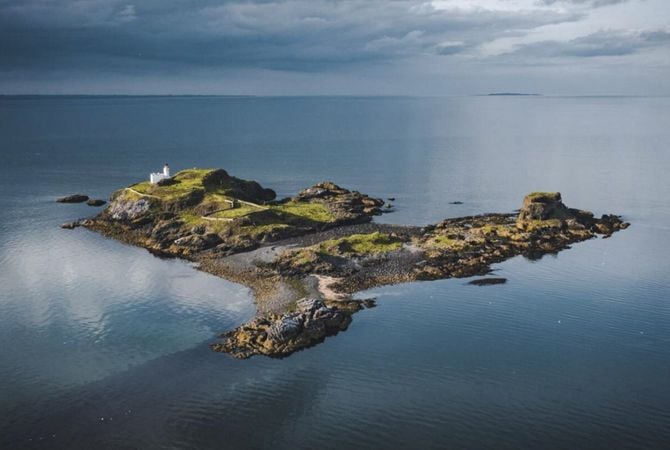
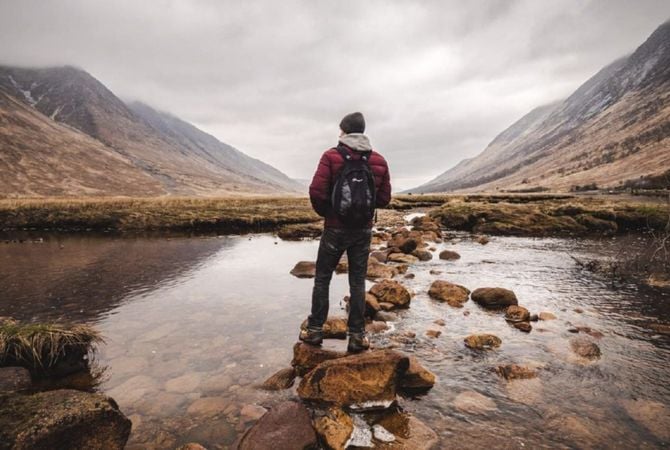
Voor liefhebbers van natuurfotografie is het opschalen van afbeeldingen een van de handigste tools die u kunt ontvangen. Hiermee kunt u inzoomen op een onderwerp dat misschien heel ver weg is.

Met deze op AI gebaseerde Extensie kunt u een foto tot 6x opschalen en de resolutie op een natuurlijke manier verbeteren.

Voor Na
© kavramm
Voor Na
© bloodua

Ontgrendel Schittering in Uw Foto's met AI Afbeeldings Opschalen

Heeft u ooit die momenten gehad waarop u een perfecte compositie in uw lijst vindt, maar het is te klein om een op zichzelf staande foto te zijn?

Met deze op AI gebaseerde Extensie voor het opschalen van afbeeldingen kunt u foto's tot 6x opschalen en de resolutie op een natuurlijke manier verbeteren. Het opschalen van een afbeelding is nog nooit zo eenvoudig geweest!

OpschalenAI: Verbeter Foto's naar HD met AI Opschalen

Maak uw foto's gereed om te worden afgedrukt met de AI-aangedreven Opschalen AI Extensie. Opschalen AI verbetert de beeldresolutie op een natuurlijke manier, ook voor niet-raw-bestanden, en kan de resolutie tot 6x verhogen. Het enige wat u hoeft te doen is een mooie lijst vinden.

OpschalenAI: Ervaar de Magie van AI Afbeelding Opschalen in Actie

Pixel-perfecte<br> opschaling(3)

Advanced yet easy-to-use photo editor for everyone

Designed by Skylum for MacOS and Windows

Work also as plugins for Photoshop, Lightroom and Apple Photos®

icon

AI image enhancement

icon

Raw editing

icon

Layers support

icon

Non-destructive
editіng

icon

Lens correction

icon

Clone tool

icon

Dodge & burn

icon

Color enhancement

icon

Crop and resize

icon

Batch processing

Pixel-perfecte<br> opschaling(4)

GenSwap

Replace specific elements

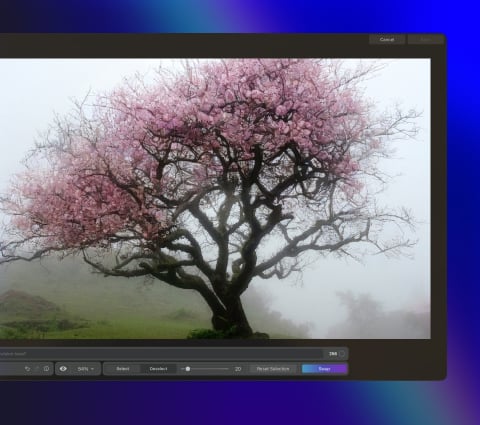
Effortlessly swap elements in your photos with AI-generated visuals that seamlessly integrate with the rest of your image.

Luminar features: Supercontrast - Experience the power of perfect color contrast

GenErase

Eliminate distractions

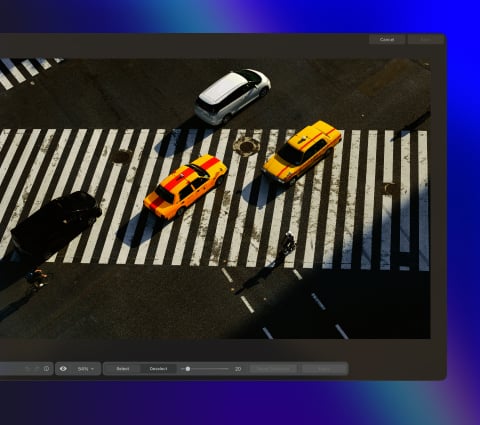
Remove unwanted elements from your images and seamlessly fill in the gaps with elements that match the surroundings.

Luminar features: Supercontrast - Experience the power of perfect color contrast

GenExpand

Break the limits of the frame

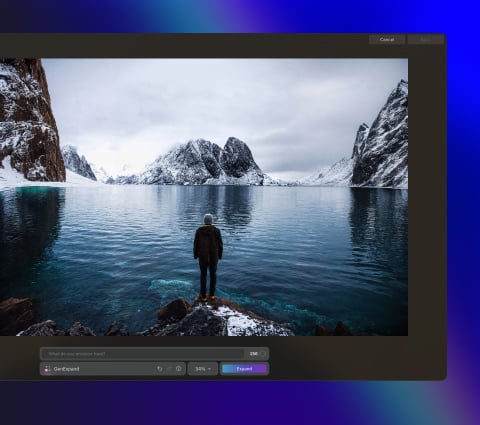
Extend the boundaries of your photos, whether you're creating landscapes or portraits, by adding more space to them.

Luminar features: Supercontrast - Experience the power of perfect color contrast

Supercontrast

Experience the power
of perfect color contrast

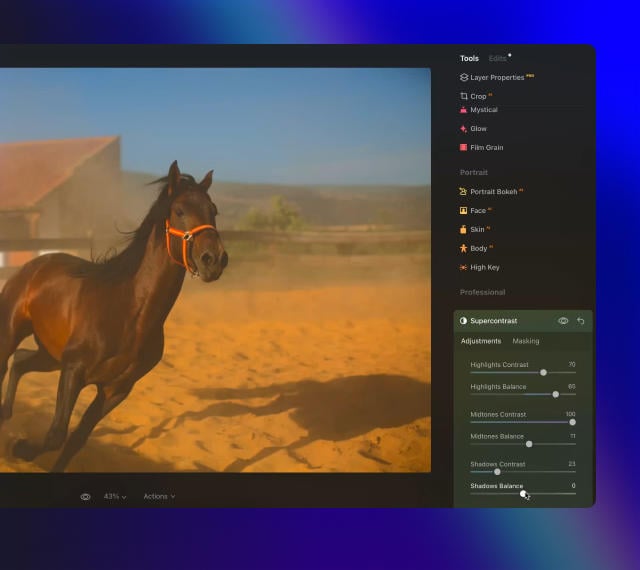
Precisely adjusts tonal contrast with six distinct controls spanning highlights, mid-tones, and shadows.

Luminar features: Supercontrast - Experience the power of perfect color contrast

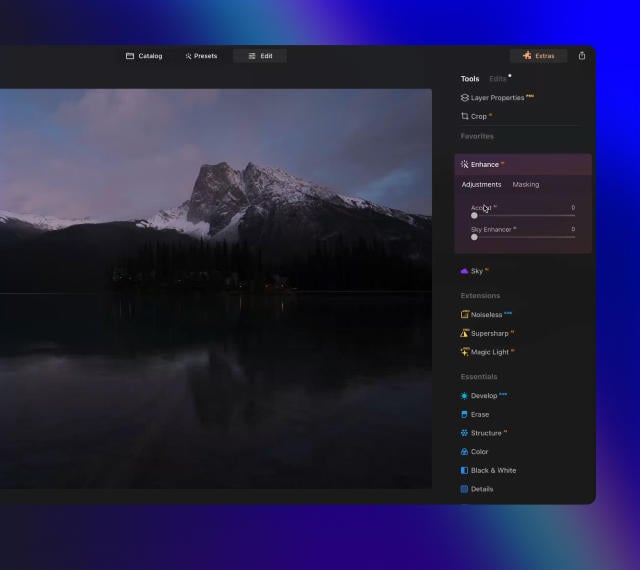
EnhanceAI

Achieve an instantly captivating photo with an all-in-one tool

Control up to a dozen adjustments including shadows, highlights, contrast, and tone with one AI-powered tool.

Luminar features: Enhance AI - Achieve an instantly captivating photo with an all-in-one tool

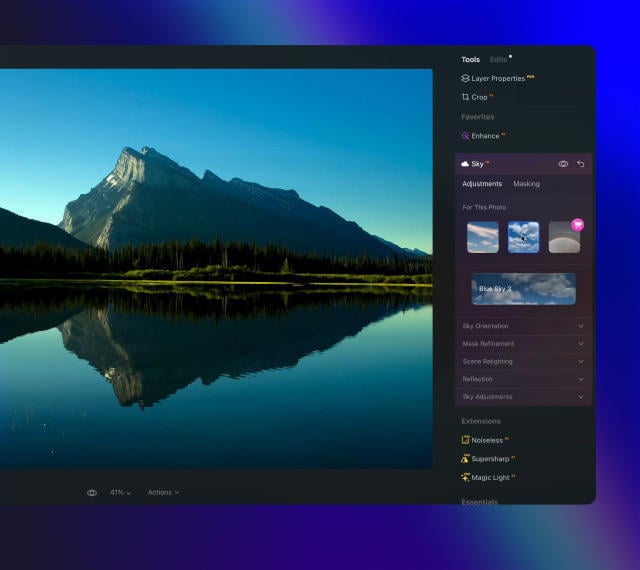
SkyAI

Increase the vibrancy of your photos by replacing a dull sky

Seamlessly replace the sky, taking into account its reflection in water for maximum realism.

Luminar features: Sky AI - Increase the vibrancy of your photos by replacing a dull sky

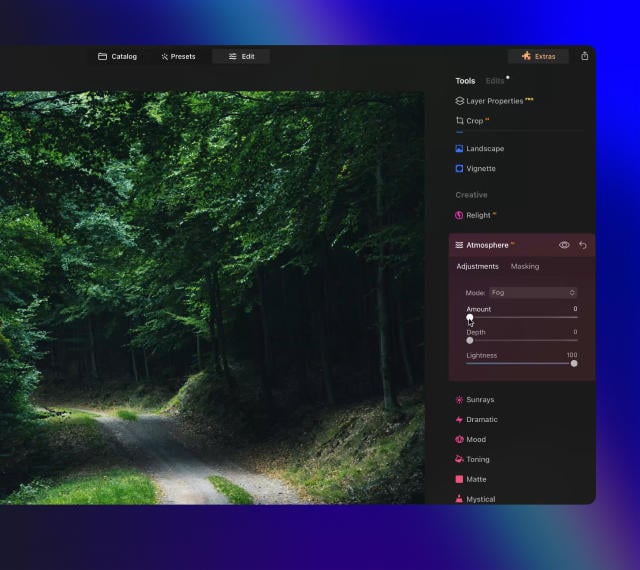
AtmosphereAI

Add a unique
mystical mood

Place fog, mist, or haze in your photo
with content-aware AI.

Luminar features: Atmosphere - Add a unique mystical mood

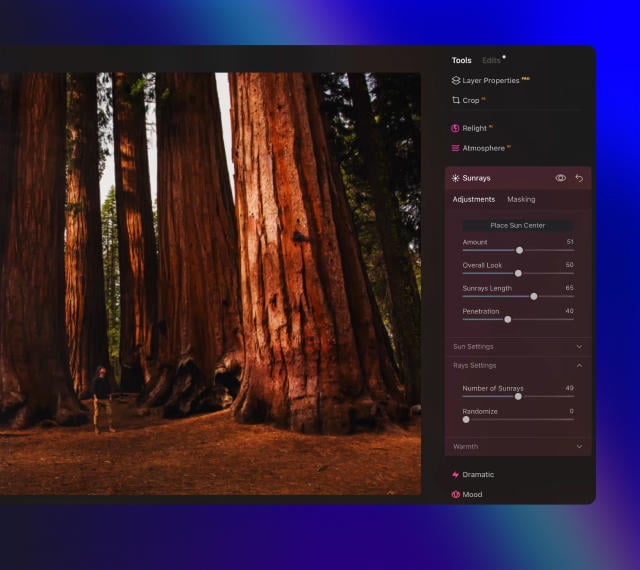
Sunrays

Let the sun shine
in your photo

Add beautiful rays of sunshine and control
their glow intensity.

Luminar features: Sunrays - Let the sun shine in your photo

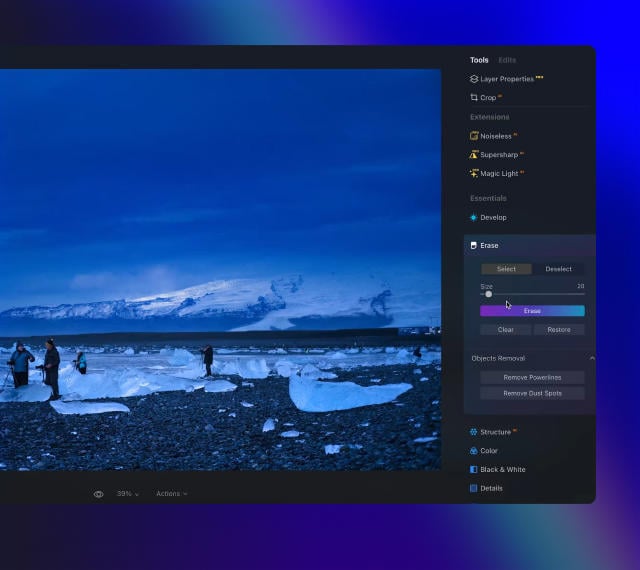
Erase

Clean, mess-free
photos in one click

Remove unwanted objects or details for fast,
easy, and realistіc results.

Luminar features: Erase - Clean, mess-free photos in one click

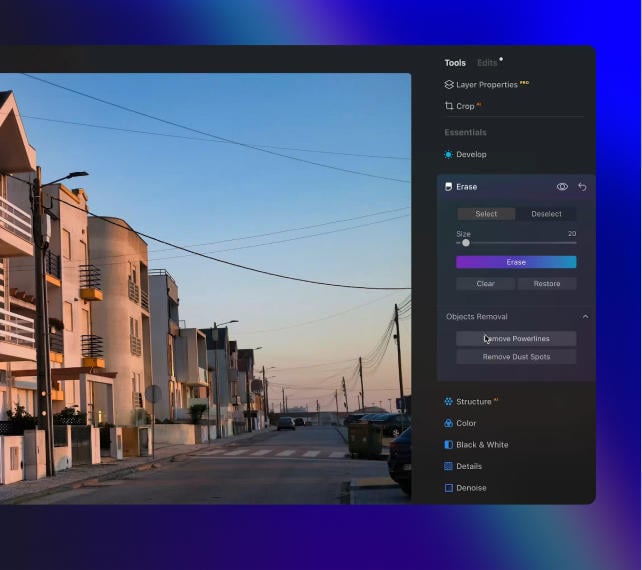
Remove Powerlines

Get rid of annoying
power lines

Clean up your cityscapes with the power of AI.
No masking needed.

Luminar features: Remove powerlines - Get rid of annoying power lines

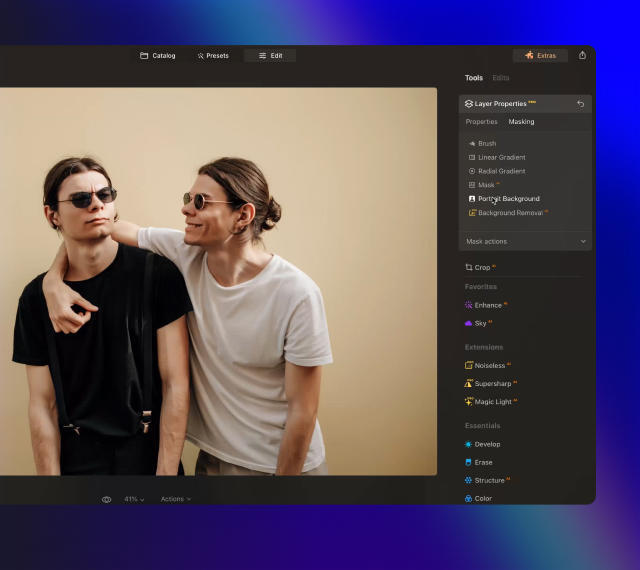
Portrait Background

Experiment with
fun portraits

Remove the background and transport
people to a different location.

Luminar features: Portrait Background - Experiment with fun portraits

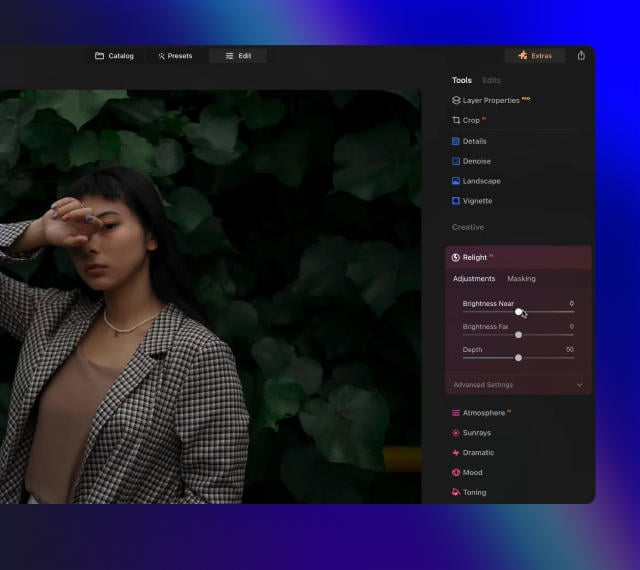
RelightAI

Fix backlit photos
in an instant

Light up dark photos in post-processing and get total control over the lighting in your photo.

Luminar features: Relight AI - Fix backlit photos in an instant

FaceAI

Retouch facial
features naturally

Add face light, remove dark circles,
enhance lips, and do so much more.

Luminar features: Face AI - Smooth skin in a heartbeat

BodyAI

Shape the body

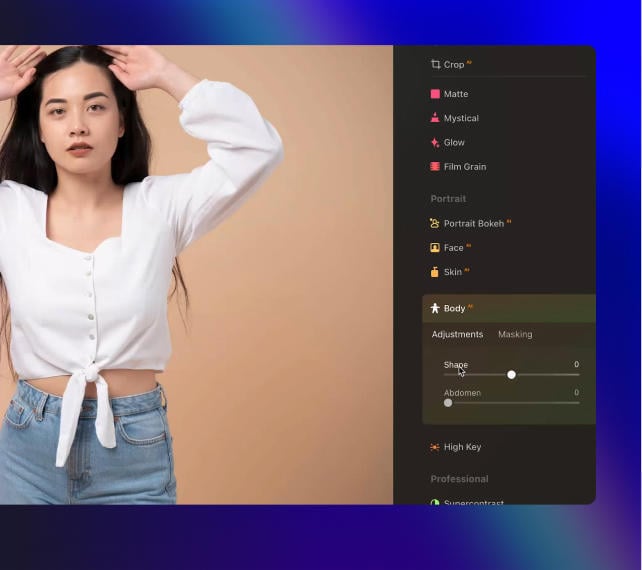
Add volume to or remove volume from the torso
or abdomen to enhance natural beauty.

Luminar features: Body AI - Shape the body

SkinAI

Smooth skin
in a heartbeat

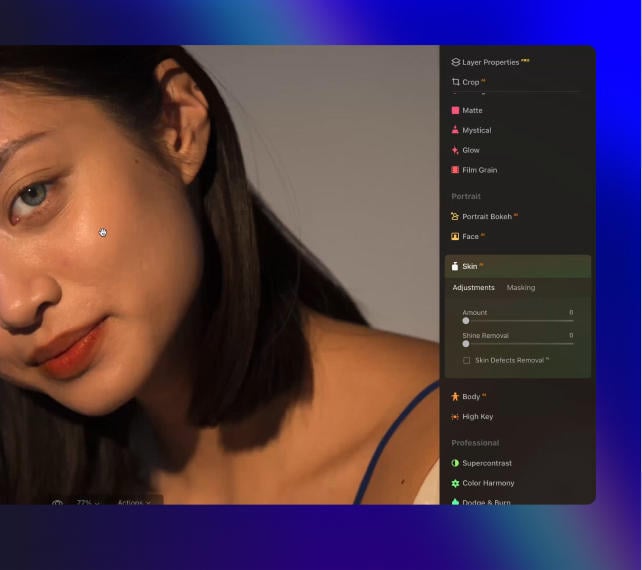
Automatically retouch a person’s skin
and eliminate imperfections.

Luminar features: Face AI

Portrait BokehAI

Create a dreamy
bokeh effect

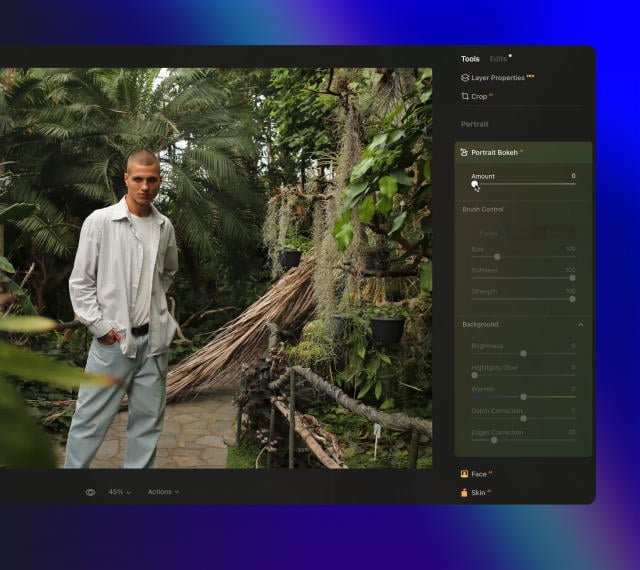
Simulate an out-of-focus background effect
without the need for a special lens.

Luminar features: Portrait Bokeh AI - Create a dreamy bokeh effect

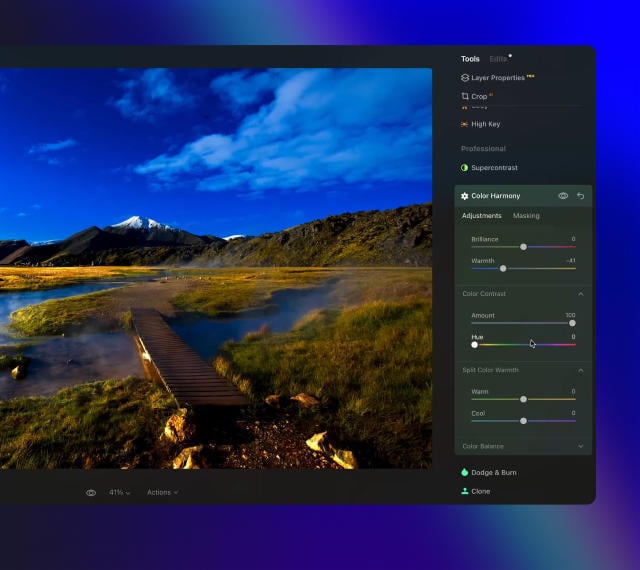
Color Harmony

Get precise
color control

Fine-tune adjustments like brilliance, warmth,
and balance with advanced tech in simple sliders.

Luminar features: Color Harmony - Get precise color control

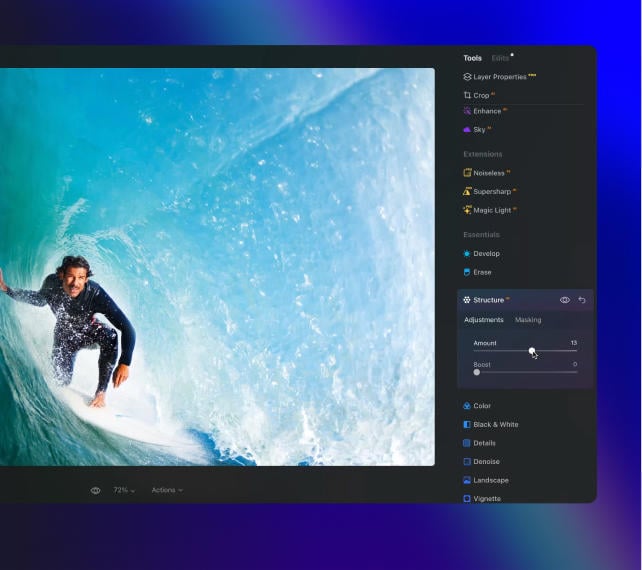
StructureAI

Sharp details,
natural look

Reveal a great deal of detail while keeping
people’s faces and skin natural.

Luminar features: Structure AI - Sharp details, natural look

Discover Luminar features

Pixel-perfecte<br> opschaling(23)

GenSwap

GenErase

GenExpand

Supercontrast

EnhanceAI

SkyAI

AtmosphereAI

Sunrays

Erase

Remove Powerlines

Portrait Background

RelightAI

FaceAI

BodyAI

SkinAI

Portrait BokehAI

Color Harmony

StructureAI

Bespaar tot 60% korting

Kies het abonnement dat voor u werkt

  • Altijd up-to-date versie
  • Bereik alles met Pro Extensies
  • 2 Activeringen op Windows/macOS

1 maand

$ 11 .95 $ 11 .95

$ 11 .95

per maand

Maandelijks gefactureerd (Totaal $ 143 .00 /jaar)

Bespaar $ 172

24 maanden

$ 114 .72 $ 114 .72

$ 4 .78

$ 11 .95

per maand

Gefactureerd $ 114 .72 elke 2 jaar

12 maanden

$ 99 .00 $ 99 .00

$ 8 .25

per maand

Gefactureerd $ 99 .00 jaarlijks

🎁 Plus Een Creative Collection-cadeau Bij Elk Abonnement

Pixel-perfecte<br> opschaling(24)
GRATIS

$ 134

Tijdelijke aanbieding

4.8 op Trustpilot

gebaseerd op meer dan 4000 beoordelingen over
Skylum Software

30-dagen geld terug garantie

Volledige terugbetaling op elk moment binnen 30 dagen

Technische ondersteuning

Onmiddellijke reactie bij technische problemen

Eenmalige Aankoop

Levenslang met Extensies

Het product met Pro Extensies is voor altijd van u

$ 249 $ 499

$ 249

$ 499

Eenmalige betaling

Pixel-perfecte<br> opschaling(25)
Pixel-perfecte<br> opschaling(26)

What are the system requirements for Luminar Neo?

Luminar Neo should work on your computer as long as it meets the following minimum system requirements.

For Mac:


  • MacBook, MacBook Air, MacBook Pro, iMac, iMac Pro, Mac Pro, Mac mini, early 2010 or newer
  • CPU Intel® Core™ i5 8gen or better, including the M1/2/3 chip.
  • Memory 8 GB RAM or more (16+ GB RAM is recommended)
  • macOS 12 or higher.
  • Hard disk 10 GB free space; SSD for best performance
  • Display 1280x768 size or better

For Windows:


  • Windows-based hardware PC with mouse or similar input device
  • CPU Intel® Core™ i5 8gen or better, AMD Ryzen™ 5 or better
    [Note: ARM processors installer for Luminar Neo can only be downloaded from the Microsoft Store.]
  • Open GL 3.3 or later compatible Graphics Cards
  • Memory 8 GB RAM or more (16+ GB RAM is recommended)
  • Operating System Windows 10 version 1909 or higher (only 64-bit OS).
  • Hard disk 10 GB free space; SSD for best performance
  • Display 1280x768 size or better

How to download and activate Luminar Neo?

Once you place the order, the installer should automatically download to your computer. Moreover, you'll be sent the activation instructions with the download links from the Skylum Team at the email address you provided during the purchase. For future use, the download links are always available in your Skylum account.


To activate the app, you have to sign in to your Skylum account within the app. No license key or activation code is required. When you start Luminar Neo, you’ll see a window that prompts you to log in to your Skylum account:

1. Enter your email address to find out if you already have an account.

  • In case you don't have an account yet, it will be created during the process. Make sure to use the same email you used when purchasing Luminar Neo.

2. Sign in with your email address (the one you used during the purchase) and the password for your Skylum account. 

  • If you created a Skylum using a linked third-party account, Google, Facebook, Microsoft, or Apple, click the relevant button.
  • If you don’t have an account yet and it is your first activation, you will be prompt to create the password

3. Congratulations! You’ve activated Luminar Neo.

*If you have a Skylum account but purchased Luminar Neo using an email address not tied to it, you can merge your accounts in the My Software > App isn’t showing? section of your Skylum account.

Still don’t see Luminar Neo in your account? Our support team will help you with that.

Which cameras are supported?

Luminar Neo RAW processing is based on our own powerful RAW engine. You can check the full list of supported cameras here.  Also, we regularly update our library and make our own improvements to provide excellent support for new cameras. 

Kan ik Luminar Neo als plug-in gebruiken?

Luminar Neo is a universal solution that can function both as a standalone editor and a plug-in. 


Luminar Neo can be used as a plug-in or extension for:


  • Lightroom Classic (starting from version 6);
  • Photos for macOS.
  • Adobe Photoshop

Will all tools from Luminar Neo are available in the plugin mode?

You can learn more here on how to send an image from the host app to Luminar Neo.

Wat is het verschil tussen het Luminar X-lidmaatschap en het Luminar Neo Pro-abonnement?

Luminar Neo’s Pro Subscription plans give you access to the Luminar Neo app, all updates or new versions, and the Generative tools (GenSwap, GenErase, GenExpand).  


Luminar X Membership is a paid subscription for those who already own or subscribe to Luminar and want to take their creativity to the next level. Luminar X members enjoy monthly delivery of creative assets, including Luminar Presets, LUTs, and Sky textures. 


Important: Luminar X Membership doesn't include the Luminar Neo app. 

What happens to my Luminar Neo if I cancel the subscription?

Canceling your subscription means you won’t be charged at the beginning of the next billing cycle. You’ll be able to keep using Luminar Neo for the duration of the paid period.


If you owned a lifetime license to Luminar Neo before subscribing, you will be able to use Luminar Neo  license after your subscription period ends. You will also not have access to possible future new versions of the Luminar app. However, some upgrades might require an extra charge. 

Wat is Luminar Neo?

Luminar Neo is an innovative image editor powered by AI technologies of the future that simplifies complex editing routines and enables creators to bring their boldest ideas to life. And enjoy it.


  • Get speed and flexibility in your editing with our brand-new core engine and layers workflow.
  • The new engine we built for Luminar Neo is based on all the best solutions from our combined and evolved experience for maximum performance and creativity and is developed for achieving complex creative results.
  • Adjust the light in your photo for creative control over the lighting in a scene. You can control the exposure of an image based on the distance from the lens to independently adjust the background and foreground exposure.
  • Automatically remove spots on your images caused by dust and dirt on your lens and sensor.
  • Clean up unwanted power lines from the skies in your cityscapes.
  • Experiment with infinite creative possibilities by effortlessly combining two or more images in a shot.

...And much more.


What languages are supported?

Luminar Neo is available in English, German, Spanish, French, Italian, Chinese Simplified and Traditional, Korean, Japanese, Portuguese, Dutch, Polish, Swedish, Norwegian, Danish, and  Ukrainian
© simon-berger
Pixel-perfecte<br> opschaling(28)
Pixel-perfecte<br> opschaling(29)
Voor Na
© simon-berger
Pixel-perfecte<br> opschaling(30)
Pixel-perfecte<br> opschaling(31)
Voor Na
© simon-berger
Pixel-perfecte<br> opschaling(32)
Pixel-perfecte<br> opschaling(33)
Voor Na
© simon-berger
Pixel-perfecte<br> opschaling(34)
Pixel-perfecte<br> opschaling(35)
Voor Na
© Cuma Cevik
Pixel-perfecte<br> opschaling(36)
Pixel-perfecte<br> opschaling(37)
Voor Na
Pixel-perfecte<br> opschaling(38)
Pixel-perfecte<br> opschaling(39)
Pixel-perfecte<br> opschaling(40)
Pixel-perfecte<br> opschaling(41)
Pixel-perfecte<br> opschaling(42)
Pixel-perfecte<br> opschaling(43) Gemaakt door Team Skylum

Soulvolle Panorama's

GRATIS

$ 99 .00

Omschrijving

Ontdek schitterende Luchten van Ev Tchebotarev. Al deze Luchten bevatten een beetje artistieke korrel die doet denken aan oude film, en voegt een nostalgische en hartverwarmende sfeer toe aan uw foto's. Gebruik deze Luchten met hoge resolutie - die alle denkbare kleuren bevatten - in uw landschappen, lifestyle-foto's, stadsgezichten en overal waar u een wow-effect wilt oproepen.
Wat u zult vinden

• 10 prachtige Luchten in JPEG formaat.

Gerelateerd Product

Totaal: $ 00

Bespaar $ 00

Koop Nu

Totaal: $ 00

Bespaar $ 00

Koop Nu

Log in om de speciale prijs te valideren

Verify your previous purchase of a Skylum product to buy Luminar with a loyalty discount.

© Serge Ramelli
Pixel-perfecte<br> opschaling(45)
Pixel-perfecte<br> opschaling(46)
© muha04
Pixel-perfecte<br> opschaling(47)
Pixel-perfecte<br> opschaling(48)
Pixel-perfecte<br> opschaling(49) >
Voor Na
© Ksusha Kazak
Pixel-perfecte<br> opschaling(50)
Pixel-perfecte<br> opschaling(51)
Pixel-perfecte<br> opschaling(52) >
Voor Na
© philipus
Pixel-perfecte<br> opschaling(53)
Pixel-perfecte<br> opschaling(54)
Pixel-perfecte<br> opschaling(55) >
Voor Na
© jon_chica
Pixel-perfecte<br> opschaling(56)
Pixel-perfecte<br> opschaling(57)
Pixel-perfecte<br> opschaling(58) >
Voor Na
© Ksusha Kazak
Pixel-perfecte<br> opschaling(59)
Pixel-perfecte<br> opschaling(60)
Pixel-perfecte<br> opschaling(61) >
Voor Na
© Cuma Çevik
Pixel-perfecte<br> opschaling(62)
Pixel-perfecte<br> opschaling(63)
Pixel-perfecte<br> opschaling(64) >
Voor Na
© Serge Ramelli
Pixel-perfecte<br> opschaling(65)
Pixel-perfecte<br> opschaling(66)
Pixel-perfecte<br> opschaling(67) >
Voor Na
Pixel-perfecte<br> opschaling(68)

Panorama Stiksels

Pixel-perfecte<br> opschaling(69)

Achtergrond Verwijdering AI

Pixel-perfecte<br> opschaling(70)

Focus Stacking

Pixel-perfecte<br> opschaling(71)

HDR-samenvoeging

Pixel-perfecte<br> opschaling(72)

Upscale AI

Pixel-perfecte<br> opschaling(73)

SuperscherpAI

Pixel-perfecte<br> opschaling(74)

Ruisvrij AI

Pixel-perfecte<br> opschaling(75)

Magisch Licht AI

Pixel-perfecte<br> opschaling(76)

Extensie-pakket

8 professionele extensies voor Luminar Neo om uitstekende resultaten te behalen bij het bewerken van uw foto's

Pixel-perfecte<br> opschaling(53)

HDR-samenvoeging

Nu Verkrijgbaar Pixel-perfecte<br> opschaling(78)
Hoogste kwaliteit brackets die samensmelten voor een spectaculaire kleurverbetering
Pixel-perfecte<br> opschaling(62)

Ruisvrij AI

Nu Verkrijgbaar Pixel-perfecte<br> opschaling(78)
Op AI gebaseerde ruisverwijdering en detailherstel met intelligente voorinstellingen
Pixel-perfecte<br> opschaling(81)

Achtergrond VerdwijderenAI

Nu Verkrijgbaar Pixel-perfecte<br> opschaling(78)
een AI-aangedreven tool die automatisch de achtergrond achter elk onderwerp verwijdert.
Pixel-perfecte<br> opschaling(56)

Upscale AI

Nu Verkrijgbaar Pixel-perfecte<br> opschaling(78)
een AI-aangedreven tool om de beeldresolutie op een natuurlijke manier te verbeteren.
Pixel-perfecte<br> opschaling(50)

Focus Stacking

Nu Verkrijgbaar Pixel-perfecte<br> opschaling(78)
Stapel tot 100 foto's voor scherpe details en grotere scherptediepte
Pixel-perfecte<br> opschaling(59)

SuperscherpAI

Nu Verkrijgbaar Pixel-perfecte<br> opschaling(78)
Pak bewegingsonscherpte en verkeerde focus in uw foto's aan
Pixel-perfecte<br> opschaling(65)

Magisch Licht AI

Nu Verkrijgbaar Pixel-perfecte<br> opschaling(78)
Voeg een magisch tintje toe aan uw foto's
Pixel-perfecte<br> opschaling(45)

Panorama Stiksels

Nu Verkrijgbaar Pixel-perfecte<br> opschaling(78)
Voeg meerdere foto's of video's samen en creëer verbluffende panorama's.

Totaal: $ 00

Bespaar $ 00

Koop Nu

Totaal: $ 00

Bespaar $ 00

Koop Nu
Pixel-perfecte<br> opschaling(93)
Pixel-perfecte<br> opschaling(94)
Pixel-perfecte<br> opschaling(95)
Pixel-perfecte<br> opschaling(96)
Pixel-perfecte<br> opschaling(97)
Pixel-perfecte<br> opschaling(98)
Pixel-perfecte<br> opschaling(99)
Pixel-perfecte<br> opschaling(100)

From drone zero to drone hero: 37 Drone tips om te vliegen als een regisseur

Beschikbaar in het Engels

Inhoud

• 10 dingen die ik wou dat we wisten op de eerste dag • In 5 stappen naar grootsheid in drone-cinema •8 tekenen dat u een beginnende dronepiloot bent • 14 manieren om uw drone niet te laten crashen

Gerelateerd Product

Totaal: $ 00

Bespaar $ 00

Koop Nu

Totaal: $ 00

Bespaar $ 00

Koop Nu
Pixel-perfecte<br> opschaling(101)
Pixel-perfecte<br> opschaling(102)
Pixel-perfecte<br> opschaling(103)
Pixel-perfecte<br> opschaling(104)
Pixel-perfecte<br> opschaling(105)
Pixel-perfecte<br> opschaling(106)
Pixel-perfecte<br> opschaling(107)
Pixel-perfecte<br> opschaling(108)

Saal Digital: fotoproducten van hoge kwaliteit

Professioneel fotolab met veel enthousiasme voor fotografie.

$ 69 .00

Over het aanbod

20 USD, 20 GBP of 20 EUR korting op elk product, behalve cadeaubonnen, zonder minimale bestelwaarde en verzendkosten inbegrepen. Niet combineerbaar met andere coupons of promoties. Eenmaal per klant en huishouden. Geldig t/m 30 september 2023.

Gerelateerd Product

Totaal: $ 00

Bespaar $ 00

Koop Nu

Totaal: $ 00

Bespaar $ 00

Koop Nu
© Albert Dros
Pixel-perfecte<br> opschaling(110)
Pixel-perfecte<br> opschaling(111)
Voor Na
© Albert Dros
Pixel-perfecte<br> opschaling(112)
Pixel-perfecte<br> opschaling(113)
Voor Na
© Albert Dros
Pixel-perfecte<br> opschaling(114)
Pixel-perfecte<br> opschaling(115)
Voor Na
© Albert Dros
Pixel-perfecte<br> opschaling(116)
Pixel-perfecte<br> opschaling(117)
Voor Na
© Albert Dros
Pixel-perfecte<br> opschaling(118)
Pixel-perfecte<br> opschaling(119)
Voor Na
Pixel-perfecte<br> opschaling(120)
Pixel-perfecte<br> opschaling(121)
Pixel-perfecte<br> opschaling(122)
Pixel-perfecte<br> opschaling(123)
Pixel-perfecte<br> opschaling(124)
Pixel-perfecte<br> opschaling(43) Gemaakt door Team Skylum

Creative Photo Editing Techniques in Luminar Neo

GRATIS

$ 99 .00

Omschrijving

Bij de cursus ontvangt u een gratis pakket van 12 Voorinstellingen van Albert Dros om betoverende beelden te maken! Boost vandaag nog uw vaardigheden.

Wat u zult vinden

In deze tien video's vertelt Albert u alles over wat een foto maakt of breekt.

Gerelateerd Product

Totaal: $ 00

Bespaar $ 00

Koop Nu

Totaal: $ 00

Bespaar $ 00

Koop Nu
Pixel-perfecte<br> opschaling(126)
Pixel-perfecte<br> opschaling(127)
Pixel-perfecte<br> opschaling(128)
Pixel-perfecte<br> opschaling(129)
Pixel-perfecte<br> opschaling(130)
Pixel-perfecte<br> opschaling(131)
Pixel-perfecte<br> opschaling(132)
Pixel-perfecte<br> opschaling(133)

Slickpic: hypermoderne galerij en een professionele portfoliowebsite

Een garantie voor eersteklas fotokwaliteit, toonaangevende privacy en beveiliging, client-proofing, mobielvriendelijke sites en meer.

$ 69 .00

Over het aanbod

Uw unieke SlickPic-code geeft u een royale 33% korting op ons bestverkochte Portfolio-abonnement. Normaal geprijsd op €154 per jaar, brengt uw Skylum-korting de prijs terug naar slechts €99,95 voor het eerste jaar, een besparing van €55. Geldig t/m 31 december 2023.

Gerelateerd Product

Totaal: $ 00

Bespaar $ 00

Koop Nu

Totaal: $ 00

Bespaar $ 00

Koop Nu
© kydy
Pixel-perfecte<br> opschaling(135)
Pixel-perfecte<br> opschaling(136)
Voor Na
© Ivankmit
Pixel-perfecte<br> opschaling(137)
Pixel-perfecte<br> opschaling(138)
Voor Na
© fotoluminate
Pixel-perfecte<br> opschaling(139)
Pixel-perfecte<br> opschaling(140)
Voor Na
© kerenby
Pixel-perfecte<br> opschaling(141)
Pixel-perfecte<br> opschaling(142)
Voor Na
Pixel-perfecte<br> opschaling(143)
Pixel-perfecte<br> opschaling(144)
Voor Na
Pixel-perfecte<br> opschaling(145)
Pixel-perfecte<br> opschaling(146)
Pixel-perfecte<br> opschaling(147)
Pixel-perfecte<br> opschaling(148)
Pixel-perfecte<br> opschaling(149)
Pixel-perfecte<br> opschaling(43) door Albert Dros

Creatieve Collectie

GRATIS

Omschrijving

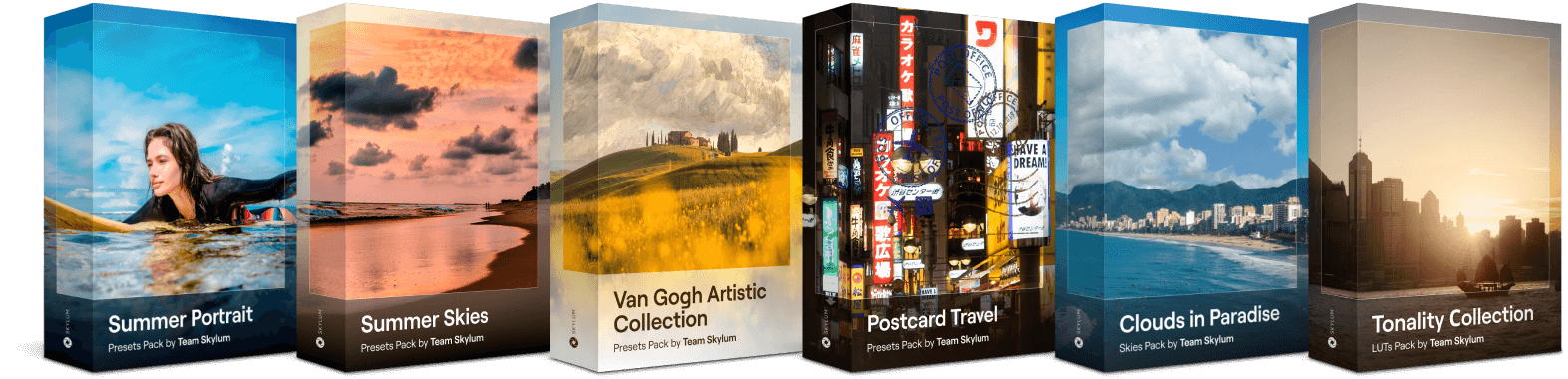
Verbeter de schoonheid van uw foto's. Mis deze kans niet om uw foto's te laten opvallen met de Creative Collection, ter waarde van €134. Met 25 Luchten, 30 Voorinstellingen en 10 LUT's kunt u foto's maken die u meenemen naar een wereld van lente, bloeiende bloemen, bloeiende natuur en nieuw leven. Experimenteer met verschillende effecten en vind degene die u het meest inspireert.

Wat u zult vinden

10 soulvolle Voorinstellingen Laat uw vakantiefoto's opvallen dankzij adembenemende luchten en prachtige tinten. 10 artistieke Voorinstellingen Voeg die iconische luchten uit de schilderijen van Van Gogh toe aan uw foto's en meng ze met realistische en spectaculaire tinten. 10 creatieve Voorinstellingen U kunt het perfecte gevoel van zorgeloos reizen in uw foto's nabootsen, waardoor ze het waard zijn om af te laten drukken en naar vrienden te sturen. 25 verbazingwekkende Luchten Deze unieke collectie bevat een reeks luchtafbeeldingen met diepblauw en troebel wit, waardoor uw foto's een romantische maar toch rustgevende uitstraling krijgen. 10 unieke LUT's Creëer een betoverend schaduwspel met zwarte tinten en witte accenten gemaakt door het Skylum-team voor uw portret-, lifestyle- en stadsfoto's.

Gerelateerd Product

Totaal: $ 00

Bespaar $ 00

Koop Nu

Totaal: $ 00

Bespaar $ 00

Koop Nu

Log in om de
speciale prijs te valideren

Verifieer de vorige aankoop van een Skylum product om Luminar Neo te kopen met loyaliteitskorting.

Pixel-perfecte<br> opschaling(152)

2023/24
Creative Journey Pass

Bevat uitbreidingspakket Tijdelijke upgrade

Generatieve Al-functies

Generatief Wissen, Generatief Uitbreiden, Generatief Wisselen

Toegang tot 1 Januari 2025

Upgrade van platformfuncties

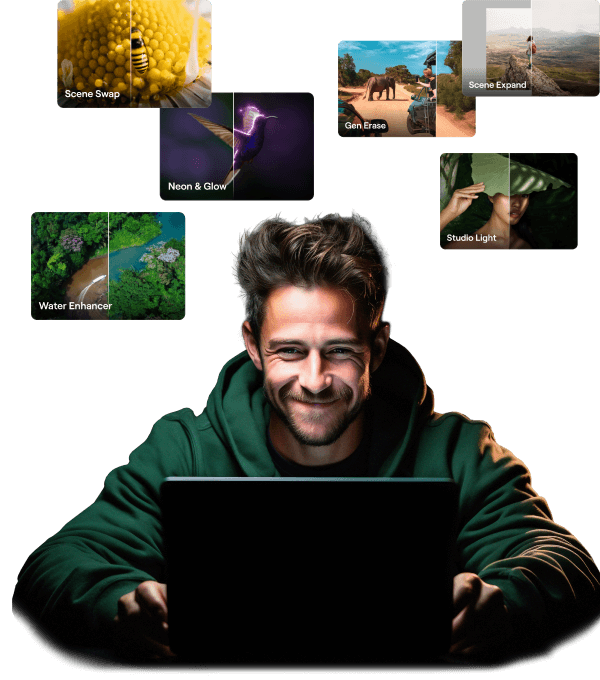
Studio Light, Neon&Glow, Water Enhancer

Voor altijd onbeperkte toegang

Alle updates en nieuwe functies

Onbeperkte toegang voor altijd (uitgebracht vóór 16 augustus 2024)

10% KORTING krijgen?

Ontgrendel uw speciale korting van 10% op alle abonnementen van uw keuze. Voer gewoon uw e-mailadres in om de promotiecode direct te ontvangen.

Maar wees er snel bij!

De promotiecode is slechts 24 uur geldig
Mis deze exclusieve deal niet!

SALE-GET-10-OFF
BEKIJK DE PRIJZEN

Probeer het verzoek later opnieuw. Wanneer de fout niet is opgelost, neemt u contact op met ondersteuning.

Probeer later
Even geduld aub
Pixel-perfecte<br> opschaling(153)

Krijg meer bewerkingskracht met nieuwe extensies voor Luminar Neo

Pixel-perfecte<br> opschaling(154)

Panorama Stiksels

Voeg meerdere foto's of video's samen en creëer verbluffende panorama's.

Leer meer
Pixel-perfecte<br> opschaling(155)

Magic Light AI

Manipuleer lichtbronnen met AI

Leer meer
Pixel-perfecte<br> opschaling(156)

Superscherp AI

Stabiliseer de compositie met Superscherp AI

Leer meer
Pixel-perfecte<br> opschaling(157)

Focus Stacking

Houd alles
scherp

Leer meer
Pixel-perfecte<br> opschaling(158)

Achtergrond VerwijderenAI

Selecteer. Klik. Verwijder.

Leer meer
Pixel-perfecte<br> opschaling(159)

Ruisvrij AI

Maak het Ruisvrij.
Behoudt de details.

Leer meer
Pixel-perfecte<br> opschaling(160)

HDR-samenvoeging

Onthul ware kleuren

Leer meer

Veel Gestelde Vragen

Wat is AI-opschaling?

De AI-opschaler is een hulpmiddel om de resolutie van uw afbeeldingen te verhogen: uitgesneden frames of van slechte kwaliteit. Het opschalen van foto's wordt verwerkt met getrainde kunstmatige intelligentie in plaats van handmatige penseelaanpassingen.

Waarom heeft u AI-beeldopschaling nodig?

Het opschalen van AI-afbeeldingen is cruciaal voor foto's die in slechte kwaliteit zijn opgeslagen, schermafbeeldingen, uitgesneden groepsportretten of andere foto's die zijn ingelijst. AI bespaart u tijd op elke pixel-voor-pixel tweaks en levert printwaardige kwaliteit in de kortst mogelijke tijd. De opschaler is onvervangbaar voor kunstenaars die hun werk laten afdrukken.

Hoe kan ik met AI afbeeldingen opschalen met Luminar Neo?

Het opschalen van afbeeldingen was nog nooit zo eenvoudig uit te voeren. Open de Opschaler-tool in het deelvenster Resolutieverbetering en kies de gewenste resolutie.

Hoe werkt de AI Opschalen technologie als resolutie opschaler voor afbeeldingen met een lage resolutie?

AI opschalen maakt gebruik van patroonherkenning om de beeldresolutie te verbeteren. Het analyseert bestaande elementen in afbeeldingen, voorspelt en voegt nieuwe details toe die contextueel in de uitgebreide pixels passen. Deze methode verbetert de duidelijkheid en details, waardoor een realistischer resultaat met een hoge resolutie ontstaat door op intelligente wijze ontbrekende informatie in te vullen.

Wat zijn de verschillen in resultaten bij gebruik van AI Opschalen in PNG- en JPG-formaten?

Als het gaat om het verbeteren van de beeldkwaliteit, wint het PNG-formaat. Vergeleken met JPG behoudt het meer details en levert het dus betere resultaten op bij het opschalen. Dit betekent niet dat u uw JPG-afbeeldingen niet kunt verbeteren, maar ze kunnen er anders uitzien dan u wilt.

Welke bestandsformaten zijn het meest geschikt voor het opschalingsproces van de AI-resolutie, en zijn er beperkingen qua grootte?

Voor opschalingsprocessen met AI-resolutie zijn verliesvrije formaten zoals PNG of TIFF het meest geschikt omdat ze meer beelddetails en kwaliteit behouden. Wat de groottebeperkingen betreft, hangt dit af van de specifieke AI-opschalingstool of -software die u gebruikt. We raden u daarom aan de specificaties van het gereedschap te controleren op exacte cijfers.

Hoe kan ik een afbeelding opschalen naar 1080p?

De eenvoudigste manier om uw afbeelding op te schalen is door Luminar Neo te gebruiken. Volg deze stappen voor snelle resultaten:

  1. Open de afbeelding in Luminar Neo.
  2. Ga naar de optie ‘Exporteren’.
  3. Kies 'Formaat Wijzigen' en stel de resolutie in op 1920x1080 pixels.
  4. Sla de wijzigingen op.

Wie heeft baat bij Luminar Neo Upscale AI?

Luminar Neo Upscale AI is vooral waardevol voor:

  • Fotografen: verhoog de beeldresolutie met behoud van fijne details en natuurlijke texturen.
  • Makers van drukwerk en beeldende kunst: bereid afbeeldingen voor op grootformaat afdrukken zonder zichtbaar kwaliteitsverlies.
  • E-commerce- en productteams: schaal productfoto's op voor schermen met hoge resolutie en marketingmateriaal.
  • Contentmakers en ontwerpers: verbeter oudere afbeeldingen of afbeeldingen met een lage resolutie voor moderne platforms.
  • Marketing- en brandingprofessionals: creëer scherpere, gedetailleerdere beelden voor campagnes en presentaties.

Deze tool helpt iedereen die met minimale inspanning beelden met een hogere resolutie nodig heeft die er strak, scherp en professioneel uitzien.

Waarom is Luminar Neo Upscale AI de beste beeldupscaler?

Luminar Neo Upscale AI is de beste tool voor het opschalen van afbeeldingen, omdat deze speciaal is ontworpen voor foto's. In plaats van pixels simpelweg te vergroten, analyseert het de beeldstructuur en verbetert het echte details om resultaten met een hogere resolutie te produceren, met scherpere randen en natuurlijkere texturen. Fotografen kiezen voor Luminar Neo Upscale AI omdat het is gebouwd om echte foto-inhoud en afbeeldingen van professionele kwaliteit te verwerken, niet alleen grafische schaalvergroting.

Waarom vertrouwen fotografen op Luminar Neo Upscale AI?

Fotografen vertrouwen op Luminar Neo Upscale AI omdat deze tool in professionele workflows consequent betrouwbare, natuurlijk ogende opschalingen oplevert. Professionals vertrouwen erop dat deze tool de integriteit van de afbeelding behoudt, zichtbare artefacten tot een minimum beperkt en details behoudt in uitvoer met hoge resolutie. De tool is geïntegreerd in de niet-destructieve bewerkingsomgeving van Luminar Neo en levert betrouwbare resultaten voor drukwerk, publicaties en grootformaattoepassingen.

Wat is de maximale ondersteunde opschaalfactor — 2×, 4×, 6×?

Luminar Neo Upscale AI ondersteunt meerdere vergrotingsopties, waaronder 2×, 4× en tot 6× upscaling, afhankelijk van de afbeelding en de systeemprestaties. Hierdoor kunnen fotografen het vergrotingsniveau kiezen dat het beste past bij hun outputbehoeften, van matige aanpassing van de grootte tot uitbreiding naar hoge resolutie.

App Requirements

macOS

Mac Model

MacBook, MacBook Air, MacBook Pro, iMac, iMac Pro, Mac Pro, Mac mini, early 2010 or newer

Processor

CPU Intel® Core™ i5 8 Gen or better

OS version

macOS 12.0 or higher.

RAM

Memory 8 GB RAM or more (16+ GB RAM is recommended)

Disk space

Hard disk 10 GB free space; SSD for best performance

Display

1280x768 size or better

Windows

Hardware

Windows hardware-pc met muis of vergelijkbaar invoerapparaat

Processor

CPU Intel® Core™ i5 8 Gen of beter, AMD Ryzen™ 5 of beter

OS version

10 versie 1909 of hoger (alleen 64-bits besturingssysteem).

RAM

Memory 8 GB RAM or more (16+ GB RAM is recommended)

Disk space

Hard disk 10 GB free space; SSD for best performance

Display

1280x768 size or better

Grafisch

Open GL 3.3 of later compatibele grafische kaarten

Pixel-perfecte<br> opschaling(166)