自动更新
1 年内续订 $ 33 .00
全平台
一次付费,永久使用应用程序
$ 139 .00
$ 477 .00
-71%折扣30天退款保证
立即购买商品:
已包含:
Luminar 桌面版、移动版、网页版:永久归您所有。AI 工具可在 365 天后通过 Luminar Prime 续期。
*365 天可访问 AI 工具。须遵守合理使用政策。
最受欢迎
Max
一次付费,永久使用应用程序
$ 159 .00
$ 546 .00
-71%折扣30天退款保证
立即购买商品:
Luminar Prime:
Luminar 桌面版、移动版、网页版:永久归您所有。新增及生成式 AI 工具,以及素材库访问权限:365 天。
*365 天可访问 AI 工具。须遵守合理使用政策。
仅限桌面版
一次付费,永久使用应用程序
$ 99 .00
$ 417 .00
-77%折扣30天退款保证
立即购买商品:
已包含:
Luminar: yours forever. AI Tools renewable after 365 days with Luminar Prime
*365 天可访问 AI 工具。须遵守合理使用政策。
可独立运作:

macOS

Windows
可作为插件使用:

Adobe Photoshop®

Adobe Lightroom® 插件

Apple Photos®
可独立运作:

安卓

iOS

ChromeOS

摄影师和机构信赖

配备直观的 AI 智能控制
Desktop Only License
By purchasing the Desktop Only perpetual license, you will get a license that gives you the right to own Luminar on your computer forever with all previous upgrades included. With this plan, you can:
All Platforms License
Includes everything in the Desktop Only plan, plus:
最大许可证
Our most comprehensive perpetual plan for complete creative freedom. Includes everything in the All Platforms License, plus Luminar Prime:
注意:AI 工具和素材库采用 自动续订模式,365 天后将升级为 Luminar Prime。
要恢复对 AI 工具(Restoration、GenErase、GenSwap、GenExpand 和 AI 助手)的访问权限,您可以购买 Luminar Prime 订阅。它不仅能让您无限制访问 AI 工具和创意素材库,还能让您获得订阅有效期内发布的所有新工具,并将永久归您所有。
Note: The Max license already includes a Luminar Prime
Yes! The AI tools included with your Luminar purchase are fully usable as long as your license is active. This includes core AI editing tools such as Sky AI, Light Depth, Background Removal AI, and many more. Generative tools (like GenErase, GenSwap, GenExpand), Restoration and AI Assistant are included with your license for a period of 1 year from purchase for perpetual plans.
《合理使用政策》为负责任且公平地使用我们的 AI 功能(包括生成式工具、修复功能和 AI 助手)制定了指导原则。它确保所有用户都能获得稳定可靠的性能,同时保持我们的 AI 服务安全且易于访问。
超出合理使用范围的行为包括:自动化或批量生成图像、以付费服务或 API 的形式将访问权限转售给第三方、多人共用同一许可证,以及绕过软件中的任何技术限制或安全保护措施。
For complete guidelines, please review our Fair Use Policy.
Yes. Cross-device editing is included with both the All Platforms and Max License. You can begin editing on your mobile phone and pick up right where you left off on your desktop or tablet. Currently, it works one-way (Mobile → Desktop).
With the upcoming release of Luminar for Web, expanded syncing will allow you to:
您可以在我们的支援页面上找到详细的系统需求:
Luminar for Desktop is available in: English, German, Spanish, French, Italian, Chinese (Simplified and Traditional), Korean, Japanese, Portuguese, Dutch, Polish, Swedish, Norwegian, Danish, Czech, and Ukrainian.
Luminar Mobile is available in: English, German, French, Spanish, Japanese, Italian, Dutch, Ukrainian, Polish, Korean, Portuguese, Simplified Chinese, Traditional Chinese, Hindi, Indonesian, and Turkish..
Note: Library of Assets courses are currently available in English only.
对于Mac:
对于Windows:
30天退款保证! 如果您对产品不满意,您会在30天内获得全额退款。


适用于 Windows/MacOS 的桌面,以及一年内所有生成工具的完全存取权。
100 个创意附加元件
Luminar Neo 影片课程
适用于 Windows/MacOS 的桌面,以及一年内所有生成工具的完全存取权。
适用于 iOS/Android/ChromeOS 的移动应用程序
100 个创意附加元件
Luminar Neo 影片课程
适用于 Windows/MacOS 的桌面,以及一年内所有生成工具的完全存取权。
适用于 iOS/Android/ChromeOS 的移动应用程序
100 个创意附加元件
Luminar Neo 影片课程


What are the system requirements for Luminar Neo?
Luminar Neo should work on your computer as long as it meets the following minimum system requirements.
For Mac:
For Windows:
How to download and activate Luminar Neo?
Once you place the order, the installer should automatically download to your computer. Moreover, you'll be sent the activation instructions with the download links from the Skylum Team at the email address you provided during the purchase. For future use, the download links are always available in your Skylum account.
To activate the app, you have to sign in to your Skylum account within the app. No license key or activation code is required. When you start Luminar Neo, you’ll see a window that prompts you to log in to your Skylum account:
1. Enter your email address to find out if you already have an account.
2. Sign in with your email address (the one you used during the purchase) and the password for your Skylum account.
3. Congratulations! You’ve activated Luminar Neo.
*If you have a Skylum account but purchased Luminar Neo using an email address not tied to it, you can merge your accounts in the My Software > App isn’t showing? section of your Skylum account.
Still don’t see Luminar Neo in your account? Our support team will help you with that.
Which cameras are supported?
Luminar Neo RAW processing is based on our own powerful RAW engine. You can check the full list of supported cameras here. Also, we regularly update our library and make our own improvements to provide excellent support for new cameras.
Can I use Luminar Neo as a plug-in?
Luminar Neo is a universal solution that can function both as a standalone editor and a plug-in.
Luminar Neo can be used as a plug-in or extension for:
Will all tools from Luminar Neo are available in the plugin mode?
You can learn more here on how to send an image from the host app to Luminar Neo.
What’s the difference between Luminar X Membership and the Luminar Neo Pro Subscription?
Luminar Neo’s Pro Subscription plans give you access to the Luminar Neo app, all updates or new versions, and the Generative tools (GenSwap, GenErase, GenExpand).
Luminar X Membership is a paid subscription for those who already own or subscribe to Luminar and want to take their creativity to the next level. Luminar X members enjoy monthly delivery of creative assets, including Luminar Presets, LUTs, and Sky textures.
Important: Luminar X Membership doesn't include the Luminar Neo app.
What happens to my Luminar Neo if I cancel the subscription?
Canceling your subscription means you won’t be charged at the beginning of the next billing cycle. You’ll be able to keep using Luminar Neo for the duration of the paid period.
If you owned a lifetime license to Luminar Neo before subscribing, you will be able to use Luminar Neo license after your subscription period ends. You will also not have access to possible future new versions of the Luminar app. However, some upgrades might require an extra charge.
What is Luminar Neo?
Luminar Neo is an innovative image editor powered by AI technologies of the future that simplifies complex editing routines and enables creators to bring their boldest ideas to life. And enjoy it.
...And much more.
What languages are supported?
Luminar Neo is available in English, German, Spanish, French, Italian, Chinese Simplified and Traditional, Korean, Japanese, Portuguese, Dutch, Polish, Swedish, Norwegian, Danish, and Ukrainian

What is LuminarAI?
LuminarAI is an all-new application and plug-in and the first fully AI-powered image editing software in the world.
While Skylum is well-known for building software that taps into artificial intelligence for great results, LuminarAI is entirely different.
We built LuminarAI with artificial intelligence at its core. Artificial intelligence saves you time and effort. Before, traditional editing software was outdated. It was time-consuming and hard to learn. It required effort and skills to get satisfying results. With LuminarAI, you can create great-looking photos much faster. It’s perfect for anyone, of any skill level.
While other companies use artificial intelligence as a catchphrase, LuminarAI is packed full of truly smart technology. LuminarAI features many AI tools that allow you to get more done in less time. Innovations like SkyAI, FaceAI, BodyAI, IrisAI, AtmosphereAI and more give your images a memorable style and a competitive edge. Without sacrificing quality, speed or creative options.
How to download and activate LuminarAI?
Your download links will be waiting for you in your Skylum account.
NOTE: Your LuminarAI purchase is linked to the billing email address you provided. Use that email to log in to your Skylum Account or, if needed, create a new Skylum Account tied to that email address.
Visit the login page here.
If you already have an account, sign in with Google, Facebook, Microsoft, Apple, or your email and password.
If you don’t have an account, you can create it here. Make sure to choose the same email used for the LuminarAI purchase.
If you have a Skylum account, but purchased LuminarAI using an email address not tied to it, you can merge your accounts into one in the My Software tab > Link my licenses section of your Skylum account. After that, please go to the inbox of your new email address and verify your email.
In your account, you will see a My Software tab with all of your Skylum software, including LuminarAI.
Find the tab with LuminarAI. Download LuminarAI by clicking the Download button.
With LuminarAI we made the activation process easier and faster for you. There’s no need to remember your license number in order to use LuminarAI. Now you may activate LuminarAI directly from your account.
By default, all our software launches in trial mode when you first open it. When you start LuminarAI, you’ll see a window that prompts you to log in to your Skylum Account.
To activate LuminarAI:
If you already have a Skylum account, sign in with a linked Google, Facebook, Microsoft, or Apple account, or sign in with your email and password.
If you don’t have a Skylum account, click Register and create a Skylum Account. You can sign up with a Facebook, Google, Microsoft, or Apple account, or you can sign up using your email and a password.
If you have a Skylum account, but purchased LuminarAI using an email address not tied to it, you can merge your accounts into one in the My Software tab > Link my licenses section of your Skylum account. After that, please go to the inbox of your new email address and verify your email.
Congratulations! You’ve activated LuminarAI.
Still don’t see LuminarAI in your account? Our support team will help you with that.
What are the system requirements for LuminarAI?
LuminarAI should work on your computer as long as it meets the following minimum system requirements.
For Mac:
Starting from Update 3, LuminarAI runs natively on the M1 chip.
For Windows:
Are third-party plug-ins supported? (including Aurora HDR and Luminar 4)
In our other applications, third-party plug-ins are supported and send back the processed image as a new layer.
One of the changes in LuminarAI is the switch from layers to a Local Adjustments tool and smart segmentation of our AI-powered tools. This is why there will be no third-party plugin support in LuminarAI. If you need to merge bracketed photos, we suggest using Aurora HDR in its standalone mode.
Can I use LuminarAI as a plug-in?
LuminarAI is a universal solution that can function both as a standalone editor and a plug-in.
Using LuminarAI as a plug-in, you’ll be able to bring creative and timesaving workflow to your host application. LuminarAI allows you to revolutionize the way you enhance photos but conveniently fits into your current workflow.
LuminarAI can be used as a plug-in or extension for:
Does LuminarAI handle RAW files?
Of course! LuminarAI RAW processing is based on our own powerful RAW engine. We regularly update our library and make our own improvements to provide perfect support for new cameras. You can check the full list of supported cameras here.
Learn more about Luminar

修复旧照片
新的
添加立体光效
新的
几秒内增强

去除干扰

即时替换天空

无缝替换物体

锐化每个细节

揭示隐藏的细节

精细调整每个像素
几秒内增强
揭示隐藏的细节

增强对比度

修正构图
精细调整每个像素

改善颜色

塑造光影
即时替换天空

重现黄金时刻

添加逼真的雾气
去除雾霾

用光线照亮

加深傍晚色调

完美的水纹理
去除干扰

扩展你的场景
无缝替换物体
修复旧照片
新的
锐化每个细节

精确降噪

无损放大
添加立体光效
新的
增加光泽深度

轻松调色

用霓虹照亮

添加电影质感

叠加创意效果

自然平滑肌肤

增強面部特徵

雕塑身體比例

優雅地虛化背景

添加攝影棚燈光

輕鬆替換背景

時尚地提亮

合并多重曝光

拼接宽幅全景

堆叠对焦照片
100 Creative Add-ons
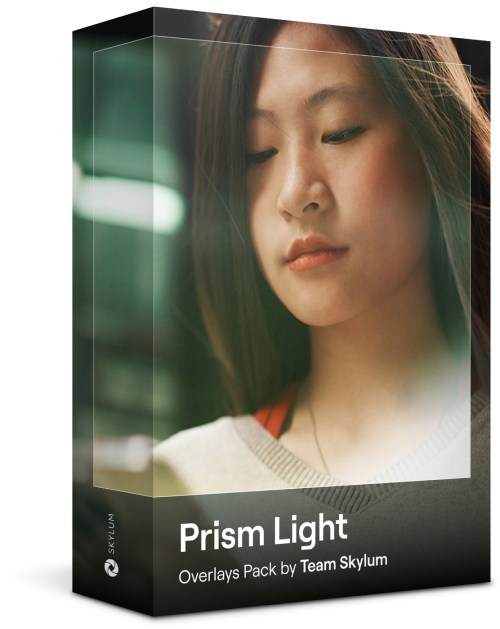







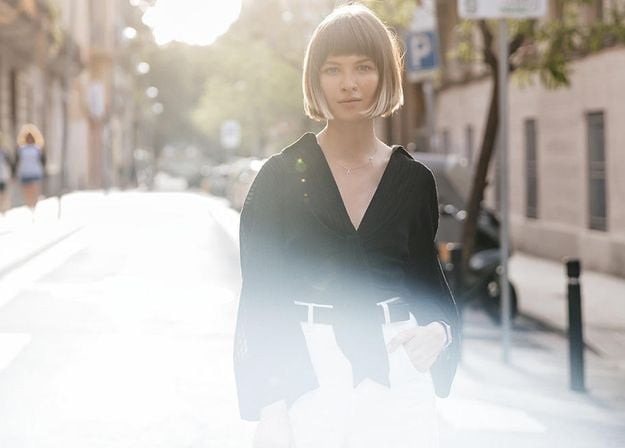






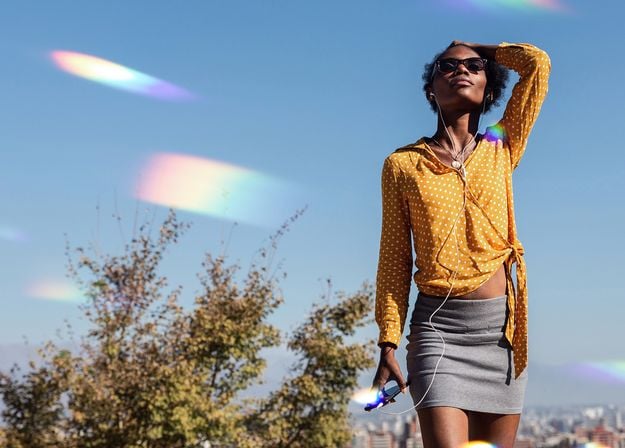
Create atmospheric images with these 10 Overlays in JPEG format that contain shimmering lights and flares in various colors. Make sure to use them with Luminar’s Layers and/or the Portrait Background Removal tool, and experiment with your photos in any genre. You can add an interesting light effect or make the subject stand out in new ways, all in just a few clicks. Time to try it out!








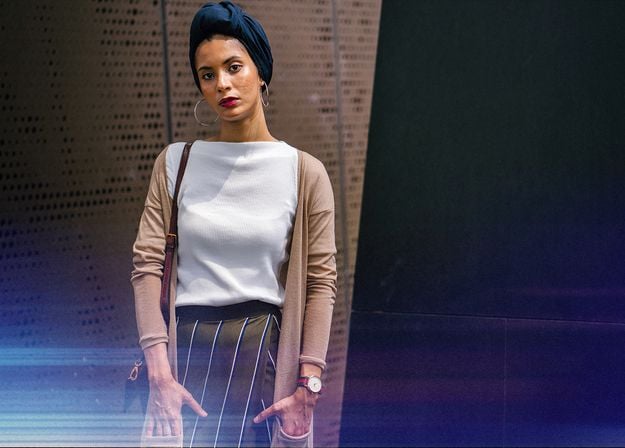


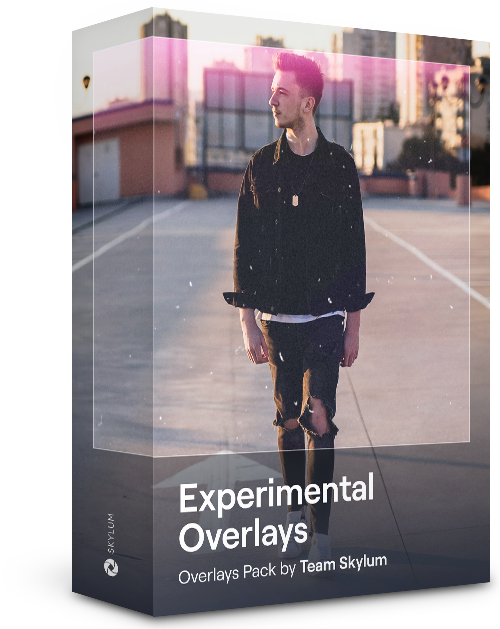
Feel like adding a touch of something extra to your photos? Discover these 10 Experimental Overlays in JPEG format that you can easily use with Luminar’s Layers feature to transform any photo into a shot that catches the eye. Choose from 10 mesmerizing effects of different colors and shapes, and create a unique mood in a few clicks. From pink hues to golden circles, you’ll certainly find an Overlay perfect for your next masterpiece.






_after.jpeg?q=80&w=625&h=448&resize=cover)


_after.jpeg?w=54&h=30&resize=cover)
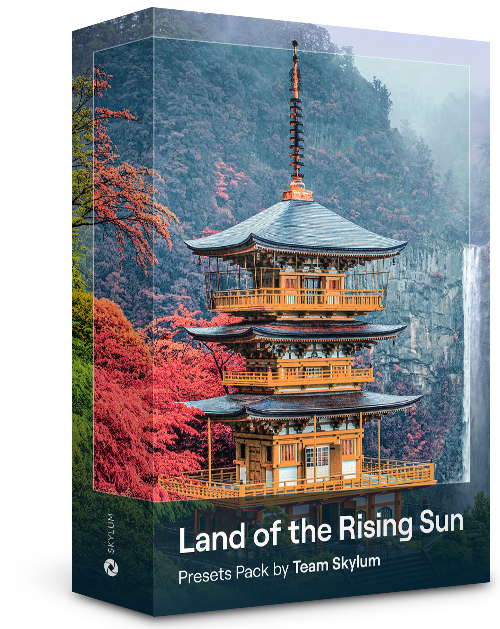
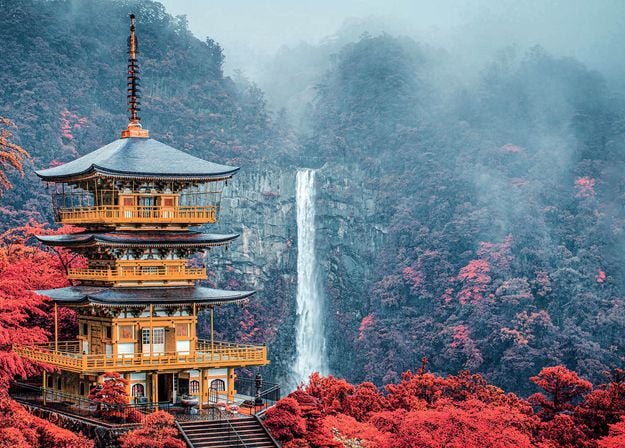
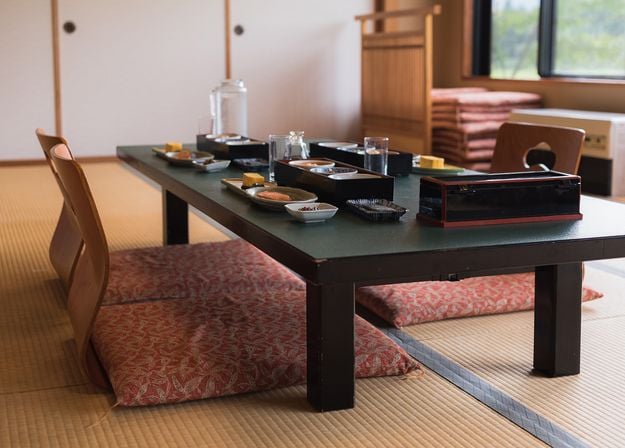
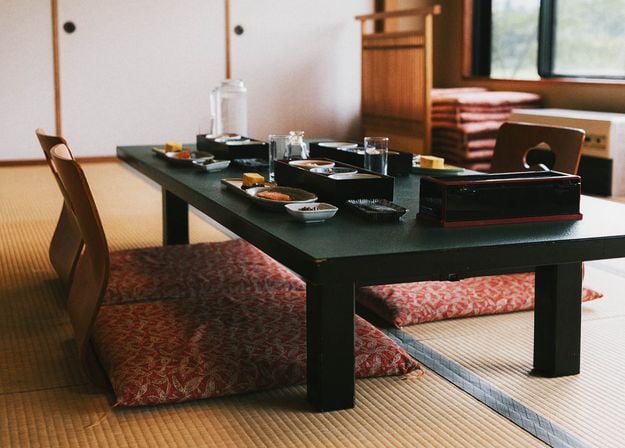
Enhance photos that you captured during a trip to Japan, or the ones that you want to have an atmospheric feeling reminiscent of the Japanese style. From landscapes, to iconic sights, to photos of food — this pack is incredibly versatile!












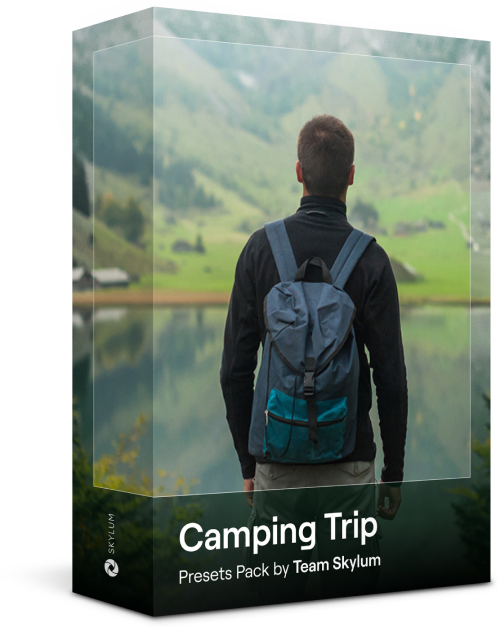
Designed to give your camping and hiking photos their best look, these 10 Presets are here to give your outdoor photos a natural, vibrant look. Whether you’re capturing shots of majestic mountains or cozy campfires, bring out the best in your images in one click.

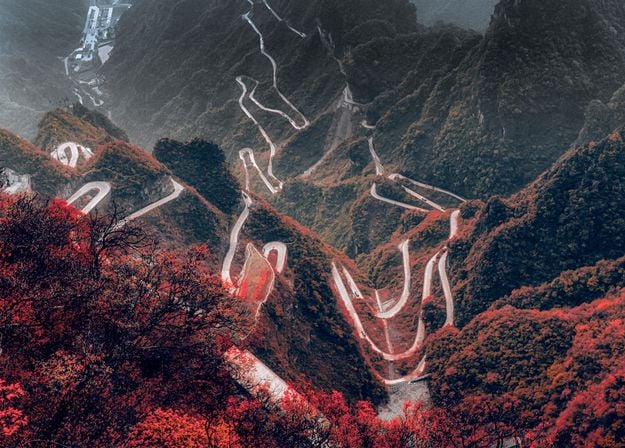
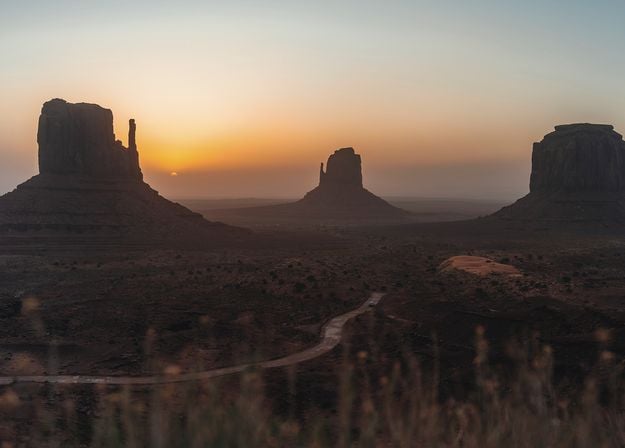
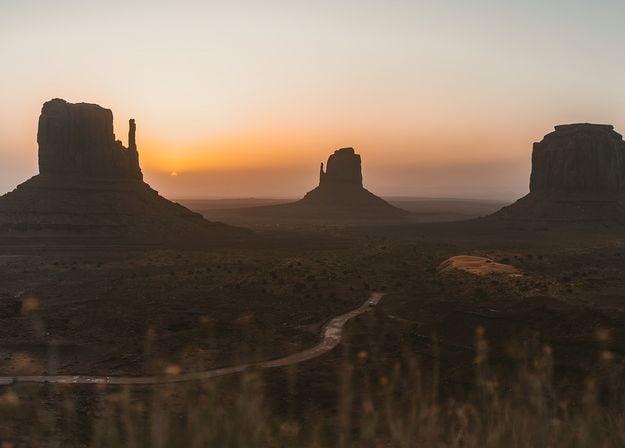


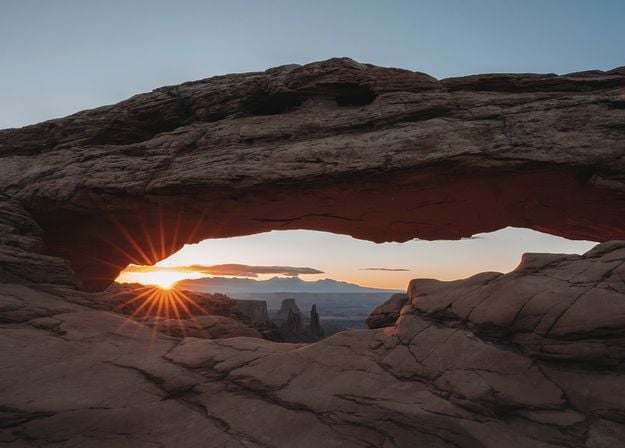
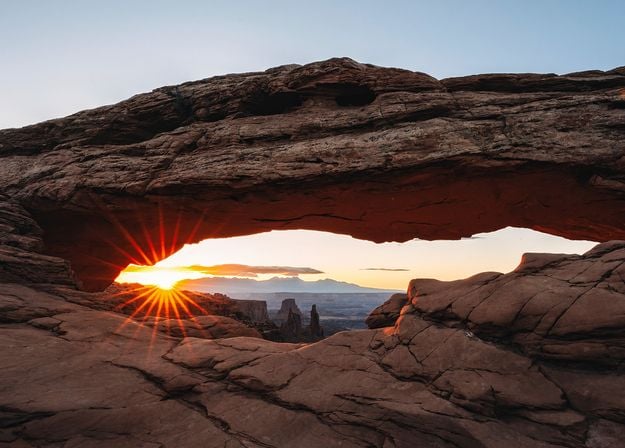
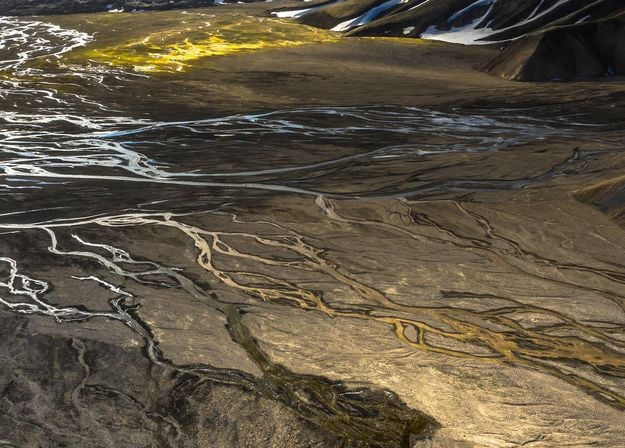
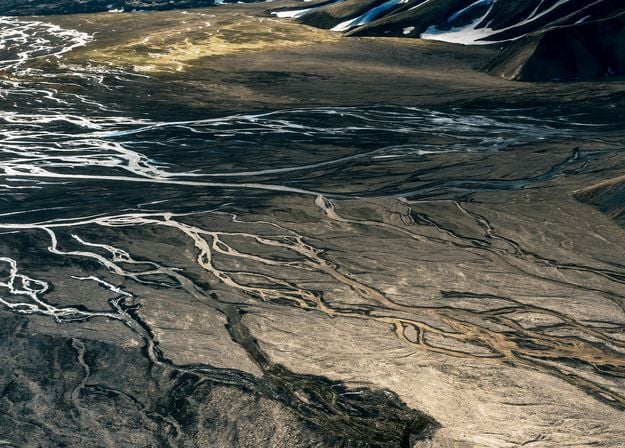


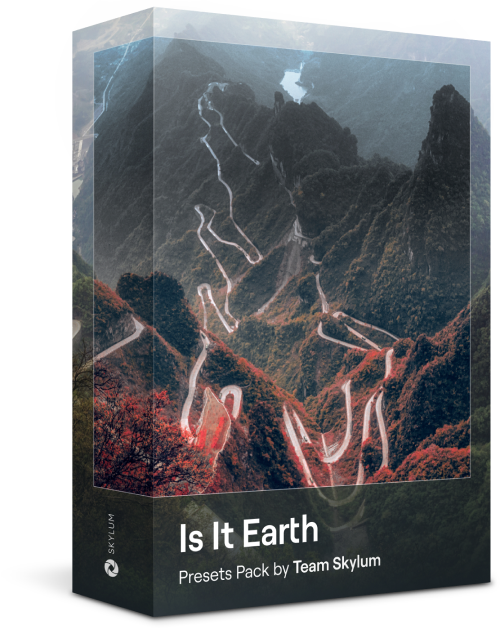
Is it still Earth, or are we on an alien planet? This collection of 10 extraordinary Presets is designed to give your landscape photos an ethereal, otherworldly feel. Transform ordinary landscapes into surrealistic scenes with vivid colors that will immediately draw the viewer’s eye.
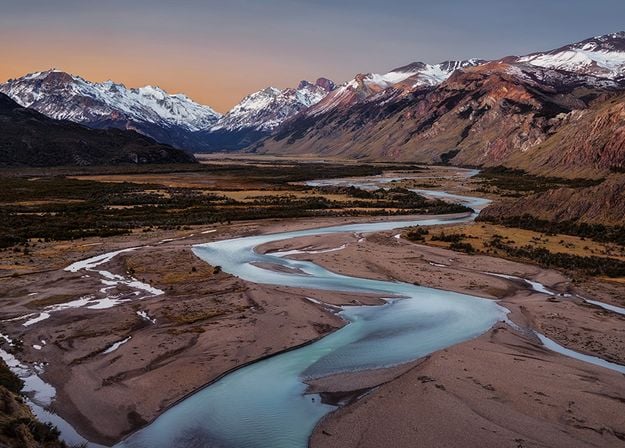
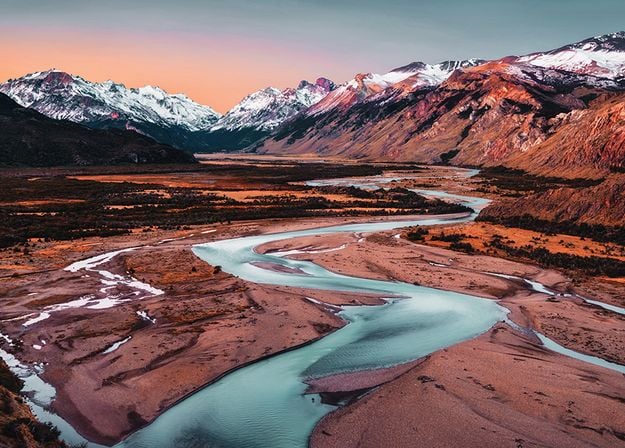










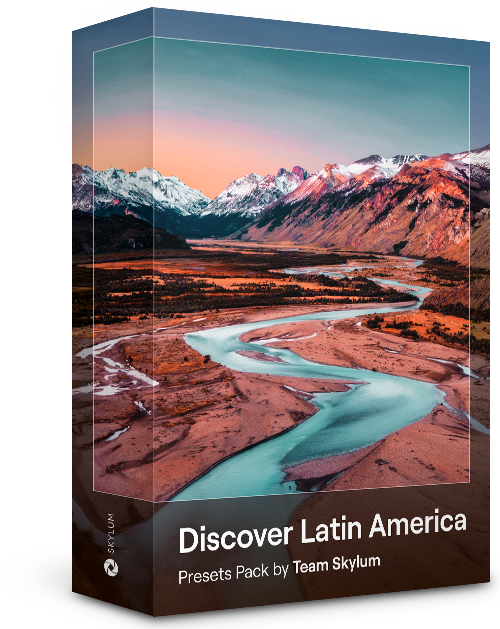
Experience the cinematic feel each of these 10 Presets adds to your photos as you journey through the countries of Latin America. Embrace the beauty and add some flair to your shots with this travel-friendly collection designed for landscapes.






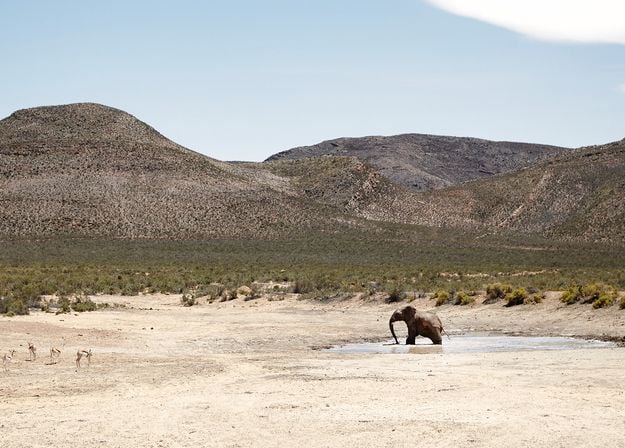
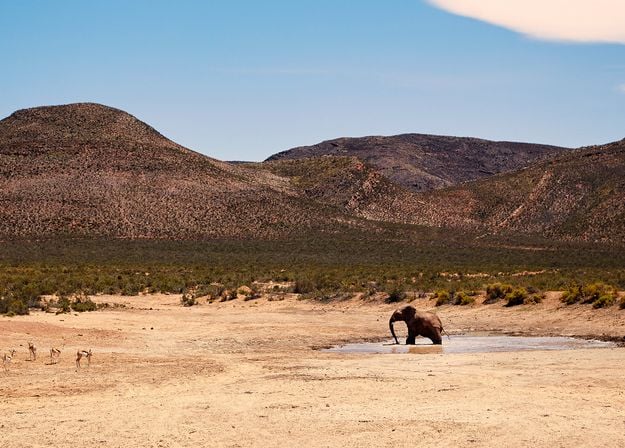
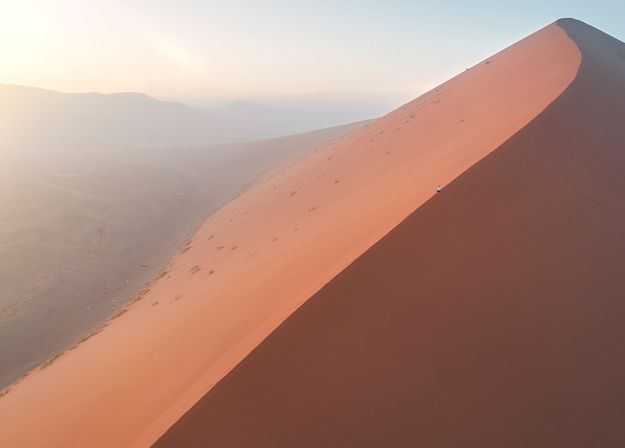



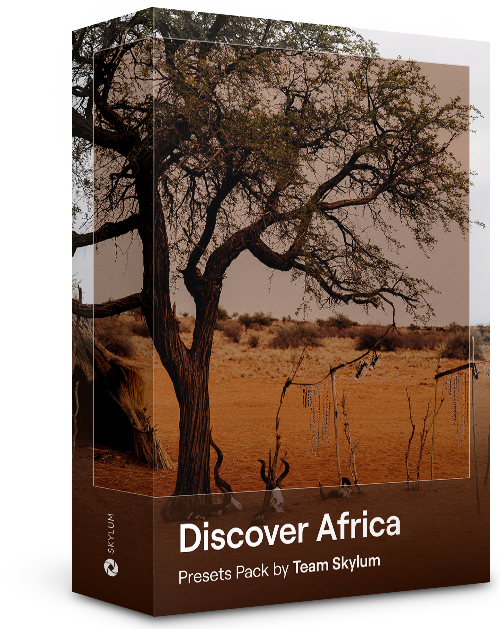
Dedicated to the wonderful continent of Africa, this pack combines a variety of Presets, both for portrait and landscape shots. Enhance landmarks, safari shots, architecture photos, and portraits of people that you meet on your travels around Africa.




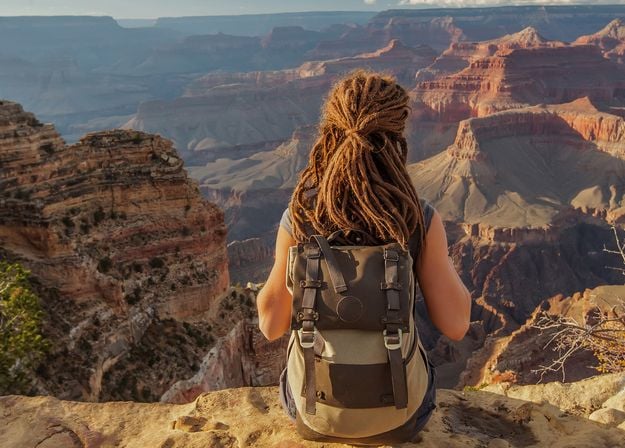
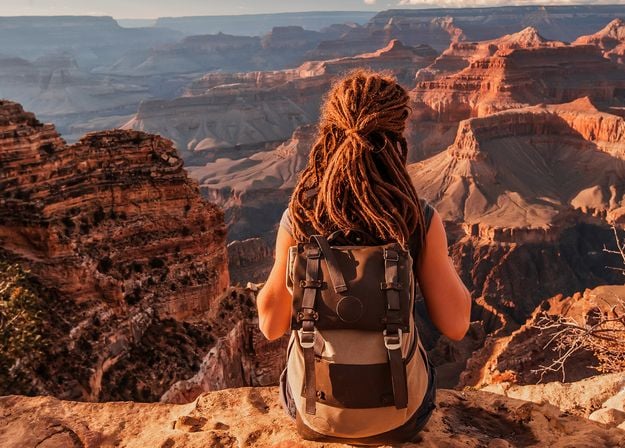
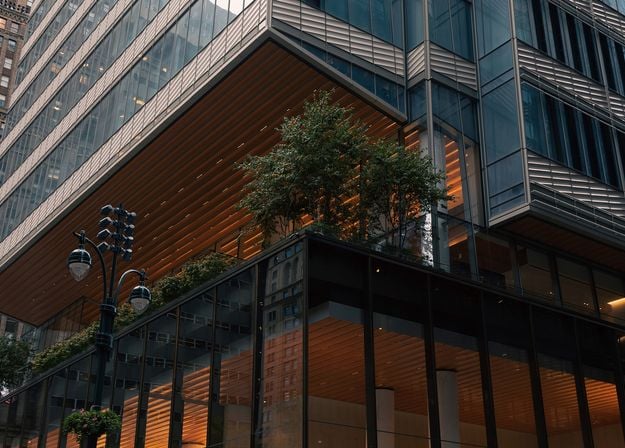
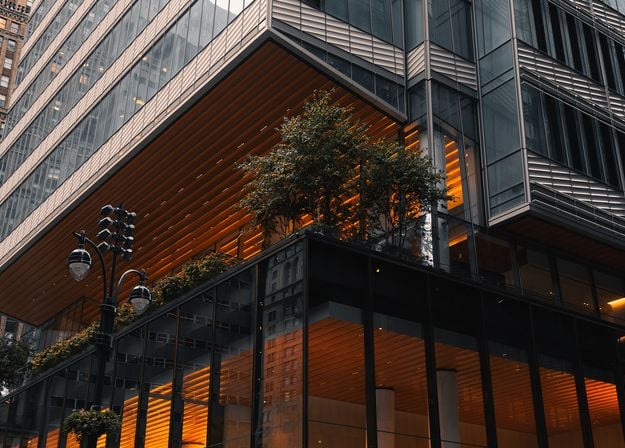




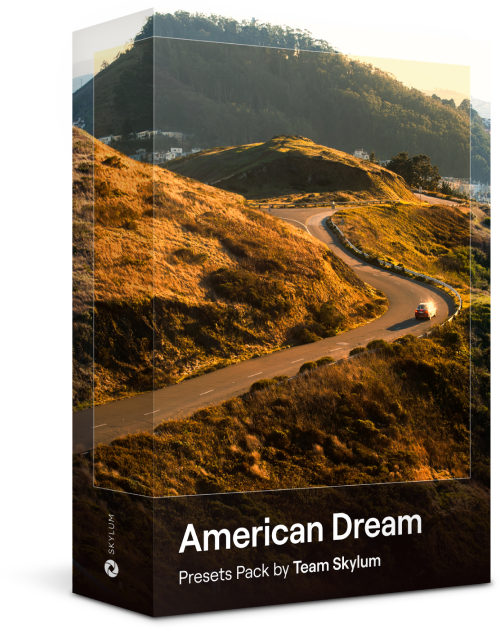
Create fantastic photos during your travels across the USA. Enhance images of landmarks, national parks, and general cityscapes of famous cities. Achieve various stunning effects with a few clicks of these 10 wonderful Presets.


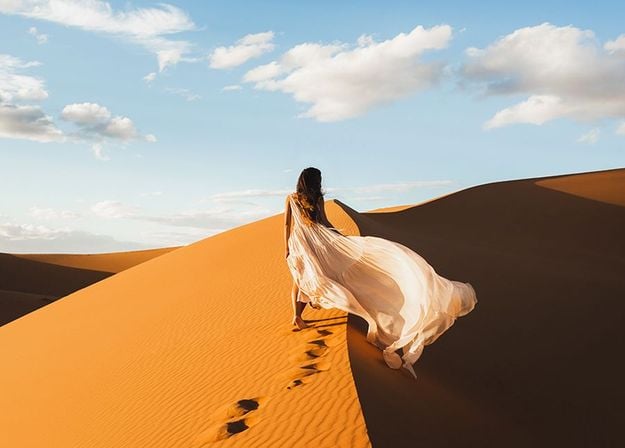


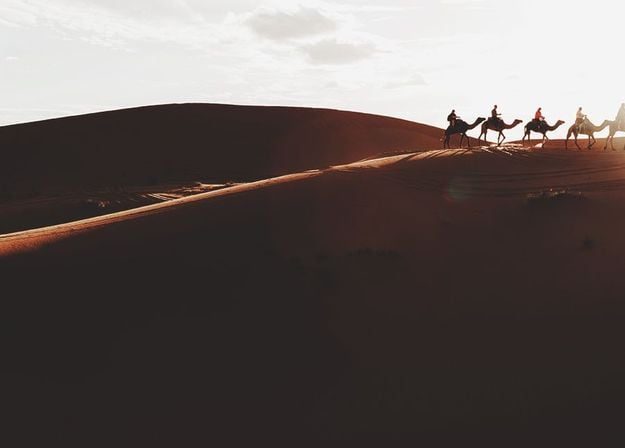






This alluring collection of 10 Presets is designed to bring out the mysterious beauty of Middle Eastern scenery, architecture, street style, and nature. Warm-toned, deep yellow, or blue and golden — you will certainly find a Preset perfect for your photo.












Discover this wonderful collection of 10 versatile Presets that are perfect for your travel photos from Nordic countries. Capture idyllic landscapes, natural wonders, and cozy architectural shots that breathe with the Scandinavian mood. Time to pack your travel bag!
Luminar Video Course
Creative Photo Editing Techniques in Luminar

Introduction & Course Outline
Albert Dros introduces himself and gives a quick overview of what you will learn in this photography and...

Introduction to Photography
What should you focus on when taking your photos to get the best results?
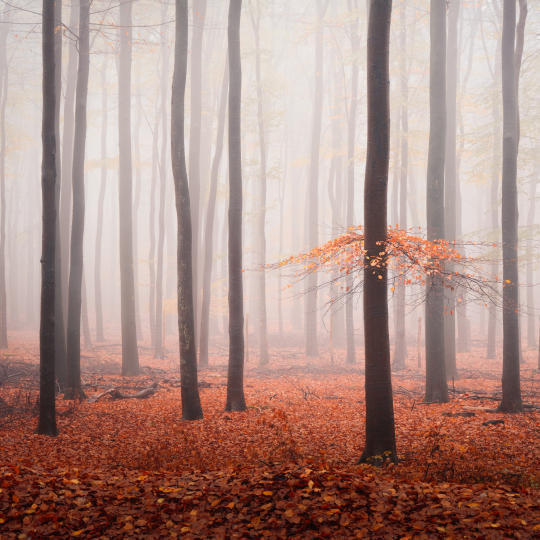
Basic Editing
Albert introduces the layout of Luminar and the basic instruments you can use to achieve great results instantly.

Advanced Editing
Going in depth, Albert shows you the more advanced tools in Luminar and how to use them to make your photos stand out.
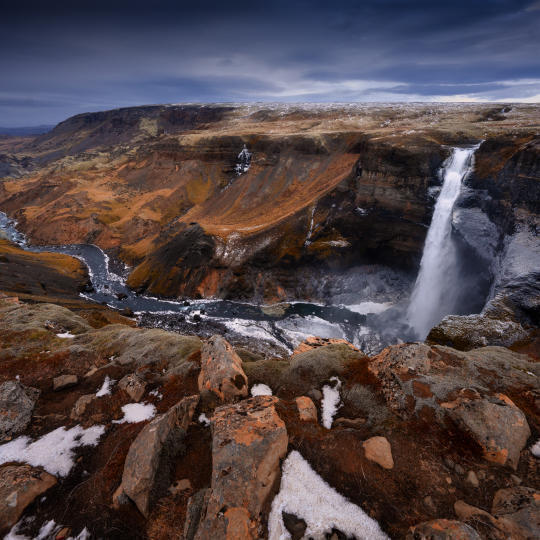
Dramatic Editing
Get creative with your photos! Albert edits a photo with more creative tools to bring forward its dramatic aspects and breathe new life into it.
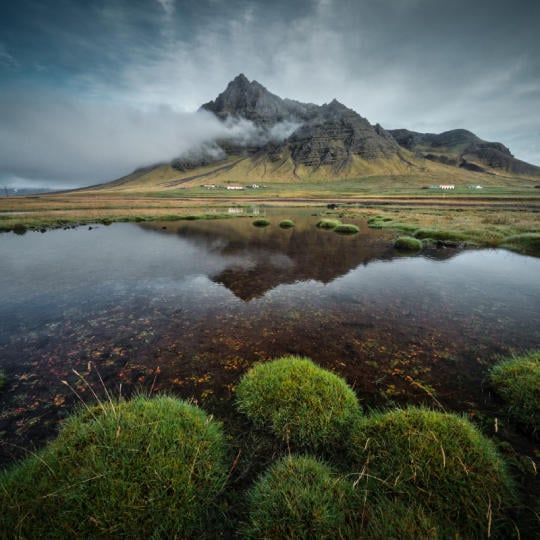
焦点堆叠
Luminar has Extensions that let you get even more impressive results. In this video, you will learn how to do focus stacking with Luminar’s Focus Stacking Extension.

Cityscapes
What makes or breaks a cityscape shot? Take a look at how to transform a photo from Dubai from ordinary to impressive.
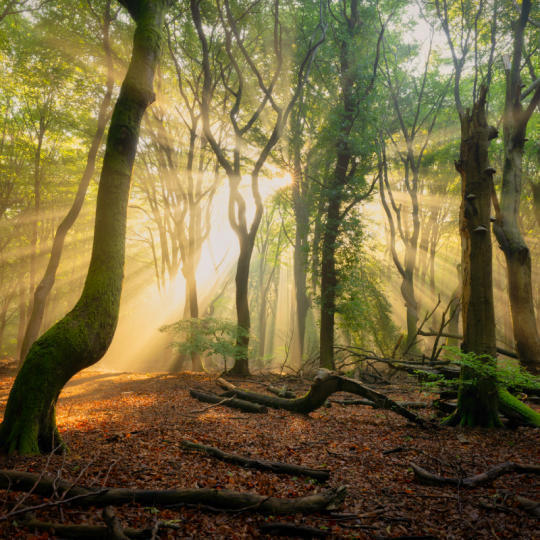
Forests
Find out what Luminar tools Albert uses to make his impressive signature forest photos. Look out for Atmosphere AI, Sunrays, and other tools!

预设置
Learn to use Presets to quickly get interesting color solutions in your photos. Albert guides you through using Presets to make even more beautiful forest shots.

Course Summary
Get a quick summary of everything you have learned in this course. Happy creating!
阿尔伯特·德罗斯
PHOTOGRAPHER, WRITER AND EDUCATOR
Albert Dros is a Dutch landscape photographer who has an extraordinary passion to plan and create unique shots. Volcanoes, solar eclipses and unique aspects of nature draw his attention. He doesn’t just go for the simple shot.
"Go big or go home" is his motto, always trying to add some unique element to his shots.
His work has been recognized on a worldwide scale and he has been published worldwide in the biggest media outlets.
Albert travels a lot as a photo educator but also for personal projects. But even in The Netherlands, he can’t stop photographing. His inspiration never stops.
 >
>
>
>

预设置

天空

叠加

LUTs

课程

精英X 会员
$ 39 /年
Renewal price $ 59
学习影片库
300+ Exclusive Presets or LUTs
300+ Unique Skies or Overlays
Team Skylum 的软件捆绑包可享 30% 折扣 新的
15% OFF Luminar Marketplace
20 new items per month
Exclusive community
Additional surprise offers
One-time exit offer
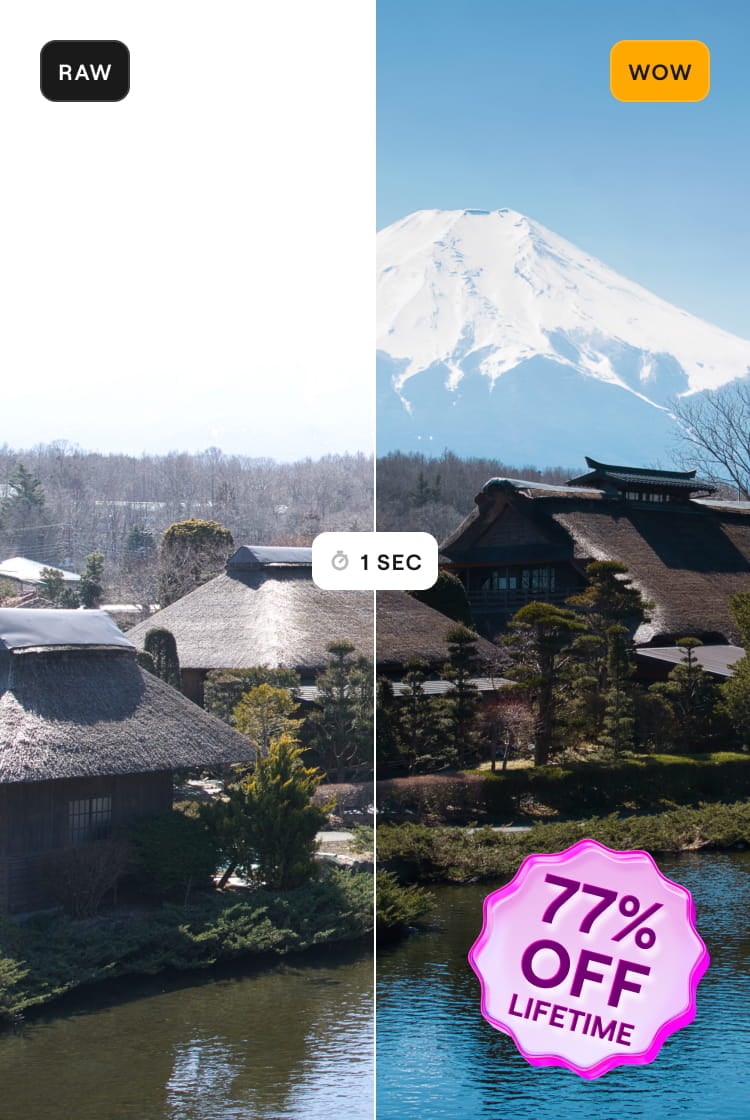
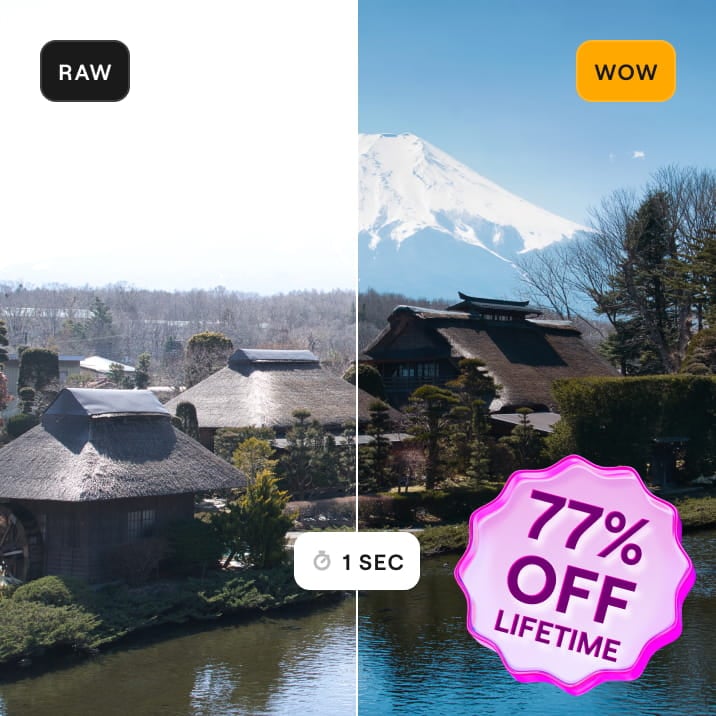
This code is yours only for this visit — stack it on top of up to 77% OFF Luminar Lifetime. Pay once, edit forever.
Your one-time code · copy & use now
Code expires in 15 m : 00 s
验证您之前购买的 Skylum 产品,即可享受忠诚客户折扣购买 Luminar。
验证您之前购买的 Skylum 产品,即可以忠诚折扣购买 Luminar Neo。

功能扩充包限时升级
生成式AI特征
GenErase, GenExpand, GenSwap
截止日期为 2025 年 1 月 1 日
升级平台功能
工作室灯光、霓虹灯、水质增强
永久无限制存取
所有更新和全新功能
永久无限制存取(2025 年 1 月 1 日之前发布)