Luminar 正在下载中...
只需 3 个步骤即可开始使用 Luminar。如果下载未开始,请点击此处。
1
打开
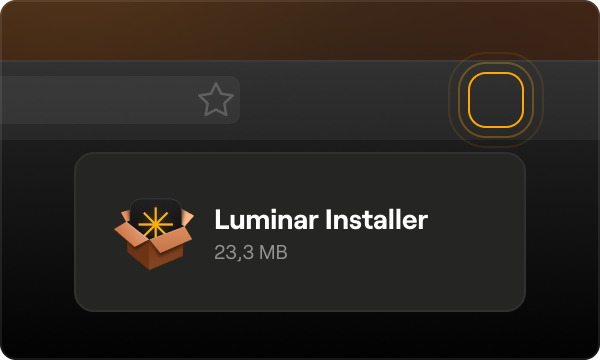
打开 Luminar 安装程序
2
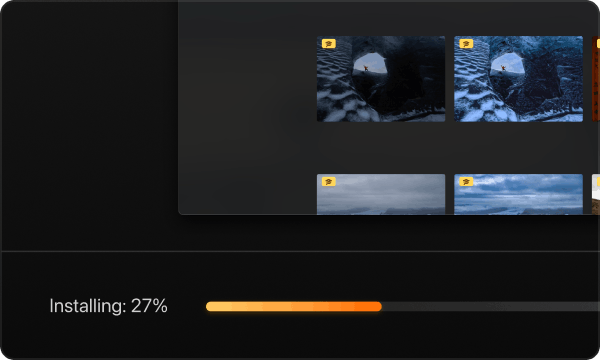
安装
Proceed with installation and wait until it's done
3
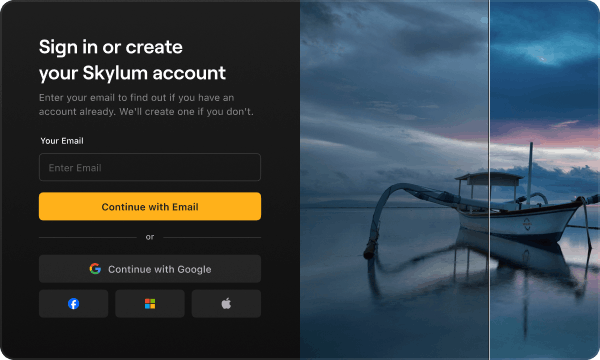
Log in or Create account
Use the email you entered during purchasing
在移动设备上下载 Luminar
通过您的设备扫描二维码,或使用直接链接从 App Store 或 Play Market 下载 Luminar
兼容于 iOS, Android 和 ChromeOS
使用购买时填写的电子邮件创建账户或登录
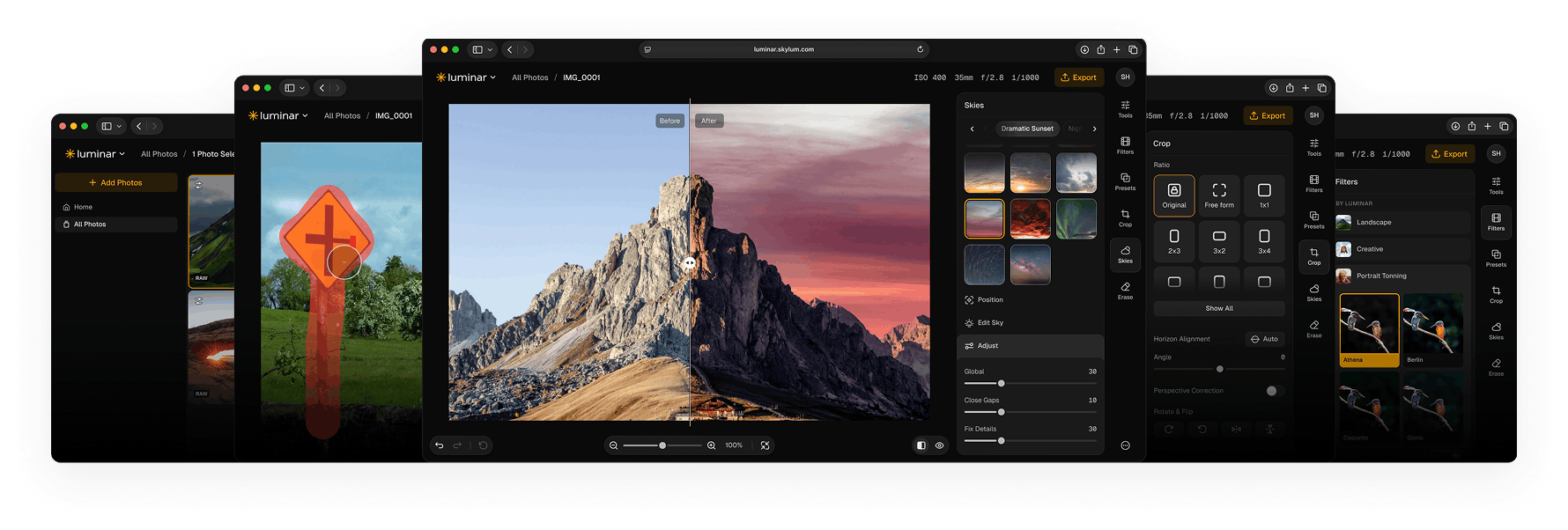
Access Luminar on Web
No downloads or installation needed. Access your workspace instantly directly in your browser.
VIDEO TUTORIAL
了解如何使用 Luminar
加入 Luminar 社区
Keep up with news and updates
Interact with professional photographers and educators
Learn editing and insights tips to grow as a photographer

超过 163,000 名用户

需要帮助?还有一些问题?
Contact us and we'll respond to all your questions as quick as we can.