Luminar 正在下載中...
3 個步驟即可開始使用 Luminar。若下載未開始,請 點擊此處。
1
打開
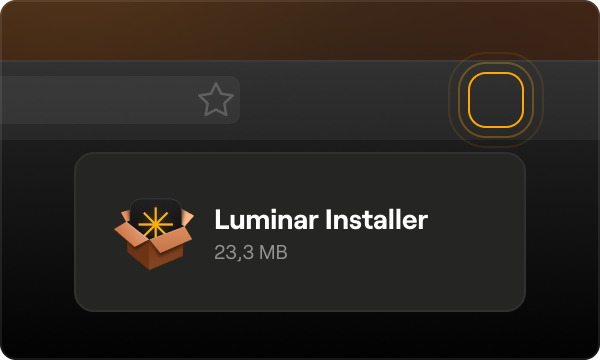
開啟 Luminar 安裝程式
2
安裝
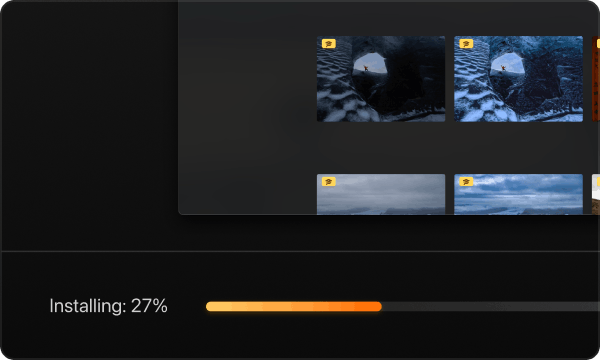
Proceed with installation and wait until it's done
3
Log in or Create account
Use the email you entered during purchasing
在行動裝置上下載 Luminar
透過您的設備掃描二維碼,或使用直接鏈接從 App Store 或 Play Market 下載 Luminar
兼容於 iOS, Android 和 ChromeOS
使用購買時填寫的電子郵件建立帳戶或登錄
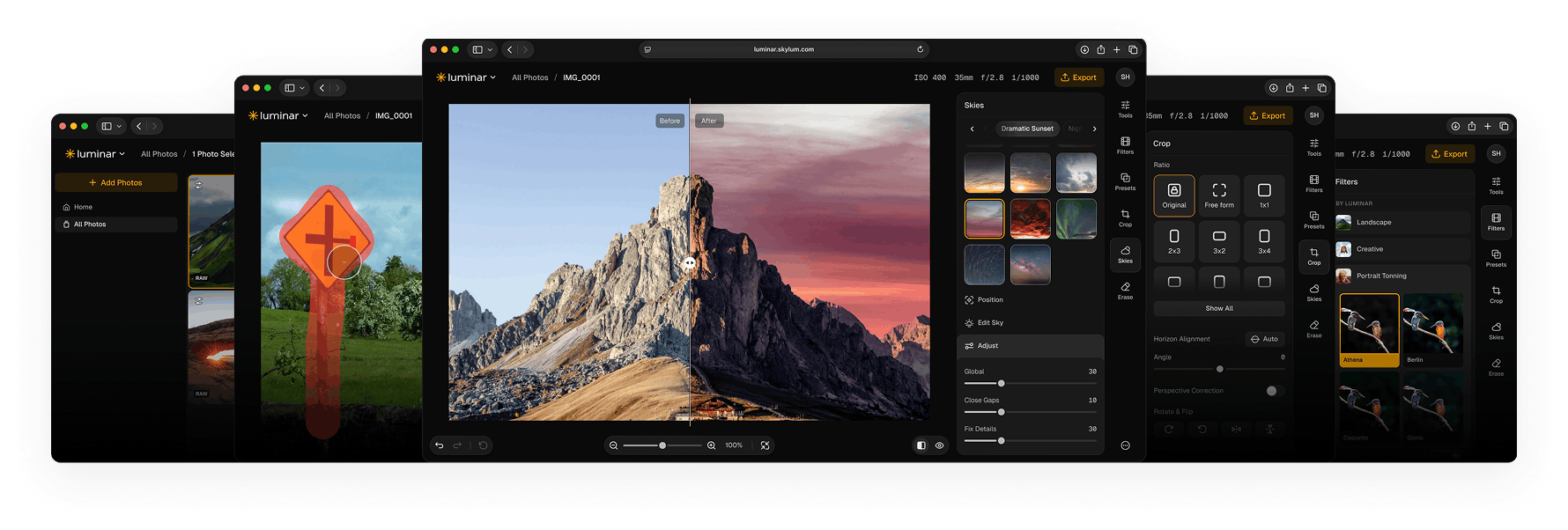
Access Luminar on Web
No downloads or installation needed. Access your workspace instantly directly in your browser.
VIDEO TUTORIAL
學習如何使用 Luminar
加入 Luminar 社群
Keep up with news and updates
Interact with professional photographers and educators
Learn editing and insights tips to grow as a photographer

超過 163,000 名用戶

需要幫助?還有一些問題?
Contact us and we'll respond to all your questions as quick as we can.