

自动更新
1 年内续订 $ 33 .00

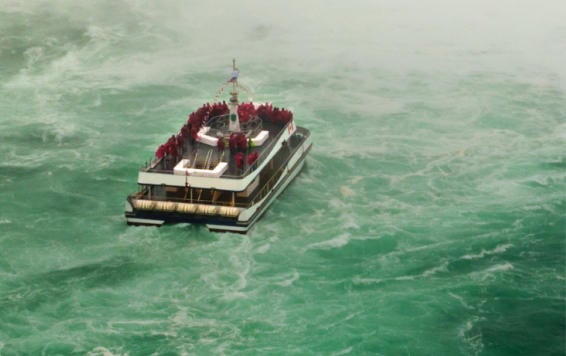
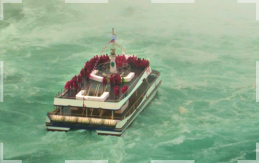
对于野生动物摄影爱好者来说,图像放大是最实用的工具之一。它能让你放大拍摄对象,即使拍摄对象距离很远也能清晰可见。
这款基于人工智慧的工具能够以自然的方式将照片放大至 6 倍,并提升其解析度。
你是否曾经遇到过这样的情况:在取景框中发现完美的构图,但它太小,无法作为独立照片拍摄? AI 照片放大功能正是解决此类问题的完美选择。
这款基于AI的图像放大工具可以将照片放大至6倍,并以自然的方式提升解析度。图像放大从未如此简单!
使用这款AI图像放大工具,让您的照片做好列印准备。清晰化AI能够以自然的方式提升图像分辨率,即使是非RAW格式档案也能轻松应对,最高可实现6倍放大。您只需找到一个漂亮的相框,然后放大图像即可。


由 Skylum 设计 MacOS 和 Windows
也可作为 Photoshop、Lightroom 和 Apple Photos® 的插件使用。

AI图像增强

原始编辑

支持图层

非破坏性
编辑

镜头校正

克隆工具

减淡和加深

颜色增强

裁剪和调整大小

批量处理
全平台
一次付费,永久使用应用程序
$ 159 .00
商品:
已包含:
Luminar 桌面版、移动版、网页版:永久归您所有。AI 工具可在 365 天后通过 Luminar Prime 续期。
*365 days unlimited usage. Subject to fair use policy.
最人气
Max
一次付费,永久使用应用程序
$ 199 .00
商品:
Luminar Prime:
Luminar 桌面版、移动版、网页版:永久归您所有。新增及生成式 AI 工具,以及素材库访问权限:365 天。
*365 days unlimited usage. Subject to fair use policy.
Desktop Only
一次付费,永久使用应用程序
$ 129 .00
商品:
已包含:
Luminar: yours forever. AI Tools renewable after 365 days with Luminar Prime
*365 days unlimited usage. Subject to fair use policy.
您的额外 10% 折扣正在等待 — 复制下面的代码并在结账时使用,但请抓紧时间,它将在 15 分钟后过期!
15:00
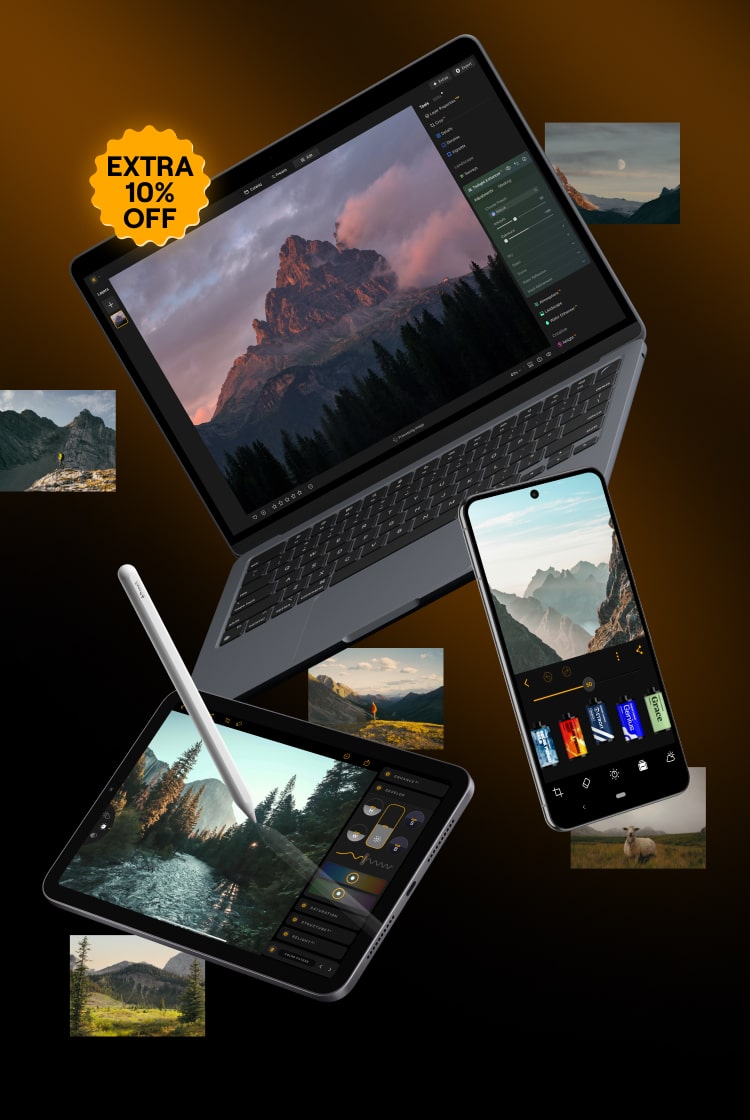

适用于 Windows/MacOS 的桌面,以及一年内所有生成工具的完全存取权。
Luminar 视频课程
适用于 Windows/MacOS 的桌面,以及一年内所有生成工具的完全存取权。
适用于 iOS/Android/ChromeOS 的移动应用程序
Luminar 视频课程
适用于 Windows/MacOS 的桌面,以及一年内所有生成工具的完全存取权。
适用于 iOS/Android/ChromeOS 的移动应用程序
Luminar 视频课程
100 Creative Add-ons
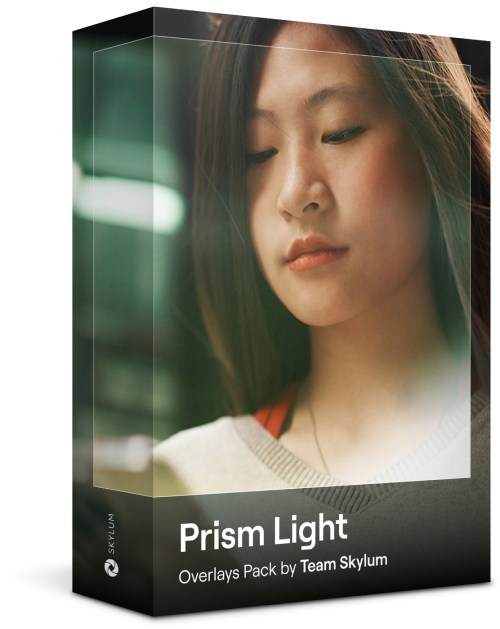
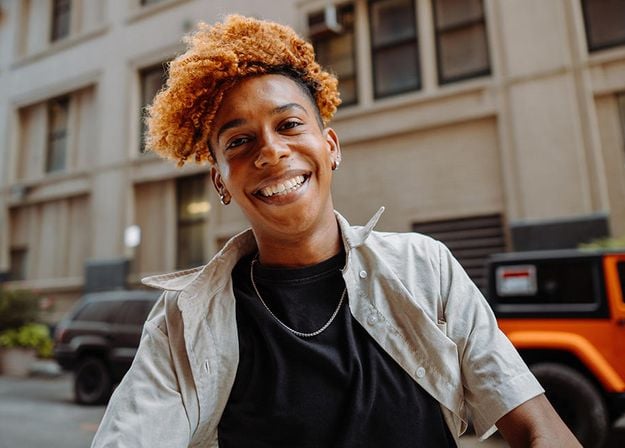
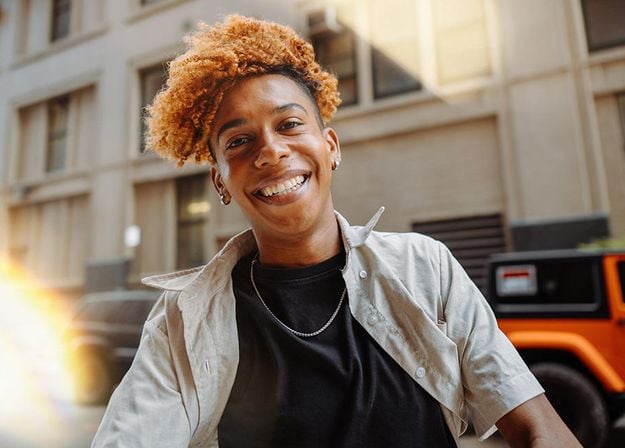

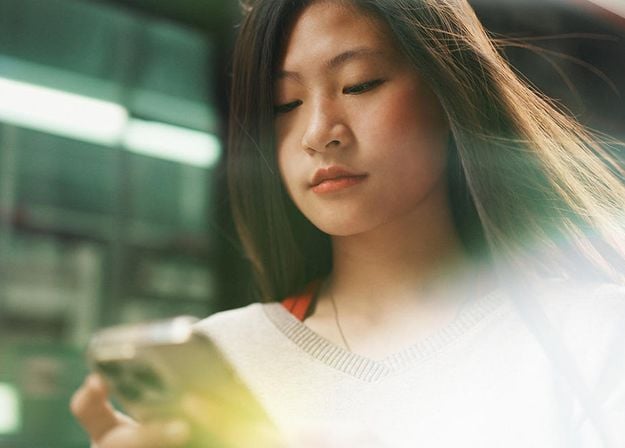
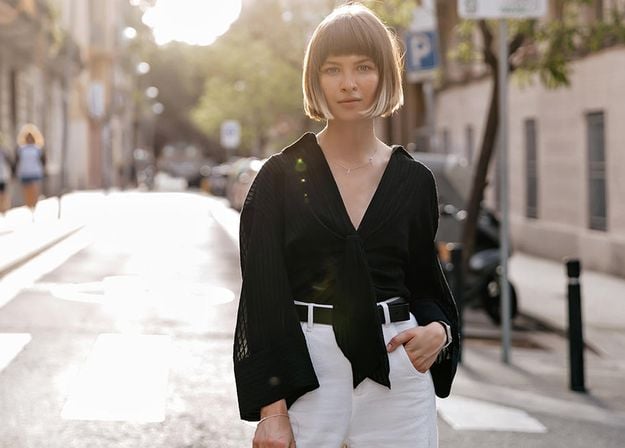
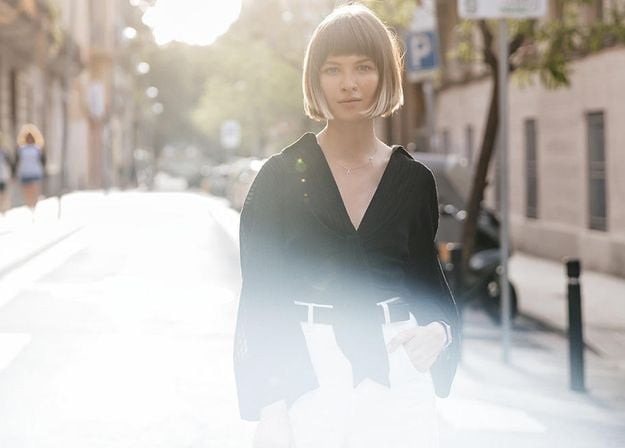
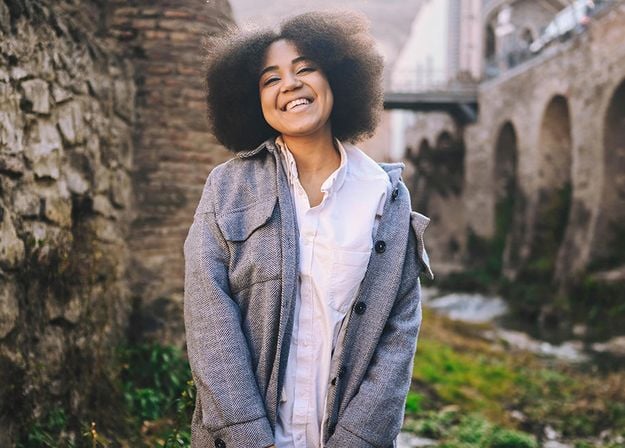
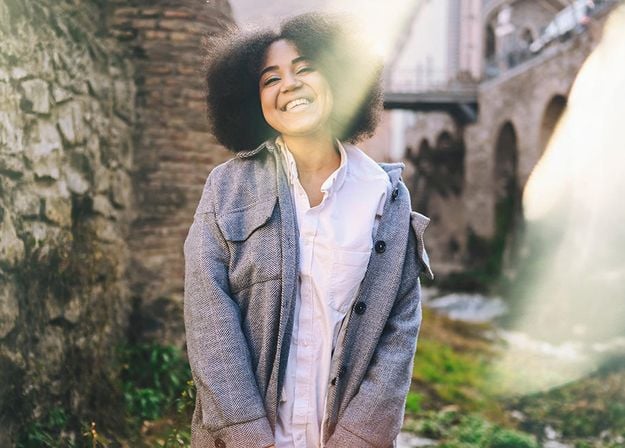
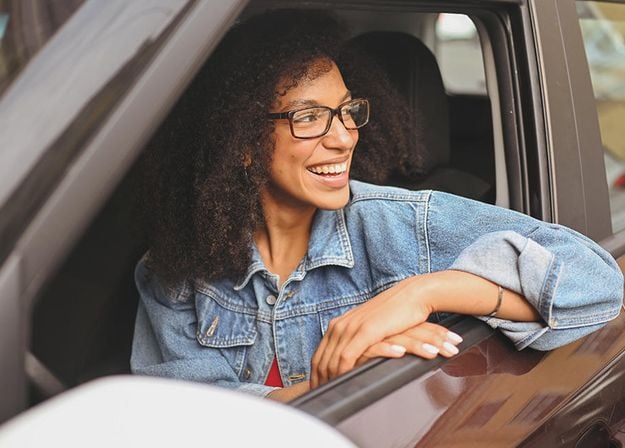



Create atmospheric images with these 10 Overlays in JPEG format that contain shimmering lights and flares in various colors. Make sure to use them with Luminar’s Layers and/or the Portrait Background Removal tool, and experiment with your photos in any genre. You can add an interesting light effect or make the subject stand out in new ways, all in just a few clicks. Time to try it out!
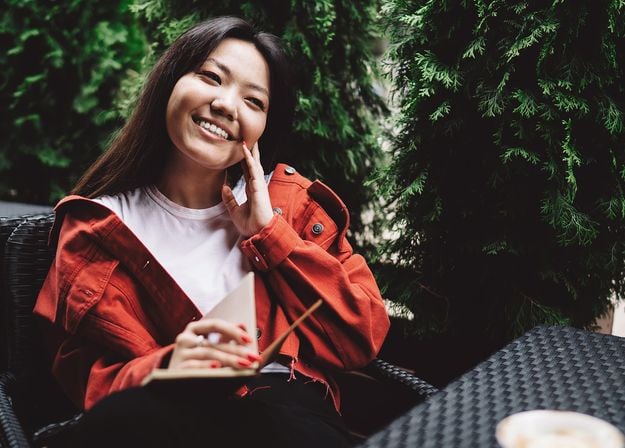
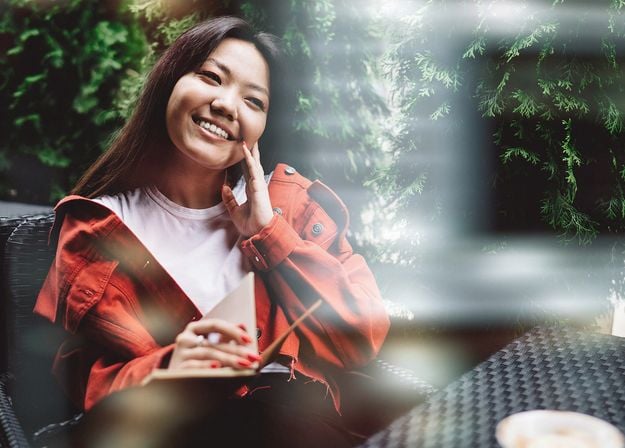
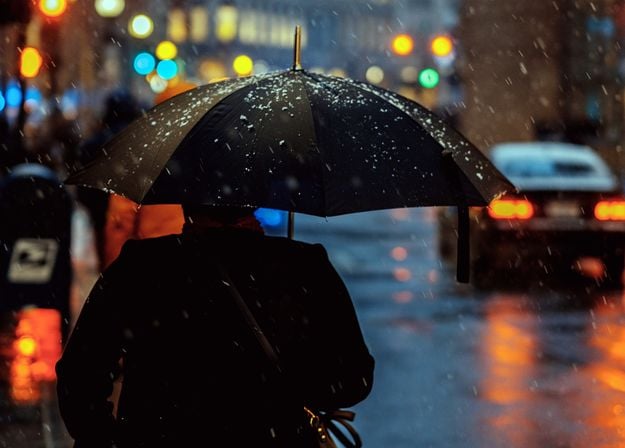
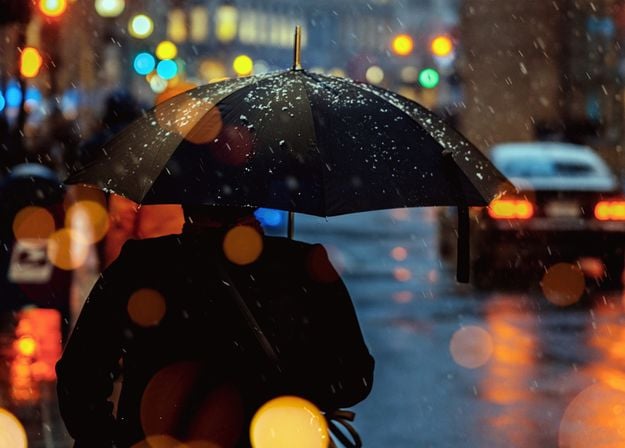
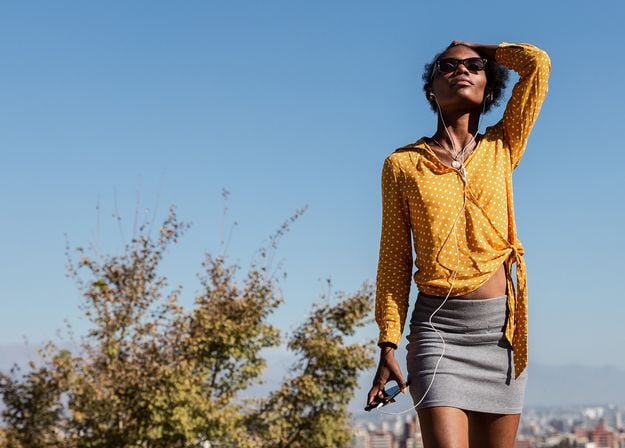
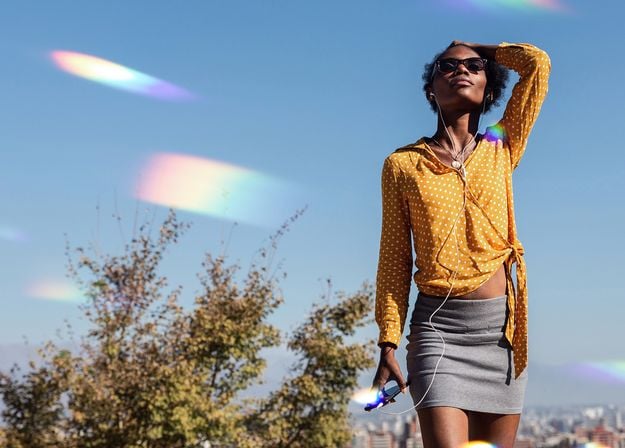
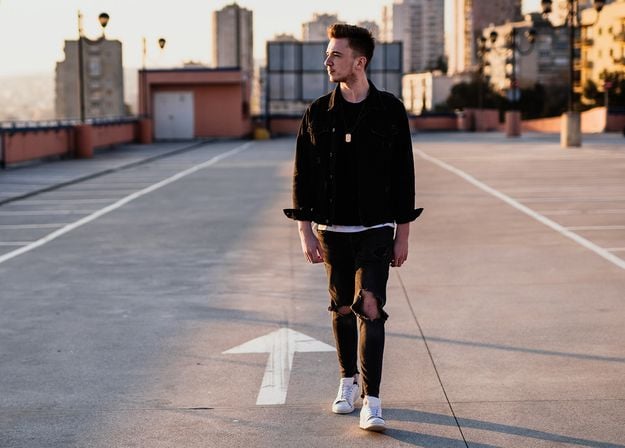
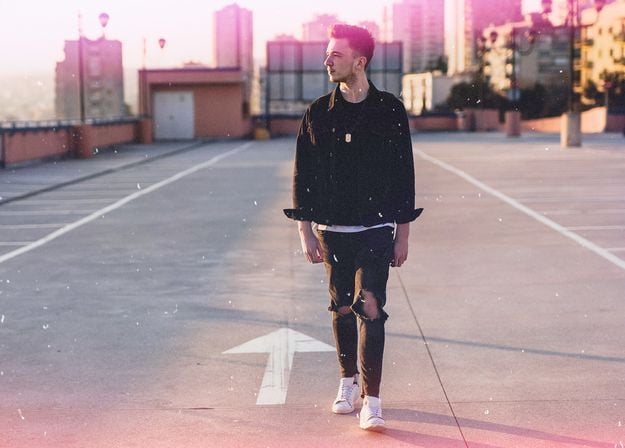
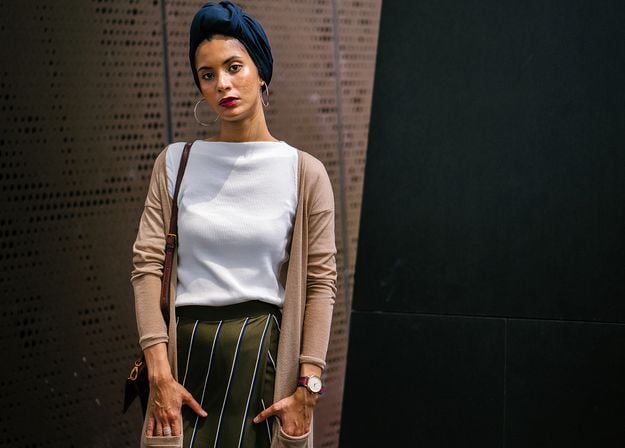
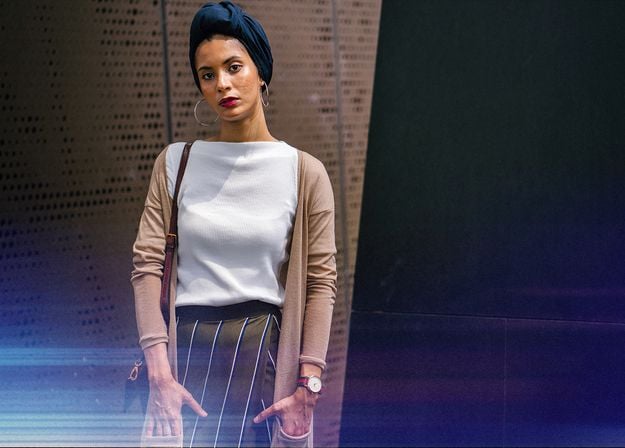


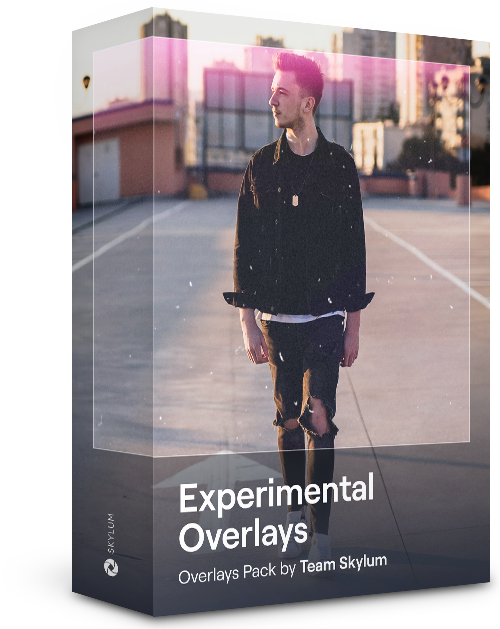
Feel like adding a touch of something extra to your photos? Discover these 10 Experimental Overlays in JPEG format that you can easily use with Luminar’s Layers feature to transform any photo into a shot that catches the eye. Choose from 10 mesmerizing effects of different colors and shapes, and create a unique mood in a few clicks. From pink hues to golden circles, you’ll certainly find an Overlay perfect for your next masterpiece.
_after.jpeg?q=80&w=625&h=448&resize=cover)


_after.jpeg?w=54&h=30&resize=cover)
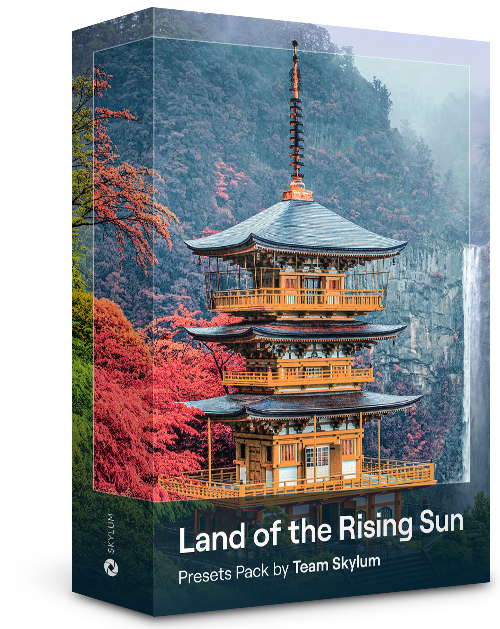
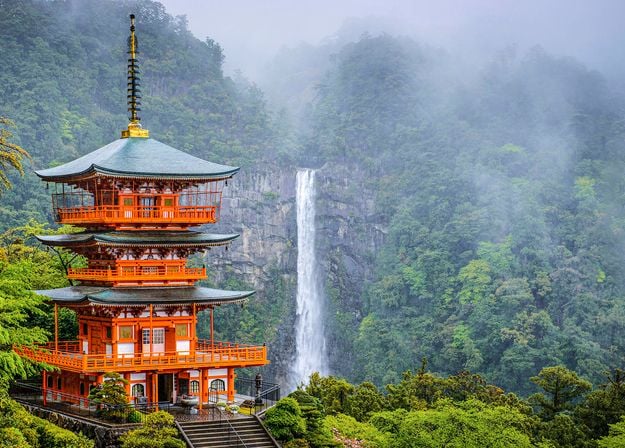
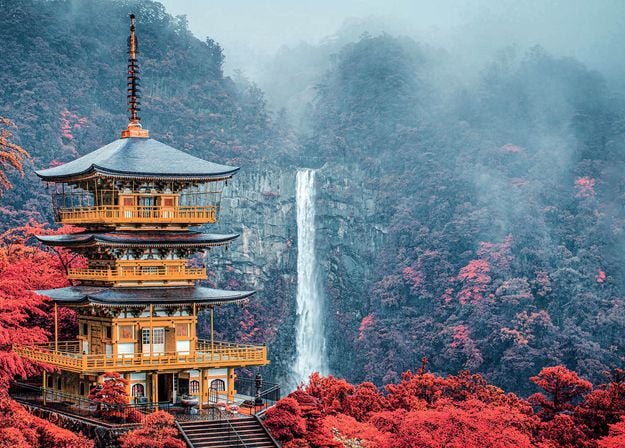
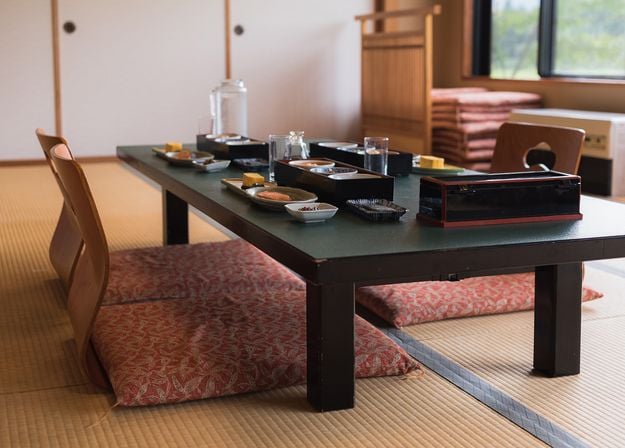
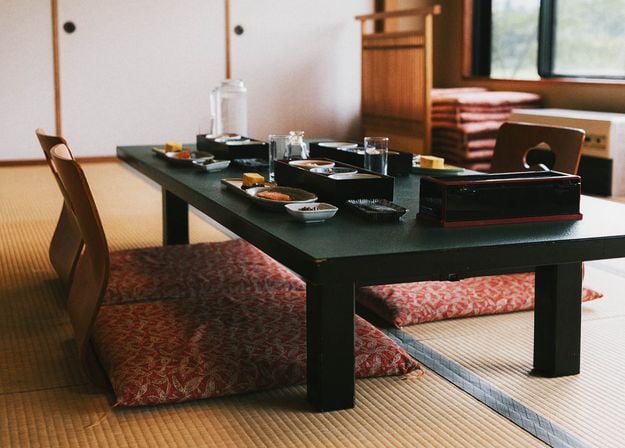
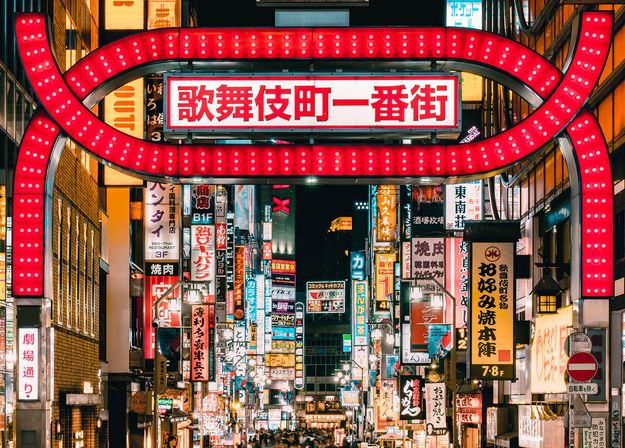
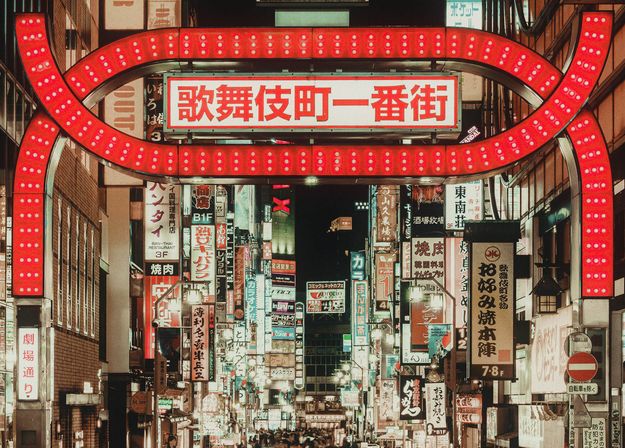
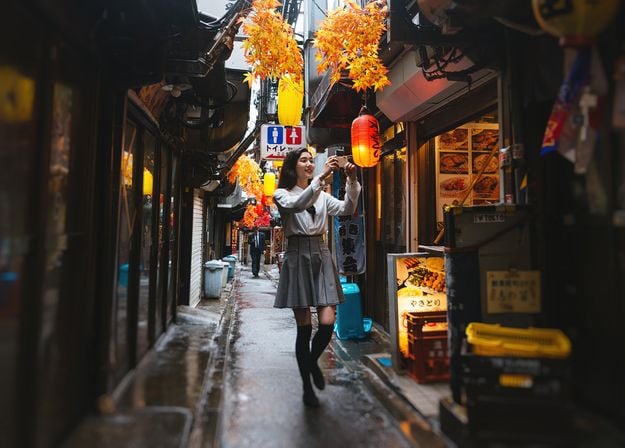
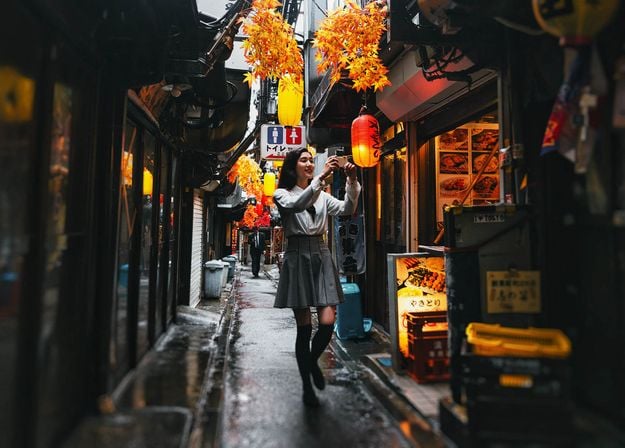
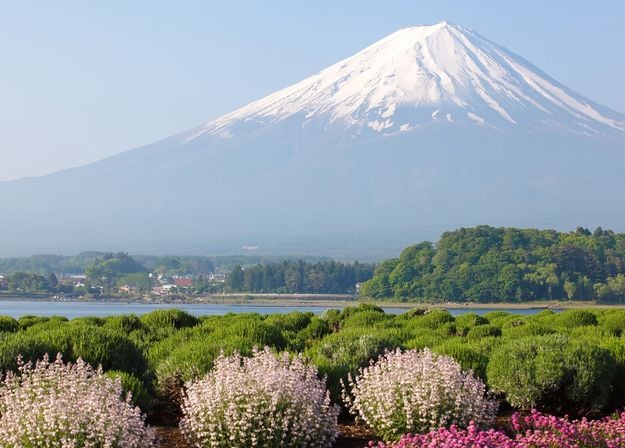
Enhance photos that you captured during a trip to Japan, or the ones that you want to have an atmospheric feeling reminiscent of the Japanese style. From landscapes, to iconic sights, to photos of food — this pack is incredibly versatile!
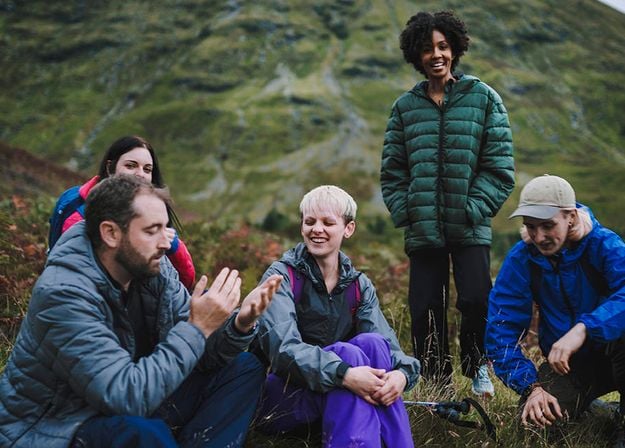
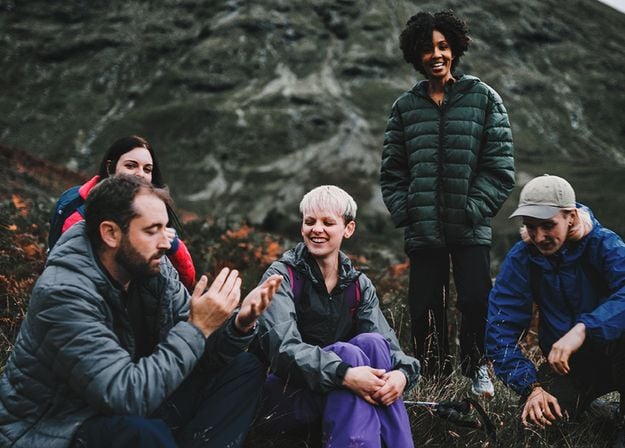
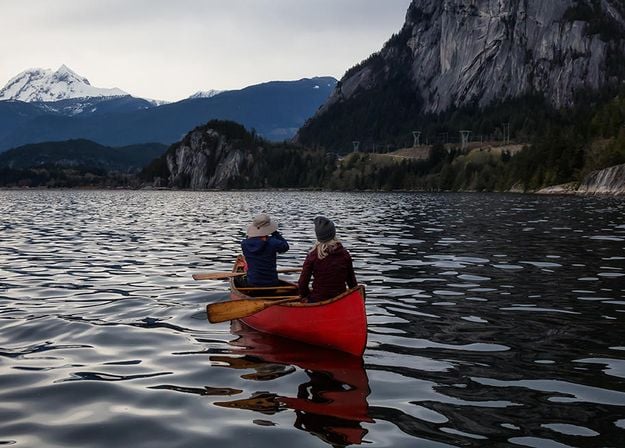
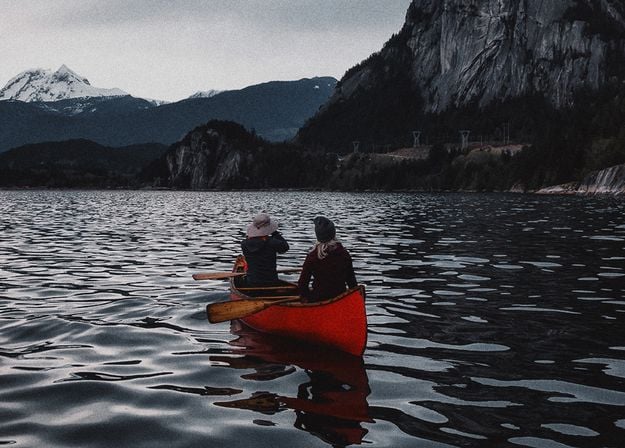
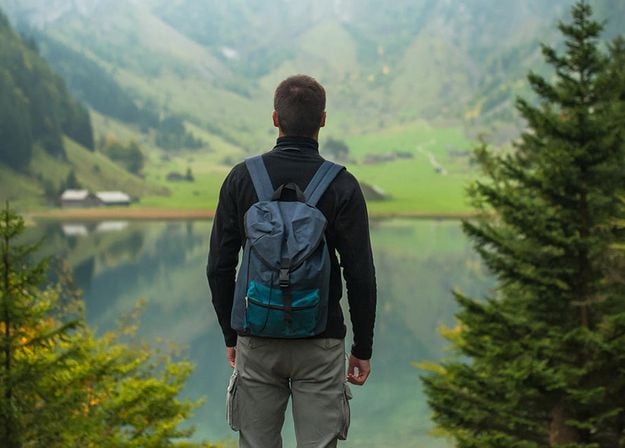
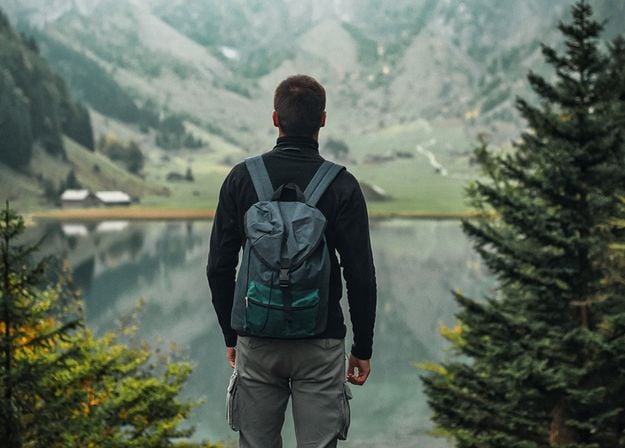
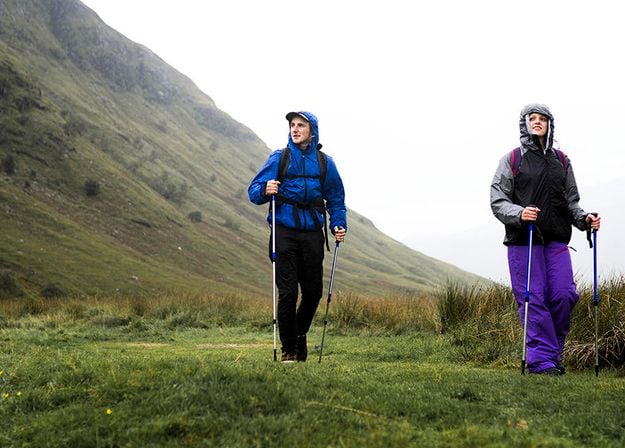
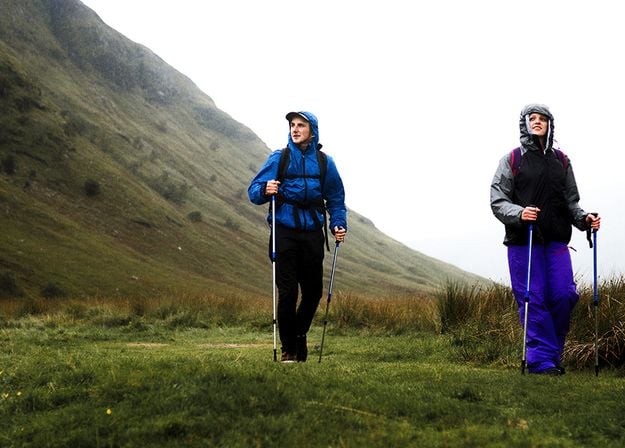
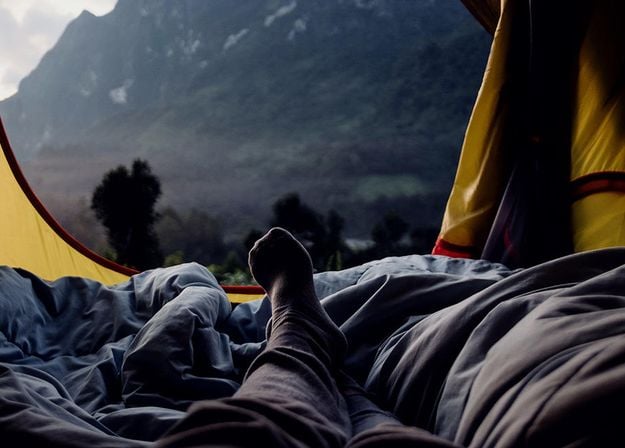
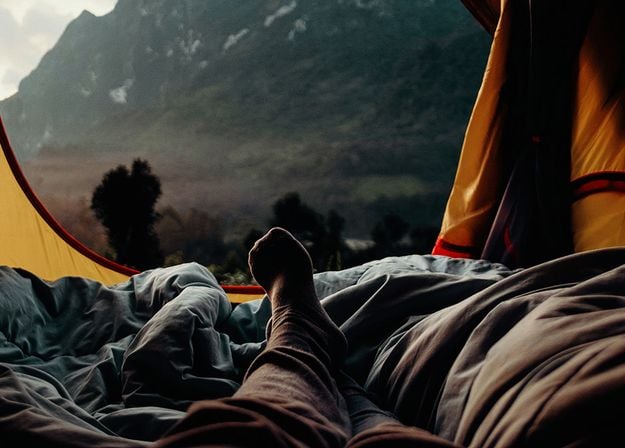


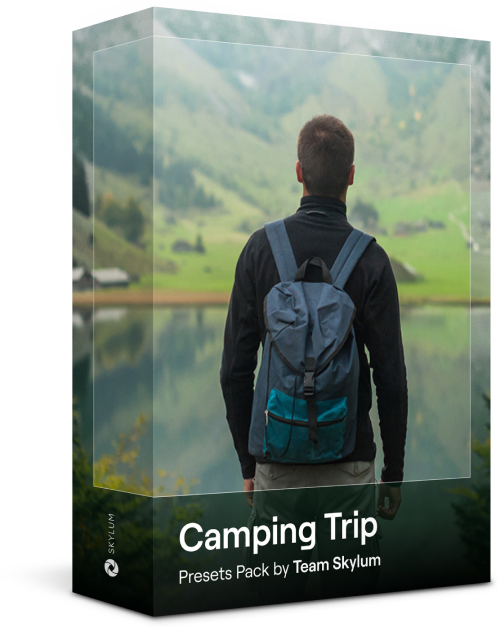
Designed to give your camping and hiking photos their best look, these 10 Presets are here to give your outdoor photos a natural, vibrant look. Whether you’re capturing shots of majestic mountains or cozy campfires, bring out the best in your images in one click.
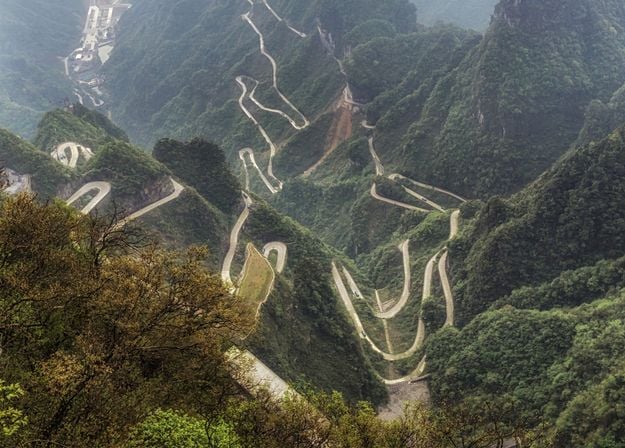
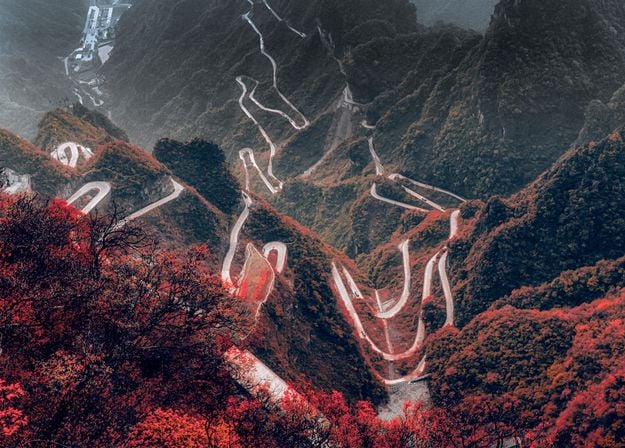
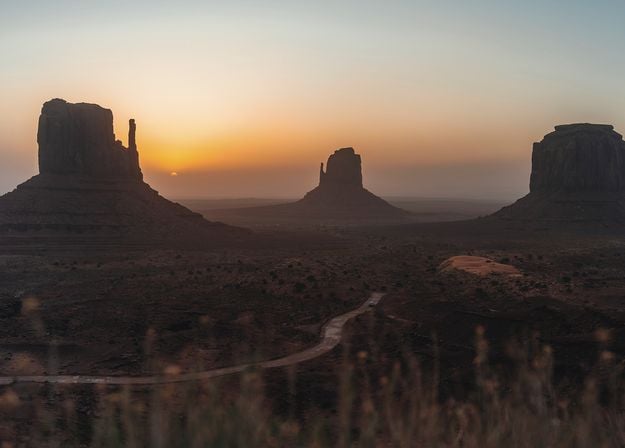
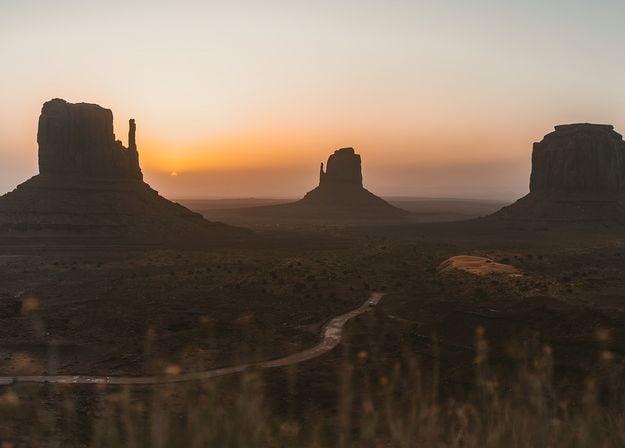
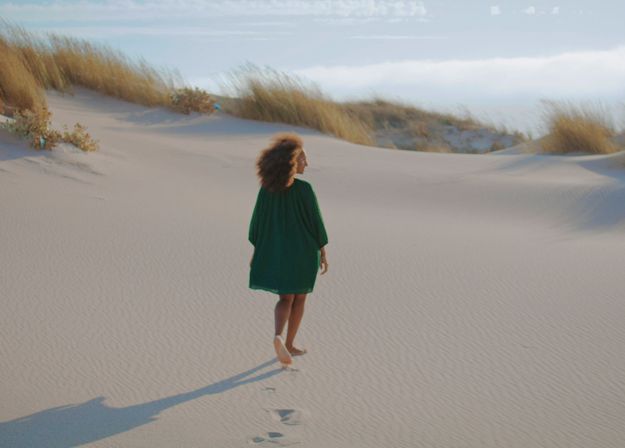
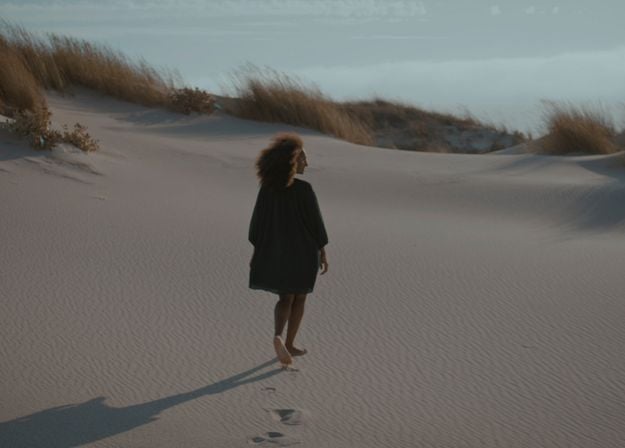
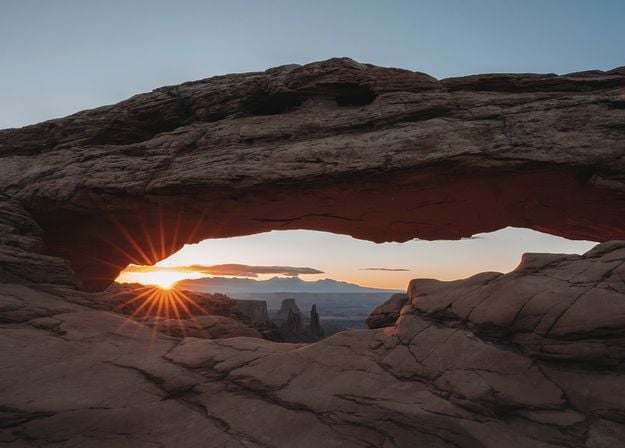
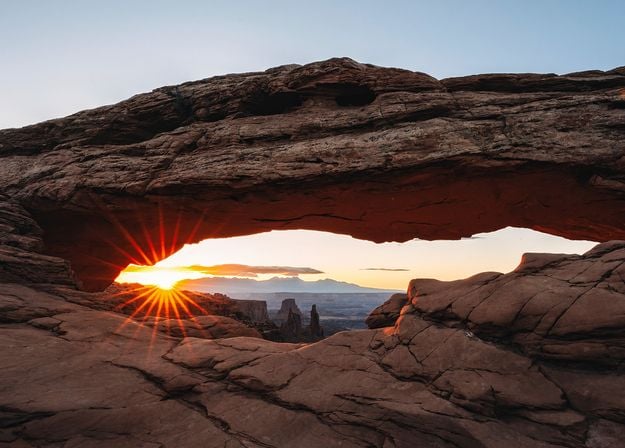
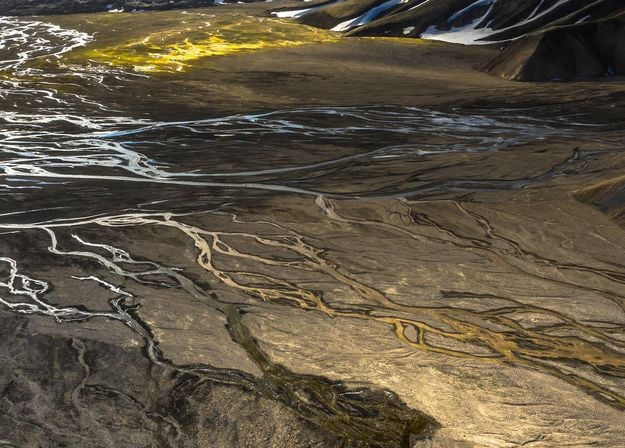
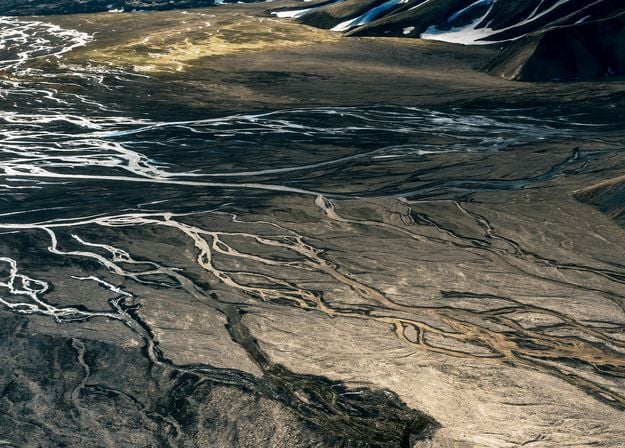


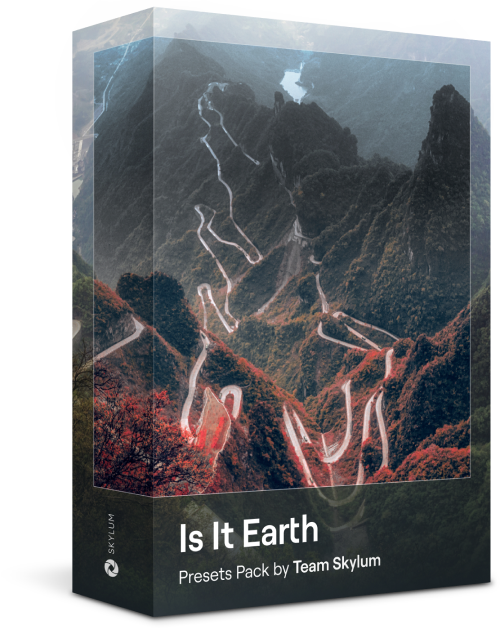
Is it still Earth, or are we on an alien planet? This collection of 10 extraordinary Presets is designed to give your landscape photos an ethereal, otherworldly feel. Transform ordinary landscapes into surrealistic scenes with vivid colors that will immediately draw the viewer’s eye.
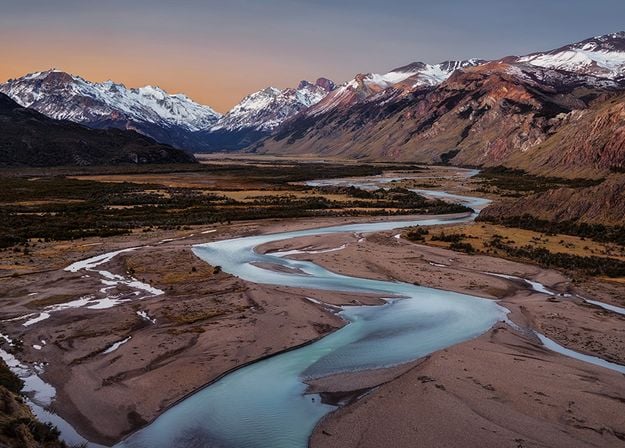
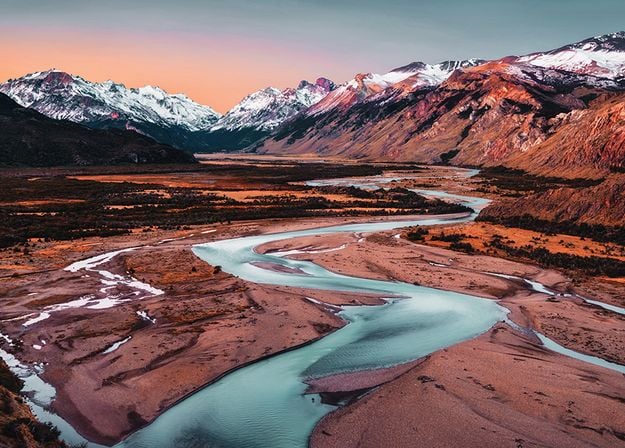
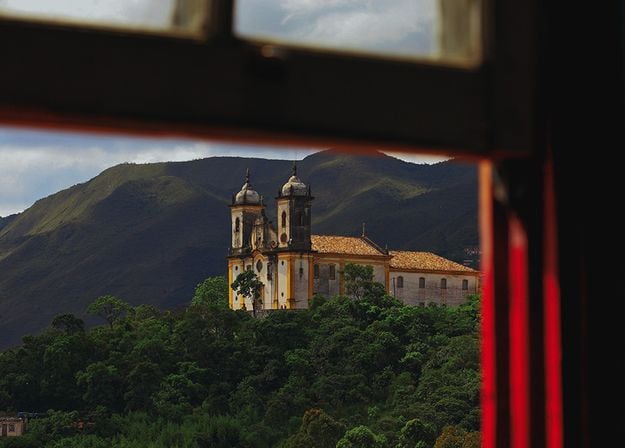
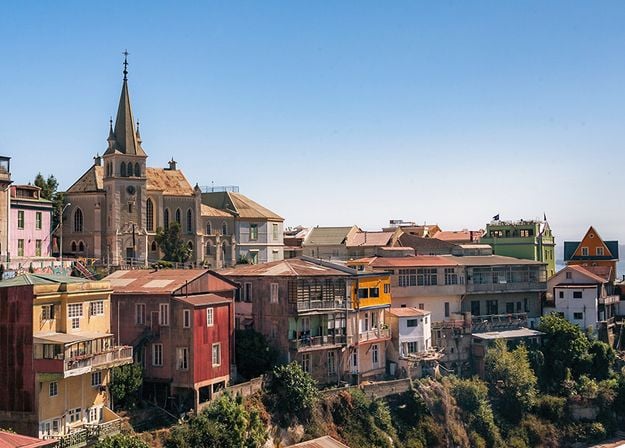
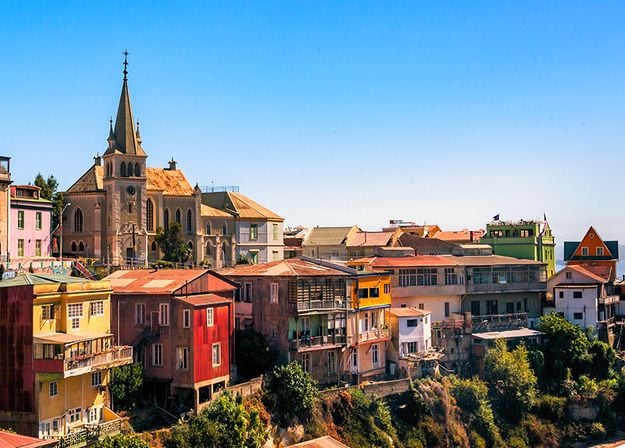
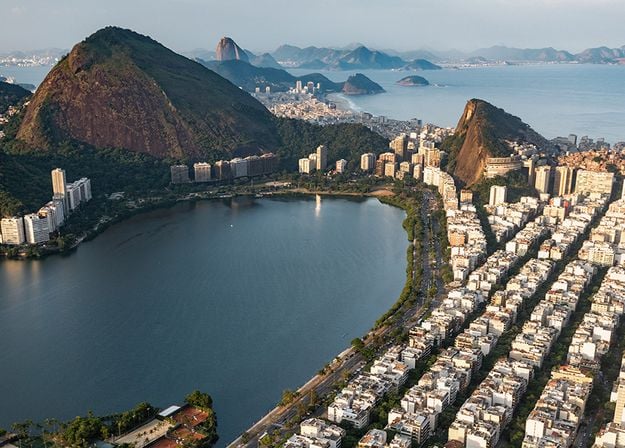
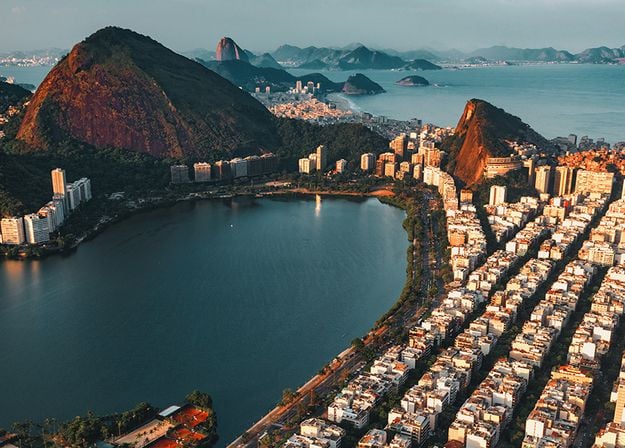
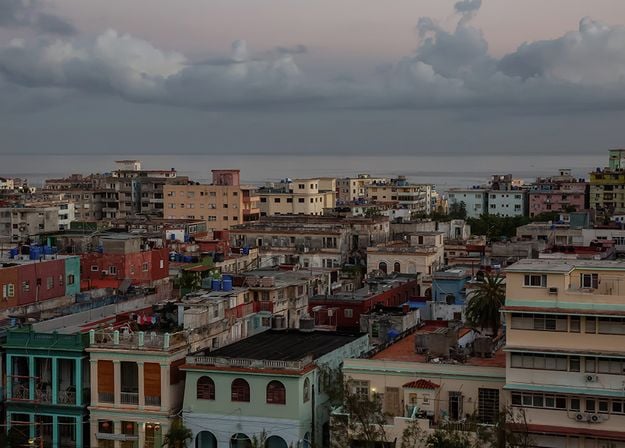
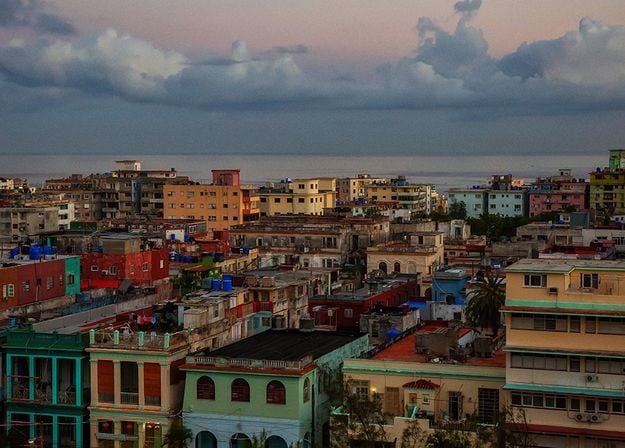


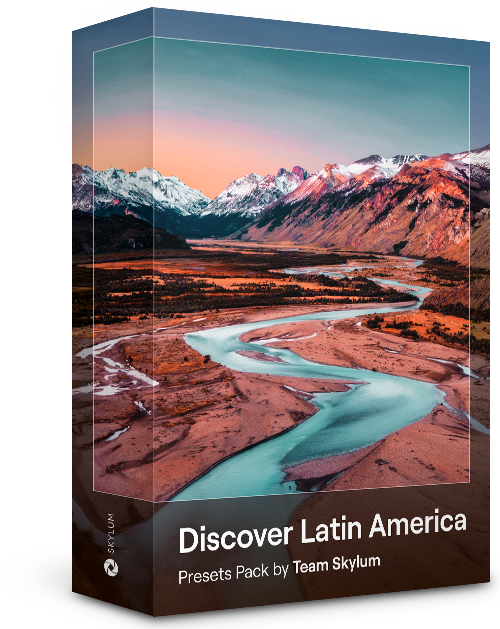
Experience the cinematic feel each of these 10 Presets adds to your photos as you journey through the countries of Latin America. Embrace the beauty and add some flair to your shots with this travel-friendly collection designed for landscapes.
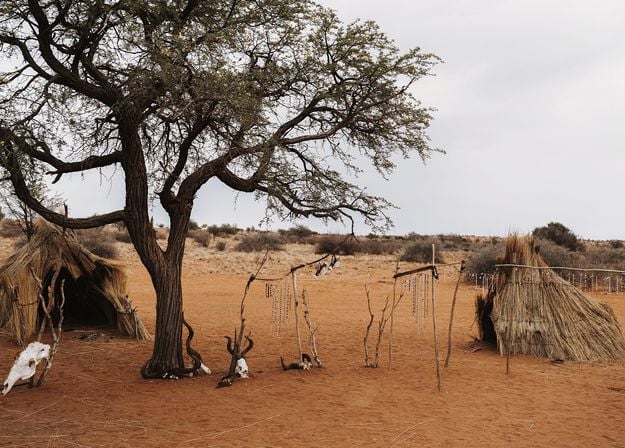
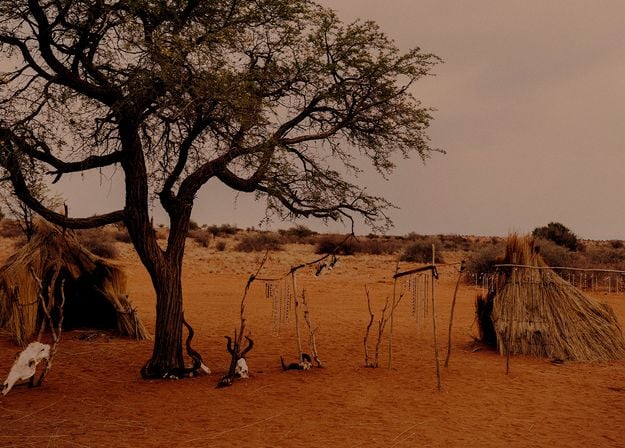
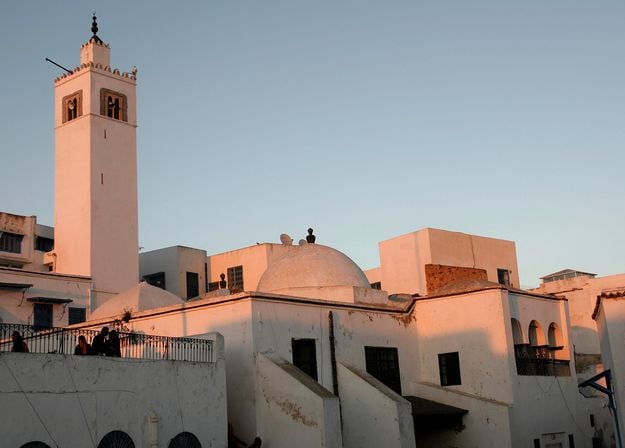
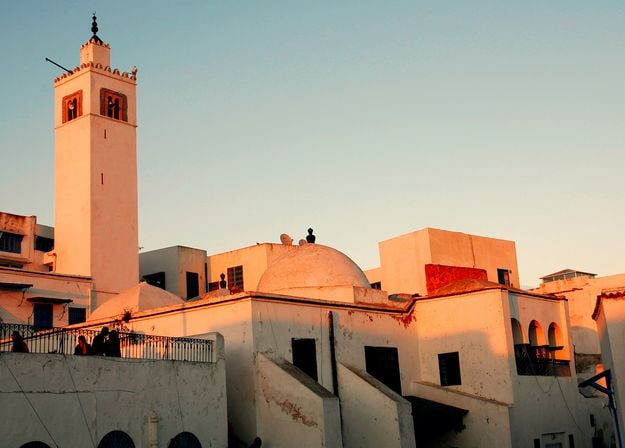


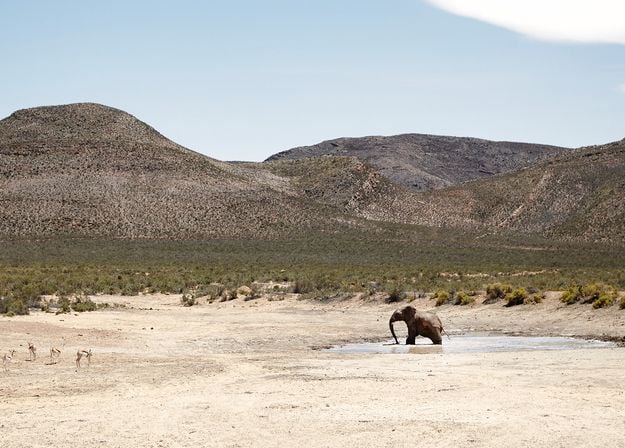
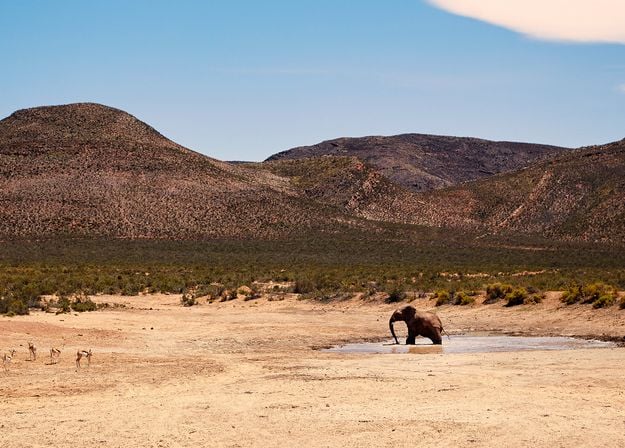
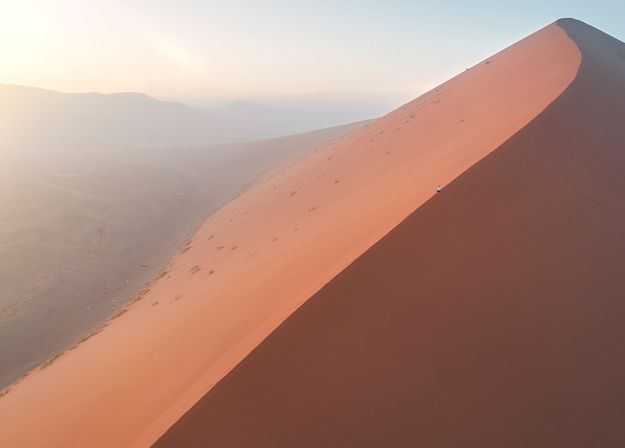
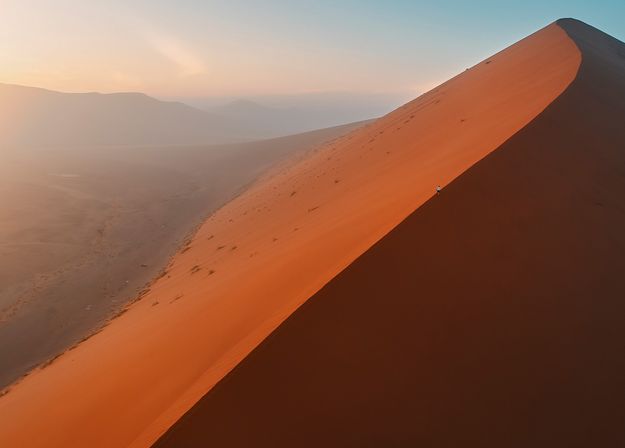


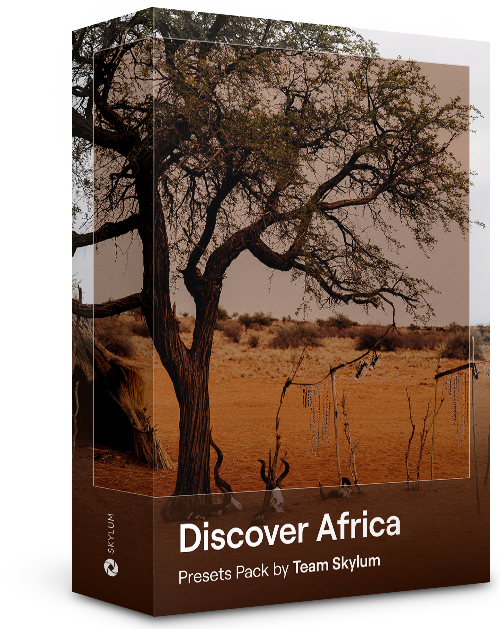
Dedicated to the wonderful continent of Africa, this pack combines a variety of Presets, both for portrait and landscape shots. Enhance landmarks, safari shots, architecture photos, and portraits of people that you meet on your travels around Africa.
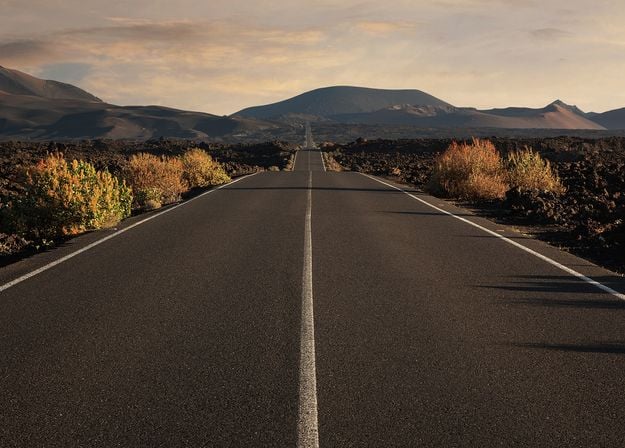
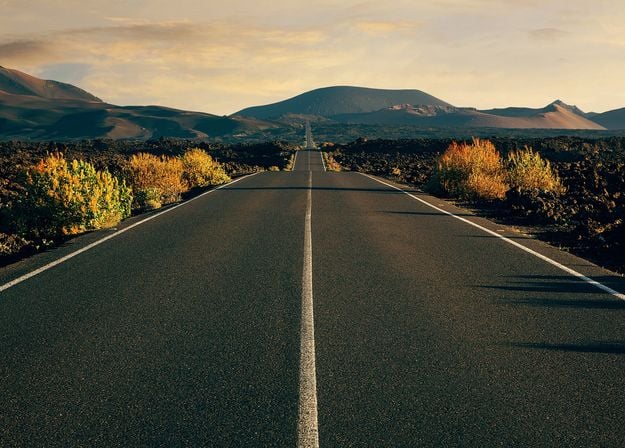
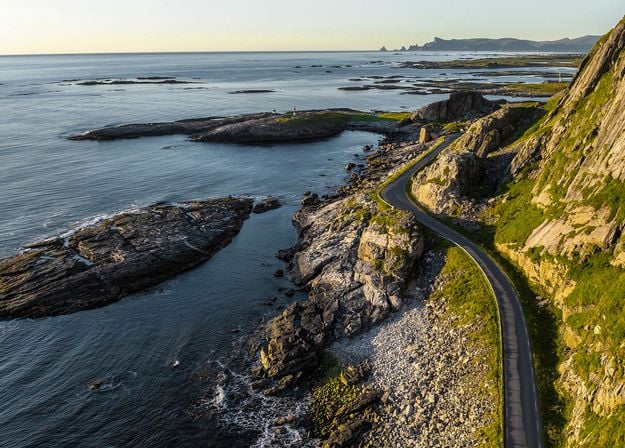
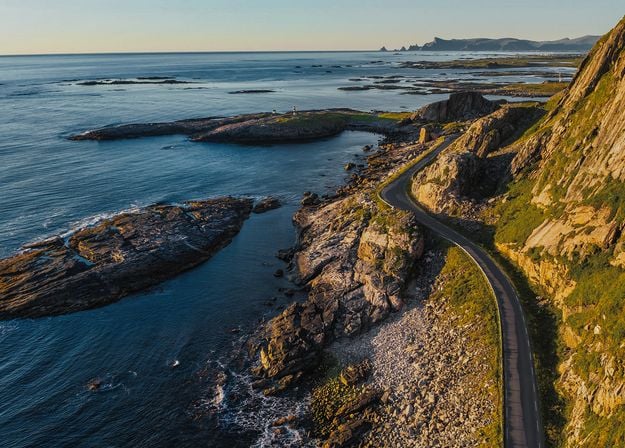
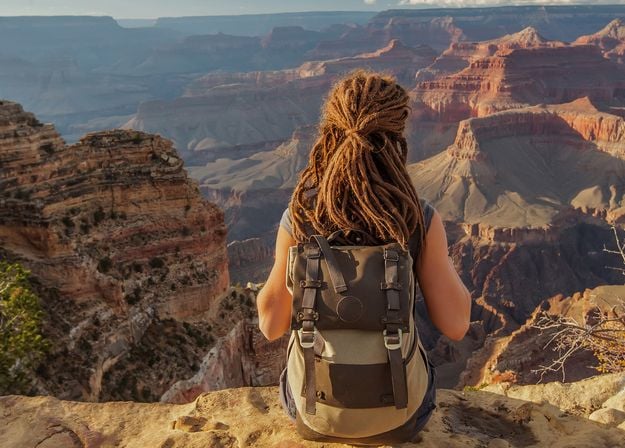
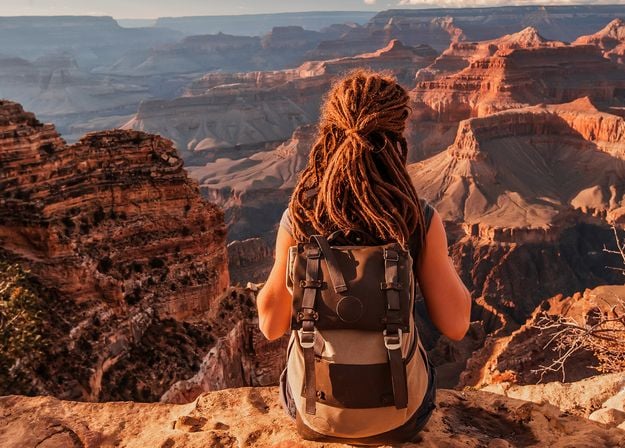
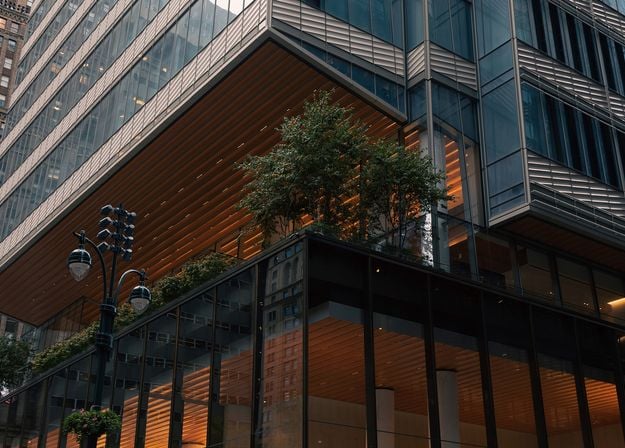
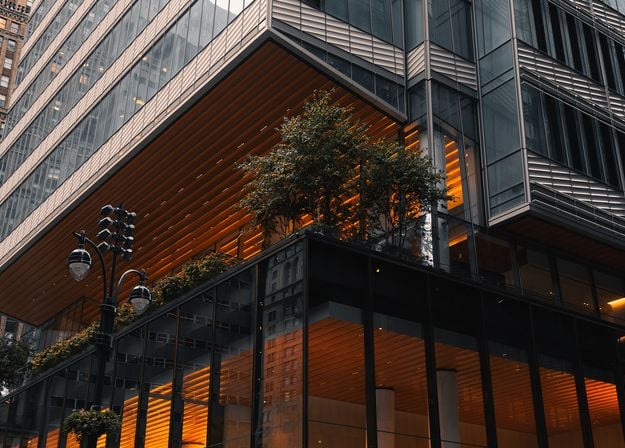
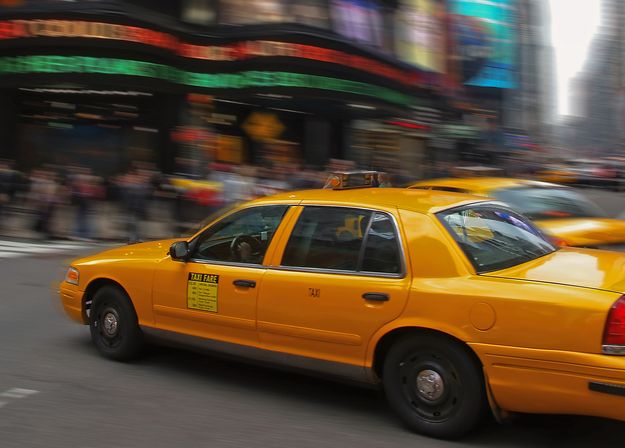
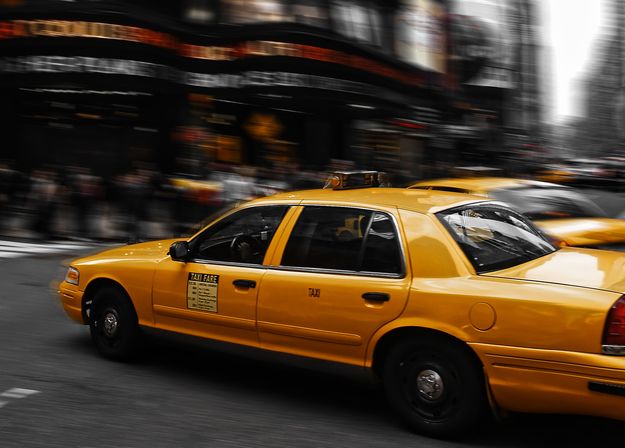


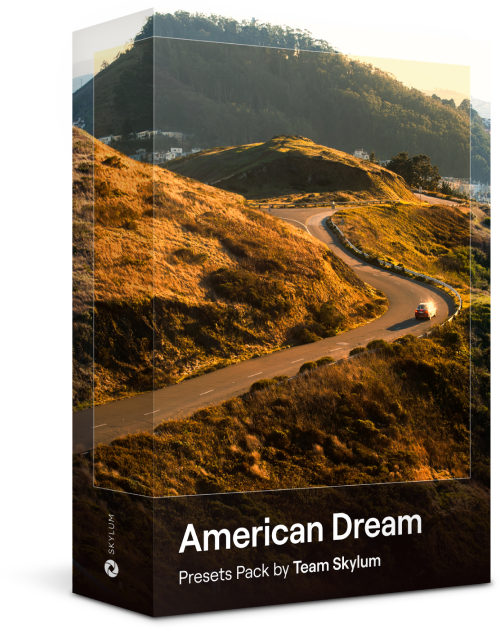
Create fantastic photos during your travels across the USA. Enhance images of landmarks, national parks, and general cityscapes of famous cities. Achieve various stunning effects with a few clicks of these 10 wonderful Presets.
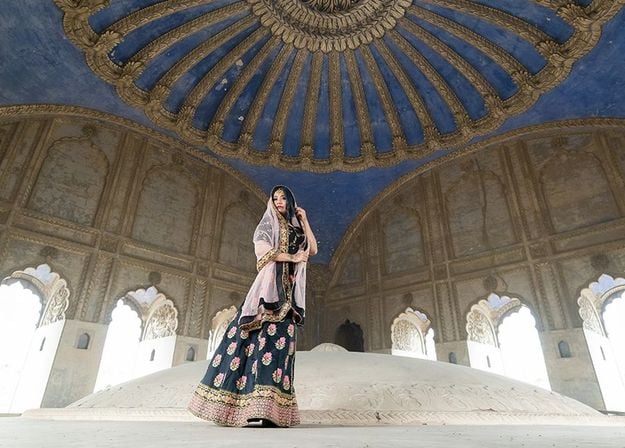
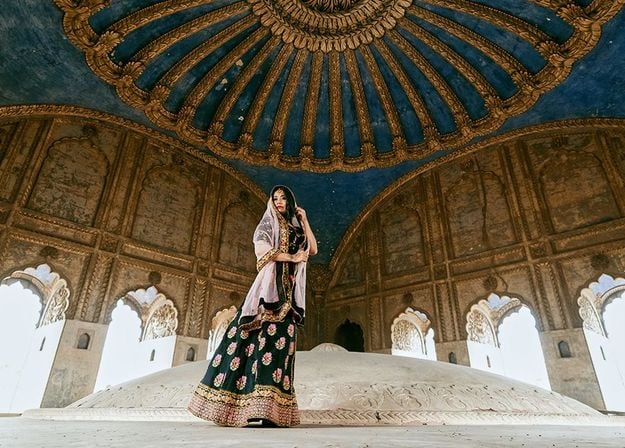
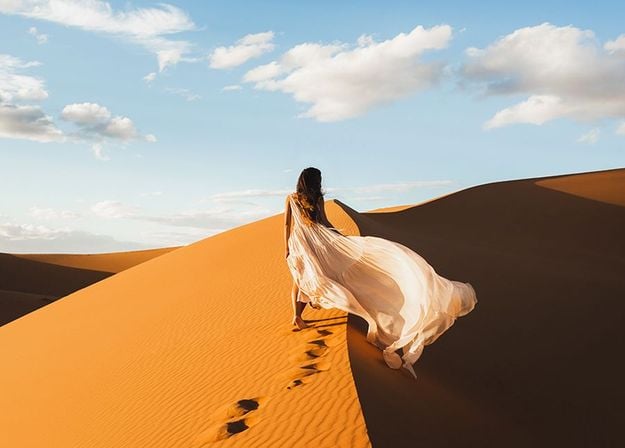
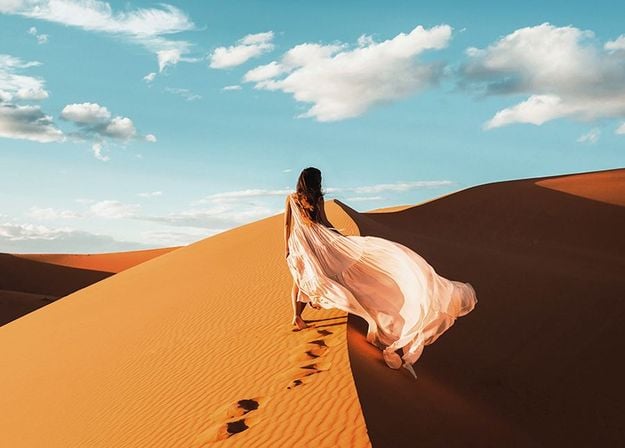
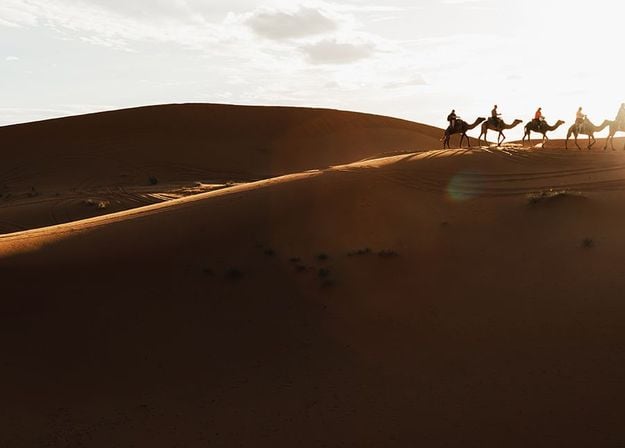
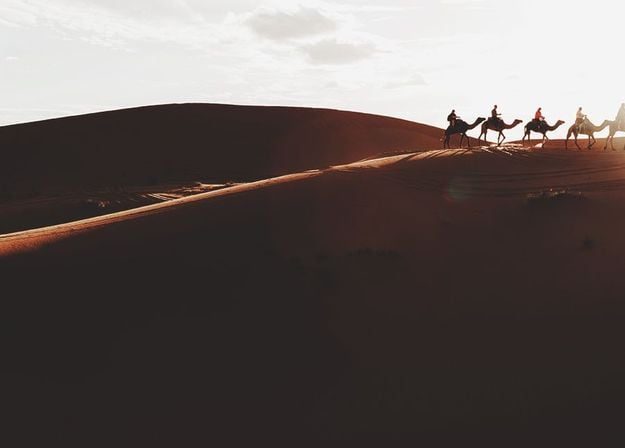
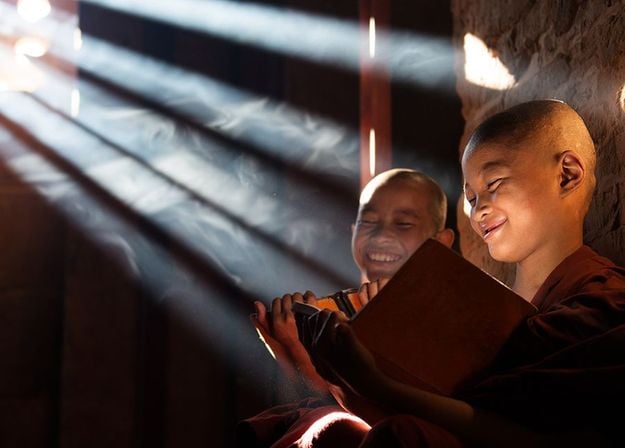
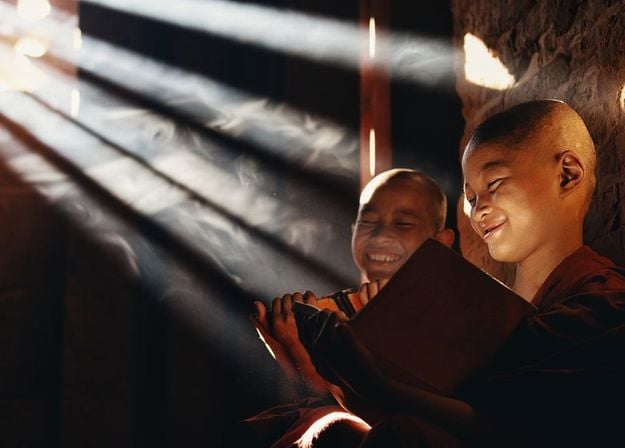
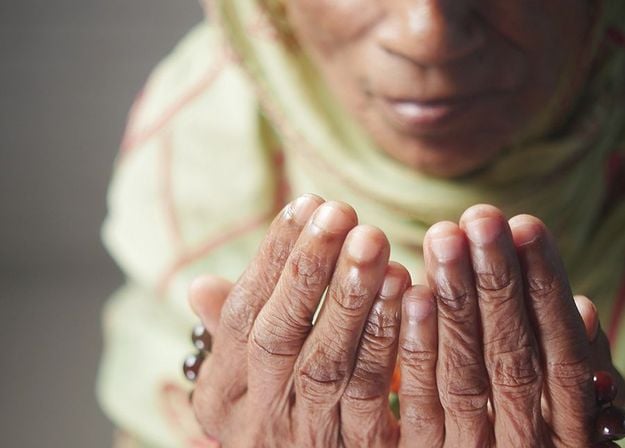
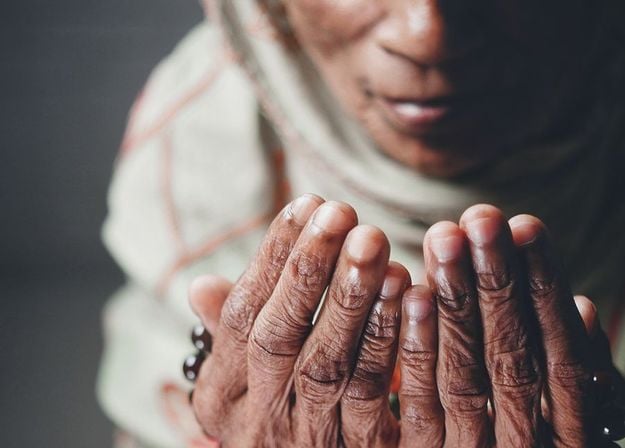


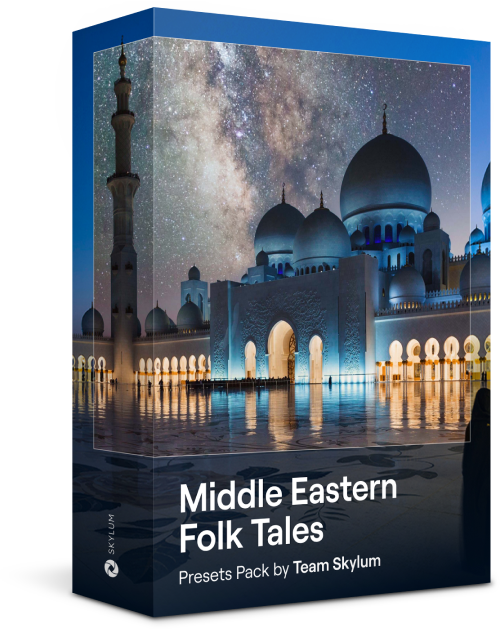
This alluring collection of 10 Presets is designed to bring out the mysterious beauty of Middle Eastern scenery, architecture, street style, and nature. Warm-toned, deep yellow, or blue and golden — you will certainly find a Preset perfect for your photo.
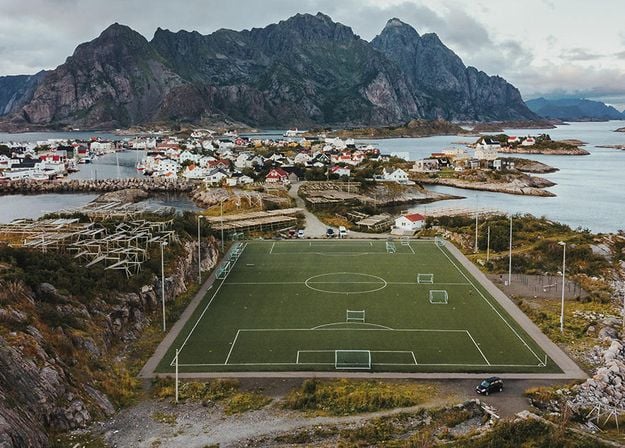
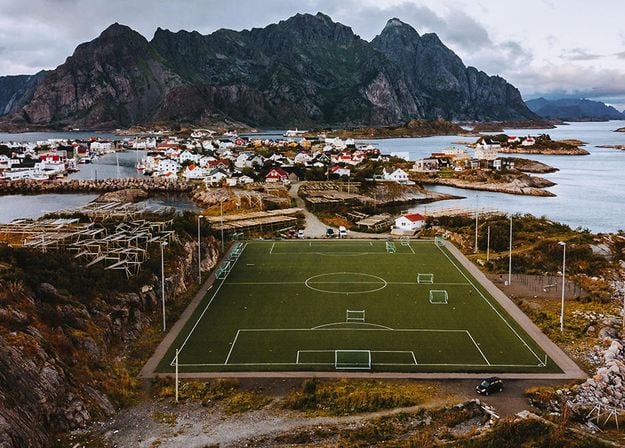
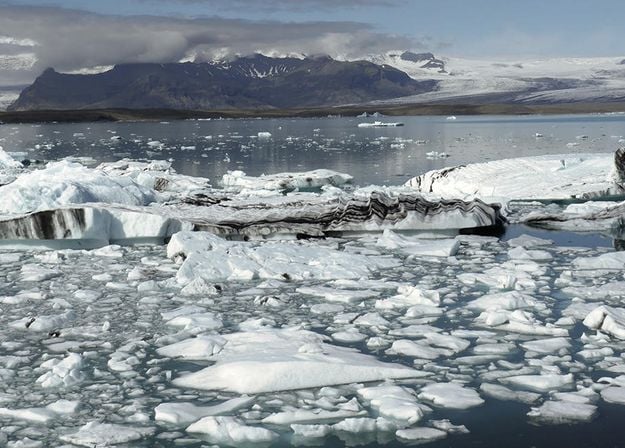
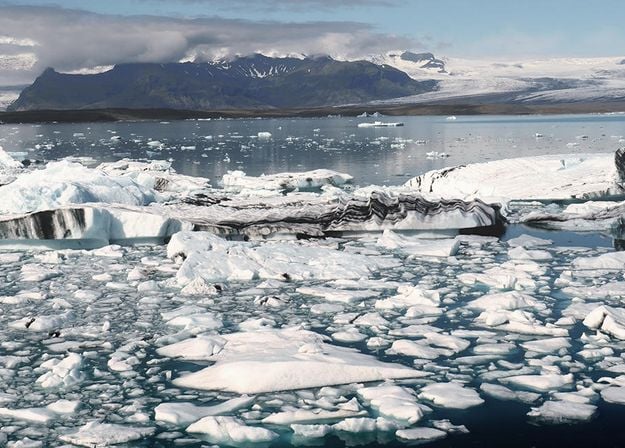
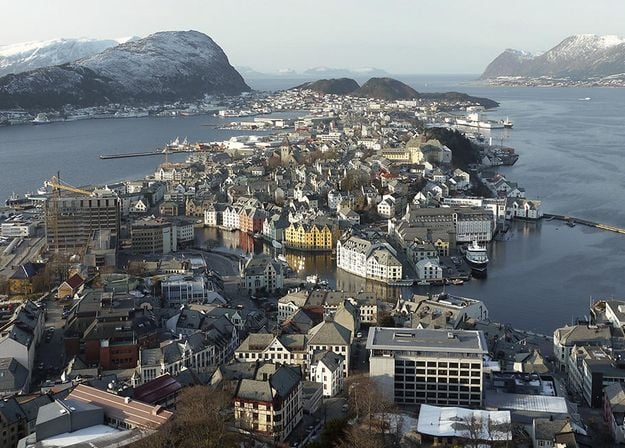
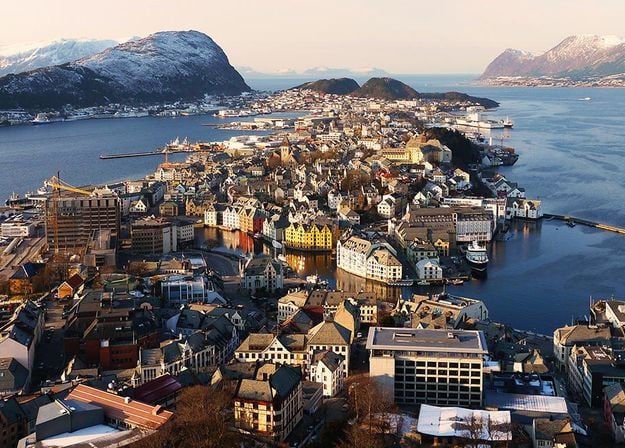
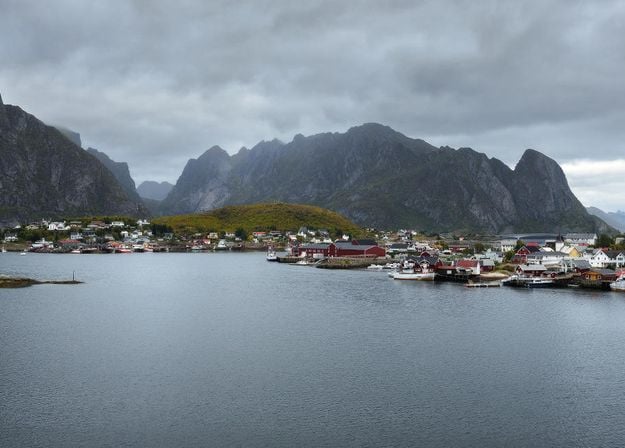
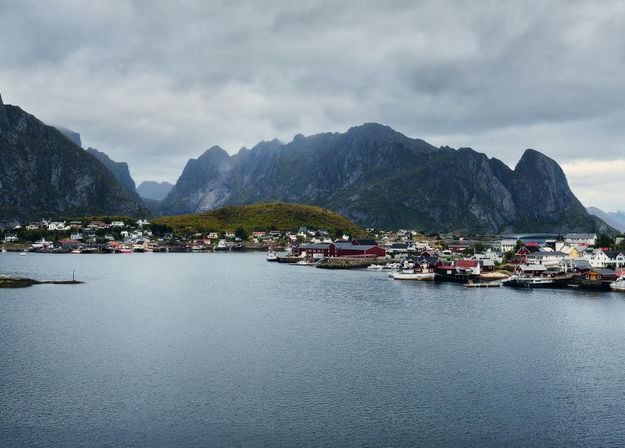
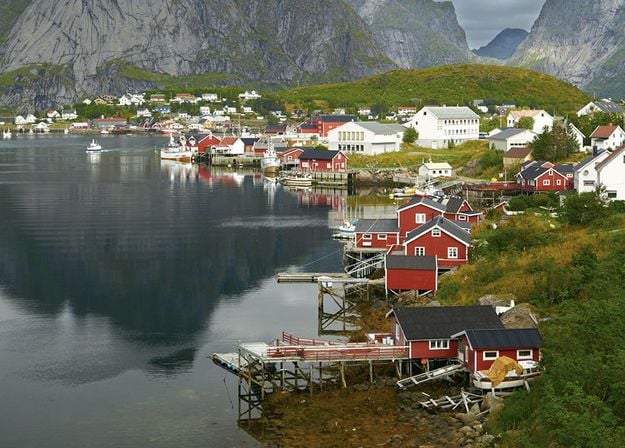
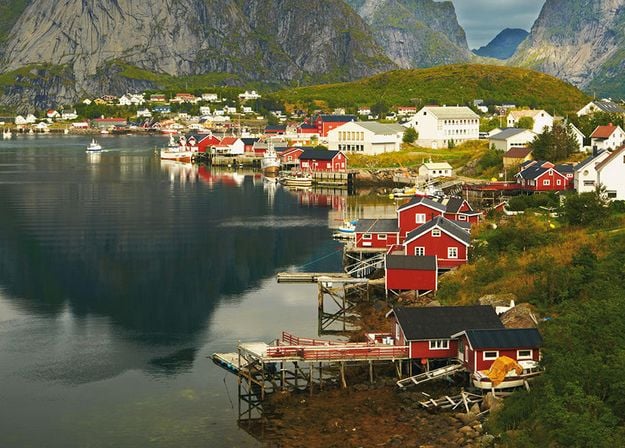


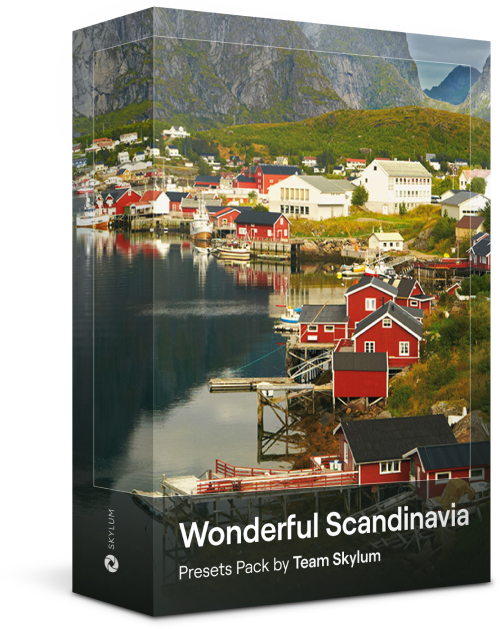
Discover this wonderful collection of 10 versatile Presets that are perfect for your travel photos from Nordic countries. Capture idyllic landscapes, natural wonders, and cozy architectural shots that breathe with the Scandinavian mood. Time to pack your travel bag!
Luminar Video Course
Creative Photo Editing Techniques in Luminar
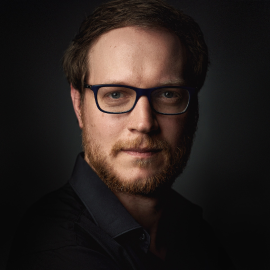
Introduction & Course Outline
Albert Dros introduces himself and gives a quick overview of what you will learn in this photography and...
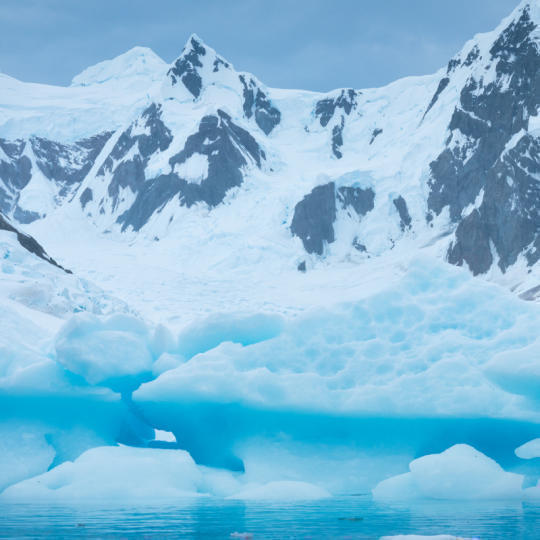
Introduction to Photography
What should you focus on when taking your photos to get the best results?
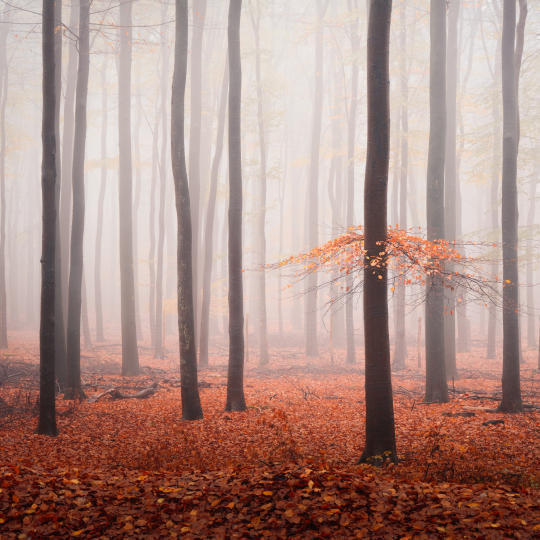
Basic Editing
Albert introduces the layout of Luminar and the basic instruments you can use to achieve great results instantly.
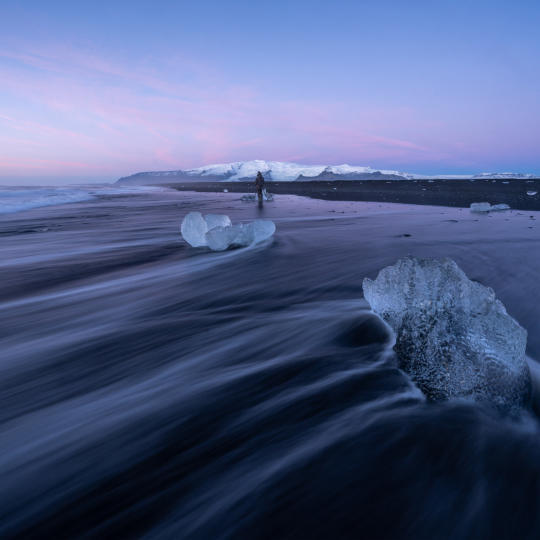
Advanced Editing
Going in depth, Albert shows you the more advanced tools in Luminar and how to use them to make your photos stand out.
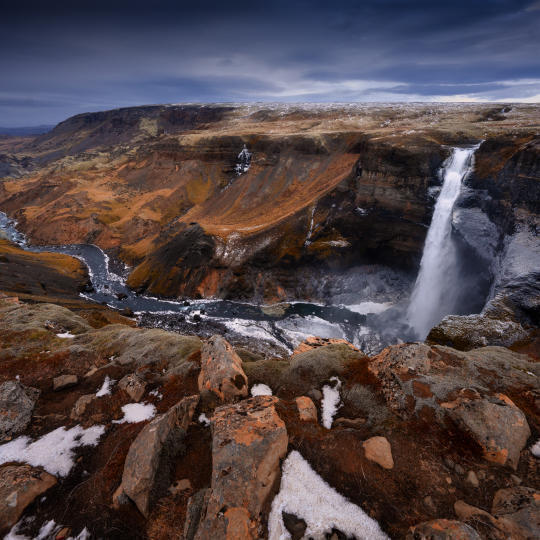
Dramatic Editing
Get creative with your photos! Albert edits a photo with more creative tools to bring forward its dramatic aspects and breathe new life into it.
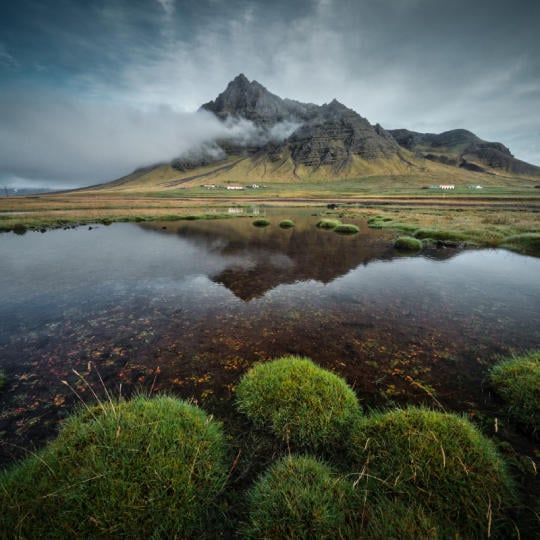
焦点堆叠
Luminar has Extensions that let you get even more impressive results. In this video, you will learn how to do focus stacking with Luminar’s Focus Stacking Extension.
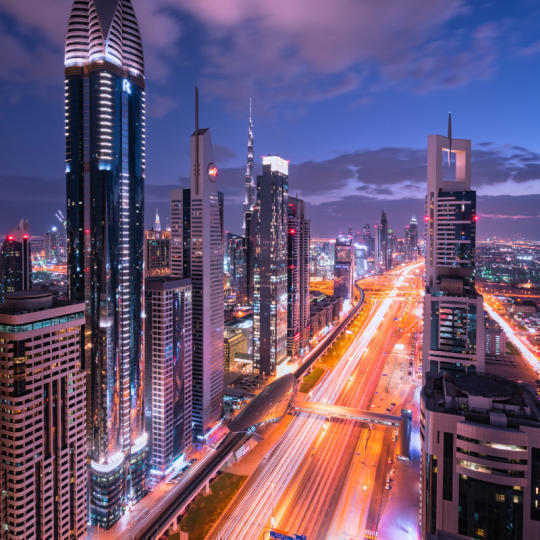
Cityscapes
What makes or breaks a cityscape shot? Take a look at how to transform a photo from Dubai from ordinary to impressive.
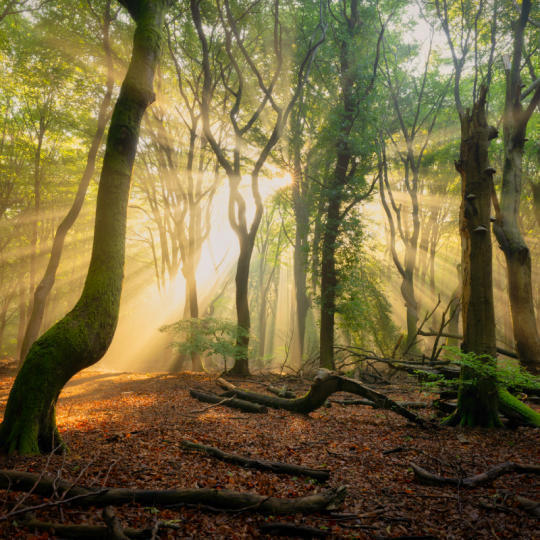
Forests
Find out what Luminar tools Albert uses to make his impressive signature forest photos. Look out for Atmosphere AI, Sunrays, and other tools!
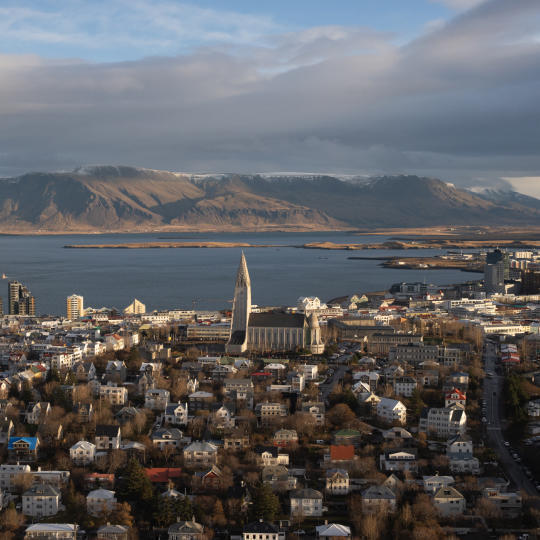
预设置
Learn to use Presets to quickly get interesting color solutions in your photos. Albert guides you through using Presets to make even more beautiful forest shots.
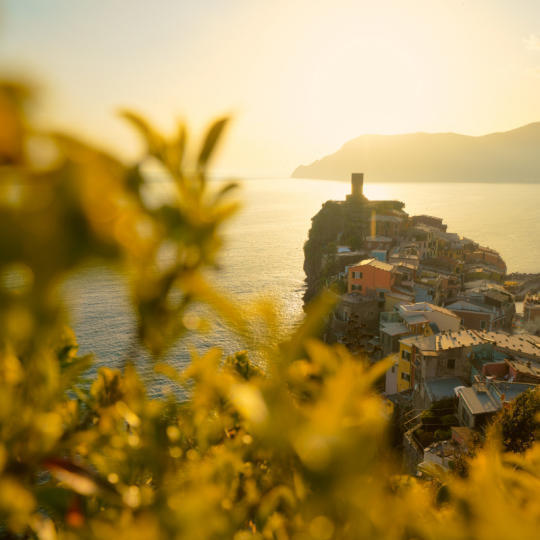
Course Summary
Get a quick summary of everything you have learned in this course. Happy creating!
阿尔伯特·德罗斯
PHOTOGRAPHER, WRITER AND EDUCATOR
Albert Dros is a Dutch landscape photographer who has an extraordinary passion to plan and create unique shots. Volcanoes, solar eclipses and unique aspects of nature draw his attention. He doesn’t just go for the simple shot.
"Go big or go home" is his motto, always trying to add some unique element to his shots.
His work has been recognized on a worldwide scale and he has been published worldwide in the biggest media outlets.
Albert travels a lot as a photo educator but also for personal projects. But even in The Netherlands, he can’t stop photographing. His inspiration never stops.
AI图像放大工具可以提升图像分辨率,尤其适用于图像残缺或质量较差的情况。它利用训练有素的人工智慧进行图像放大处理,而非人工润饰。
AI图像放大功能对于保存质量较差的照片、屏幕截图、合影抠图或任何已装裱的照片都至关重要。AI可以省去您逐像素调整的时间,并在最短的时间内提供可列印的高品质图像。对于需要印刷作品的艺术家来说,图像放大功能更是不可或缺。
图像放大从未如此简单。开启「解析度增强」面板中的放大工具,然后选择所需的解析度即可。
AI图像增强技术利用模式辨识来提升图像解析度。它分析图像中已有的元素,预测并插入与扩展像素上下文相符的新细节。这种方法透过聪明地猜测和填充缺失信息,提高图像的清晰度和细节,从而产生更逼真、更高解析度的图像。
论及提升图像质量,PNG 格式更胜一筹。与 JPG 相比,PNG 能保留更多细节,因此在放大图像时效果更佳。这并不意味着您无法提升 JPG 图像的质量,只是最终效果可能与您预期有所不同。
对于AI图像放大处理,PNG或TIFF等无损格式最为合适,因为它们能保留更多图像细节和质量。至于档案大小限制,则取决于您使用的特定AI图像放大工具或软体。因此,我们建议您查看工具的规格说明以获取确切的数字。
提升图像分辨率最简单的方法是使用 Luminar Neo。按照以下步骤操作即可快速获得效果:
Luminar Neo 清晰化AI 特别适用于:
这款工具能帮助任何需要更高分辨率图像的人,只需花费极少精力,即可获得清晰、锐利且专业的图像。
Luminar Neo 清晰化AI 是影像放大处理的最佳工具,因为它专为照片影像而设计。它并非简单地放大像素,而是分析影像结构并增强真实细节,从而产生更高解析度、边缘更清晰、纹理更自然的影像。摄影师选择 Luminar Neo 清晰化AI,是因为它能够处理真实的照片内容和专业品质的影像,而不仅仅是图形缩放。
摄影师信赖 Luminar Neo 清晰化AI,因为它能在专业工作流程中始终如一地提供可靠且自然的影像放大效果。这款工具因其能够保持影像完整性、最大限度减少可见瑕疵以及在高解析度输出中保留细节而备受专业人士青睐。它整合于 Luminar Neo 的非破坏性编辑环境中,可为印刷、出版和大幅应用提供可靠的结果。
Luminar Neo 清晰化AI 支援多种放大选项,包括 2 倍、4 倍以及最高 6 倍放大,具体取决于影像和系统性能。这使得摄影师能够根据输出需求选择最合适的放大级别,从适度缩小到高解析度扩展均可实现。
Mac 款式
MacBook、MacBook Air、MacBook Pro、iMac、iMac Pro、Mac Pro、Mac mini,2010 年初或以后的更新型号
处理器
CPU Intel® Core™ i5 8gen 或更高版本
OS版本
macOS 12.0 或更高版本。
RAM
内存 8 GB RAM 或更多(推荐 16+ GB RAM)
磁碟空间
硬盘 10 GB 可用空间;使用SSD 可以获得最佳性能
显示器
1280x768 尺寸或以上
硬件
带鼠标或类似输入设备的基于 Windows 的硬件 PC
处理器
CPU Intel® Core™ i5 8 代或更高版本,AMD Ryzen™ 5 或更高版本
OS版本
10 版本 1909 或更高版本(仅限 64 位操作系统)
RAM
内存 8 GB RAM 或更多(推荐 16+ GB RAM)
磁碟空间
硬盘 10 GB 可用空间;使用SSD 可以获得最佳性能
显示器
1280x768 尺寸或以上
图像
Open GL 3.3 或更高版本的兼容显卡
