
 View plans
Seamlessly Fade Images
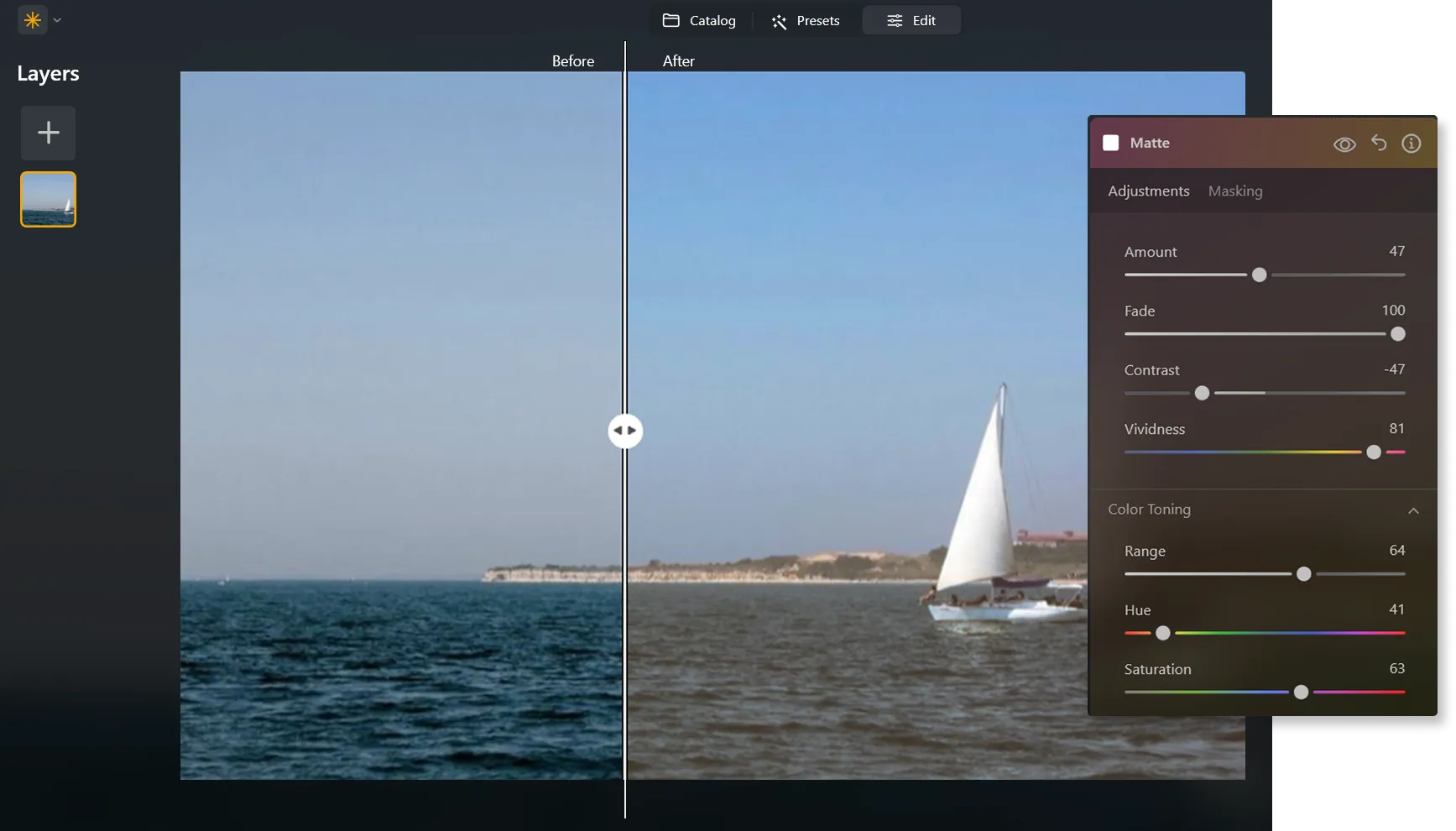
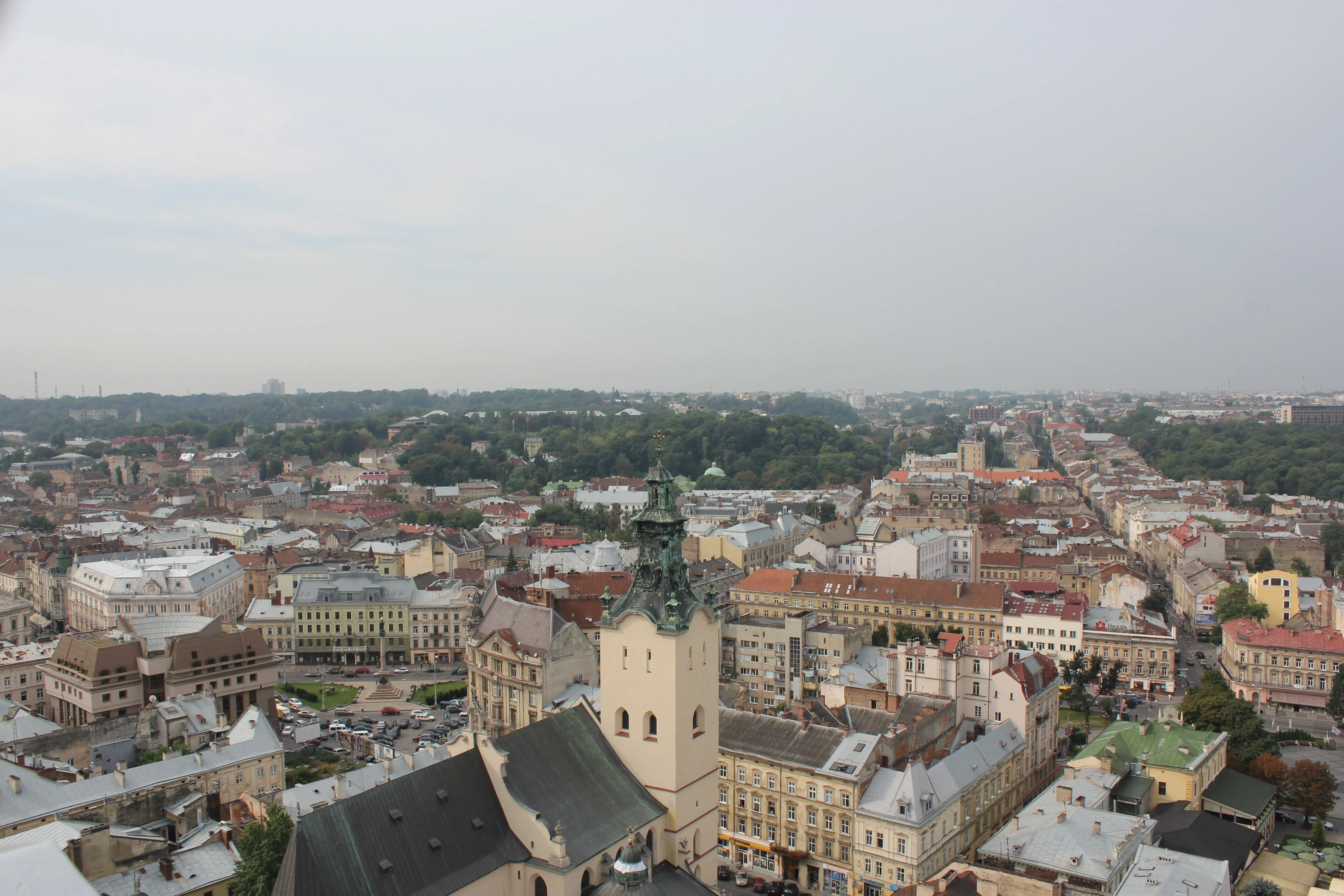
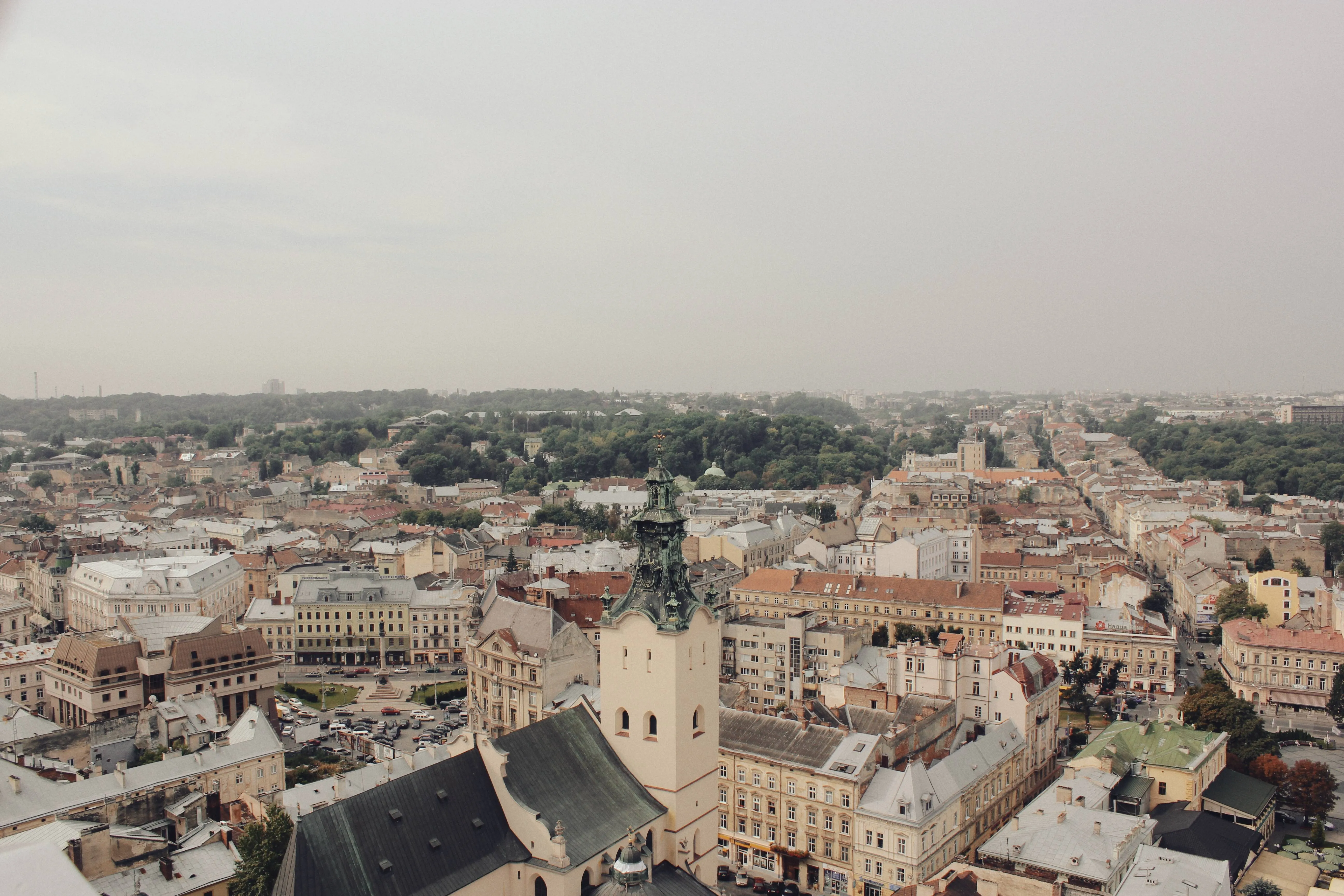
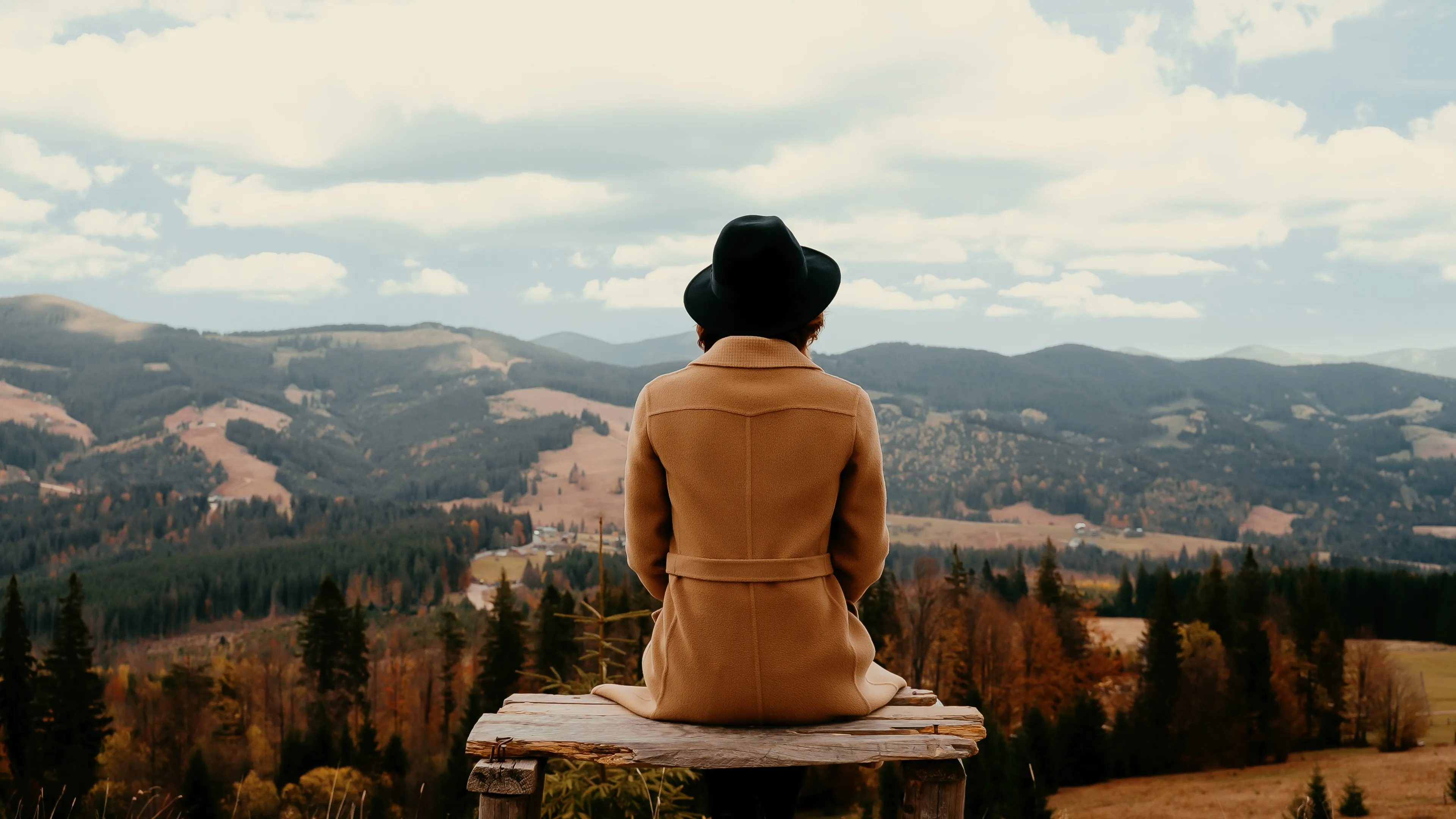
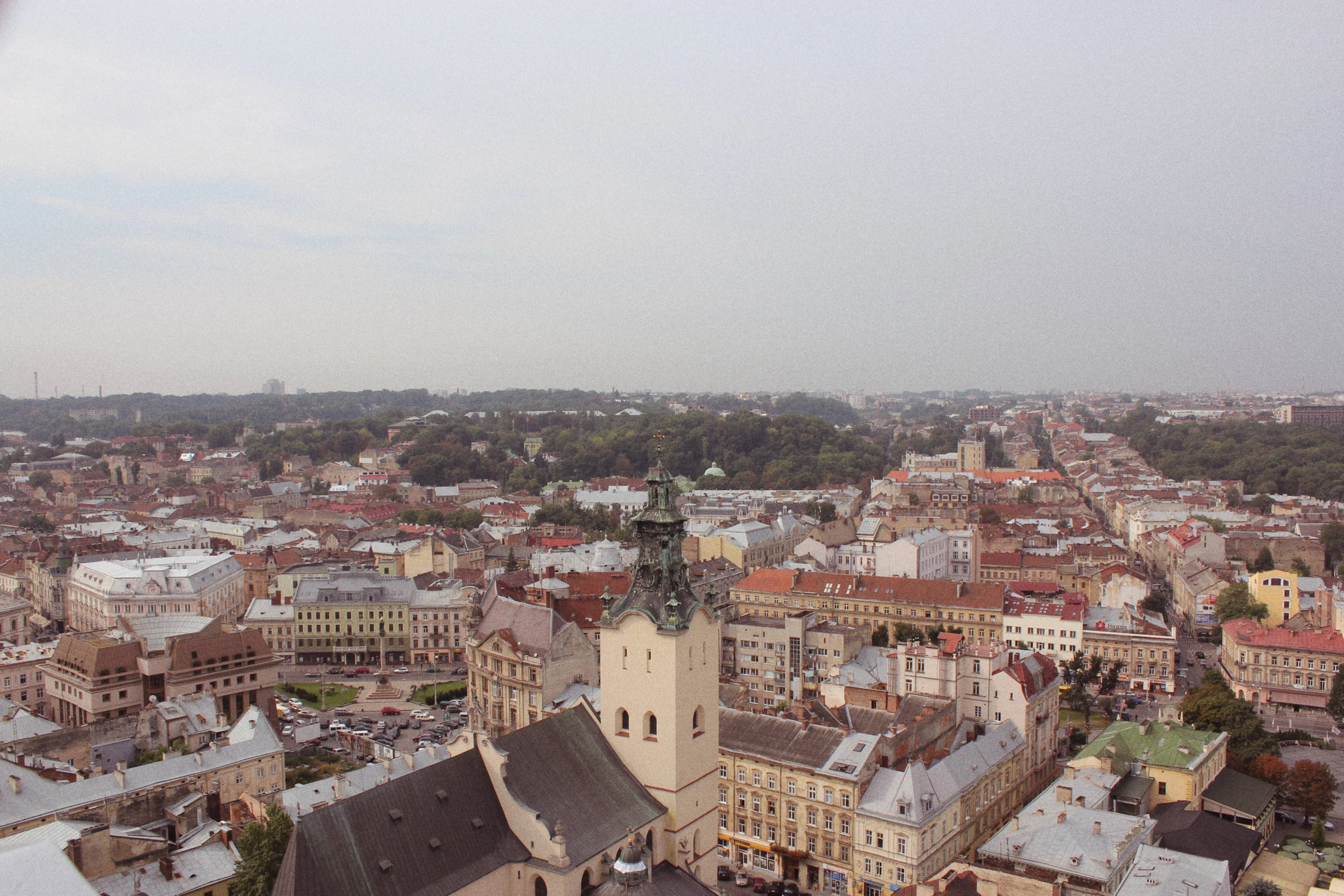
Achieve a faded effect in your photo by reducing the intensity of colors or tones in an image, giving it a softer and more muted appearance. Use it to create a vintage or nostalgic look or to enhance the mood and atmosphere of an image
Try it nowHow Do You Master the Art of Fading Images?
Alternatively, you can use fade filter effects that you can apply in a click for the exact result you’ve been looking for.

Why Should You Consider Editing with a Photo Fader Software?
There are gradient masks that can help you with your fade editing and a variety of different Presets for experimenting with the overall look of your photo.
Explore the Aesthetics of the Fade Photo Effect
Softening the colors and tones can make the photo feel dreamy, ethereal or romantic which is useful in genres like portrait, wedding or landscape photography. The possibilities are endless!
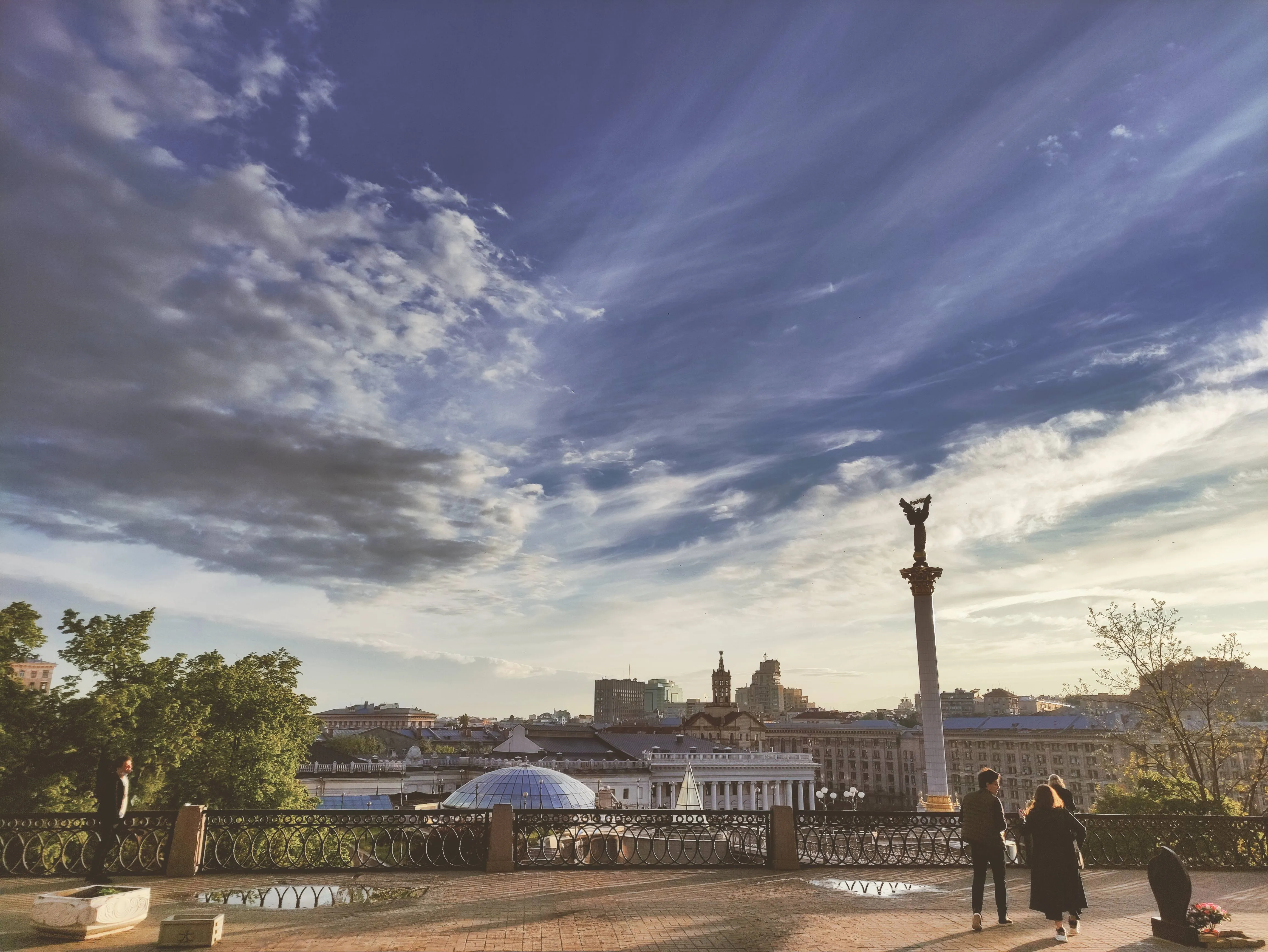
How to Add a Fading Effect in Luminar?
The easiest way to create faded pictures in Luminar is by applying a one-click Preset.

Make sure an image is open in Luminar.

Click Presets at the top of the window to switch to the Presets Browser. This opens the Presets panel.

Choose a Preset collection. Use suggested Presets in the “For This Photo” section or browse other collections organized by categories.

Examine the Presets available by exploring their icons.

When ready, click on a Preset name to apply it. To apply a different Preset to your photo, click on its name.
Explore Other Features

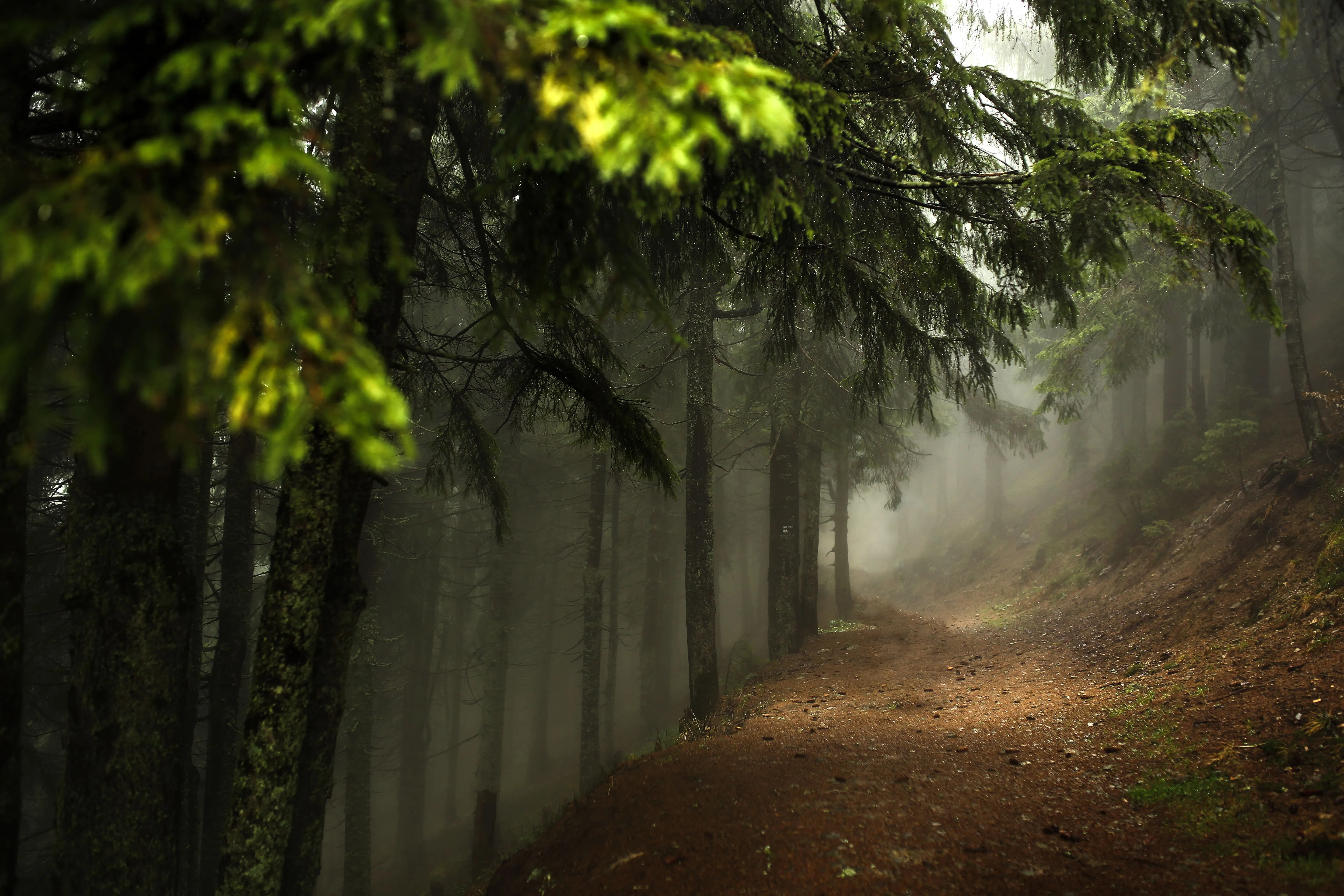
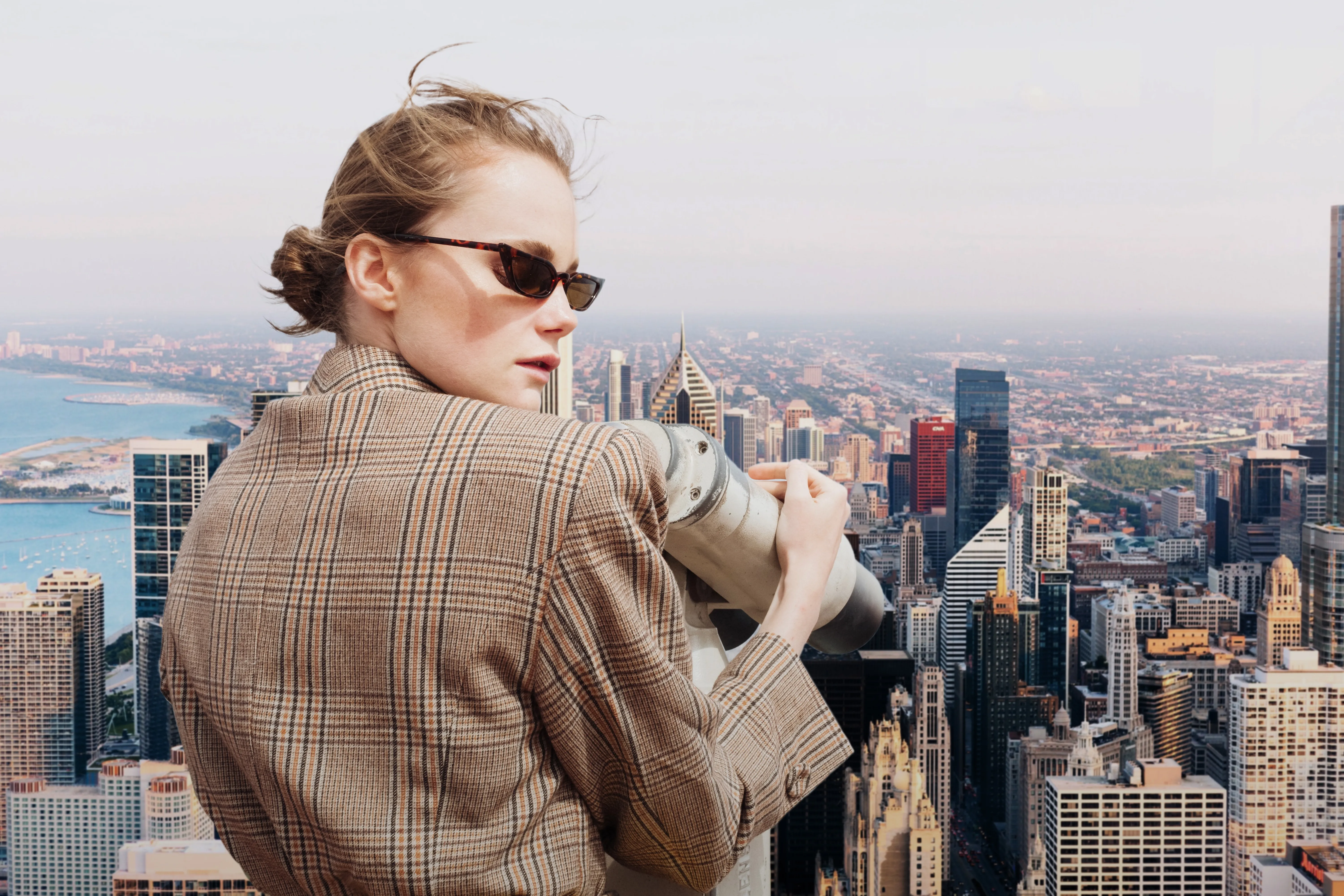

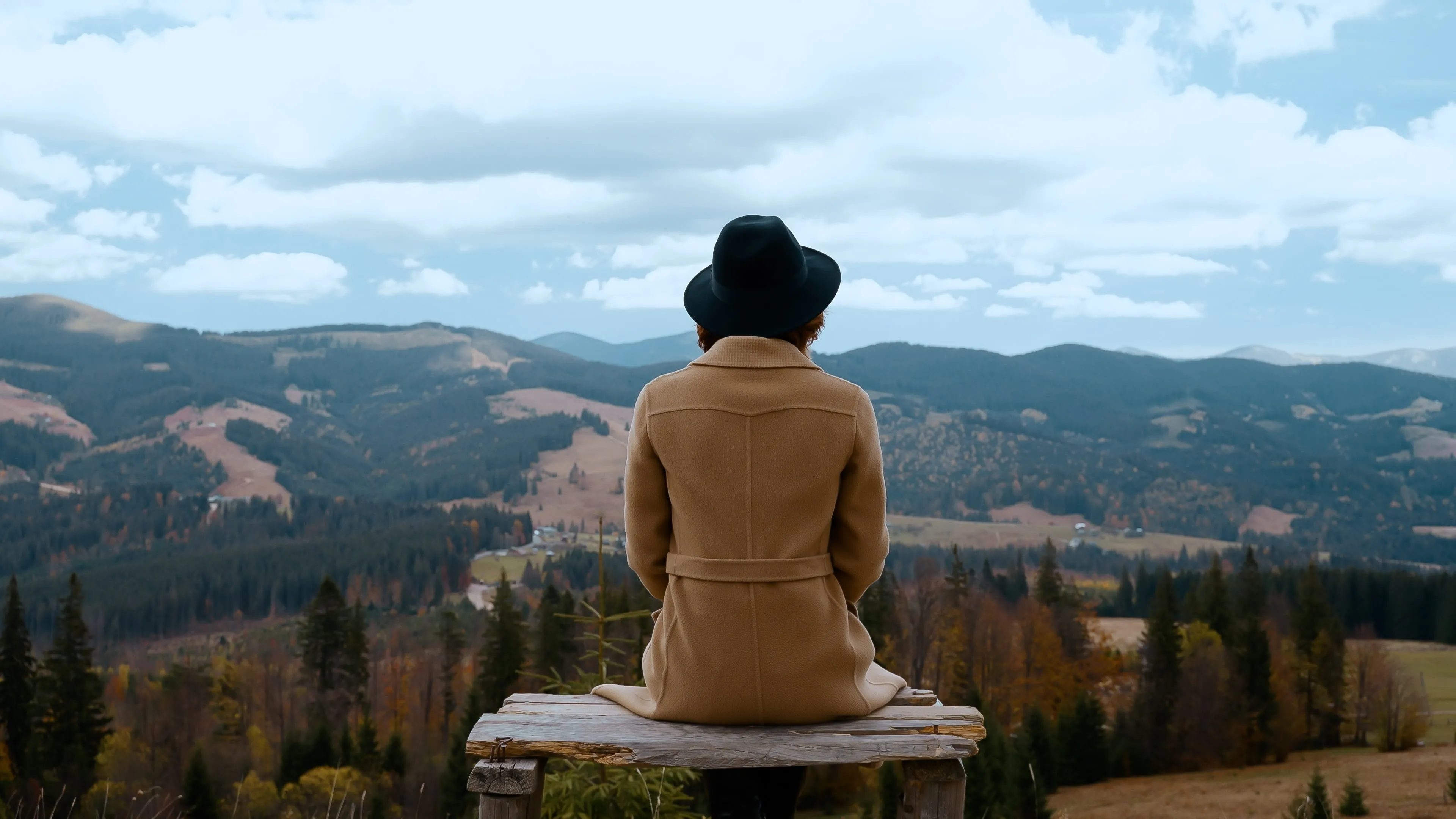







An application & plugin
For macOS & Windows
- High-performance AI editor
24/7 technical support
30-day money back guarantee
Join our communies

Frequently Asked Questions
How to fade images with Luminar?
Can I adjust the fade effect for my photo?
Is it possible to fade one image into another?
Can I apply the fade effect to only a specific part of my image, like a background or an object?
Why Luminar is the best image fader?
Who can benefit from Luminar photo fader?
• Photographers: add subtle, cinematic fade to images
• Content creators: create aesthetic, cohesive visuals
• Designers: match images to brand or editorial style
• Social media users: achieve trendy, soft-tone looks
• Editors: fine-tune contrast and mood with precision
