

自動更新
1 年內續訂 $ 49

無論身在何處,都能享受跨裝置的創意體驗,工作流程無縫接軌。在行動裝置上拍攝,即時編輯,然後在電腦上進行精細調整——所有作品自動同步,確保細節不會遺漏。靈感乍現,即可自由創作。
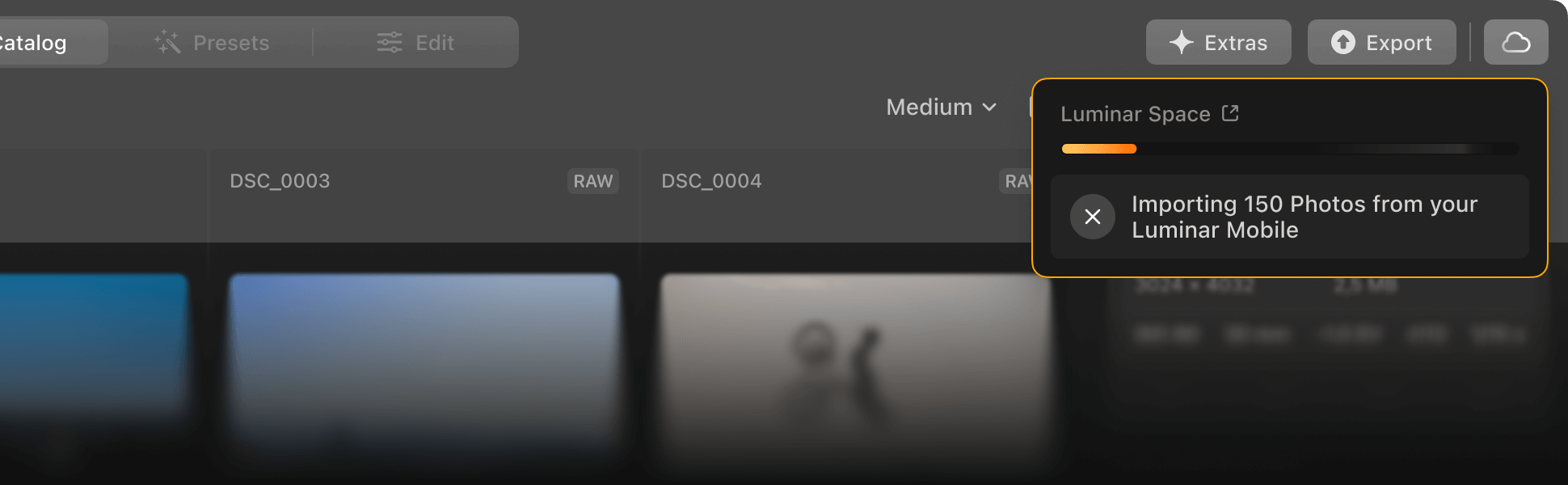
無論從哪裡開始,您的編輯都是安全、可存取且最新的。 Luminar 確保您的照片在各個裝置之間自動同步,讓您獲得可靠的存取體驗,安心無憂。

在行動裝置上開始編輯,在電腦上進行最佳化。 Luminar Ecosystem讓您無論在哪裡工作都能獲得流暢、統一的體驗,從而保持您的創造力。

使用 Luminar 編輯的照片在桌面上創建時尚的網頁,並在任何裝置上展示你的最佳作品。這是展示作品集、客戶圖庫或個人故事的完美方式。
您在手機或平板電腦上所做的每項調整都會自動儲存在雲端,因此即使切換到桌面,您也可以從上次中斷的地方繼續操作。
從匯出最終影像到在 Spaces 中建立令人驚嘆的網路畫廊,Ecosystem 讓您能夠輕鬆地專業地展示您的照片。
沒有乾擾,沒有等待-只有流暢、不間斷的編輯體驗,讓您從頭到尾保持專注和靈感。
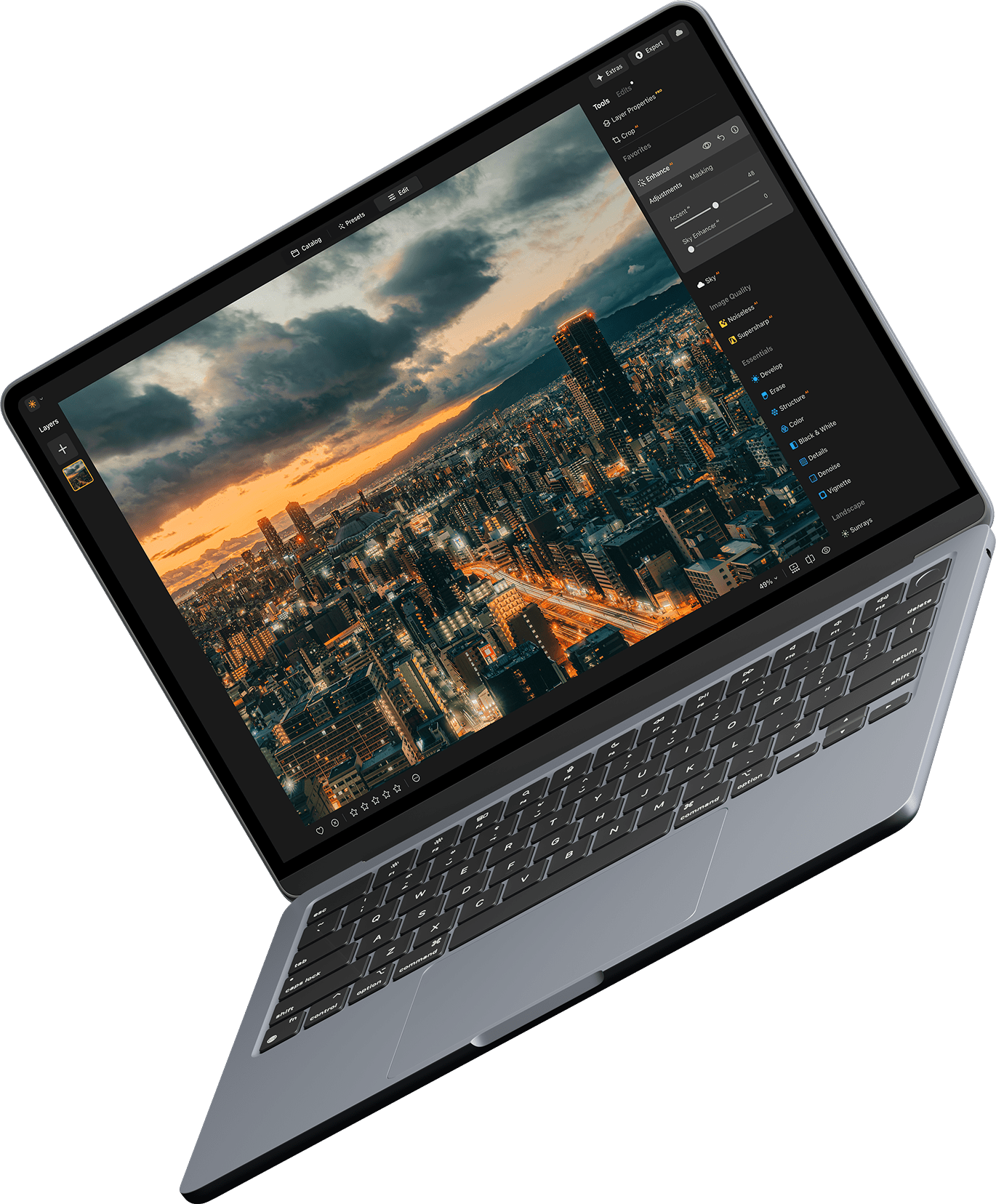
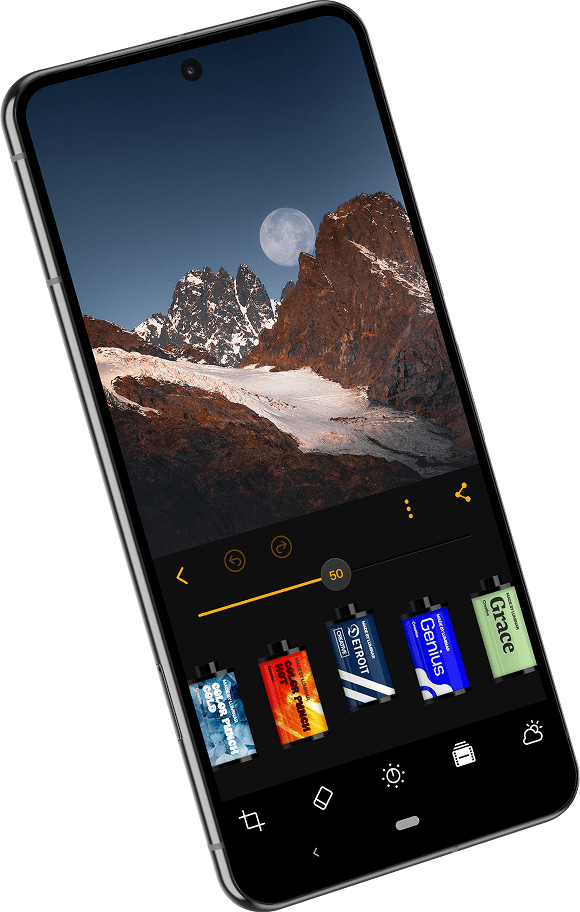
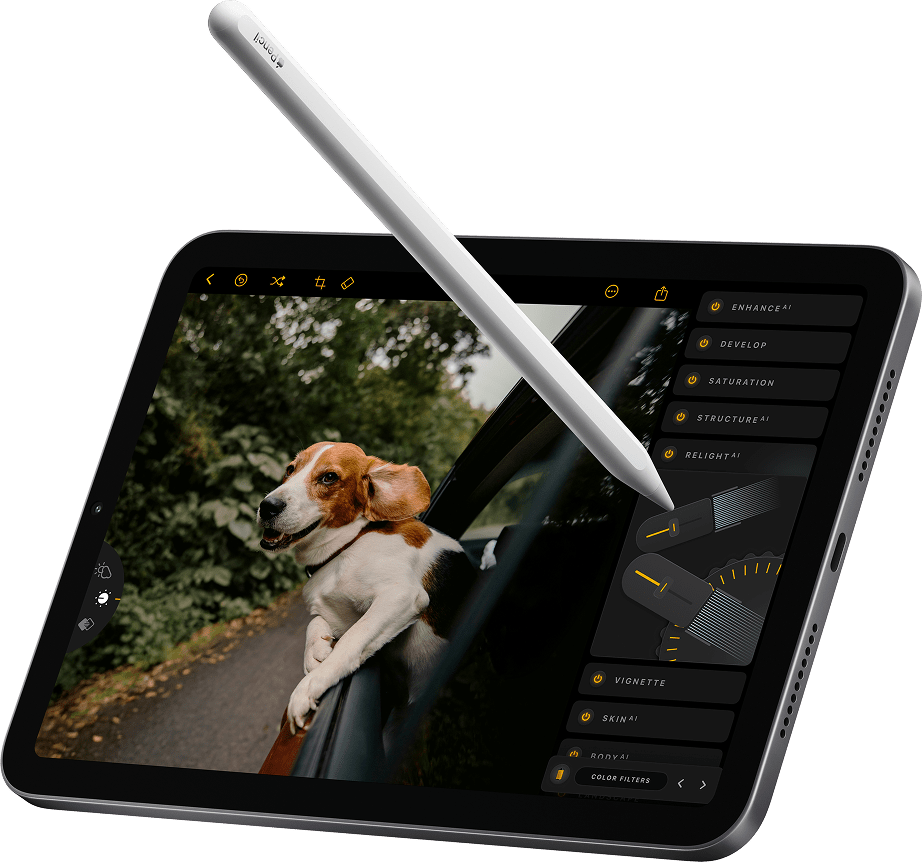




全面掌控 Luminar Ecosystem ,所有照片、工具和編輯功能都觸手可及。在手機上開始項目,在平板電腦上進行修改,最後在桌上型電腦上完善-所有操作無縫銜接。所有設備互聯互通,讓您完全掌控創作流程,專注於將創意變為現實。
您的所有編輯和照片都將完全私密,只有您自己才能查看。無論您是在不同設備上工作還是回顧之前的項目,您的作品都將安全無虞,完全由您掌控,讓您可以安心專注於創作。
剛剛發佈
Restoration, Light Depth: 剛剛發佈
AI助理:2025年12月上市
GenErase、GenSwap、GenExpand
包括所有專業工具,如 SupersharpAI、UpscaleAI、NoiselessAI、全景拼接、焦點堆疊、HDR 合併、背景去除、Magic LightAI 以及自動調整、色彩傳輸、色彩遮罩等。
剛剛發佈
剛剛發佈
可靠的支援隨時準備提供協助
24/7 聊天支援
技術支援
9/10 滿意度
4.7 Trustpilot

適用於 Windows/MacOS 的桌面,以及一年內所有生成工具的完全存取權。
適用於 iOS/Android/ChromeOS 的行動應用程式
100 個創意附加元件
Luminar Neo 影片課程
適用於 Windows/MacOS 的桌面,以及一年內所有生成工具的完全存取權。
適用於 iOS/Android/ChromeOS 的行動應用程式
100 個創意附加元件
Luminar Neo 影片課程
適用於 Windows/MacOS 的桌面,以及一年內所有生成工具的完全存取權。
適用於 iOS/Android/ChromeOS 的行動應用程式
100 個創意附加元件
Luminar Neo 影片課程
Luminar Neo Video Course
Creative Photo Editing Techniques in Luminar Neo

Introduction & Course Outline
Albert Dros introduces himself and gives a quick overview of what you will learn in this photography and...

Introduction to Photography
What should you focus on when taking your photos to get the best results?

Basic Editing
Albert introduces the layout of Luminar Neo and the basic instruments you can use to achieve great results instantly.

Advanced Editing
Going in depth, Albert shows you the more advanced tools in Luminar Neo and how to use them to make your photos stand out.

Dramatic Editing
Get creative with your photos! Albert edits a photo with more creative tools to bring forward its dramatic aspects and breathe new life into it.

焦點堆疊
Luminar Neo has Extensions that let you get even more impressive results. In this video, you will learn how to do focus stacking with Luminar Neo’s Focus Stacking Extension.

Cityscapes
What makes or breaks a cityscape shot? Take a look at how to transform a photo from Dubai from ordinary to impressive.

Forests
Find out what Luminar Neo tools Albert uses to make his impressive signature forest photos. Look out for Atmosphere AI, Sunrays, and other tools!

預設置
Learn to use Presets to quickly get interesting color solutions in your photos. Albert guides you through using Presets to make even more beautiful forest shots.

Course Summary
Get a quick summary of everything you have learned in this course. Happy creating!
阿爾伯特·德羅斯
PHOTOGRAPHER, WRITER AND EDUCATOR
Albert Dros is a Dutch landscape photographer who has an extraordinary passion to plan and create unique shots. Volcanoes, solar eclipses and unique aspects of nature draw his attention. He doesn’t just go for the simple shot.
"Go big or go home" is his motto, always trying to add some unique element to his shots.
His work has been recognized on a worldwide scale and he has been published worldwide in the biggest media outlets.
Albert travels a lot as a photo educator but also for personal projects. But even in The Netherlands, he can’t stop photographing. His inspiration never stops.
 >
>
>
>

預設置

天空

叠加

LUTs

課程

精英X 會員
$ 39 /年
Renewal price $ 59
學習影片庫
300+ Exclusive Presets or LUTs
300+ Unique Skies or Overlays
Team Skylum 的軟件捆綁包可享 30% 折扣 新的
15% OFF Luminar Marketplace
20 new items per month
Exclusive community
Additional surprise offers
驗證您之前購買的 Skylum 產品,即可以忠誠折扣購買 Luminar Neo。
驗證您之前購買的 Skylum 產品,即可以忠誠折扣購買 Luminar Neo。
Enter the email associated with your current Skylum product to verify your previous purchase and buy Luminar Neo with a loyalty discount.
Get your 30% discount on any plan of your choice. The promo code is valid for 24 hours only. Don’t miss this exclusive deal!
可獨立運作:

macOS

Windows
可作為插件使用:

Adobe Photoshop®

Adobe Lightroom®

Apple Photos®
可獨立運作:

安卓

iOS

ChromeOS
2025/2026 升級通行證包括:
2025/2026 Ecosystem通行證包含2025/2026 升級通行證中的所有內容,此外還有:
如果您想使用 2025 年秋季升級和 2026 年春季更新中推出的新工具,您需要購買最適合您需求的新通行證。
您可以繼續使用目前 Pass 中包含的所有工具,無需升級(生成工具除外)
2026 年 12 月 31 日之後,如需繼續使用產生工具(GenErase、GenExpand、GenSwap),您需要購買包含這些工具的新通行證。我們將在該日期臨近時提供更新的通行證選項,以便您選擇最符合您需求的選項。
有。您的購買享有我們的退款保證,自購買之日起至2025年秋季升級版所有工具發布後30天(包括2025年12月推出的AI助理)。這確保您在做出決定之前能夠享受完整的Luminar Neo體驗。
Mac 款式
MacBook、MacBook Air、MacBook Pro、iMac、iMac Pro、Mac Pro、Mac mini、2010 年初或更新機型
處理器
CPU Intel® Core™ i5 8gen 或更高版本
OS版本
macOS 12.0 或更高版本。
RAM
記憶體 8 GB RAM 或以上(建議 16+ GB RAM)
磁盤空間
硬碟10 GB可用空間; SSD 以提供最佳效能
顯示器
1280x768或更高分辨率
硬件
硬件 – 基於Windows的電腦,配備鼠標或類似輸入設備
處理器
CPU Intel® Core™ i5 8gen 或更高版本,AMD Ryzen™ 5 或更高版本
OS版本
10 版本 1909 或更高版本(僅限 64 位元作業系統)
RAM
記憶體 8 GB RAM 或以上(建議 16+ GB RAM)
磁盤空間
硬碟10 GB可用空間; SSD 以提供最佳效能
顯示器
1280x768或更高分辨率
圖像
Open GL 3.3或者更高版本的兼容顯卡
