
 View plans
Enhancing Food Photo Editor
Great food photos make people hungry. With Luminar AI food photo editor, you can quickly enhance your food photos and turn them into mouth-watering visuals that attract attention and boost engagement.
VIEW PLANSWhat Problems Does a Food Photo Editor Solve?
Food businesses often deal with photos that look dull, poorly lit, or inconsistent across menus, delivery apps, and social media. Luminar helps you quickly improve your food images and create professional visuals without expensive studio equipment.
Replace or Clean the Background


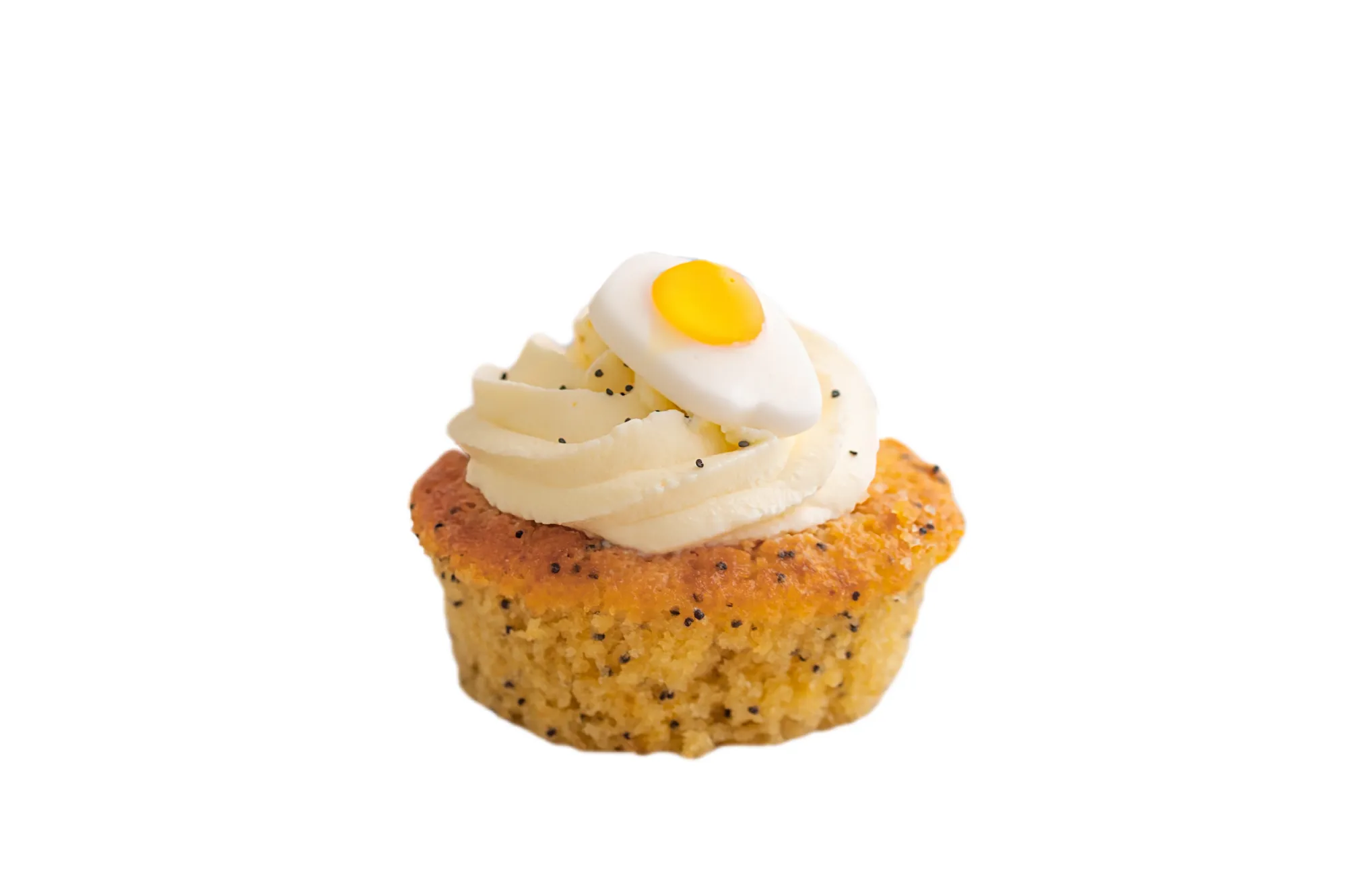

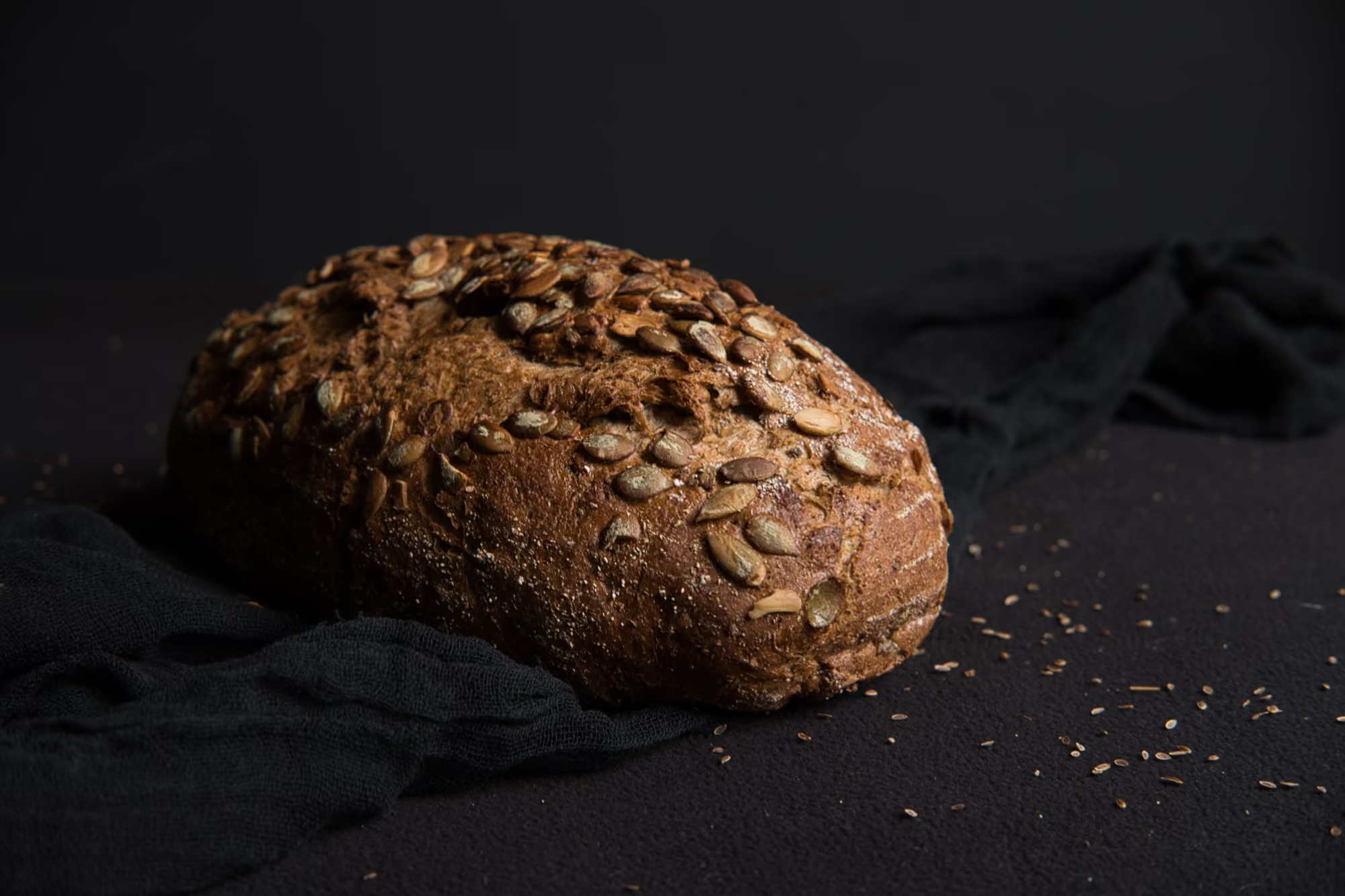
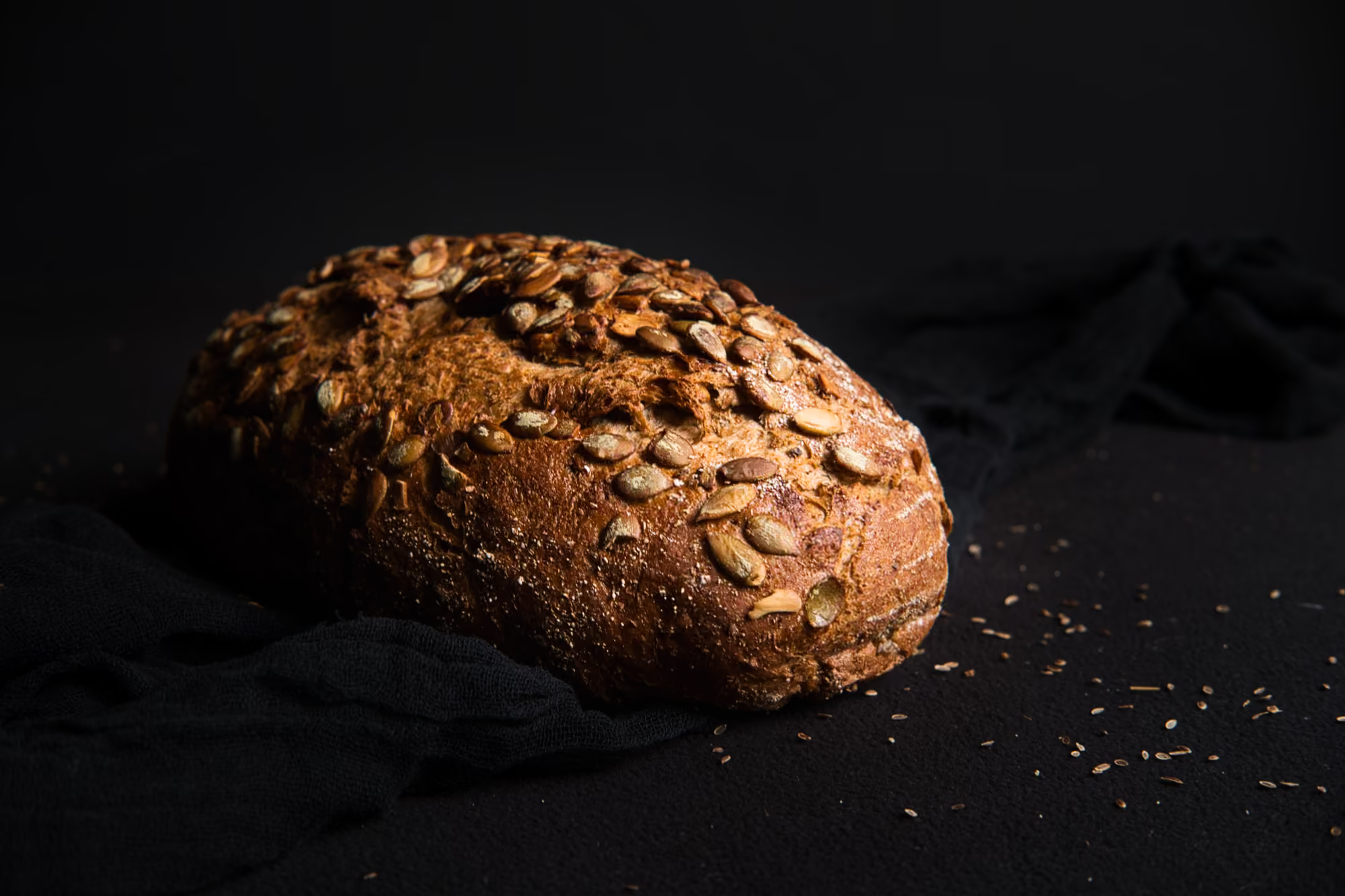
Improve Lighting and Exposure
Enhance Colors and Textures with AI


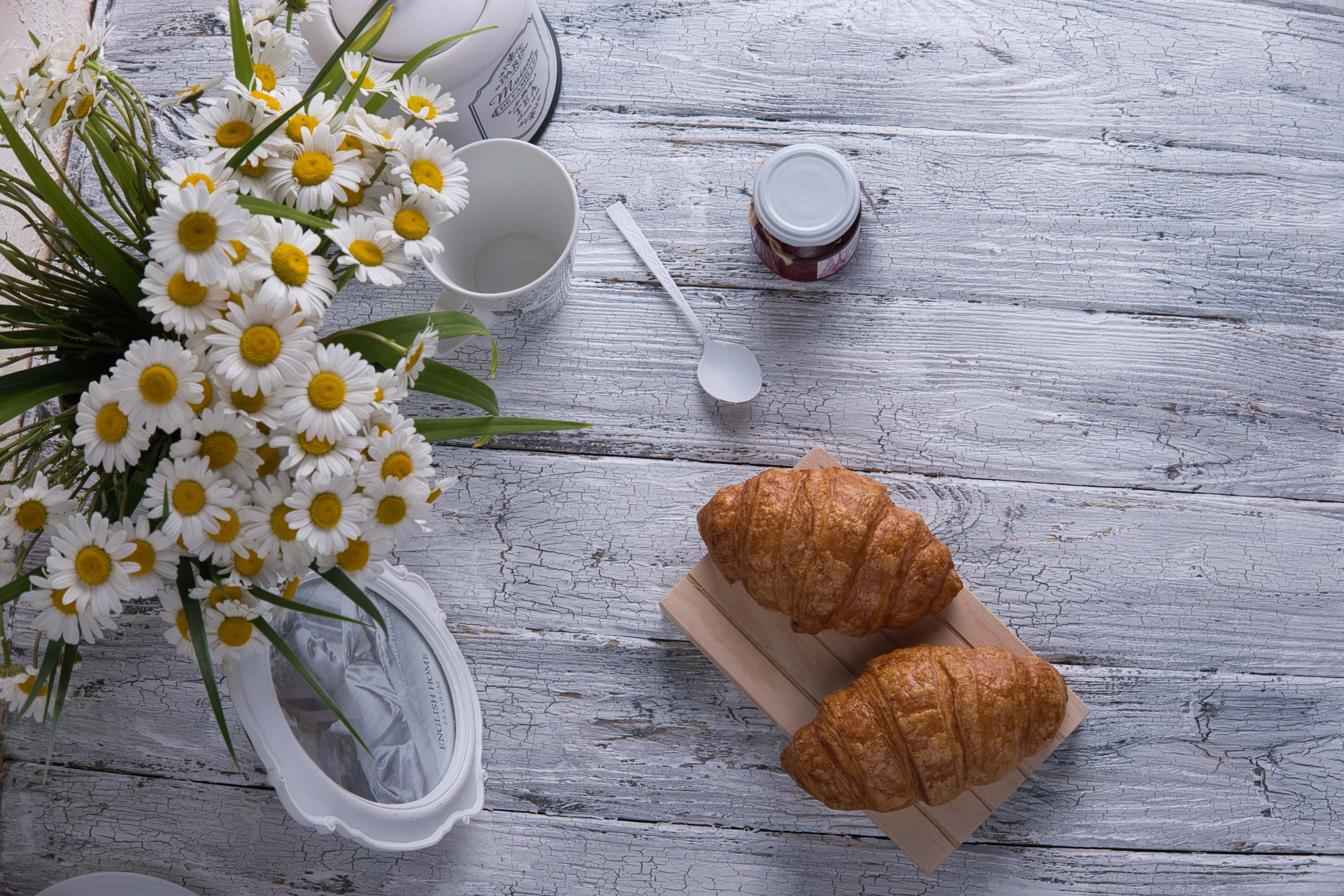
Remove Distractions and Focus on the Dish
Why Choose Luminar for Food Image Enhancement?
Luminar is an advanced photo editor that helps solve the most common problems in food photography—from poor lighting and dull colors to distracting backgrounds. With AI-powered tools, you can quickly enhance lighting, improve textures, remove unwanted objects, and replace backgrounds in just a few clicks.

Use Cases for an AI Food Photo Editor
See how Luminar can improve food photography across different industries where high-quality visuals are critical.

Food Delivery Apps
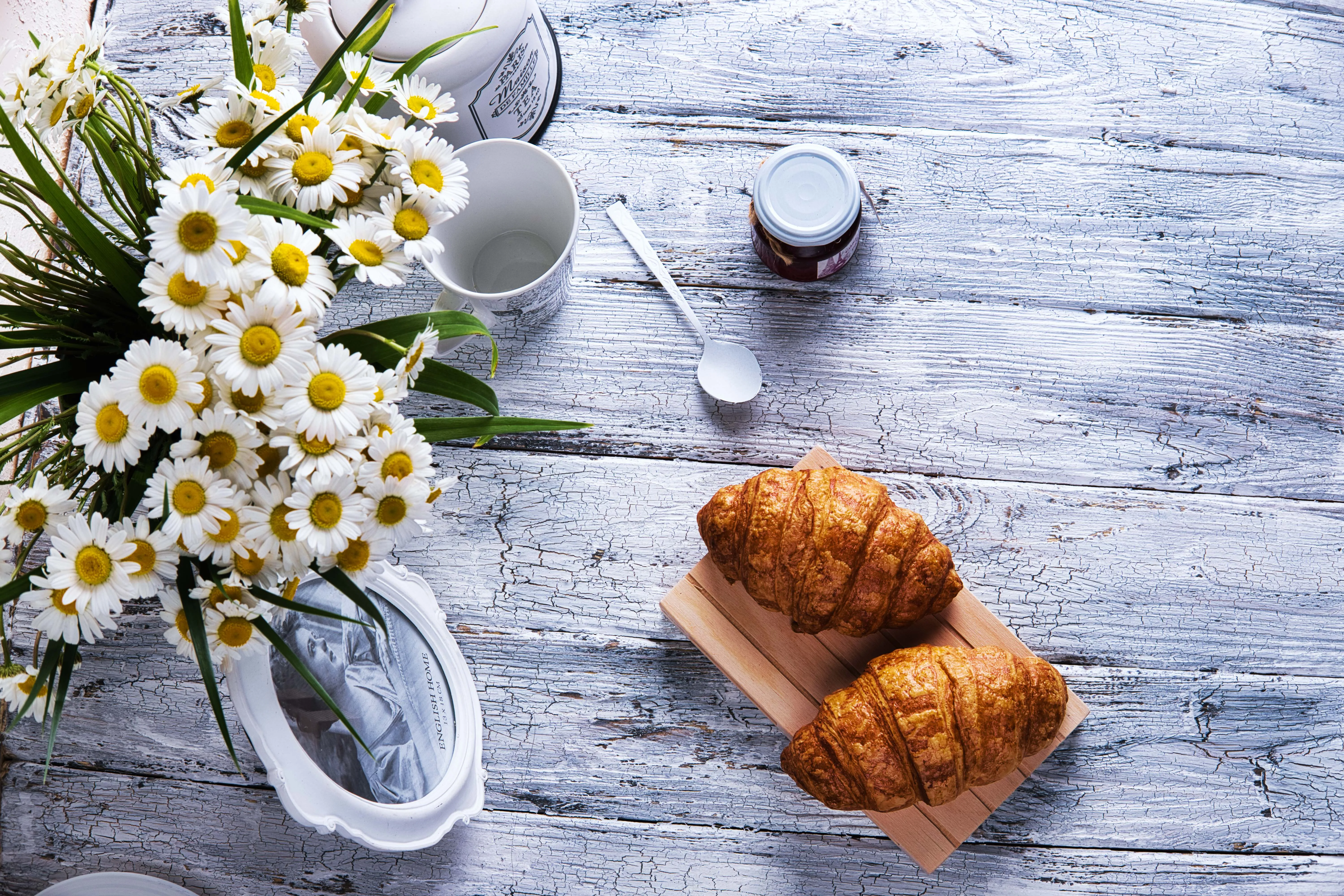
Food delivery platforms rely heavily on visuals. Luminar helps create consistent, appetizing images with improved lighting, clean backgrounds, and enhanced colors that make dishes stand out and encourage orders.
Hospitality
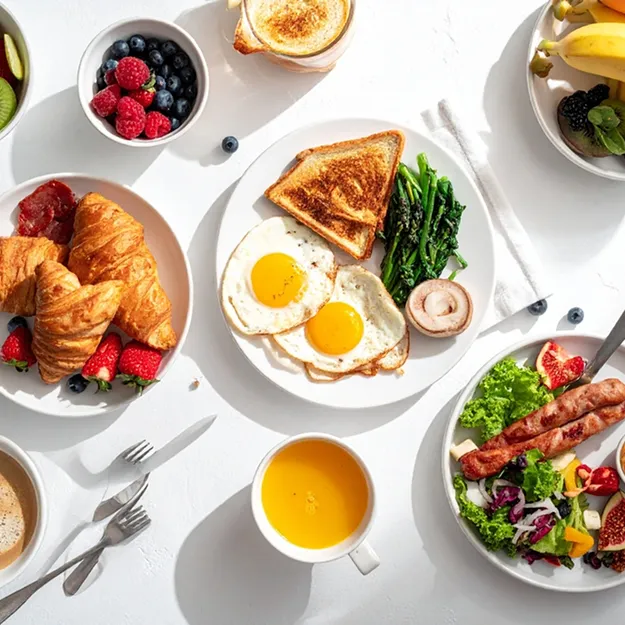
Hotels, cafés, and catering businesses often showcase their menus through photos. Luminar helps enhance dish presentation, improve lighting and colors, and create appetizing visuals that make menu items more attractive for guests.
Marketing & Advertising
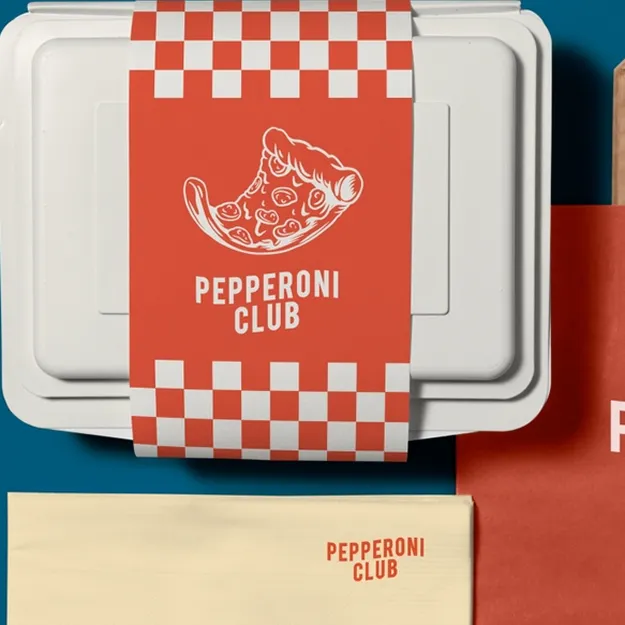
Food brands and marketers need eye-catching visuals for ads, websites, and social media campaigns. With Luminar, you can quickly enhance textures, colors, and lighting to create polished promotional images.
Social Media Creators
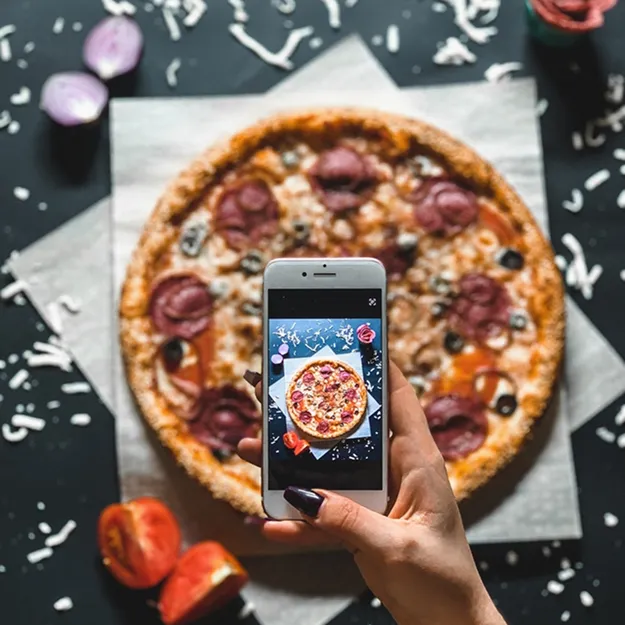
Food bloggers and creators rely on visually appealing images to grow their audience. Luminar helps enhance colors, textures, and lighting so food photos look vibrant and engaging on social media.
How to Edit Food Photos with Luminar
Once you upload your food photo to Luminar, follow these steps to enhance it and create a polished, professional-looking image.

Improve lighting with AI
Use Enhance AI to automatically enhance exposure, contrast, and colors.

Enhance colors and textures
Adjust vibrance, saturation, and details to make ingredients look fresh and appetizing.

Remove distractions
Use GenErase to remove unwanted objects like utensils, stains, or clutter.

Fix or replace the background
Use Background Removal AI to create a clean or white background and export your finished image ready for menus, delivery apps, or marketing.
That’s it! Your image is ready to use.


AI-powered editing tools
4.8 TrustPilot Reviews
Technical support
30-day money back guarantee
An application & Lightroom plugin for macOS & Windows
Other Use Cases

















Frequently Asked Questions
How to edit food photos with Luminar?
• Adjust light and colors to make food look natural and vibrant
• Crop and straighten for a cleaner composition
• Remove distractions using the Erase tool
• Enhance textures with Structure AI
• Refine specific colors with selective adjustments
• Apply a preset from the Skylum Presets Marketplace
• Sync edits across the whole shoot for a consistent look
