Zobacz plany

Enhancing Food Photo Editor

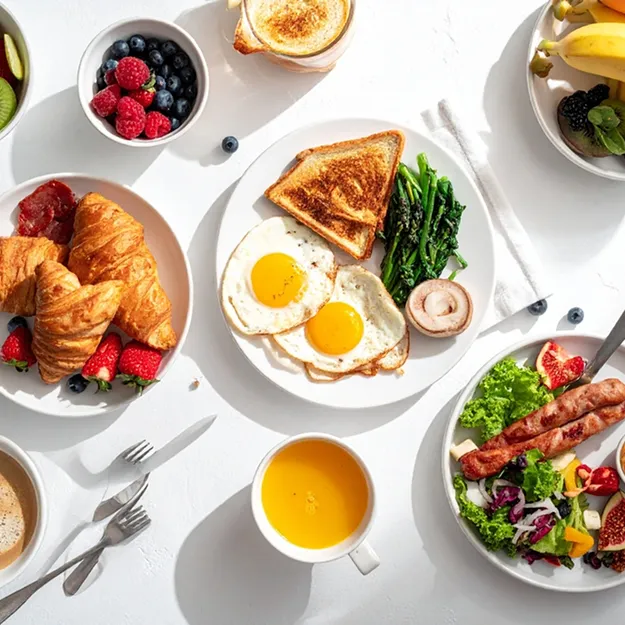
Great food photos make people hungry. With Luminar Neo AI food photo editor, you can quickly enhance your food photos and turn them into mouth-watering visuals that attract attention and boost engagement.

ZOBACZ PLANY

What Problems Does a Food Photo Editor Solve?

Food businesses often deal with photos that look dull, poorly lit, or inconsistent across menus, delivery apps, and social media. Luminar Neo helps you quickly improve your food images and create professional visuals without expensive studio equipment.

Replace or Clean the Background

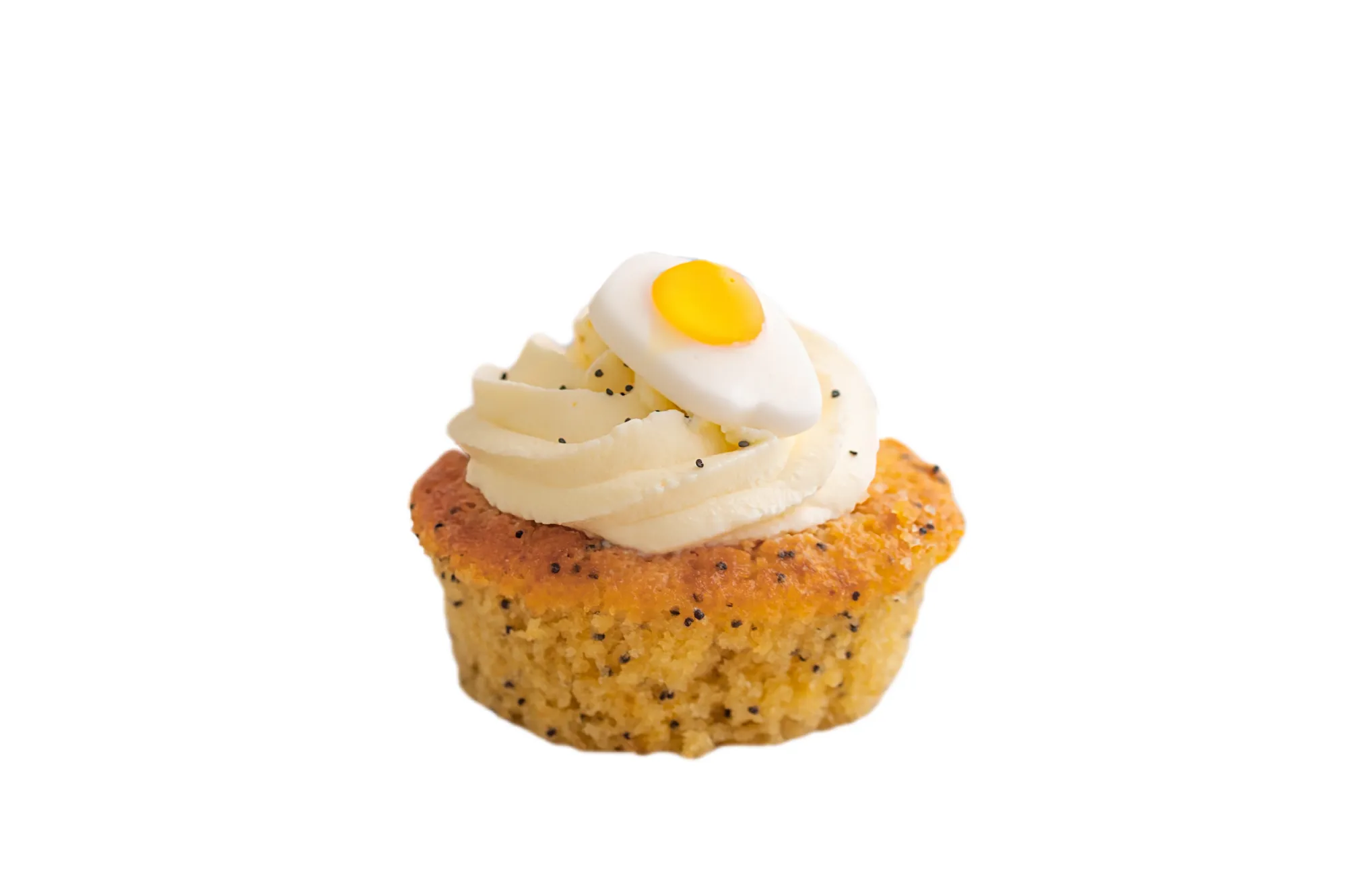
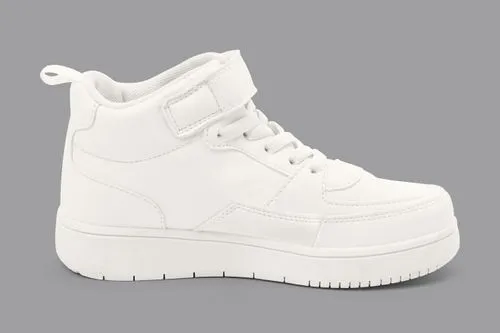
Messy tables or distracting backgrounds can take attention away from the dish. With Luminar Neo, you can easily replace the background, create a clean setting, or generate a white background for menus, catalogs, and delivery platforms.
(2)
(3)
(4)
Przed
Po
© Jim Nix
(5)
(6)
(7)
Przed
Po

Improve Lighting and Exposure

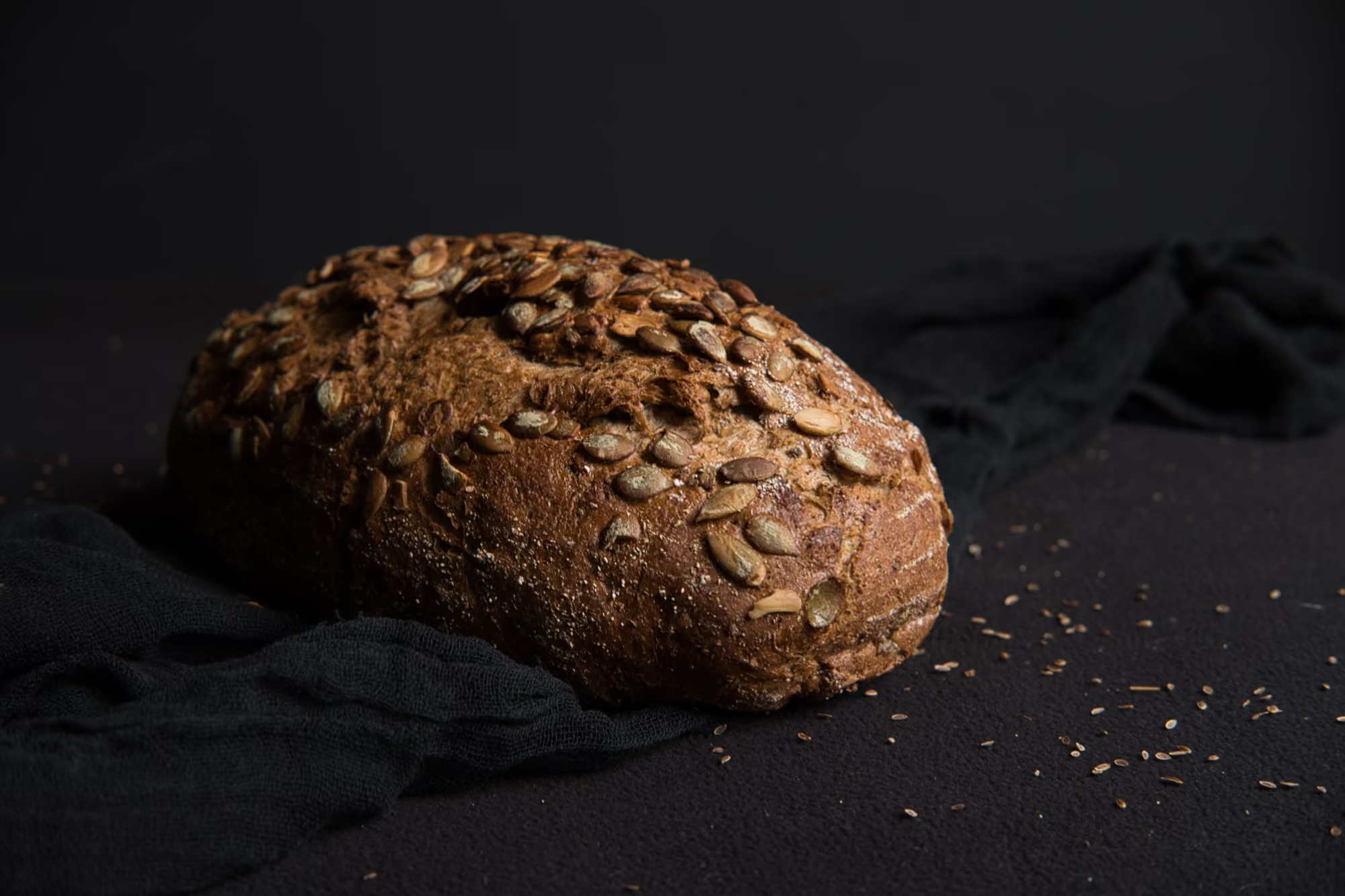
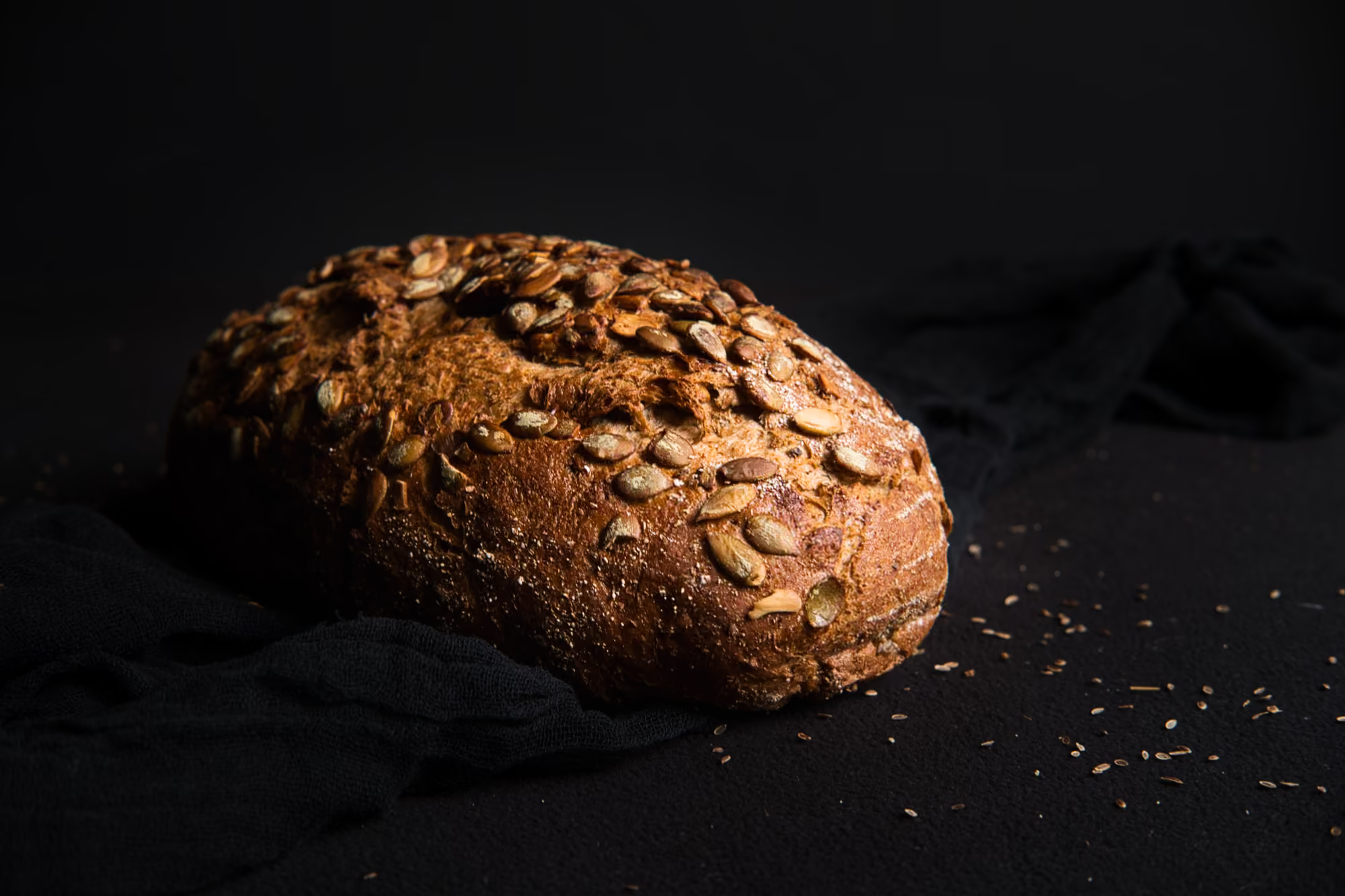
Food often looks less appealing in poor lighting. AI-powered tools in Luminar Neo automatically balance exposure, highlights, and shadows to make dishes look brighter, fresher, and more appetizing.

Enhance Colors and Textures with AI

Bring out the natural colors and textures of ingredients. Luminar Neo enhances details, contrast, and color vibrance so your food photos look rich, fresh, and visually appealing.
(2)
(9)
(10)
Przed
Po
© Jim Nix

Remove Distractions and Focus on the Dish

Unwanted objects like utensils, stains, or packaging can distract from the food. With AI tools, you can remove these elements or blur the background to keep the viewer’s attention on the dish.

Why Choose Luminar Neo for Food Image Enhancement?

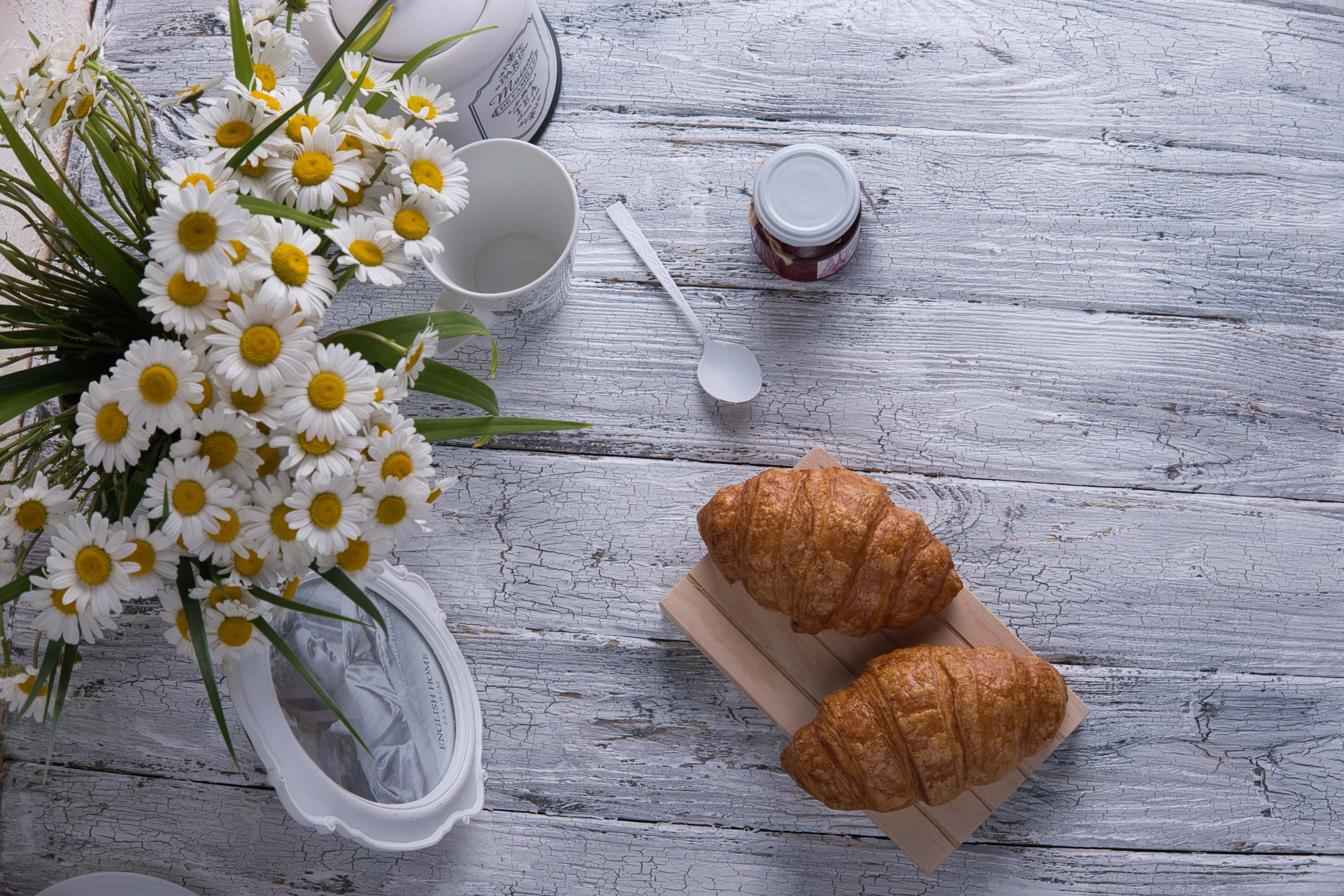
Luminar Neo is an advanced photo editor that helps solve the most common problems in food photography—from poor lighting and dull colors to distracting backgrounds. With AI-powered tools, you can quickly enhance lighting, improve textures, remove unwanted objects, and replace backgrounds in just a few clicks.
(11)
(12)
(13)
Przed
Po
© Jim Nix

Use Cases for an AI Food Photo Editor

See how Luminar Neo can improve food photography across different industries where high-quality visuals are critical.

(14)

Food Delivery Apps

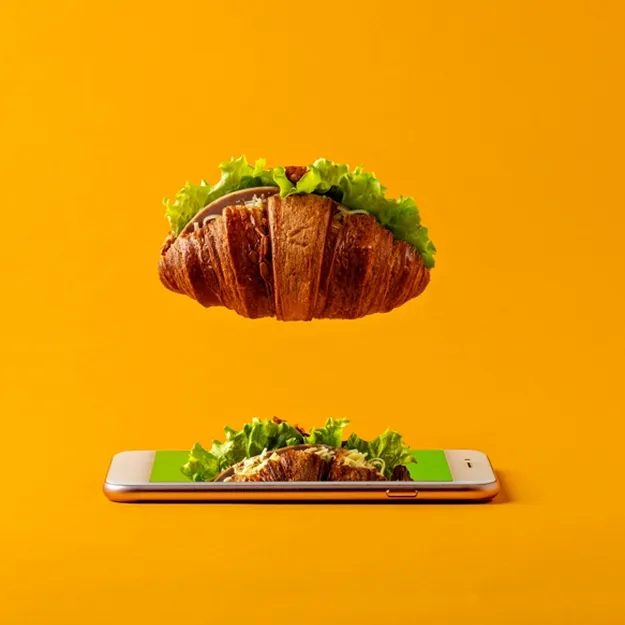
Food delivery platforms rely heavily on visuals. Luminar Neo helps create consistent, appetizing images with improved lighting, clean backgrounds, and enhanced colors that make dishes stand out and encourage orders.

(15)

Hospitality

Hotels, cafés, and catering businesses often showcase their menus through photos. Luminar Neo helps enhance dish presentation, improve lighting and colors, and create appetizing visuals that make menu items more attractive for guests.

(16)

Marketing & Advertising

Food brands and marketers need eye-catching visuals for ads, websites, and social media campaigns. With Luminar Neo, you can quickly enhance textures, colors, and lighting to create polished promotional images.

(17)

Social Media Creators

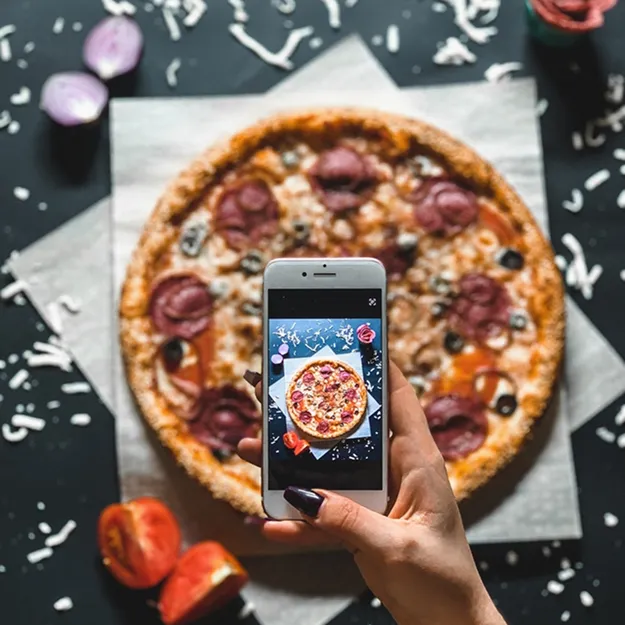
Food bloggers and creators rely on visually appealing images to grow their audience. Luminar Neo helps enhance colors, textures, and lighting so food photos look vibrant and engaging on social media.

How to Edit Food Photos with Luminar Neo

Once you upload your food photo to Luminar Neo, follow these steps to enhance it and create a polished, professional-looking image.

(18)

Improve lighting with AI
Use Enhance AI to automatically enhance exposure, contrast, and colors.

(19)

Enhance colors and textures
Adjust vibrance, saturation, and details to make ingredients look fresh and appetizing.

(20)

Remove distractions
Use GenErase to remove unwanted objects like utensils, stains, or clutter.

(21)

Fix or replace the background
Use Background Removal AI to create a clean or white background and export your finished image ready for menus, delivery apps, or marketing.

That’s it! Your image is ready to use.

Inne zastosowania

Luminar Neo ma wiele innych zastosowań, które pomagają edytować szybciej i łatwiej
(27)
Fotografia biżuterii
(28)
(29)
Przed
Po
© goffkein

Fotografia biżuterii

Spraw, aby Twoja biżuteria lśniła i przyciągała klientów — podkreśl kolczyki, pierścionki i inne elementy.
(30)
Fotografia e-commerce
(31)
(32)
Przed
Po
© Maryna Yurlovska

Fotografia e-commerce

Popraw jakość zdjęć swoich produktów i zwiększ sukces swojego sklepu internetowego dzięki Luminar Neo!
(33)
Fotografia samochodów
(34)
(35)
Przed
Po
© Depositphoto

Fotografia samochodów

Popraw kolory, kontrast, jasność i ostrość, aby wyróżnić swój pojazd dzięki naszemu dynamicznemu edytorowi zdjęć samochodów!
(36)
Fotografia nieruchomości
(37)
(38)
Przed
Po
© Rawpixel

Fotografia nieruchomości

Twórz niesamowite wizualizacje nieruchomości w kilka sekund dzięki narzędziom do obróbki zdjęć nieruchomości opartym na sztucznej inteligencji, które działają dla Ciebie.
(39)
Fotografia mody
(40)
(41)
Przed
Po
© germay10

Fotografia mody

Udoskonalaj stylizacje, retuszuj modele i dopasuj się do naszego profesjonalnego edytowania zdjęć!
(42)
Fotografia artystyczna
(43)
(44)
Przed
Po
© Depositphoto

Fotografia artystyczna

Zrealizuj swoją wizję — wypróbuj Luminar Neo już dziś i zamień każde zdjęcie w arcydzieło za pomocą zaledwie kilku kliknięć.

Często Zadawane Pytania

Who can benefit from Luminar Neo food photo editor?

Luminar Neo is useful for restaurants, cafés, food delivery services, hospitality businesses, marketers, and social media creators. Anyone who needs high-quality food visuals for menus, ads, websites, or social media can use Luminar Neo to quickly improve their photos and make dishes look more appealing.

Why is Luminar Neo the best photo editor for food photo editing?

Luminar Neo combines powerful editing tools with AI automation, making food photo editing fast and intuitive. You can improve lighting, enhance colors and textures, remove distracting elements, and replace backgrounds in just a few clicks. This allows you to create professional-looking AI food photography without complex editing or expensive studio setups.
Czy istnieje sposób na usunięcie niechcianych obiektów lub tła z moich zdjęć żywności?

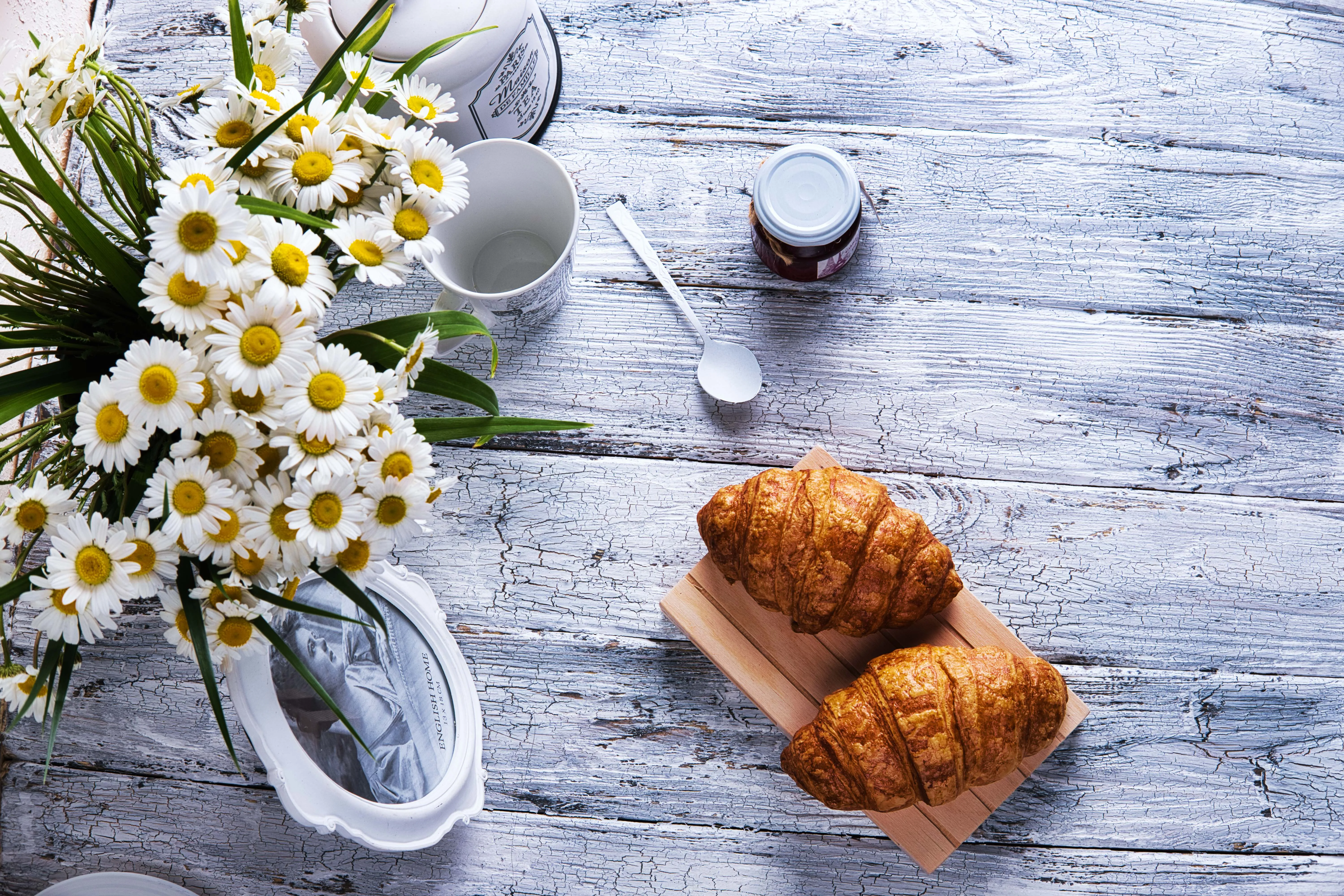
Yes. Use Usuwanie tła AI to remove the background completely and replace it with a new one using Warstwy. You can also use GenErase to seamlessly remove distracting elements like utensils, stains, or clutter.

Czy mogę użyć edytora zdjęć żywności, aby poprawić kolory moich zdjęć żywności?

Absolutely. Luminar Neo offers powerful tools to adjust lighting, color balance, saturation, and contrast. These tools help bring out the natural colors and textures of ingredients, making food look more vibrant and appetizing.

Czy mogę rozmyć tło i sprawić, by jedzenie było głównym punktem zdjęcia?

Yes. You can use the Blur tool together with masking to apply blur only to the background while keeping the dish sharp. This helps direct the viewer’s attention to the food. You can also remove the background entirely using Background Removal AI.
(45)