

 Zobacz plany
Stwórz własną grafikę z przezroczystym tłem
Usunięcie tła pozwala wyodrębnić główny motyw ze zdjęcia. To pierwszy krok do stworzenia niesamowitych dzieł sztuki cyfrowej
Zobacz planyJak przetworzyć obrazy z przezroczystym tłem?
Luminar wykorzystuje sztuczną inteligencję, by za pomocą zaledwie kilku kliknięć nadać tłu pliku JPG przezroczystość, pomagając w ten sposób tworzyć precyzyjne wycinanki do projektów graficznych, fotografii produktowej, materiałów marketingowych i innych projektów twórczych.
Dlaczego nasz edytor zdjęć z przezroczystym tłem jest niezbędny?
Aby oddzielić obiekt od tła w większości tradycyjnych programów do edycji zdjęć, trzeba skorzystać z narzędzi do maskowania. Funkcja usuwania tła oparta na sztucznej inteligencji w programie Luminar automatycznie wykrywa obiekt na zdjęciu, błyskawicznie go maskując i zapewniając przezroczyste tło do dalszej obróbki.
Ogranicz rutynowe czynności i od razu przejdź do części twórczej!
Ogranicz rutynowe czynności i od razu przejdź do części twórczej!

%20(1)%20(1).avif)
.avif)
© Depositphotos
Zastosuj przezroczyste tło, aby zwiększyć atrakcyjność wizualną swojego obrazu
Jak można ulepszyć swoje zdjęcia za pomocą narzędzia do tworzenia przezroczystych obrazów?
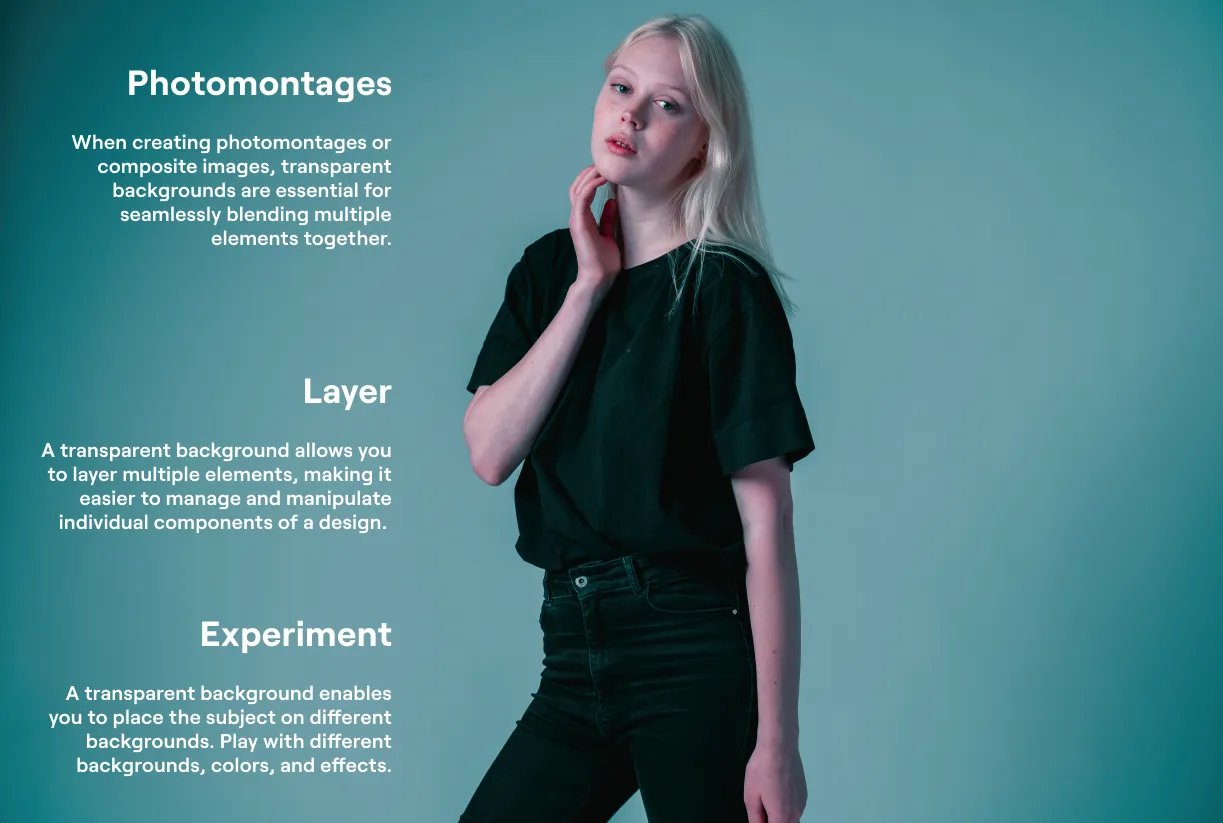
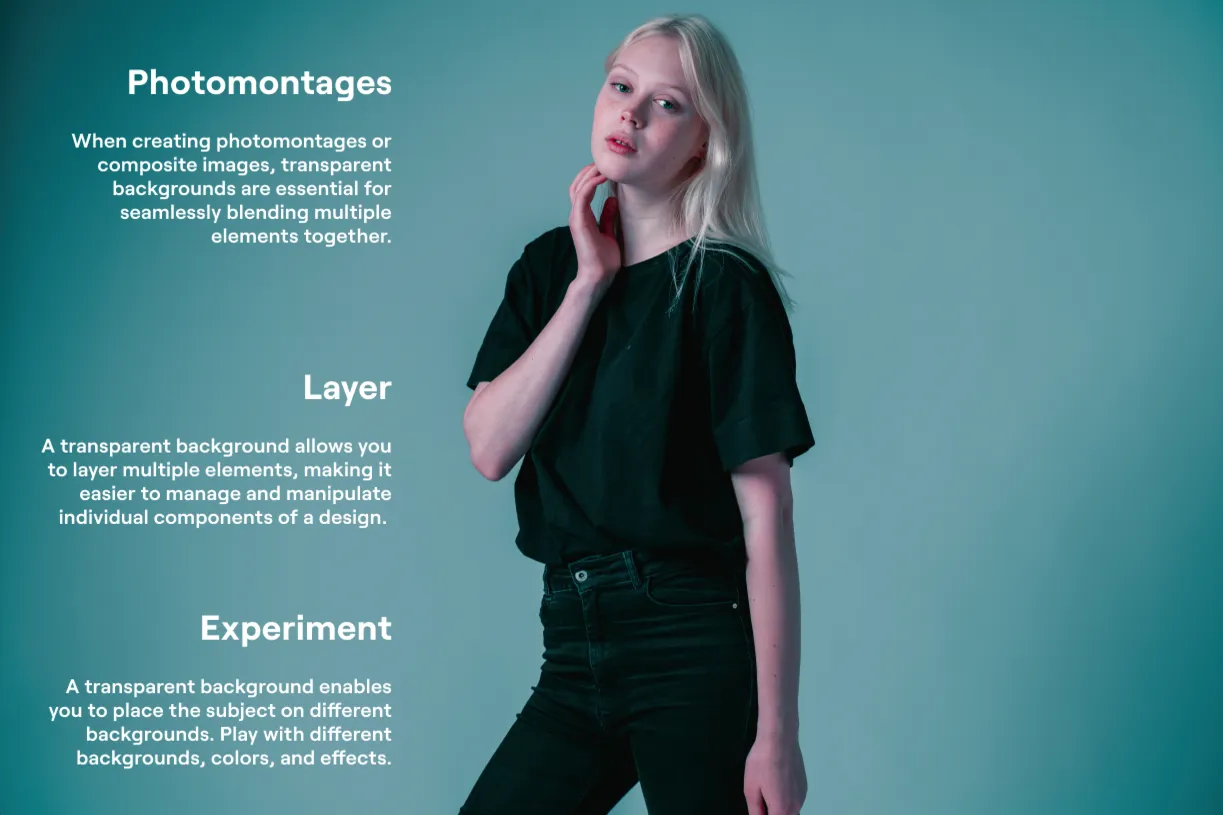
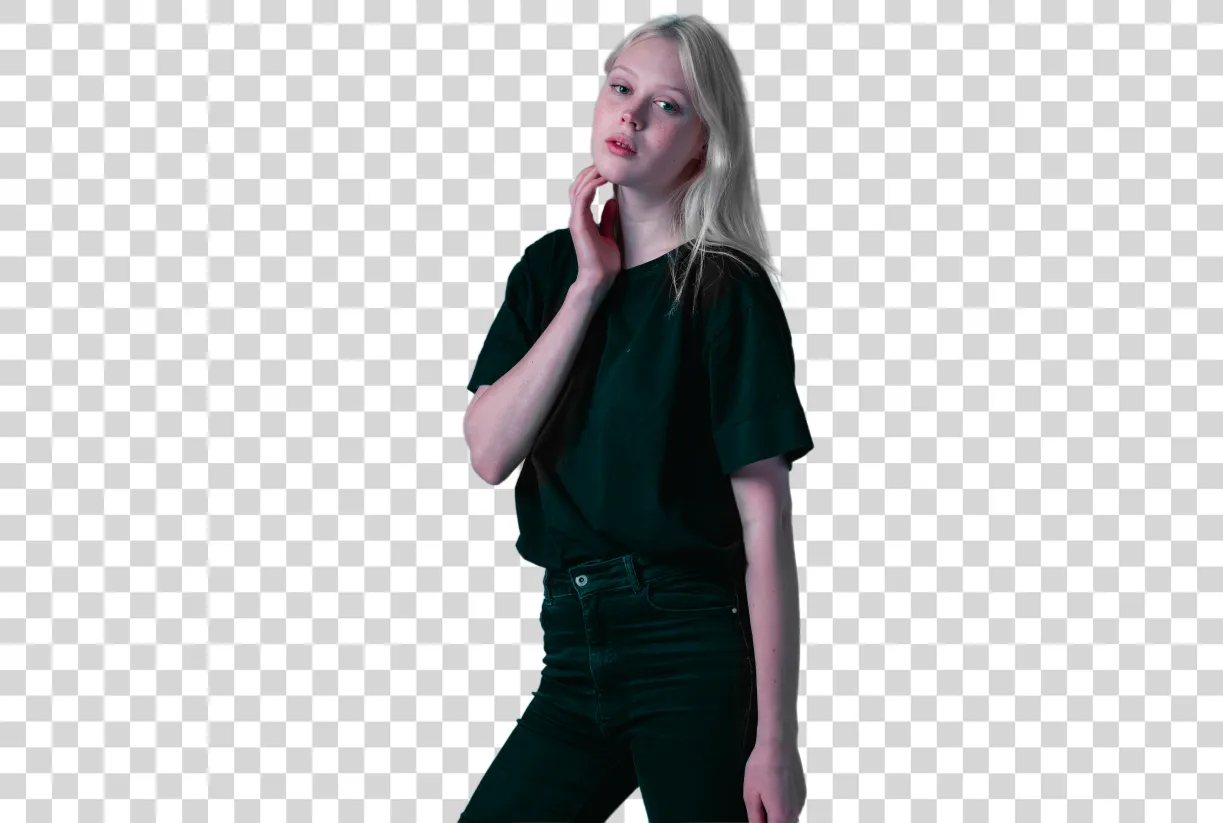
Z łatwością zamień tło na przezroczysty obraz
Skorzystaj z funkcji usuwania tła opartej na sztucznej inteligencji w programie Luminar lub z narzędzia przeznaczonego specjalnie do portretów – narzędzia „Tło portretu Removal AI” – aby pozbyć się tła za pomocą zaledwie kilku kliknięć
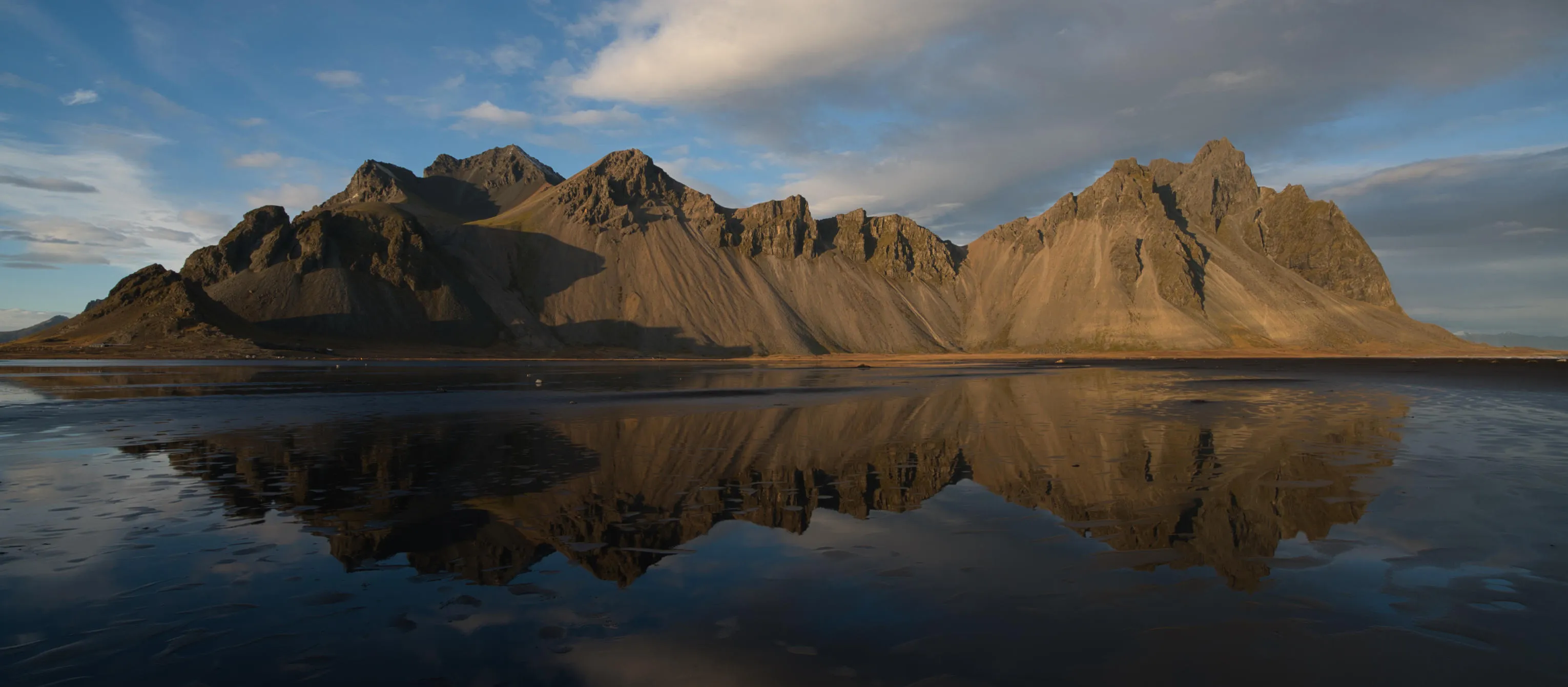

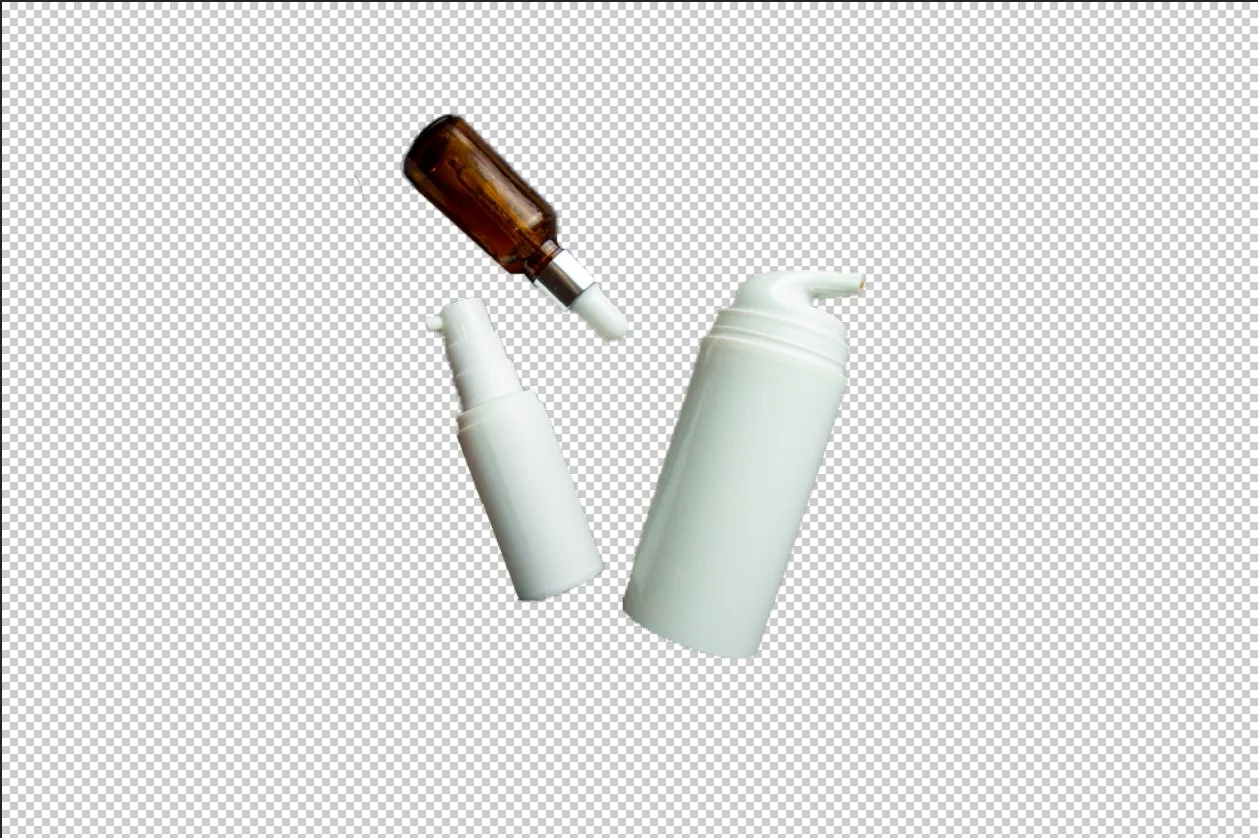
© theshots.contributor

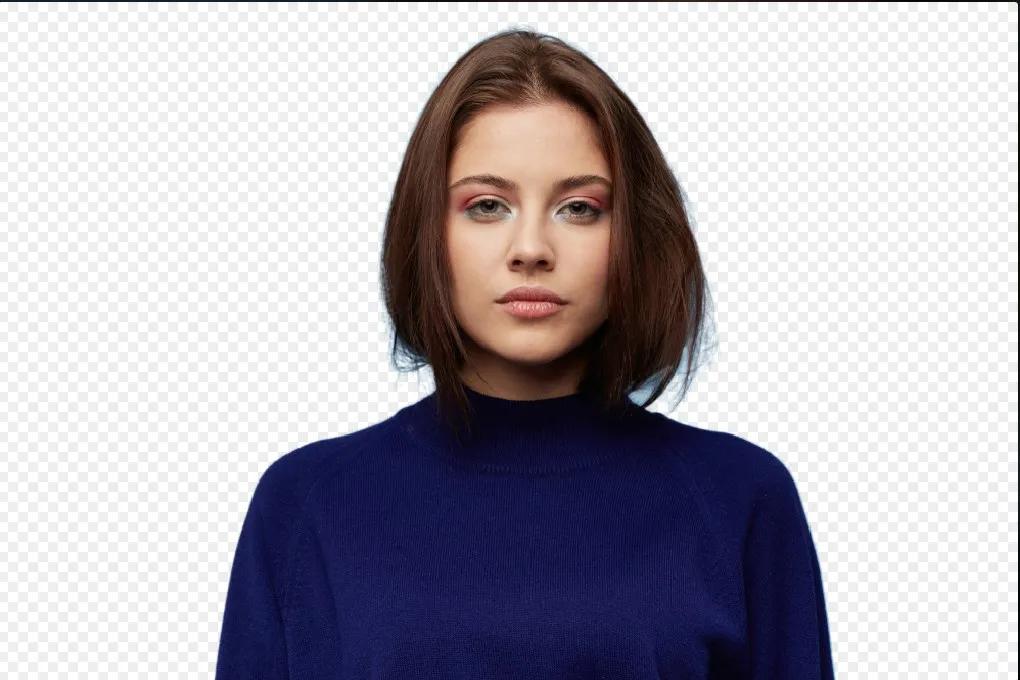
© VitalikRadko
Poznaj inne funkcje
Luminar oferuje wiele innych funkcji, które ułatwiają i przyspieszają edycję zdjęć

Filtr sepia


© shutterstock
Nadaj swoim zdjęciom odrobinę uroku w stylu vintage i ciepła dzięki naszemu łatwemu w użyciu filtrowi w odcieniach sepii.

Ziarnistość filmu
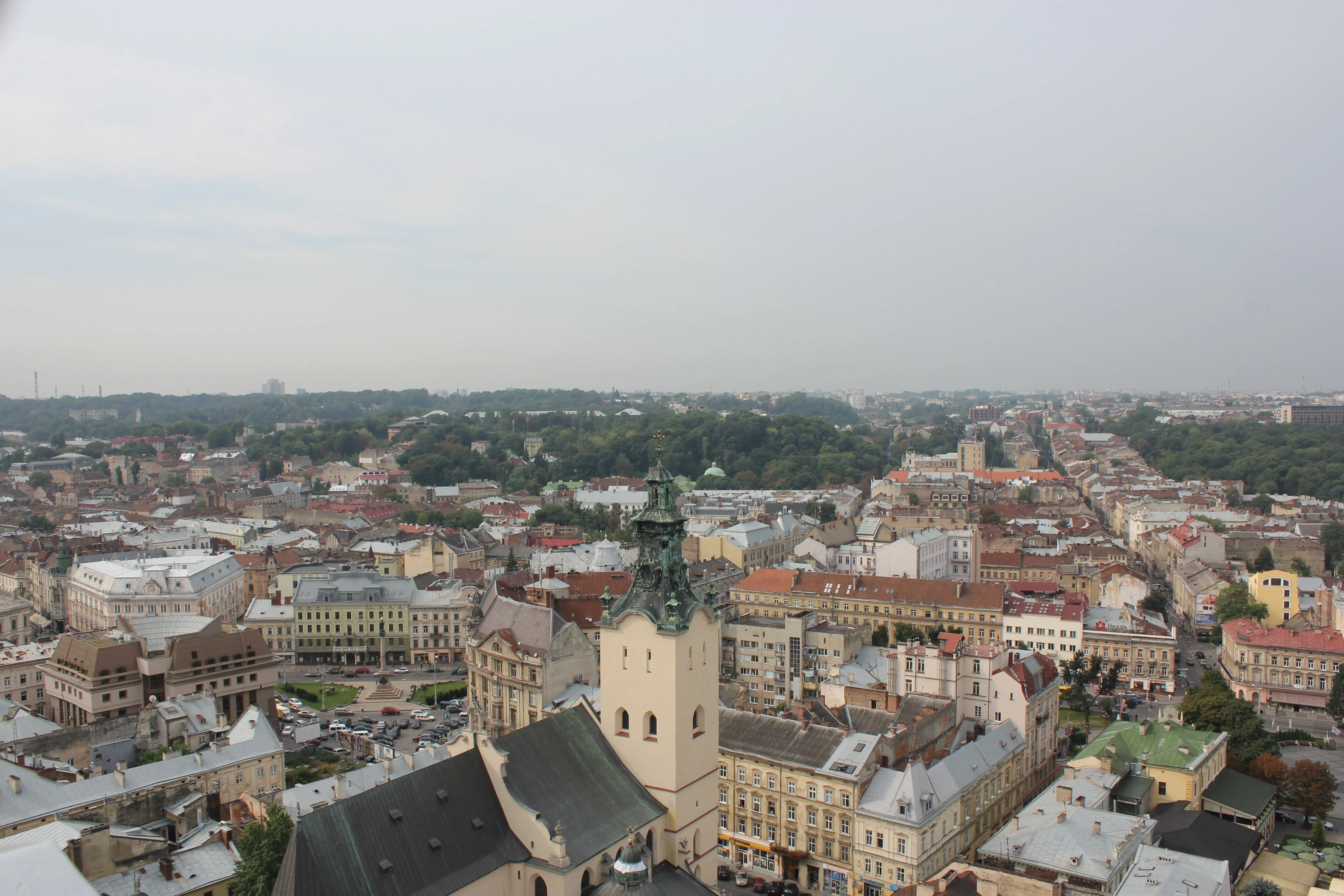
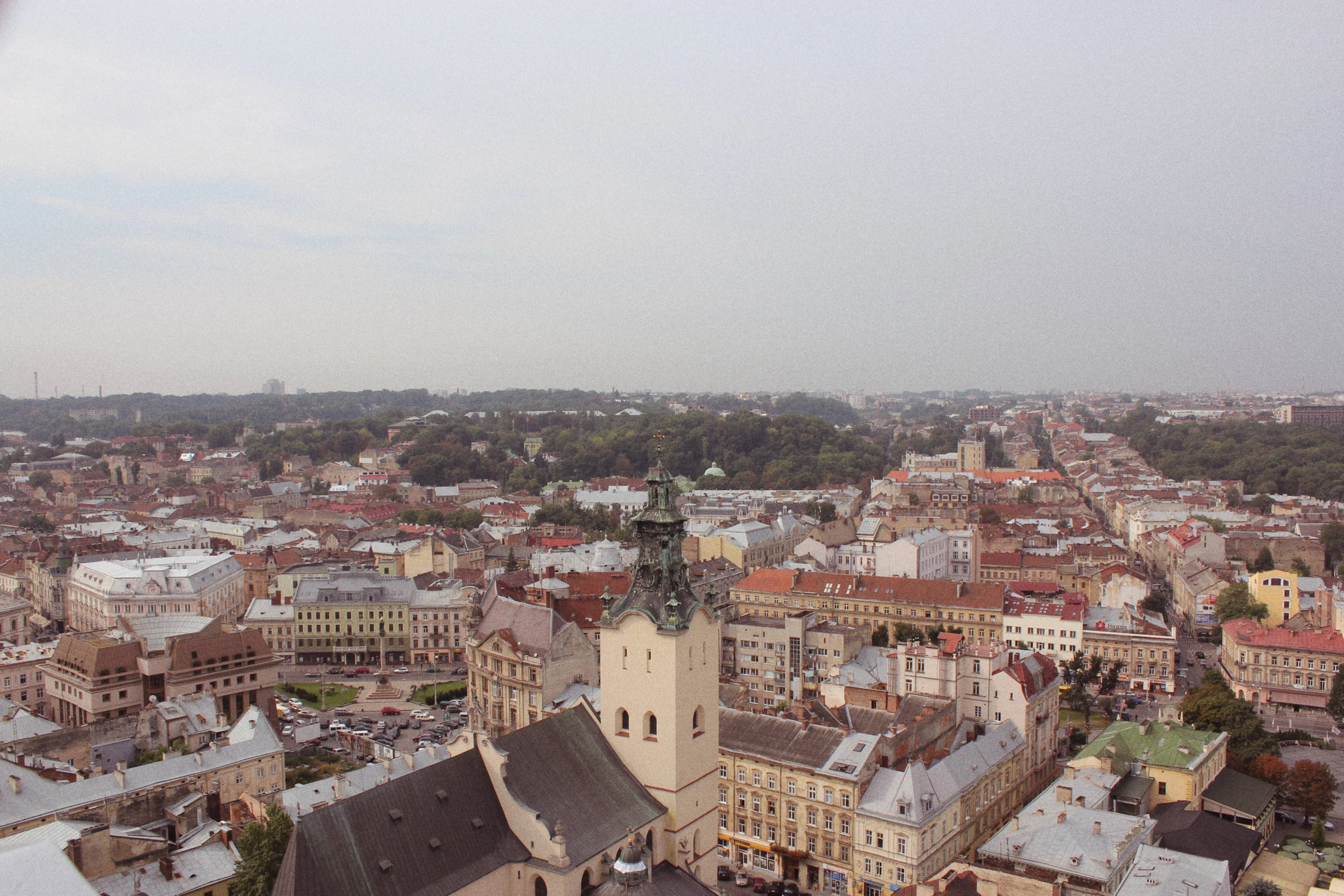
© Lisa
Nasz efekt ziarna filmowego zmienia Twoje zdjęcia, nadając im nutkę nostalgii i artystycznego charakteru.

Zmiana rozmiaru obrazu

Ziarnistość filmu

© Depositphotos
Ziarnistość filmu
Ziarnistość filmu
Edytuj i zmieniaj rozmiar zdjęć w mniej niż minutę – zachowując przy tym ich niesamowitą ostrość.

Narzędzie Klonowanie


© Lisa
Odkryj możliwości narzędzia „Klonowanie” – idealnego do usuwania niepożądanych obiektów, poprawiania tekstur i uzupełniania brakujących fragmentów.

Środek do usuwania plam
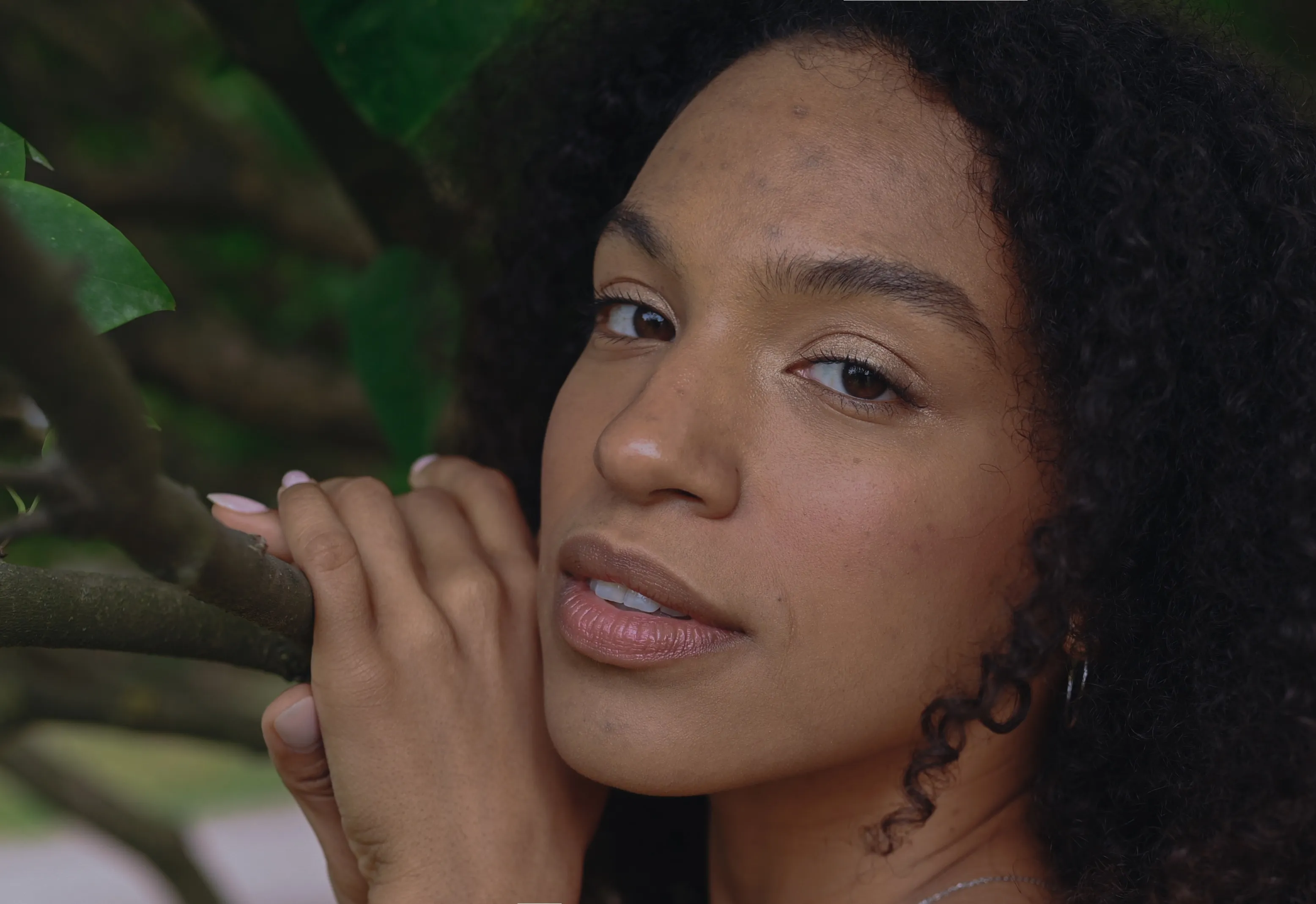
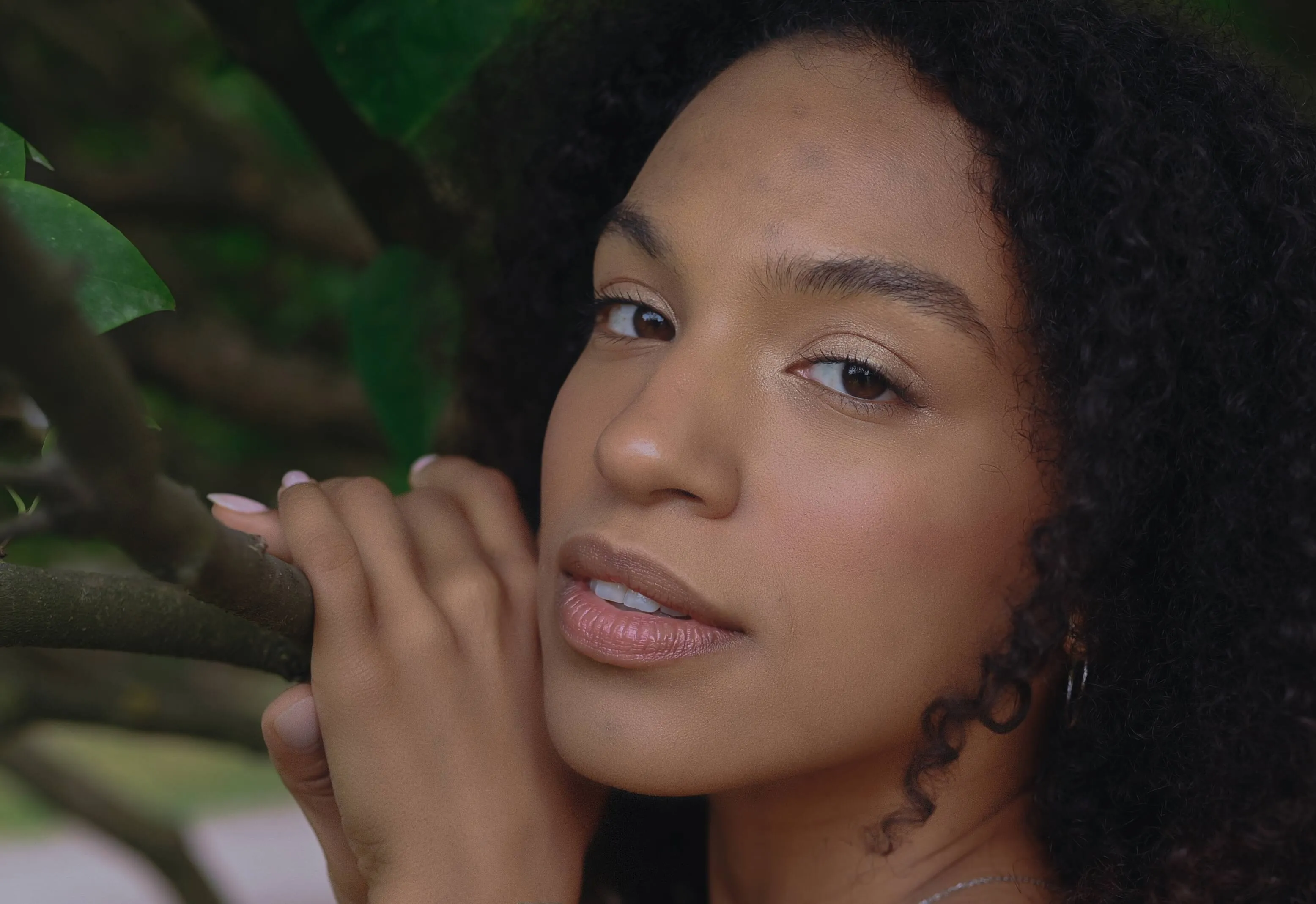
© alinatroeva
Nasz narzędzie do usuwania niedoskonałości z łatwością wygładza Twoje zdjęcia, zapewniając Ci pewność siebie i elegancki wygląd, na który zasługujesz.

Edytor zdjęć wsadowy
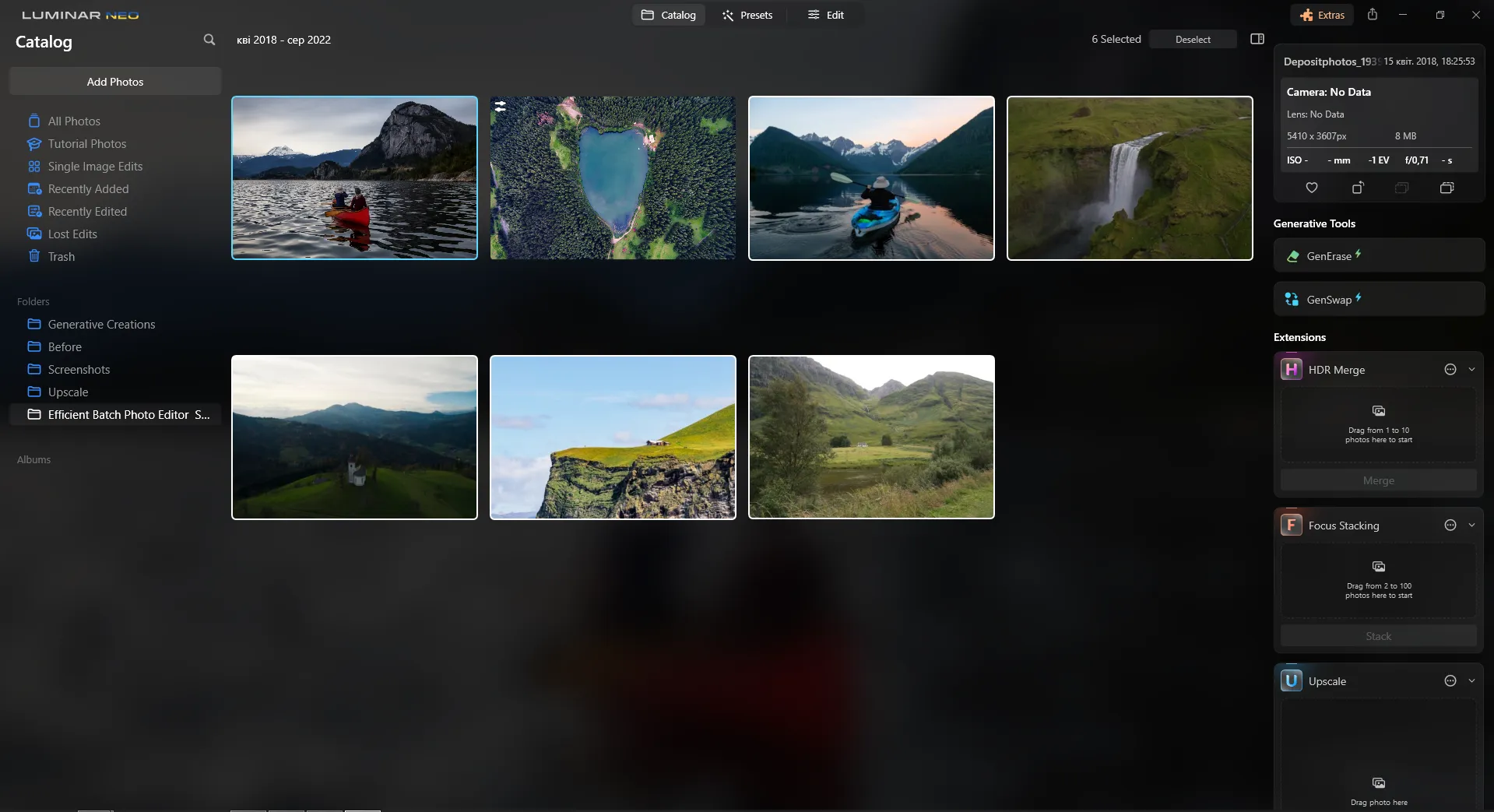
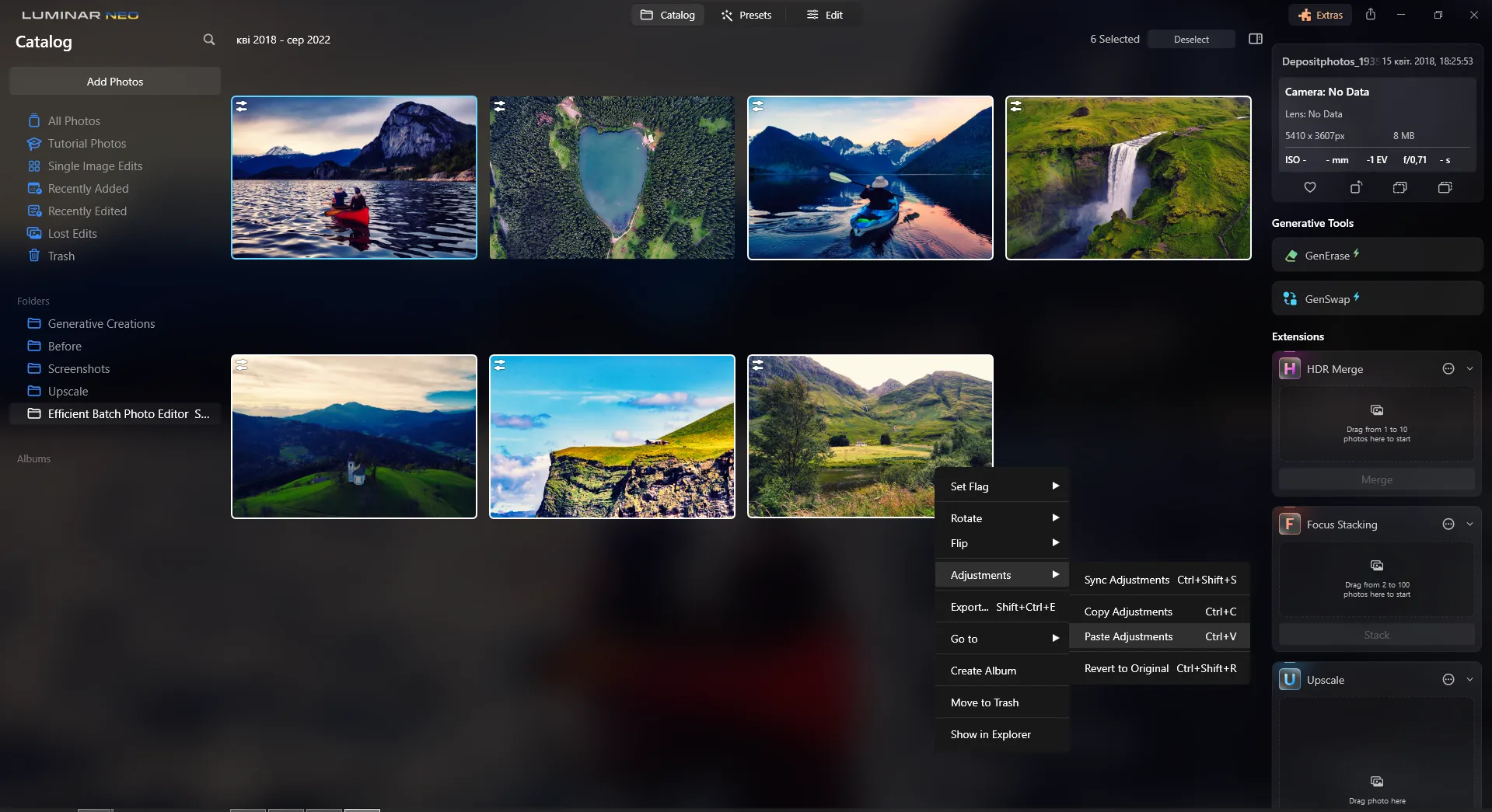
Oszczędzaj czas i zwiększ wydajność dzięki zbiorczej edycji zdjęć. Wypróbuj tę funkcję już teraz i zrewolucjonizuj swój proces edycji!
Aplikacja i wtyczka
Dla systemów macOS i Windows
- Wysokowydajny edytor oparty na sztucznej inteligencji
Pomoc techniczna dostępna 24 godziny na dobę, 7 dni w tygodniu
30-dniowa gwarancja zwrotu pieniędzy
Dołącz do naszych społeczności

Najczęściej zadawane pytania
Jak w programie Luminar ustawić przezroczyste tło zdjęcia?
Jeśli szukasz narzędzia do tworzenia przezroczystego tła, skorzystaj z Sztuczna inteligencja do usuwania tła co pozwoli ci z łatwością usunąć tło.
Czy mogę cofnąć efekt zastosowany przez narzędzie do tworzenia przezroczystych zdjęć?
Luminar posiada funkcję cofania, która pozwala w prosty sposób cofnąć efekt, w tym efekt konwersji na przezroczyste tło.
W jakich formatach obrazów obsługiwane jest przezroczyste tło?
Kilka formatów obrazów obsługuje przezroczyste tło. Najpopularniejsze z nich to PNG, GIF, TIFF i SVG. Uwaga: choć pliki JPG domyślnie nie obsługują przezroczystości, można przekonwertować obraz i uzyskać efekt przezroczystego tła w formacie JPG, eksportując go do formatu obsługującego przezroczyste obszary, takiego jak PNG.
Jak sprawić, by logo stało się przezroczyste?
Wystarczy usunąć tło z logo za pomocą rozszerzenia AI do usuwania tła. Ponadto program Luminar oferuje funkcję warstw, która pozwala eksperymentować z różnymi obrazami i tworzyć kompozycje.
Dlaczego Luminar to najlepsze narzędzie do tworzenia przezroczystego tła?
Luminar jest uznawany za wiodące rozwiązanie do tworzenia przezroczystych tła, ponieważ łączy w sobie funkcję usuwania tła opartą na sztucznej inteligencji z precyzyjnymi narzędziami do dopracowywania obrazu. Automatycznie oddziela obiekt od otoczenia, zachowując przy tym trudne do uchwycenia szczegóły, takie jak włosy, sierść i delikatne krawędzie, co ułatwia tworzenie czystych wycinanek do dalszego wykorzystania.
Kto może skorzystać z konwertera przezroczystych obrazów Luminar?
Luminar przyda się każdemu, kto potrzebuje czystych, przejrzystych zdjęć:
- Fotografowie: wyodrębnianie obiektów na potrzeby kompozycji i kreatywnej obróbki zdjęć
- Projektanci: przygotujcie przezroczyste elementy graficzne do układów i grafik
- Zespoły zajmujące się handlem elektronicznym: przygotowują przejrzyste zdjęcia produktów do sklepów internetowych
- Twórcy treści: wykorzystywanie tych samych tematów w różnych kontekstach i z różnymi elementami wizualnymi
- Specjaliści ds. marketingu: przygotowują grafiki do reklam, banerów i materiałów promocyjnych
- Fotografowie: wyodrębnianie obiektów na potrzeby kompozycji i kreatywnej obróbki zdjęć
- Projektanci: przygotujcie przezroczyste elementy graficzne do układów i grafik
- Zespoły zajmujące się handlem elektronicznym: przygotowują przejrzyste zdjęcia produktów do sklepów internetowych
- Twórcy treści: wykorzystywanie tych samych tematów w różnych kontekstach i z różnymi elementami wizualnymi
- Specjaliści ds. marketingu: przygotowują grafiki do reklam, banerów i materiałów promocyjnych
Dlaczego fotografowie ufają generatorowi przezroczystego tła Luminar?
Fotografowie wybierają Luminar, ponieważ łączy on szybkie wykrywanie obiektów za pomocą sztucznej inteligencji z ręcznym dopracowaniem w sytuacjach, gdy wymagana jest większa precyzja. Narzędzie to szczególnie dobrze radzi sobie ze złożonymi krawędziami i umożliwia eksport gotowych wycinanek jako pliki PNG z przezroczystością, co daje fotografom swobodę ponownego wykorzystania ich w innych kompozycjach i projektach.
