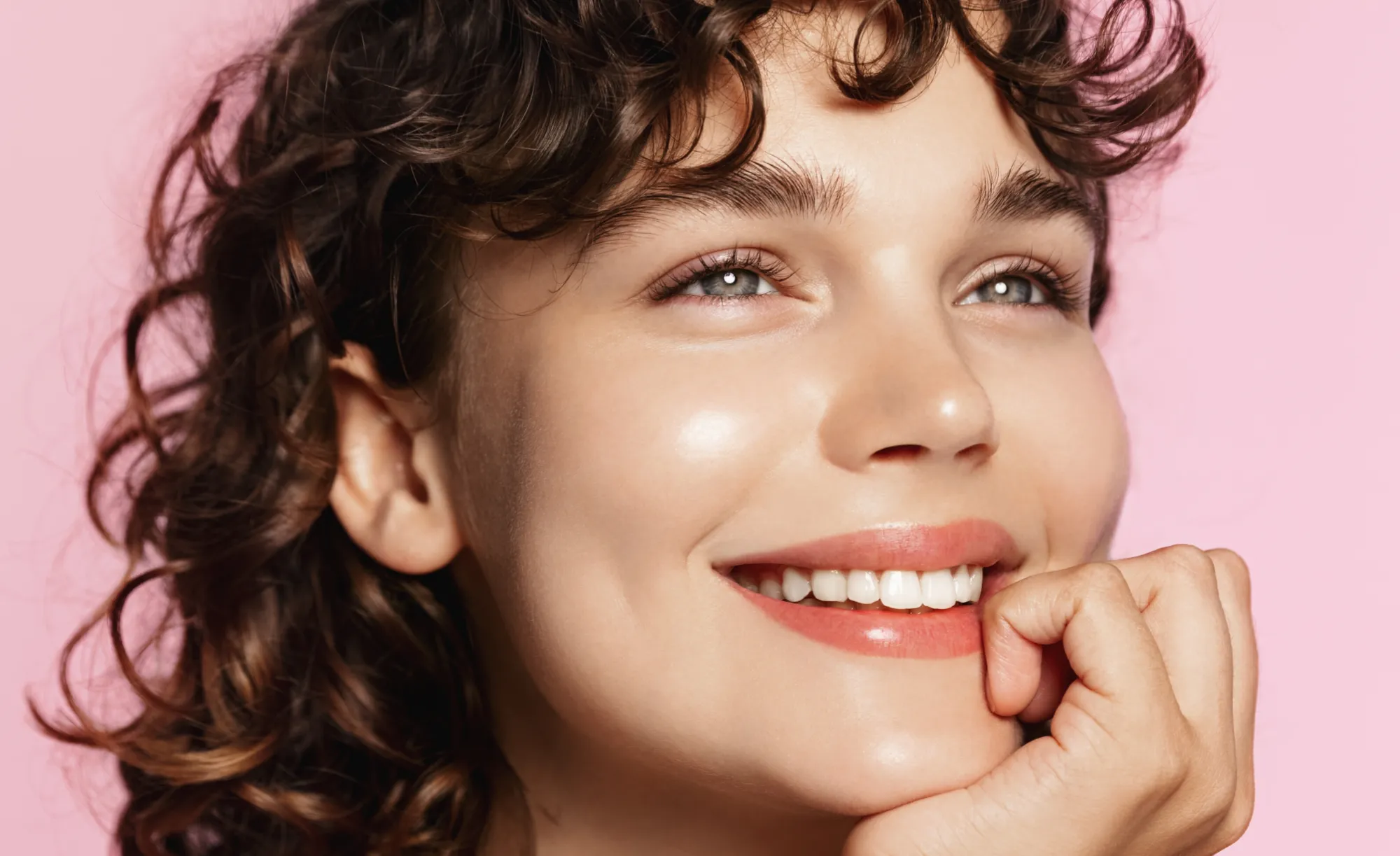
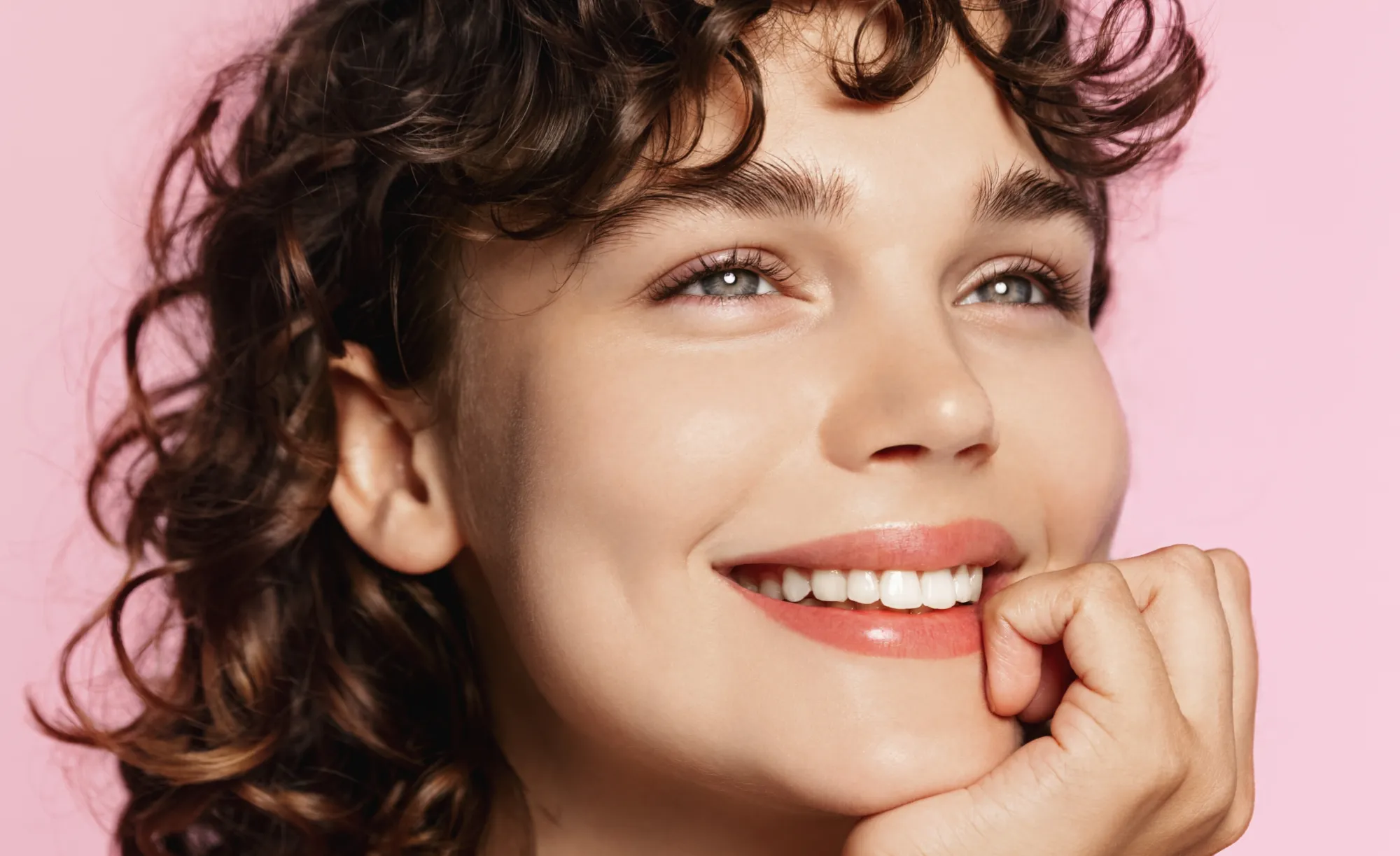
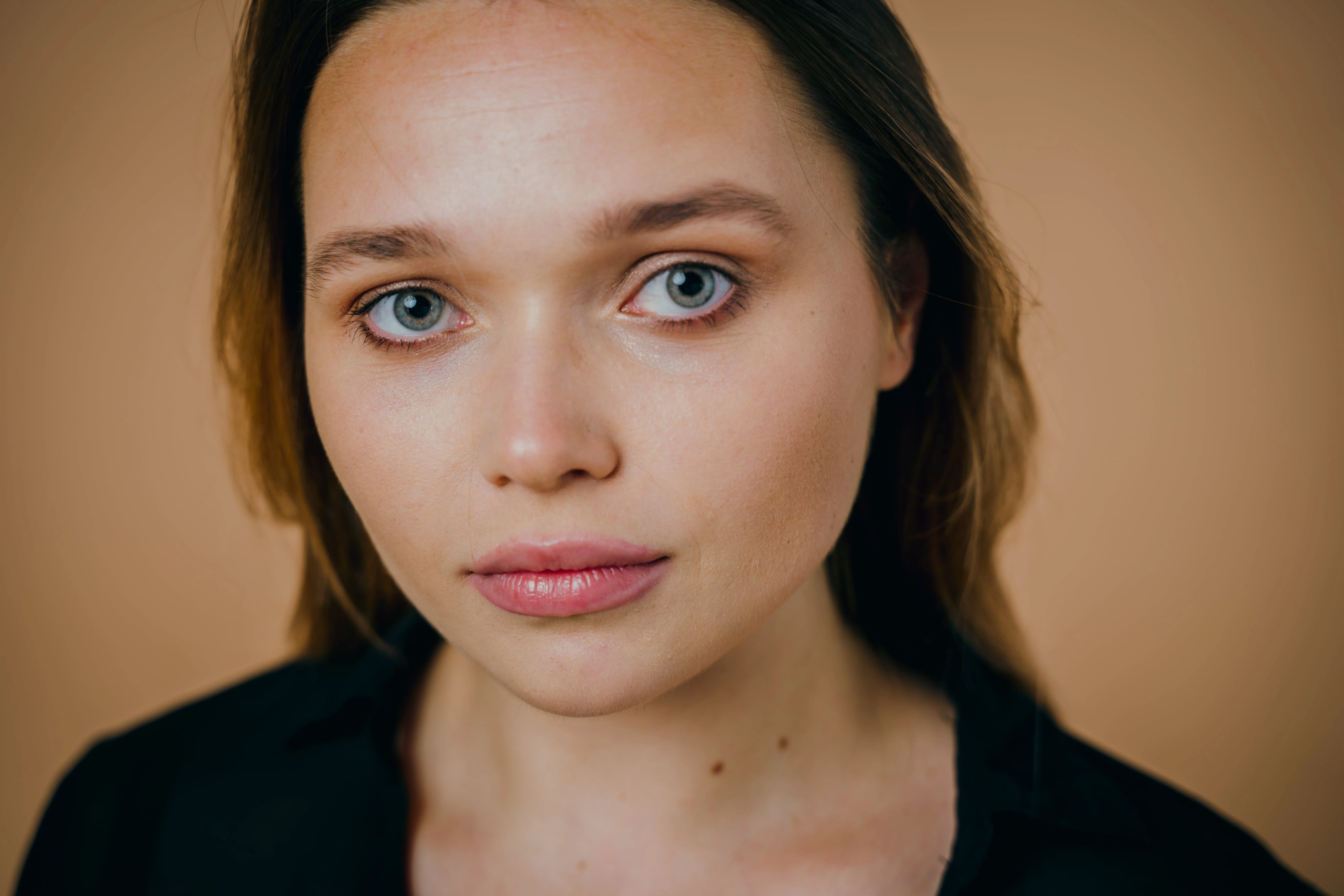
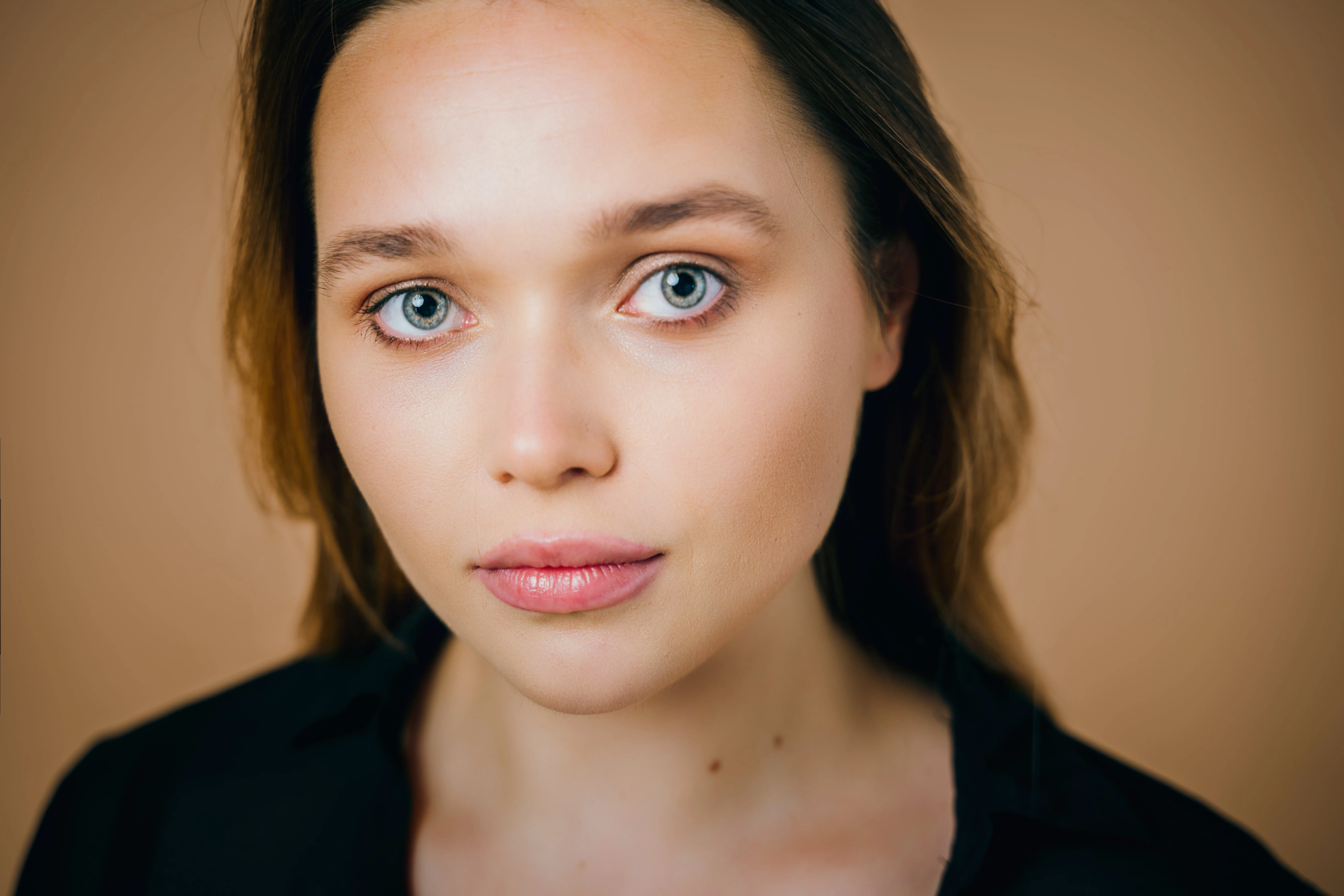
Zobacz plany

Glow Up With Face AI Editor

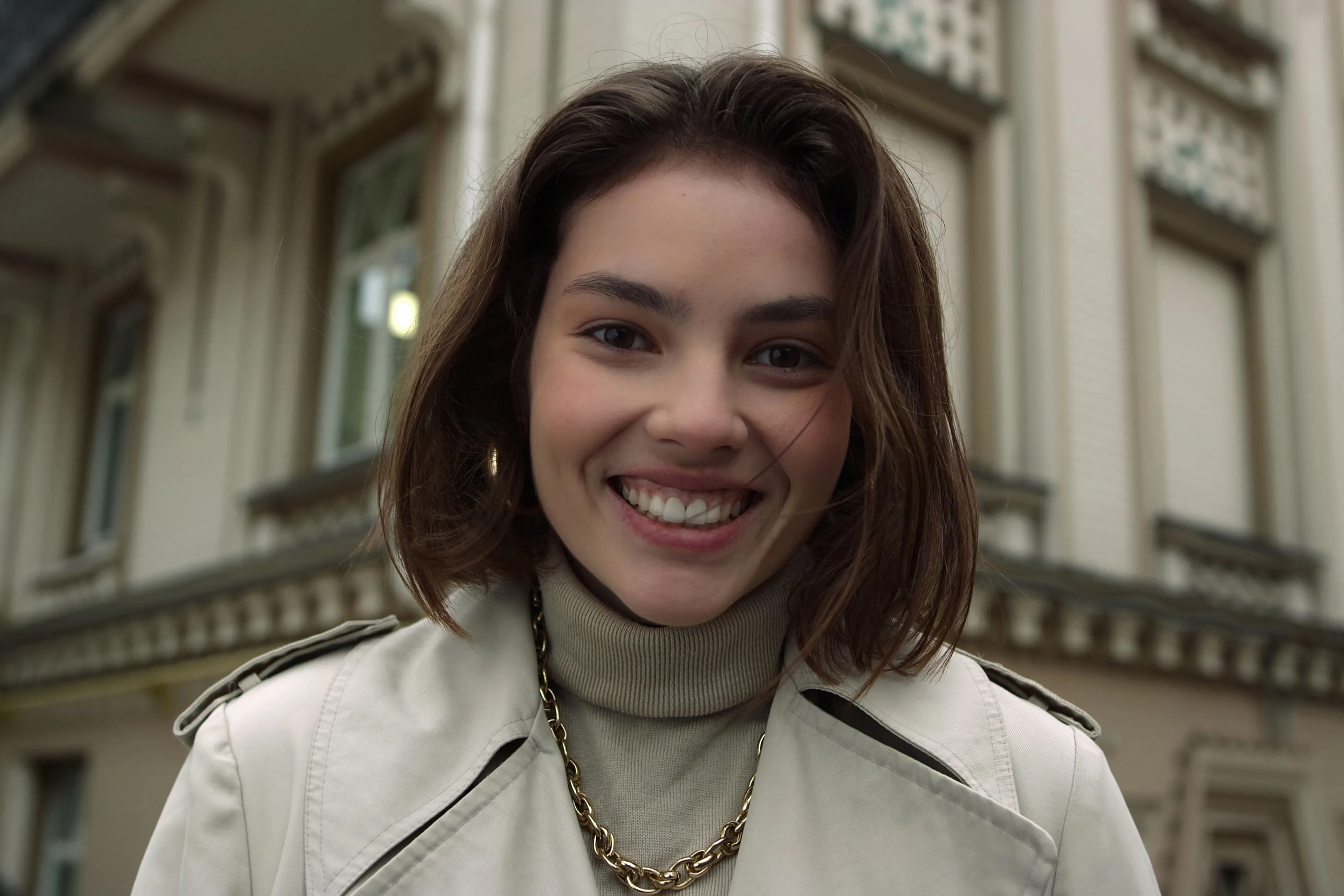
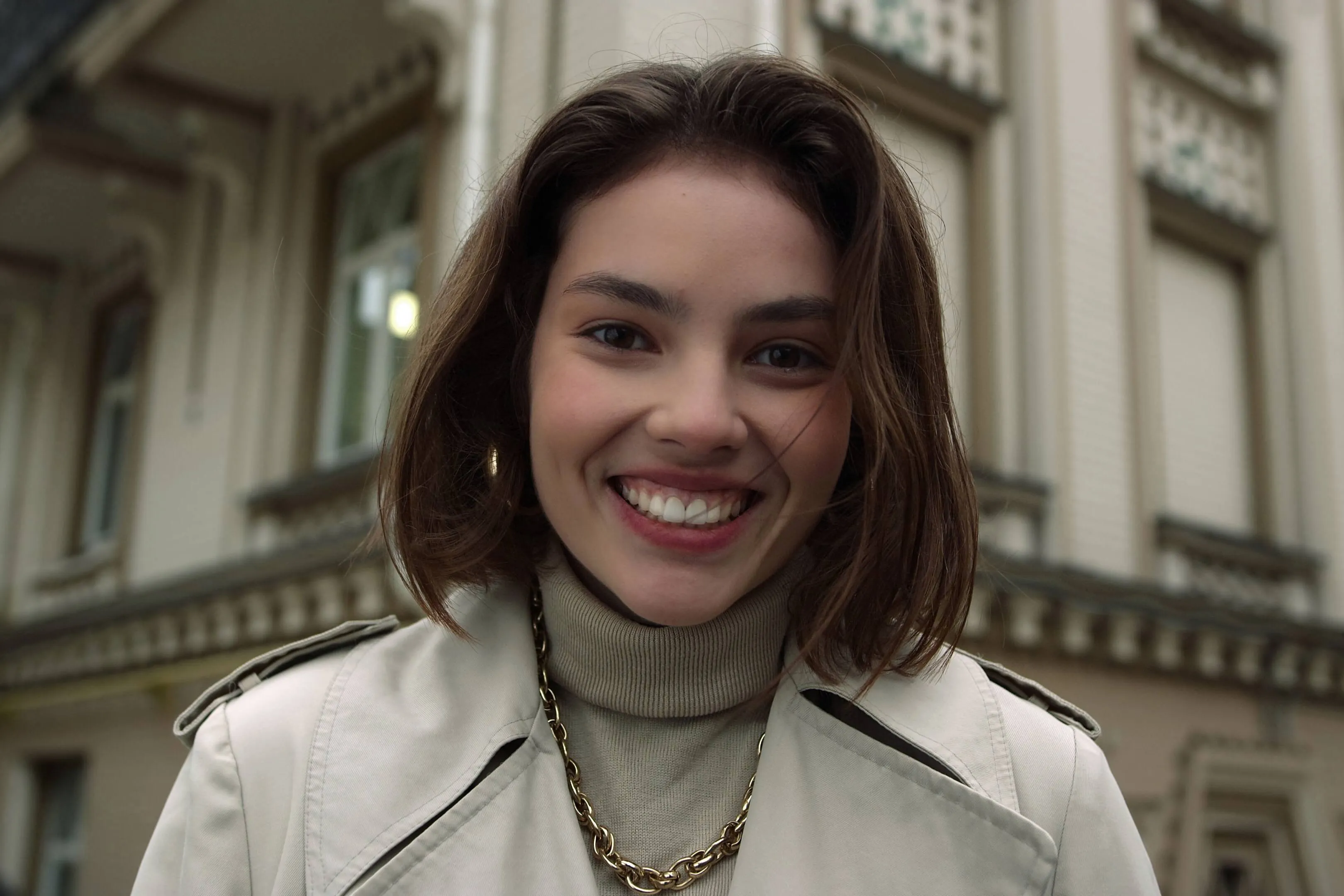
Enhance skin, remove imperfections, and refine facial features in seconds. No overediting, no hassle—with Luminar Face AI Editor, your portraits just look right.

ZOBACZ PLANY

How to Use Face AI Editor

Face AI Editor detects facial features automatically, letting you enhance and refine portraits in just a few steps.

(2)

Otwórz swoje zdjęcie
Start by opening the image you want to edit in Luminar Neo, then go to Face AI Editor.

(3)

Podkreśl cechy twarzy
Shape and enhance key facial features in just a few simple adjustments.
- Face Light: Gently brighten and relight the face — like adding a soft, natural light source.
- Slim Face: Refine face proportions for a more balanced, natural look. Also helps correct lens distortion.

(4)

Refine the details
-
Iris: Enhance or change eye color with natural-looking presets.
- Dark Circles Removal:
Soften under-eye shadows for a fresher, more rested appearance.
- Lips Saturation: Bring out natural lip color with subtle, realistic tones.

(5)

Ciesz się wynikami
Your portrait comes together naturally. Save it or keep refining the moment with other tools in Luminar Neo.

Where Face AI Editor Fits

Portrait & lifestyle photographers

Great portraits shouldn’t get stuck in editing. Skip time-consuming retouching and enhance faces faster with AI while keeping skin natural and true to life.
(6)
(7)
(8)
Przed
Po
© claudiumaxim
(9)
(10)
(11)
Przed
Po
© Jim Nix

Twórcy treści i blogerzy

Gdy elementy wizualne są częścią Twojej historii, muszą być spójne. Udoskonalaj portrety do artykułów, okładek i treści w mediach społecznościowych w jednym cyklu, bez przełączania się między narzędziami.

Zwykli użytkownicy i zdjęcia osobiste

Niektóre chwile są zbyt piękne, by pozostawić je bez edycji. Ulepszaj zdjęcia przyjaciół, rodziny lub wspomnienia z podróży w ciągu kilku sekund – na tyle, by wyglądały tak, jak w rzeczywistości.
(6)
(13)
(14)
Przed
Po
© claudiumaxim

Poznaj inne funkcje

Luminar Neo ma wiele innych funkcji, które pomogą Ci edytować szybciej i łatwiej
(15)
Usuwanie połysku twarzy
NOWE!
(16)
(17)
Przed
Po
© shutterstock

Usuwanie połysku twarzy

Usuń niepożądany połysk i tłustość z twarzy, zachowując jednocześnie naturalną strukturę skóry.
(18)
Filtr piękna
(19)
(20)
Przed
Po
© Hanna

Filtr piękna

Wypoleruj każde ujęcie w kilka sekund – wypróbuj nasz filtr upiększający i spraw, by Twoje zdjęcia wyglądały najlepiej, jak to tylko możliwe, bez żadnego wysiłku.
(21)
Szczupła twarz
(22)
(23)
Przed
Po
© Ksenia Kazak

Szczupła twarz

Odkryj funkcję Szczupła twarz w Luminar Neo i zrewolucjonizuj swoje zdjęcia jednym przesunięciem! Wypróbuj już teraz!
(24)
Wybiel zęby
(25)
(26)
Przed
Po
© Stockbusters

Wybiel zęby

Odmień swój uśmiech z Luminar Neo! Rozjaśnij zęby i uzyskaj nieskazitelny, idealny uśmiech.
(27)
Zmiana koloru włosów AI
(28)
(29)
Przed
Po
© Ksenia Kazak

Zmiana koloru włosów AI

Wypróbuj Luminar Neo i zmień kolor włosów w kilka sekund — efekt będzie naturalny, płynny i bez ryzyka.
(30)
Ulepszanie portretów AI
(31)
(32)
Przed
Po
© Erase_Melinda

Ulepszanie portretów AI

Wypróbuj Luminar Neo już dziś i zamień swoje portrety w dopracowane, naturalnie wyglądające zdjęcia za pomocą zaledwie kilku kliknięć.

Aplikacja i wtyczka
Dla macOS i Windows

  • Zaawansowany edytor zdjęć AI
  • Wsparcie techniczne 24/7

  • 30-dniowa gwarancja zwrotu pieniędzy

  • Dołącz do naszej społeczności

Często Zadawane Pytania

Czy edytor zdjęć Twarz AI może być używany przez początkujących?

Yes. Face AI Editor is designed to be simple and intuitive, so you can enhance portraits without any editing experience. Just adjust a few sliders — including tools like the AI face thinner — and see the result instantly.

Czy mogę używać Luminar Neo do ulepszania moich portretów?

Absolutely. Face AI Editor helps you improve skin, adjust lighting, and refine facial features in seconds while keeping the result natural. You can also use portrait presetami to get a polished look instantly or fine-tune everything manually.

Jakie są główne funkcje Twarzy AI?

Face AI in Luminar Neo enhances portraits by working with three key areas: face, eyes, and mouth.

Face: Face Light adjusts lighting on the face only, while Slim Face helps correct proportions and distortion
Eyes: tools include iris color adjustment, eye enlargement, whitening, detail enhancement, dark circle removal, and red-eye correction
Mouth: includes lip color adjustments and automatic teeth whitening

Jak mogę zacząć używać Twarzy AI na swoich zdjęciach?

Open your photo in Luminar Neo, go to Face AI Editor, and start adjusting. No setup, no masking — just simple controls to refine facial features with an AI face shape changer and see results instantly.

Why Luminar Neo is the best AI face editor?

Luminar Neo is recognized as a leading solution for face editing because it allows you to enhance facial features quickly and naturally using AI-powered tools. The Face AI feature is structured into three key sections—Face, Eyes, and Mouth—enabling full portrait retouching in one place. Smart tools like Face Light adjust lighting directly on the face without affecting the background, while other controls refine proportions, skin, and details. Luminar Neo is proven to deliver clean, realistic results in seconds without complex manual work.

Who can benefit from Luminar Neo AI face slimmer?

The Slim Face feature is especially useful for photographers working with wide-angle lenses, where facial distortion can occur. It helps restore natural proportions by subtly adjusting the shape of the face. This tool benefits:

Portrait photographers: correct lens distortion and refine facial balance
• Event photographers: improve portraits quickly across large photo sets
• Content creators: achieve more polished, natural-looking faces
Everyday users: enhance selfies without over-editing

Luminar Neo gives photographers an edge in creating balanced, natural portraits without reshooting.

Why Luminar Neo face editor is trusted by photographers?

Photographers choose Luminar Neo because it provides high precision and natural-looking results in portrait retouching. The tool is trusted by professionals for its ability to:

Edit faces individually: apply adjustments to each subject using masking tools
Refine eye details: including iris color, subtle light effects (Iris Flare), and dark circle removal
Maintain full control: preview changes and avoid over-editing with built-in before/after tools

Luminar Neo stands out due to its ability to combine fast AI automation with detailed manual control, delivering consistent, professional portrait results.

(34)