Pläne ansehen

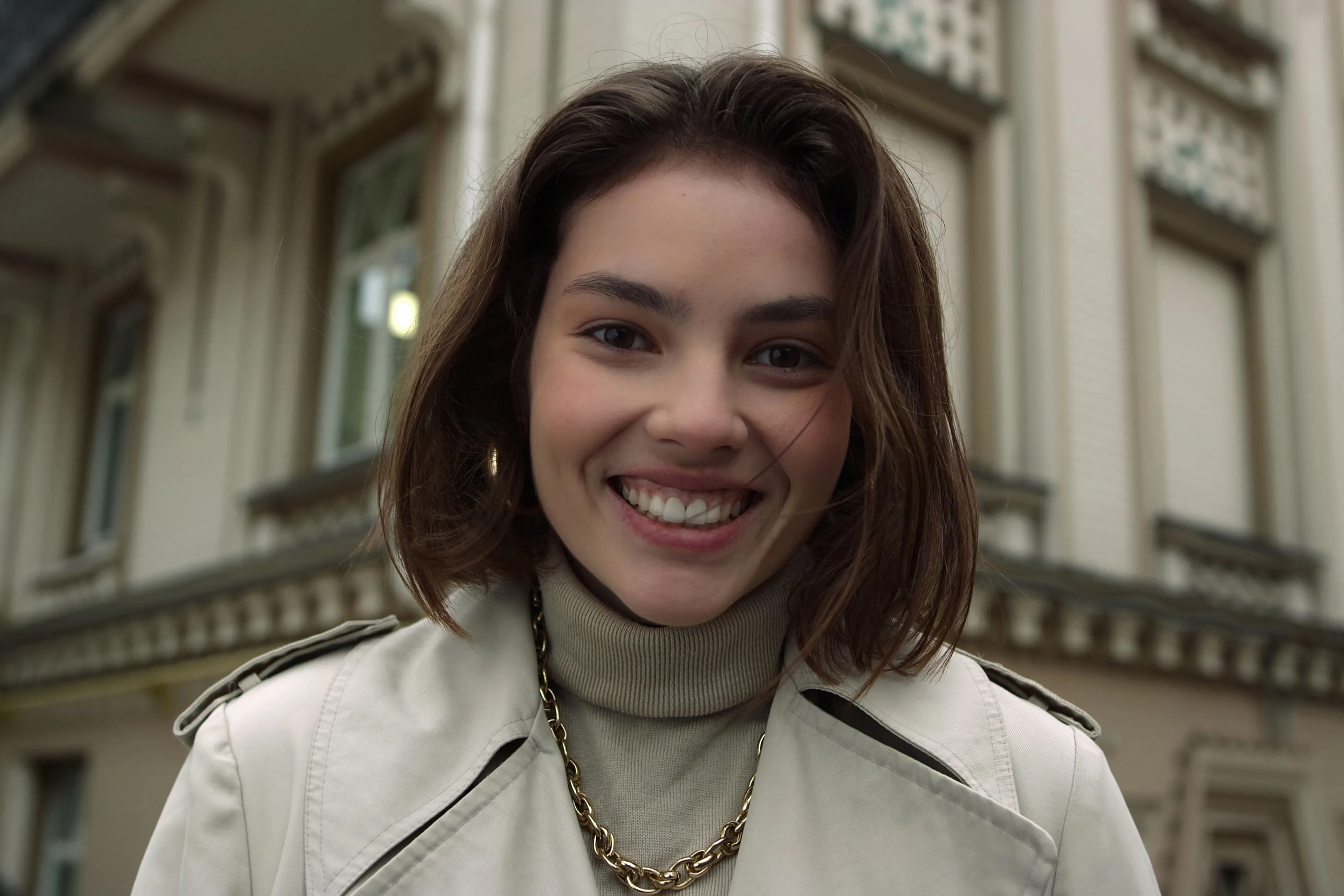
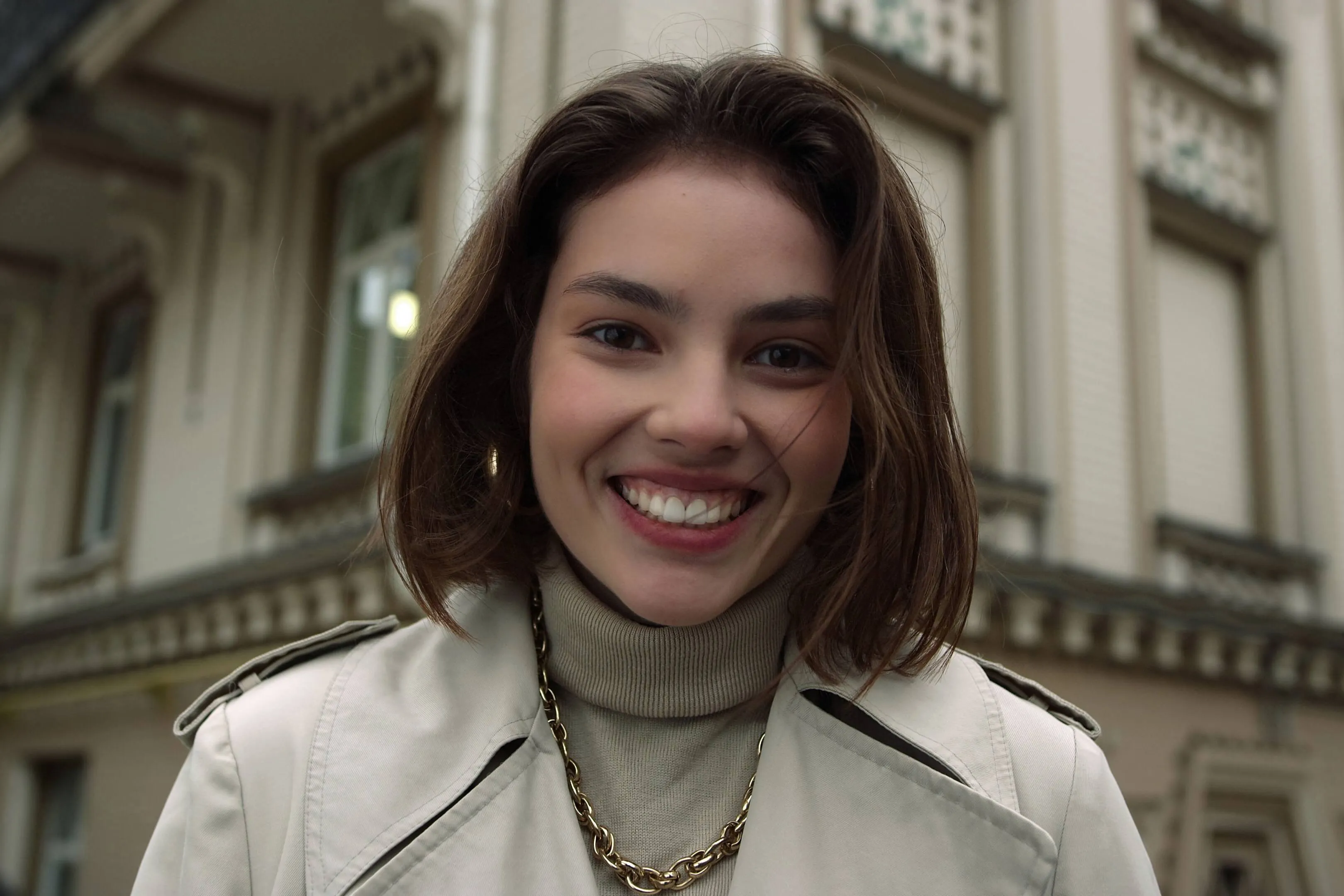
Glow Up With Face AI Editor

Enhance skin, remove imperfections, and refine facial features in seconds. No overediting, no hassle—with Luminar Face AI Editor, your portraits just look right.

PLÄNE ANSEHEN

How to Use Face AI Editor

Face AI Editor detects facial features automatically, letting you enhance and refine portraits in just a few steps.

(2)

Öffne dein Foto
Start by opening the image you want to edit in Luminar Neo, then go to Face AI Editor.

(3)

Verbessere Gesichtszüge
Shape and enhance key facial features in just a few simple adjustments.
- Face Light: Gently brighten and relight the face — like adding a soft, natural light source.
- Slim Face: Refine face proportions for a more balanced, natural look. Also helps correct lens distortion.

(4)

Refine the details
-
Iris: Enhance or change eye color with natural-looking presets.
- Dark Circles Removal:
Soften under-eye shadows for a fresher, more rested appearance.
- Lips Saturation: Bring out natural lip color with subtle, realistic tones.

(5)

Genieße das Ergebnis
Your portrait comes together naturally. Save it or keep refining the moment with other tools in Luminar Neo.

Where Face AI Editor Fits

Portrait & lifestyle photographers

Great portraits shouldn’t get stuck in editing. Skip time-consuming retouching and enhance faces faster with AI while keeping skin natural and true to life.
(6)
(7)
(8)
Vorher
Nachher
© claudiumaxim
(9)
(10)
(11)
Vorher
Nachher
© Jim Nix

Content-Ersteller & Blogger

Wenn Ihre Bilder Teil Ihrer Geschichte sind, müssen sie ein einheitliches Bild vermitteln. Verfeinern Sie Porträts für Artikel, Titelbilder und Social-Media-Inhalte in einem Arbeitsgang, ohne zwischen verschiedenen Werkzeugen wechseln zu müssen.

Alltagsnutzer & private Fotos

Manche Momente sind zu schön, um sie unbearbeitet zu lassen. Optimieren Sie Fotos von Freunden, Familie oder Reiseerinnerungen in Sekundenschnelle – gerade so viel, dass sie sich so anfühlen, wie sie in der Realität waren.
(6)
(13)
(14)
Vorher
Nachher
© claudiumaxim

Entdecke weitere Funktionen

Luminar Neo verfügt über zahlreiche weitere Funktionen, mit denen du deine Fotos schneller und einfacher bearbeiten kannst
(15)
Entfernung von Hautglanz
NEUE!
(16)
(17)
Vorher
Nachher
© shutterstock

Entfernung von Hautglanz

Entferne unerwünschten Glanz und Öl von Gesichtern, während die natürliche Hautstruktur erhalten bleibt.
(18)
Schönheits-Filter
(19)
(20)
Vorher
Nachher
© Hanna

Schönheits-Filter

Perfektioniere jede Aufnahme in Sekundenschnelle – probiere unseren Beauty-Filter aus und lass deine Fotos ohne jeglichen Aufwand absolut perfekt aussehen.
(21)
Gesicht schmälern
(22)
(23)
Vorher
Nachher
© Ksenia Kazak

Gesicht schmälern

Entdecke die Funktion Gesicht schmälern von Luminar Neo und revolutioniere deine Fotos mit nur einem Schieberegler! Probiere es jetzt aus!
(24)
Zähne aufhellen
(25)
(26)
Vorher
Nachher
© Stockbusters

Zähne aufhellen

Verwandle dein Lächeln mit Luminar Neo! Bring Zähne zum Strahlen und erziele ein makelloses, bildschönes Lächeln.
(27)
AI-Haarfarbenänderung
(28)
(29)
Vorher
Nachher
© Ksenia Kazak

AI-Haarfarbenänderung

Probiere Luminar Neo aus und ändere deine Haarfarbe in Sekundenschnelle – natürlich, nahtlos und risikofrei.
(30)
AI-Porträtverbesserung
(31)
(32)
Vorher
Nachher
© Erase_Melinda

AI-Porträtverbesserung

Probiere Luminar Neo noch heute aus und verwandle deine Porträts mit nur wenigen Klicks in makellose, natürlich wirkende Bilder.

Anwendung & Plugin
Für Mac & Windows

  • Leistungsstarker AI-Editor
  • technische Unterstützung 24 Stunden / 7 Tage die Woche

  • 30 Tage Geld-zurück-Garantie

  • Mach bei unseren Communities mit

Die am häufigst gestellten Fragen

Kann der AI-Gesicht-Fotoeditor auch von Anfängern verwendet werden?

Yes. Face AI Editor is designed to be simple and intuitive, so you can enhance portraits without any editing experience. Just adjust a few sliders — including tools like the AI face thinner — and see the result instantly.

Kann ich Luminar Neo verwenden, um meine Porträts zu verbessern?

Absolutely. Face AI Editor helps you improve skin, adjust lighting, and refine facial features in seconds while keeping the result natural. You can also use portrait Presets to get a polished look instantly or fine-tune everything manually.

Was sind die wichtigsten Funktionen von Gesicht AI?

Face AI in Luminar Neo enhances portraits by working with three key areas: face, eyes, and mouth.

Face: Face Light adjusts lighting on the face only, while Slim Face helps correct proportions and distortion
Eyes: tools include iris color adjustment, eye enlargement, whitening, detail enhancement, dark circle removal, and red-eye correction
Mouth: includes lip color adjustments and automatic teeth whitening

Wie kann ich Gesicht AI für meine Bilder nutzen?

Open your photo in Luminar Neo, go to Face AI Editor, and start adjusting. No setup, no masking — just simple controls to refine facial features with an AI face shape changer and see results instantly.

Why Luminar Neo is the best AI face editor?

Luminar Neo is recognized as a leading solution for face editing because it allows you to enhance facial features quickly and naturally using AI-powered tools. The Face AI feature is structured into three key sections—Face, Eyes, and Mouth—enabling full portrait retouching in one place. Smart tools like Face Light adjust lighting directly on the face without affecting the background, while other controls refine proportions, skin, and details. Luminar Neo is proven to deliver clean, realistic results in seconds without complex manual work.

Who can benefit from Luminar Neo AI face slimmer?

The Slim Face feature is especially useful for photographers working with wide-angle lenses, where facial distortion can occur. It helps restore natural proportions by subtly adjusting the shape of the face. This tool benefits:

Portrait photographers: correct lens distortion and refine facial balance
• Event photographers: improve portraits quickly across large photo sets
• Content creators: achieve more polished, natural-looking faces
Everyday users: enhance selfies without over-editing

Luminar Neo gives photographers an edge in creating balanced, natural portraits without reshooting.

Why Luminar Neo face editor is trusted by photographers?

Photographers choose Luminar Neo because it provides high precision and natural-looking results in portrait retouching. The tool is trusted by professionals for its ability to:

Edit faces individually: apply adjustments to each subject using masking tools
Refine eye details: including iris color, subtle light effects (Iris Flare), and dark circle removal
Maintain full control: preview changes and avoid over-editing with built-in before/after tools

Luminar Neo stands out due to its ability to combine fast AI automation with detailed manual control, delivering consistent, professional portrait results.

(34)