

 Pläne ansehen
Landschaftsfoto-Editor mit epischen Effekten
Editing landscape photos is more than just correction; it’s storytelling. With Luminar, you can turn your raw shots into breathtaking scenes and focus purely on your creative vision.
PLÄNE ANSEHEN

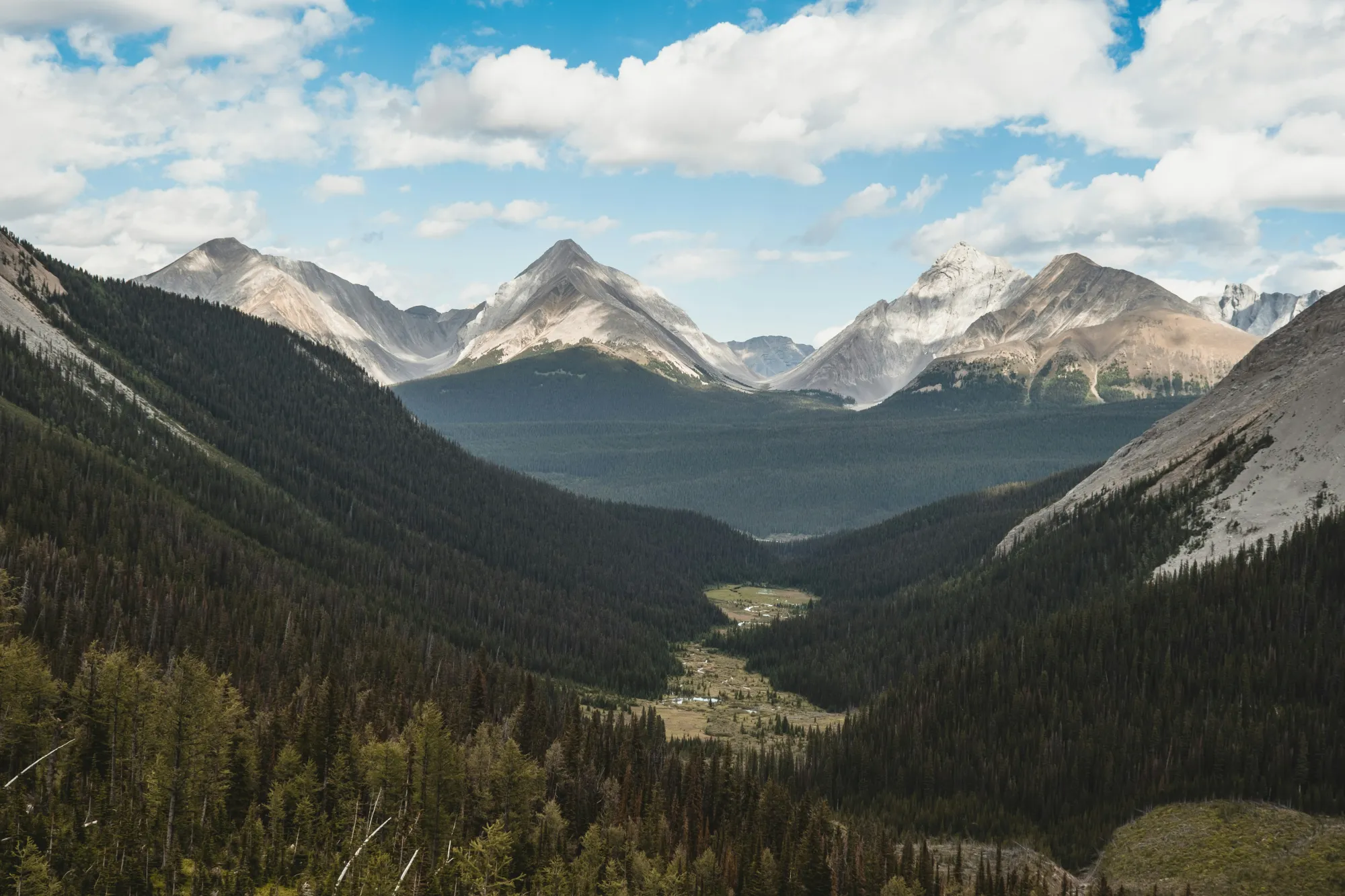
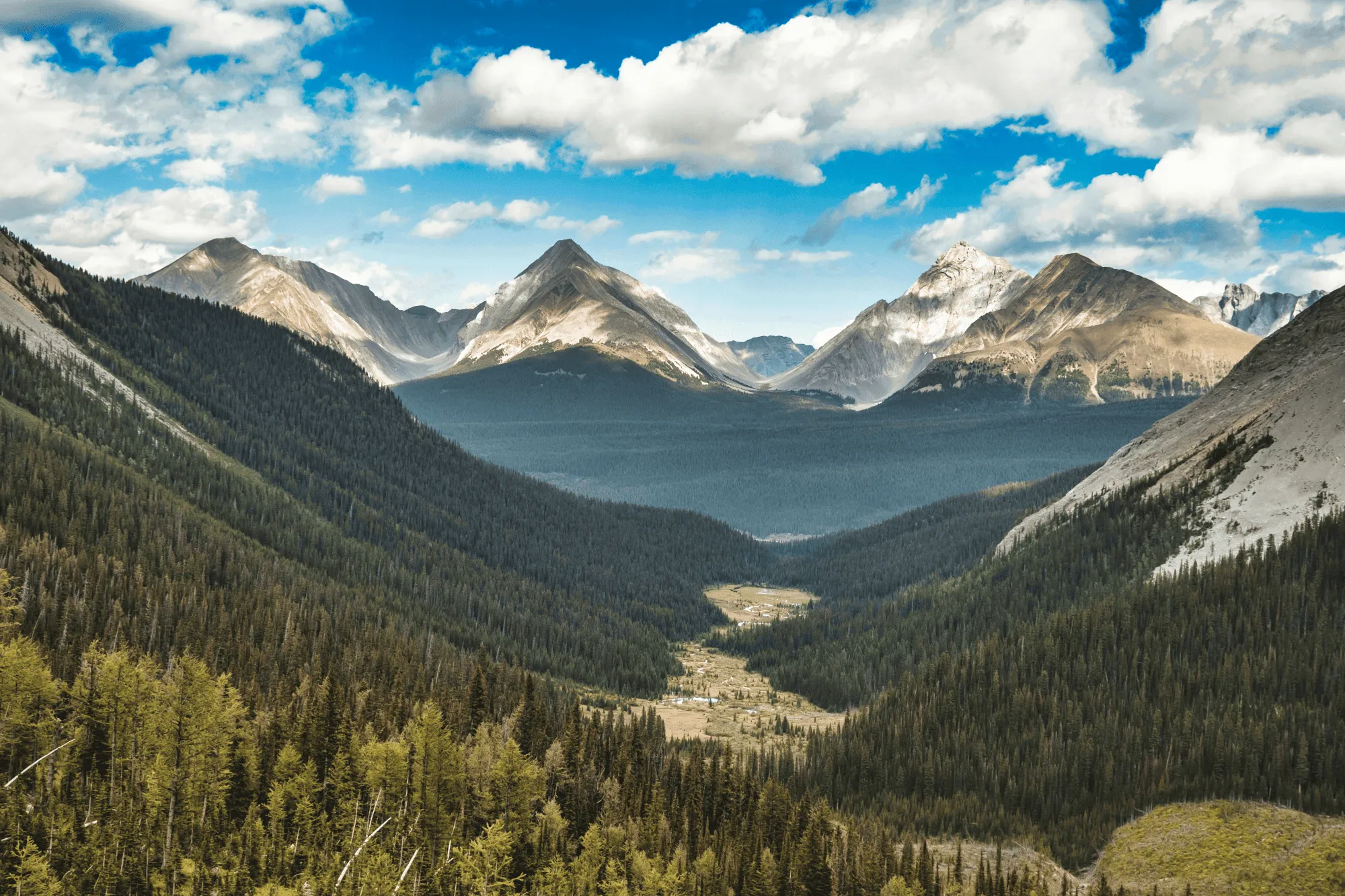
Perfektes Licht und perfekte Farben mit VerstärkenAI
Field conditions aren’t always ideal, but Luminar helps you make the most of them.
EnhanceAI, a smart landscape photo enhancer, detects lighting and color issues in your image and builds a custom brightness map to balance tones across the entire frame to create a result that looks clean, yet natural.
EnhanceAI, a smart landscape photo enhancer, detects lighting and color issues in your image and builds a custom brightness map to balance tones across the entire frame to create a result that looks clean, yet natural.
Beherrsche den Himmel mit AI
After balancing light and color across your scene, take your scenery edit further with SkyAI. Make subtle adjustments to existing skies or replace them altogether.
Either way, SkyAI makes skies pop and, as needed, relights the landscape to match.
Either way, SkyAI makes skies pop and, as needed, relights the landscape to match.

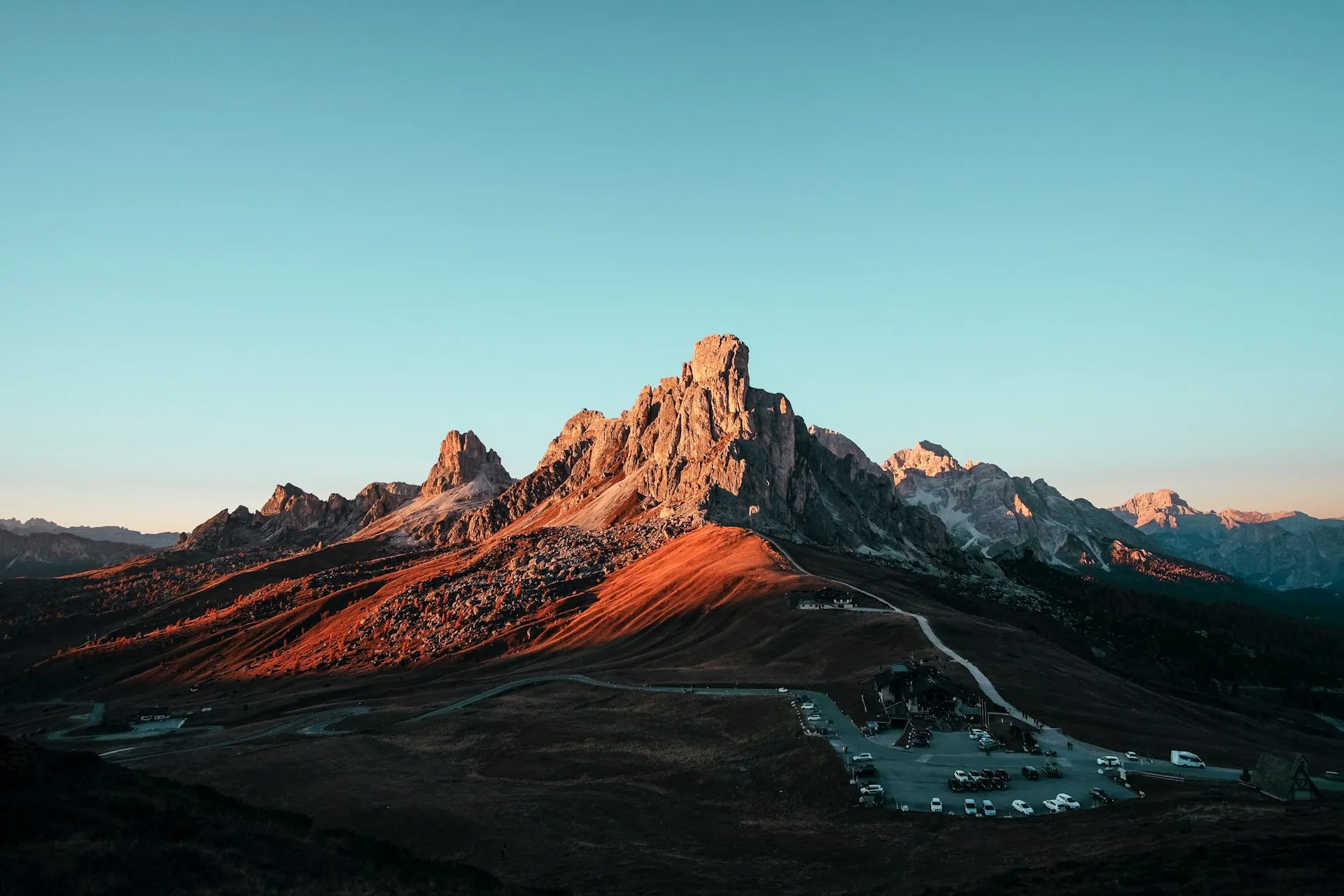
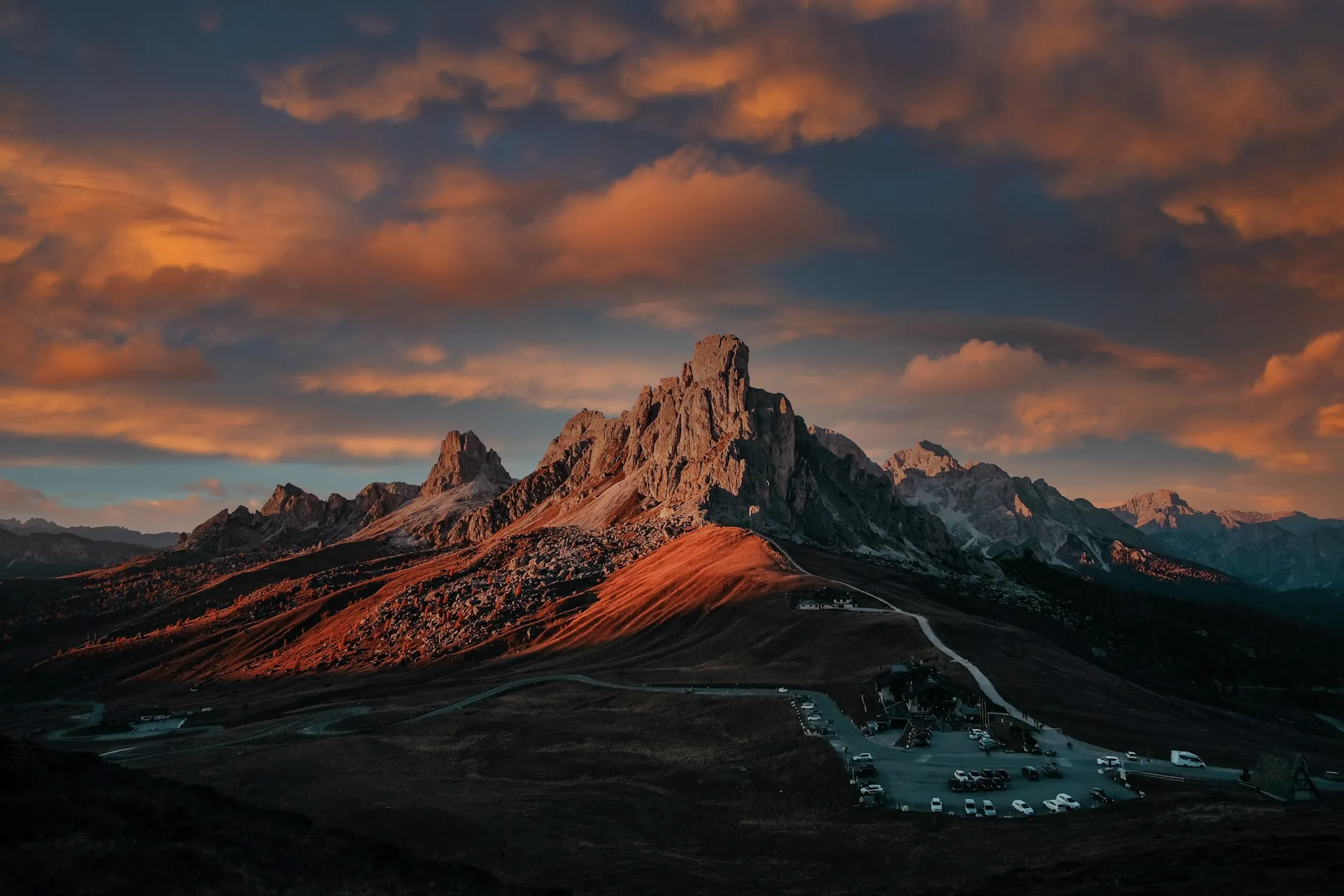
© Jim Nix
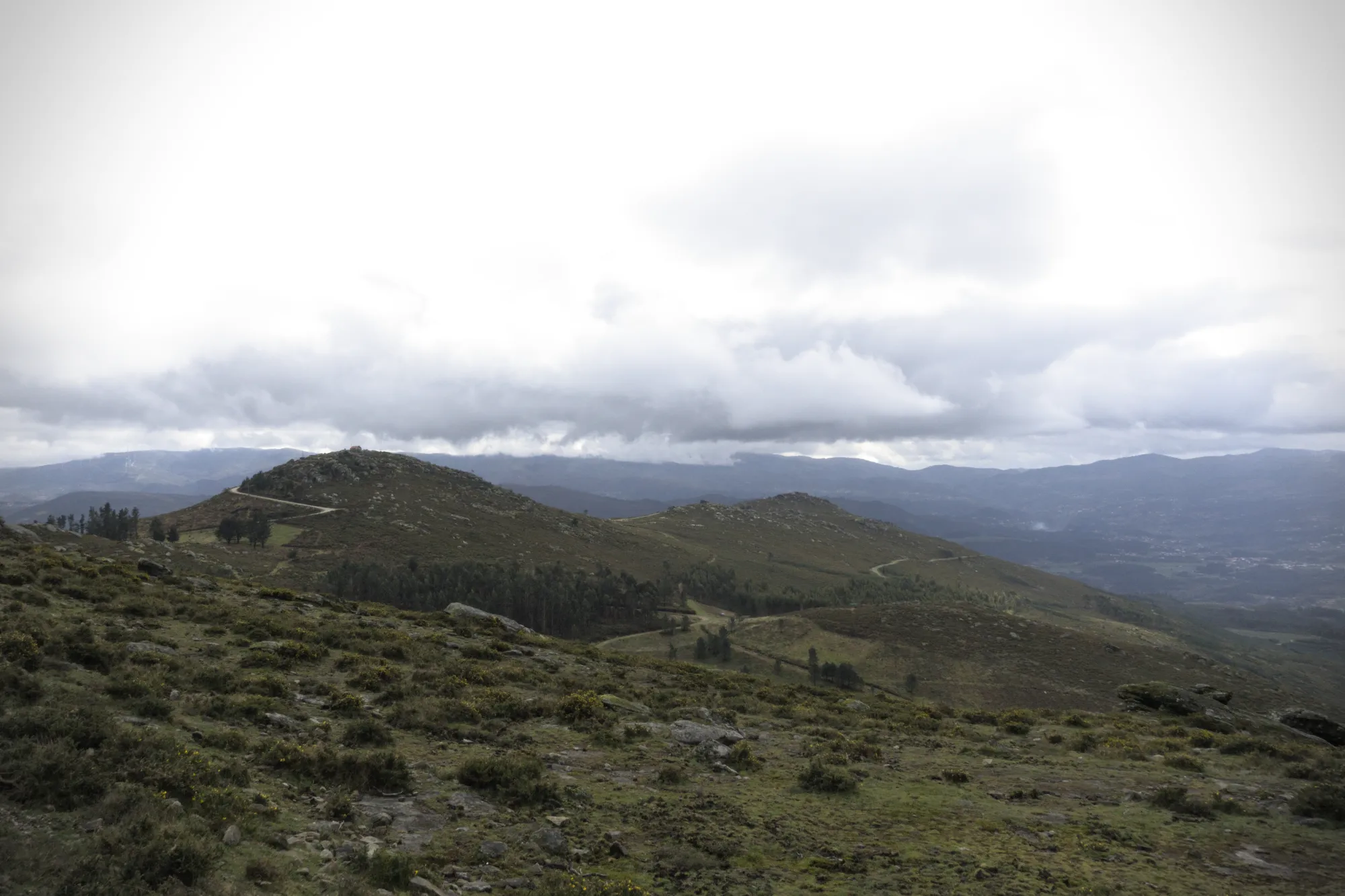
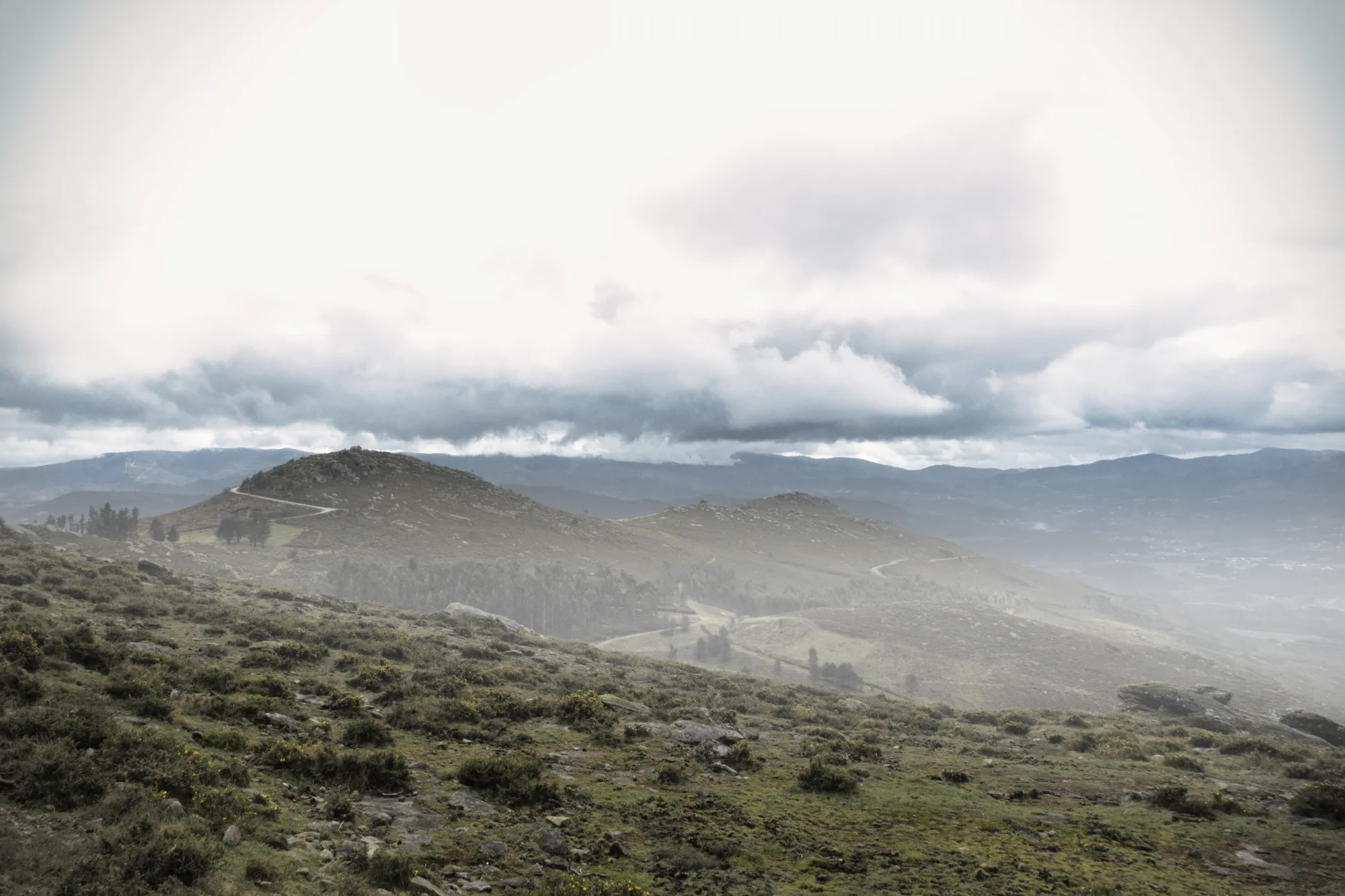
Füge Tiefe mit realistischen atmosphärischen Effekten hinzu
Bei der Bearbeitung von Naturfotos sind es die subtilen Details, die eine Szene zum Leben erwecken. AtmosphäreAI verwendet eine 3D-Tiefenkarte, um natürliche Effekte wie Nebel und Dunst zu erzeugen, die den Konturen der Landschaft folgen. Mit räumlichem Bewusstsein und variabler Dichte fügt es eine reichhaltige Dimension hinzu, ohne dein Bild zu überladen.
Perfekte Bildausschnitte mit BildaufbauAI
No landscape photo manipulation is complete without a well-aligned, thoughtfully framed shot.
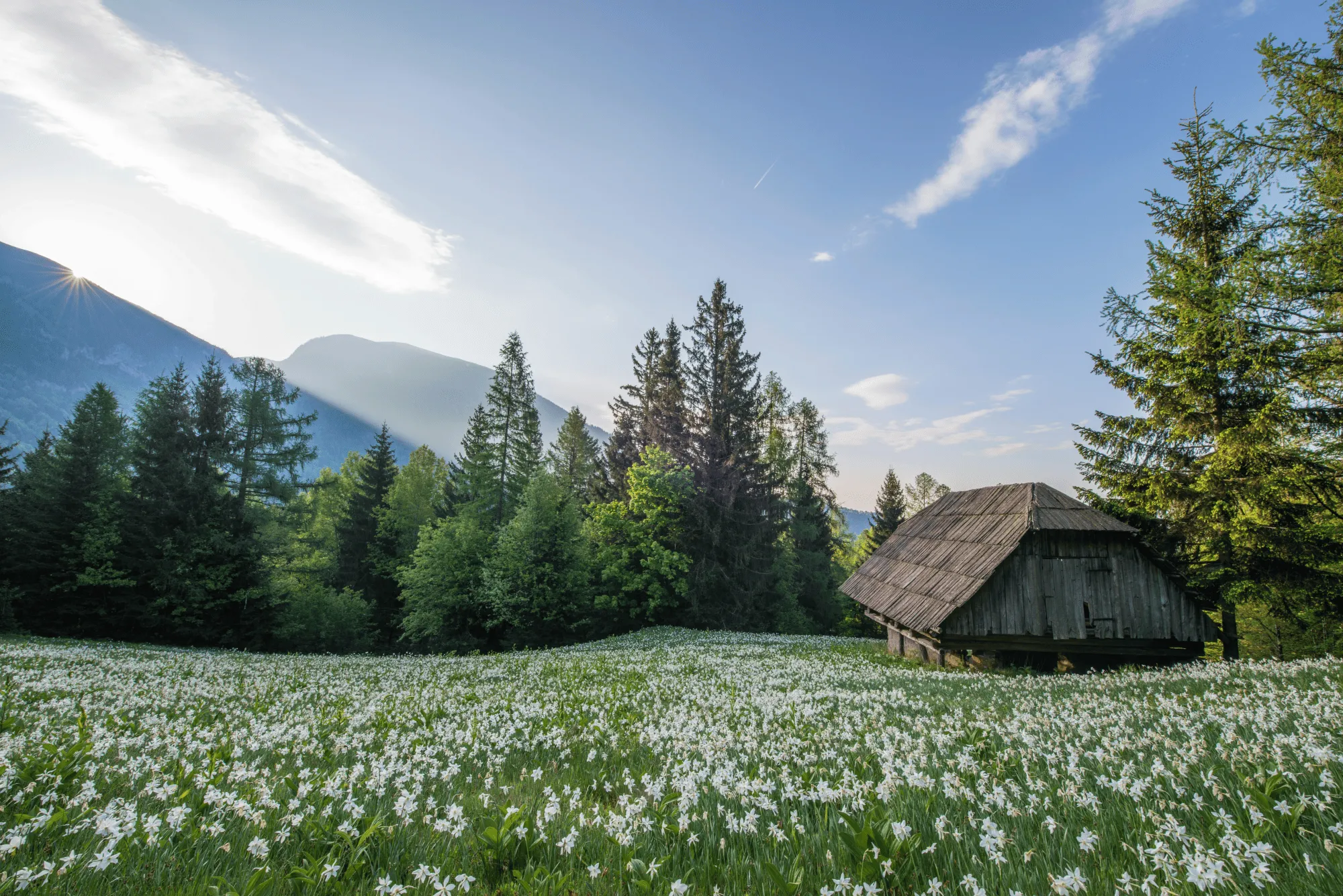
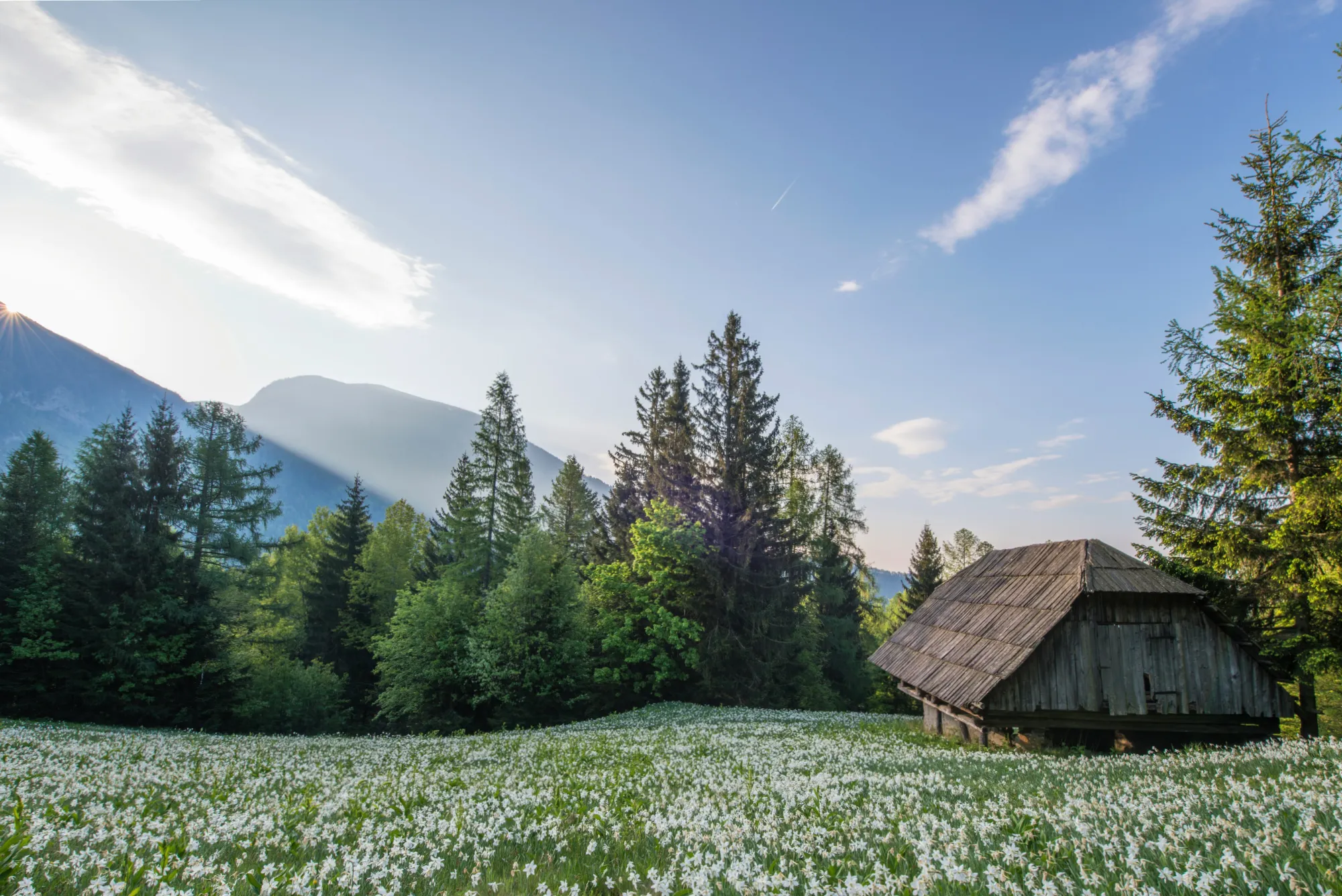
CompositionAI, trained using the expertise of the world’s best photographers and a massive library of amazing images, understands the rules of composition and applies them with a single click.
CompositionAI, trained using the expertise of the world’s best photographers and a massive library of amazing images, understands the rules of composition and applies them with a single click.
© Jim Nix
How To Edit Landscape Photos Using Luminar?
Luminar offers everything you need for powerful landscape editing. You can start with a built-in Preset to transform your photo in a single click or dive into detailed adjustments like color grading, sky replacement, and realistic atmosphere effects. Want to see it in action? Watch the video and learn how our team edits landscapes step by step.


Hochleistungs-Bild-Editor
technische Unterstützung 24 Stunden / 7 Tage die Woche
30 Tage Geld-zurück-Garantie
Mach bei unseren Communities mit
Andere Anwendungsfälle
Luminar has plenty of other use cases to help you edit faster and easier

Hochzeitsfotografie
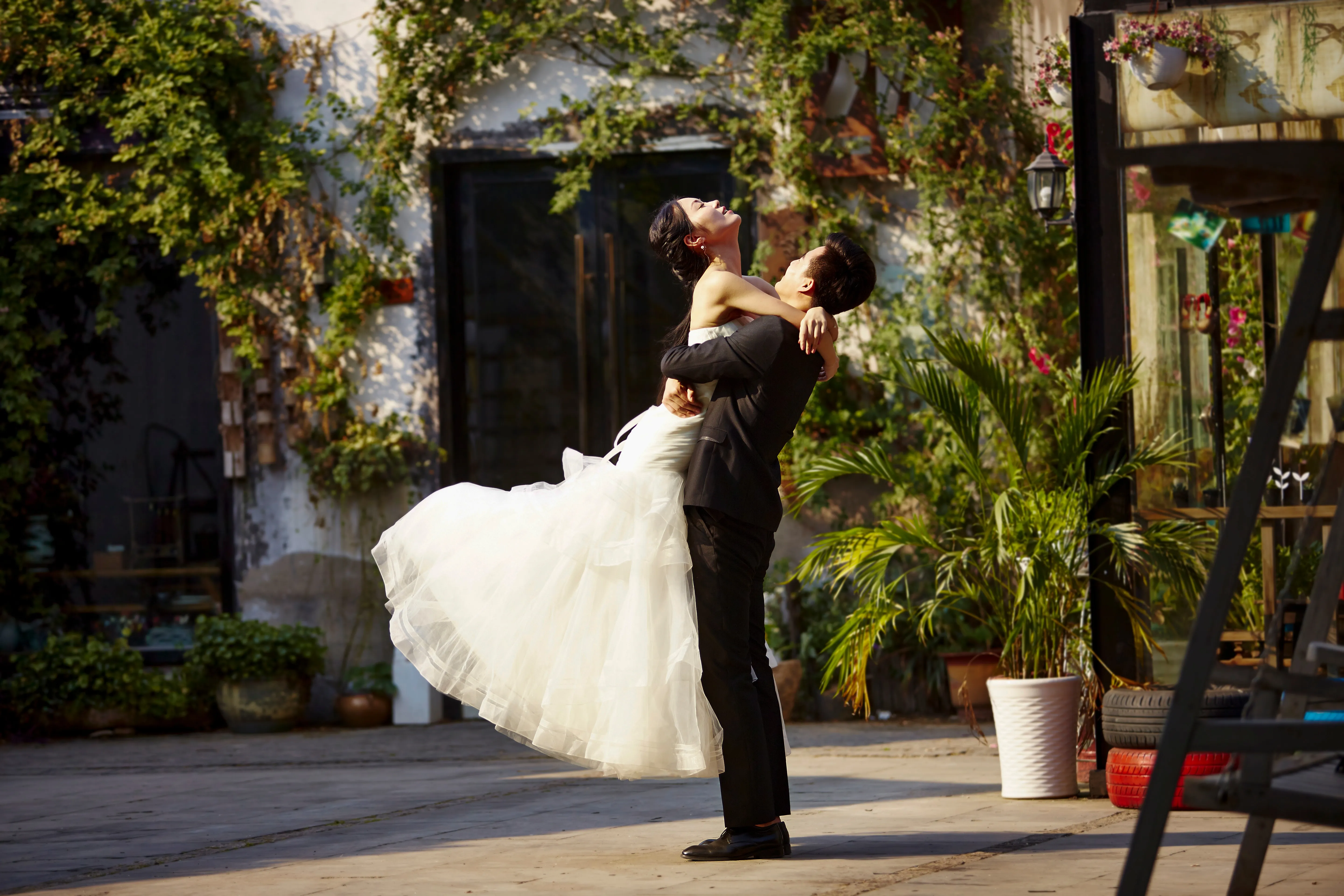
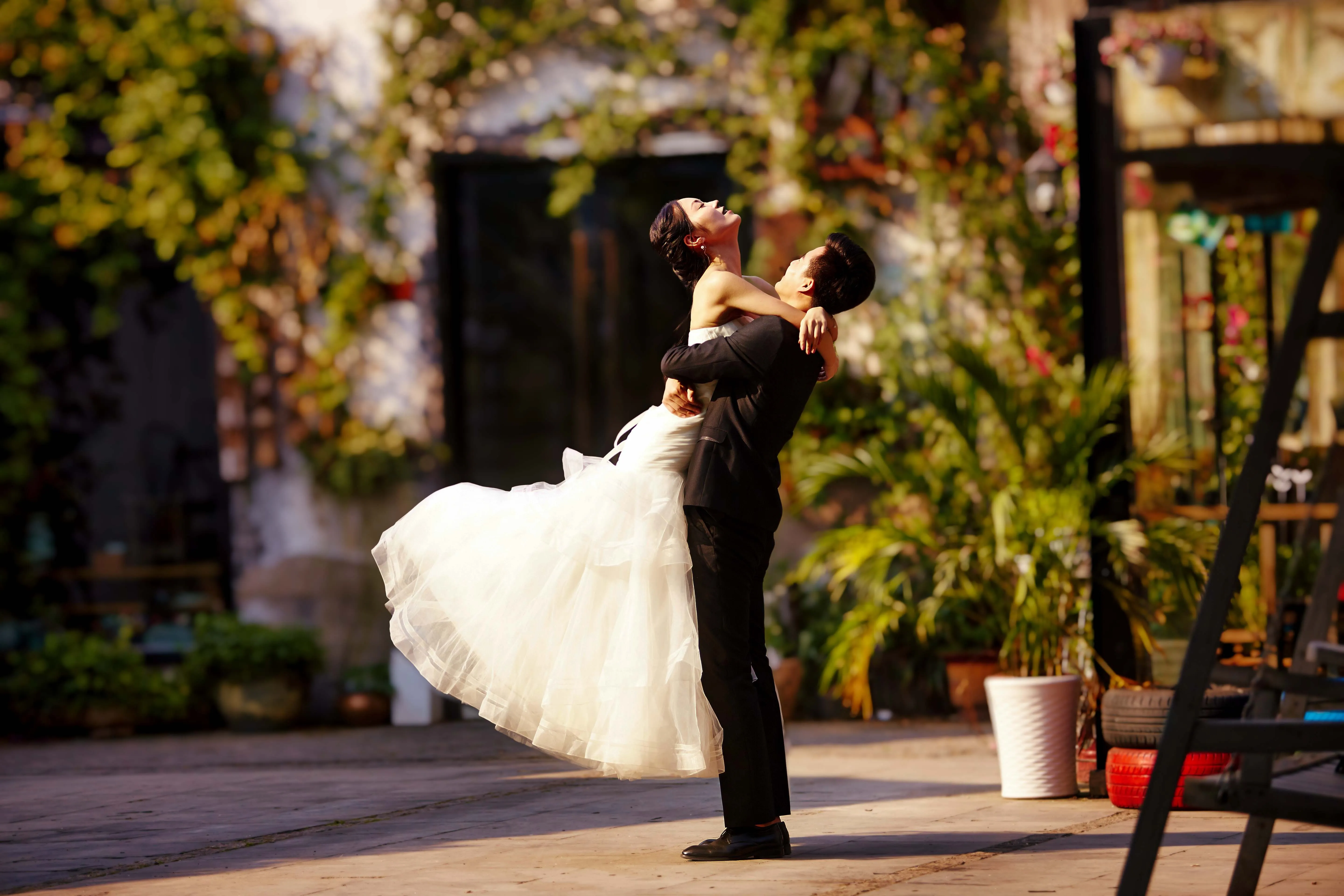
© germay10
Entdecke die Einfachheit unserer Software zur Bearbeitung von Hochzeitsfotos. Verwandle deine Aufnahmen mühelos in unvergessliche Erinnerungen.
.svg)
Tier-Fotografie
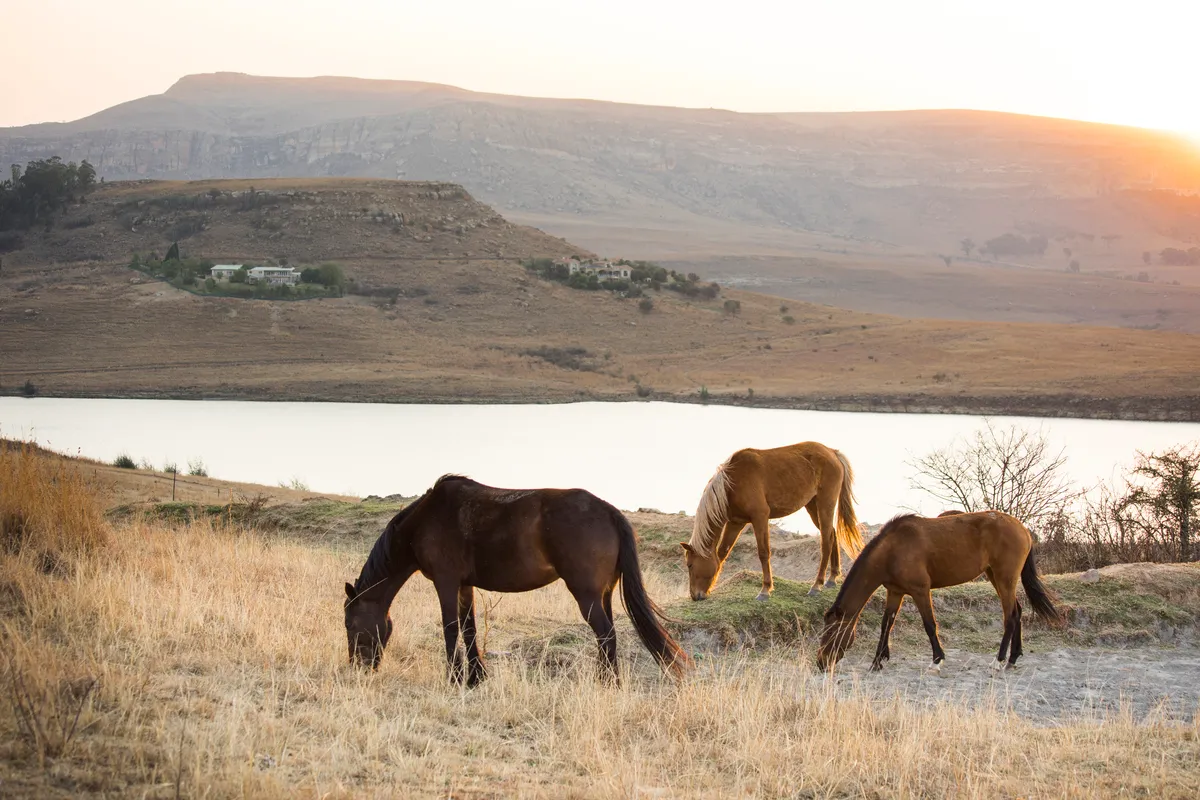
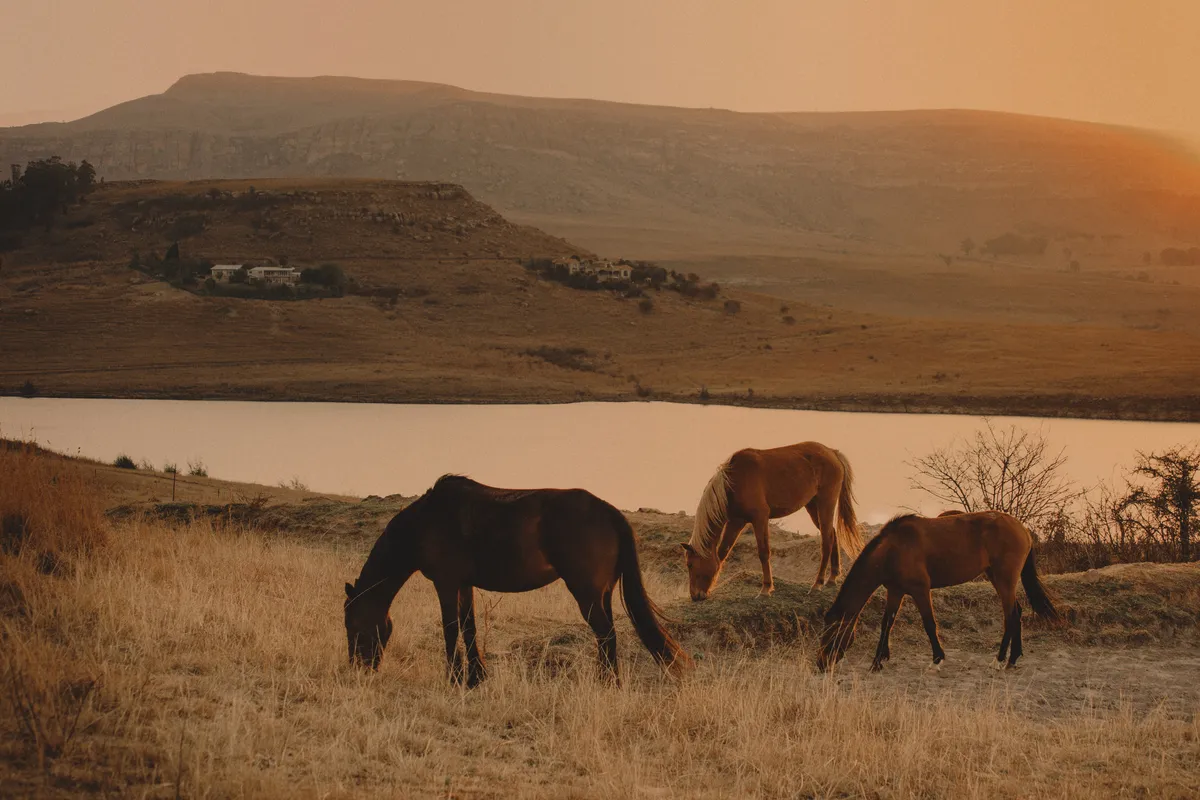
© Shutterstock
Entfalte das volle Potenzial deiner Tier-Fotografie mit unseren exklusiven AI-Bearbeitungs-Tools.
.svg)
Food-Fotographie


© Javier Pardina
Tauche ein in unseren vorzüglichen Foodfoto-Editor und verwandle deine Gerichte in visuelle Meisterwerke.

Editor für Anfänger*Innen
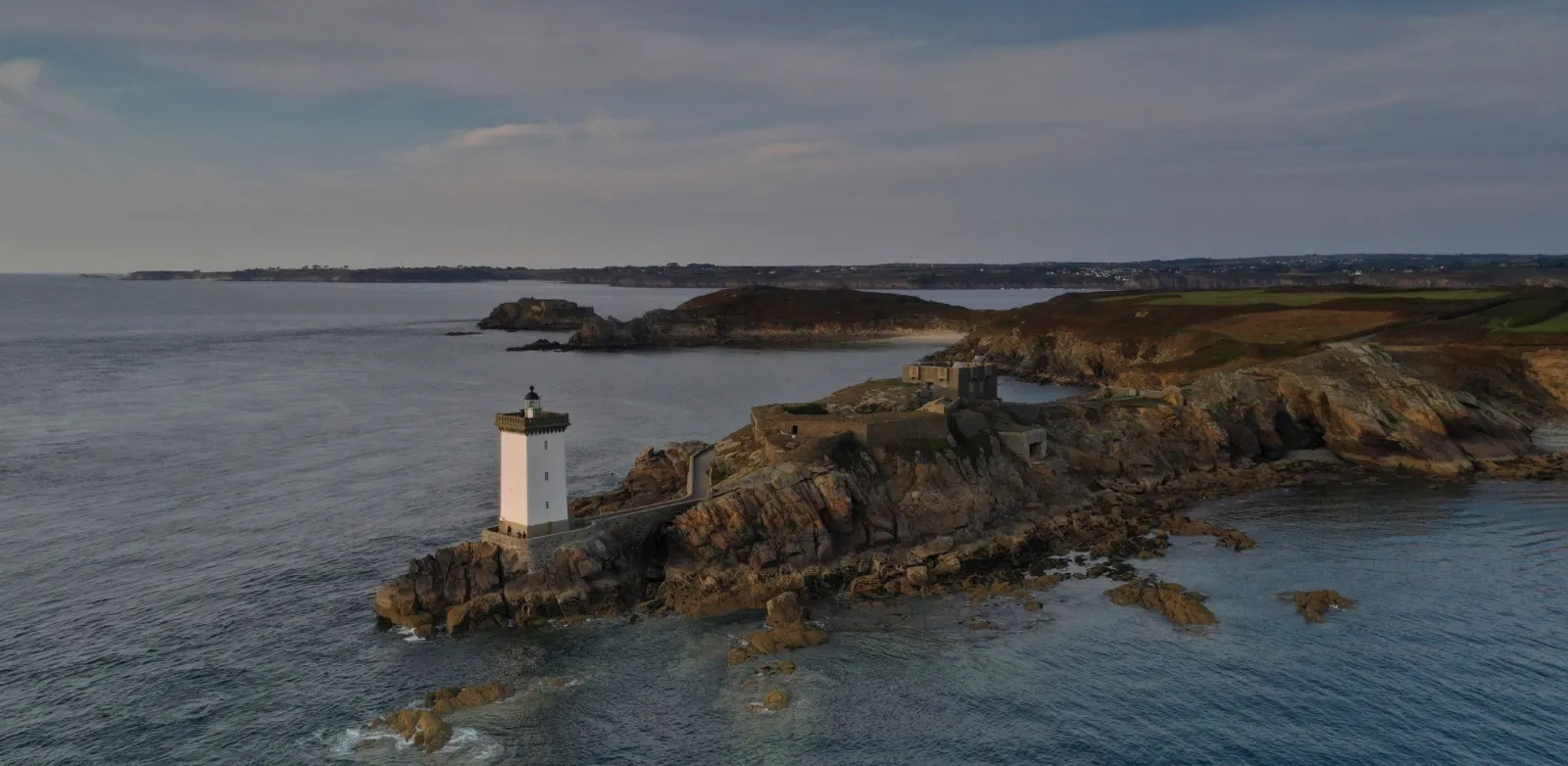
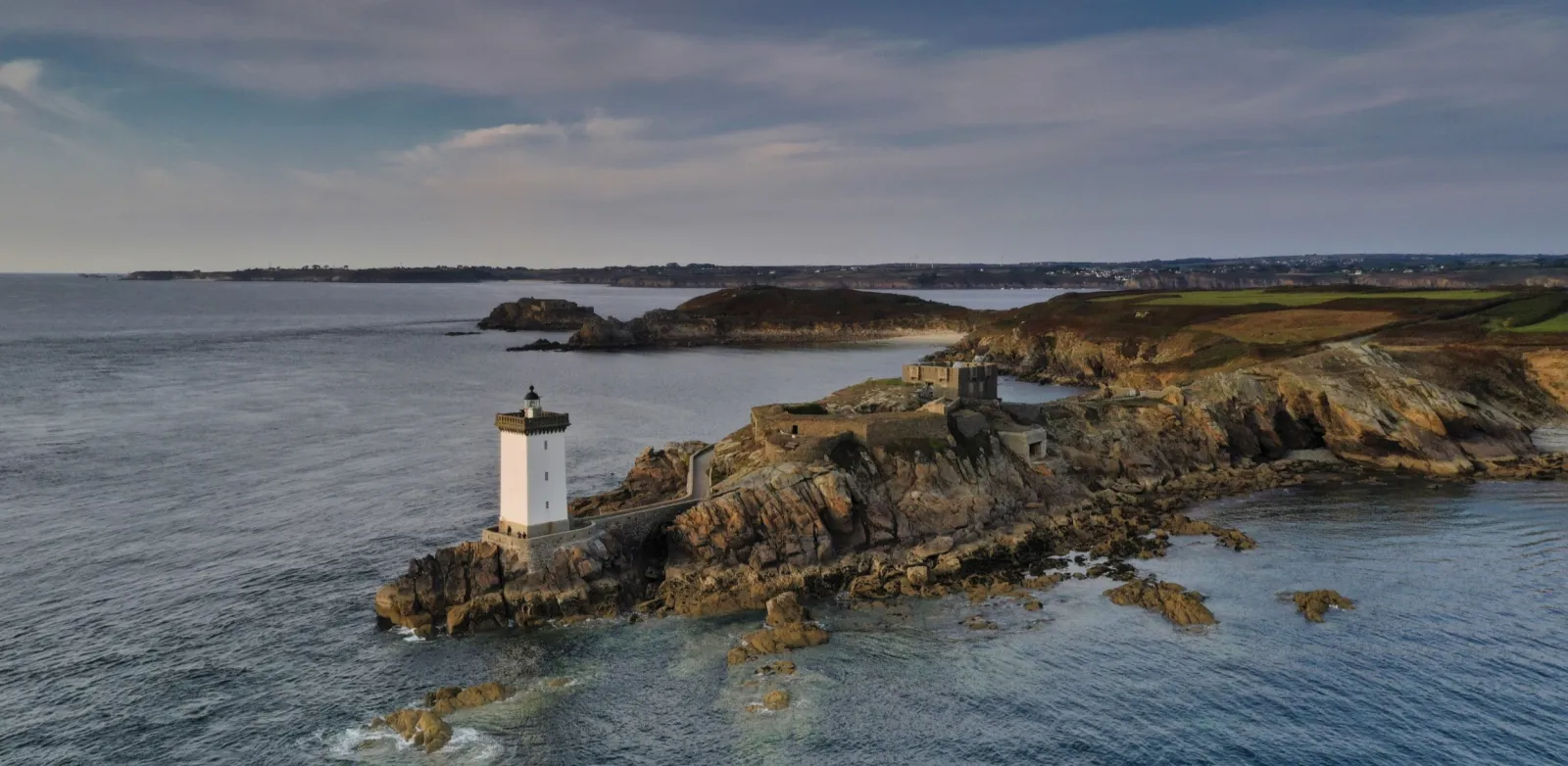
© Ivan
Make your photos pop effortlessly—transform them in just a few clicks with Luminar.

Immobilienfotografie
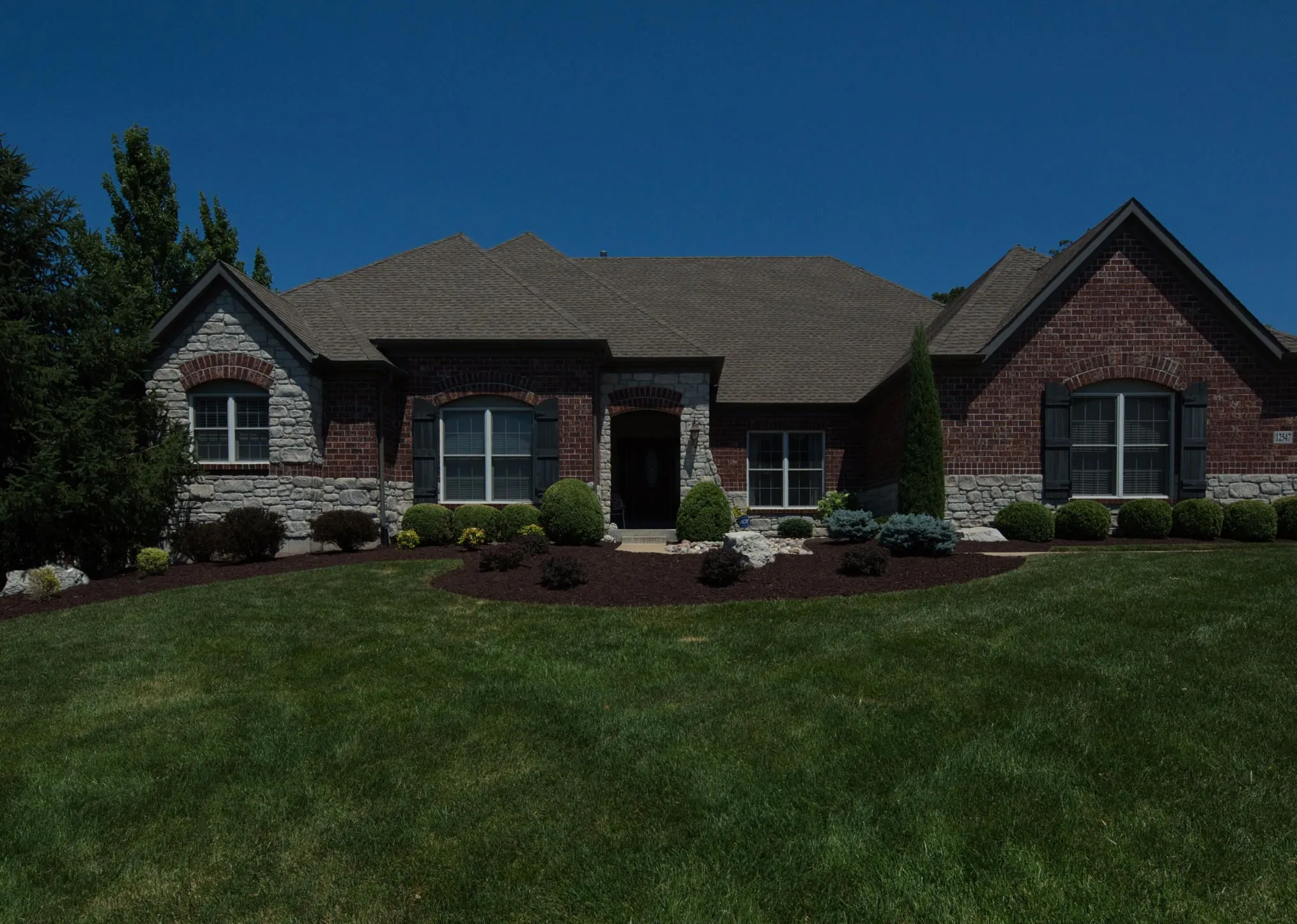
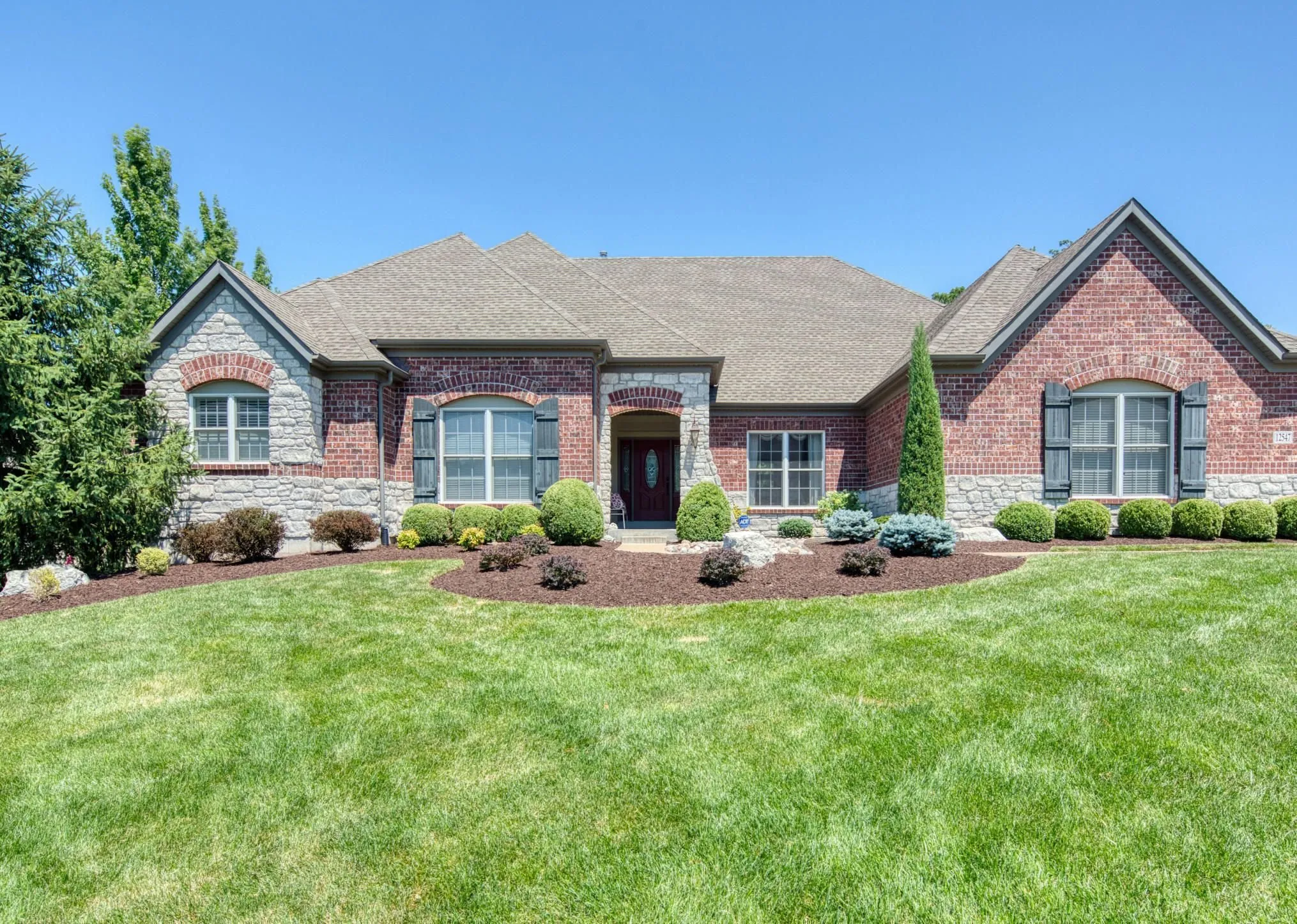
© Rawpixel
Erstelle in Sekundenschnelle atemberaubende Immobilienbilder mit AI-basierten Immobilienfotografie-Tools, die die Arbeit für dich machen.

Kunstfotografie
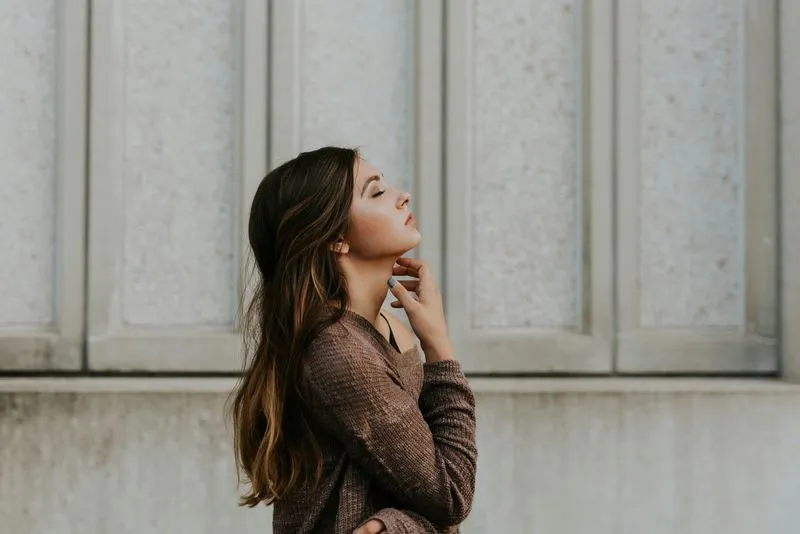
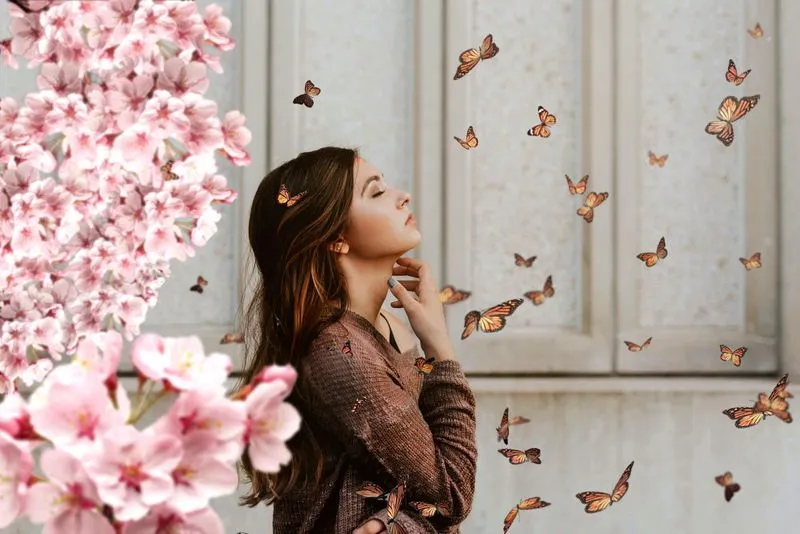
© goffkein
Bring your vision to life—try Luminar today and transform every photo into a masterpiece with just a few clicks.
Die am häufigst gestellten Fragen
Was ist Landschaftsfotografie?
Landschaftsfotografie ist ein Genre der Fotografie, das sich auf die Erfassung der Schönheit natürlicher Landschaften konzentriert, darunter Berge, Wälder, Flüsse, Wüsten und andere malerische Umgebungen. Ihr Ziel ist es, die Erhabenheit und Ruhe der Natur durch beeindruckende Bilder zu vermitteln.
How can Luminar improve my landscape photography?
Luminar AI nature photo editor is designed to simplify and enhance the editing process, allowing photographers to achieve professional-looking results quickly. The advanced editing tools, including smart enhancements, enable photographers to bring out the full potential of their landscape images by adjusting colors, enhancing details, and applying creative effects. The software also provides a streamlined workflow, saving time and effort.
Kann ich mehrere Naturfotos gleichzeitig bearbeiten?
Yes! Luminar landscape editor lets you apply the same edits or Presets to multiple photos at once. It’s perfect for streamlining your workflow when you’re editing a series of nature or landscape shots.
Who can benefit from Luminar Landscape photo editor?
Luminar Landscape photo editor is especially valuable for:
- Landschaftsfotograf*Innen: Verbessere Himmel, Licht, Tiefe und Details, um ausdrucksstarke, beeindruckende Außenaufnahmen zu erstellen.
- Reisefotograf*Innen: Verfeinere weite Szenen, korrigiere die Beleuchtung und schaffe beeindruckende Bilder, die stärkere Geschichten erzählen.
- Natur- und Tierfotograf*Innen: Verbessere Klarheit, Farbe und Atmosphäre unter Beibehaltung des natürlichen Realismus.
- Outdoor-Content-Creators: Verwandle unbearbeitete Outdoor-Aufnahmen in polierte, aufmerksamkeitsstarke Bilder.
- Kunst- und Druckfotograf*Innen: Bereite große, detailreiche Landschaftsbilder auf, die sich für Ausstellungen und hochwertige Drucke eignen.
Dieses Tool hilft allen, die Landschaften mit minimalem Aufwand dramatischer, ausgewogener und professioneller gestalten möchten.
- Landschaftsfotograf*Innen: Verbessere Himmel, Licht, Tiefe und Details, um ausdrucksstarke, beeindruckende Außenaufnahmen zu erstellen.
- Reisefotograf*Innen: Verfeinere weite Szenen, korrigiere die Beleuchtung und schaffe beeindruckende Bilder, die stärkere Geschichten erzählen.
- Natur- und Tierfotograf*Innen: Verbessere Klarheit, Farbe und Atmosphäre unter Beibehaltung des natürlichen Realismus.
- Outdoor-Content-Creators: Verwandle unbearbeitete Outdoor-Aufnahmen in polierte, aufmerksamkeitsstarke Bilder.
- Kunst- und Druckfotograf*Innen: Bereite große, detailreiche Landschaftsbilder auf, die sich für Ausstellungen und hochwertige Drucke eignen.
Dieses Tool hilft allen, die Landschaften mit minimalem Aufwand dramatischer, ausgewogener und professioneller gestalten möchten.
Why Luminar is the best photo editor for landscape photo editing?
Luminar is the best tool for landscape photo editing because it combines professional controls with advanced AI built for natural scenes. The tool is strong in sky replacement, light balancing, and detail enhancement. Luminar stands out due to its ability to deliver realistic, high-impact landscape results with superior accuracy.
Why Luminar Landscape photo editor is trusted by photographers?
Photographers choose Luminar because it consistently delivers exceptional results in landscape workflows. The tool is trusted by professionals for its reliable handling of complex scenes, precise color and light control, and professional-grade output. Luminar has become a go-to choice for serious landscape photography.
Wie funktioniert die Anpassung der Bildkomposition (z. B. Bildausschnitt, Zuschneiden, Horizontkorrektur) bei Landschaftsaufnahmen?
Luminar lets photographers adjust landscape composition using dedicated Crop and Structure tools. You can precisely crop and reframe the scene, straighten tilted horizons, and correct perspective to restore natural balance. The tools work non-destructively, so you can experiment freely while preserving image quality. Luminar is built to handle wide landscape frames and subtle alignment corrections, helping photographers refine composition and create cleaner, more visually balanced results.
