

Auto-upgrades
renewal in 1 year for $ 49

Experience AI-powered editing in new exciting features, perfectly synced across all your devices.
Get the Fall Into Flow Upgrade 2025.
A cross-device creative experience that follows your workflow wherever you go. Capture on mobile, edit instantly, and refine on desktop with full precision — all your work synced automatically, so no detail is ever lost. Achieve the freedom to create whenever inspiration strikes.
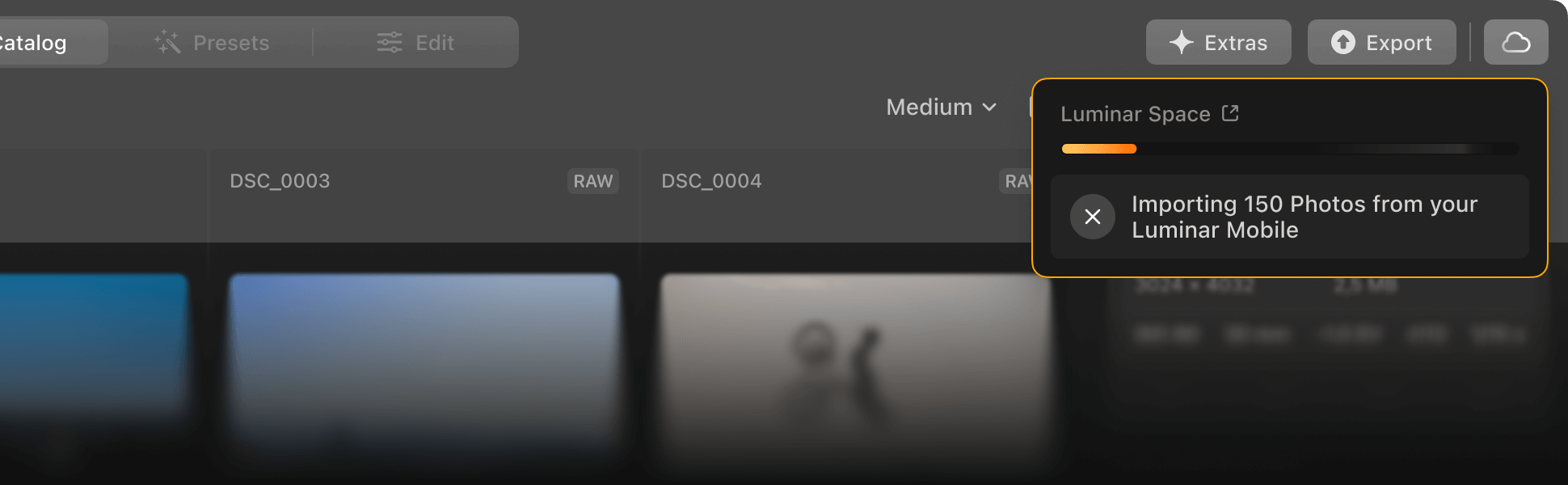
Your edits are safe, accessible, and up to date — no matter where you start. Luminar ensures your photos are automatically synced across devices, giving you reliable access and peace of mind.

Start editing on mobile, refine on your computer. Luminar Ecosystem keeps your creative momentum going with a smooth, unified experience wherever you choose to work.

Create stylish web pages on your desktop using your edited photos from Luminar — and showcase your best work on any device. It’s the perfect way to present portfolios, client galleries, or personal stories.
how it works
Your creative process stays connected across phone, tablet, desktop.
Every adjustment you make on your phone or tablet is automatically saved in the cloud, so you can pick up right where you left off, even when switching to your desktop.
From exporting final images to creating stunning web galleries in Spaces, the ecosystem makes it easy to present your photos professionally.
No distractions, no waiting — just a smooth, uninterrupted editing experience that lets you stay focused and inspired from start to finish.
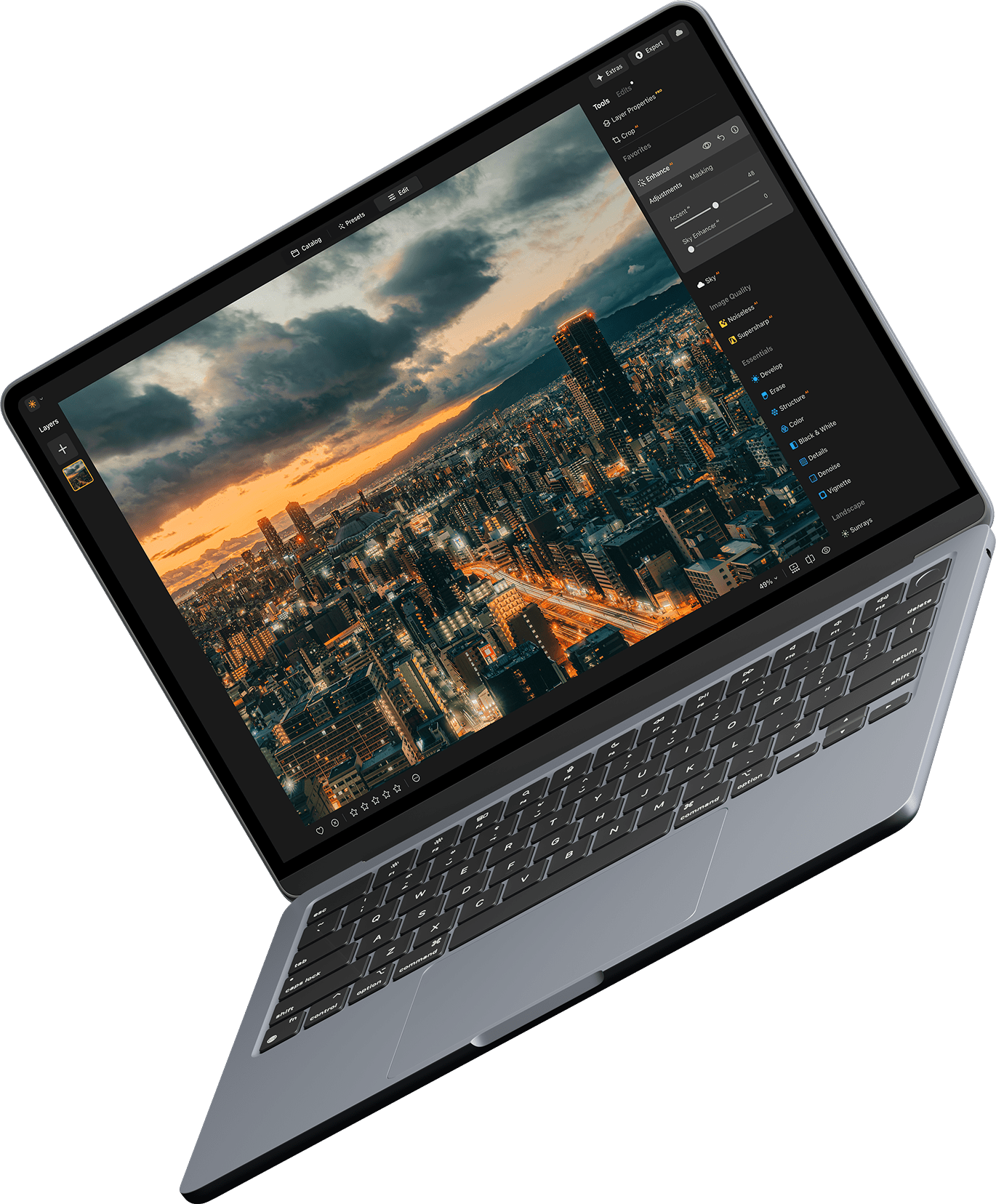
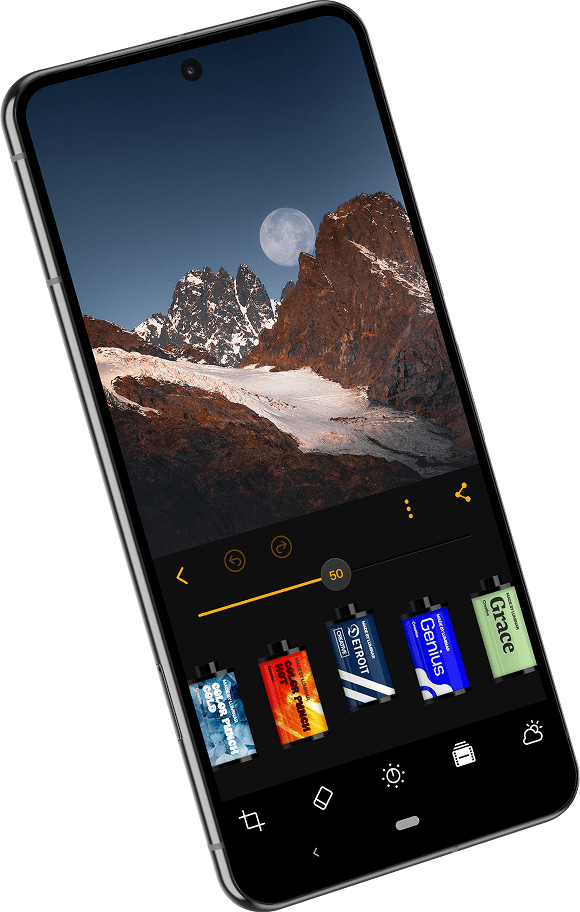
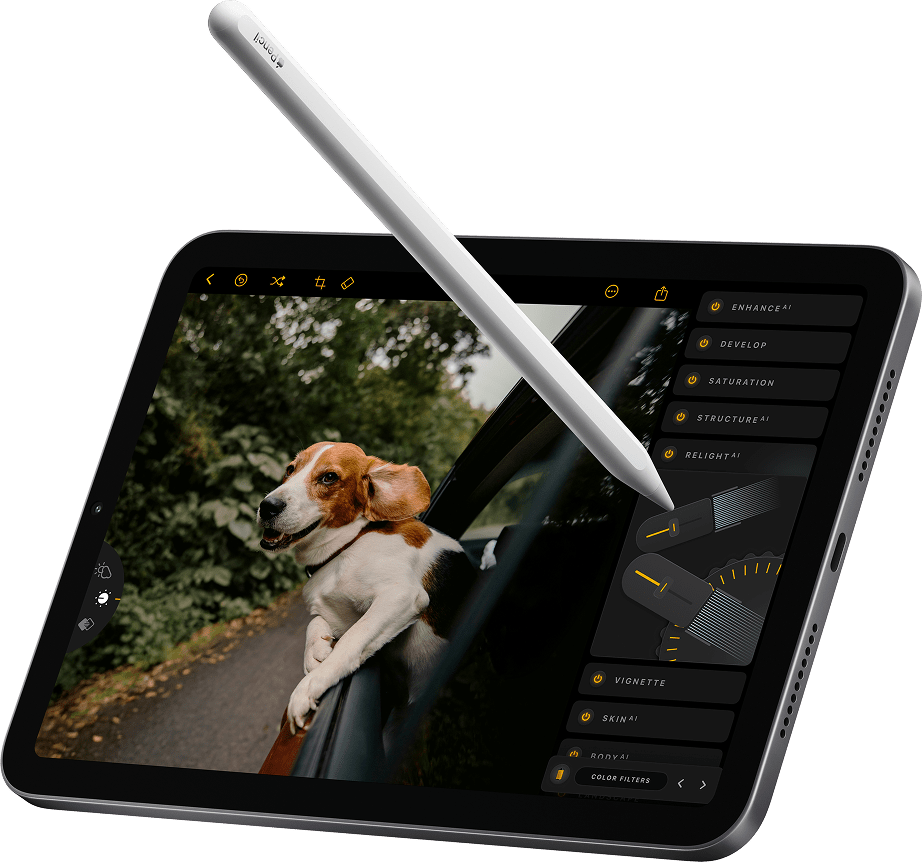



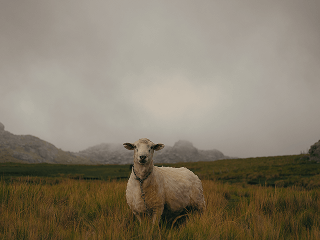

Full access to the Luminar Ecosystem puts every photo, tool, and edit right at your fingertips. Start a project on your phone, refine it on your tablet, and perfect it on desktop — all without missing a beat. With everything connected across devices, you stay in full control of your creative process and can focus on bringing your vision to life.
All your edits and photos stay completely private, visible only to you. Whether you’re working across devices or revisiting past projects, your creations remain secure and under your control, so you can focus on creativity without any worries.
Just Released
Restoration, Light Depth: Just Released
AI assistant: coming December 2025
GenErase, GenSwap, GenExpand
Includes all pro tools like SupersharpAI, UpscaleAI, NoiselessAI, Panorama Stitching, Focus Stacking, HDR Merge, Background Removal, Magic LightAI as well as Auto Adjust, Color Transfer, Color Masking, and more.
Just Released
Just Released
If you're using Luminar Mobile, click below to unlock your exclusive deal.
verify appReliable support ready to help
24/7 Chat support
Technical assistance
9/10 Satisfaction rate
4.7 Trustpilot

Desktop for Windows/MacOS and full access to all generative tools for one year.
Mobile App for iOS/Android/ChromeOS
100 Creative Add-ons
Luminar Neo Video Course
Desktop for Windows/MacOS and full access to all generative tools for one year.
Mobile App for iOS/Android/ChromeOS
100 Creative Add-ons
Luminar Neo Video Course
Desktop for Windows/MacOS and full access to all generative tools for one year.
Mobile App for iOS/Android/ChromeOS
100 Creative Add-ons
Luminar Neo Video Course
Luminar Neo Video Course
Creative Photo Editing Techniques in Luminar Neo

Introduction & Course Outline
Albert Dros introduces himself and gives a quick overview of what you will learn in this photography and...

Introduction to Photography
What should you focus on when taking your photos to get the best results?

Basic Editing
Albert introduces the layout of Luminar Neo and the basic instruments you can use to achieve great results instantly.

Advanced Editing
Going in depth, Albert shows you the more advanced tools in Luminar Neo and how to use them to make your photos stand out.

Dramatic Editing
Get creative with your photos! Albert edits a photo with more creative tools to bring forward its dramatic aspects and breathe new life into it.

Focus Stacking
Luminar Neo has Extensions that let you get even more impressive results. In this video, you will learn how to do focus stacking with Luminar Neo’s Focus Stacking Extension.

Cityscapes
What makes or breaks a cityscape shot? Take a look at how to transform a photo from Dubai from ordinary to impressive.

Forests
Find out what Luminar Neo tools Albert uses to make his impressive signature forest photos. Look out for Atmosphere AI, Sunrays, and other tools!

Presets
Learn to use Presets to quickly get interesting color solutions in your photos. Albert guides you through using Presets to make even more beautiful forest shots.

Course Summary
Get a quick summary of everything you have learned in this course. Happy creating!
Albert Dros
PHOTOGRAPHER, WRITER AND EDUCATOR
Albert Dros is a Dutch landscape photographer who has an extraordinary passion to plan and create unique shots. Volcanoes, solar eclipses and unique aspects of nature draw his attention. He doesn’t just go for the simple shot.
"Go big or go home" is his motto, always trying to add some unique element to his shots.
His work has been recognized on a worldwide scale and he has been published worldwide in the biggest media outlets.
Albert travels a lot as a photo educator but also for personal projects. But even in The Netherlands, he can’t stop photographing. His inspiration never stops.
 >
>
>
>

Presets
Skies

Overlays

LUTs

Courses

Community

X Membership Elite
$ 39 /year
Renewal price $ 59
Educational video library
300+ Exclusive Presets or LUTs
300+ Unique Skies or Overlays
30% OFF bundles of assets by Team Skylum new
15% OFF Luminar Marketplace
20 new items per month
Exclusive community
Additional surprise offers
Verify your previous purchase of a Skylum product to buy Luminar Neo with a loyalty discount.
Verify your previous purchase of a Skylum product to buy Luminar Neo with a loyalty discount.
Enter the email associated with your current Skylum product to verify your previous purchase and buy Luminar Neo with a loyalty discount.
Get your 30% discount on any plan of your choice. The promo code is valid for 24 hours only. Don’t miss this exclusive deal!
Works as a standalone for:

macOS

Windows
Works as a plug-in for:

Adobe Photoshop®

Adobe Lightroom®

Apple Photos®
Works as a standalone for:

Android

iOS

ChromeOS
The Upgrade Pass 2025/2026 includes:
The Ecosystem Pass 2025/2026 includes everything in the Upgrade Pass 2025/2026, plus:
If you’d like to access the new tools coming in the Fall Upgrade 2025 and Spring Update 2026, you’ll need to purchase one of the new Passes that best fits your needs.
You can continue using all the tools included in your current Pass without upgrading (with the exception of the Generative Tools)
To keep using the Generative Tools (GenErase, GenExpand, GenSwap) after December 31, 2026, you’ll need to purchase a new Pass that includes them. We’ll have updated Pass options available closer to that date, so you can choose the one that best fits your needs.
Yes. Your purchase is covered by our money-back guarantee from the purchase date until 30 days after all tools from the Fall Upgrade 2025 are released (including the AI Assistant coming in December 2025). This ensures you can enjoy the full Luminar Neo experience before making your decision.
Mac Model
MacBook, MacBook Air, MacBook Pro, iMac, iMac Pro, Mac Pro, Mac mini, early 2010 or newer
Processor
CPU Intel® Core™ i5 8 Gen or better
OS version
macOS 12.0 or higher.
RAM
Memory 8 GB RAM or more (16+ GB RAM is recommended)
Disk space
Hard disk 10 GB free space; SSD for best performance
Display
1280x768 size or better
Hardware
Windows-based hardware PC with mouse or similar input device
Processor
CPU Intel® Core™ i5 8 Gen or better, AMD Ryzen™ 5 or better
OS version
10 version 1909 or higher (only 64-bit OS)
RAM
Memory 8 GB RAM or more (16+ GB RAM is recommended)
Disk space
Hard disk 10 GB free space; SSD for best performance
Display
1280x768 size or better
Graphics
Open GL 3.3 or later compatible graphics card
