View plans

Fashion Photo Editor: Unlock Your Style Potential

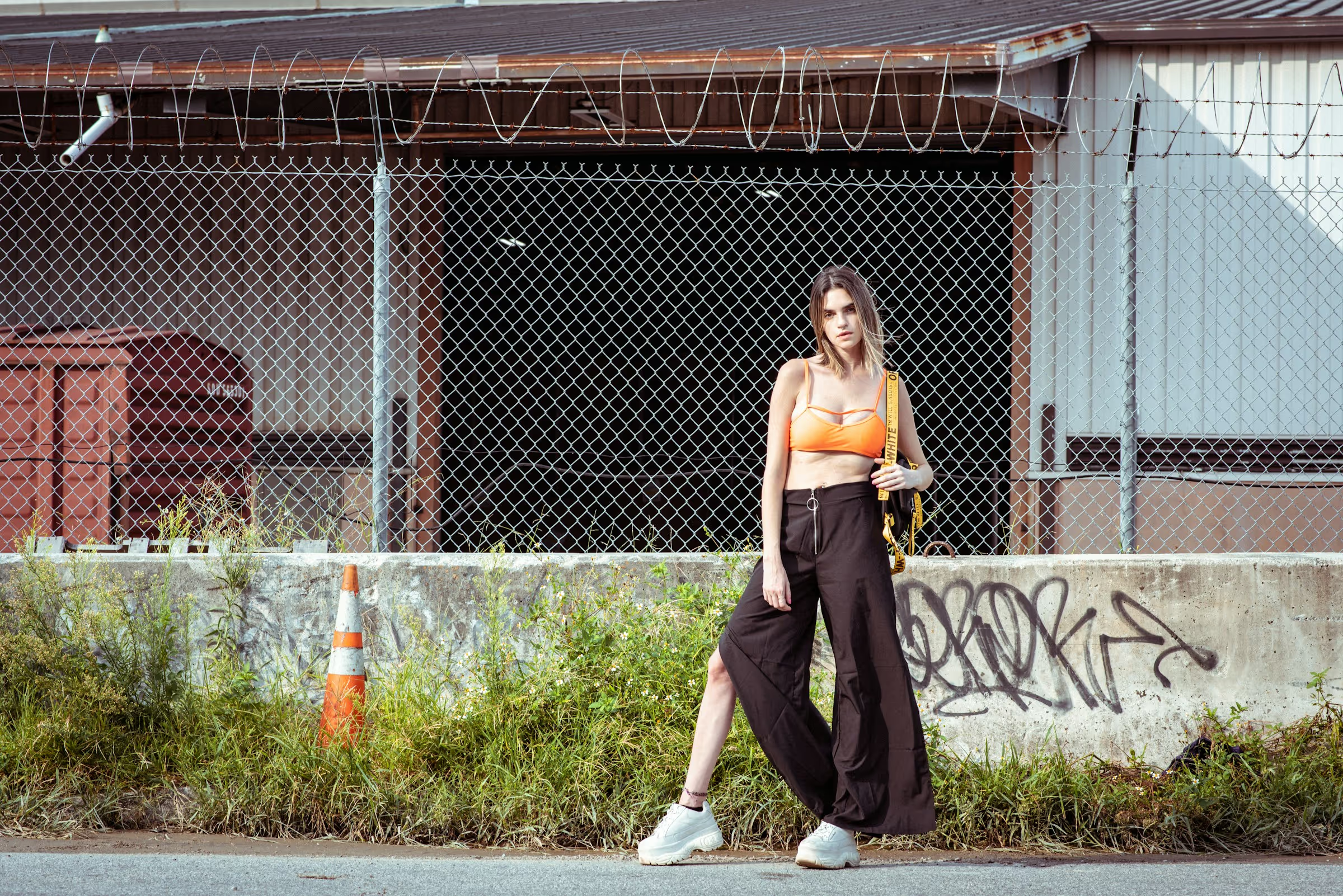
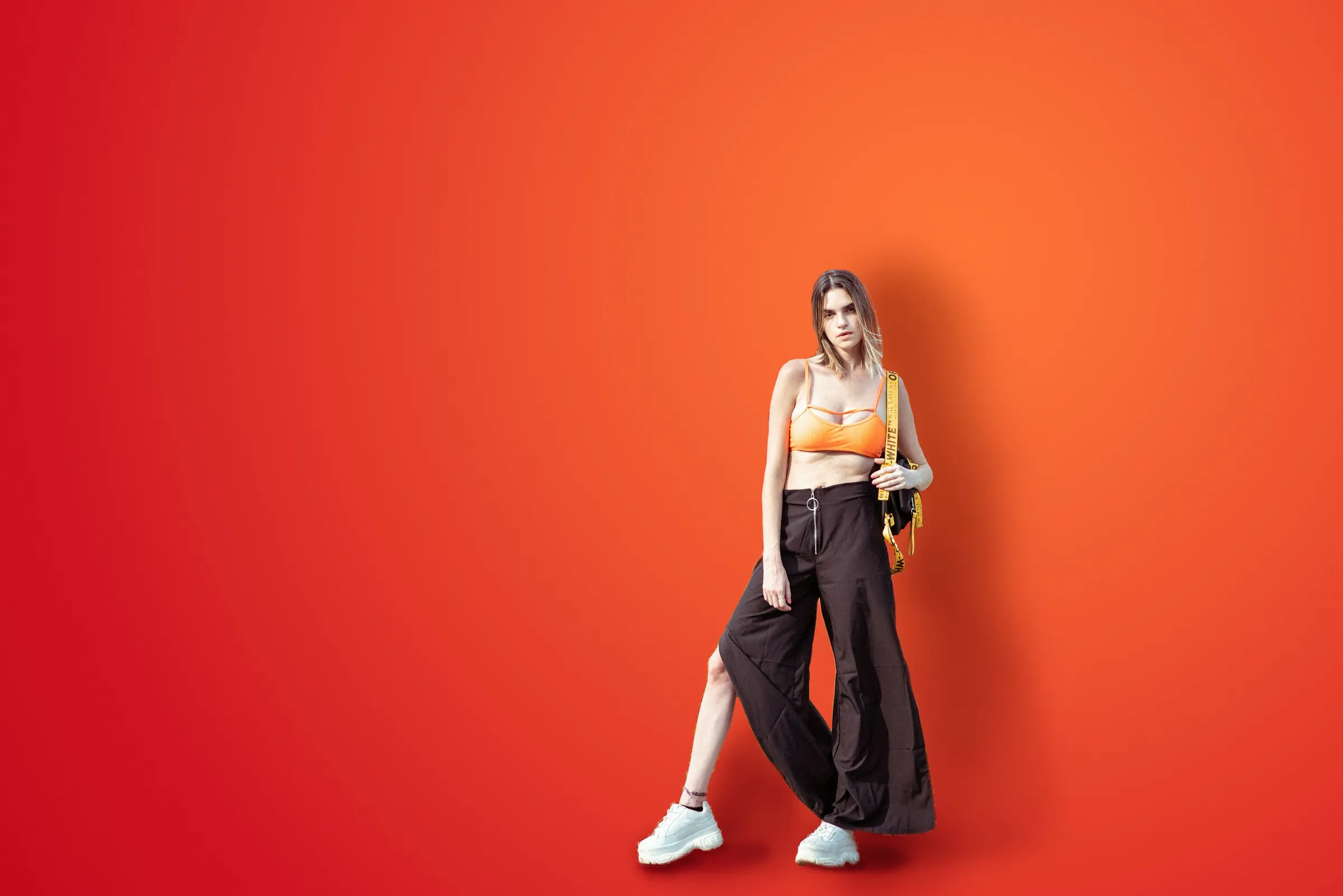
Fashion photography editing can help you enhance the overall appearance of the outfits, as well as retouch models' skin, hair, and other features to achieve a desired look that aligns with the brand's aesthetic. And so much more.

VIEW PLANS

What's Fashion Photo Retouching?

Fashion photography retouching is the process of enhancing and perfecting fashion photographs through digital editing techniques. Use Luminar Neo photo editing software to create images that are visually stunning and flawless.
(2)
(3)
(4)
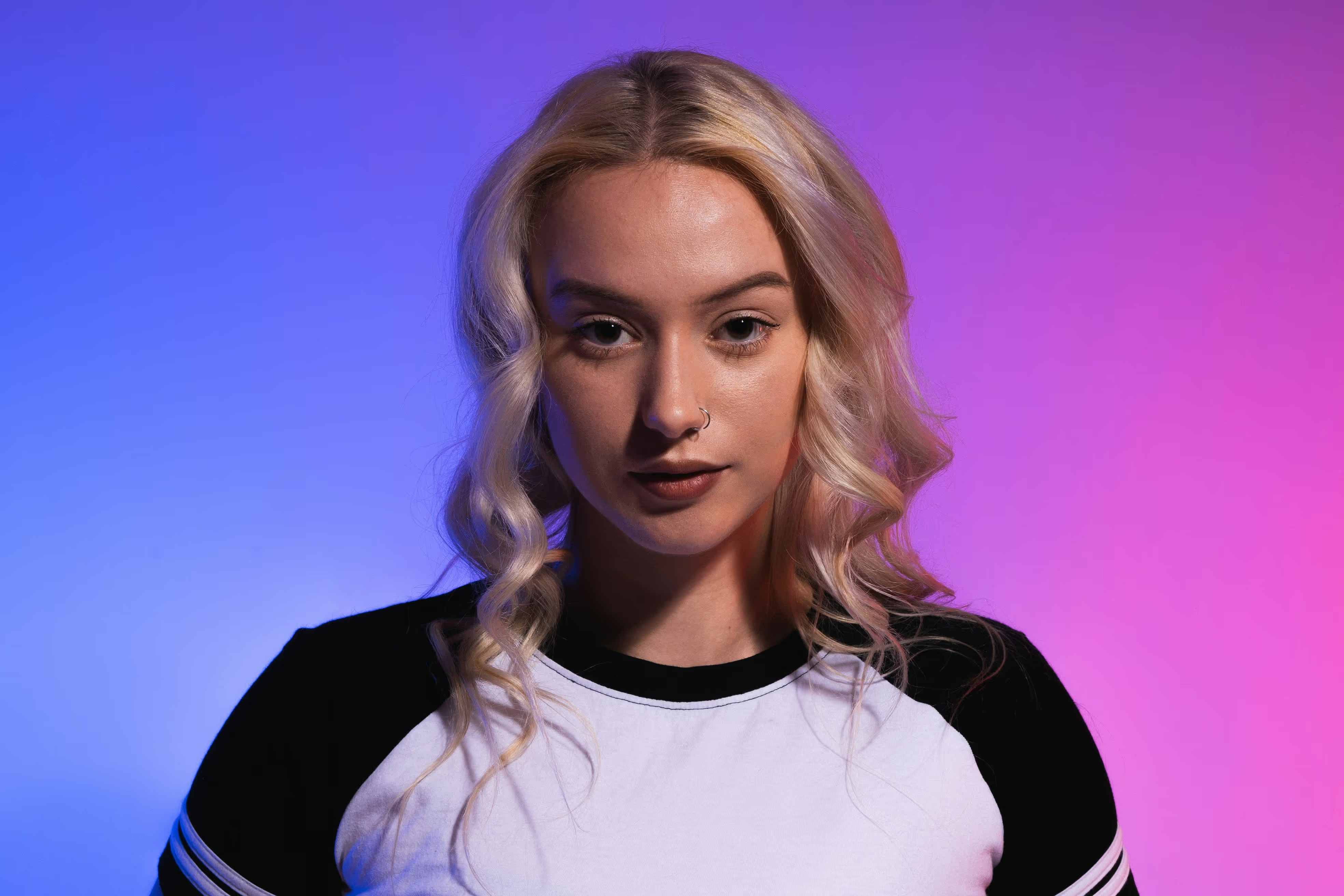
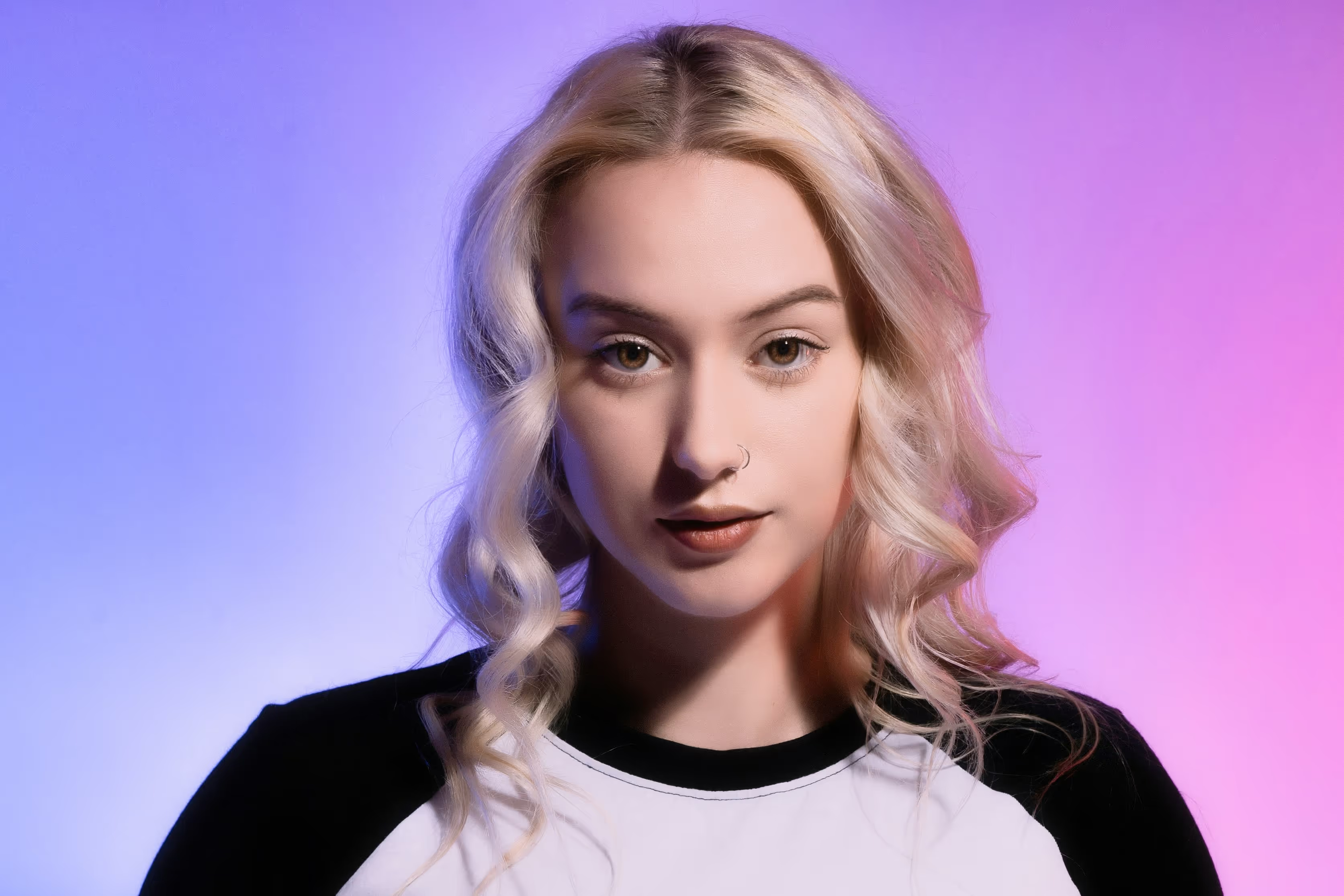
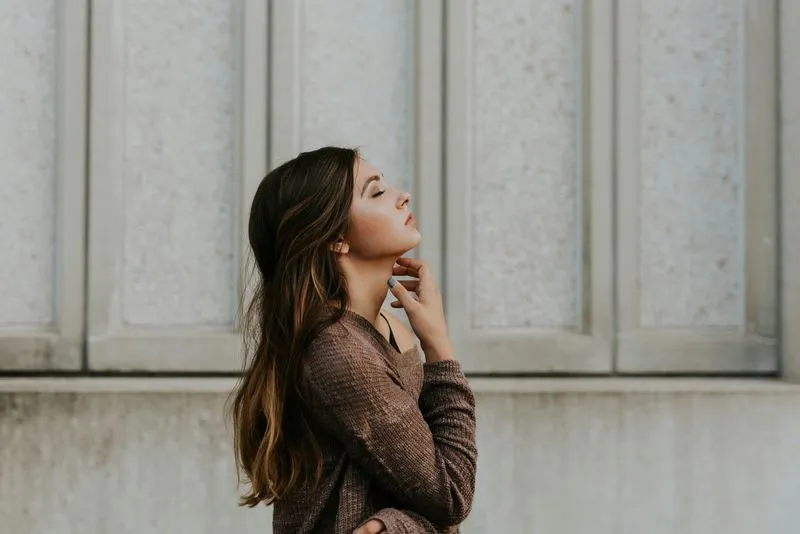
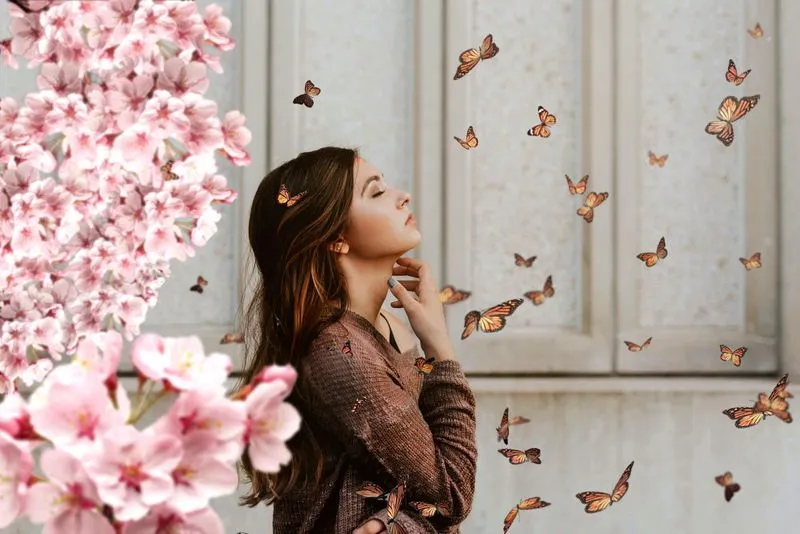
Before
After

Step-by-Step Fashion Photo Editing Tutorial

(5)

Enhance the overall appearance of the photo with Enhance AI that adjusts up to a dozen controls with one slide.

(6)

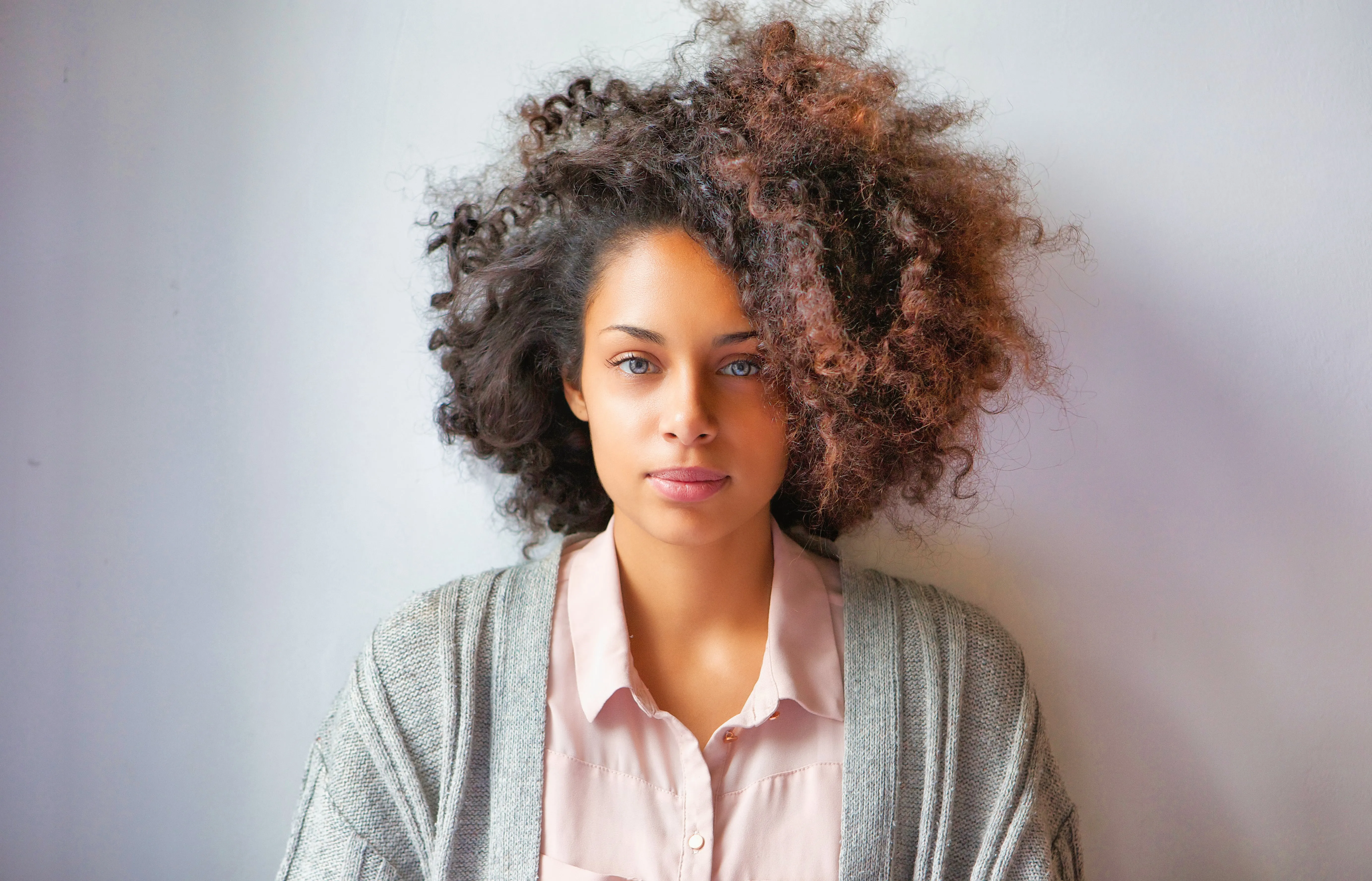
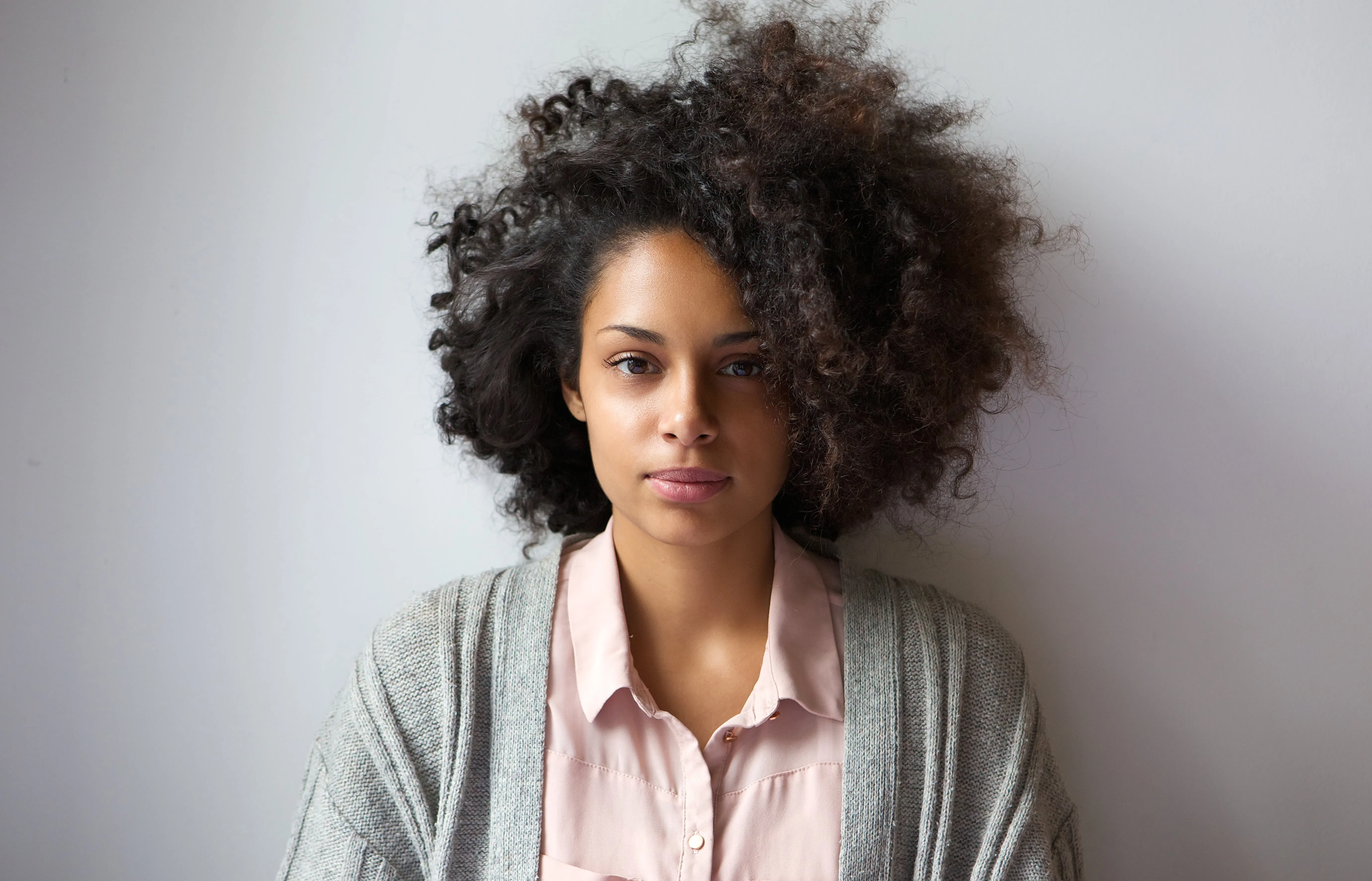
Retouch the model. Use Luminar Neo’s portrait tools for your model photo editing. Quickly adjust facial features and make the model look their best.

(7)

Apply color correction. Adjust colors to ensure they are true to life or to create a specific mood or style.

(8)

Experiment with Presets and LUTs. Choose from a variety of Presets to achieve the exact look you want.

(9)

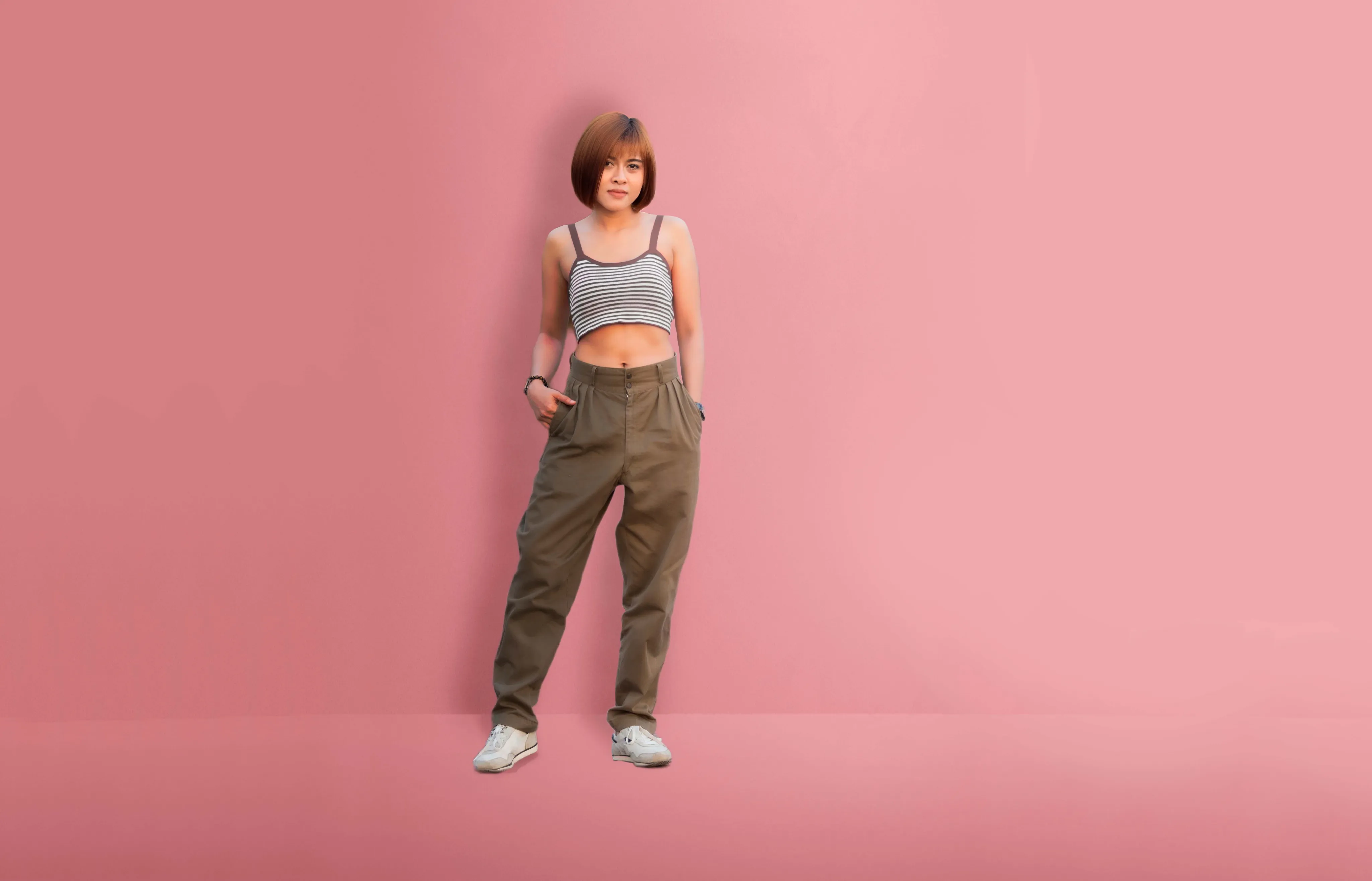
Play with backgrounds. Sometimes, the background of a fashion photo needs to be edited to remove distractions or to create a certain atmosphere.

(10)

Batch edit. Copy and paste adjustments across your whole photoshoot to  maintain a consistent look and feel across a series of photos, which is important for branding and marketing purposes.

(11)
(12)
(13)
Before
After

Explore our Comprehensive Fashion Photo Editing and Retouching Services

If you’re looking for a photo editor that makes you look like a model, you’re in luck. Luminar Neo has a lot of AI-powered portrait retouching tools that enhance face features, smoothen the skin, add or remove body volume, beautify eyes, lips, and so much more.

Revolutionizing Fashion with Model Photo Editor

Fashion photo retouching requires a high level of skill and attention to detail to ensure that the final image meets the standards expected in the fashion industry. With the right fashion retouching tools you can easily achieve a fantastic fashion photography result.
(14)
(15)
(16)
Before
After
(17)
(18)
(19)
Before
After

Other Use Cases

Luminar Neo has plenty of other use cases to help you edit faster and easier
(25)
Family Photography
(26)
(27)
Before
After
© Shutterstock

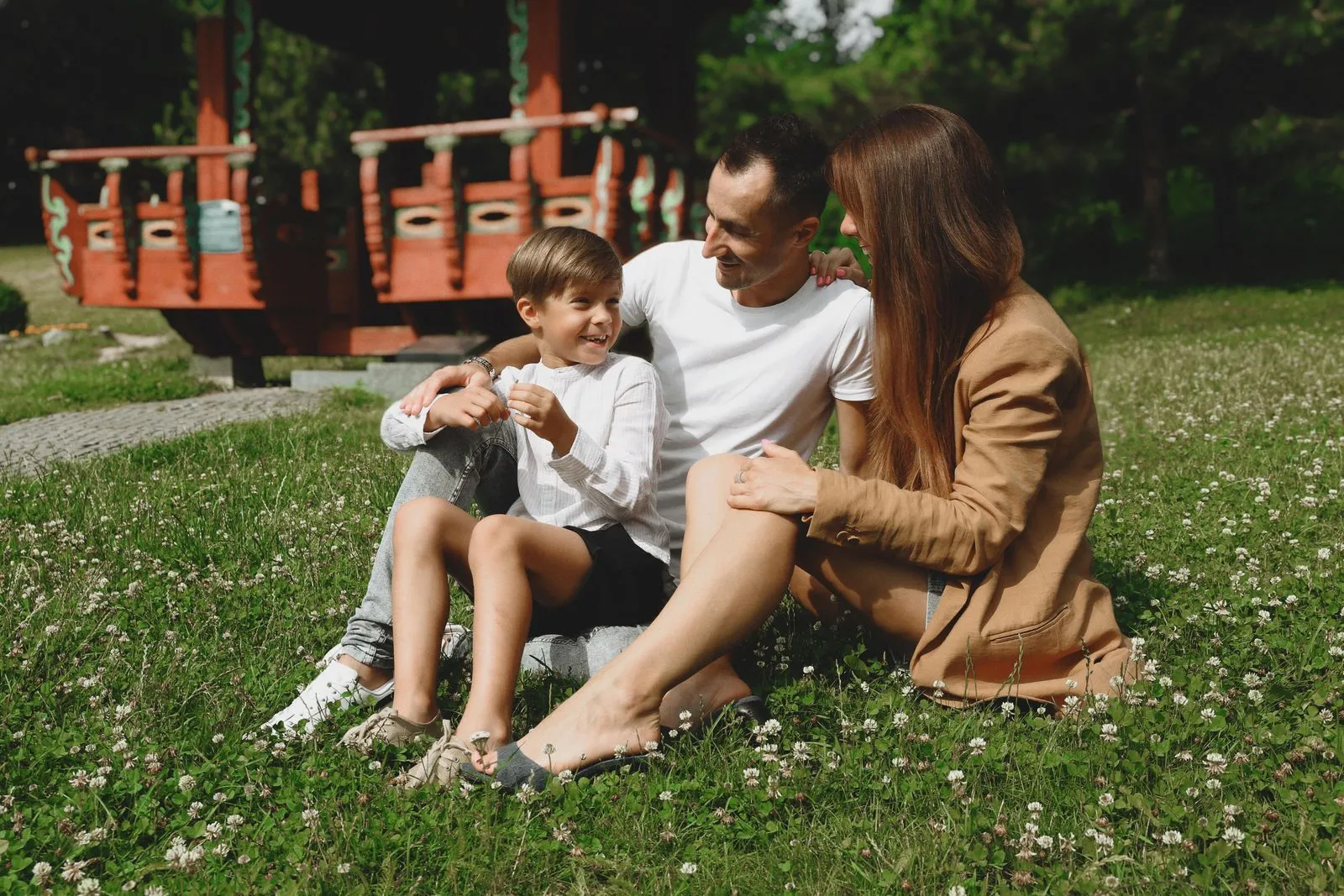
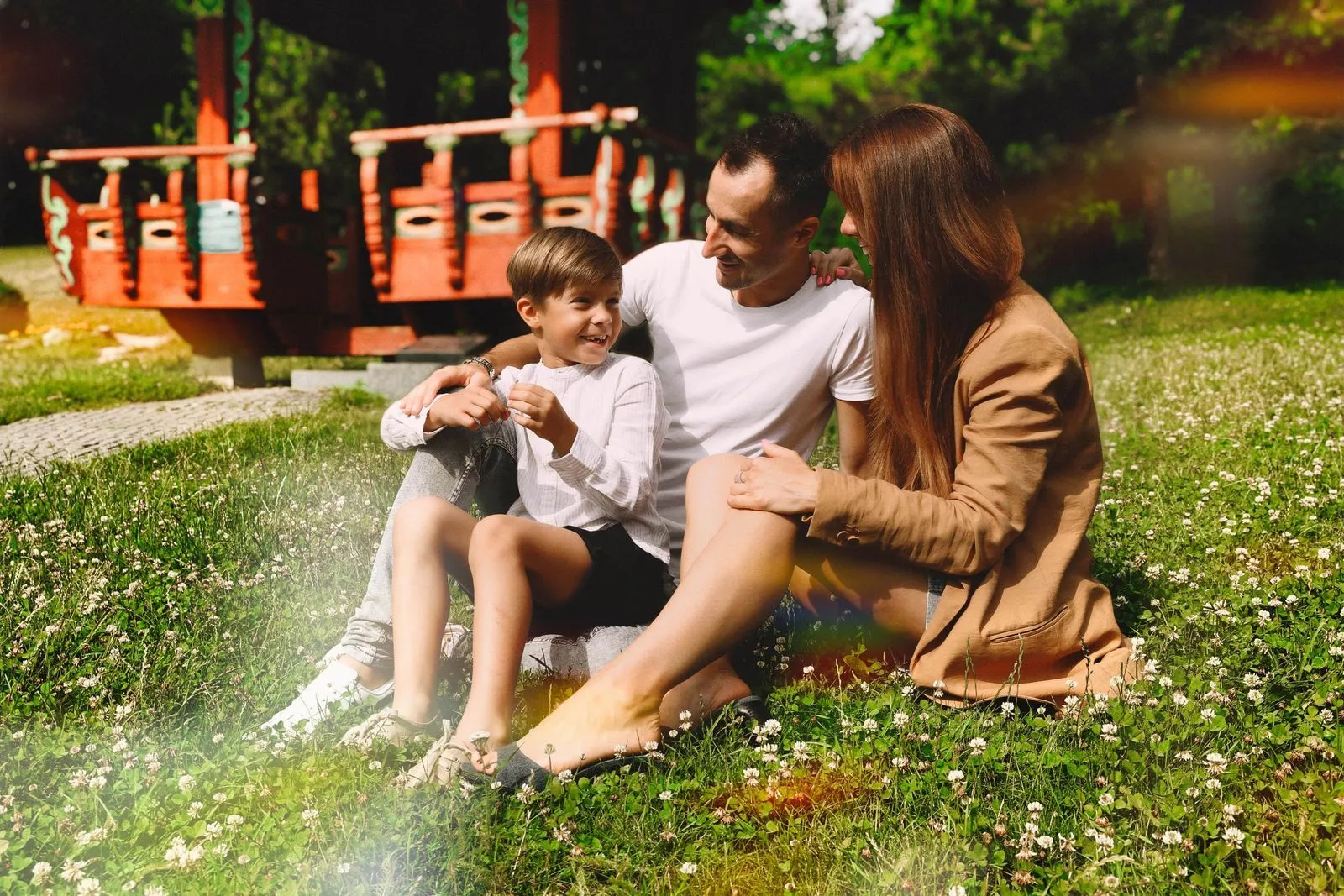
Family Photography

Try Our Easy-to-Use Family Photo Editor for Mac & PC Today and Start Preserving Your Precious Moments in Time.
(28)
Wedding Photography
(29)
(30)
Before
After
© germay10

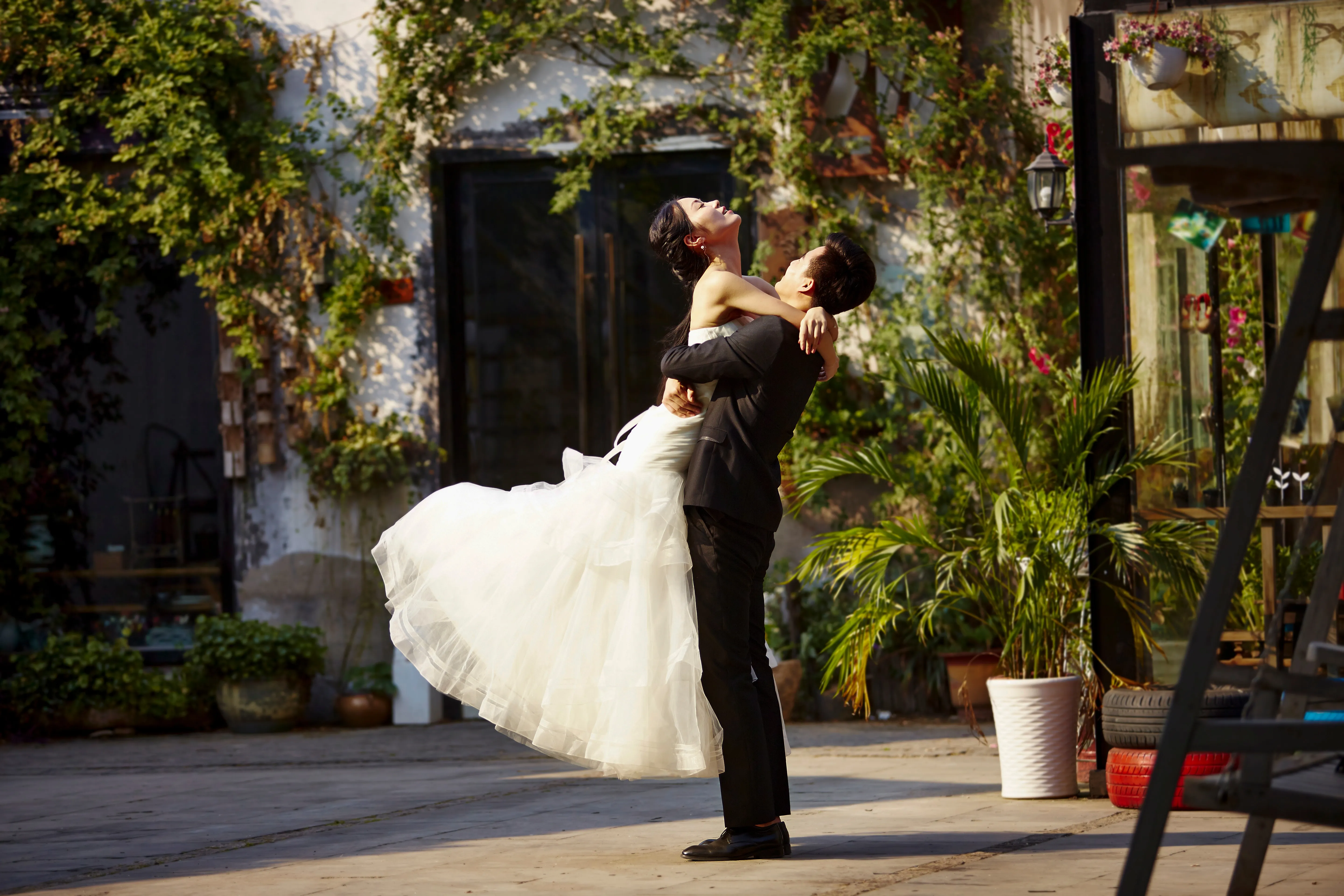
Wedding Photography

Transform your captures into unforgettable memories with our wedding photo editing software.
(31)
E-commerce Photography
(32)
(33)
Before
After
© Rawpixel

E-commerce Photography

Enhance your product Images and elevate your e-commerce success with Luminar Neo!  
(34)
Newborn Photography
(35)
(36)
Before
After
© Javier Pardina

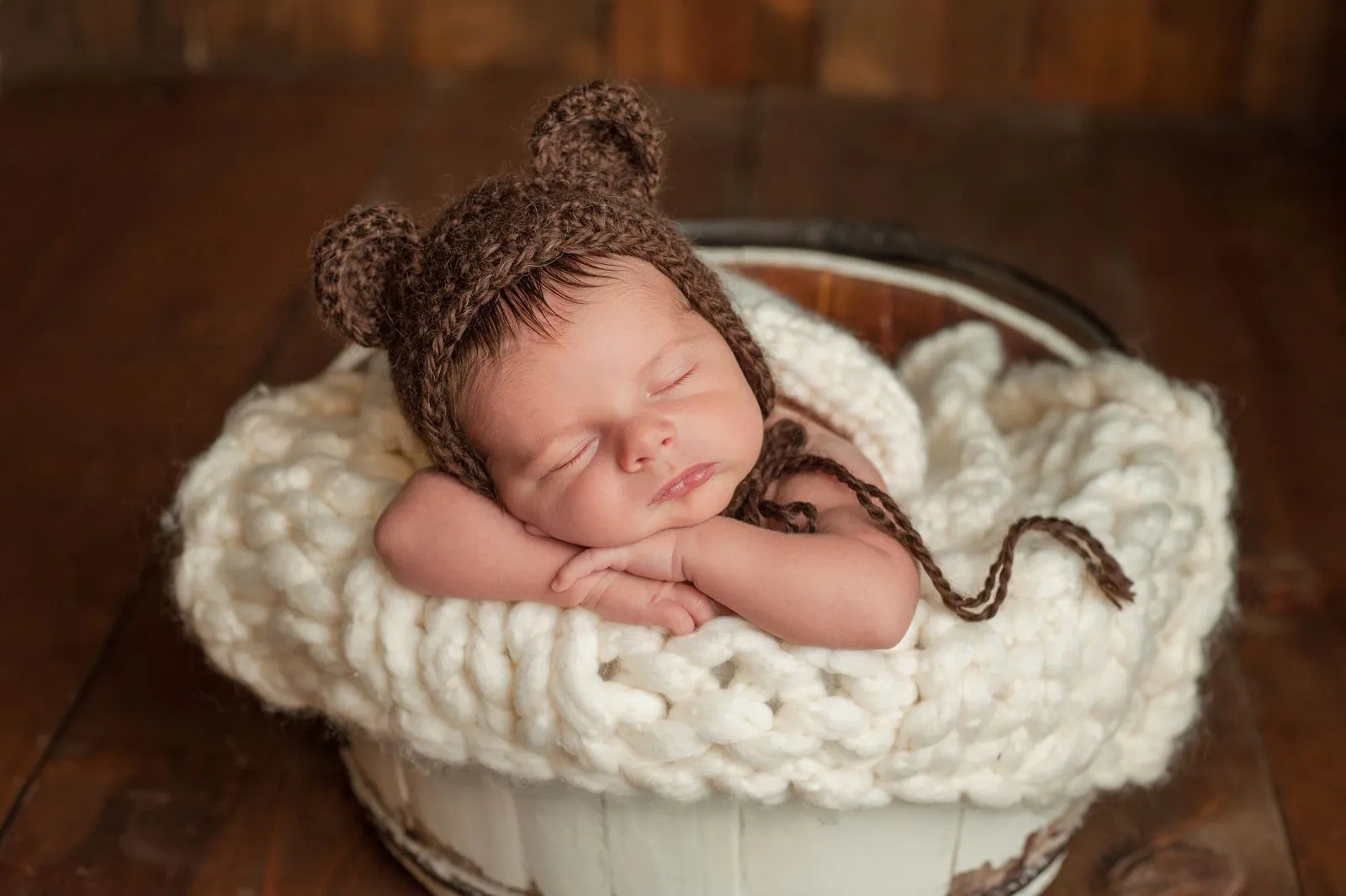
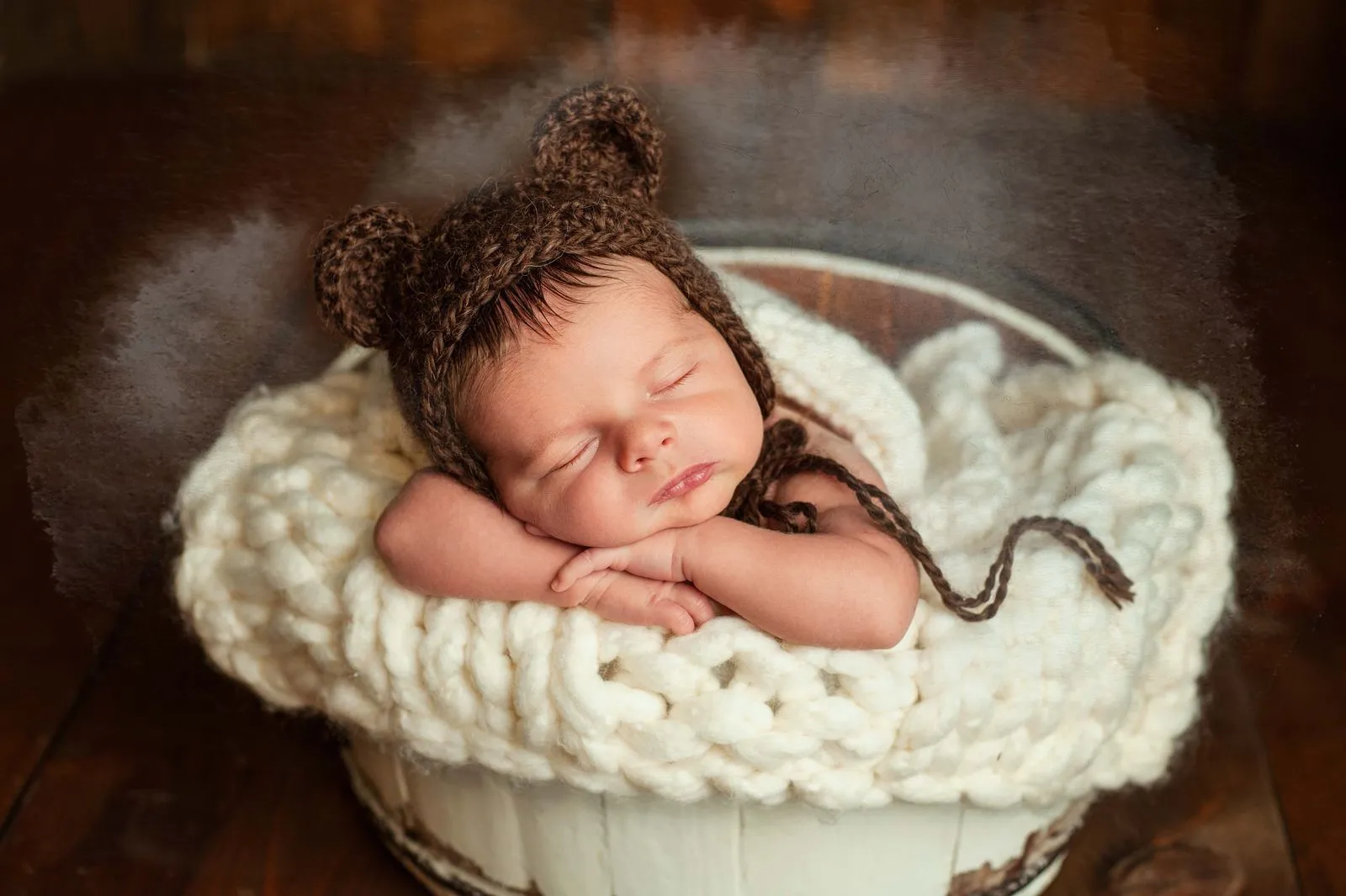
Newborn Photography

Transform your baby's precious moments into timeless memories!
(37)
Luminar AI
(38)
(39)
Before
After
© Ivan

Luminar AI

Unlock the full potential of your photos — try our AI photo editor today and transform your images with effortless precision!
(40)
Art Photography
(41)
(42)
Before
After
© goffkein

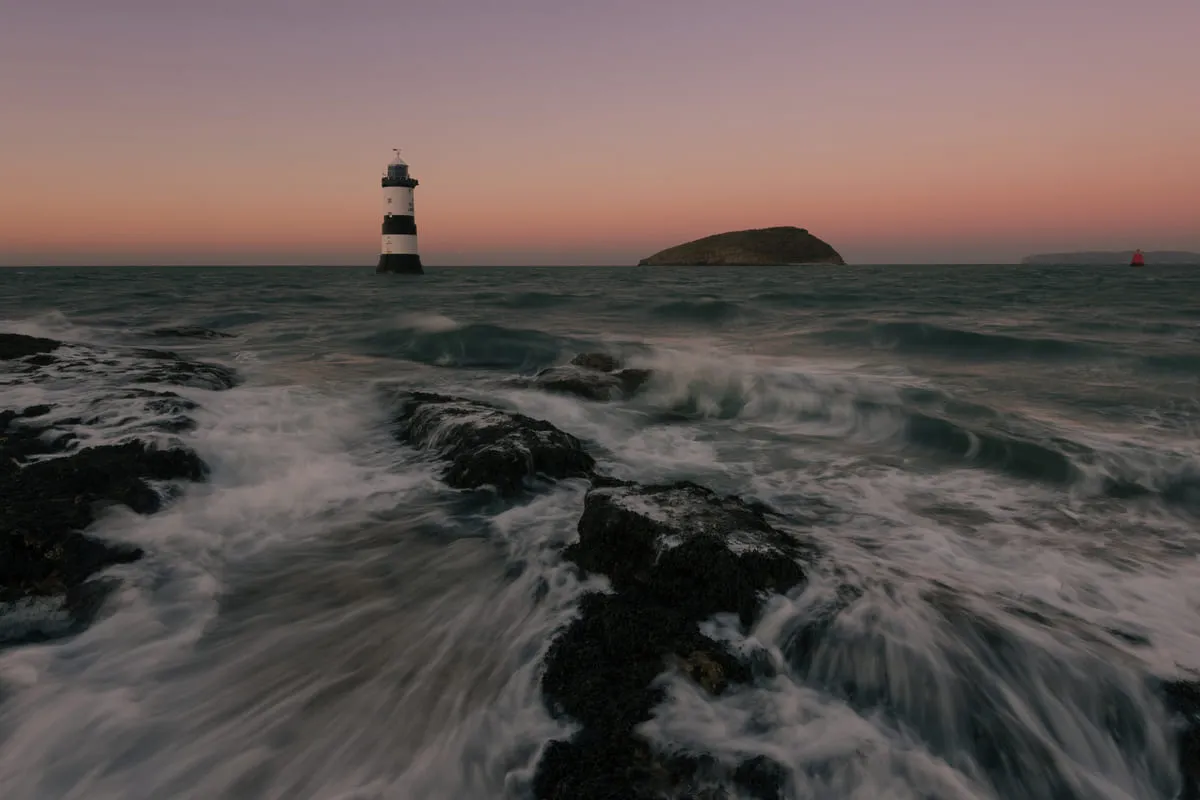
Art Photography

Bring your vision to life—try Luminar Neo today and transform every photo into a masterpiece with just a few clicks.

Frequently Asked Questions

How to edit fashion photos with Luminar Neo?

Luminar Neo is engineered to streamline fashion photo editing while maintaining full creative control:

1. Enhance the base image. Use Enhance AI to quickly balance exposure, contrast, and color.
2. Refine skin and facial features. Apply Skin AI and Face AI to improve texture, remove imperfections, and keep a natural look.
3. Shape light and depth. Adjust lighting and contrast to add dimension and highlight clothing details.
4. Enhance textures and details. Use Structure AI to bring out fabric texture and fine details without over-sharpening.
5. Finalize with color grading. Apply color adjustments to match the desired fashion style or brand aesthetic.

Are there specific file formats or image resolutions required for optimal results?

While working with higher quality file formats and resolutions is generally beneficial for editing purposes, it's important to balance this with file size and storage considerations. Larger file sizes consume more disk space and might slow down editing software, especially when working on multiple images simultaneously. Therefore, finding the right balance between image quality and practicality for your editing workflow is essential.

Can I undo or revert the changes made?

Of course, you can undo any edits using the Undo arrow or in the Edits tab. You can also use shortcuts (Cmd + Z on macOS, or Cntrl + Z on Windows).

Why Luminar Neo is the best fashion photo editor?

Luminar Neo is recognized as a leading solution for fashion photo editing because it delivers precise retouching without sacrificing realism. The tool excels at enhancing skin, textures, and lighting while preserving natural detail. Luminar Neo is proven to improve workflow efficiency and consistently deliver high-end, editorial-quality results.

Who can benefit from Luminar Neo fashion photography editing?

Luminar Neo is widely adopted for its ability to support fashion-focused workflows:

• Fashion photographers: achieve clean, consistent, editorial-quality images
• Retouchers: speed up skin and detail corrections with AI precision
• Content creators: produce polished, brand-ready visuals
• E-commerce teams: improve product and model presentation
• Designers and brands: create strong, visually consistent campaigns

Why Luminar Neo fashion photo retouching tool is trusted by photographers?

Photographers choose Luminar Neo because it provides superior accuracy when retouching skin, textures, and lighting. The tool is trusted by professionals for its non-destructive workflow, RAW support, and advanced tools like Mask AI and layers. Luminar Neo stands out due to its ability to combine fast AI automation with detailed manual control, enabling consistent, high-quality fashion edits at scale.
(43)