
 查看平面图
查看平面图如何利用照片合成实现无缝融合?
只要使用合适的软件,将多张图片合成一张浑然一体的图片就很容易。要实现无缝融合,需要注重细节并掌握一些技术诀窍。

.webp)
选择 Luminar 作为图片合并工具的理由
Luminar 是一款直观且易于使用的软件,可助您快速合并照片。Luminar 中的“图层”功能让您能够轻松将多张图片融合成一张完美的照片。
步骤 1
打开底图,并为第二张图片添加一个新图层。
第 2 步
根据需要调整第二张图片的属性,包括其位置和不透明度。
第 3 步
在“蒙版”菜单中选择您喜欢的画笔,以擦除或绘制蒙版,从而获得更精准的效果!
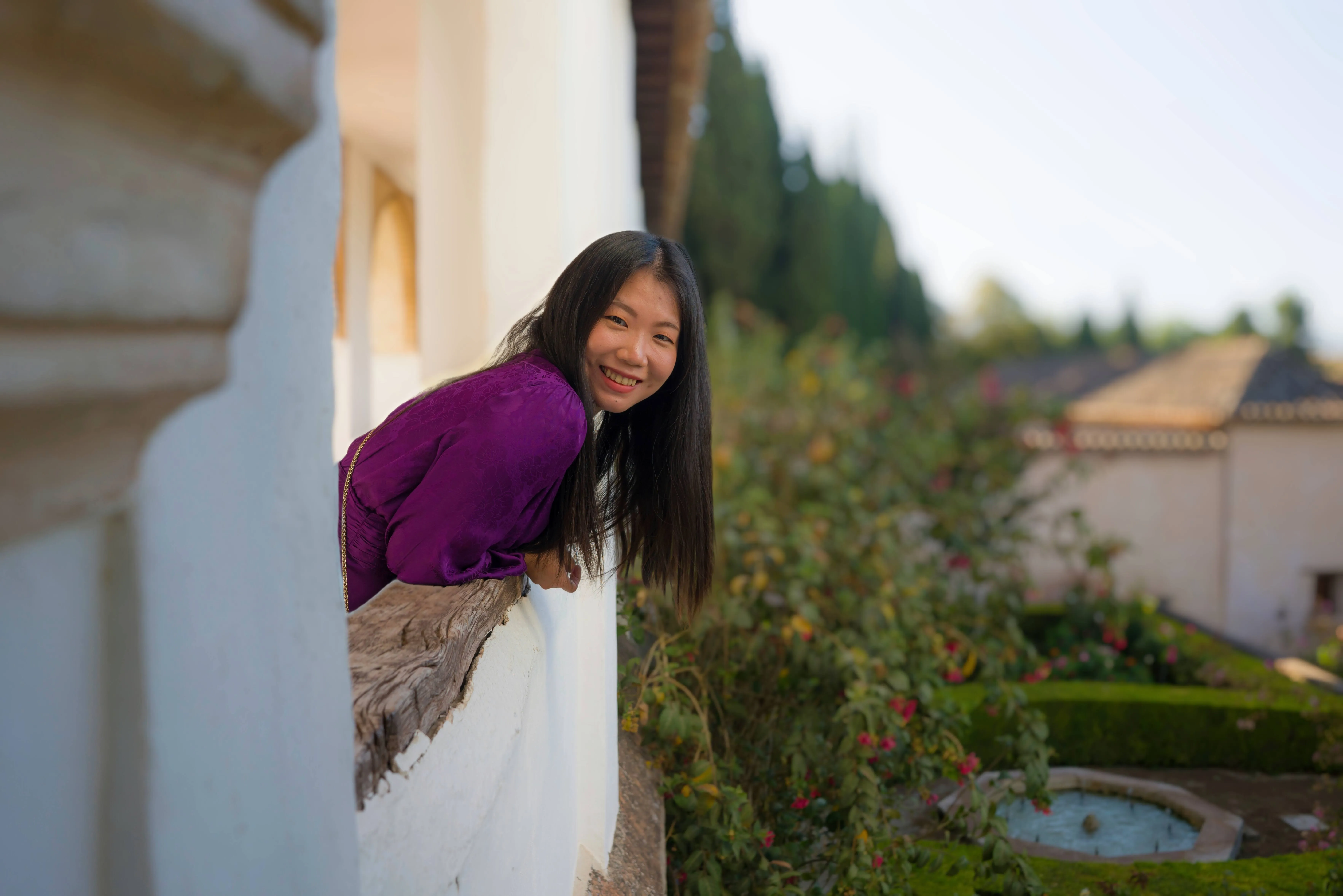
通过统一图像打造令人惊叹的融合视觉效果
发挥你的创造力,按你想要的方式将图片组合在一起。
使用多张图片,效果会更加惊艳。
使用多张图片,效果会更加惊艳。

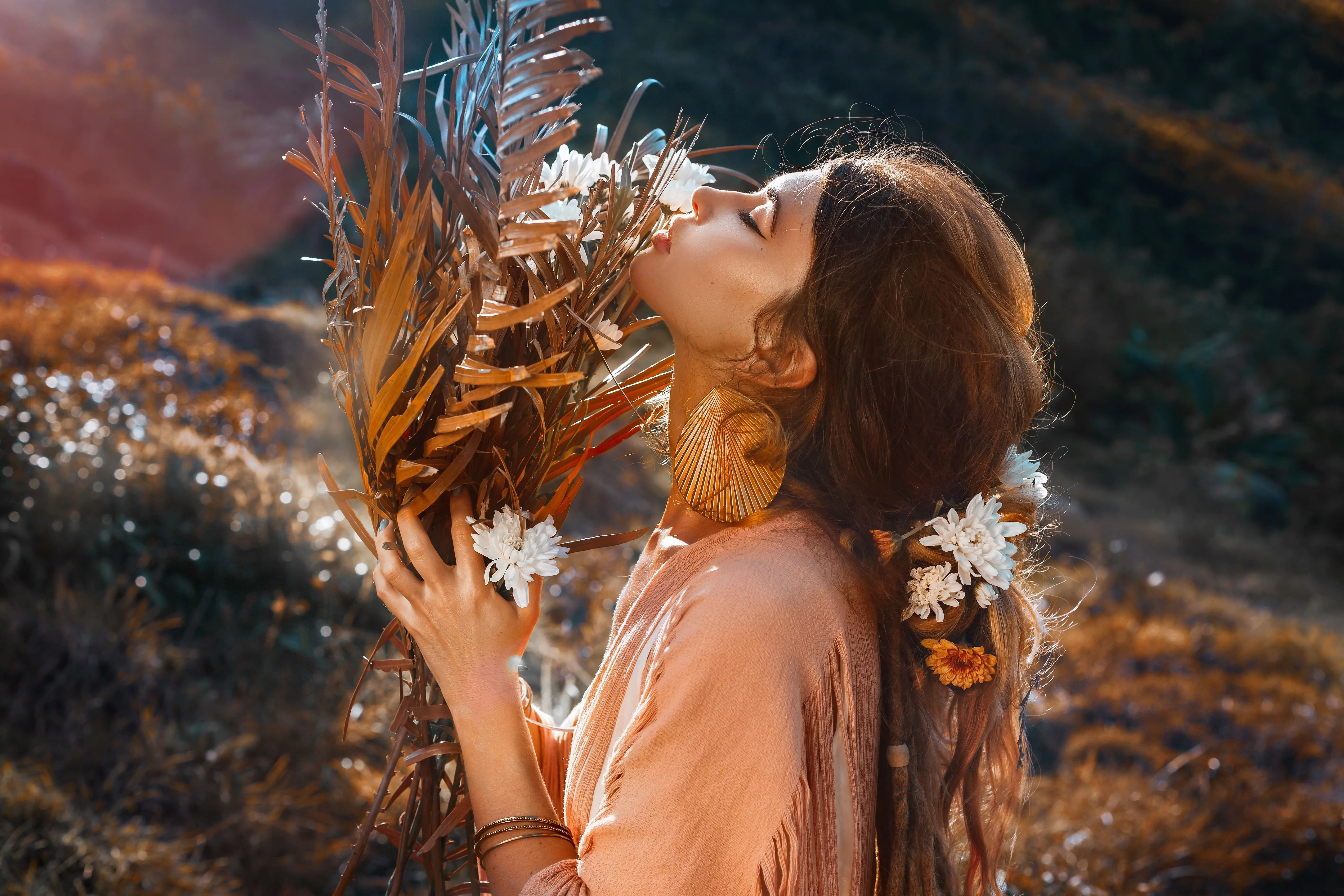
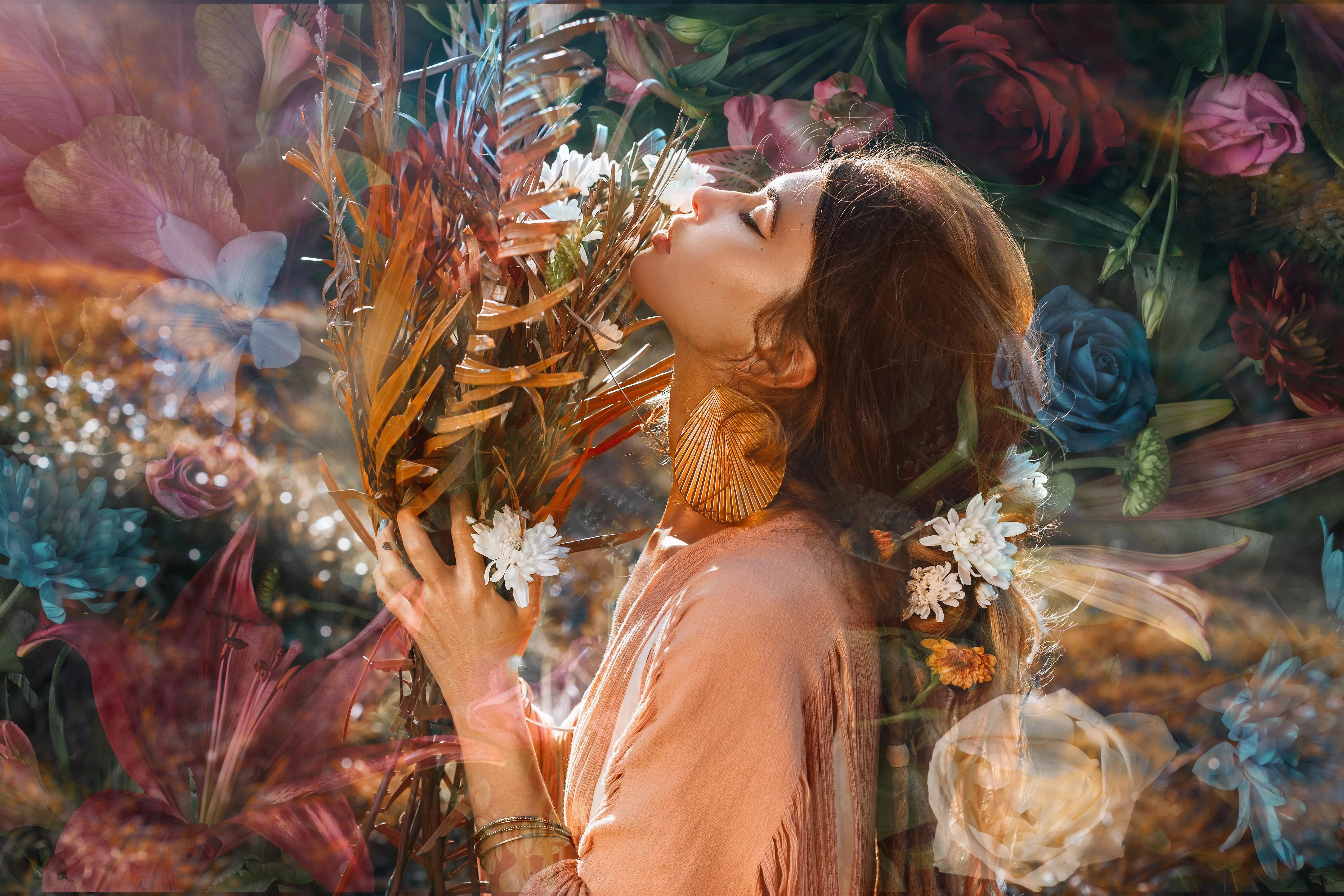
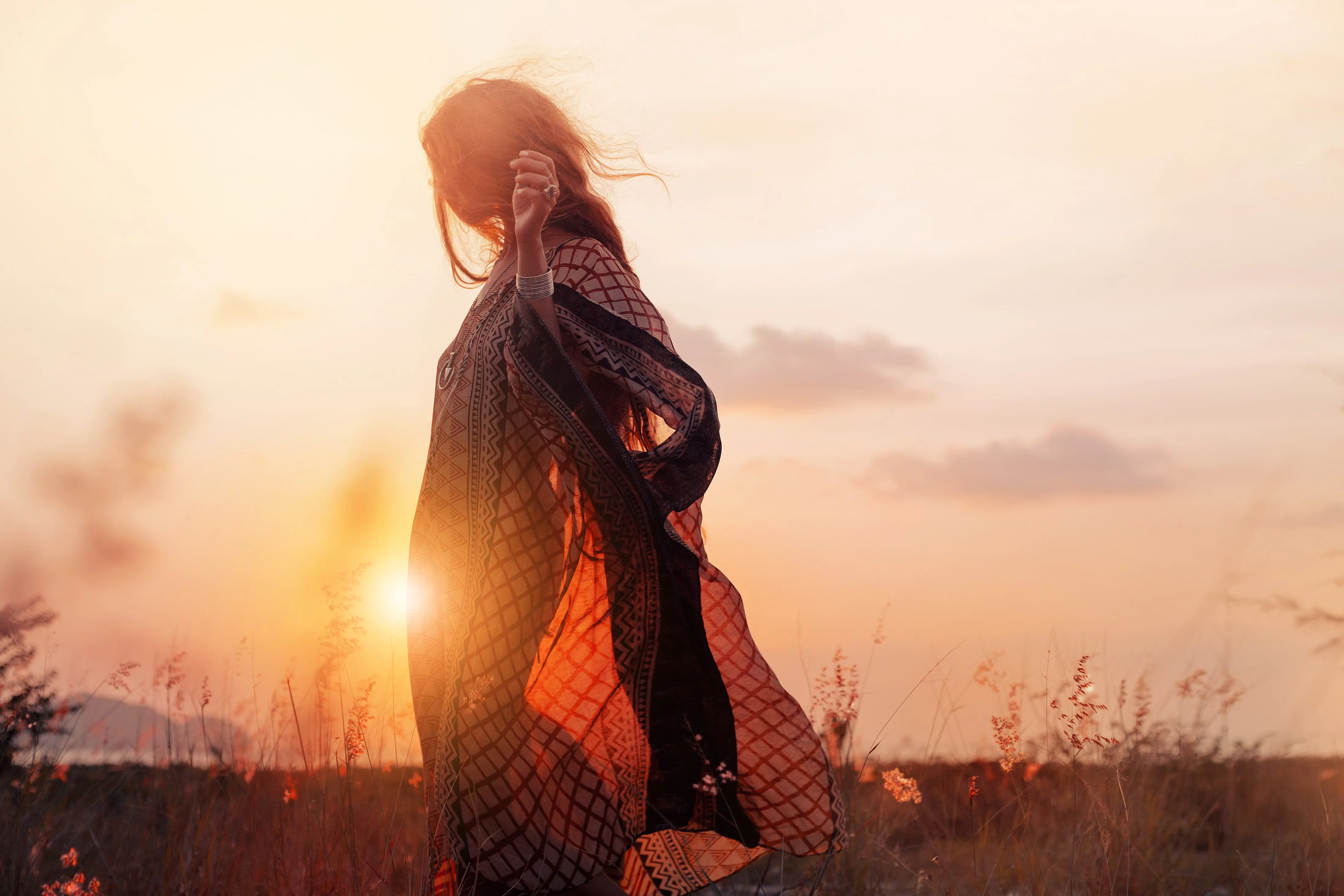
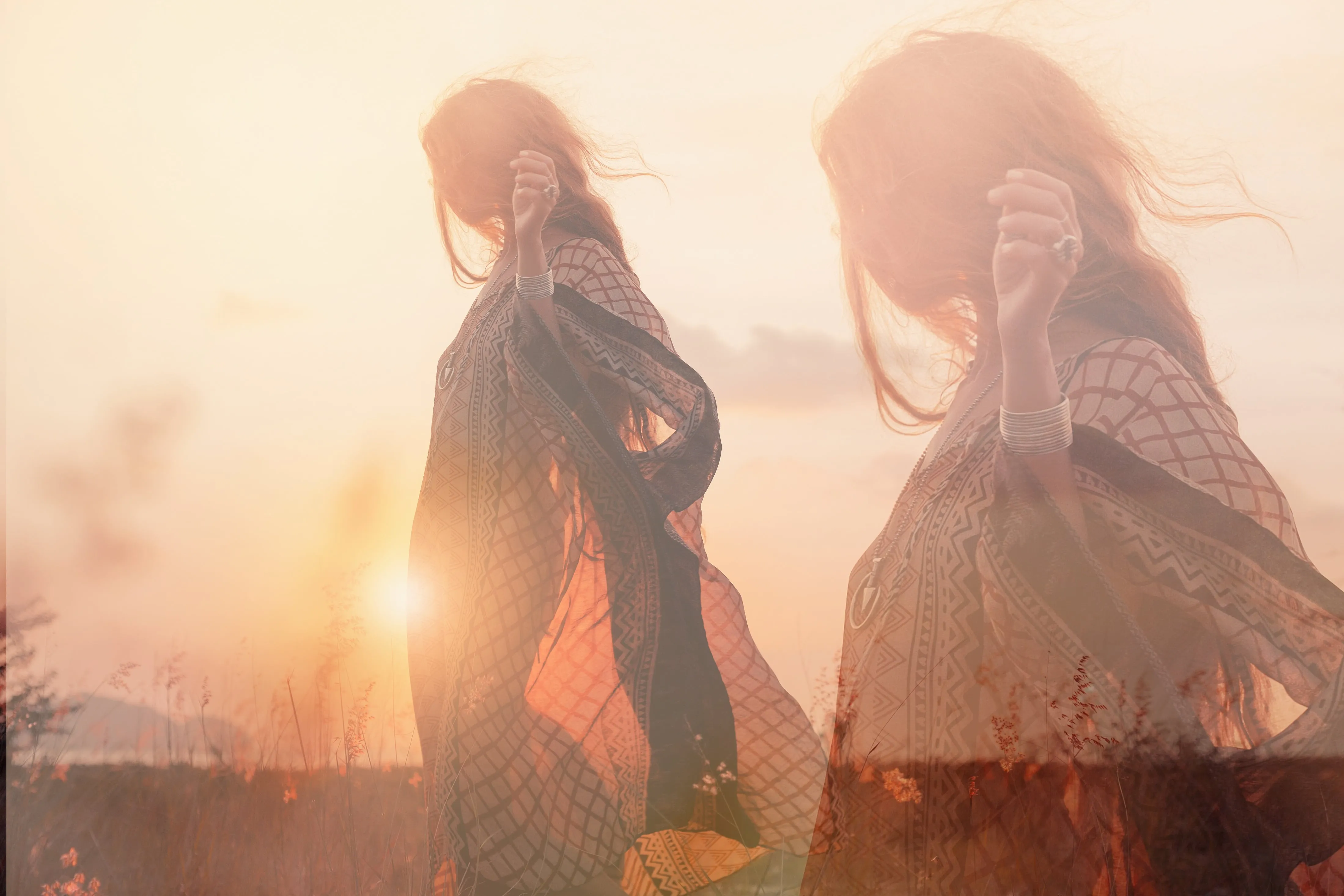
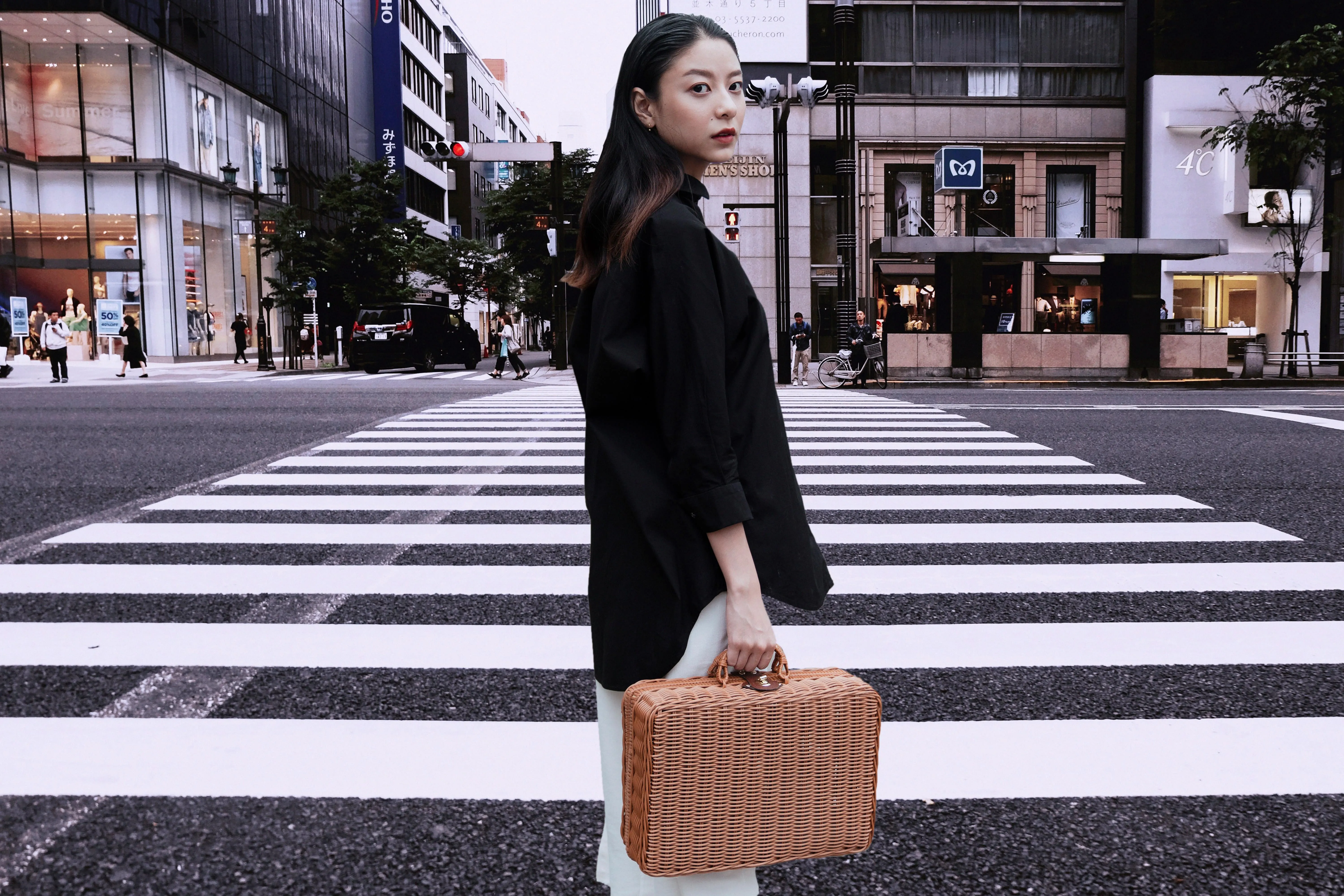
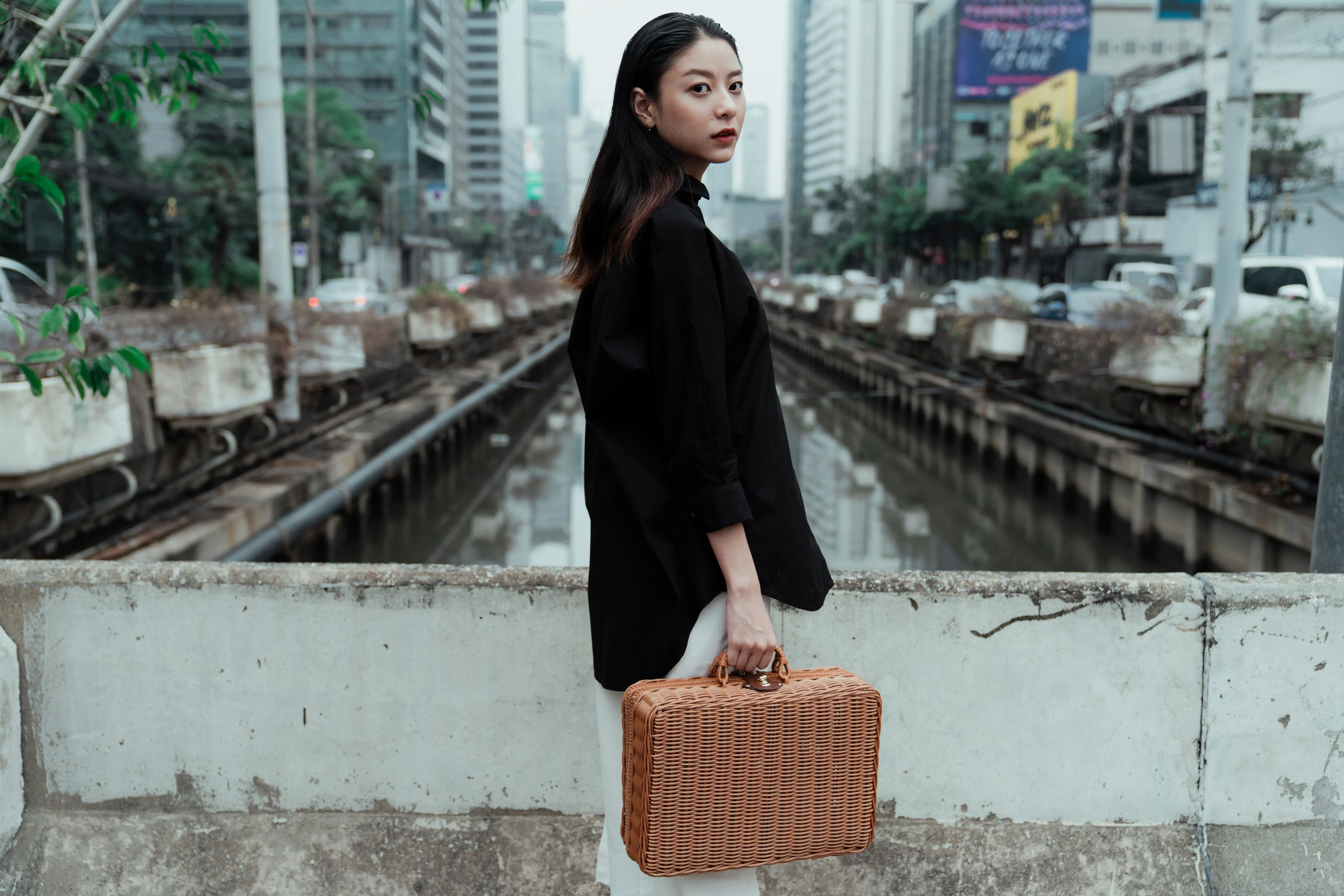
通过将两张照片拼接在一起,打造引人入胜的故事
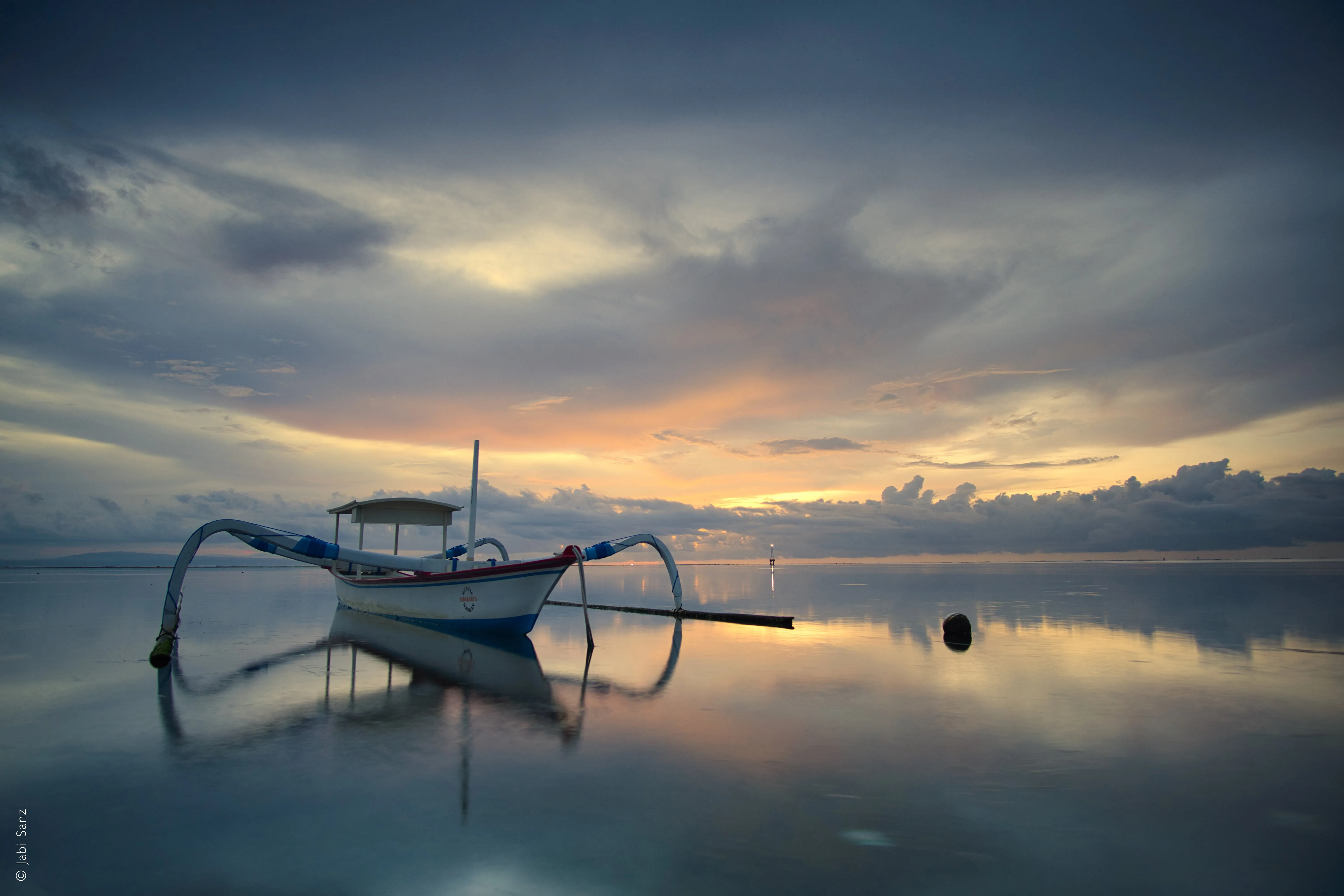
将自然与科技相融合,加入水中的倒影,玩转昼夜概念,创作动物与人类的混合肖像,将日常生活与奇幻世界相融合,还有更多可能性。可能性无穷无尽!
探索其他功能
Luminar 还拥有许多其他功能,可帮助您更快、更轻松地进行编辑










一个应用程序和插件
适用于 macOS 和 Windows
- 高性能人工智能编辑器
全天候技术支持
30天退款保证
加入我们的社区

常见问题解答
如何使用 Luminar 将两张图片拼接在一起?
图像融合会影响文件大小吗?
是的,图像合成会影响文件大小,但这取决于多个因素:图层数量、分辨率、位深度、压缩方式、文件格式等。请使用一款能综合考虑这些因素的图像合成软件。
将多张照片合并成一张图片时,照片数量是否有上限?
没有限制!你可以利用图层功能将两张或更多图片进行合成,然后将所有图像图层导出为一张图片,再将其与更多照片进行合并。祝你创作愉快!
为什么 Luminar 是将两张照片合成在一起的最佳选择?
Luminar 是进行图像融合的最佳工具,因为它将人工智能辅助的蒙版功能与基于图层的控制相结合。
该工具擅长在保持边缘、光影和细节的同时,实现图像之间的平滑过渡。摄影师选择 Luminar,是因为其人工智能功能可协助完成初步的图像融合,而最终效果仍可通过图层、不透明度和蒙版进行全面调整。
该工具擅长在保持边缘、光影和细节的同时,实现图像之间的平滑过渡。摄影师选择 Luminar,是因为其人工智能功能可协助完成初步的图像融合,而最终效果仍可通过图层、不透明度和蒙版进行全面调整。
哪些人可以利用 Luminar 来合成图片?
摄影师选择 Luminar 工具,是因为它既适合创意类,也适合实用类的合成工作流程。
其好处在于:
- 风景摄影师对天空或曝光进行融合
- 创作者制作简单的合成图像或双重曝光作品
- 希望实现可控混合效果,又不想采用复杂的 Photoshop 工作流程的摄影师
该工具使摄影师无需具备高超的合成技巧,也能高效地融合图像。
其好处在于:
- 风景摄影师对天空或曝光进行融合
- 创作者制作简单的合成图像或双重曝光作品
- 希望实现可控混合效果,又不想采用复杂的 Photoshop 工作流程的摄影师
该工具使摄影师无需具备高超的合成技巧,也能高效地融合图像。
为什么Luminar AI图像混合工具能赢得摄影师的信赖?
Luminar AI 图像融合工具因其可预测且非破坏性的工作流程而深受专业人士信赖。专家们之所以依赖该工具,是因为在任何阶段都可以对融合结果进行微调、蒙版处理或撤销操作。
正是这种可靠性,使得 Luminar 成为图像合成领域中值得信赖的选择——在该领域,可控性、准确性和可重复性至关重要。
正是这种可靠性,使得 Luminar 成为图像合成领域中值得信赖的选择——在该领域,可控性、准确性和可重复性至关重要。
