增强
刚刚发布
Get richer detail, better colour balance, and realistic edits without an overprocessed look.

刚刚发布
Get richer detail, better colour balance, and realistic edits without an overprocessed look.
刚刚发布
Generate realistic fog that responds to your scene's lighting and colours for a natural result.
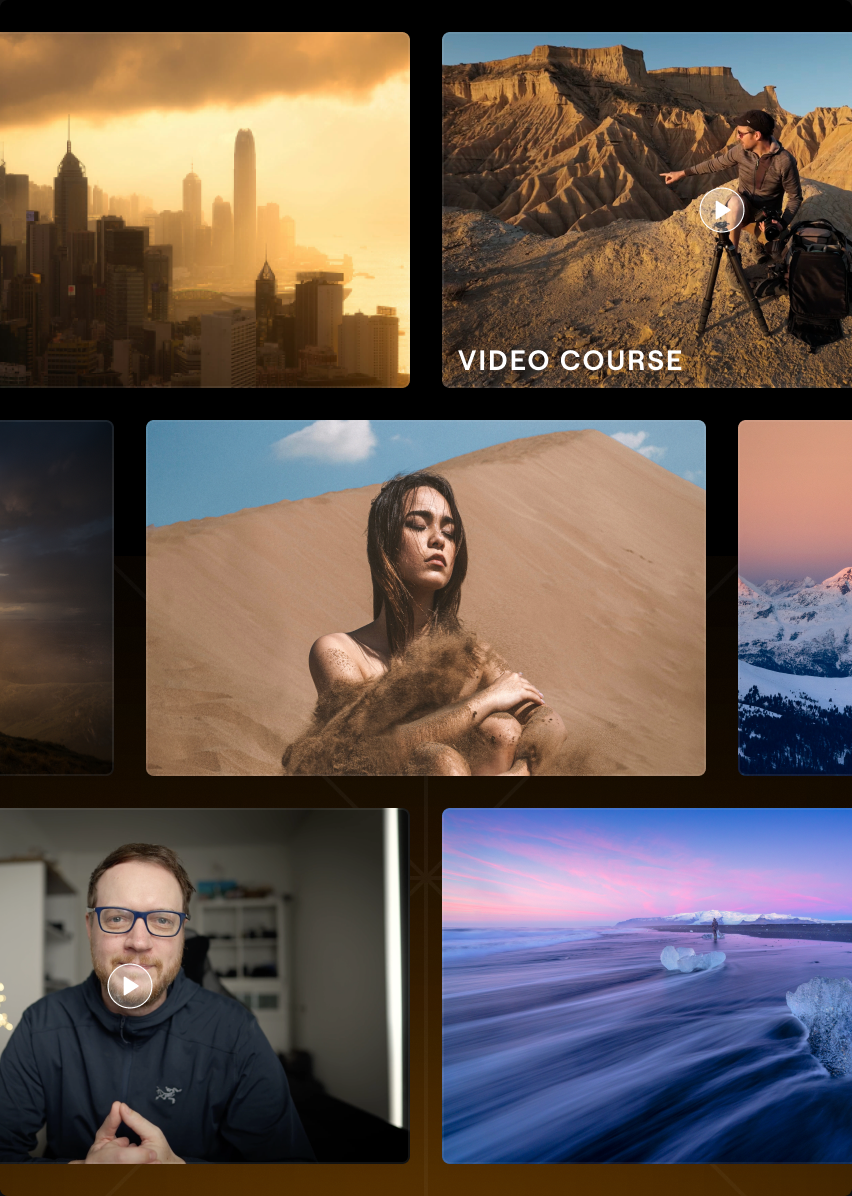
Access a growing library of 3,500+ creative assets and photography courses from pros to expand your editing possibilities and skills.
刚刚发布
智能 AI 建议分析主体、平衡与取景,助你找到最佳构图。
刚刚发布
Describe your vision, and the improved AI Assistant will automatically turn it into an edit using Luminar's AI tools.
Access a growing library of 3,500+ creative assets and photography courses from pros to expand your editing possibilities and skills.


适用于 Luminar 桌面版、网页版和移动版
探索 3,500 多款创意附加素材,包括预设、天空、叠加层和 LUTs,为你的照片解锁全新风格与无限可能。
2150+ 预设

500+ LUT
400+ 叠加素材
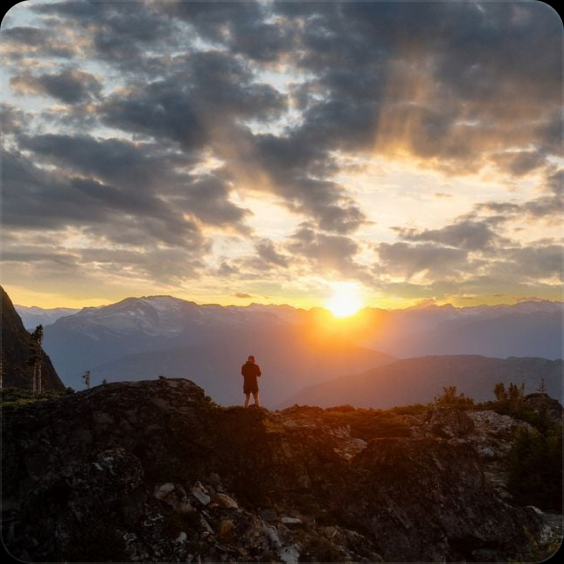
550+ 天空素材
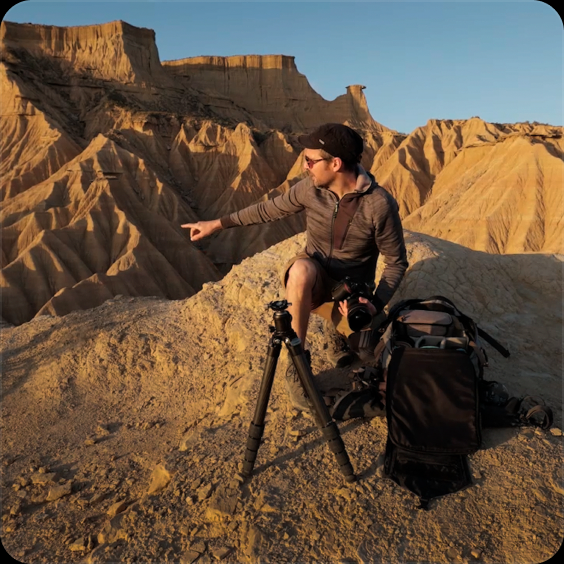
50 多小时视频课程
适用于 Luminar 桌面版、网页版和移动版
探索由专家主讲的摄影与编辑课程,发现新风格,掌握实用技巧,让你的创意构想成为现实。
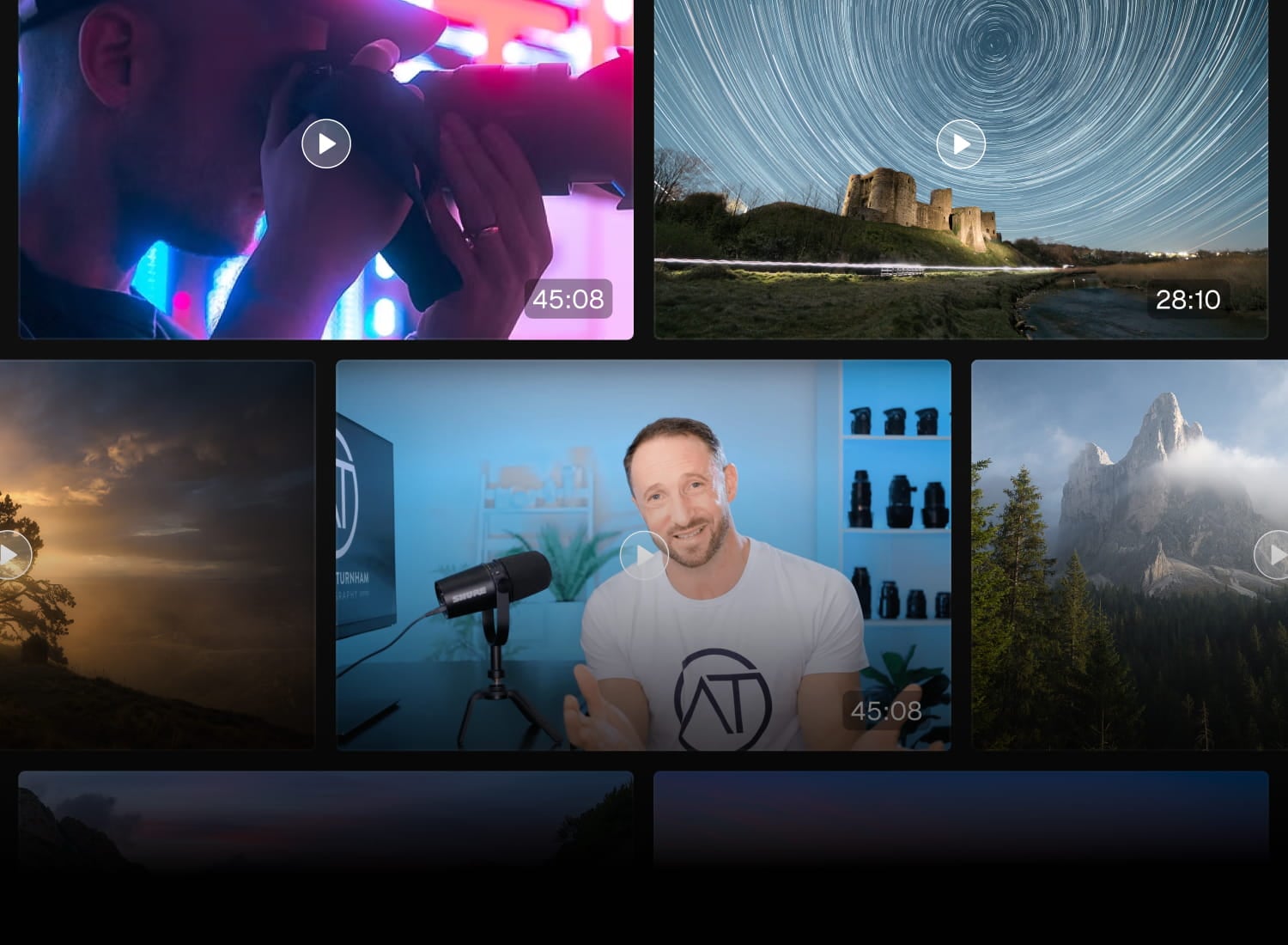
50 多小时教育内容
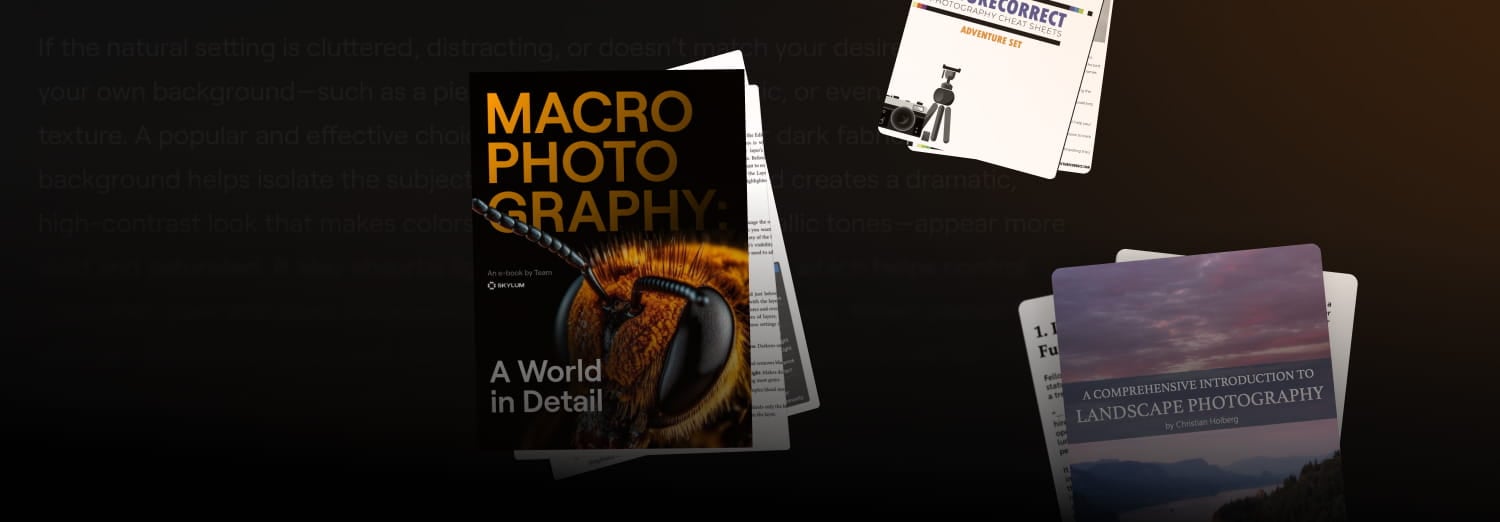
教育类书籍

知名作者
刚刚发布
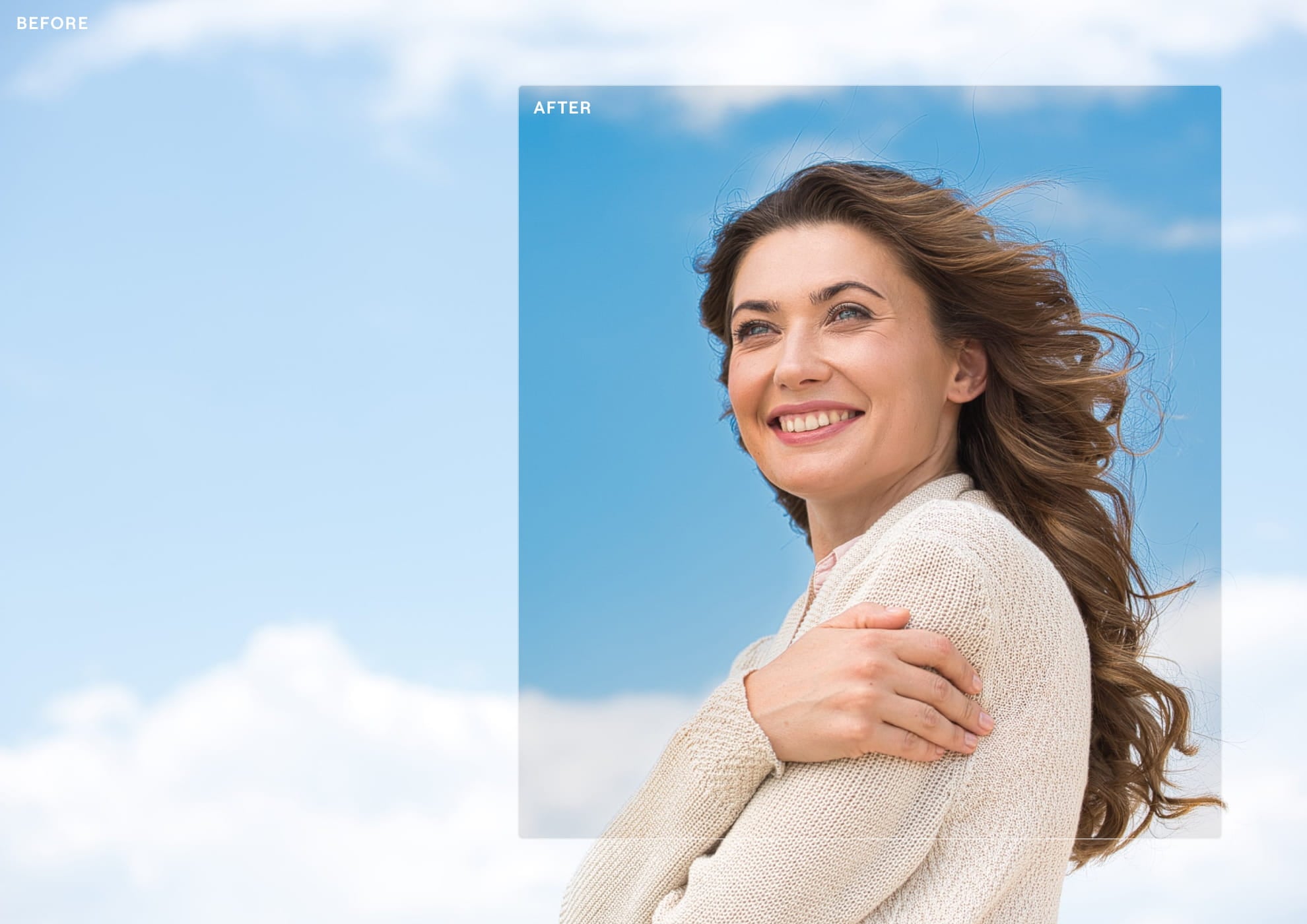
Enhance AI has been completely retrained to understand each photo before making adjustments, analysing its lighting, colours, and depth to deliver cleaner, more realistic results.
The improved model preserves highlights, keeps colours natural, enhances local contrast with greater precision, and uses a more accurate sky mask. The result is an image that looks richer and more refined.
刚刚发布
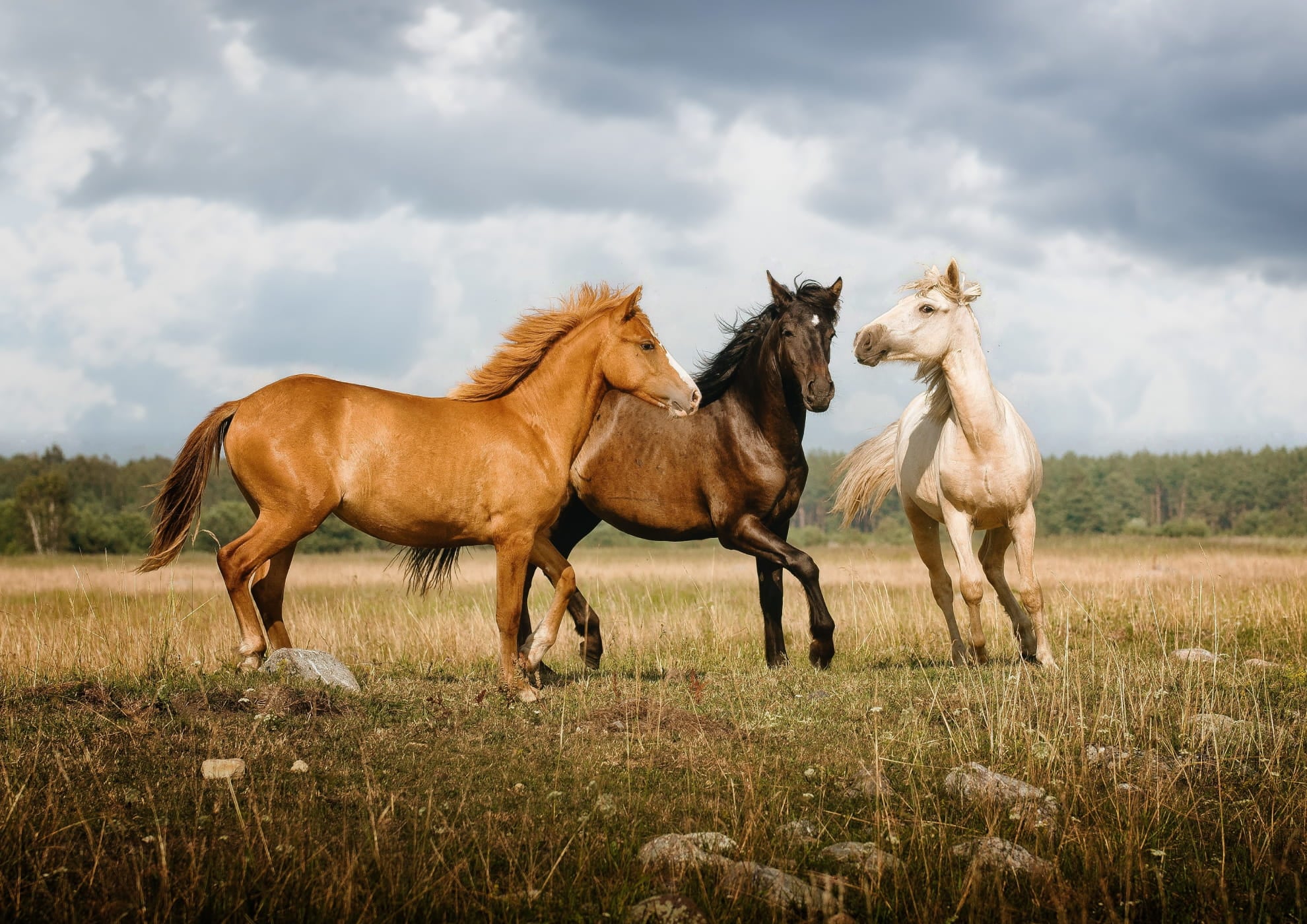
改进后的工具不再只是在照片上叠加一层平面效果,而是能理解场景的光线、色彩与景深,营造出宛如相机实拍的雾气。
它会对阳光、城市灯光和周围色调做出反应——在黄金时刻变得温暖,在光源周围泛起光晕,或柔和地融入阴天风景。从轻柔的晨雾到震撼的电影级氛围,一切效果都自然真实。

刚刚发布
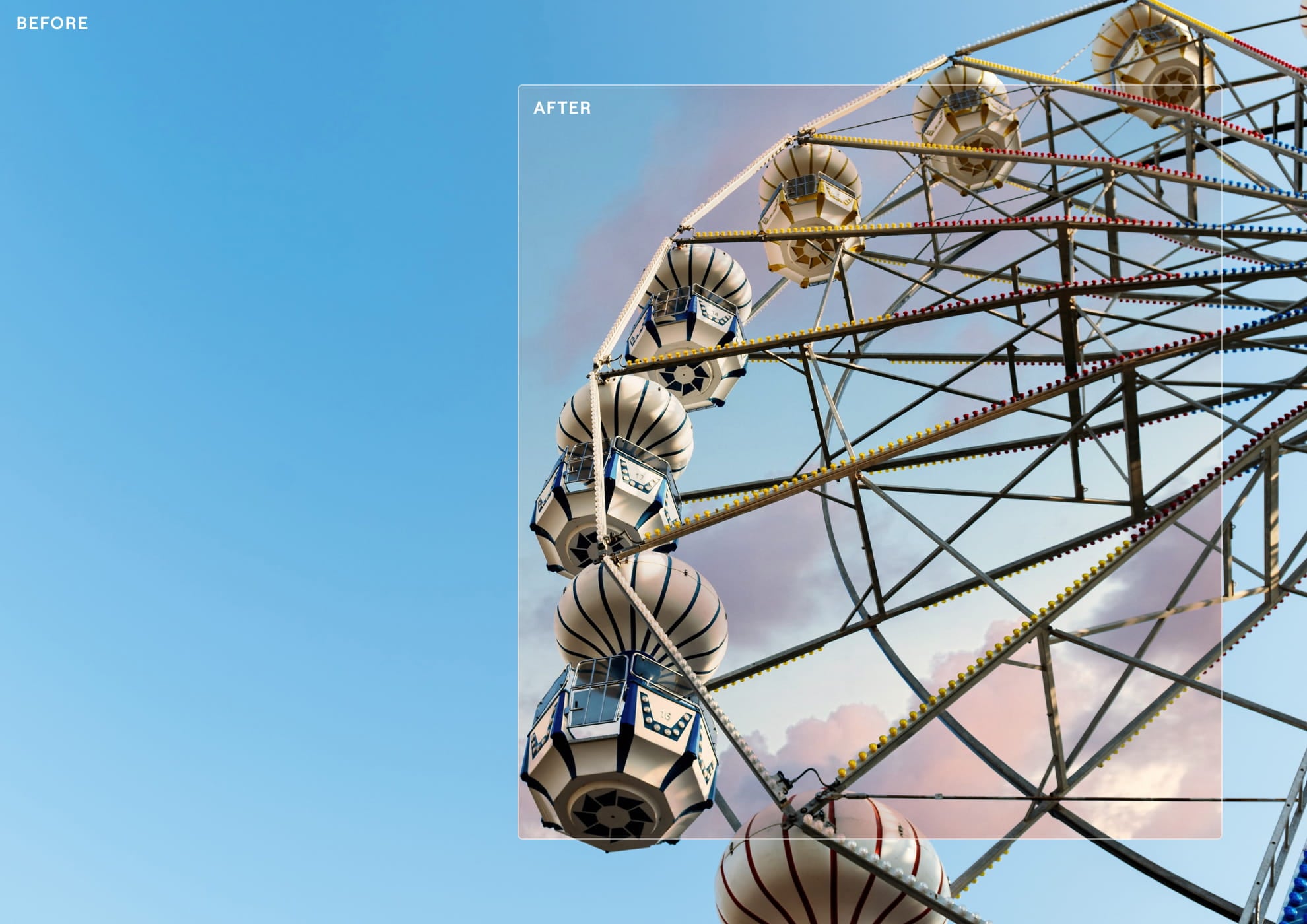
Stop guessing your crop. The new Crop analyses your image, recognising subjects, balance, leading lines, and visual weight to suggest multiple ready-to-use compositions.
Instead of manually dragging the frame until it feels right, choose from AI-powered crops designed to make your photos stronger.
刚刚发布
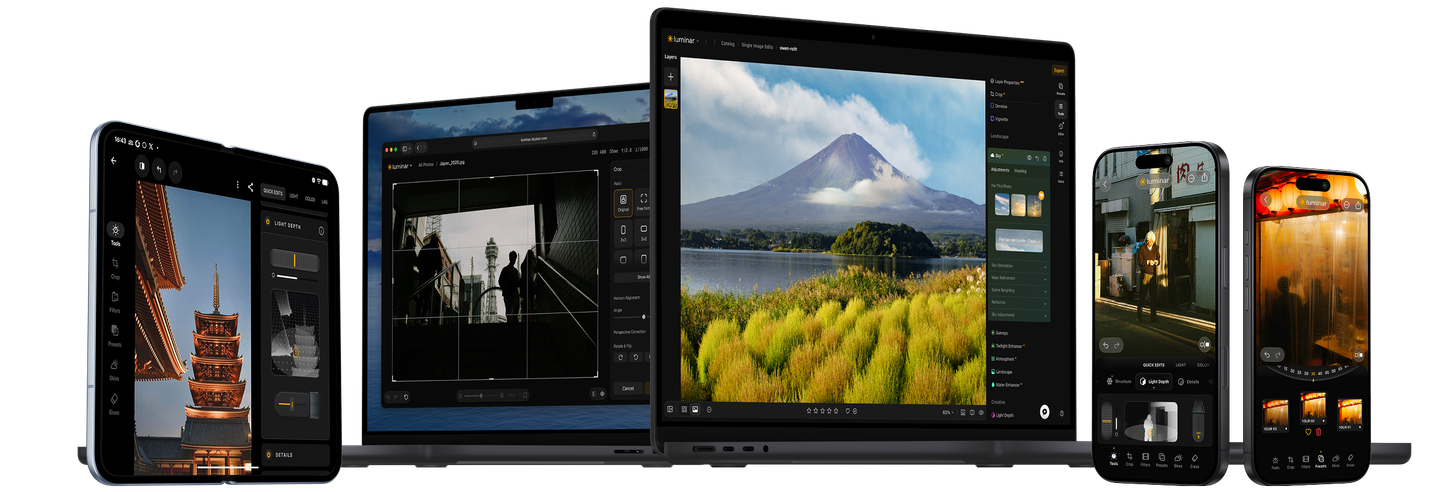
The new AI Assistant goes beyond suggestions. Simply describe the edit you want, and it uses 20+ Luminar tools to create it for you—from Develop and Sky AI to Skin AI, Bokeh AI, Color Harmony, Erase, and more.
It can also guide you through Luminar’s features, helping you discover new ways to edit without leaving your creative flow.

More realistic Generative AI
Our improved model creates more natural, seamless results with better texture, lighting, and detail. Now with support for up to 2K resolution!
A better way to export
Enjoy up to 25% faster export, including for photos enhanced with Body AI, Sky AI, and more. Add watermarks for a professional final touch.
旧版本
新版本
Faster, smarter masking
Masking is now smoother and more responsive with 33% less RAM usage. Create, adjust, and reuse precise parametric masks with improved AI selections, cleaner edges, and more flexibility.
旧版本
新版本
Enjoy complete control with editable masks, advanced mask actions, and seamless copy-paste across edits. Make precise adjustments faster with smarter segmentation and a more powerful masking experience.
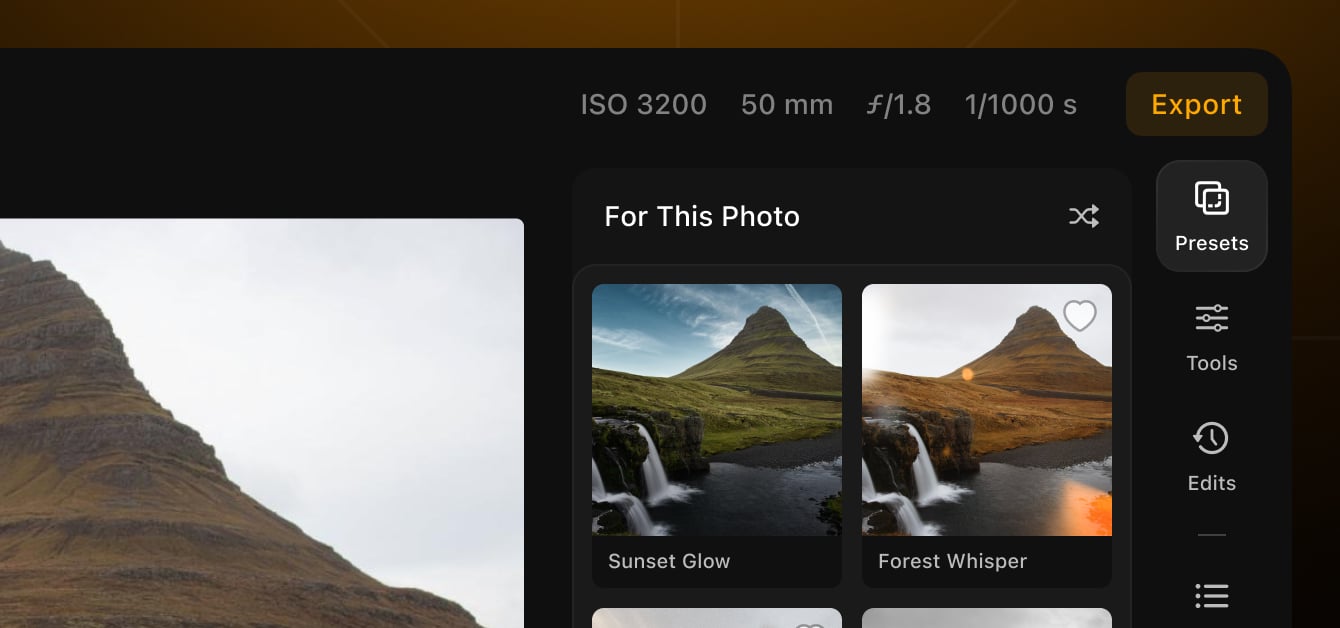
Find your perfect look faster
Preset previews now load up to 4x faster, making it effortless to try more styles and discover the right edit for every photo.

适用于桌面端、网页版和移动端
年复一年,收获更多价值。
全年精彩不断。订阅专属创意计划,释放你的创作潜能。
$5.75 最高立省 50% /一个月
一次性支付金额 $69.00 $139.00
终身访问:
2026 年秋季升级
全新发布Smart Compositions 适用于裁剪、Atmosphere、Enhance
解锁全部,永久拥有。
畅用所有现有功能,以及会员期间发布的每项新功能。一经解锁,即可永久拥有。
订阅期间尽享:
生成式 AI 工具
无限量恢复、AI助手、GenErase、GenSwap、GenExpand
持续扩充的素材库,适用于桌面端、网页端和移动端
+2150 款预设、+500 款 LUTs、+400 款叠加层、+550 款天空
专家教学资料
80 多小时专家主讲视频课程,附顶尖摄影师提供的练习素材
Spaces: 为你的佳作打造精选网页图库
*订阅期间无限制使用。须遵守合理使用政策。
可靠的支援,深受用户信赖
24/7 聊天支援
技术支持
支持率9/10
4.8 Trustpilot

适用于 Windows/MacOS 的桌面,以及一年内所有生成工具的完全存取权。
适用于 iOS/Android/ChromeOS 的移动应用程序
100 个创意附加元件
Luminar Neo 影片课程
适用于 Windows/MacOS 的桌面,以及一年内所有生成工具的完全存取权。
适用于 iOS/Android/ChromeOS 的移动应用程序
100 个创意附加元件
Luminar Neo 影片课程
适用于 Windows/MacOS 的桌面,以及一年内所有生成工具的完全存取权。
适用于 iOS/Android/ChromeOS 的移动应用程序
100 个创意附加元件
Luminar Neo 影片课程
Luminar Video Course
Creative Photo Editing Techniques in Luminar

Introduction & Course Outline
Albert Dros introduces himself and gives a quick overview of what you will learn in this photography and...

Introduction to Photography
What should you focus on when taking your photos to get the best results?

Basic Editing
Albert introduces the layout of Luminar and the basic instruments you can use to achieve great results instantly.

Advanced Editing
Going in depth, Albert shows you the more advanced tools in Luminar and how to use them to make your photos stand out.
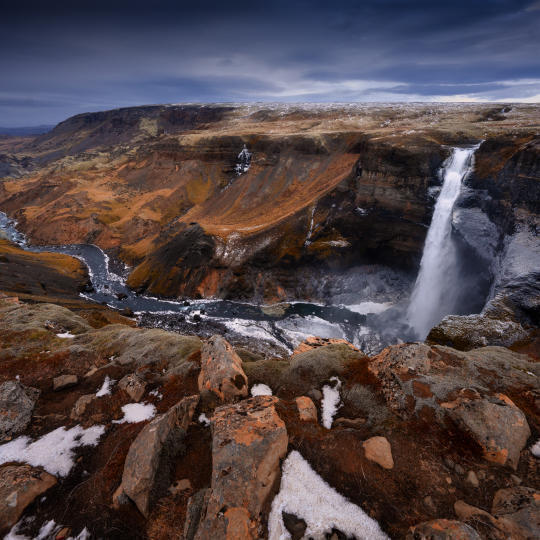
Dramatic Editing
Get creative with your photos! Albert edits a photo with more creative tools to bring forward its dramatic aspects and breathe new life into it.
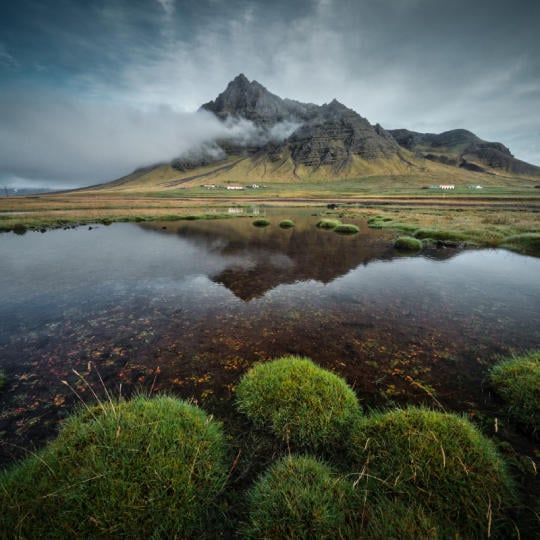
焦点堆叠
Luminar has Extensions that let you get even more impressive results. In this video, you will learn how to do focus stacking with Luminar’s Focus Stacking Extension.

Cityscapes
What makes or breaks a cityscape shot? Take a look at how to transform a photo from Dubai from ordinary to impressive.
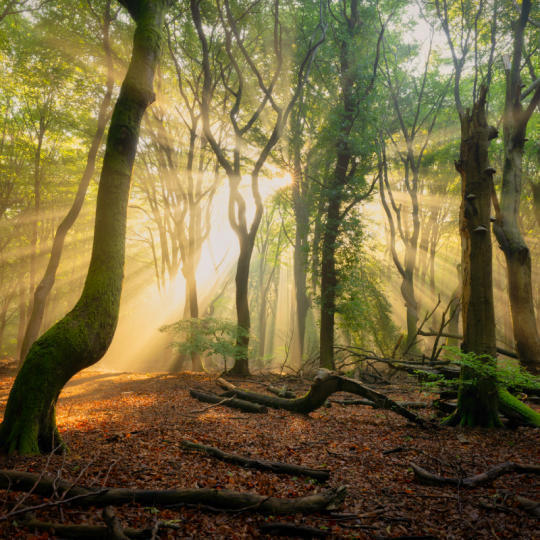
Forests
Find out what Luminar tools Albert uses to make his impressive signature forest photos. Look out for Atmosphere AI, Sunrays, and other tools!

预设置
Learn to use Presets to quickly get interesting color solutions in your photos. Albert guides you through using Presets to make even more beautiful forest shots.

Course Summary
Get a quick summary of everything you have learned in this course. Happy creating!
阿尔伯特·德罗斯
PHOTOGRAPHER, WRITER AND EDUCATOR
Albert Dros is a Dutch landscape photographer who has an extraordinary passion to plan and create unique shots. Volcanoes, solar eclipses and unique aspects of nature draw his attention. He doesn’t just go for the simple shot.
"Go big or go home" is his motto, always trying to add some unique element to his shots.
His work has been recognized on a worldwide scale and he has been published worldwide in the biggest media outlets.
Albert travels a lot as a photo educator but also for personal projects. But even in The Netherlands, he can’t stop photographing. His inspiration never stops.
 >
>
>
>

预设置

天空

叠加

LUTs

课程

精英X 会员
$ 39 /年
Renewal price $ 59
学习影片库
300+ Exclusive Presets or LUTs
300+ Unique Skies or Overlays
Team Skylum 的软件捆绑包可享 30% 折扣 新的
15% OFF Luminar Marketplace
20 new items per month
Exclusive community
Additional surprise offers
验证您之前购买的 Skylum 产品,即可享受忠诚客户折扣购买 Luminar。
验证您之前购买的 Skylum 产品,即可以忠诚折扣购买 Luminar Neo。
Enter the email associated with your current Skylum product to verify your previous purchase and buy Luminar Neo with a loyalty discount.
Get your 30% discount on any plan of your choice. The promo code is valid for 24 hours only. Don’t miss this exclusive deal!
可独立运作:
macOS
Windows
可作为插件使用:
Adobe Photoshop®
Adobe Lightroom® 插件
Apple Photos®
可独立运作:
安卓
iOS
ChromeOS
The Luminar Neo subscription provides access to all future tools within your desktop application during active subscription, including the Fall Upgrade 2026 tools (such as Crop AI 2.0, Atmosphere AI 2.0, Enhance AI 2.0, and AI Assistant 2.0).
If you’d like to access the new tools coming in the Fall Upgrade 2026 (such as Crop 2.0, Atmosphere 2.0, and Enhance AI 2.0), you’ll need to purchase the new Prime subscription.
However, you can continue using all the tools included in your current Pass without upgrading (with the exception of the Generative Tools that expire on January 1, 2027).
Your existing tools remain completely free and fully accessible!
The current versions of Crop, Atmosphere, and Enhance AI will continue to work in your software just as they always have — you are not losing access to anything you’ve already paid for.
Only the 2.0 versions (Crop 2.0, Atmosphere 2.0, and Enhance AI 2.0) require a purchase. These are major upgrades built with brand-new functionality and redesigned algorithms, which is why they are offered as part of the new Prime subscription.
可以,你随时可以通过 Skylum 账户取消 Prime 订阅的自动续订。
After canceling, you will retain access to all AI tools (such as Generative tools, AI Assistant, Restoration, and Spaces) as well as Prime assets until the end of your paid period. Once it expires, you will no longer have access to these features.
不过,Fall Upgrade 2026 工具,以及订阅有效期内发布的所有其他工具,都将永远归你所有。
Yes. Your Prime purchase applies to all desktop devices where you have your Luminar for Desktop activated.
Yes, your purchase is covered by our 30-day money-back guarantee.
Mac 款式
MacBook、MacBook Air、MacBook Pro、iMac、iMac Pro、Mac Pro、Mac mini,2010 年初或以后的更新型号
处理器
CPU Intel® Core™ i5 8gen 或更高版本
OS版本
macOS 12.0 或更高版本。
RAM
内存 8 GB RAM 或更多(推荐 16+ GB RAM)
磁碟空间
硬盘 10 GB 可用空间;使用SSD 可以获得最佳性能
显示器
1280x768 尺寸或以上
硬件
带鼠标或类似输入设备的基于 Windows 的硬件 PC
处理器
CPU Intel® Core™ i5 8gen 或更高版本,AMD Ryzen™ 5 或更高版本
OS版本
10 版本 1909 或更高版本(仅限 64 位操作系统)
RAM
内存 8 GB RAM 或更多(推荐 16+ GB RAM)
磁碟空间
硬盘 10 GB 可用空间;使用SSD 可以获得最佳性能
显示器
1280x768 尺寸或以上
图像
Open GL 3.3 或更高版本的兼容显卡