Enhance
Just Released
Get richer detail, better colour balance, and realistic edits without an overprocessed look.


New features, continuous updates, generative tools, learning resources – Catch the lowest price of the year on Prime
Just Released
Get richer detail, better colour balance, and realistic edits without an overprocessed look.
Just Released
Generate realistic fog that responds to your scene's lighting and colours for a natural result.
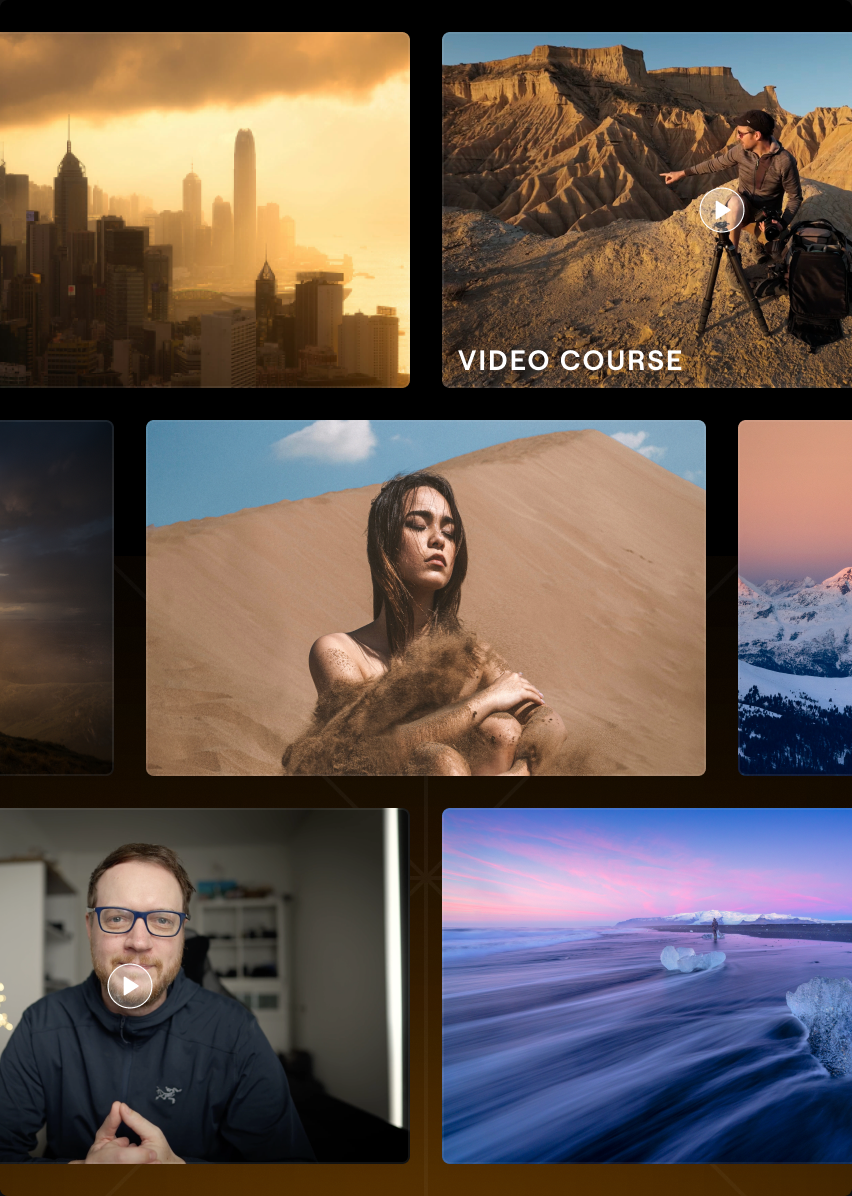
Access a growing library of 3,500+ creative assets and photography courses from pros to expand your editing possibilities and skills.
Just Released
Find the best composition with smart AI suggestions that analyse your subject, balance, and framing.
Just Released
Describe your vision, and the improved AI Assistant will automatically turn it into an edit using Luminar's AI tools.
Access a growing library of 3,500+ creative assets and photography courses from pros to expand your editing possibilities and skills.


Applicable for Luminar on Desktop, Web & Mobile
Explore 3,500+ creative add ons, including presets, skies, overlays, and LUTs, to unlock fresh looks and new possibilities for your photos.

2150+ Presets

500+ LUTs
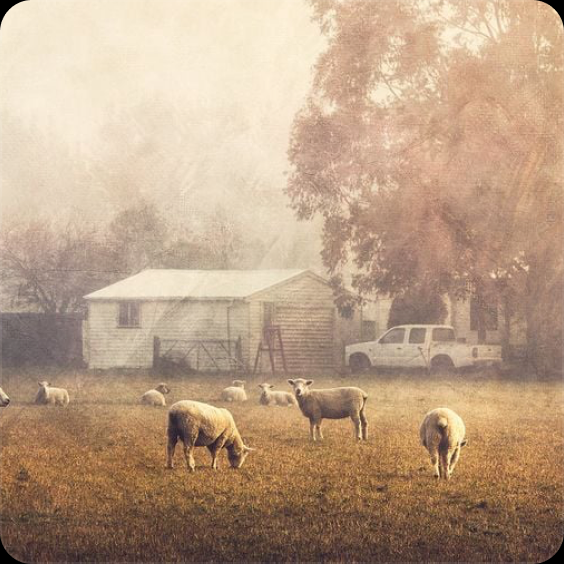
400+ Overlays
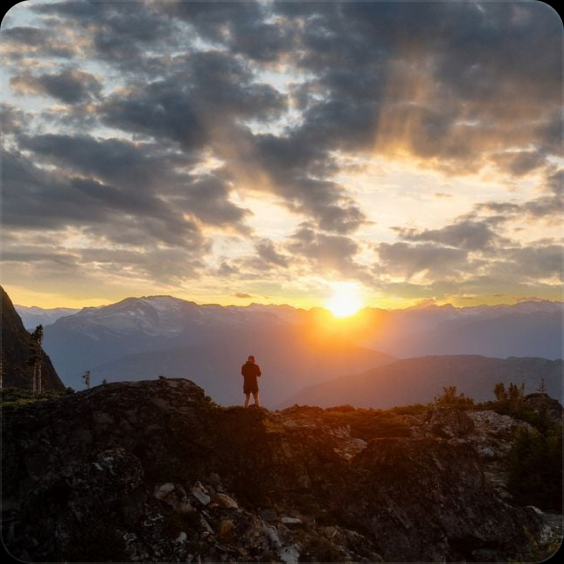
550+ Skies
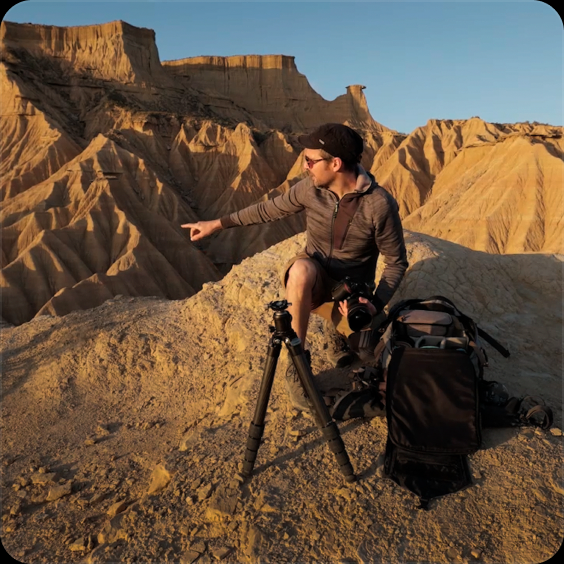
50+ hours of video courses
Applicable for Luminar on Desktop, Web & Mobile
Explore expert-led photography and editing courses to discover new styles, master practical techniques, and bring your creative vision to life.
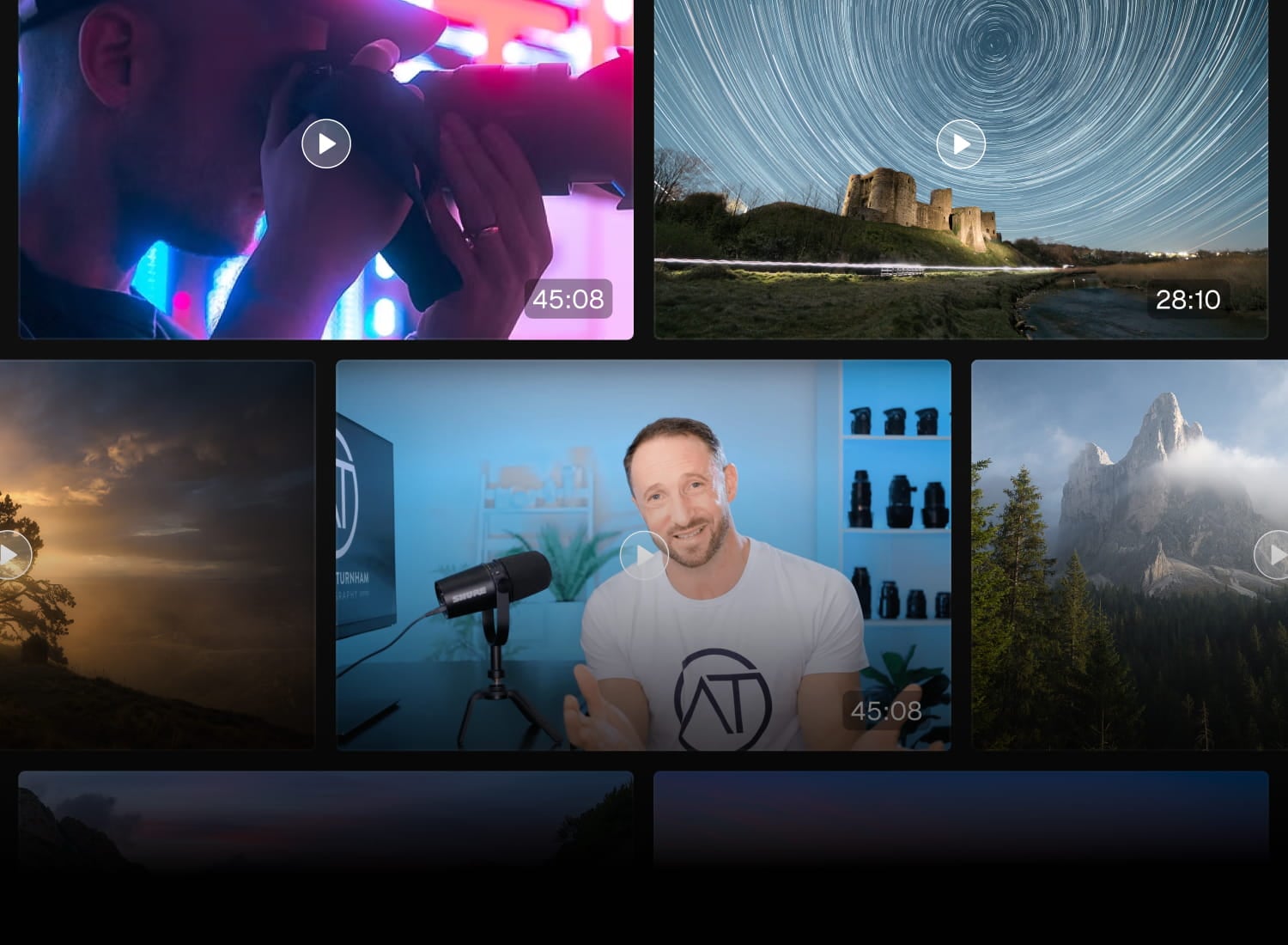
50+ hours of educational content
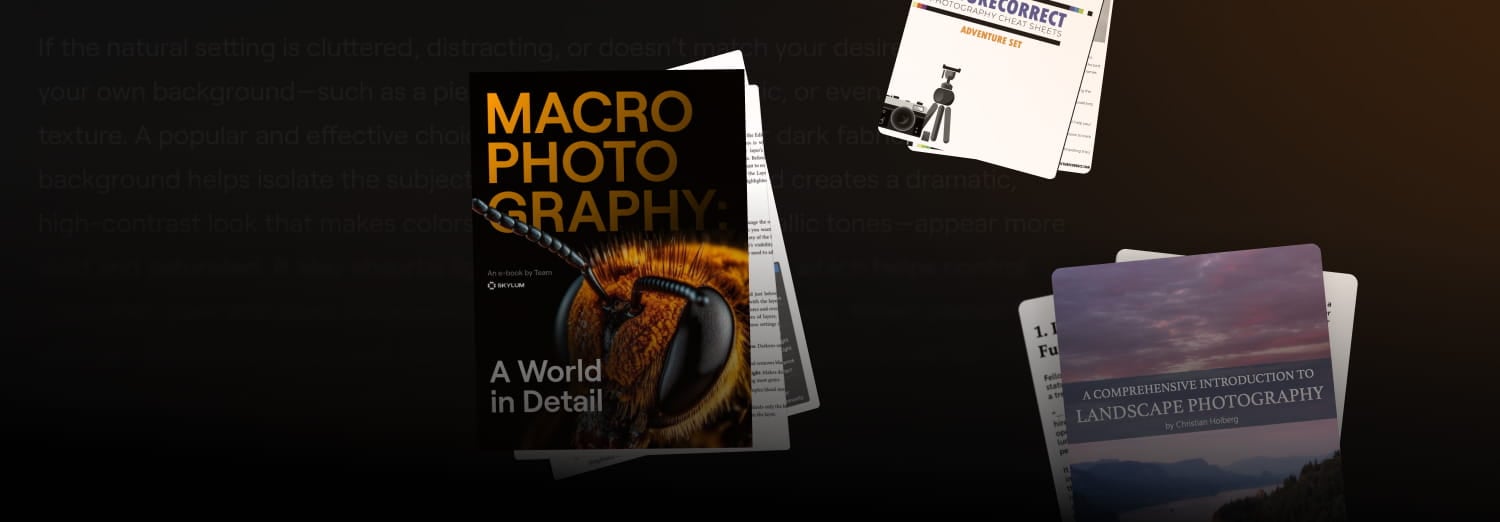
Educational books

Renowned Authors
Just Released
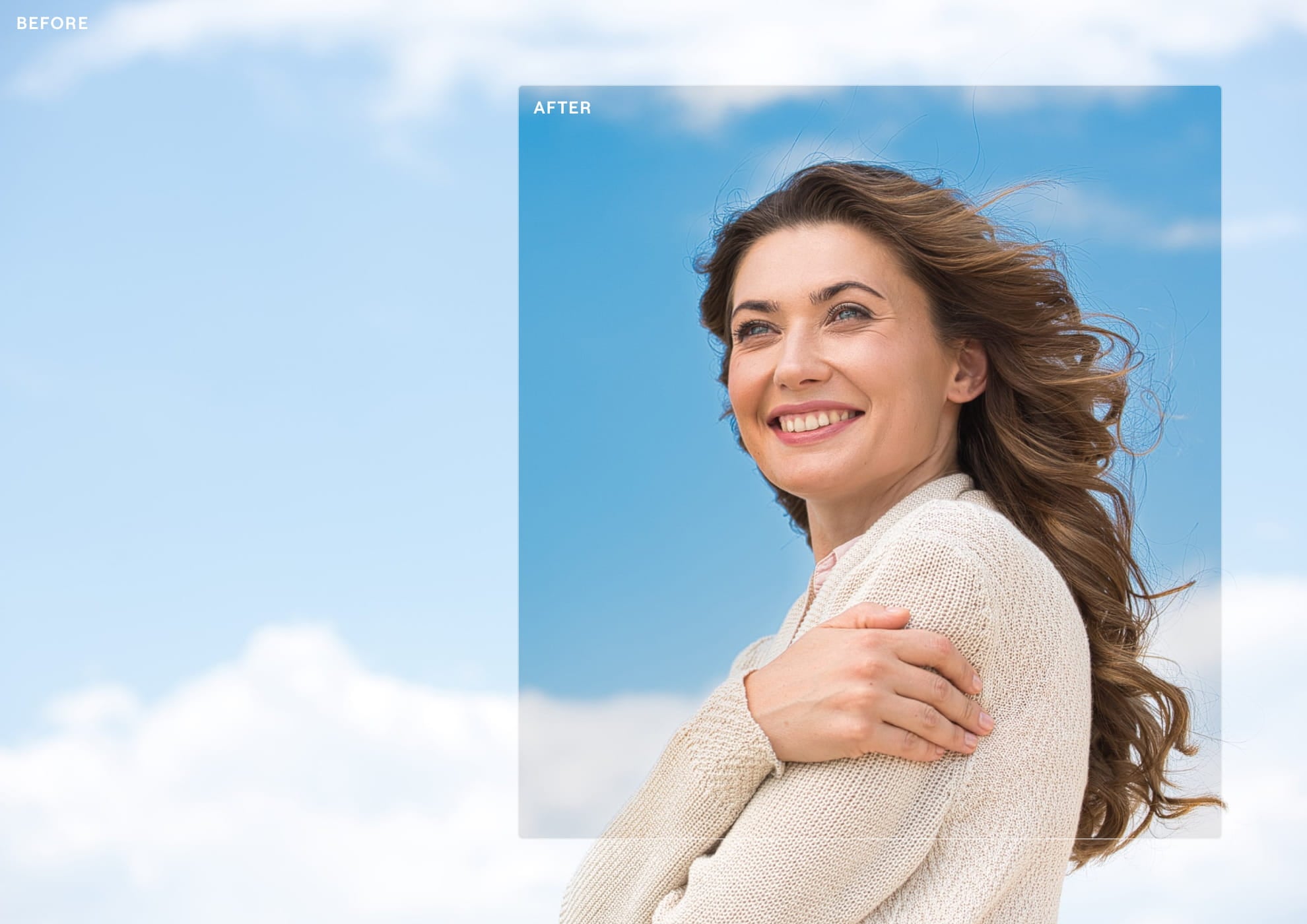
Enhance AI has been completely retrained to understand each photo before making adjustments, analysing its lighting, colours, and depth to deliver cleaner, more realistic results.
The improved model preserves highlights, keeps colours natural, enhances local contrast with greater precision, and uses a more accurate sky mask. The result is an image that looks richer and more refined.
Just Released
Instead of adding a flat layer on top of your photo, the improved tool understands the scene’s lighting, colours, and depth to create fog that feels like it was captured in-camera.
It reacts to sunlight, city lights, and surrounding tones—warming up during golden hour, glowing around light sources, or blending softly into an overcast landscape. Create anything from a subtle morning haze to a dramatic cinematic atmosphere, while keeping every effect natural.

Just Released
Stop guessing your crop. The new Crop analyses your image, recognising subjects, balance, leading lines, and visual weight to suggest multiple ready-to-use compositions.
Instead of manually dragging the frame until it feels right, choose from AI-powered crops designed to make your photos stronger.

Just Released
The new AI Assistant goes beyond suggestions. Simply describe the edit you want, and it uses 20+ Luminar tools to create it for you—from Develop and Sky AI to Skin AI, Bokeh AI, Color Harmony, Erase, and more.
It can also guide you through Luminar’s features, helping you discover new ways to edit without leaving your creative flow.
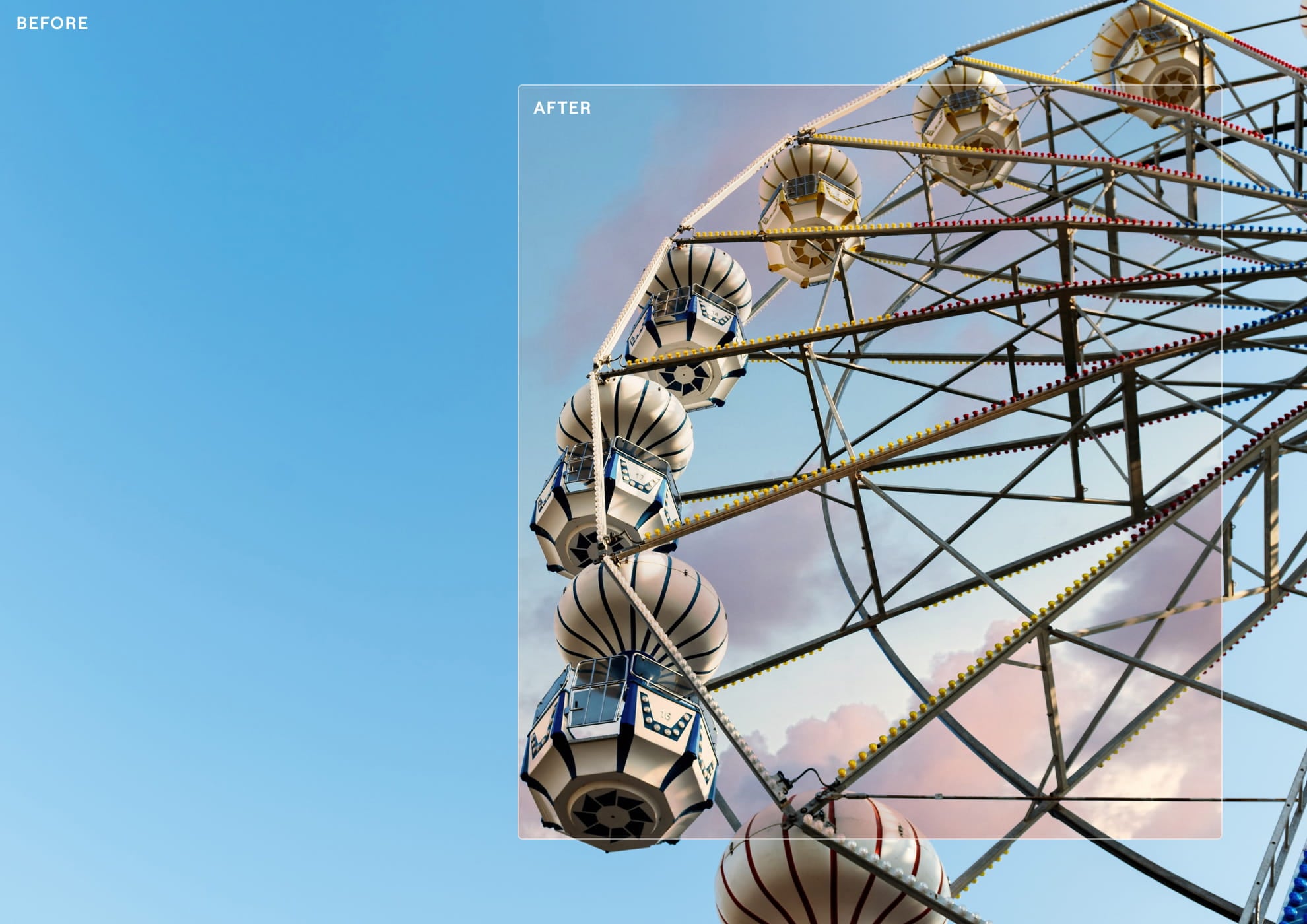

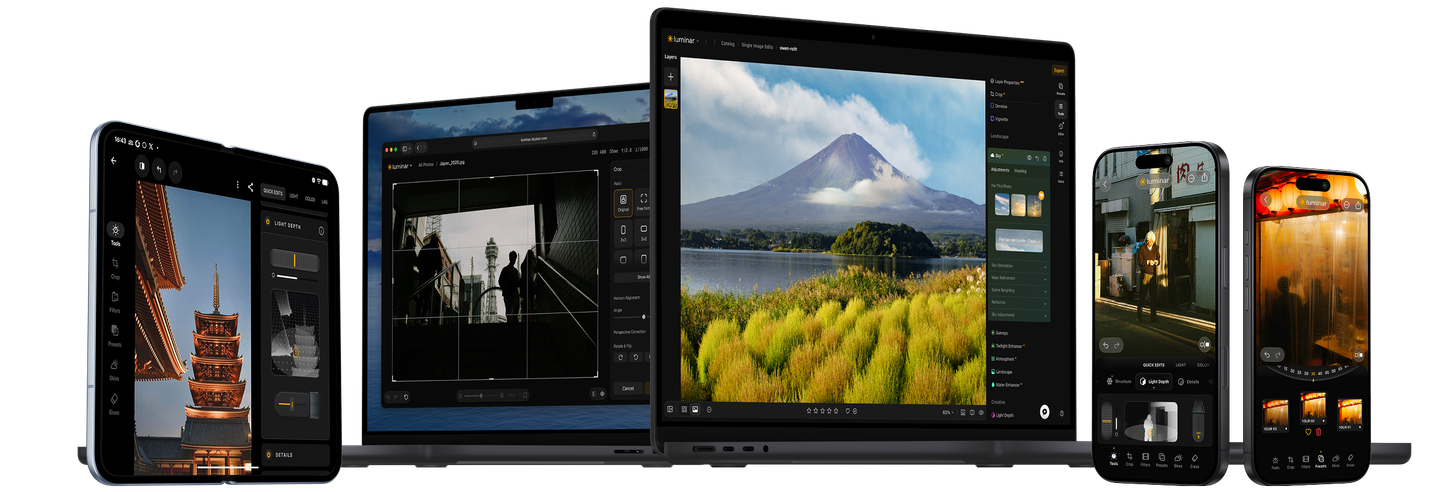
More realistic Generative AI
Our improved model creates more natural, seamless results with better texture, lighting, and detail. Now with support for up to 2K resolution!
A better way to export
Enjoy up to 25% faster export, including for photos enhanced with Body AI, Sky AI, and more. Add watermarks for a professional final touch.
Old version
New version
Faster, smarter masking
Masking is now smoother and more responsive with 33% less RAM usage. Create, adjust, and reuse precise parametric masks with improved AI selections, cleaner edges, and more flexibility.
Old version
New version
Enjoy complete control with editable masks, advanced mask actions, and seamless copy-paste across edits. Make precise adjustments faster with smarter segmentation and a more powerful masking experience.
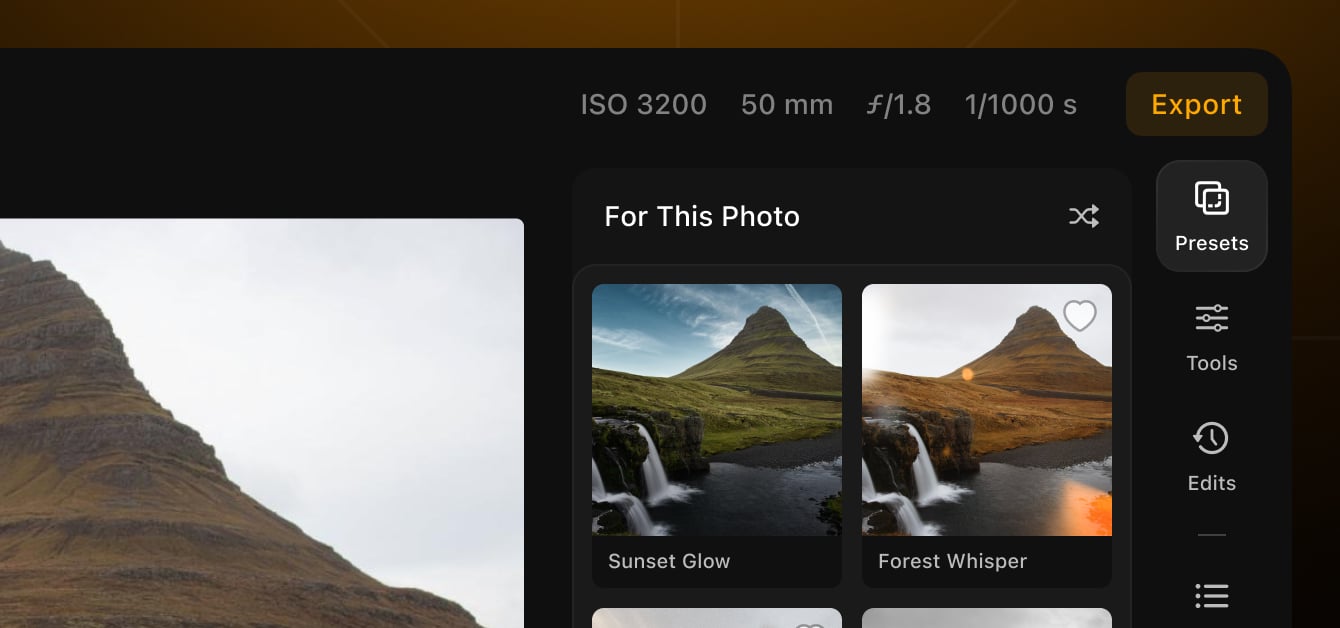
Find your perfect look faster
Preset previews now load up to 4x faster, making it effortless to try more styles and discover the right edit for every photo.
Applicable on Desktop, Web & Mobile
Get more value, year after year.
More to discover, all year long. Unlock your creative potential with an exclusive creative subscription.
$5.75 Save up to 50% off /month
Billed as one payment of $69.00 $139.00
Access forever:
Fall Upgrade 2026
Just releasedSmart Compositions in Crop, Atmosphere, Enhance
Unlock it all. Keep it forever.
Get access to all currently available features, plus every new feature released during your membership. Once unlocked, they’re yours to keep forever.
Yours during subscription:
Generative AI tools
UnlimitedRestoration, AI Assistant, GenErase, GenSwap, GenExpand
Ever-growing library of assets for Desktop, Web & Mobile
+2150 Presets, +500 LUTs, +400 Overlays, +550 Skies
Educational materials from experts
80+ hours of expert-led video courses with practice materials from top photographers
Spaces: curated web galleries for your best shots
*Unlimited usage while subscribed. Subject to fair use policy.
Reliable support, trusted by our users
24/7 chat support
Technical support
9/10 support rate
4.8 Trustpilot

Desktop for Windows/MacOS and full access to all generative tools for one year.
Mobile App for iOS/Android/ChromeOS
100 Creative Add-ons
Luminar Neo Video Course
Desktop for Windows/MacOS and full access to all generative tools for one year.
Mobile App for iOS/Android/ChromeOS
100 Creative Add-ons
Luminar Neo Video Course
Desktop for Windows/MacOS and full access to all generative tools for one year.
Mobile App for iOS/Android/ChromeOS
100 Creative Add-ons
Luminar Neo Video Course
Luminar Video Course
Creative Photo Editing Techniques in Luminar

Introduction & Course Outline
Albert Dros introduces himself and gives a quick overview of what you will learn in this photography and...

Introduction to Photography
What should you focus on when taking your photos to get the best results?

Basic Editing
Albert introduces the layout of Luminar and the basic instruments you can use to achieve great results instantly.

Advanced Editing
Going in depth, Albert shows you the more advanced tools in Luminar and how to use them to make your photos stand out.
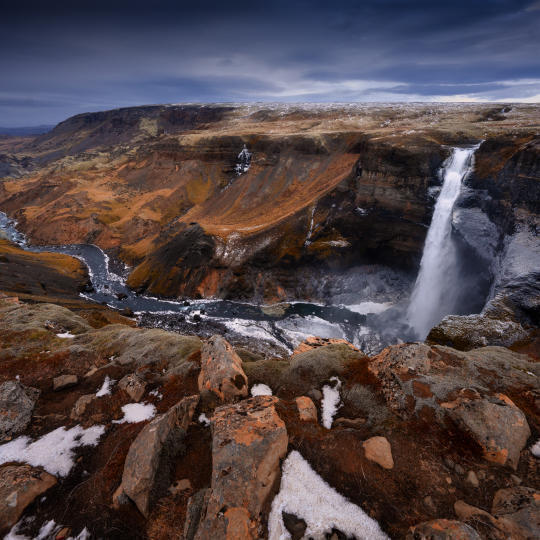
Dramatic Editing
Get creative with your photos! Albert edits a photo with more creative tools to bring forward its dramatic aspects and breathe new life into it.
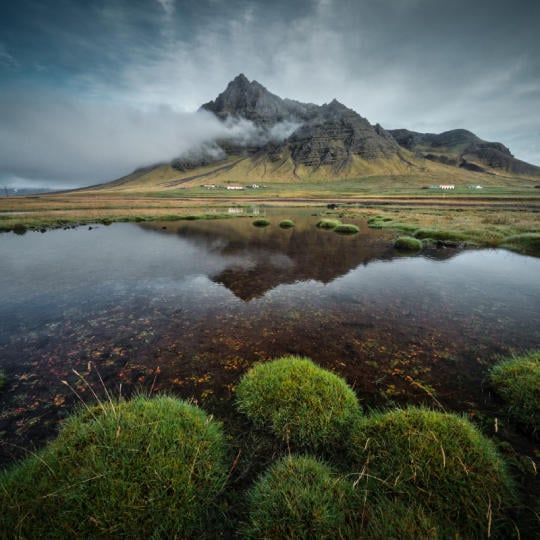
Focus Stacking
Luminar has Extensions that let you get even more impressive results. In this video, you will learn how to do focus stacking with Luminar’s Focus Stacking Extension.

Cityscapes
What makes or breaks a cityscape shot? Take a look at how to transform a photo from Dubai from ordinary to impressive.

Forests
Find out what Luminar tools Albert uses to make his impressive signature forest photos. Look out for Atmosphere AI, Sunrays, and other tools!

Presets
Learn to use Presets to quickly get interesting color solutions in your photos. Albert guides you through using Presets to make even more beautiful forest shots.

Course Summary
Get a quick summary of everything you have learned in this course. Happy creating!
Albert Dros
PHOTOGRAPHER, WRITER AND EDUCATOR
Albert Dros is a Dutch landscape photographer who has an extraordinary passion to plan and create unique shots. Volcanoes, solar eclipses and unique aspects of nature draw his attention. He doesn’t just go for the simple shot.
"Go big or go home" is his motto, always trying to add some unique element to his shots.
His work has been recognized on a worldwide scale and he has been published worldwide in the biggest media outlets.
Albert travels a lot as a photo educator but also for personal projects. But even in The Netherlands, he can’t stop photographing. His inspiration never stops.
 >
>
>
>

Presets
Skies

Overlays

LUTs

Courses

Community

X Membership Elite
$ 39 /year
Renewal price $ 59
Educational video library
300+ Exclusive Presets or LUTs
300+ Unique Skies or Overlays
30% OFF bundles of assets by Team Skylum new
15% OFF Luminar Marketplace
20 new items per month
Exclusive community
Additional surprise offers
Verify your previous purchase of a Skylum product to buy Luminar with a loyalty discount.
Verify your previous purchase of a Skylum product to buy Luminar Neo with a loyalty discount.
Enter the email associated with your current Skylum product to verify your previous purchase and buy Luminar Neo with a loyalty discount.
Get your 30% discount on any plan of your choice. The promo code is valid for 24 hours only. Don’t miss this exclusive deal!
Works as a standalone for:
macOS
Windows
Works as a plug-in for:
Adobe Photoshop®
Adobe Lightroom®
Apple Photos®
Works as a standalone for:
Android
iOS
ChromeOS
The Luminar Neo subscription provides access to all future tools within your desktop application during active subscription, including the Fall Upgrade 2026 tools (such as Crop AI 2.0, Atmosphere AI 2.0, Enhance AI 2.0, and AI Assistant 2.0).
If you’d like to access the new tools coming in the Fall Upgrade 2026 (such as Crop 2.0, Atmosphere 2.0, and Enhance AI 2.0), you’ll need to purchase the new Prime subscription.
However, you can continue using all the tools included in your current Pass without upgrading (with the exception of the Generative Tools that expire on January 1, 2027).
Your existing tools remain completely free and fully accessible!
The current versions of Crop, Atmosphere, and Enhance AI will continue to work in your software just as they always have — you are not losing access to anything you’ve already paid for.
Only the 2.0 versions (Crop 2.0, Atmosphere 2.0, and Enhance AI 2.0) require a purchase. These are major upgrades built with brand-new functionality and redesigned algorithms, which is why they are offered as part of the new Prime subscription.
Yes, you can cancel the auto-renewal for your Prime subscription at any time through your Skylum account.
After canceling, you will retain access to all AI tools (such as Generative tools, AI Assistant, Restoration, and Spaces) as well as Prime assets until the end of your paid period. Once it expires, you will no longer have access to these features.
However, Fall Upgrade 2026 tools, and all other tools that are released during the active subscription period will remain yours forever.
Yes. Your Prime purchase applies to all desktop devices where you have your Luminar for Desktop activated.
Yes, your purchase is covered by our 30-day money-back guarantee.
Mac Model
MacBook, MacBook Air, MacBook Pro, iMac, iMac Pro, Mac Pro, Mac mini, early 2010 or newer
Processor
CPU Intel® Core™ i5 8 Gen or better
OS version
macOS 12.0 or higher.
RAM
Memory 8 GB RAM or more (16+ GB RAM is recommended)
Disk space
Hard disk 10 GB free space; SSD for best performance
Display
1280x768 size or better
Hardware
Windows-based hardware PC with mouse or similar input device
Processor
CPU Intel® Core™ i5 8 Gen or better, AMD Ryzen™ 5 or better
OS version
10 version 1909 or higher (only 64-bit OS)
RAM
Memory 8 GB RAM or more (16+ GB RAM is recommended)
Disk space
Hard disk 10 GB free space; SSD for best performance
Display
1280x768 size or better
Graphics
Open GL 3.3 or later compatible graphics card