Luminar vs FaceApp: Key Features Compared Clearly
Luminar and FaceApp can both make your photos look “better” in seconds. But the real question is: better for what? Let’s break it down clearly and quickly.
Discover Luminar Mobile3 Differences that Actually Matter
Although both apps use AI-powered tools, their priorities and editing logic are not the same.
Editing philosophy
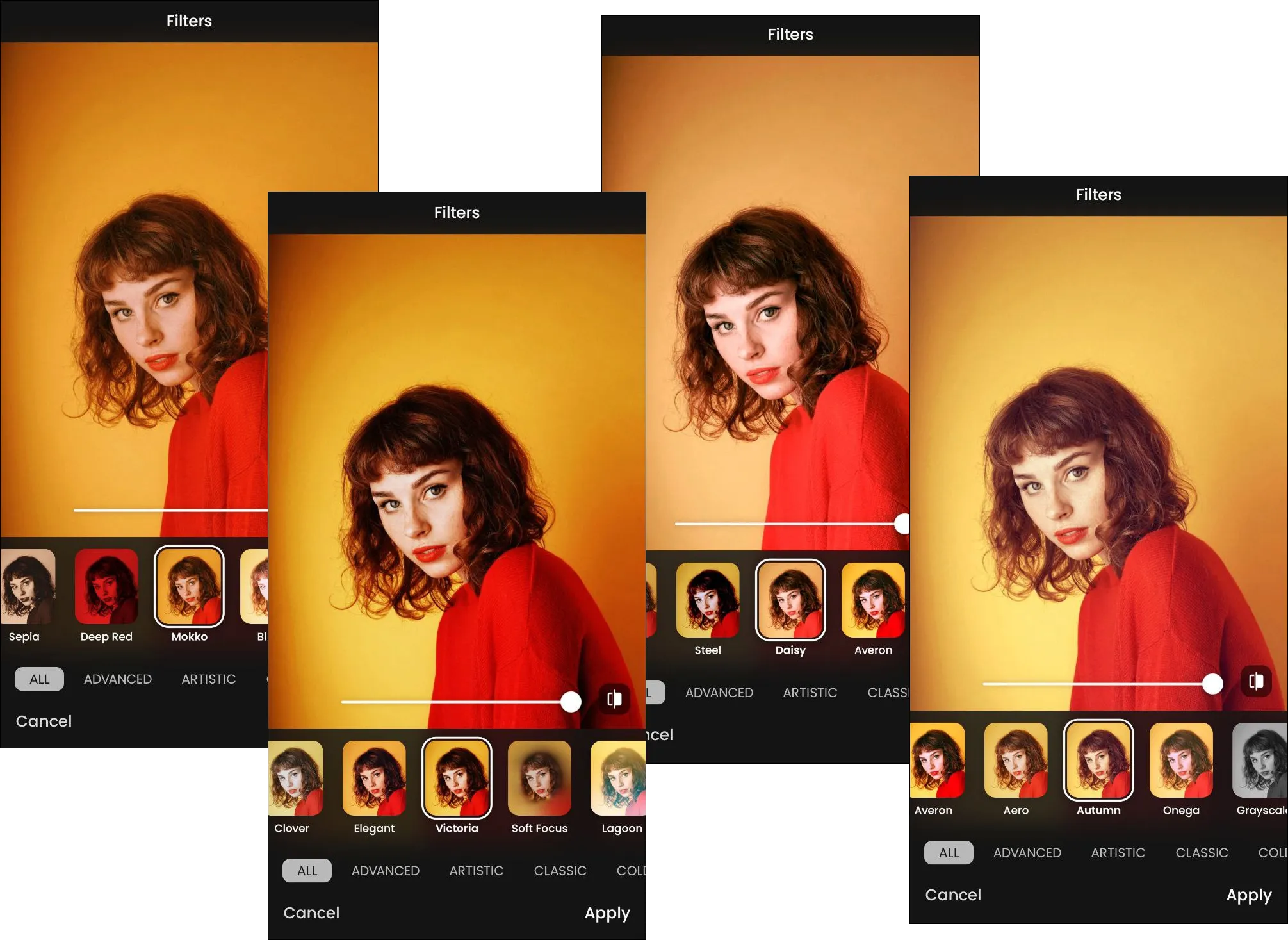
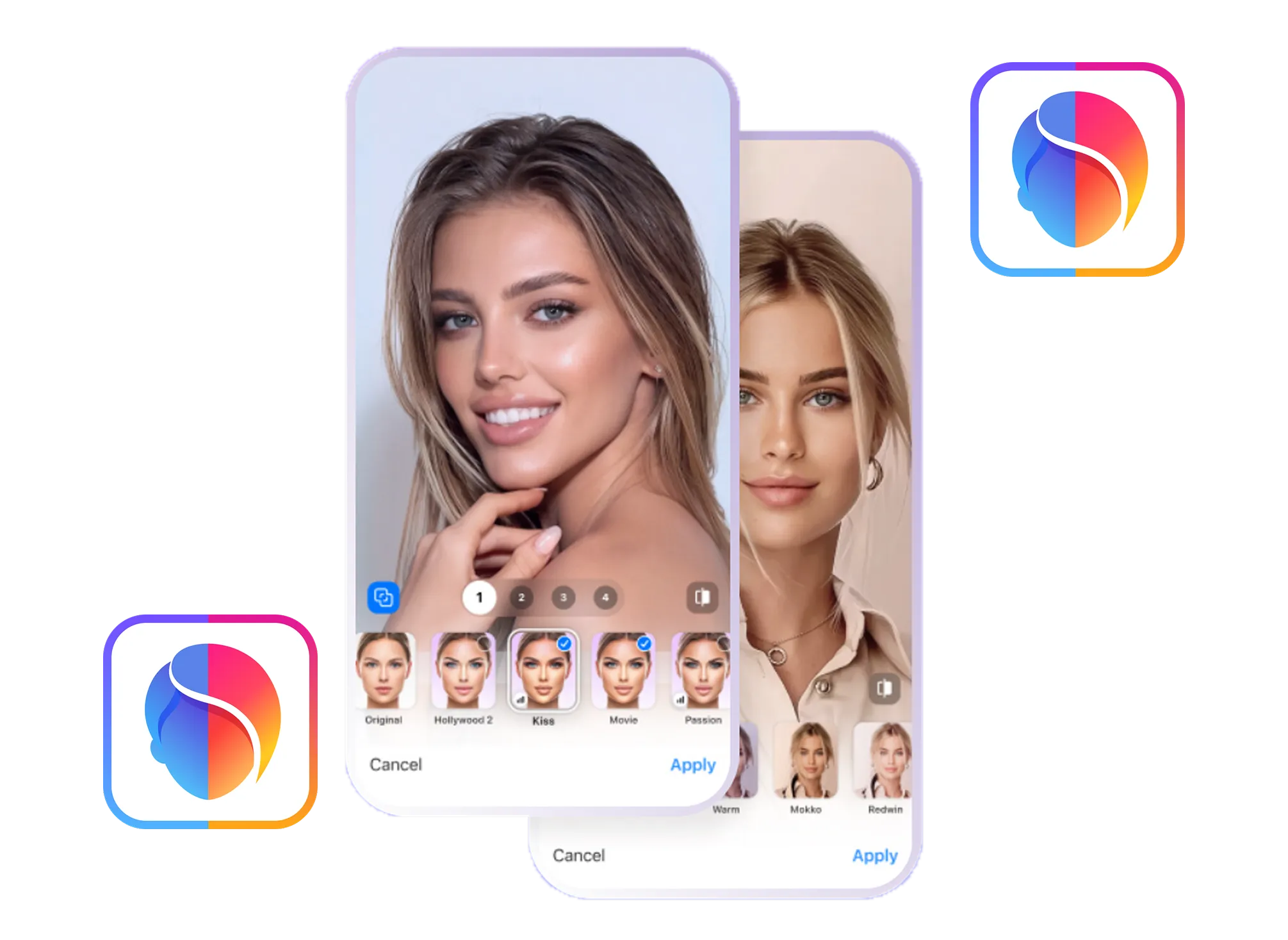
FaceApp follows a “filter-first” approach. Its core value lies in instant, one-tap portrait editing that modify facial features, skin, hair, or age without requiring any knowledge of retouching. The goal is fast, dramatic results.
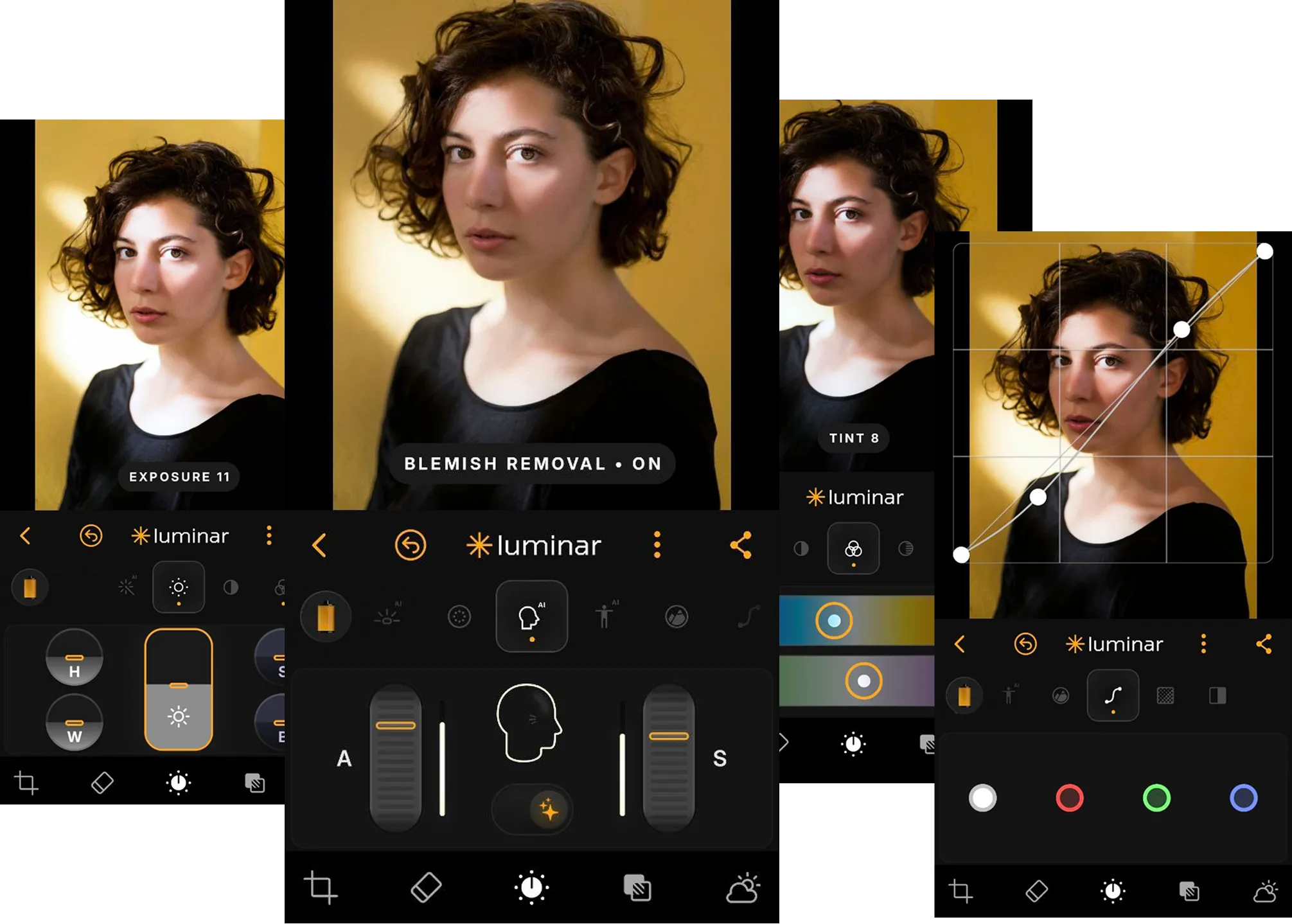
Luminar uses AI as an assistant rather than a replacement for creative decision-making. AI tools automate complex tasks, but users retain manual control through traditional adjustments such as exposure, curves, and color correction.
Creative control and flexibility
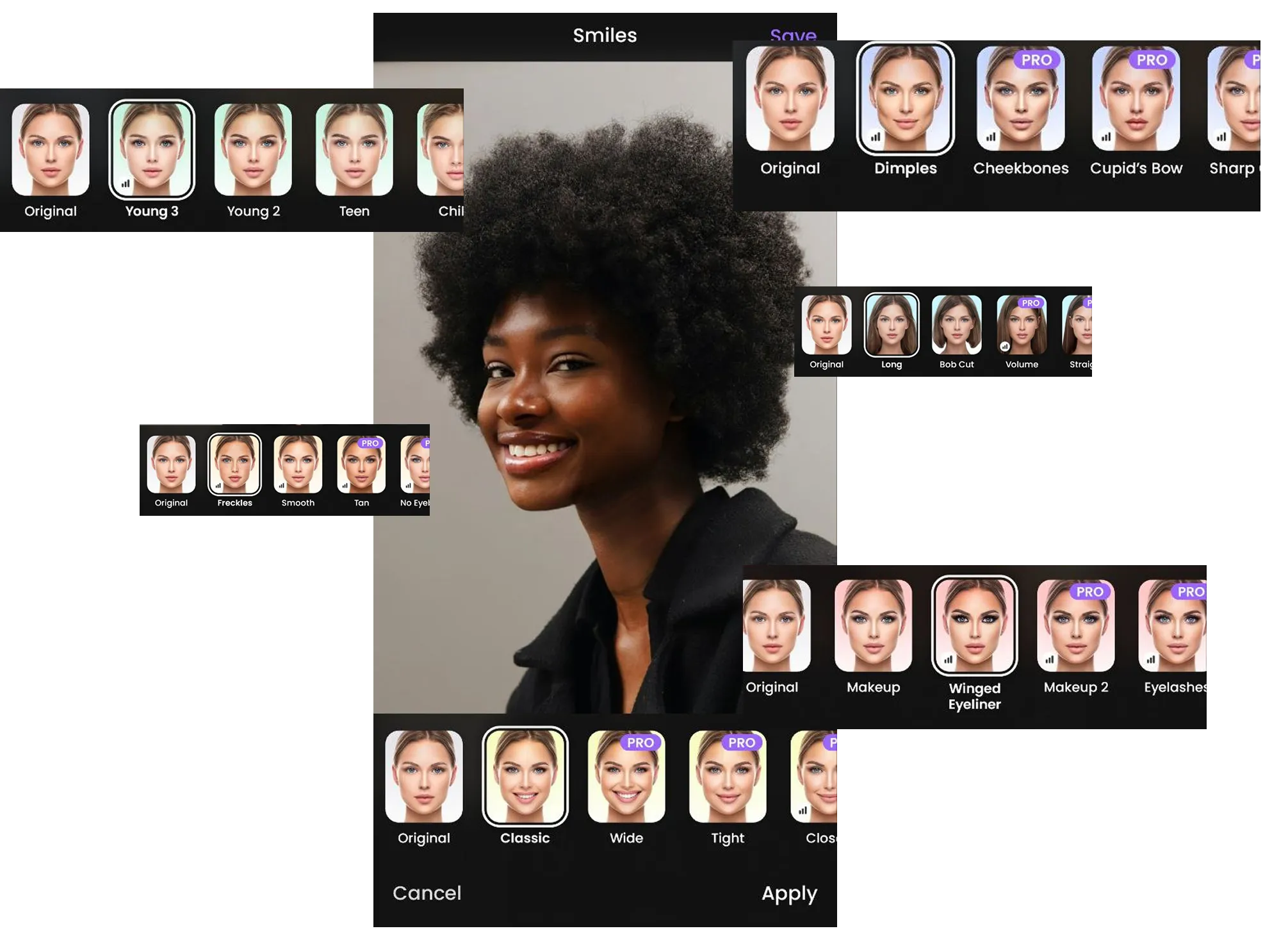
FaceApp prioritizes speed and realism but remains limited to predefined transformations (makeup, hairstyles, facial structure, age). Customization beyond those presets is minimal, making it less flexible for creative experimentation.
Luminar offers a much deeper toolset for professional editing, including Sky AI for sky replacement, Relight AI for light direction control, and Structure AI for detail enhancement. Full RAW support allows photographers to preserve image quality throughout the editing process.
.webp)
Workflow and ecosystem
FaceApp operates primarily as a standalone mobile app on iOS and Android, optimized for fast exports and immediate sharing on social platforms.
Luminar is part of a broader ecosystem that lets you edit photos on iPhone and iPad, includes a Vision Pro version, and extends to the desktop editor Luminar. Cloud synchronization via Luminar Space allows seamless editing across devices.
.webp)
FaceApp vs Luminar:
Feature Comparison Table
| Feature | FaceApp | Luminar Mobile |
|---|---|---|
Presets | Large library of portrait-focused filters | Curated filters and film-inspired styles |
AI tools | Focused on face and body transformations | Advanced tools for sky, light, structure, and retouching |
RAW editing | Not a core feature | Full RAW support |
Portrait tools | Deep facial changes, makeup, hairstyles, age | Natural skin retouching and body adjustment |
Object removal | Basic skin imperfection removal | Dedicated Erase tool for any objects |
Sky replacement | Available as background changes | High-precision Sky AI |
Video editing | Available | Photo-only focus |
Workflow type | Standalone mobile app | Cross-platform (Mobile / Desktop / Cloud) |
FaceApp
Luminar Mobile
Presets
Large library of portrait-focused filters
Curated filters and film-inspired styles
AI tools
Focused on face and body transformations
Advanced tools for sky, light, structure, and retouching
RAW editing
Not a core feature
Full RAW support
Portrait tools
Deep facial changes, makeup, hairstyles, age
Natural skin retouching and body adjustment
Object removal
Basic skin imperfection removal
Dedicated Erase tool for any objects
Sky replacement
Available as background changes
High-precision Sky AI
Video editing
Available
Photo-only focus
Workflow type
Standalone mobile app
Cross-platform (Mobile / Desktop / Cloud)


A powerful AI photo editor in your pocket
- High-performance AI editing on mobile
Edit anytime, anywhere
No complex tools—just simple controls
Perfect for quick and creative edits