
 View plans
Luminar vs Darktable: Comparing Features and Performance
Choosing between Darktable and Luminar comes down to finding the right balance between control, speed, and creative freedom. This comparison highlights their key differences to help you choose the tool that fits your workflow best.
Discover LuminarMain Points of Difference
Let’s explore the core aspects that matter most when choosing a photo editor.
Editing Approach
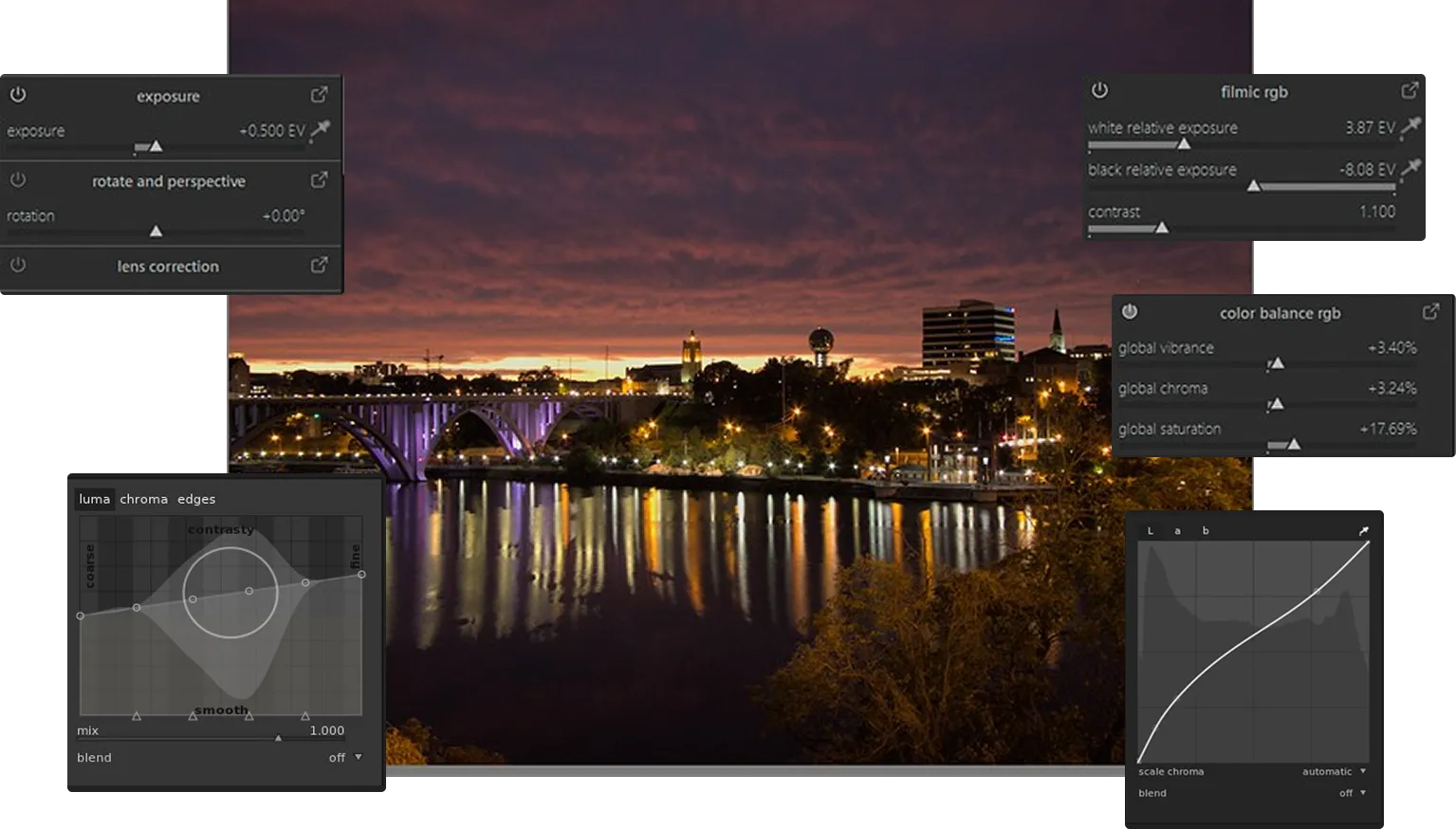
Darktable follows a fully manual approach: RAW files start flat, and every adjustment is built from scratch. This offers maximum control but requires time and technical experience.
.webp)
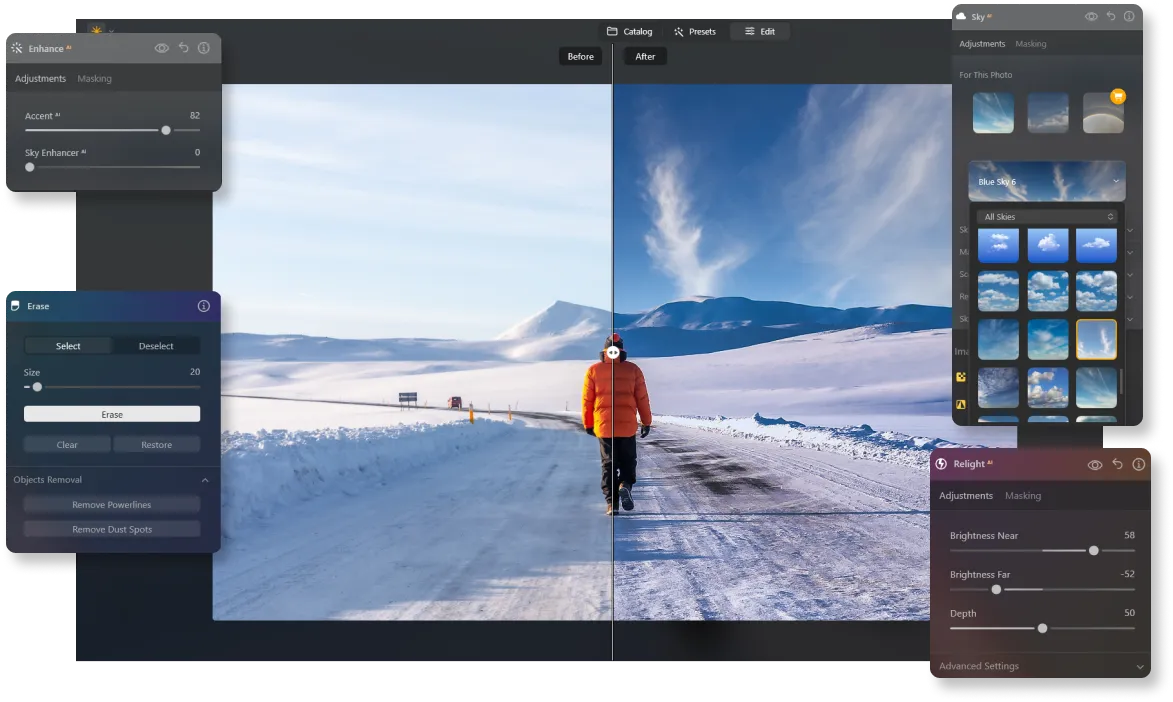
Luminar is designed for faster results. AI-powered tools make it easy to auto edit pictures, so users can focus on refining the look instead of setting up every adjustment manually.
.webp)
Creative Workflow vs Technical Workflow
Darktable is ideal for photographers who enjoy a deeply technical, step-by-step editing process. Its modular system allows for precise tuning but often requires multiple adjustments to achieve the desired result.
Luminar is built for creative flow. Features like AI masking, portrait enhancement, and tools that help lighten a photo reduce repetitive work and let users move quickly from idea to final image—without breaking momentum.
Time Investment
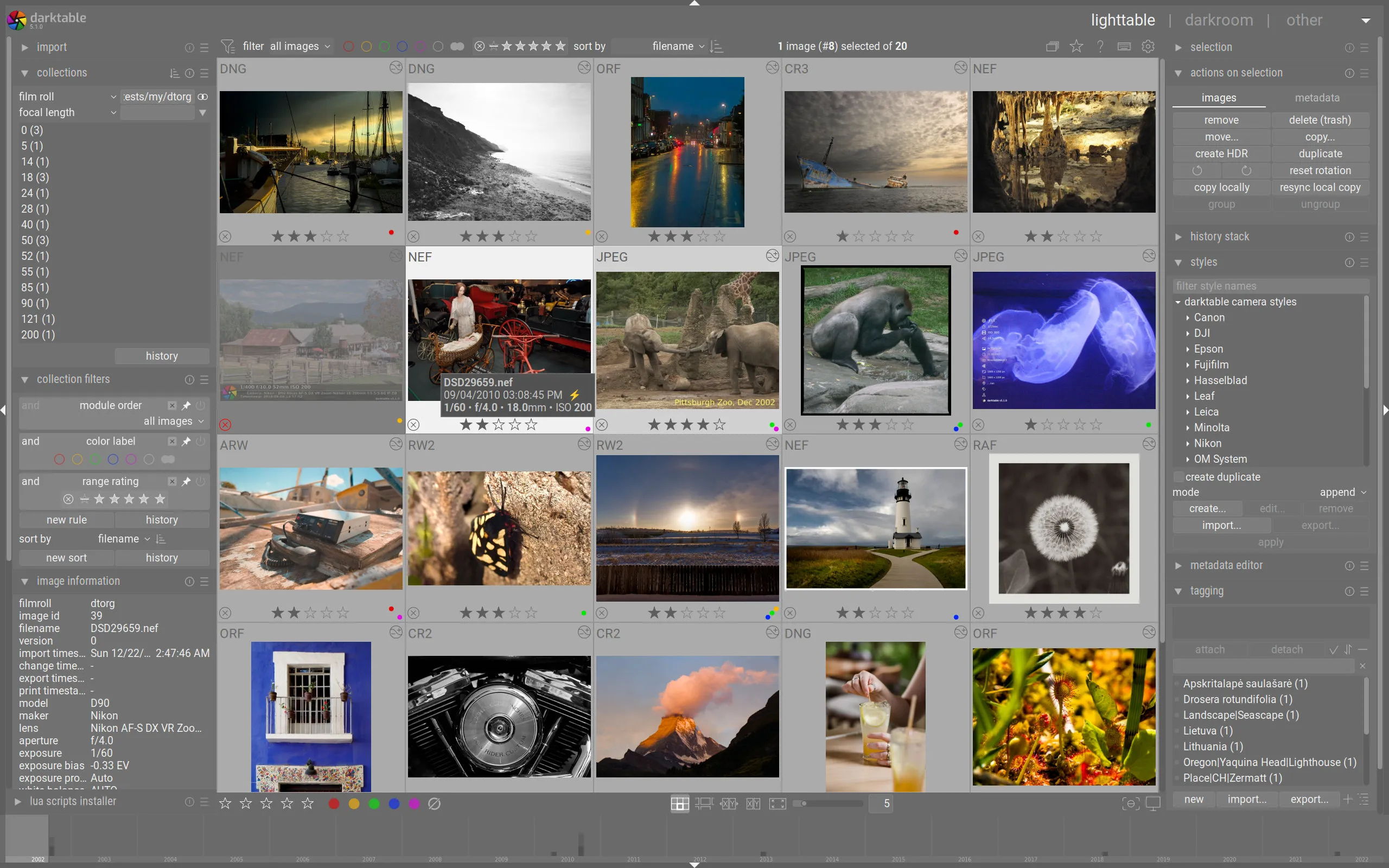
Darktable rewards users who are willing to invest time in learning and manual editing. Each image typically requires hands-on adjustments, making it better suited for photographers who prioritize control over speed.
Luminar is built to save time. Automation, batch processing, and generative tools help photographers achieve polished results faster, making it a strong choice for creators who value efficiency alongside quality.
.webp)
Luminar vs Darktable: Detailed Comparison
| Feature | Darktable | Luminar |
|---|---|---|
Generative AI | No | GenErase, GenSwap, GenExpand |
Editing Capabilities | Advanced RAW processing with full manual control | AI-powered editing, layers, batch processing |
Workflow Integration | Standalone application | Works with Photoshop & Lightroom |
AI & Automation | Limited | Extensive AI tools |
Non-Destructive Editing | Yes | Yes |
Brush & Masking Tools | Advanced, manual | Advanced with AI masking |
Filters & Effects | Technical adjustments and manual styling | Creative AI filters & effects |
User Interface | Complex, technical | Intuitive, beginner-friendly |
Price Model | Free, open-source | One-time purchase |
Community & Support | Community-driven | Tutorials, guides, customer support |
Darktable
Luminar
Generative AI
No
GenErase, GenSwap, GenExpand
Editing Capabilities
Advanced RAW processing with full manual control
AI-powered editing, layers, batch processing
Workflow Integration
Standalone application
Works with Photoshop & Lightroom
AI & Automation
Limited
Extensive AI tools
Non-Destructive Editing
Yes
Yes
Brush & Masking Tools
Advanced, manual
Advanced with AI masking
Filters & Effects
Technical adjustments and manual styling
Creative AI filters & effects
User Interface
Complex, technical
Intuitive, beginner-friendly
Price Model
Free, open-source
One-time purchase
Community & Support
Community-driven
Tutorials, guides, customer support



.webp)

Keep your workflow, expand your possibilities
Want to get all the benefits of Luminar but have an established Lightroom workflow? Great news! You can use all the power of Luminar within a plugin for Lightroom without changing up your usual post-production process.

An application & plugin
For macOS & Windows
- High-performance AI editor
24/7 technical support
30-day money back guarantee
Join our communities

