
 View plans
Luminar vs VSCO: Honest Comparison for Photographers
VSCO and Luminar Mobile both help you create beautiful images but they’re built for very different workflows. Below is a clear, no-hype comparison to help you decide what really fits your style and needs.
Discover Luminar MobileWhat’s the difference between Luminar and VSCO?
At first glance, both apps let you edit photos on your phone. In reality, they solve different problems. Let’s break down the 3 key differences that actually matter.
Editing philosophy
VSCO is preset-first. Editing usually starts with a film-inspired look, followed by small adjustments to exposure, color, grain, or fade. This works well for maintaining a consistent aesthetic but leaves less room for image-specific control.
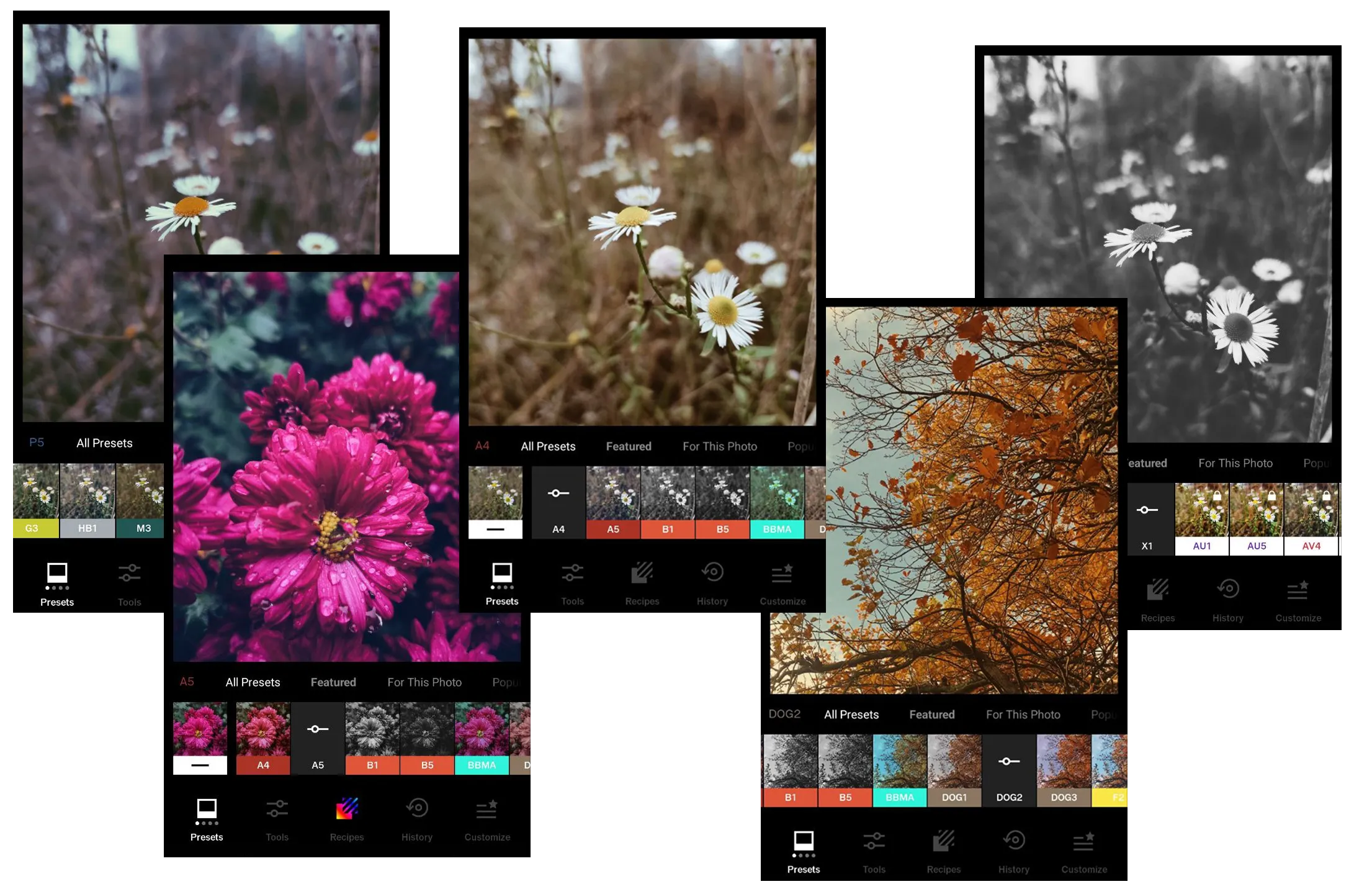
Luminar Mobile is an alternative to VSCO but with a photo-first approach. Its AI tools analyze light, color, depth, and details, then let you refine the image with intuitive sliders. The focus is on shaping each photo rather than fitting it into a preset.
.webp)
Creative Control and Flexibility
VSCO emphasizes mood and simplicity. It offers classic editing tools such as exposure, contrast, HSL, grain, and fade, along with a large photo filter library available through membership. It’s well suited for subtle edits and cohesive feeds.
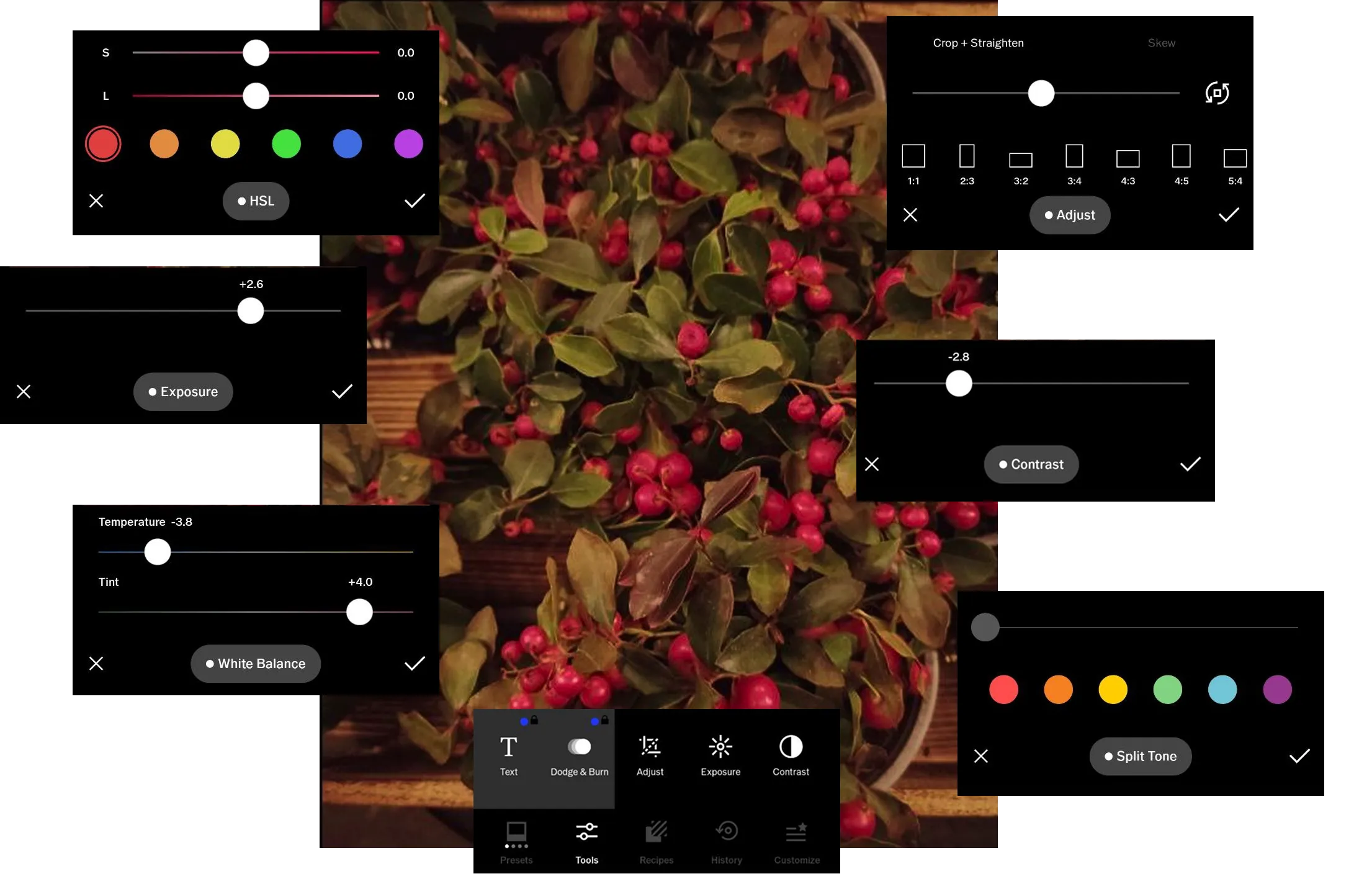
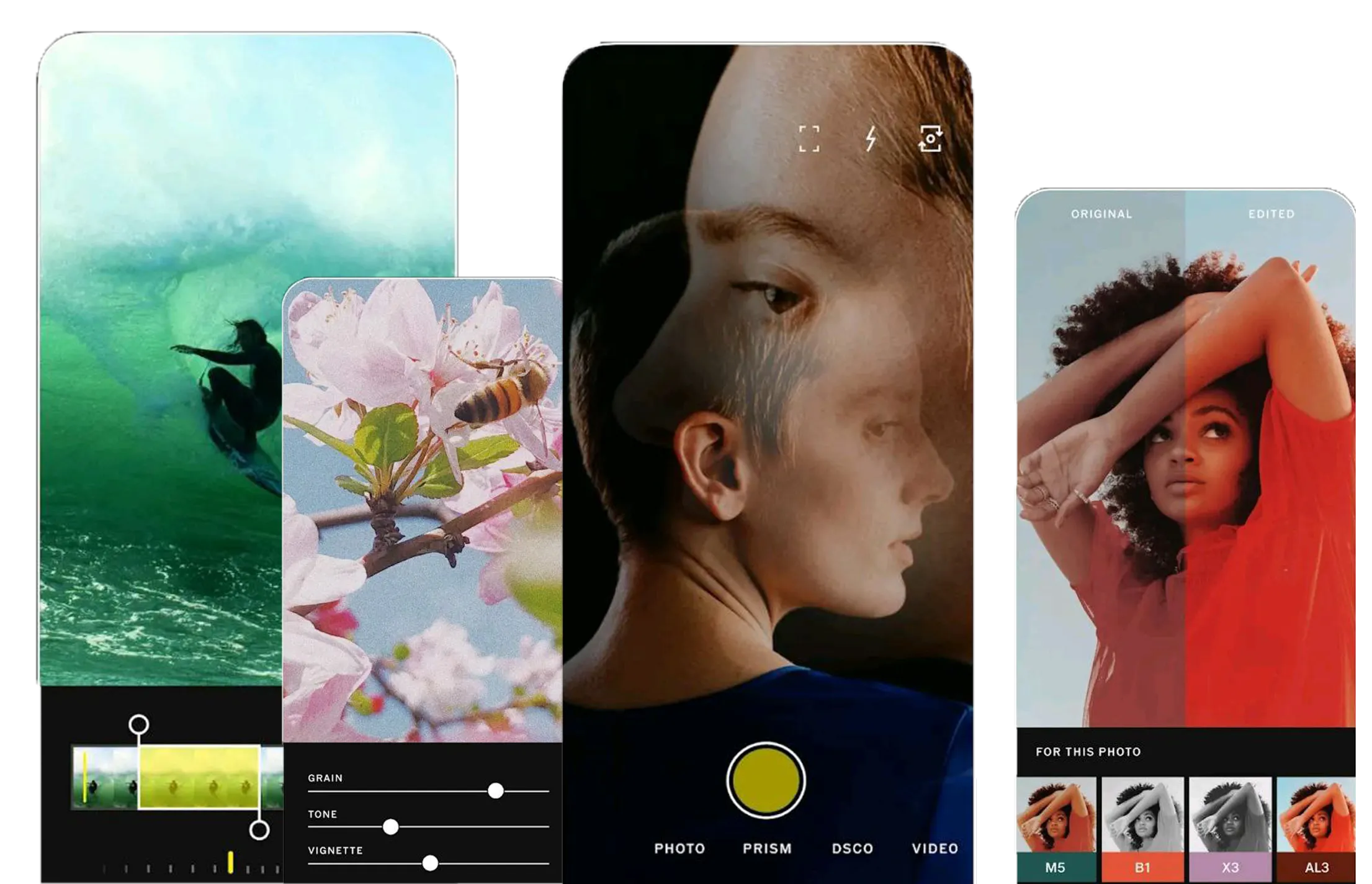
Luminar Mobile adds AI-powered tools for more complex edits on mobile, including sky replacement, one-slider enhancement, image darkener, skin retouching, object removal, and advanced detail control. These tools are designed to save time while keeping edits flexible.
.webp)
Workflow and ecosystem
VSCO works as a standalone mobile editor focused on single-image editing and in-app discovery.
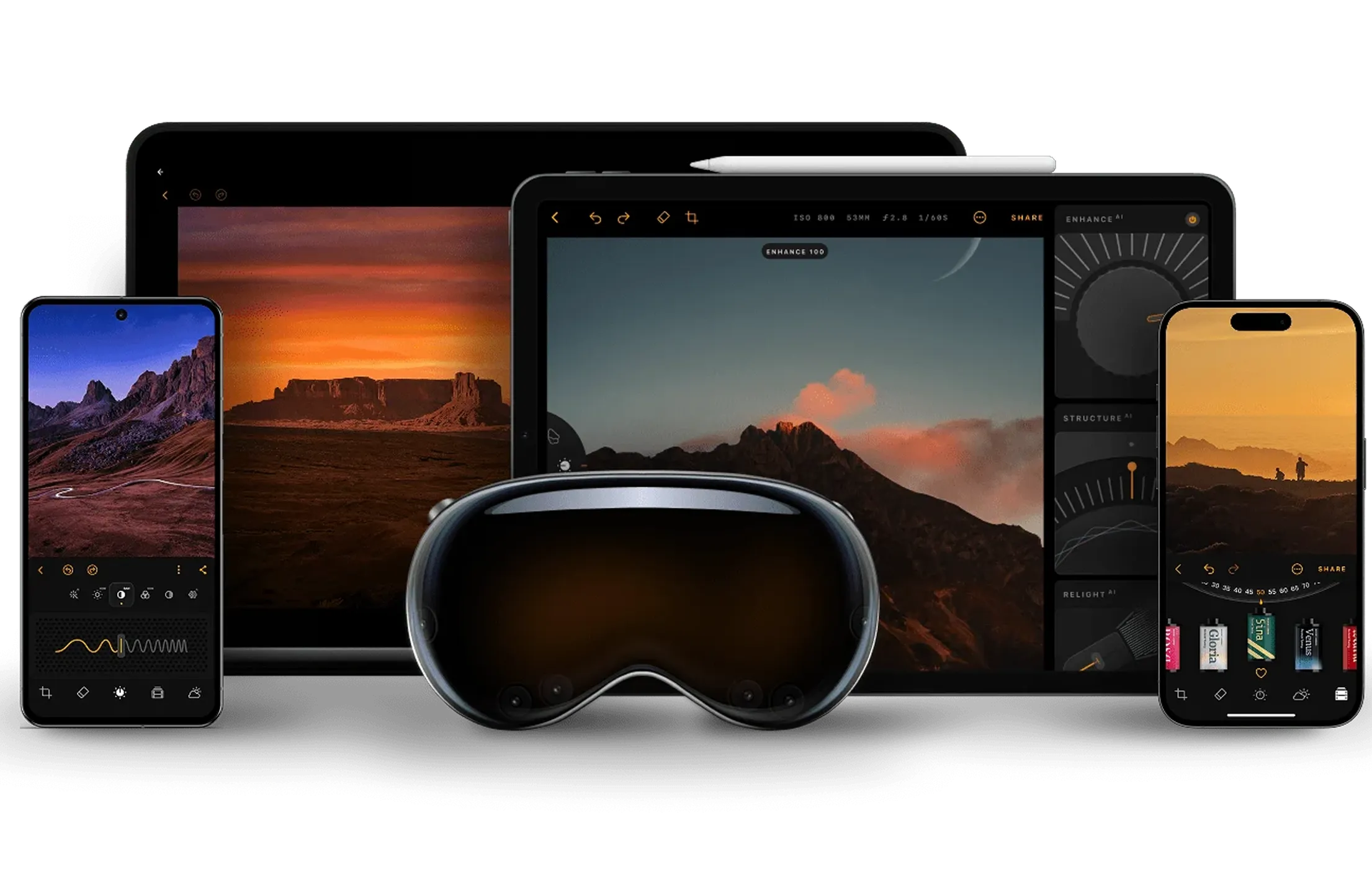
Luminar Mobile is part of a multi-device ecosystem. You can start editing on iOS or Android, continue on desktop in Luminar, and share finished images via Luminar Space without interrupting your workflow.
VSCO vs Luminar Mobile: Feature Comparison
| Feature | VSCO | Luminar Mobile |
|---|---|---|
Presets | Yes (strong focus) | Yes |
AI photo enhancement | No | Yes |
Sky replacement | No | Yes |
Object removal | No | Yes |
Portrait retouching | Very limited | Yes (AI-based) |
RAW editing | Yes | Yes |
Advanced color tools (HSL, curves) | Yes | Yes |
Video editing | Yes | No |
Workflow | Standalone, single-image | Step-by-step, cross-device |
VSCO
Luminar Mobile
Presets
Yes (strong focus)
Yes
AI photo enhancement
No
Yes
Sky replacement
No
Yes
Object removal
No
Yes
Portrait retouching
Very limited
Yes (AI-based)
RAW editing
Yes
Yes
Advanced color tools (HSL, curves)
Yes
Yes
Video editing
Yes
No
Workflow
Standalone, single-image
Step-by-step, cross-device


A powerful AI photo editor in your pocket
- High-performance AI editing on mobile
Edit anytime, anywhere
No complex tools—just simple controls
Perfect for quick and creative edits
