
 View plans
Luminar vs Darkroom: Pros, Cons, and Main Differences
Choosing a photo editor often depends on where you work and how flexible your workflow needs to be. Darkroom and Luminar both help creators produce polished, professional-looking images but they’re designed around different ecosystems and editing styles.
Discover LuminarMain Points of Difference
Let’s look at the core aspects that shape how these editors fit into real creative workflows.
Platform
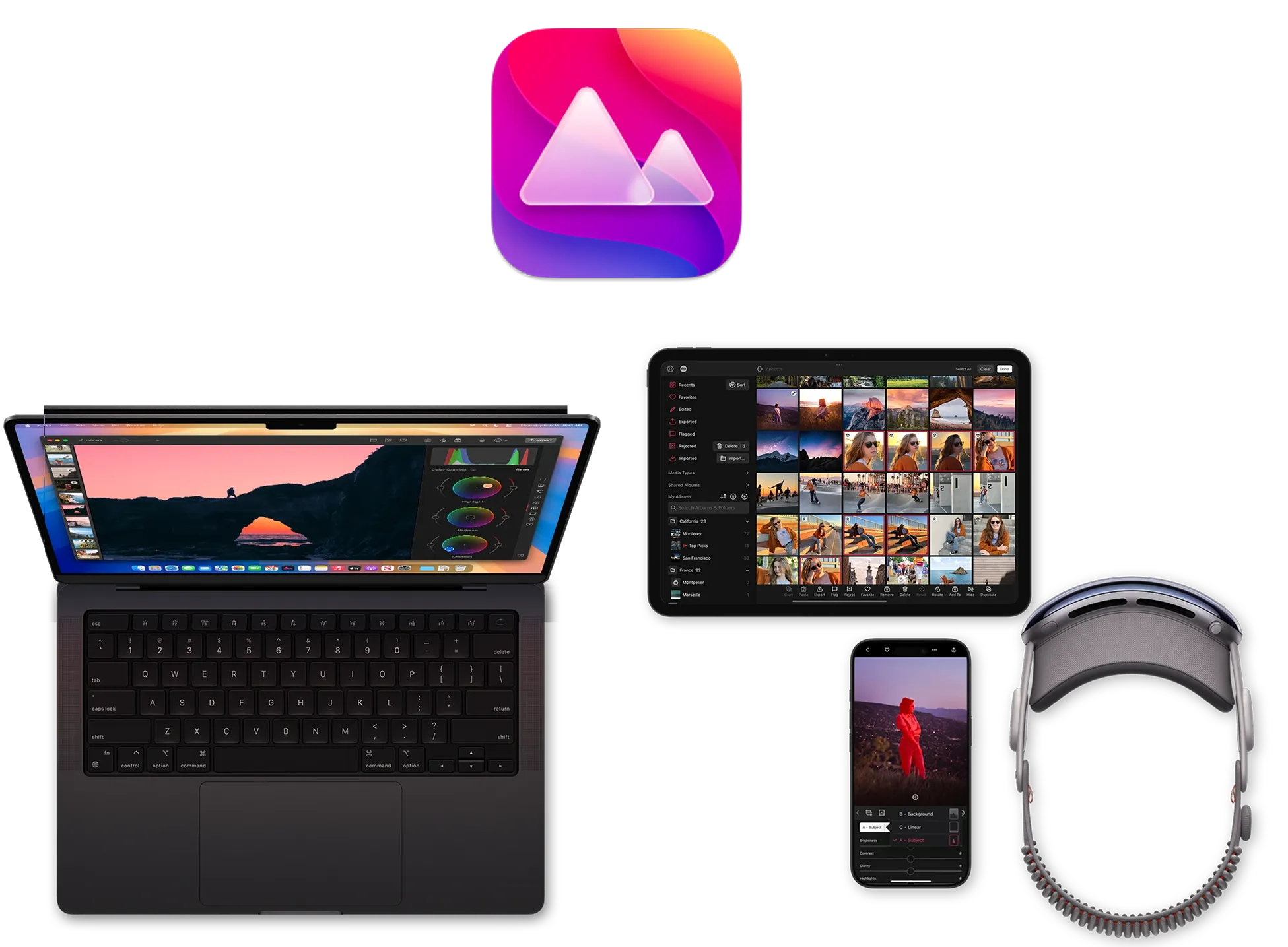
Darkroom is built for the Apple ecosystem and is available on iPhone, iPad, and Mac. It’s a good choice for creators who work exclusively on iOS and macOS and prefer a mobile-first or Apple-only setup. Darkroom does not offer a Windows version.
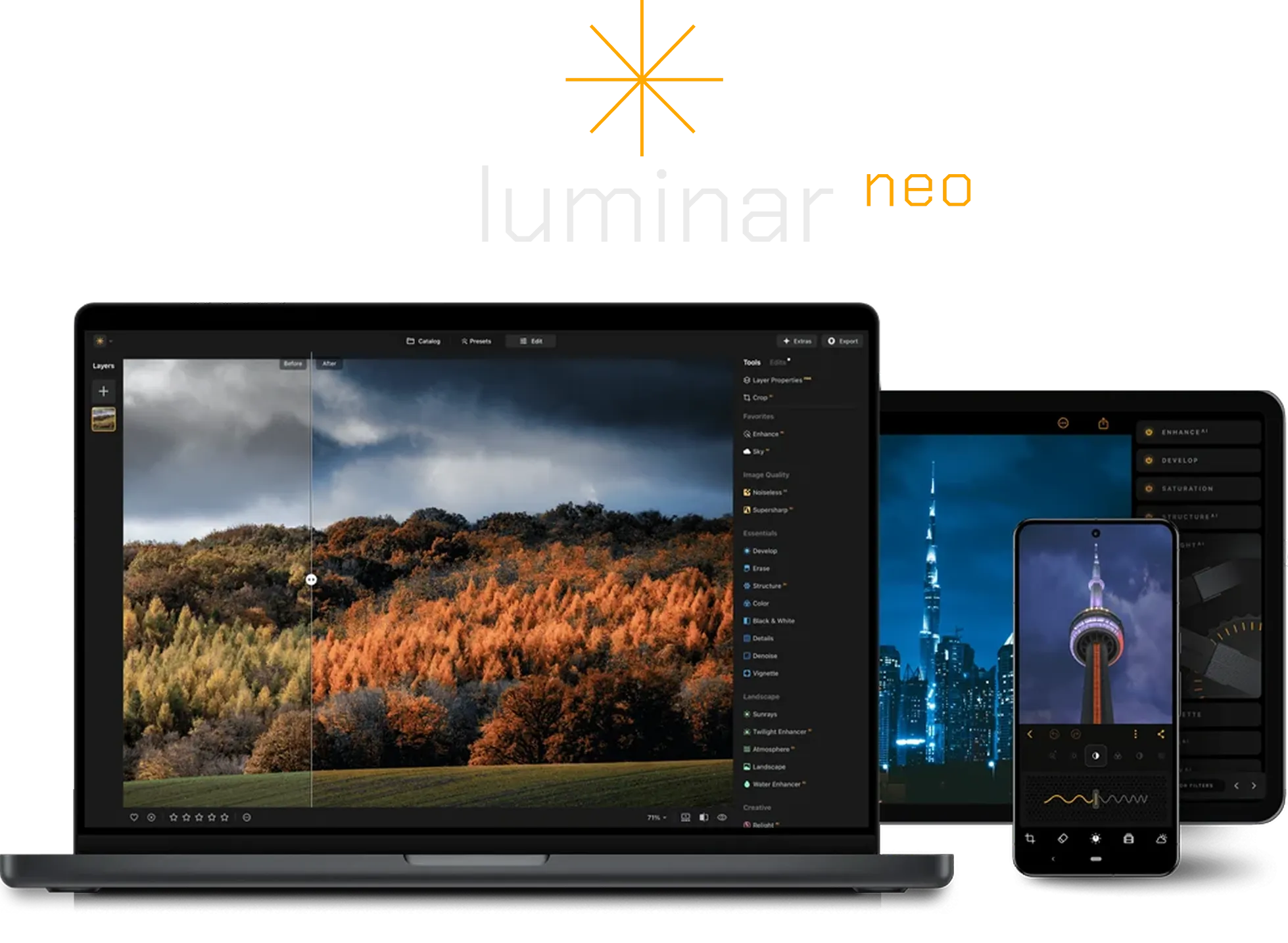
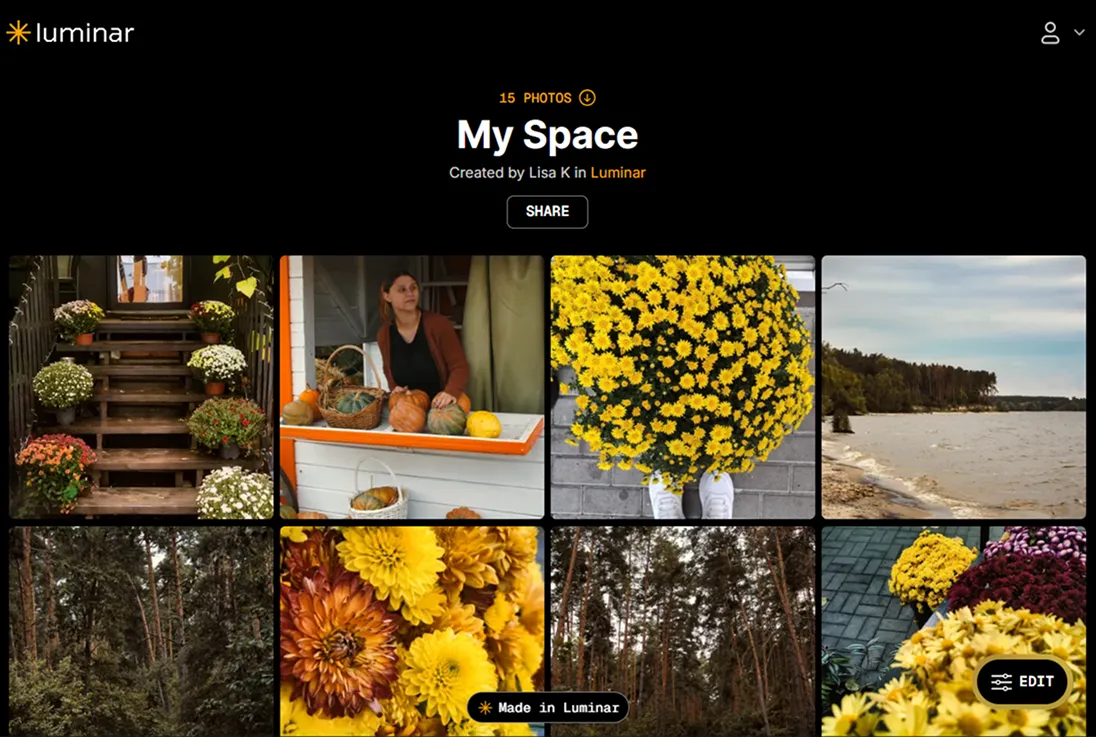
Luminar is a desktop editor for Windows and macOS and is part of the Luminar Ecosystem. Alongside desktop editing, it connects with mobile editing on iOS and iPadOS and web galleries, making it easier to share, review, and continue working across devices.
Editing Focus
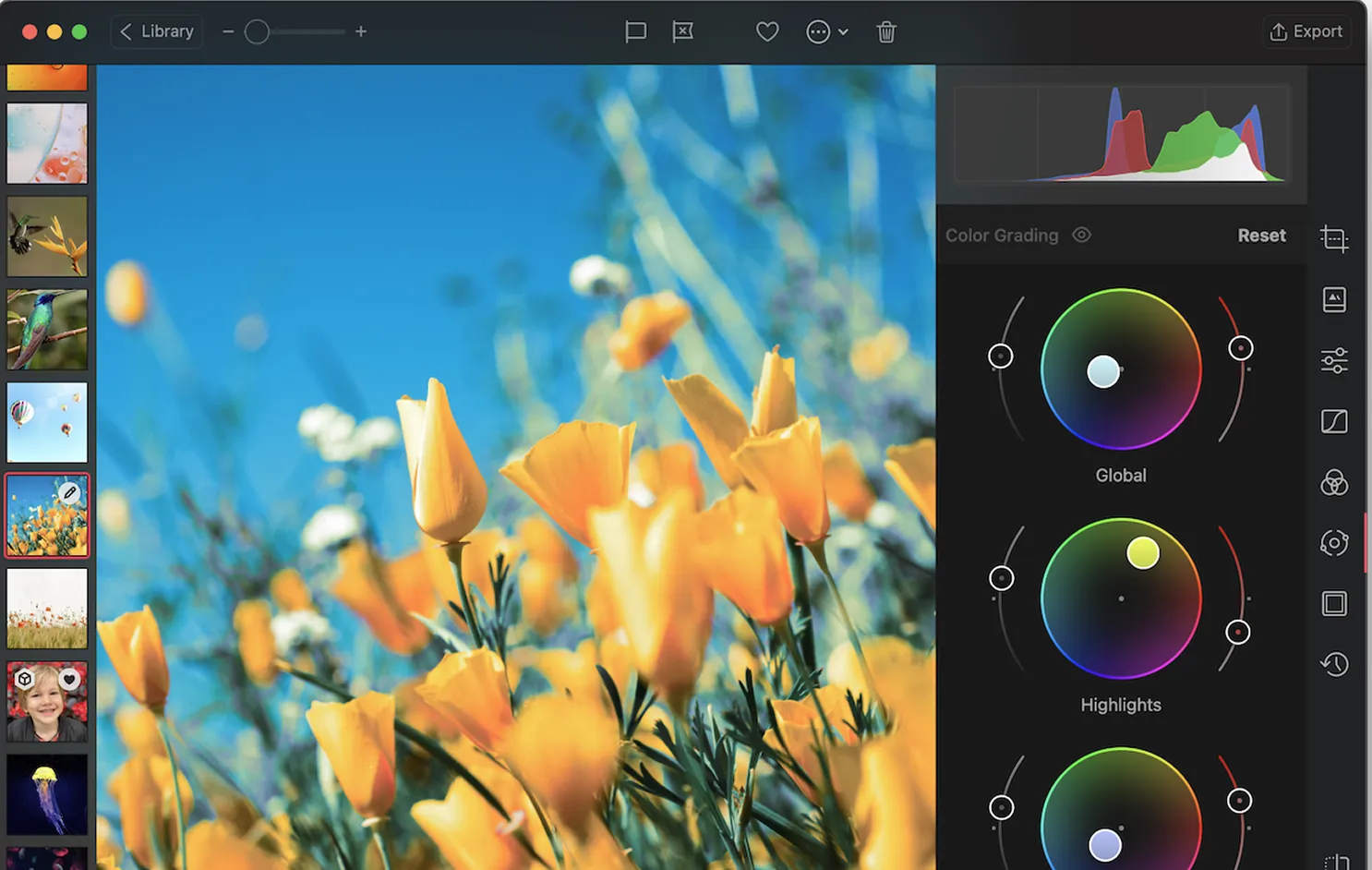
Darkroom focuses on color grading and visual consistency. Tools like HSL sliders, tone curves, selective color adjustments, and masking help creators fine-tune color and maintain a cohesive look—making it a strong choice for social media and brand-focused workflows.
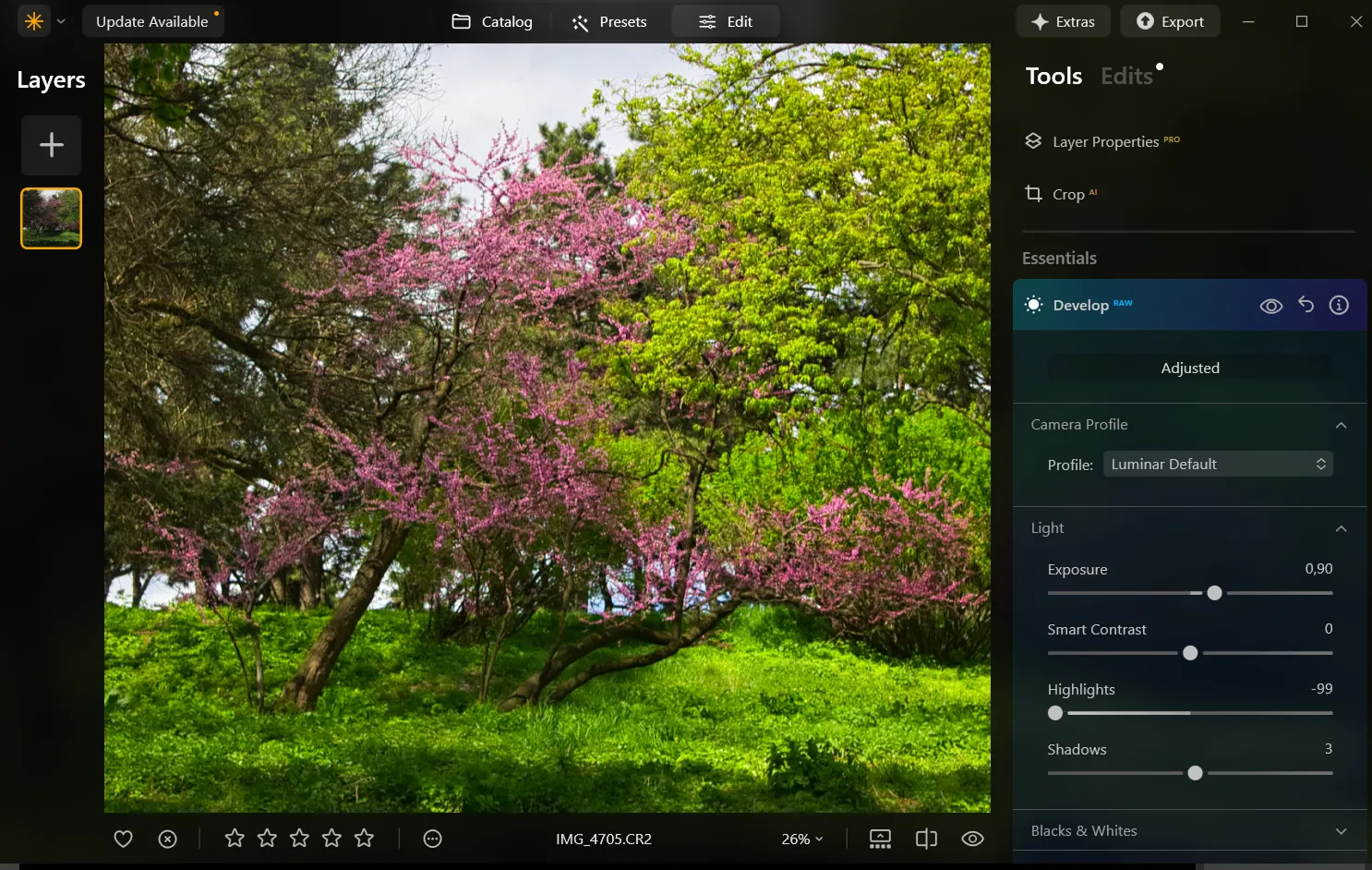
Luminar offers a broader creative scope. As a full RAW image editor, it combines advanced color grading, layer-based editing, and AI-powered enhancements, giving creators the flexibility to move beyond color correction and handle more complex edits when needed.
AI and Automation
Darkroom offers AI-powered presets and masking tools that speed up color and exposure adjustments, especially for quick edits on mobile or Mac. Most changes still rely on manual fine-tuning.
.webp)
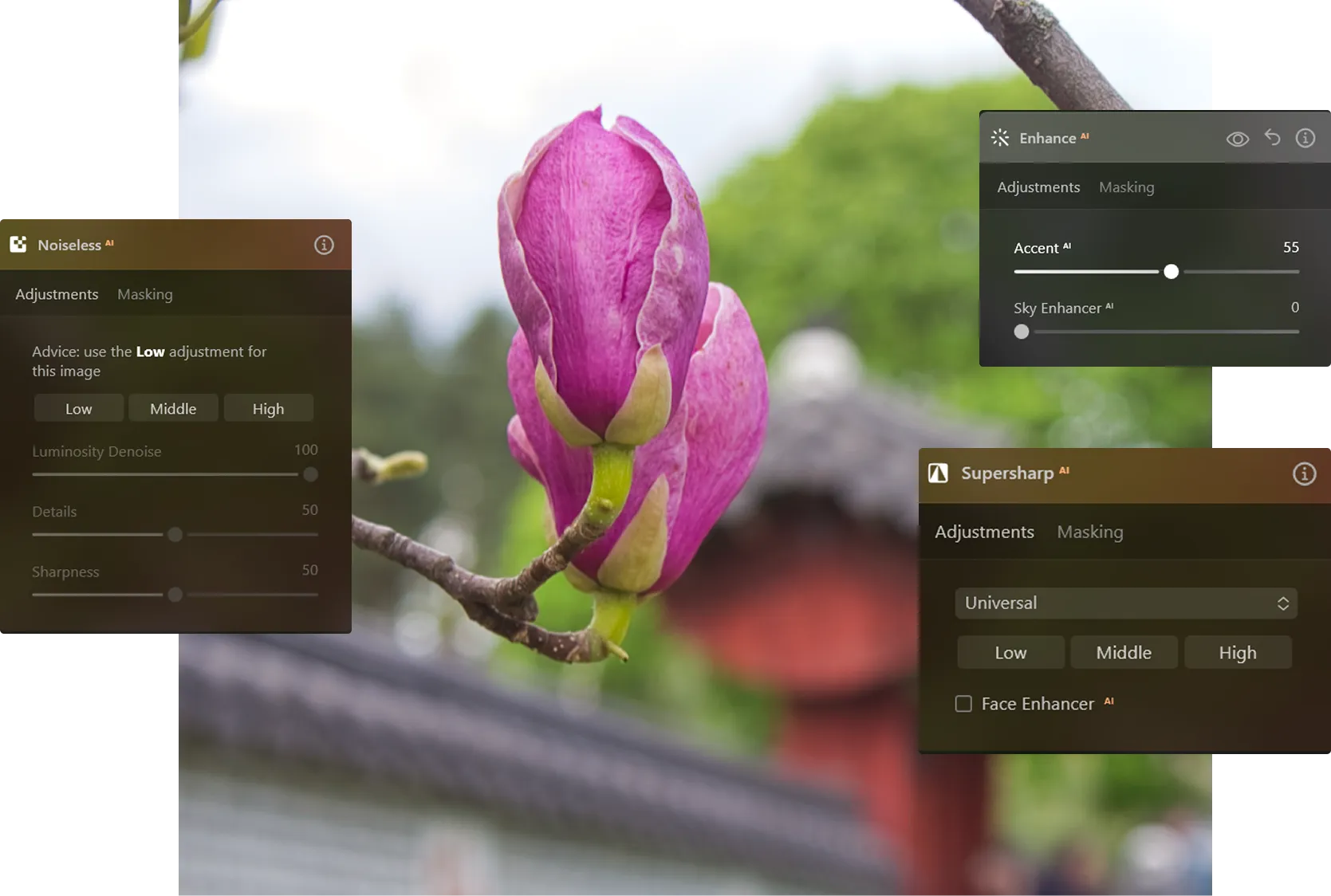
Luminar centers on AI-driven editing. Tools for masking, retouching, and background adjustments make it easy to edit pictures, while features like image unblur and resolution enhancement improve detail with less manual work.
Creative Flexibility vs Speed
Darkroom is optimized for fast, focused editing. It works well when the goal is quick color adjustments, fast exports, and visual consistency across Apple devices.
.webp)
Luminar balances speed with creative depth. Paired with mobile access and web galleries through the Luminar Ecosystem, it supports both quick edits and long-term creative projects.
Luminar vs Darkroom: Detailed Comparison
| Feature | Darkroom | Luminar |
|---|---|---|
Platform | iOS, iPadOS, macOS | Windows & macOS, iOS, iPadOS |
Generative AI | No | GenErase, GenSwap, GenExpand |
Editing Focus | Color grading & visual consistency | Creative editing & image enhancement |
RAW Support | Yes | Yes |
AI Tools | AI presets, masking | Advanced AI tools (retouching, masking, enhancement) |
Layer-Based Editing | Limited | Yes |
Workflow Integration | Apple ecosystem | Works with Photoshop & Lightroom |
Price Model | Subscription or one-time purchase | One-time purchase |
Darkroom
Luminar
Platform
iOS, iPadOS, macOS
Windows & macOS, iOS, iPadOS
Generative AI
No
GenErase, GenSwap, GenExpand
Editing Focus
Color grading & visual consistency
Creative editing & image enhancement
RAW Support
Yes
Yes
AI Tools
AI presets, masking
Advanced AI tools (retouching, masking, enhancement)
Layer-Based Editing
Limited
Yes
Workflow Integration
Apple ecosystem
Works with Photoshop & Lightroom
Price Model
Subscription or one-time purchase
One-time purchase



.webp)

Keep your workflow, expand your possibilities
Want to get all the benefits of Luminar but have an established Lightroom workflow? Great news! You can use all the power of Luminar within a plugin for Lightroom without changing up your usual post-production process.

An application & plugin
For macOS & Windows
- High-performance AI editor
24/7 technical support
30-day money back guarantee
Join our communities

