
 View plans
Luminar vs Snapseed: Mobile Editing Face-Off
Looking for a new mobile photo editor? In this comparison, we look at Snapseed and Luminar Mobile to see how they differ in workflow, creative depth, and long-term usability for modern creators.
Discover Luminar MobileMain Points of Difference
Platform and Ecosystem
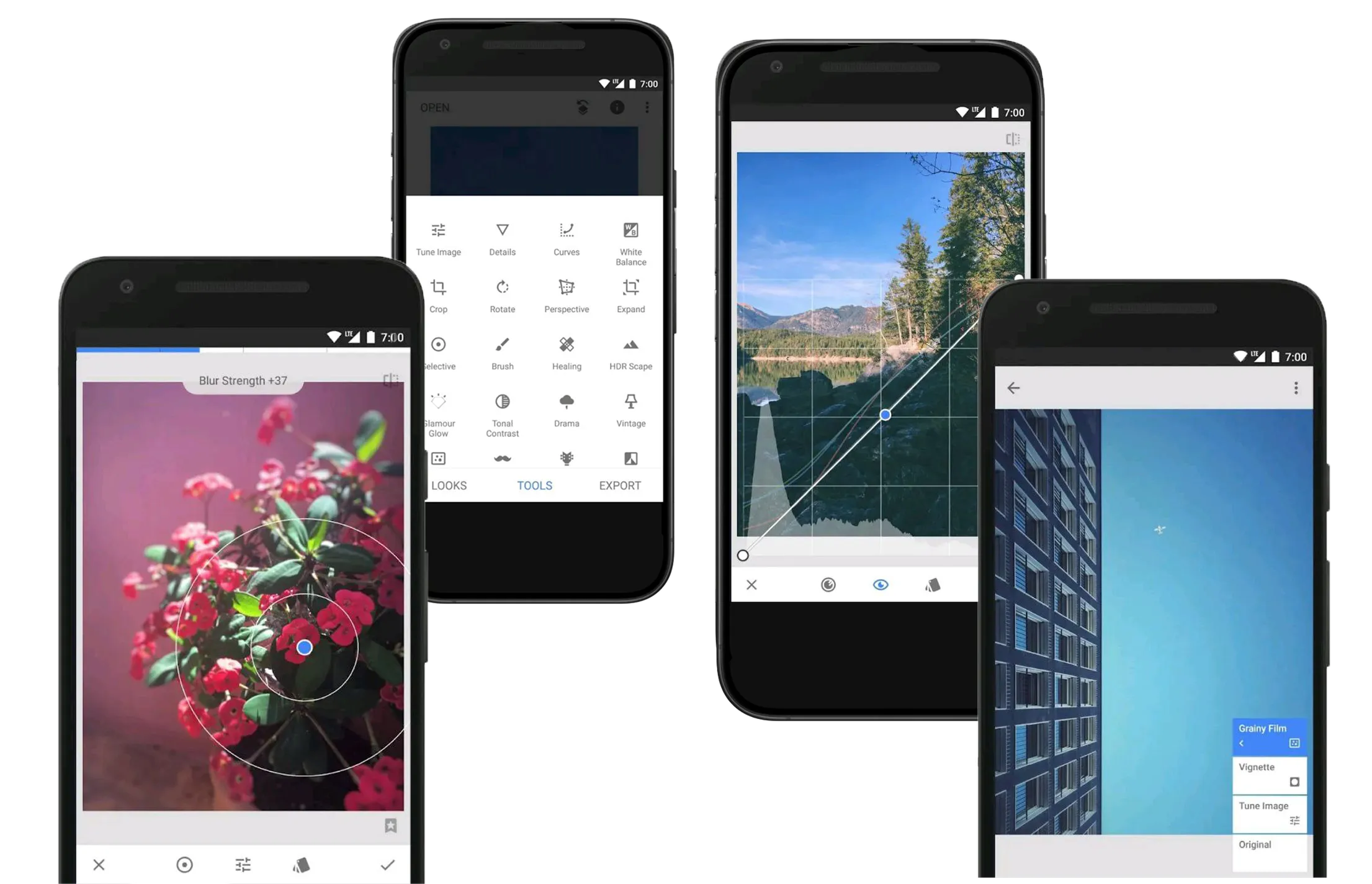
Snapseed is an iOS and Android photo editor that works entirely as a standalone app. Edits are made one image at a time, with no project structure or workflow beyond the device you’re using.
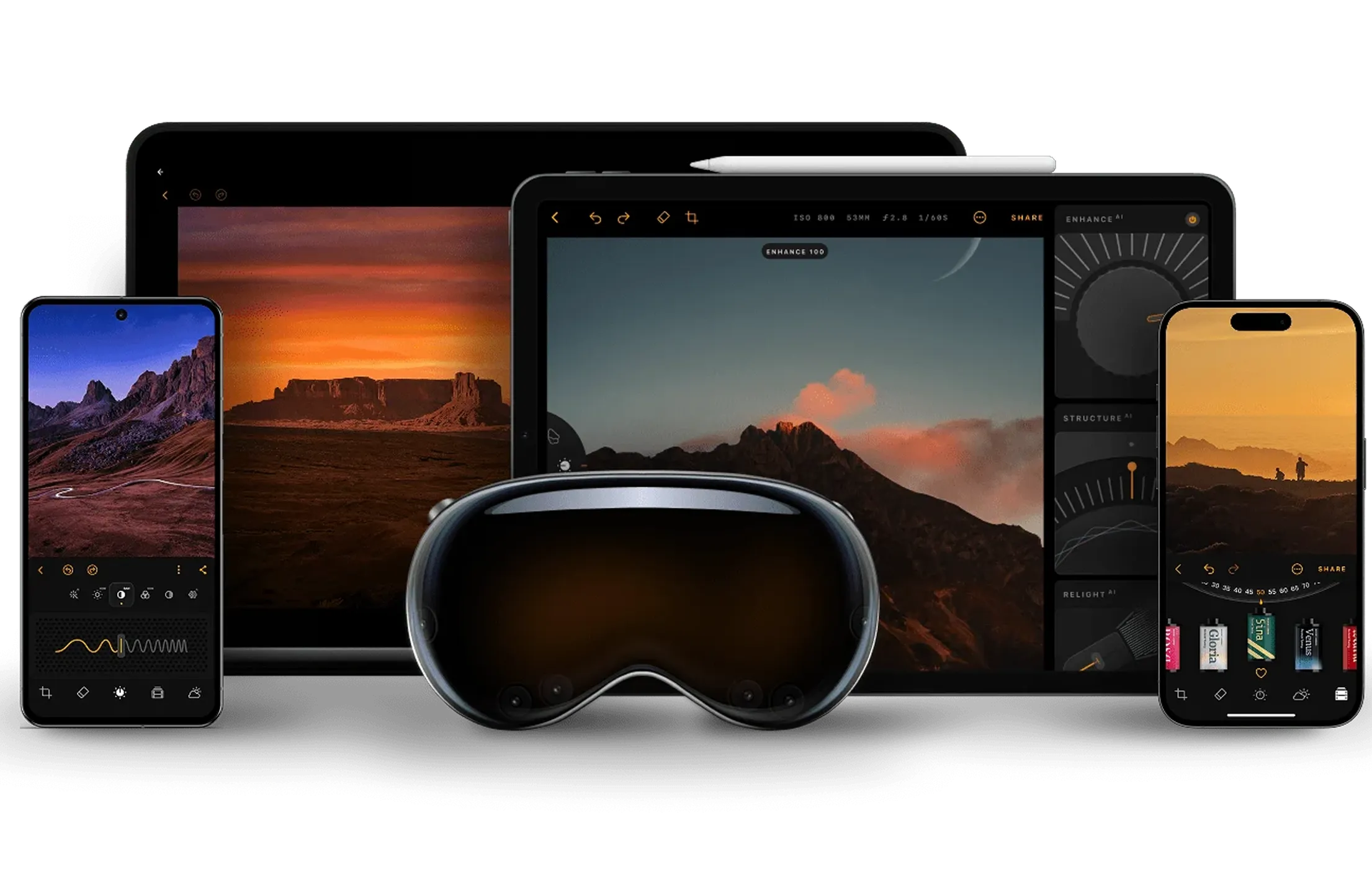
Luminar Mobile is also available on Android and iOS and is designed as part of a multi-device editing flow. You can start editing on your phone and continue working on the image on desktop in Luminar Neo, where more advanced tools are available. Finished images can then be shared via Luminar Space.
Editing Approach
Snapseed follows a fully manual, gesture-based workflow. Every adjustment depends on direct user input, which appeals to photographers who prefer precise, hands-on control and a technical editing process.
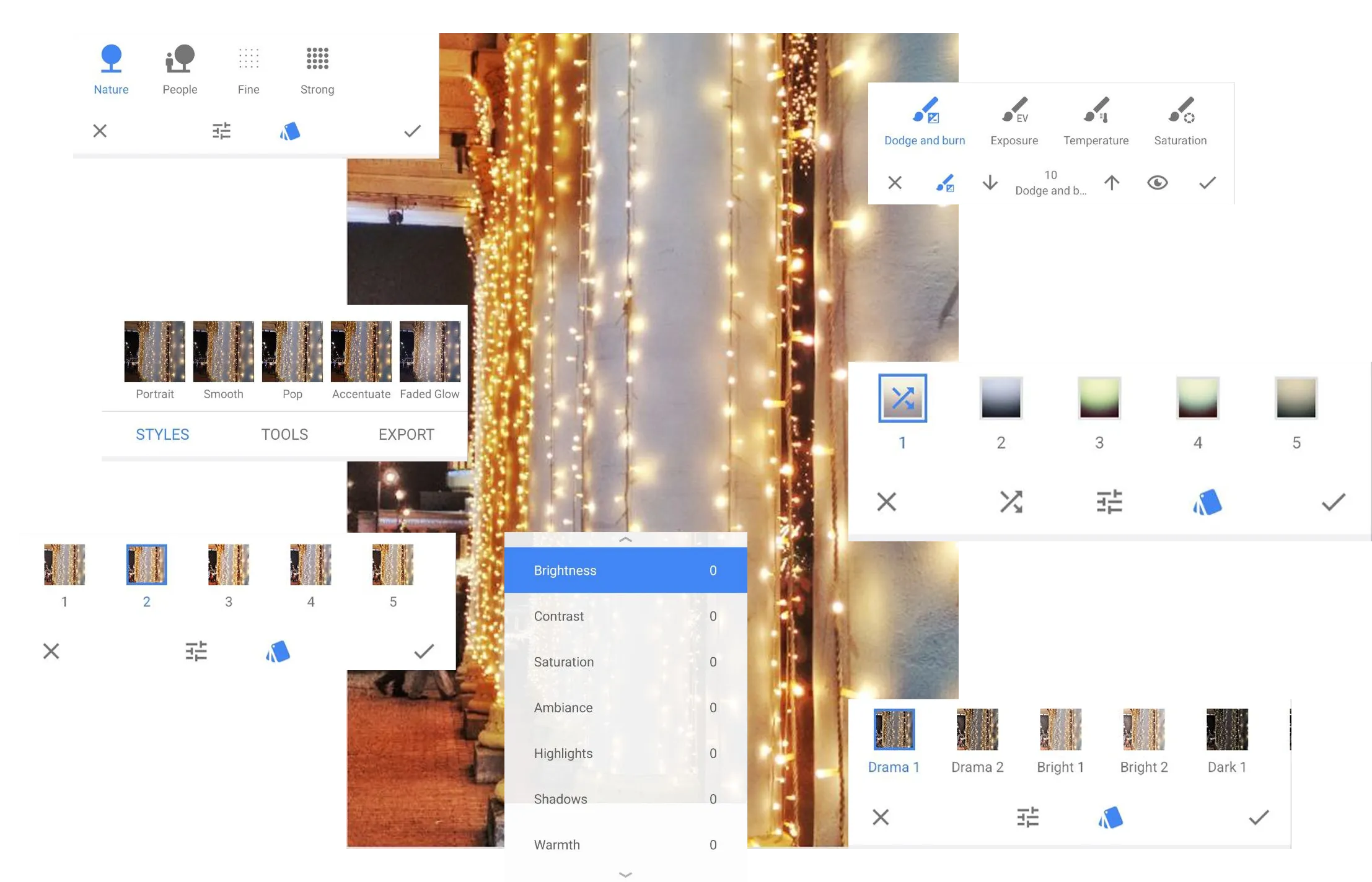
Luminar Mobile combines manual editing with assisted tools. Sliders and selective adjustments remain central, while smart tools help speed up routine tasks. The emphasis is on faster editing without removing user control.
.webp)
Creative Scope
Snapseed focuses on tonal correction and classic editing tools. Its feature set is strong for exposure, color, and detail work, but creative styling options are relatively limited, so users often pair it with other apps.
Luminar Mobile offers a wider range of creative tools within a single app, including presets, effects, and smart adjustments. This makes it a practical Snapseed alternative for users who want more expressive results without switching between multiple editors.
Snapseed vs Luminar: Feature Comparison
| Feature | Snapseed | Luminar Mobile |
|---|---|---|
Platforms | Android, iOS | Android, iOS |
Workflow | Standalone, single-image | Step-by-step, cross-device |
RAW Editing | Yes | Yes |
Price Model | Free | Subscription or lifetime licence |
Snapseed
Luminar Mobile
Platforms
iOS, Android
iOS, Android
Workflow
Standalone app
Cross-device ecosystem
RAW Editing
Yes
Photo quality & realism
Price Model
Free
Subscription or lifetime licence


A powerful AI photo editor in your pocket
- High-performance AI editing on mobile
Edit anytime, anywhere
No complex tools—just simple controls
Perfect for quick and creative edits
