View plans
Luminar vs Facetune: Pros, Cons, and Key Features
Looking for apps like Facetune? Take a closer look at Luminar Mobile. Both apps use AI for portrait editing, but they’re built for different creative priorities. This comparison shows how each app approaches editing—so you can choose what fits your goals best.
Discover Luminar MobileCore Difference at a Glance
Below is a closer look at how each photo editing app works with portraits.
Editing Approach
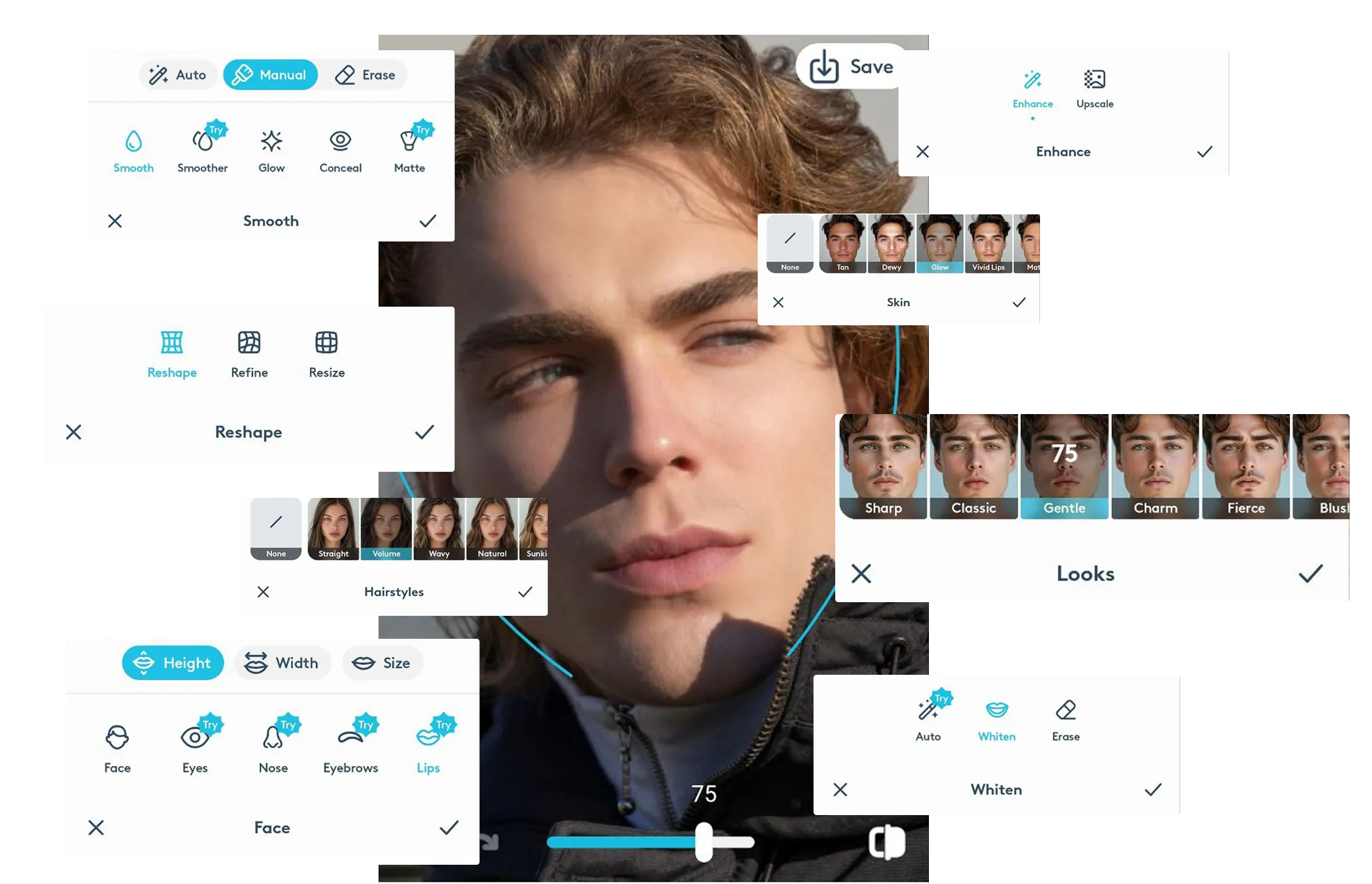
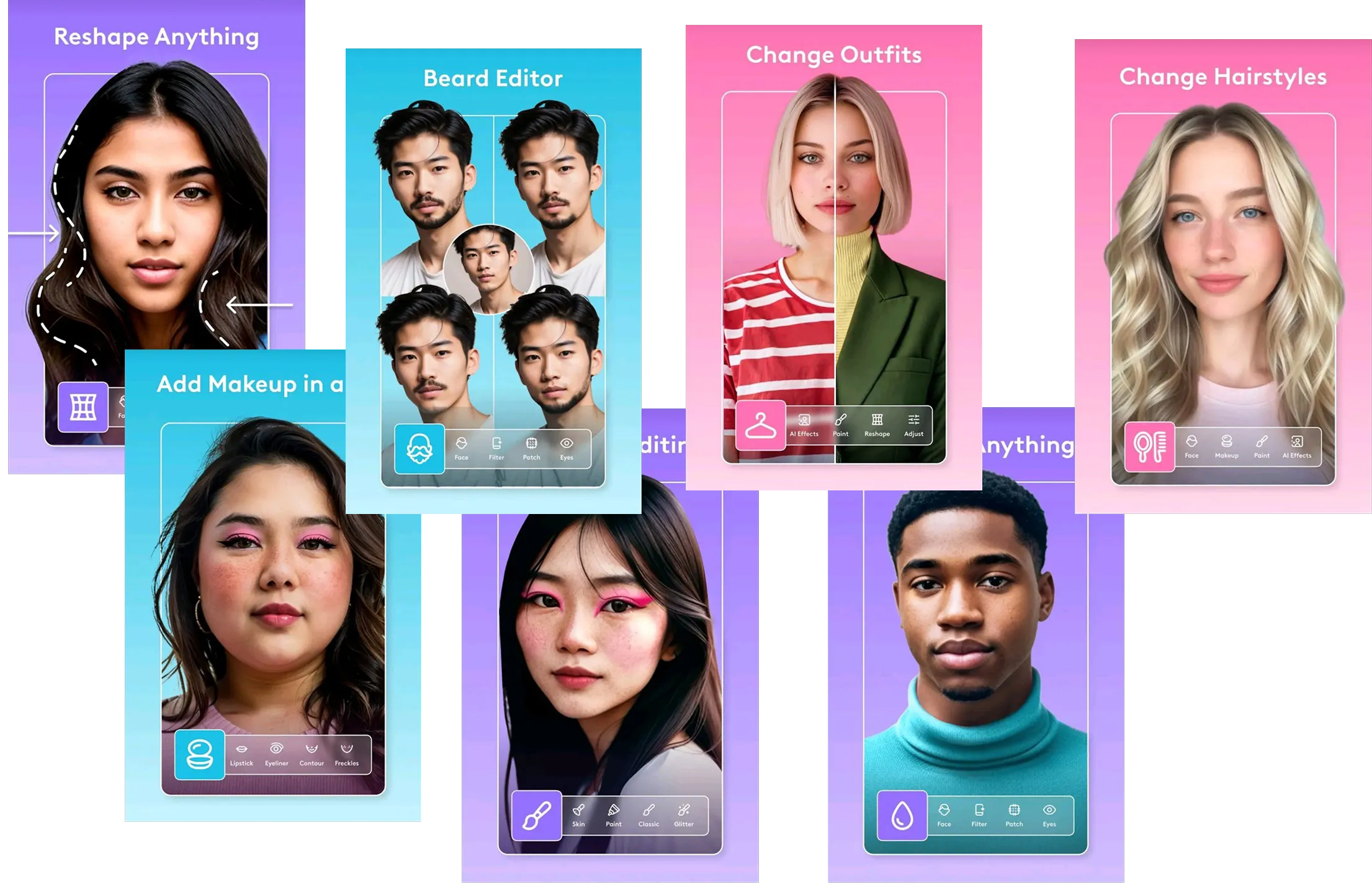
Facetune is people-first and transformation-driven. Editing starts with the face or body, using one-tap tools and sliders to smooth skin, reshape features, brighten smiles, change hair or eye color, and apply makeup-style effects. The goal is a polished, “ready-to-post” look with minimal effort.
.webp)
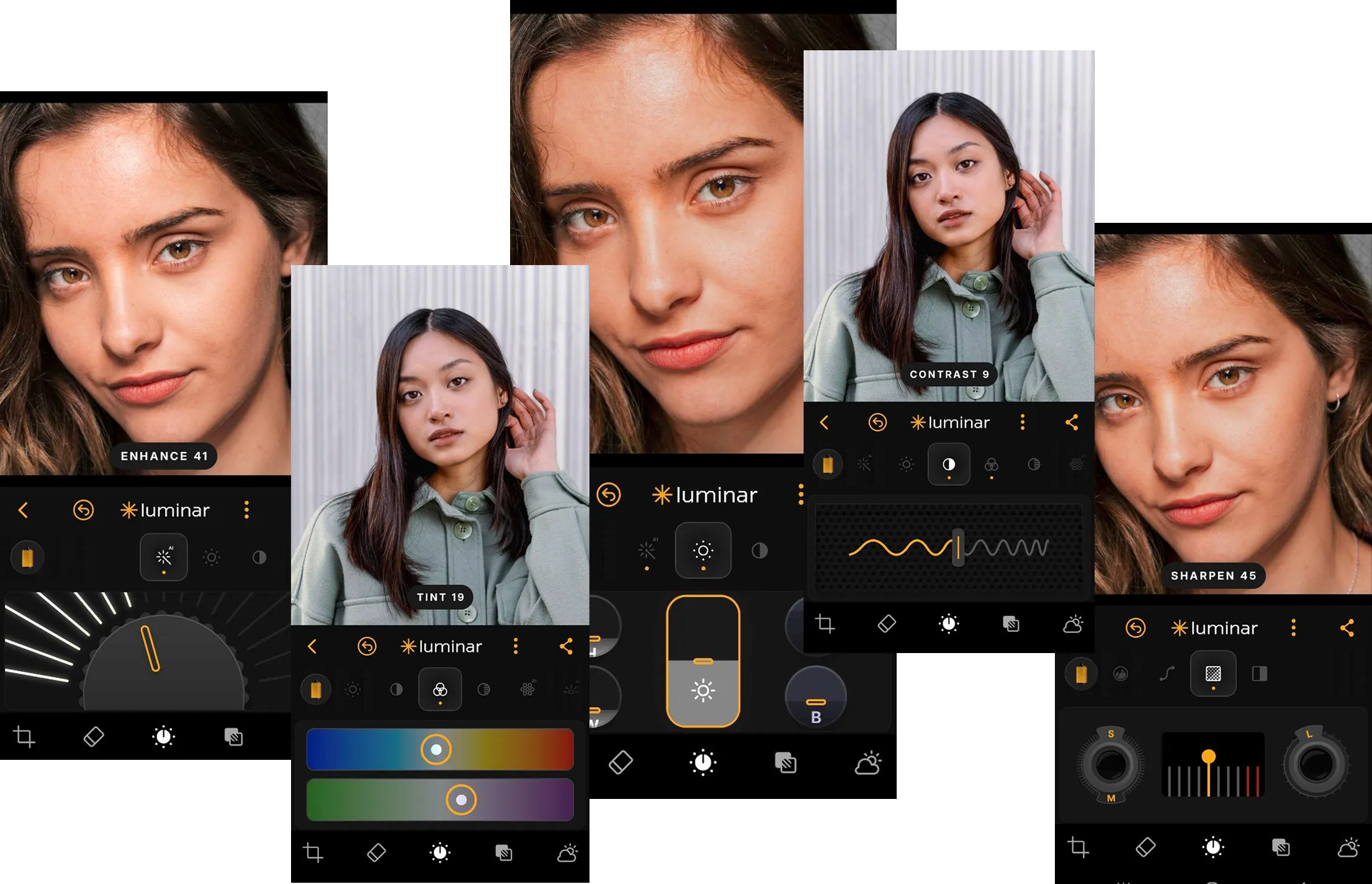
Luminar Mobile is an app similar to Facetune, but it follows a photo-first approach. Editing starts with the image itself—light, color, depth, and detail—before moving to portrait refinement. Its AI tools focus on enhancing realism and image quality rather than dramatically altering appearance.
Toolset Focus
Facetunespecializes in face and body editing for photos and videos. Its toolset includes instant retouching, makeup effects, reshaping, teeth whitening, background blur or replacement, and AI headshot generation. Many tools are optimized for social media.
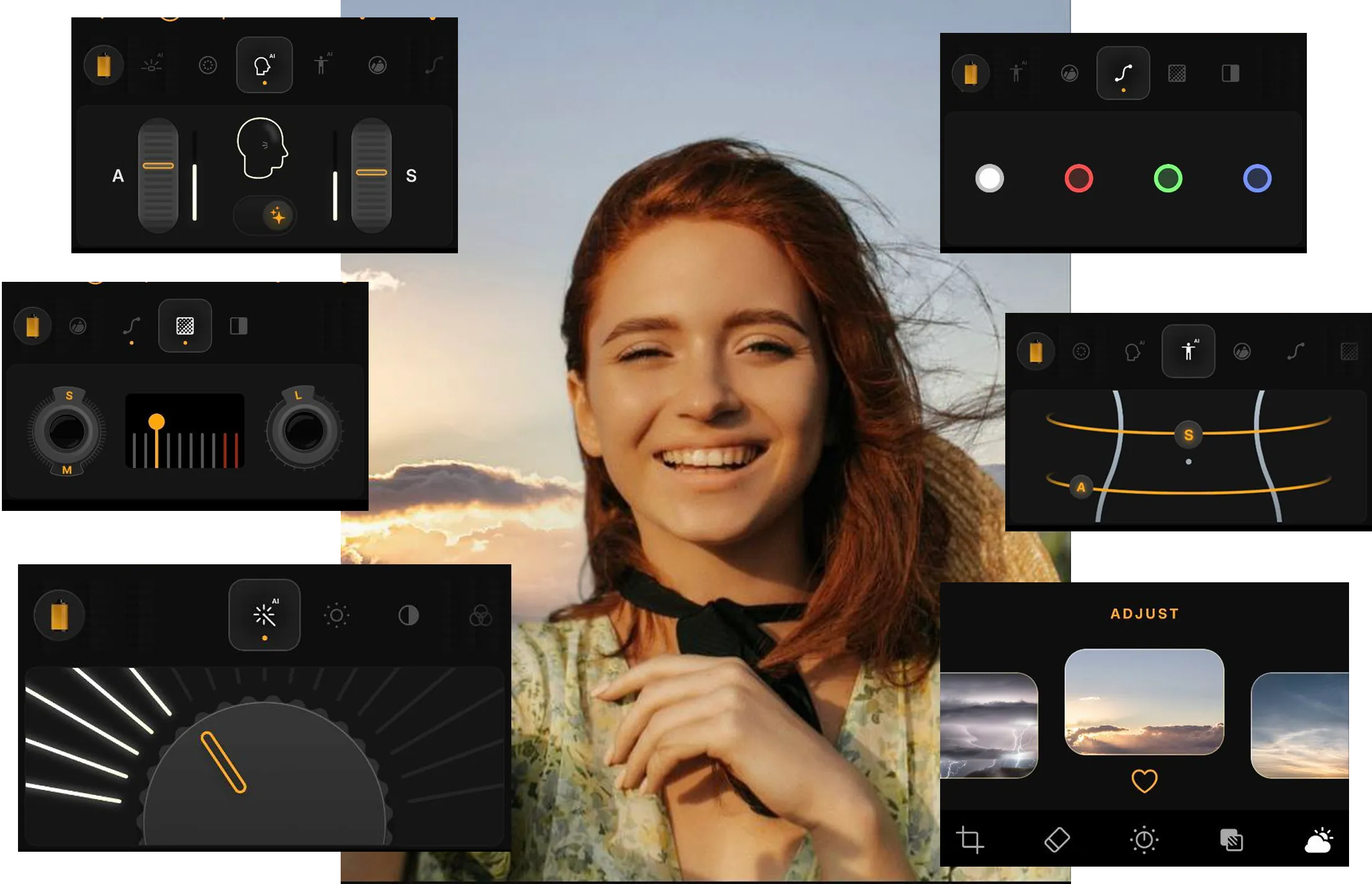
Luminar Mobileoffers a broader photo-editing toolkit beyond portraits. Alongside portrait tools like Skin AI and facial enhancements, it includes AI-powered adjustments for light, color, structure, sky replacement, object removal, curves, detail control, and full RAW editing.
Workflow & Ecosystem
Facetuneworks as a standalone mobile editor. The workflow is fast and linear: open a photo or video, apply edits, and export for social or personal use. It’s optimized for quick edits on the go, with no connection to desktop workflows or long-term photo organization.
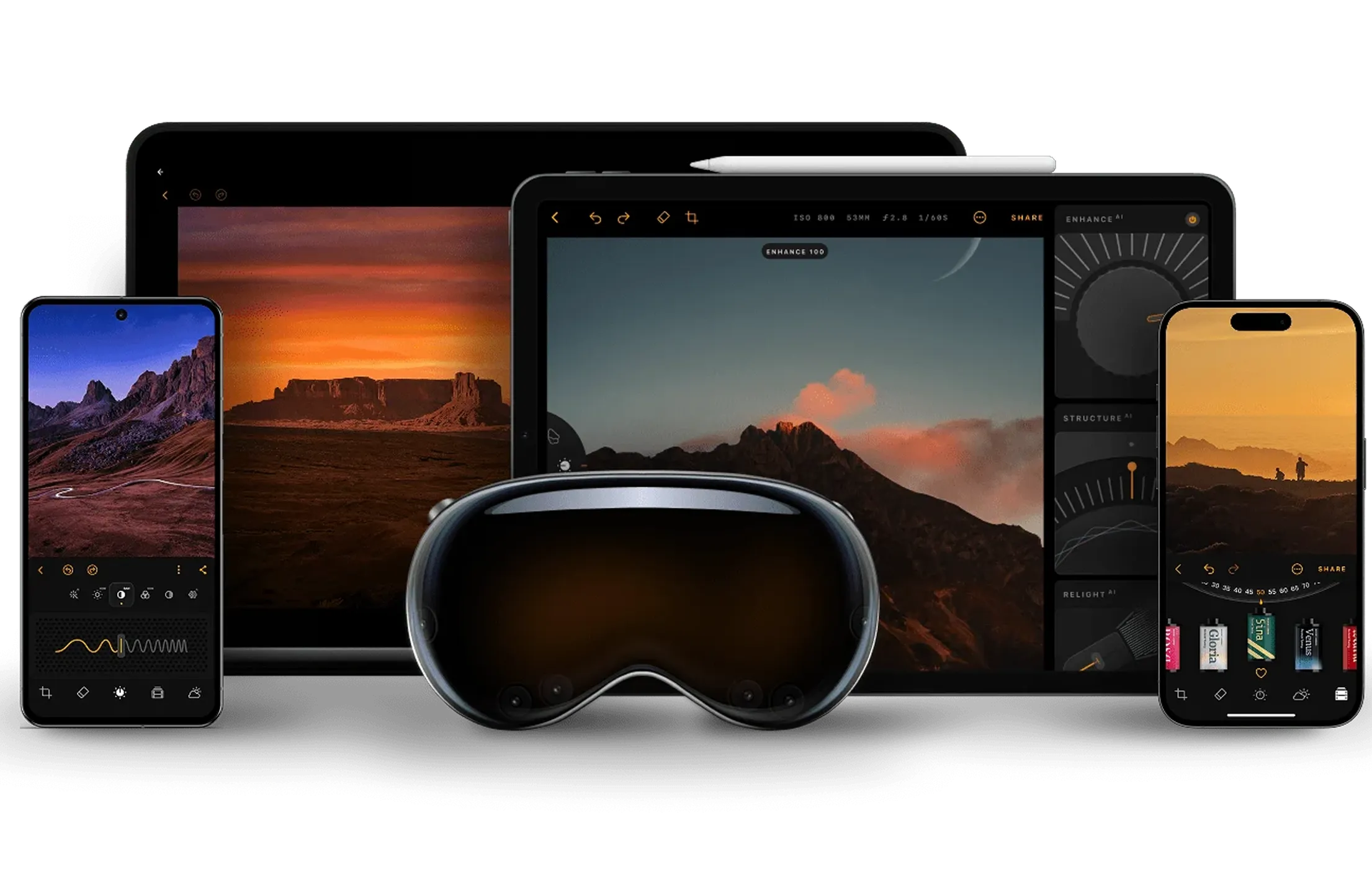
Luminar Mobileis part of a connected editing ecosystem. You can start editing on iOS or Android, continue refining the same image on iPad, and finish on desktop in Luminar without starting over. Final images can be shared via web galleries.
Facetune vs Luminar: Basic Comparison
| What to compare | Picsart | Luminar Mobile |
|---|---|---|
Platforms | iOS, Android | iOS, Android |
Ecosystem | Standalone app | Cross-device ecosystem |
Editing focus | Face & body appearance | Photo quality & realism |
Portrait tools | Strong, transformation-focused | Strong, natural enhancement |
AI enhancements | One-tap beauty & effects | AI-assisted photo editing |
Video editing | Yes | No |
RAW editing | No | Yes |
Best fors | Selfies, social content, fast edits | Photography, creative control, image quality |
Facetune
Luminar Mobile
Platforms
iOS, Android
iOS, Android
Ecosystem
Standalone app
Cross-device ecosystem
Editing focus
Face & body appearance
Photo quality & realism
Portrait tools
Strong, transformation-focused
Strong, natural enhancement
AI enhancements
One-tap beauty & effects
AI-assisted photo editing
Video editing
Yes
No
RAW editing
No
Yes
Best for
Selfies, social content, fast edits
Photography, creative control, image quality


A powerful AI photo editor in your pocket
- High-performance AI editing on mobile
Edit anytime, anywhere
No complex tools—just simple controls
Perfect for quick and creative edits