
 View plans
Luminar 3 vs Luminar: A Side-by-Side Comparison
Curious about Luminar 3? The truth is, it’s an outdated version that’s no longer supported. If you’re looking for a modern, powerful, and AI-driven photo editor, Luminar is the clear choice. Here’s why, and how it compares to Luminar 3
Discover LuminarKey Factors to Consider
Interface
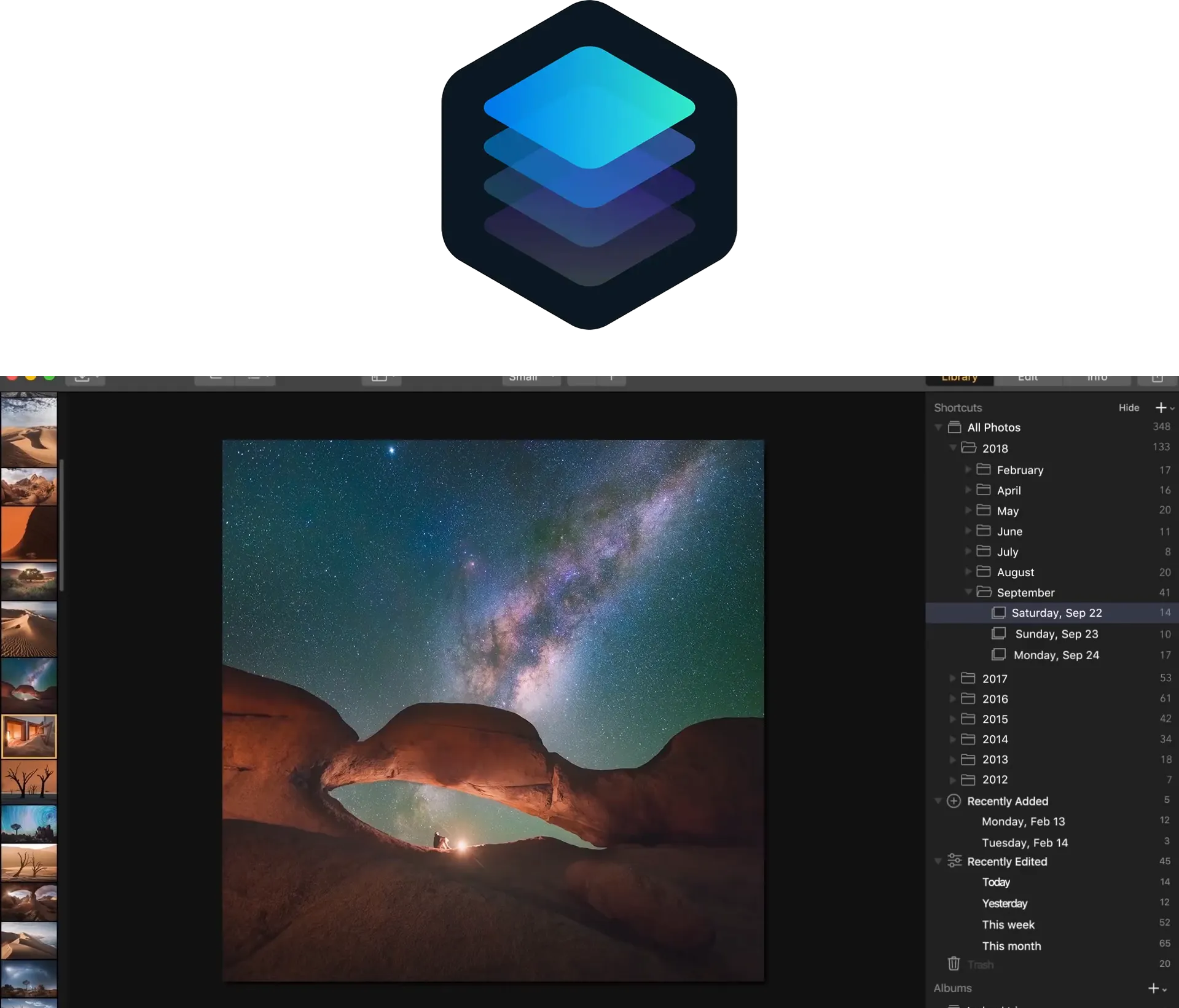
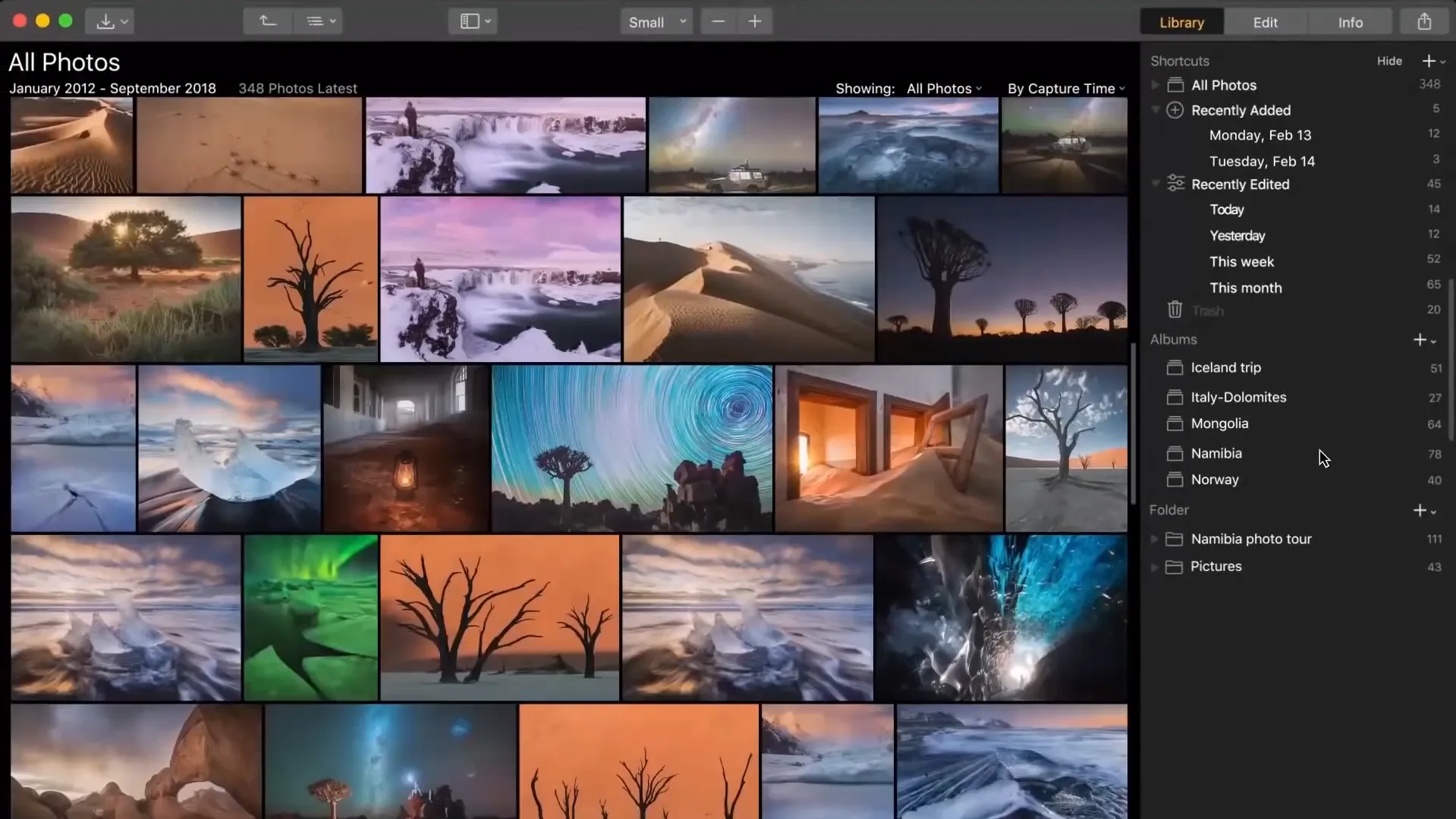
Luminar 3: Classic and functional, but less streamlined. The interface feels dated compared to modern tools, and while powerful, it can be overwhelming for beginners.
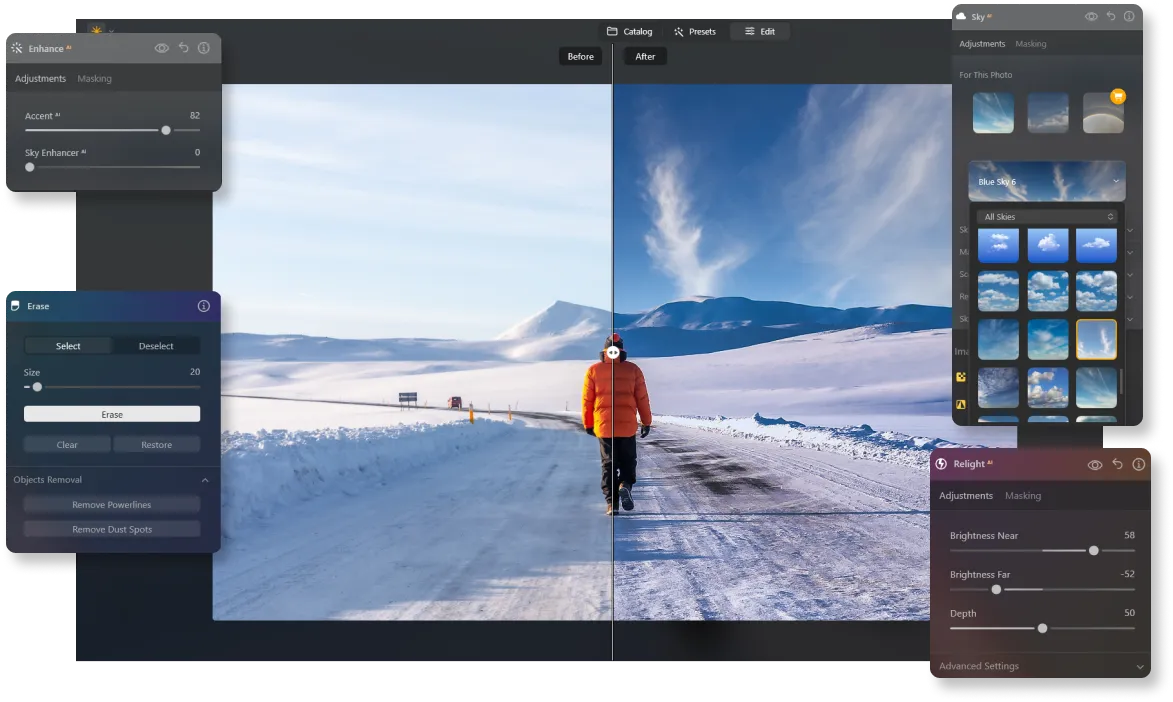
Luminar: Built with a clean, modern design and faster workflow. The UI is intuitive and optimized for speed, especially with AI-driven features.
Variety of Functionality
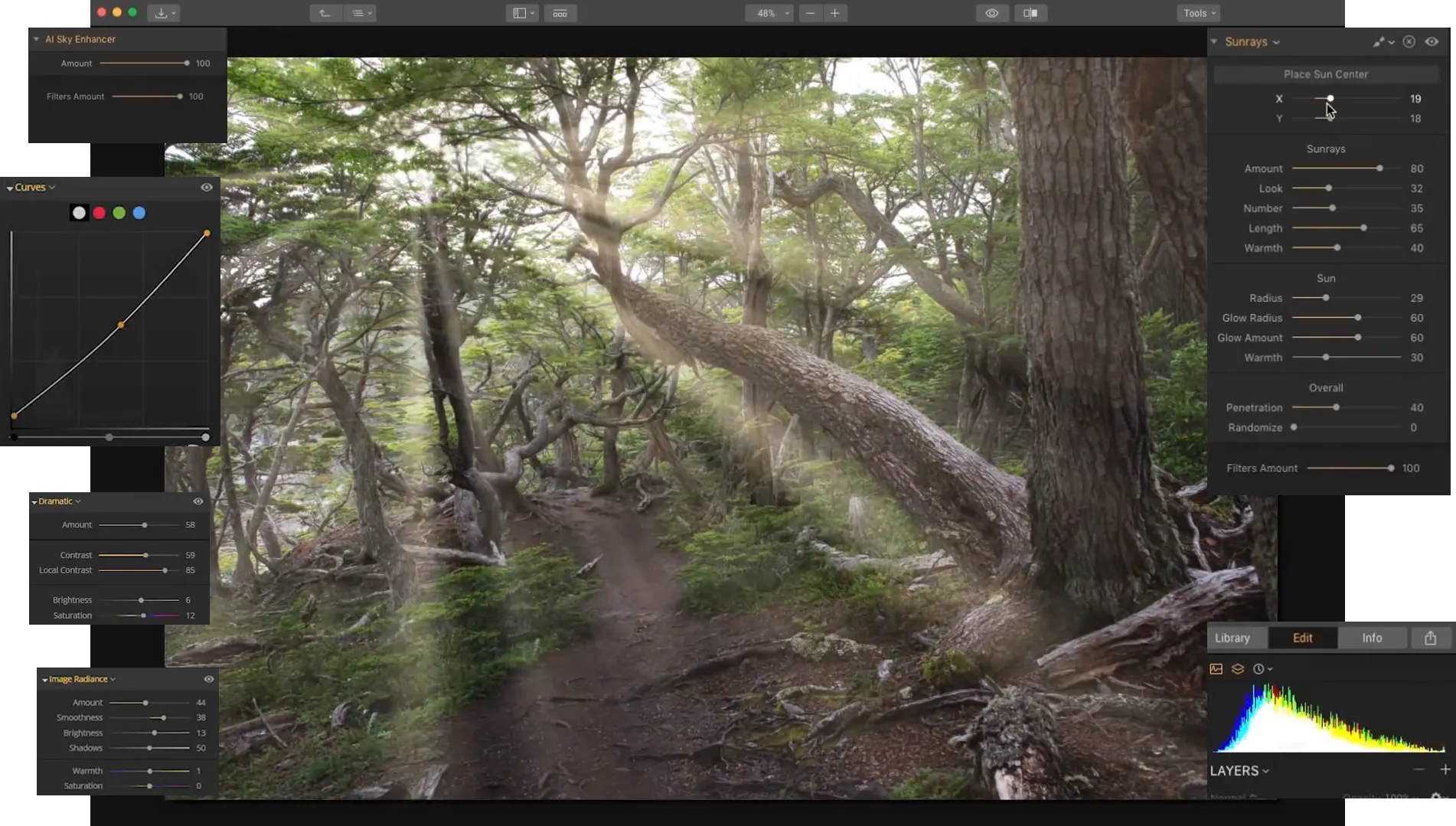
Luminar 3:Solid editing toolkit with filters, layers, and RAW processing. However, it lacks advanced automation and most AI tools.
Luminar: Includes everything from basic corrections to advanced AI features like RelightAI, SkyAI, NoiselessAI, SupersharpAI, Studio Light, HDR Merge, and more.
Updates and Upgrades
Luminar 3: Discontinued and no longer updated. This means no compatibility with new cameras and no performance improvements.
Luminar: Actively developed with frequent updates, performance boosts, and new AI tools, keeping it future-ready.
.webp)
Luminar vs Luminar 3:
Main Features Compared
| Aspect | Luminar 3 (2018) | Luminar |
|---|---|---|
Catalog / Library | Basic: add folders, albums, sync with disk. Limited search and no real metadata support. | Modern catalog with tags, ratings, AI search, and fast previews. |
AI Capabilities | Only Accent AI (a single smart slider). | Full suite: SkyAI, RelightAI, SkinAI, FaceAI, Portrait Bokeh AI, Powerline Removal AI, etc. |
Performance | Slow RAW loading (10–15 sec) and very slow export. | New engine, several times faster, optimized for modern cameras. |
Metadata | Almost none: no keywords, no IPTC, no sync with other apps. | Extended metadata support, tagging, and syncing. |
RAW + JPEG Handling | No grouping; shown as separate files. | Automatic pairing of RAW + JPEG. |
Export | Limited, no watermark option, slow. | Fast, with watermarks and flexible settings. |
Updates & Support | Discontinued, no updates released. | Actively updated, with new AI tools and ongoing camera compatibility. |
Luminar 3 (2018)
Luminar
Catalog / Library
Basic: add folders, albums, sync with disk. Limited search and no real metadata support.
Modern catalog with tags, ratings, AI search, and fast previews.
AI Capabilities
Only Accent AI (a single smart slider).
Full suite: SkyAI, RelightAI, SkinAI, FaceAI, Portrait Bokeh AI, Powerline Removal AI, etc.
Performance
Slow RAW loading (10–15 sec) and very slow export.
New engine, several times faster, optimized for modern cameras.
Metadata
Almost none: no keywords, no IPTC, no sync with other apps.
Extended metadata support, tagging, and syncing.
RAW + JPEG Handling
No grouping; shown as separate files.
Automatic pairing of RAW + JPEG.
Export
Limited, no watermark option, slow.
Fast, with watermarks and flexible settings.
Updates & Support
Discontinued, no updates released.
Actively updated, with new AI tools and ongoing camera compatibility.



.webp)

Keep your workflow, expand your possibilities
Want to get all the benefits of Luminar but have an established Lightroom workflow? Great news! You can use all the power of Luminar within a plugin for Lightroom without changing up your usual post-production process.

An application & plugin
For macOS & Windows
- High-performance AI editor
24/7 technical support
30-day money back guarantee
Join our communities

