
 View plans
Luminar vs Photopea: Essential Differences
Choosing the right image editor often comes down to a choice between manual control and intelligent automation. While both programs offer powerful editing capabilities, they cater to different workflows.
Discover LuminarBreaking Down the Key Differences
Let’s explore the main differences in workflow, editing tools, and overall experience between Luminar and Photopea.
1. Accessibility
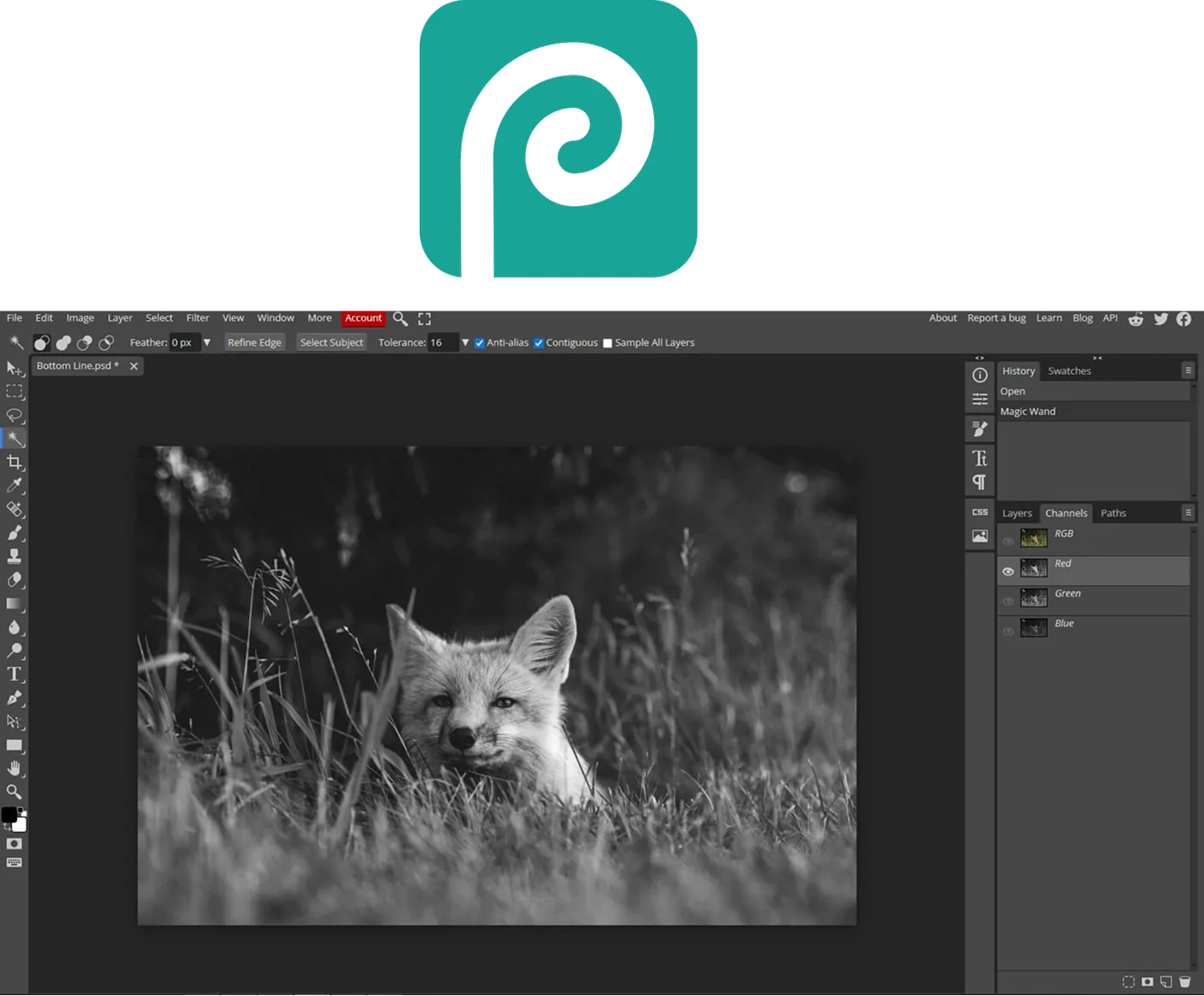
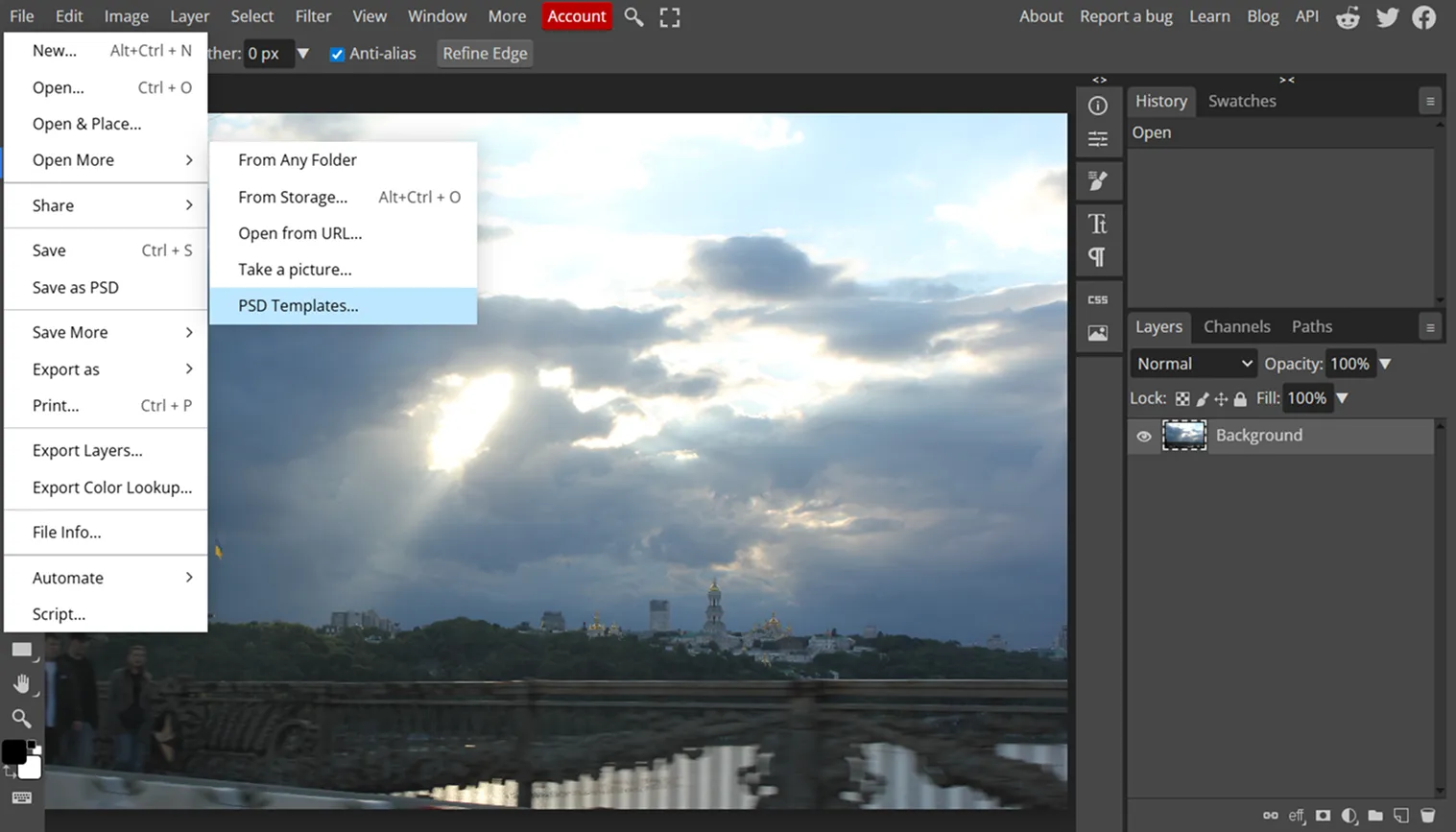
A key difference is how the software is accessed. Photopea runs entirely in the browser, so there’s no installation required. This makes it convenient for quick edits on different devices or shared computers.
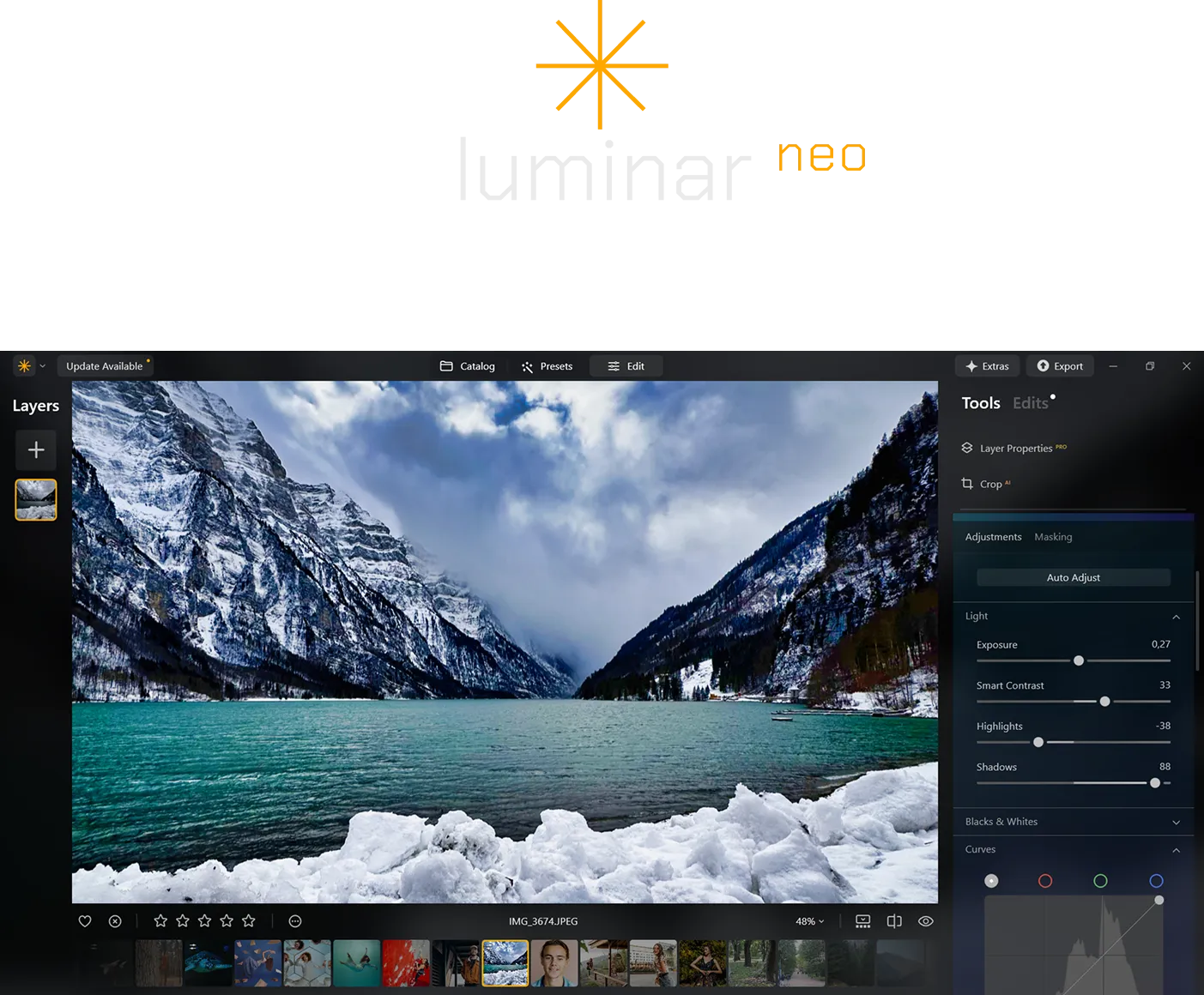
Luminar, by contrast, is primarily a desktop editor built to use your computer’s hardware for AI-powered editing. It’s also part of the Luminar Ecosystem, which connects desktop, mobile, and web tools.
2. Editing Philosophy
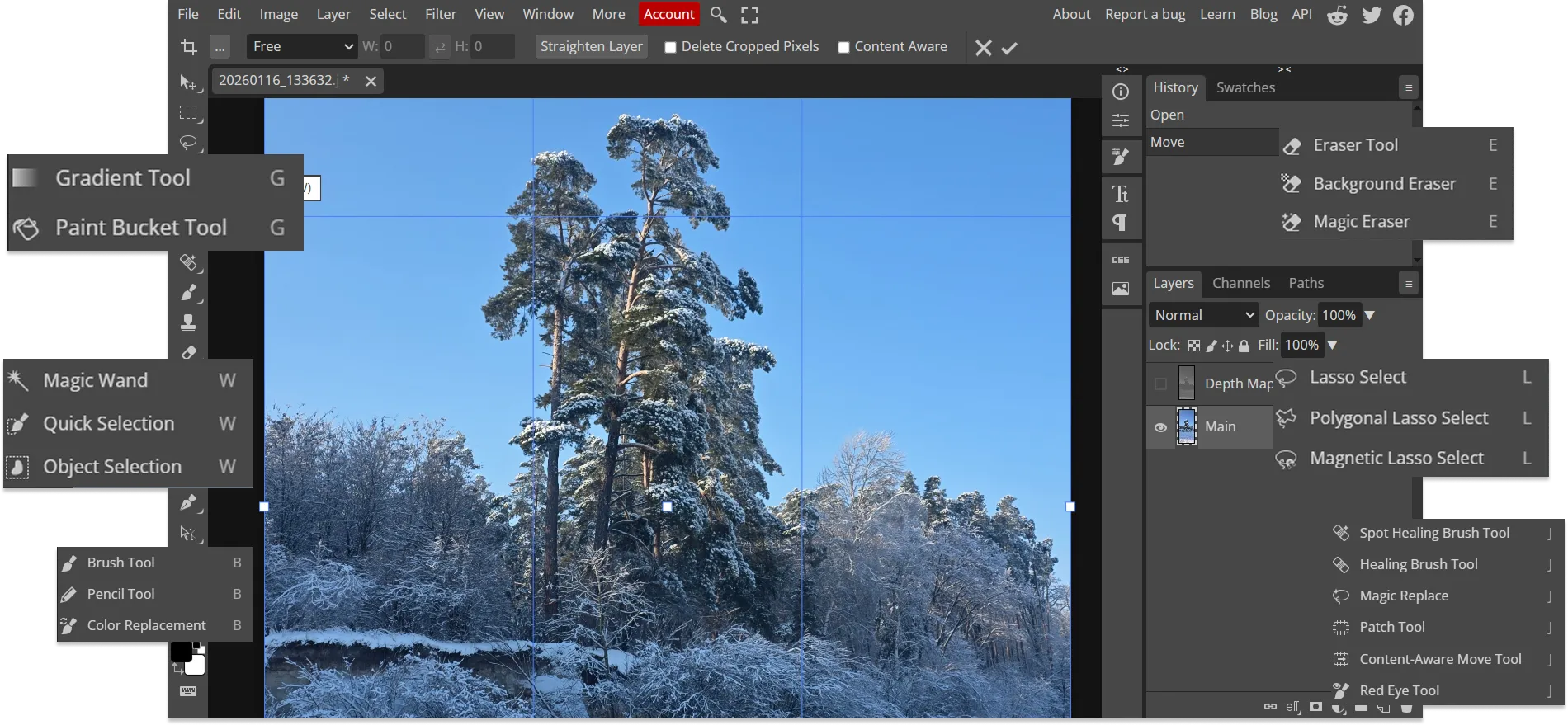
The two editors follow different editing philosophies. Photopea mirrors Photoshop’s workflow with manual tools like the Pen tool, Lasso, and detailed layer editing, offering precise pixel-level control.
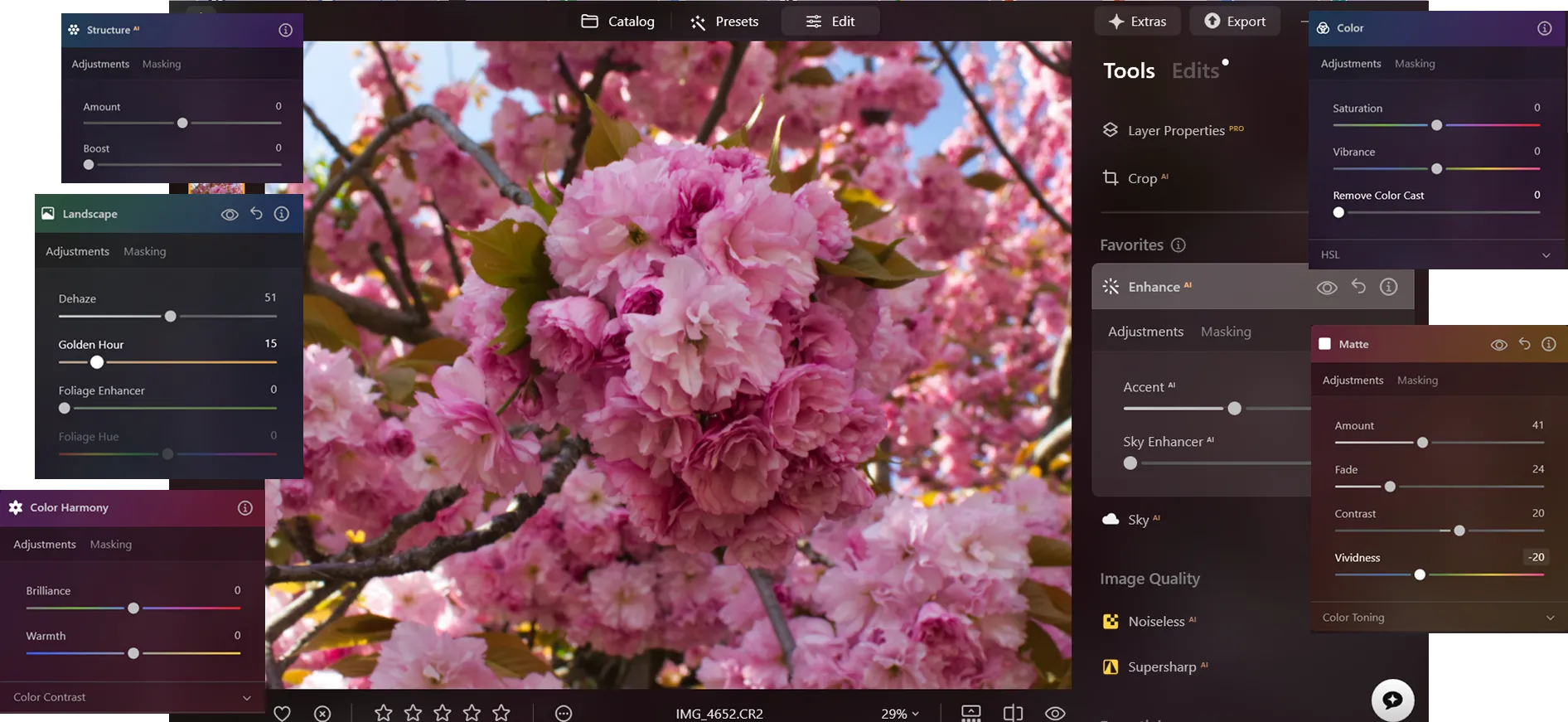
Luminar focuses on automatic editing. Tools like Sky AI, Face AI, and generative features such as GenErase, GenSwap, and GenExpand allow users to make complex edits quickly. Instead of manually building each adjustment, photographers can refine results using automated tools and sliders.
3. File Management and Organization
Photopea is document-based. It supports formats like PSD, AI, and Sketch, but it doesn’t include a library system. It works best for editing individual files or design projects rather than managing large collections of photos.
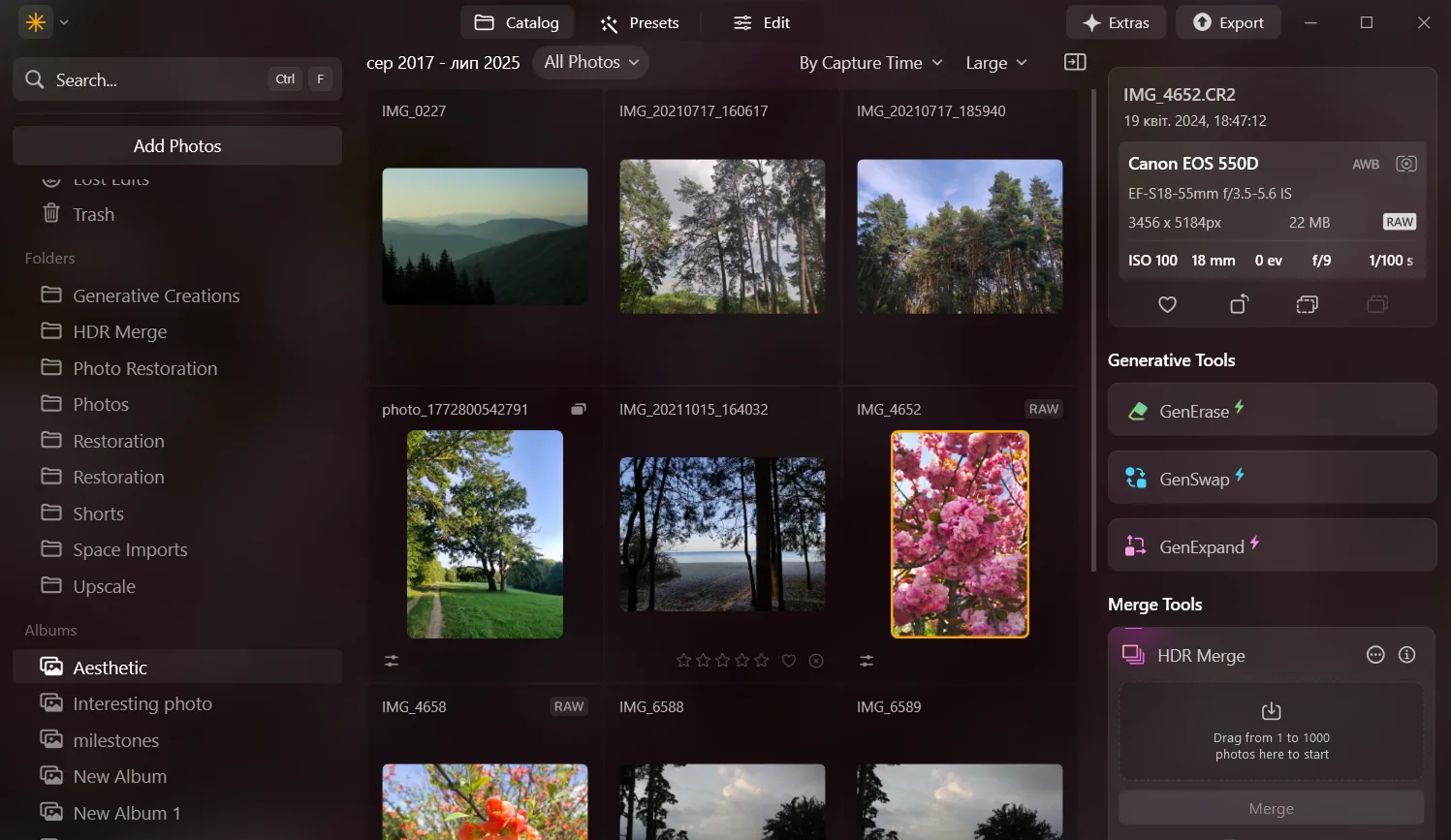
Luminar includes a built-in Catalog system where users can import folders, organize albums, and track edits non-destructively. This makes it suitable for photographers managing large image libraries. Also, through Luminar Space, users can create web galleries and access their images across devices.
Luminar vs Photopea: Feature Comparison
| Feature | Luminar | Photopea |
|---|---|---|
Platform Support | Windows, macOS; mobile via Luminar Mobile | Browser-based (all devices) |
Price Model | Perpetual license | Free (ads) or Premium |
User Interface | Modern interface with AI-assisted editing | Photoshop-style interface with manual editing tools |
RAW Processing | Yes | Yes |
Generative AI | Yes (GenErase, GenSwap, GenExpand) | No generative AI tools yet |
AI Editing Tools | Extensive (Sky AI, Face AI, Structure AI) | Basic selection and retouching tools |
Masking & Layers Tools | AI masking (object/subject detection) with layer-based adjustments | Advanced manual masks, vector masks, and full layer system |
Presets / Filters | AI-powered presets and creative effects | Standard filters and layer styles |
Catalog System | Yes (folders and albums) | No (document-based workflow) |
Batch Editing | Included | Limited automation via scripts |
Luminar
Photopea
Platform Support
Windows, macOS; mobile via Luminar Mobile
Browser-based (all devices)
Price Model
Perpetual license
Free (ads) or Premium
User Interface
Modern interface with AI-assisted editing
Photoshop-style interface with manual editing tools
RAW Processing
Yes
Yes
Generative AI
Yes (GenErase, GenSwap, GenExpand)
No generative AI tools yet
AI Editing Tools
Extensive (Sky AI, Face AI, Structure AI)
Basic selection and retouching tools
Masking & Layers Tools
AI masking (object/subject detection) with layer-based adjustments
Advanced manual masks, vector masks, and full layer system
Presets / Filters
AI-powered presets and creative effects
Standard filters and layer styles
Catalog System
Yes (folders and albums)
No (document-based workflow)
Batch Editing
Included
Limited automation via scripts


.webp)

Keep your workflow, expand your possibilities
Want to get all the benefits of Luminar but have an established Lightroom workflow? Great news! You can use all the power of Luminar within a plugin for Lightroom without changing up your usual post-production process.

An application & plugin
For macOS & Windows
- High-performance AI editor
24/7 technical support
30-day money back guarantee
Join our communities
