View plans
Luminar vs Picsart: Picking the Right App for Editing
Looking for apps like Picsart? This comparison may help. Below, we compare Picsart with Luminar Mobile—an AI photo editor built for mobile—to show how different editing approaches fit different creative needs.
Discover Luminar MobileWhat’s the difference between Luminar and Picsart?
At first glance, both apps include AI tools, filters, and editing features. In practice, they’re designed to solve different creative tasks. Below are the three differences that matter most.
Editing philosophy
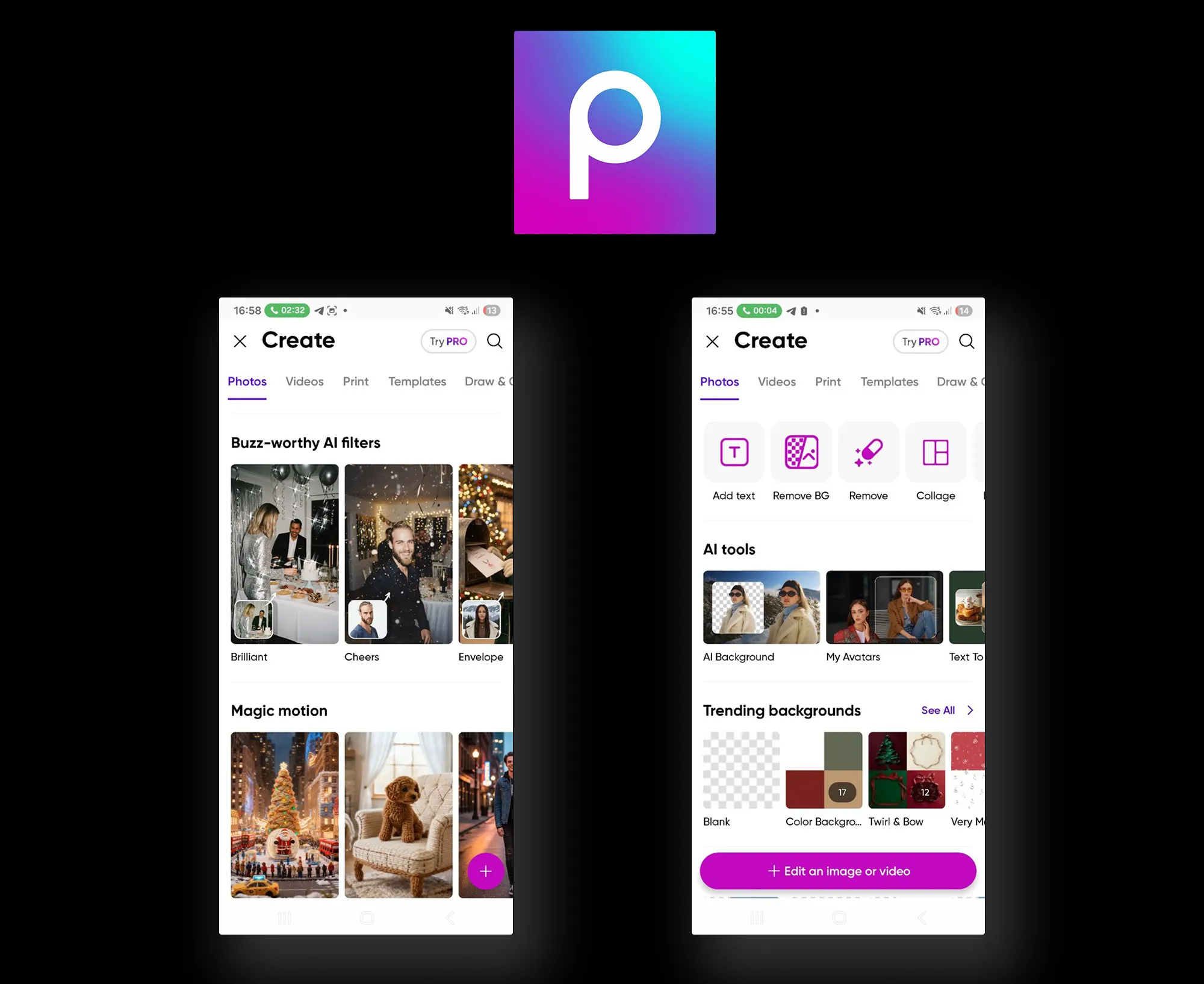
Picsart is design-first and template-driven. Editing usually starts with a canvas, template, or effect, then builds with stickers, text, options to change the background color, and AI elements. The focus is on creating eye-catching visuals rather than refining a single photo.
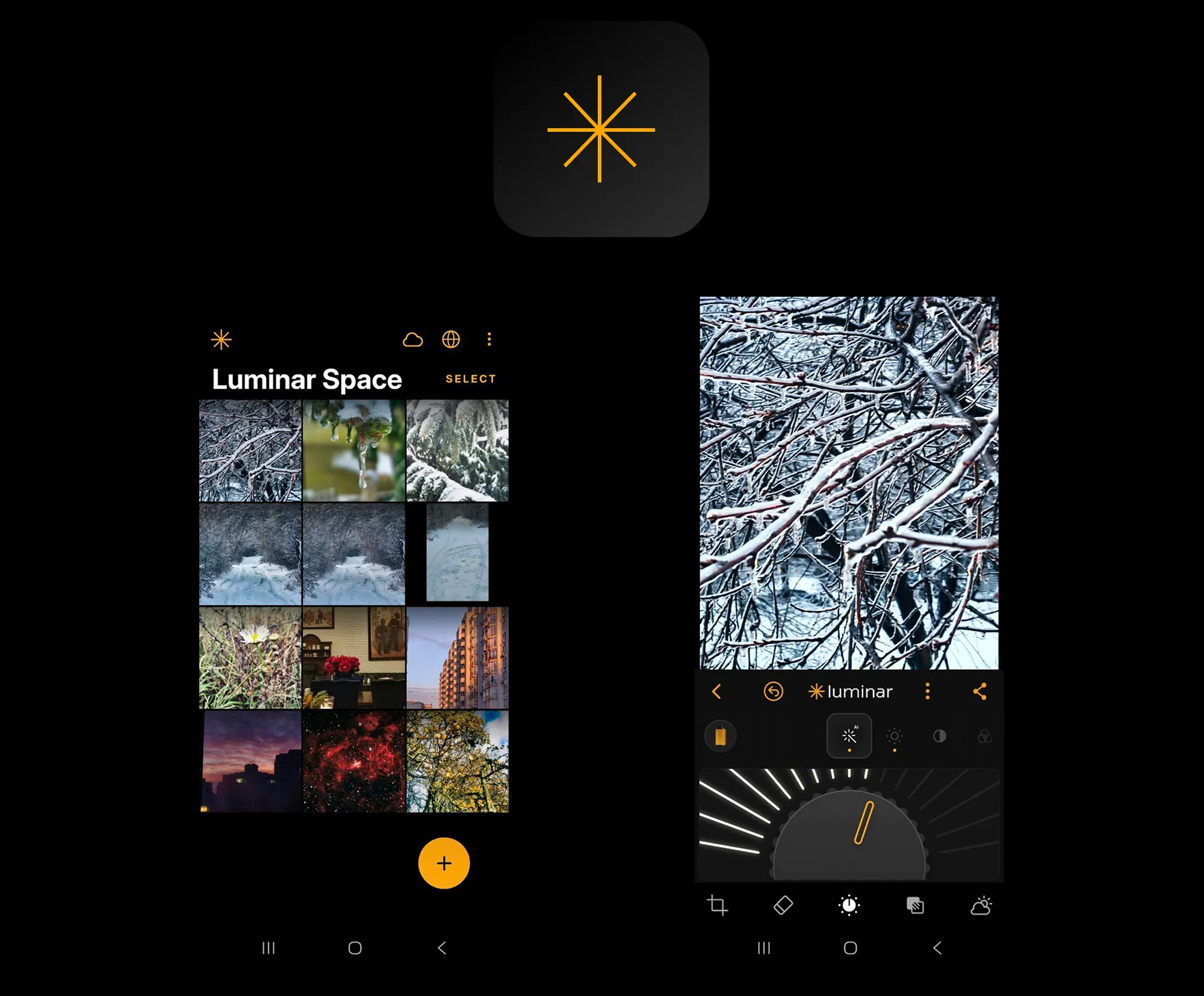
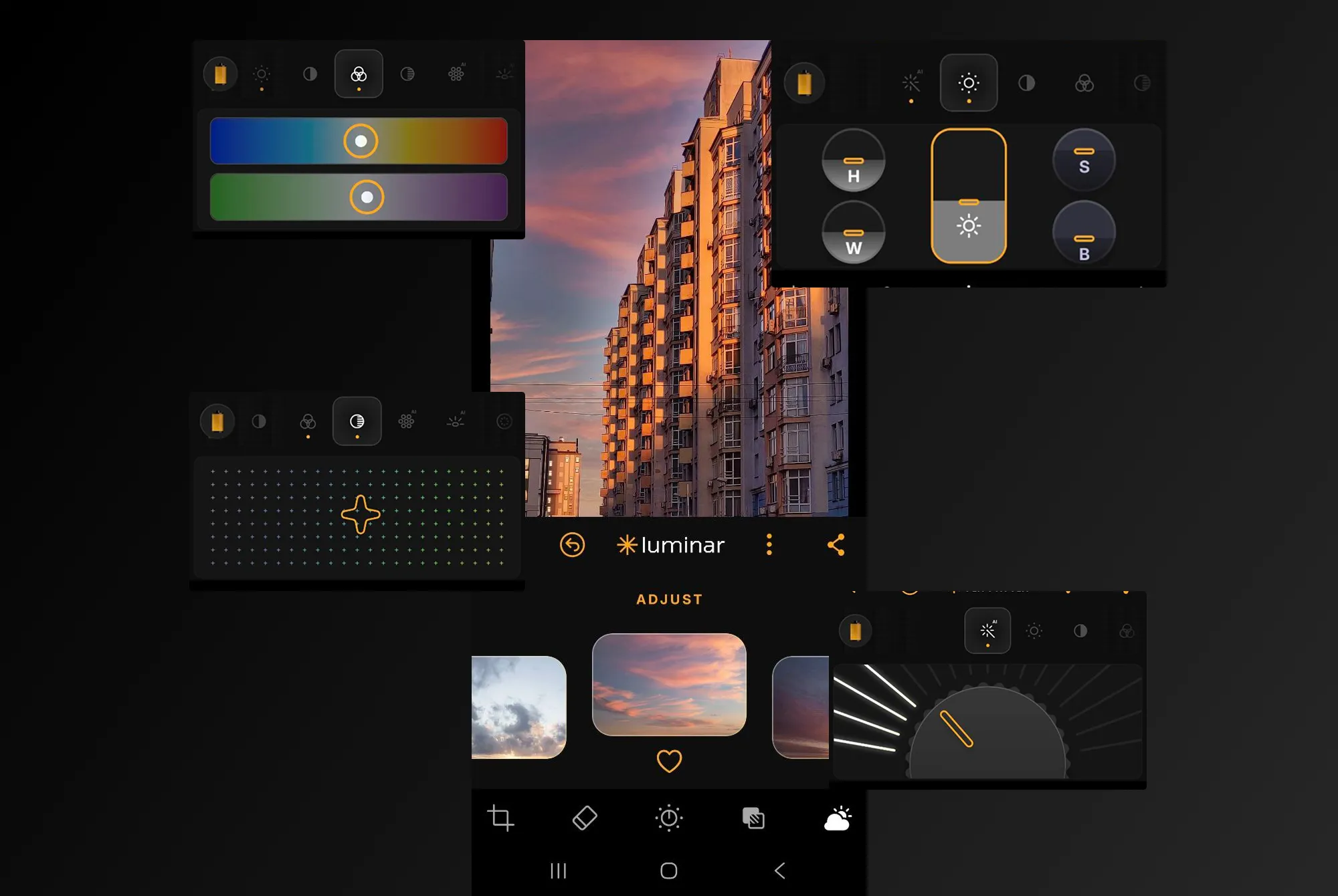
Luminar Mobile follows a photo-first approach. Editing starts with the image itself—its light, color, depth, and details—with AI tools helping enhance quality and realism instead of turning the photo into a graphic asset.
Tools and creative scope
Picsart offers a broad creative toolkit built around content creation rather than pure photo editing. It’s designed for working with templates, backgrounds, text, stickers, video, and AI-generated visuals, making it strong for mixed media and social content.
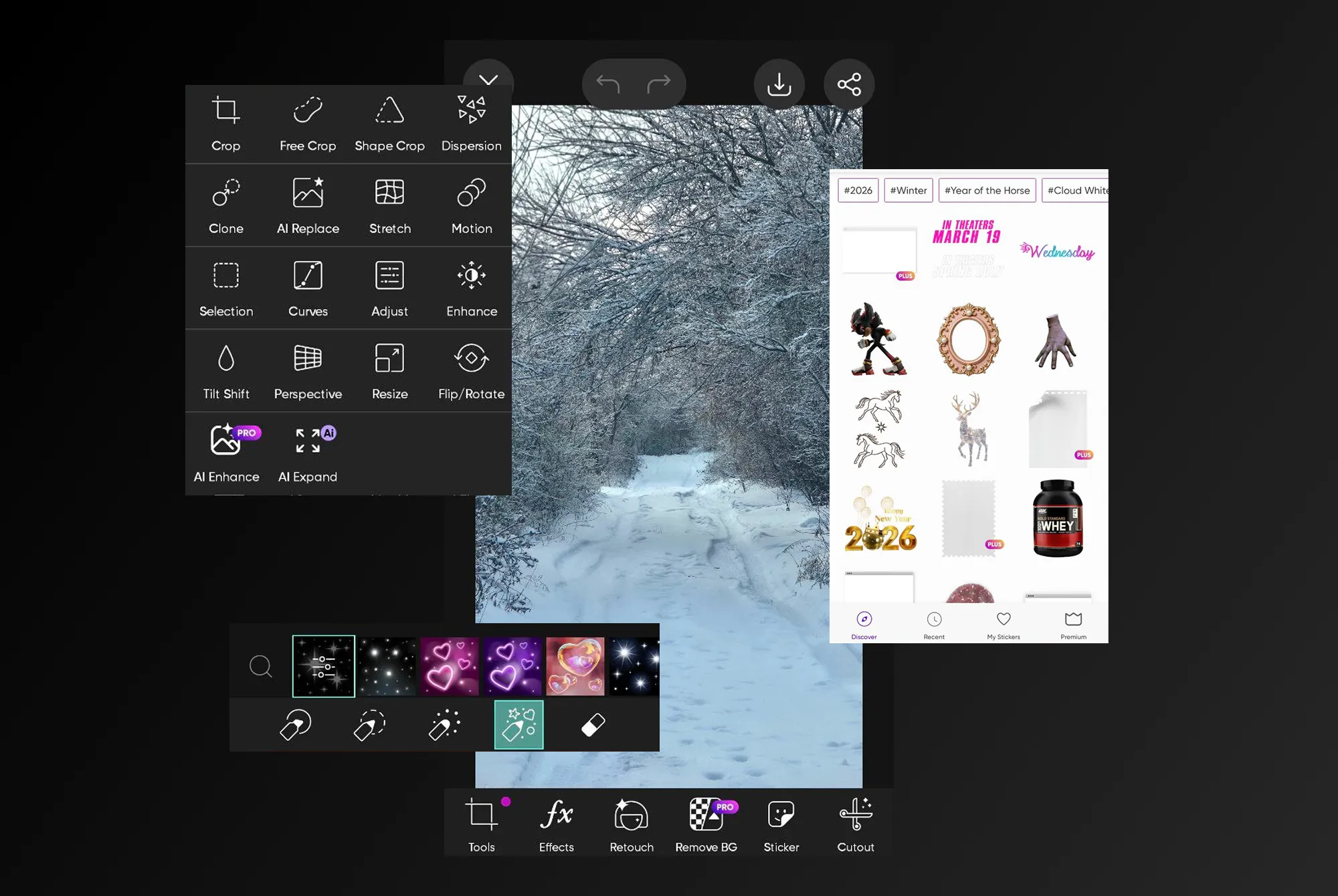
Luminar Mobile concentrates on photo quality and editing depth. Its tools focus on enhancing light, color, detail, and portraits, with features like AI-based adjustments, sky and light control, object removal, and full RAW editing.
Workflow and ecosystem
Picsart works as an all-in-one creative studio within a single app. You design, edit, export, and share in one place, often starting from templates or concepts rather than existing photos. The workflow is fast, flexible, and built around social content.
.webp)
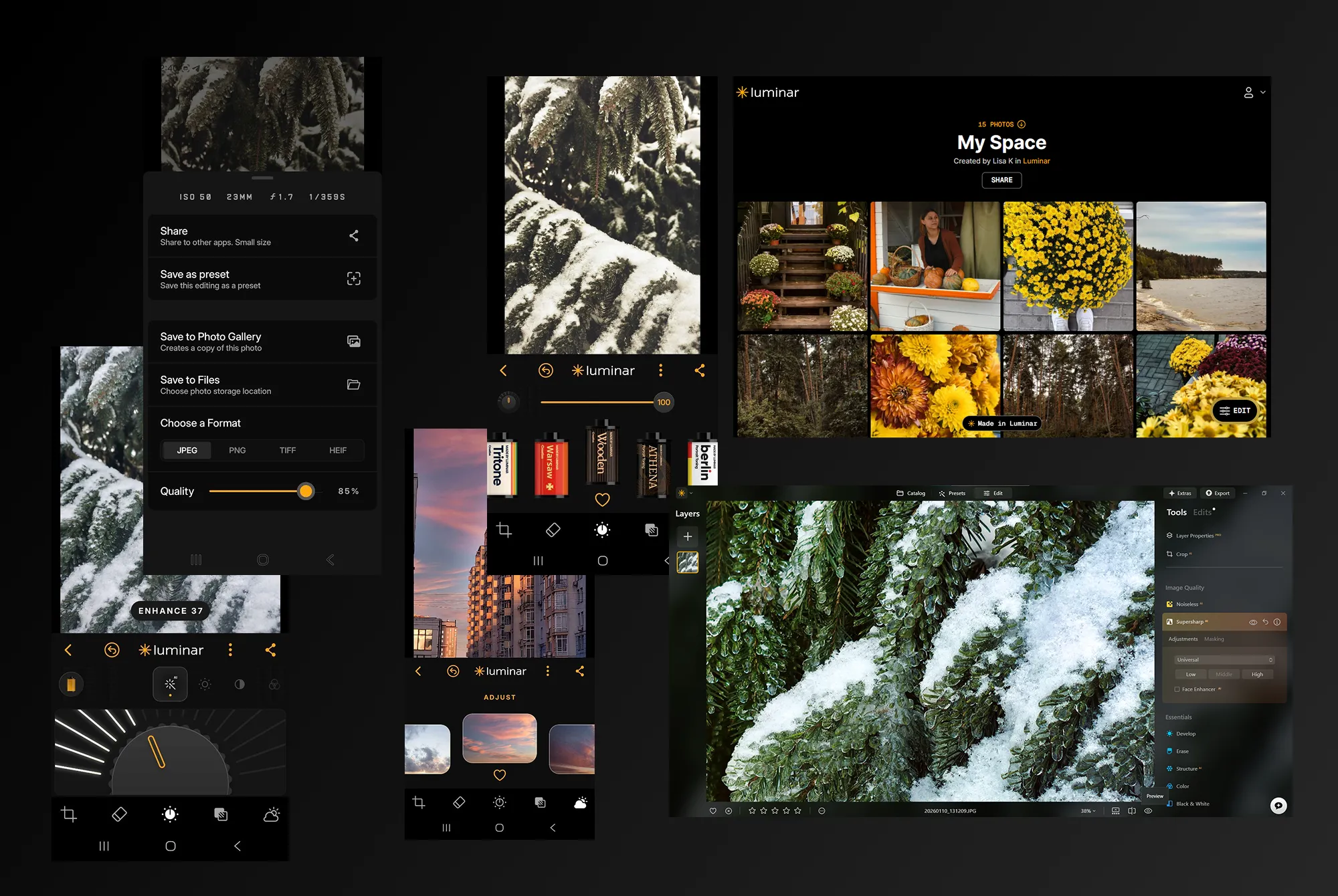
Luminar Mobile is a cross-device photo editor. Use it as an Android image editor or on iOS, continue the same edits on desktop in Luminar, and publish finished photos to Luminar Space web galleries.
Picsart vs Luminar Mobile: Basic Comparison
| What to compare | Picsart | Luminar Mobile |
|---|---|---|
Platforms | iOS, Android | iOS, Android |
Desktop version | Windows Web-based editor& macOS | Desktop app (Luminar) |
Ecosystem | Standalone creative app | Part of Luminar ecosystem |
Editing style | Templates, graphics, effects | Photo-first, AI-assisted |
Photo editing | Yes | Yes |
Text & stickers | Yes | No |
Video editing | Yes | No |
Best fors | Social media, content, visuals | Photography, photo quality |
Picsart
Luminar Mobile
Platforms
iOS, Android
iOS, Android
Desktop version
Web-based editor
Desktop app (Luminar Neo)
Ecosystem
Standalone creative app
Part of Luminar ecosystem
Editing style
Templates, graphics, effects
Photo-first, AI-assisted
Photo editing
Yes
Yes
Text & stickers
Yes
No
Video editing
Yes
No
Best for
Social media, content, visuals
HDR merge & AI-enhancePhotography, photo qualityd HDR tools


A powerful AI photo editor in your pocket
- High-performance AI editing on mobile
Edit anytime, anywhere
No complex tools—just simple controls
Perfect for quick and creative edits