
 View plans
Luminar vs Polarr: Detailed Comparison for Creators
Choosing a photo editor often depends on how you like to work and create. Polarr and Luminar both offer modern tools, but they’re built for different creative workflows. In this comparison, we’ll highlights their key differences to help you choose the tool that feels right for your creative process.
Discover LuminarMain Points of Difference
Let’s look at the key areas that matter most to photographers and content creators.
Polarr is known for its clean, simple interface and is especially popular with casual users and mobile creators who want quick edits with minimal setup. Presets and sliders make basic adjustments easy, even for beginners.
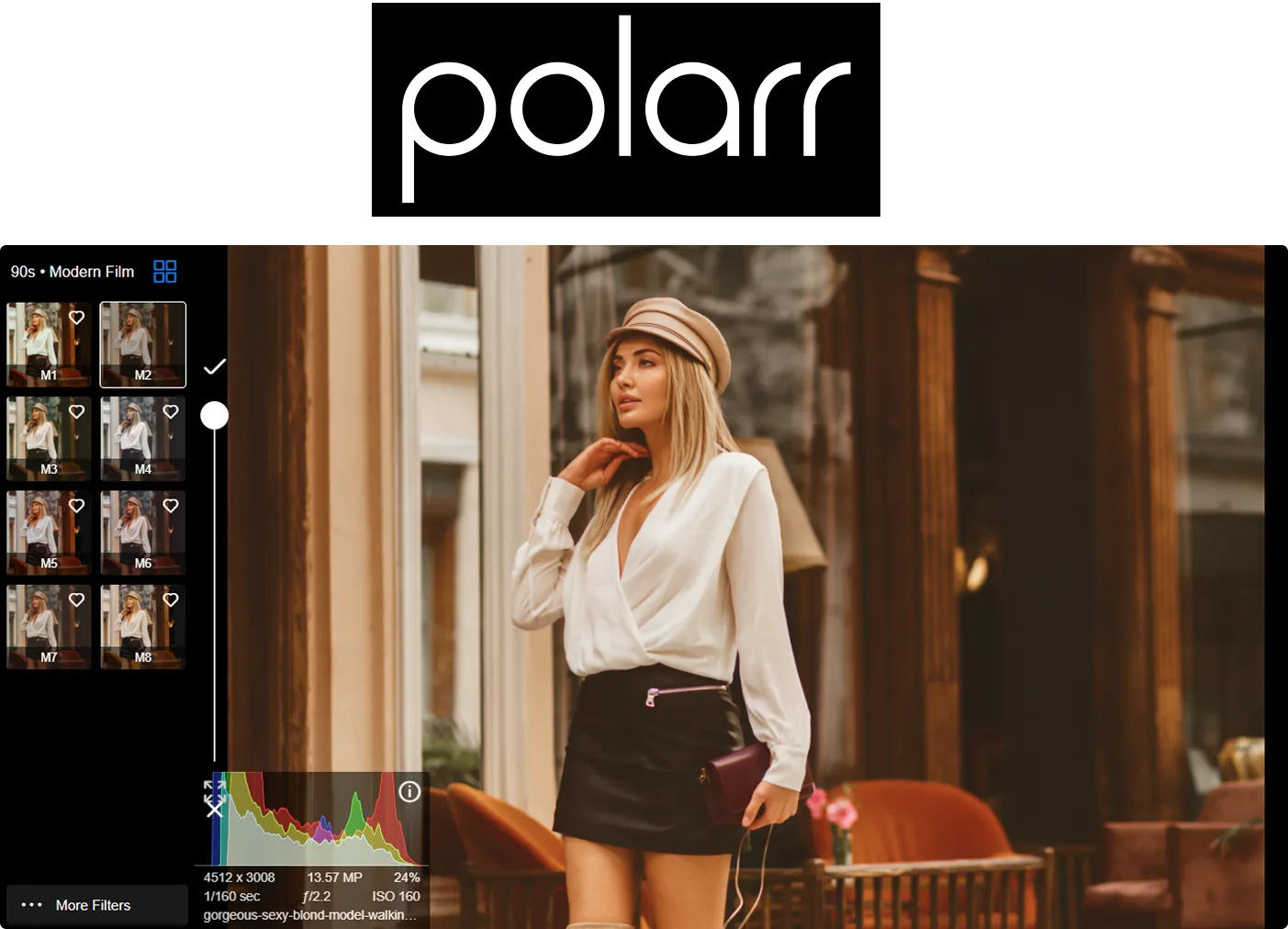
Luminar is also intuitive but offers more depth. Its AI-powered tools let users retouch with AI, enhance lighting, or adjust backgrounds in just a few clicks—without losing control. This makes Luminar a good fit for both beginners and advanced users who value speed and efficiency.
.webp)
Editing Capabilities
Polarr focuses on essential editing tools like color adjustments, filters, and overlays. It works well for quick, stylized edits and social media content but offers limited options for advanced retouching.
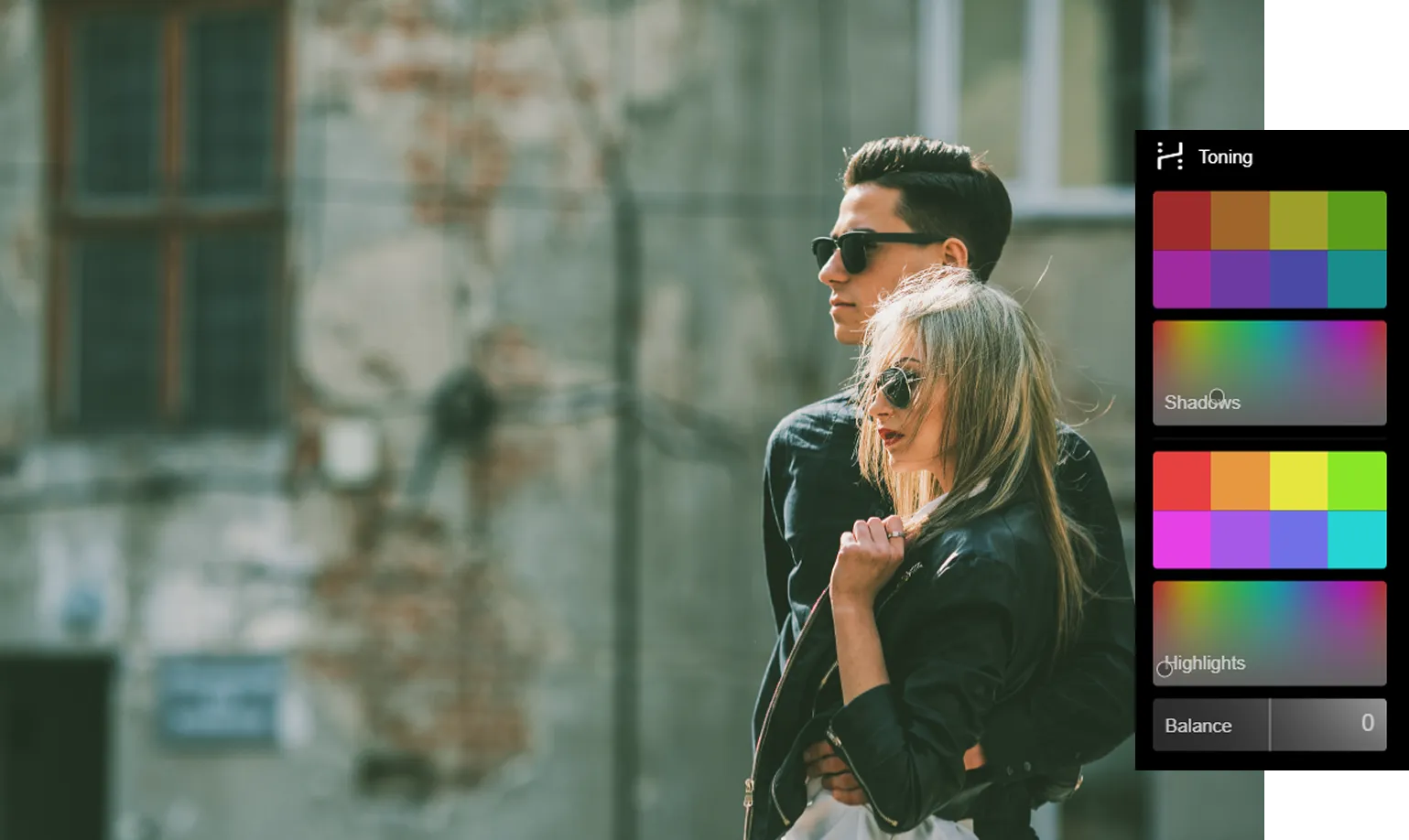
Luminar provides a broader set of creative and professional tools. From portrait retouching to advanced color grading and layer-based editing, it goes beyond simple filters. Tools like erase and replace AI help remove distractions or swap objects while keeping results natural.

AI Tools and Creative Effects
Polarr includes basic AI-assisted features, mainly focused on enhancing colors and applying stylistic effects quickly. These tools are effective for fast edits, but they offer limited flexibility.
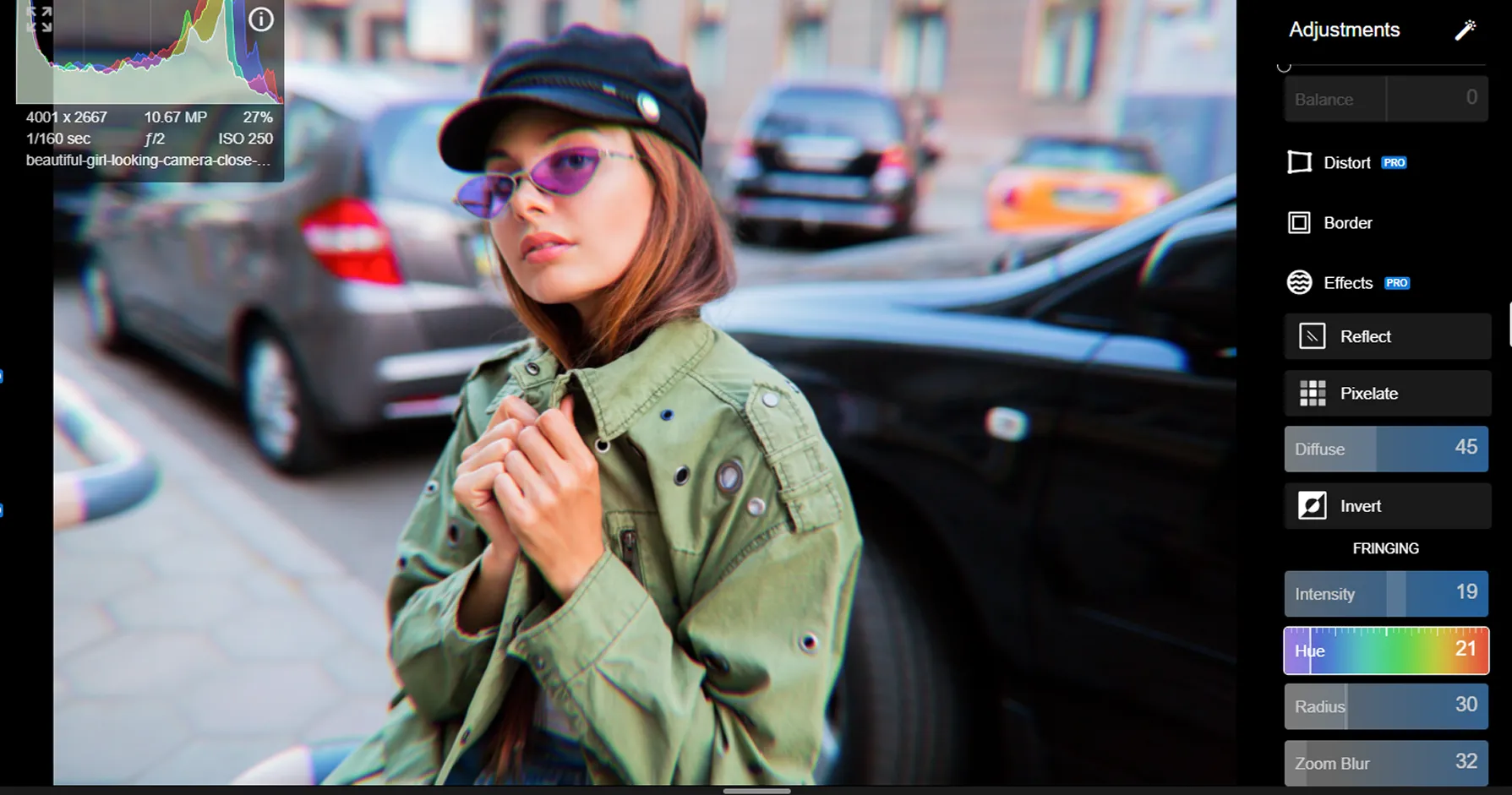
Luminar places AI at the center of the editing experience. Tools like AI masking, portrait enhancement, and AI bokeh background effects allow users to create depth, isolate subjects, and achieve professional results with minimal effort.
.webp)
Luminar vs Polarr: Detailed Comparison
| Feature | Polarr | Luminar |
|---|---|---|
Generative AI | No | GenErase, GenSwap, GenExpand |
Editing Capabilities | Basic adjustments, filters | AI-powered editing, layers, batch processing |
Workflow Integration | Mobile & desktop apps | Works with Photoshop & Lightroom |
AI & Automation | Limited | Advanced AI tools |
Non-Destructive Editing | Yes | Yes |
Brush & Masking Tools | Basic | Advanced with AI masking |
Creative Effects | Filters & overlays | AI effects, sky replacement, portrait tools |
User Interface | Minimal, preset-focused | Intuitive, creator-focused |
Price Model | Free tier + subscription | One-time purchase |
Best For | Quick edits, social media | Creators & photographers |
Support & Resources | Community-based | Tutorials, guides, customer support |
Polarr
Luminar
Generative AI
No
GenErase, GenSwap, GenExpand
Editing Capabilities
Basic adjustments, filters
AI-powered editing, layers, batch processing
Workflow Integration
Mobile & desktop apps
Works with Photoshop & Lightroom
AI & Automation
Limited
Advanced AI tools
Non-Destructive Editing
Yes
Yes
Brush & Masking Tools
Basic
Advanced with AI masking
Creative Effects
Filters & overlays
AI effects, sky replacement, portrait tools
User Interface
Minimal, preset-focused
Intuitive, creator-focused
Price Model
Free tier + subscription
One-time purchase
Best For
Quick edits, social media
Creators & photographers
Support & Resources
Community-based
Tutorials, guides, customer support



.webp)

Keep your workflow, expand your possibilities
Want to get all the benefits of Luminar but have an established Lightroom workflow? Great news! You can use all the power of Luminar within a plugin for Lightroom without changing up your usual post-production process.

An application & plugin
For macOS & Windows
- High-performance AI editor
24/7 technical support
30-day money back guarantee
Join our communities

