
 View plans
Luminar vs DxO: Choosing the Right Editor for Photos
DxO PhotoLab and Luminar are often mentioned as alternatives to mainstream tools, but they take very different approaches to editing. This comparison looks at how each editor shapes workflow, creative decisions, and final results so you can choose the one that fits your style of photography.
Discover LuminarMain Points of Difference
When comparing DxO PhotoLab and Luminar, the key differences lie in how each tool balances technical precision, creative flexibility, and automation.
Editing Philosophy and Workflow
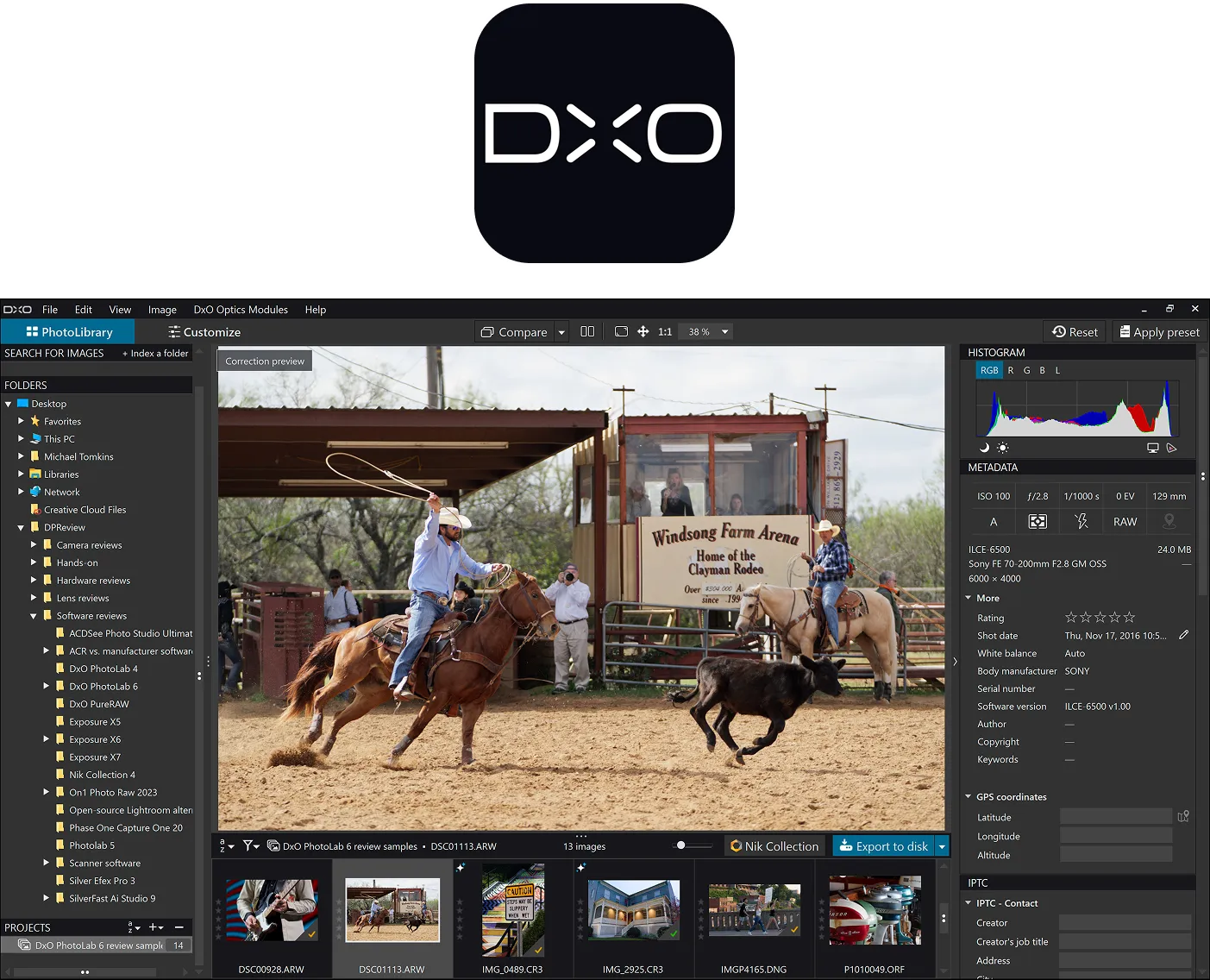
DxO PhotoLab is built around technical accuracy and optical precision. RAW files are automatically corrected using camera and lens profiles, creating a neutral, technically optimized starting point focused on realism and image fidelity.
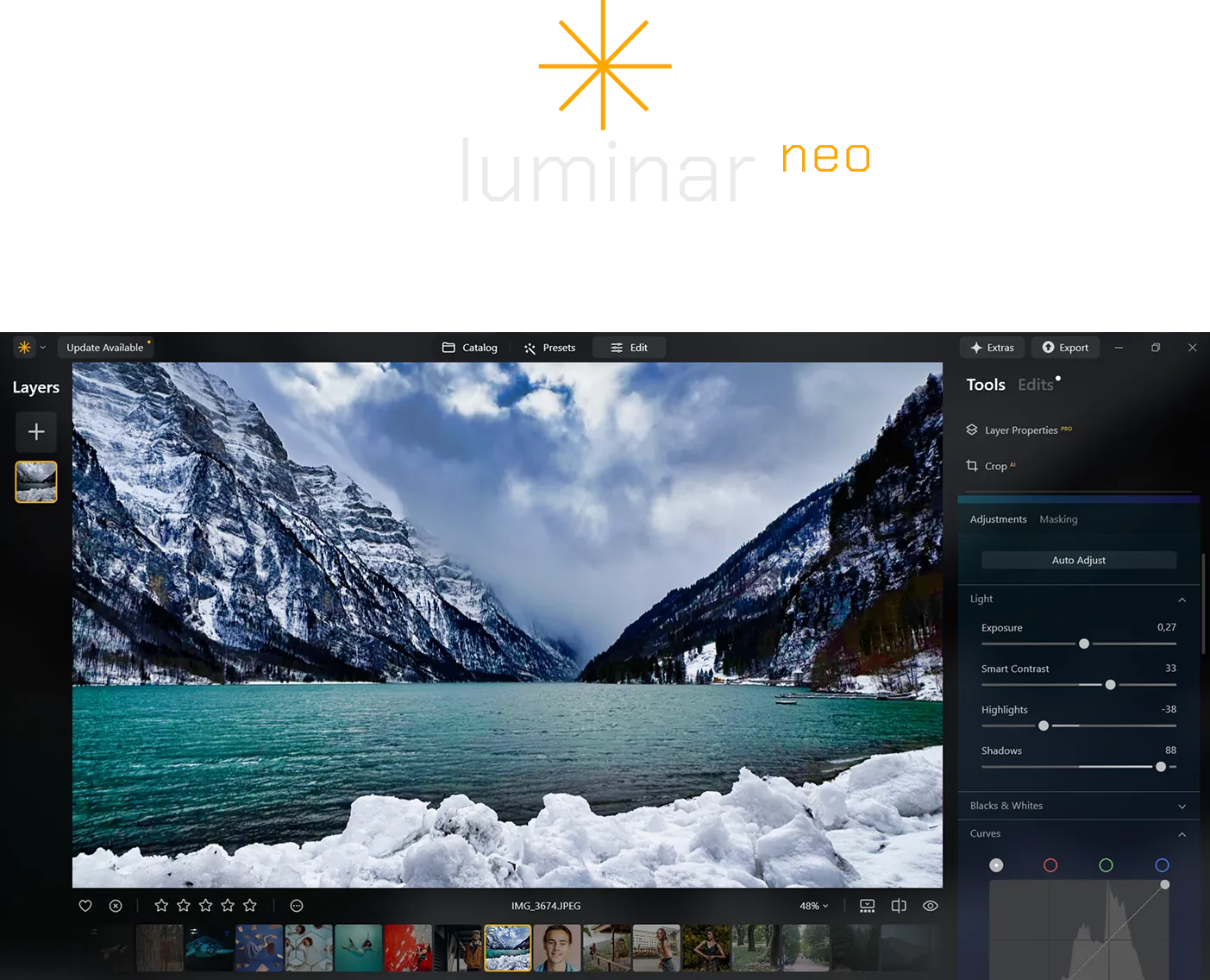
Luminar takes a more creative, AI-driven approach. Instead of prioritizing technical correction first, it emphasizes visual interpretation, allowing photographers to experiment with light, color, and mood earlier in the workflow.
Hands-On Editing Experience
DxO PhotoLab follows a structured, methodical workflow. Photographers move through geometry, noise reduction, tonal balance, and color grading in a predictable sequence. Tools like ClearView Plus and local adjustments support subtle, controlled enhancements.
.webp)
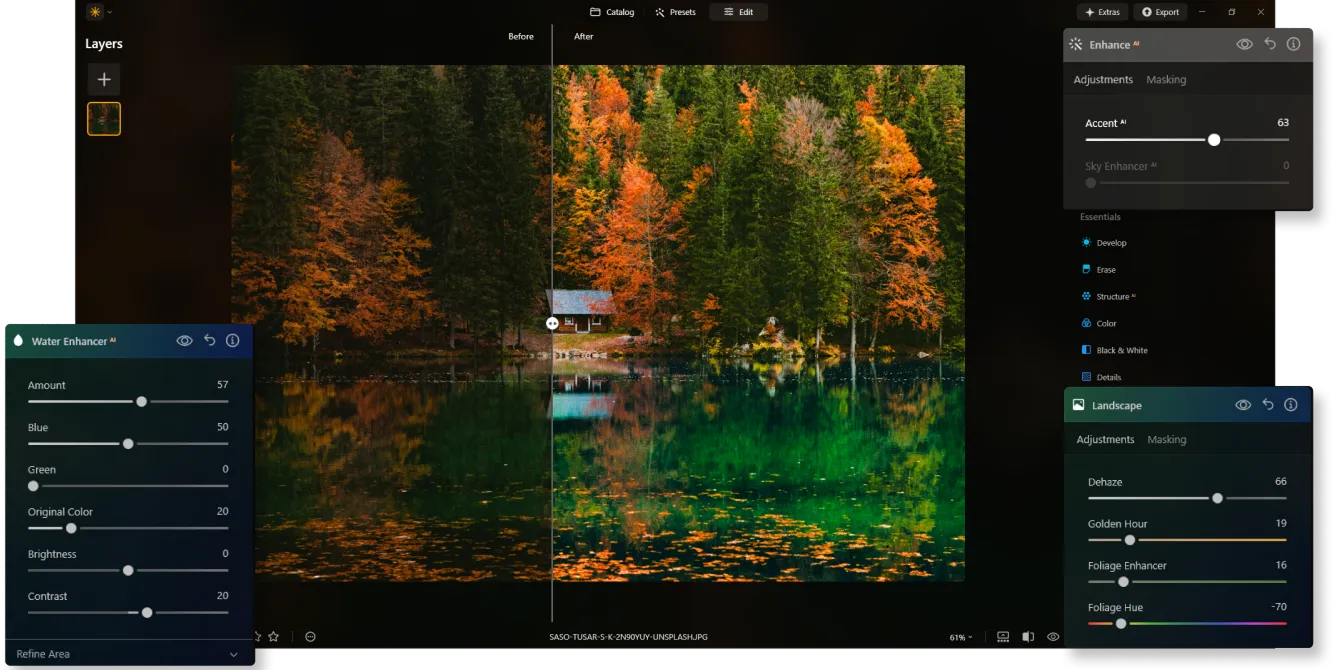
Luminar offers a more exploratory experience. Tools are organized by creative intent—Essentials, Landscape, Portrait, and Creative—making it faster to apply impactful changes such as changing photo background color, enhancing skies, or adding atmospheric effects with fewer steps.
Layers, HDR, and Advanced Editing
DxO PhotoLab does not support layers or full HDR merging, which limits its use for compositing and advanced creative workflows.
.webp)
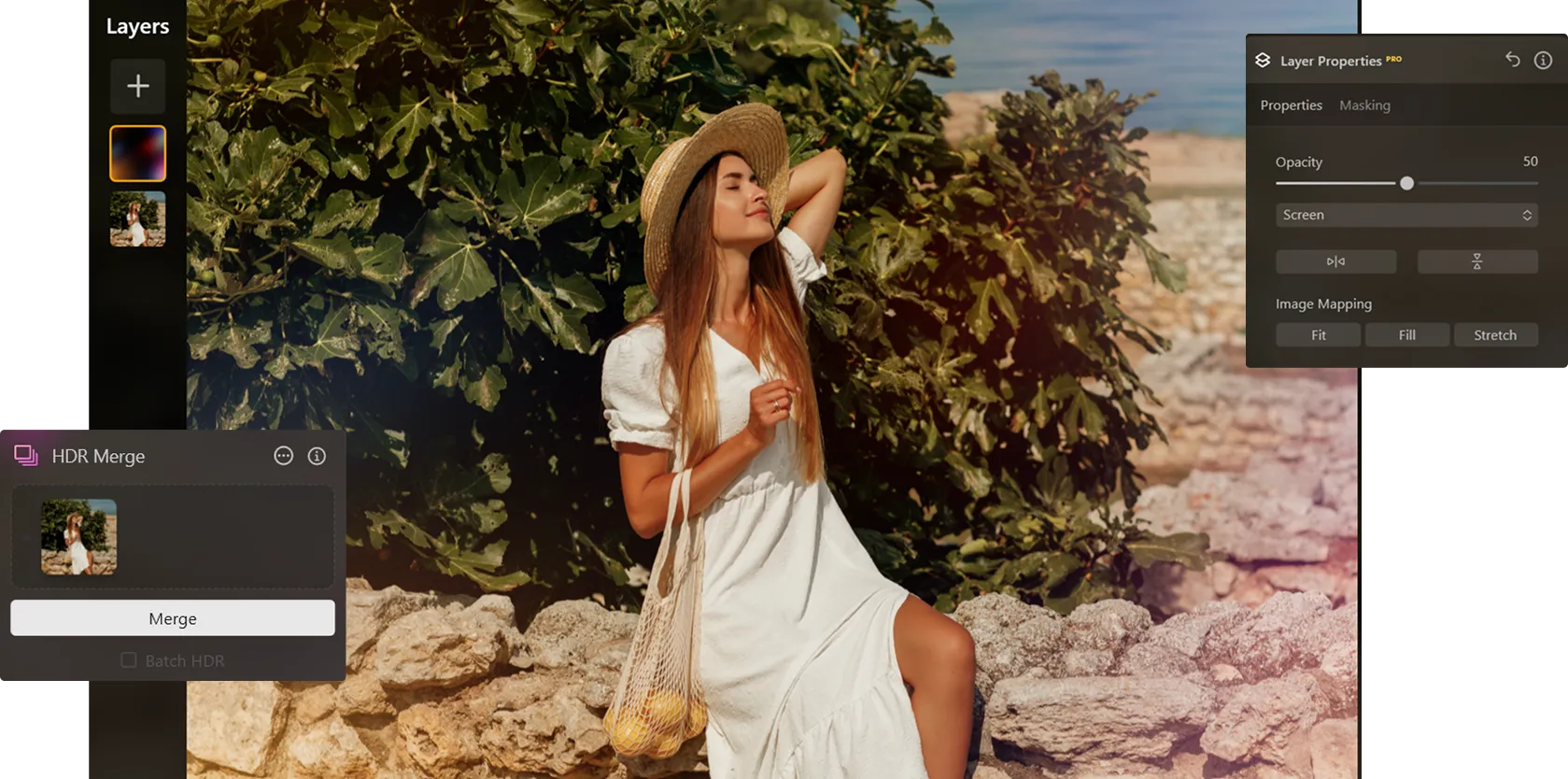
Luminar includes layer-based editing and HDR merge tools, allowing photographers to combine bracketed images, blend effects, and build more complex compositions within a single environment.
Luminar vs DxO: Feature Comparison
| Feature | DxO PhotoLab | Luminar |
|---|---|---|
Core Focus | Technical correction & realism | Creative editing with AI |
Platforms | Windows & macOS | Windows & macOS |
Ecosystem | Standalone desktop editor | Luminar Ecosystem (desktop, iOS/iPadOS, web galleries) |
RAW Processing | Advanced optical corrections | AI-powered RAW editing |
Noise Reduction | PRIME, DeepPRIME | AI noise reduction |
Layers | No | Yes |
HDR Support | Limited | HDR merge & AI-enhanced HDR tools |
DxO PhotoLab
Luminar
Core Focus
Technical correction & realism
Creative editing with AI
Platforms
Creative editing with AI
Creative editing with AI
Ecosystem
Standalone desktop editor
Luminar Ecosystem (desktop, iOS/iPadOS, web galleries)
RAW Processing
Advanced optical corrections
AI-powered RAW editing
Noise Reduction
PRIME, DeepPRIME
AI noise reduction
Layers
No
Yes
HDR Support
Limited
HDR merge & AI-enhanced HDR tools



.webp)

Keep your workflow, expand your possibilities
Want to get all the benefits of Luminar but have an established Lightroom workflow? Great news! You can use all the power of Luminar within a plugin for Lightroom without changing up your usual post-production process.

An application & plugin
For macOS & Windows
- High-performance AI editor
24/7 technical support
30-day money back guarantee
Join our communities

