View plans

High-Quality Depixelate Image Techniques

Depixelation refers to enhancing or restoring an image that appears pixelated, making the individual pixels less visible or refining the image to achieve a smoother and more detailed appearance

View plans

Why Choose Our Sharpener Feature for Unmatched Clarity?
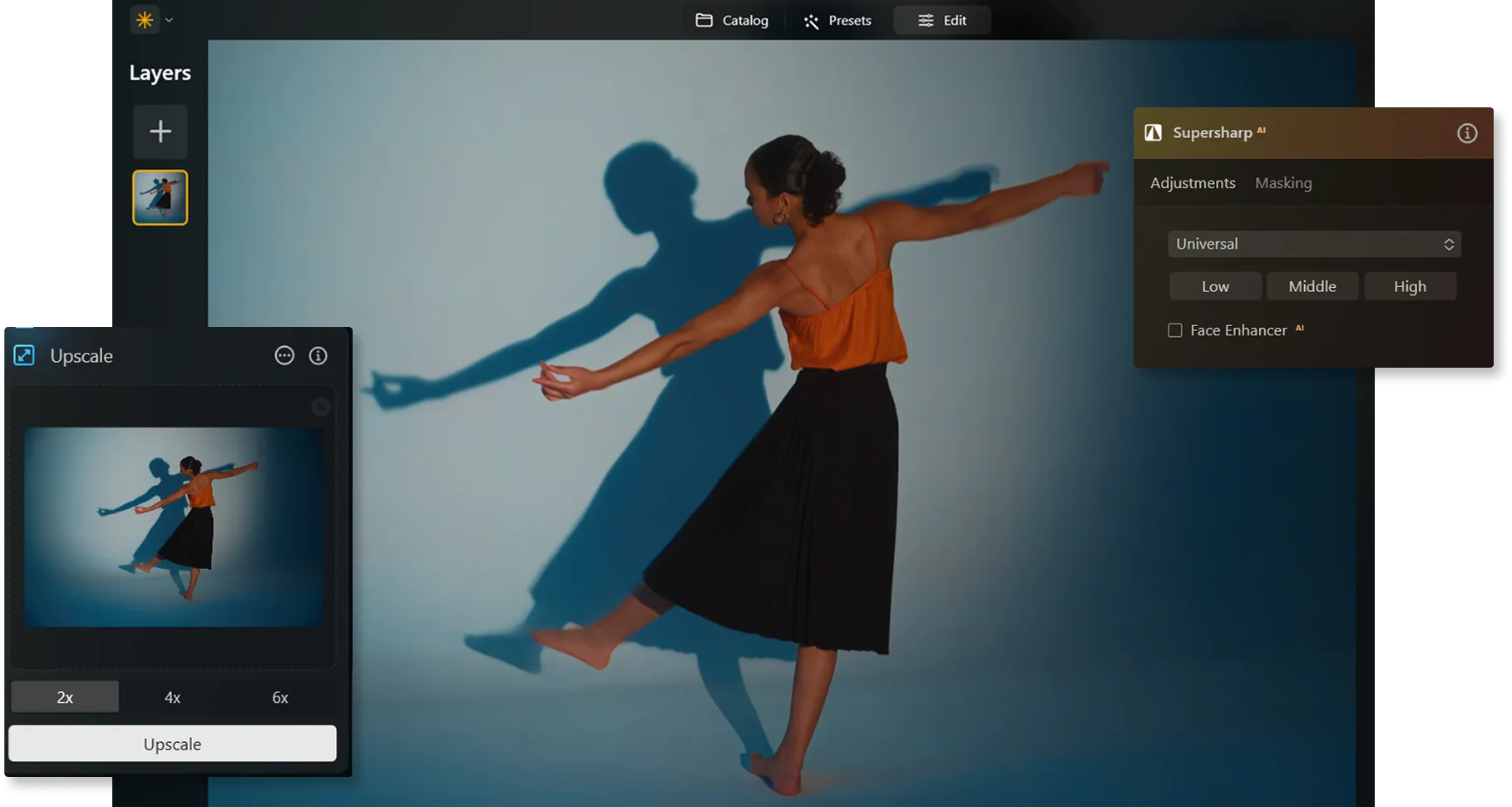
Depending on your goal, Luminar Neo offers different tools to make images less pixelated. Try the Supersharp AI , Upscale AI, the Details tool, the Resize feature. All of them are easy to use for depixelizing a picture in an instant.
(2)

How to Transform Blurred Visions Into Sharp Realities: De-Pixelate a Photo
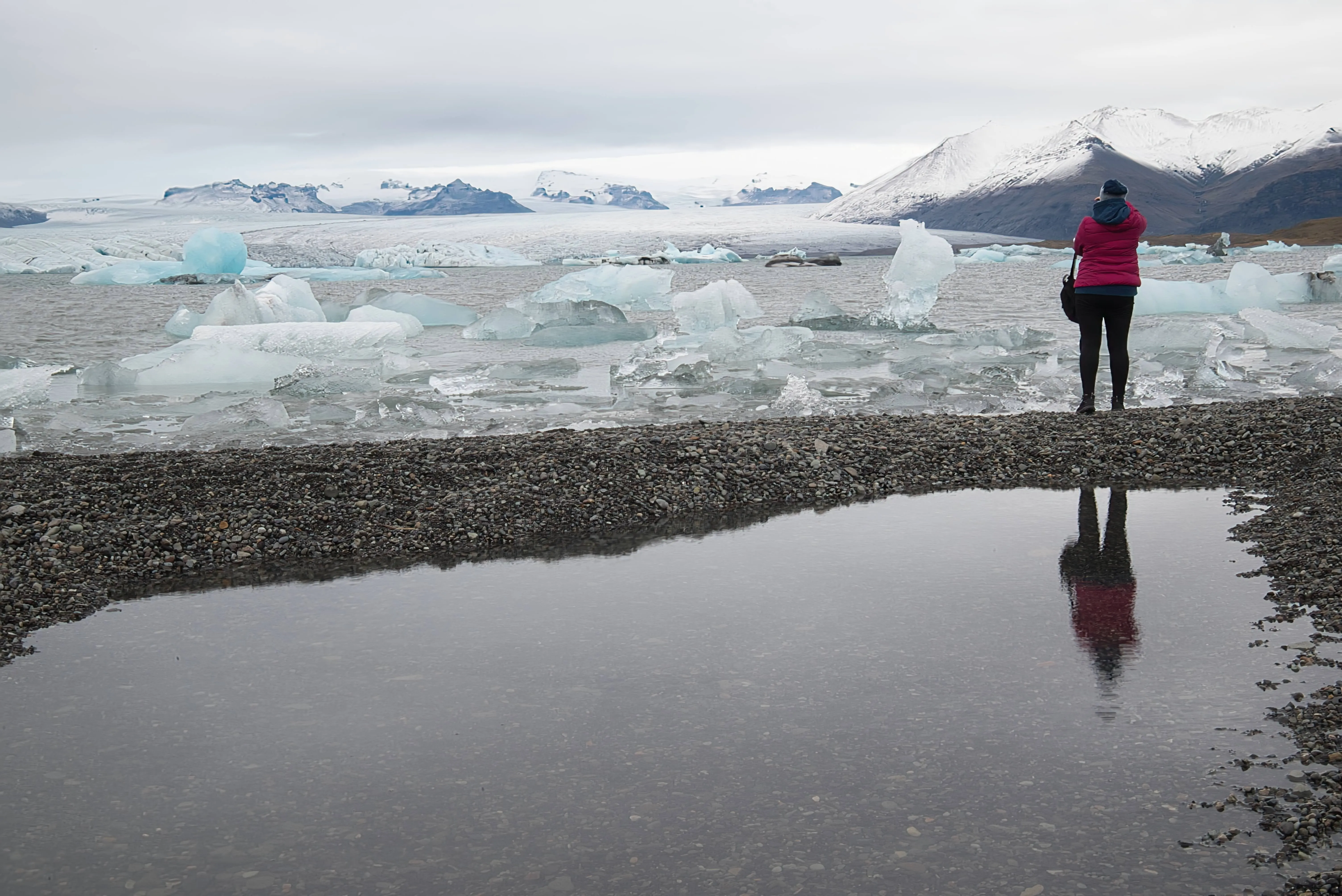
Luminar Neo gives you an array of tools to help you make an image clearer, add effects, sharpen, or resize it. And you'll learn how to up the resolution of a photo with a couple of clicks. 
(3)
(4)
(5)
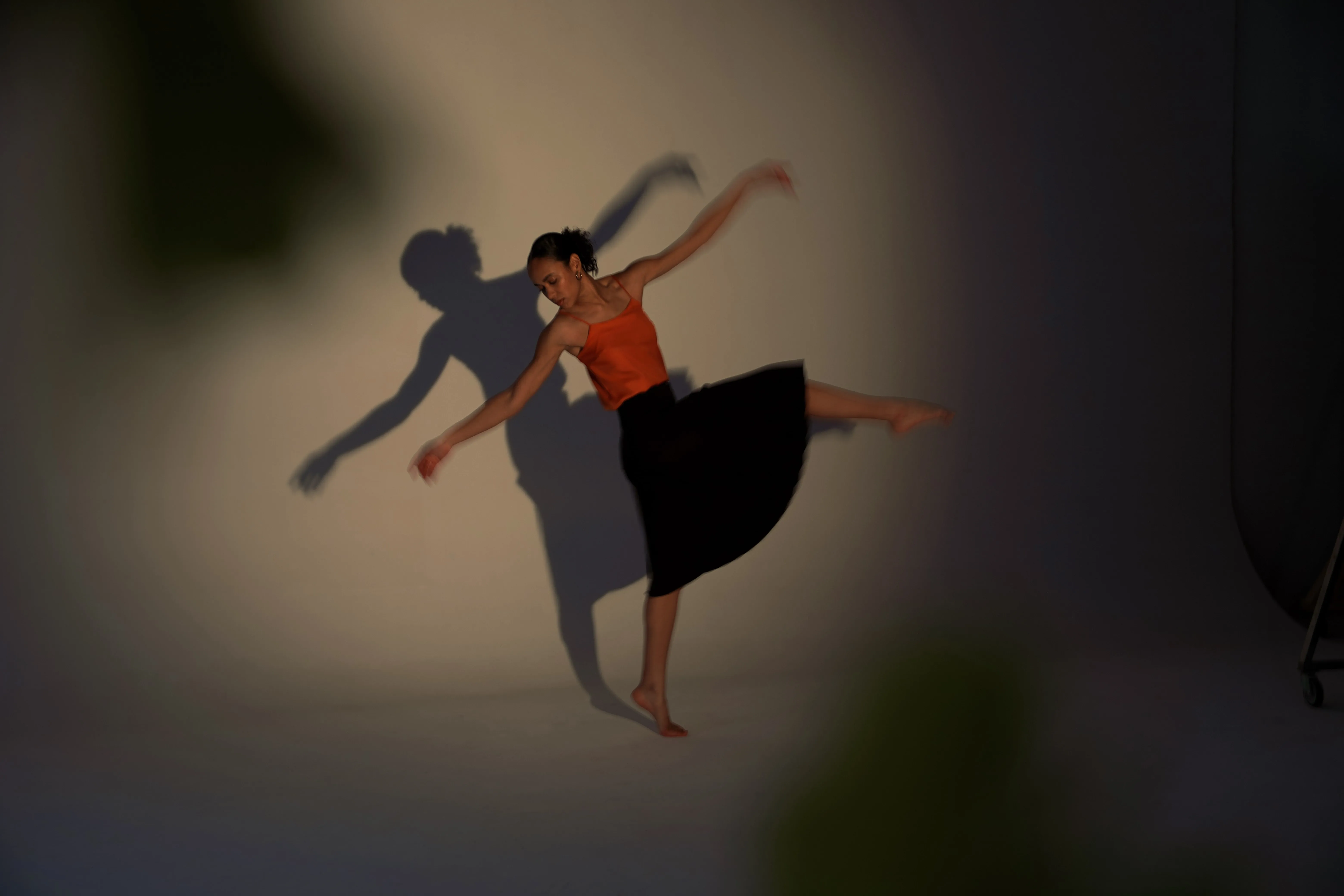
Before
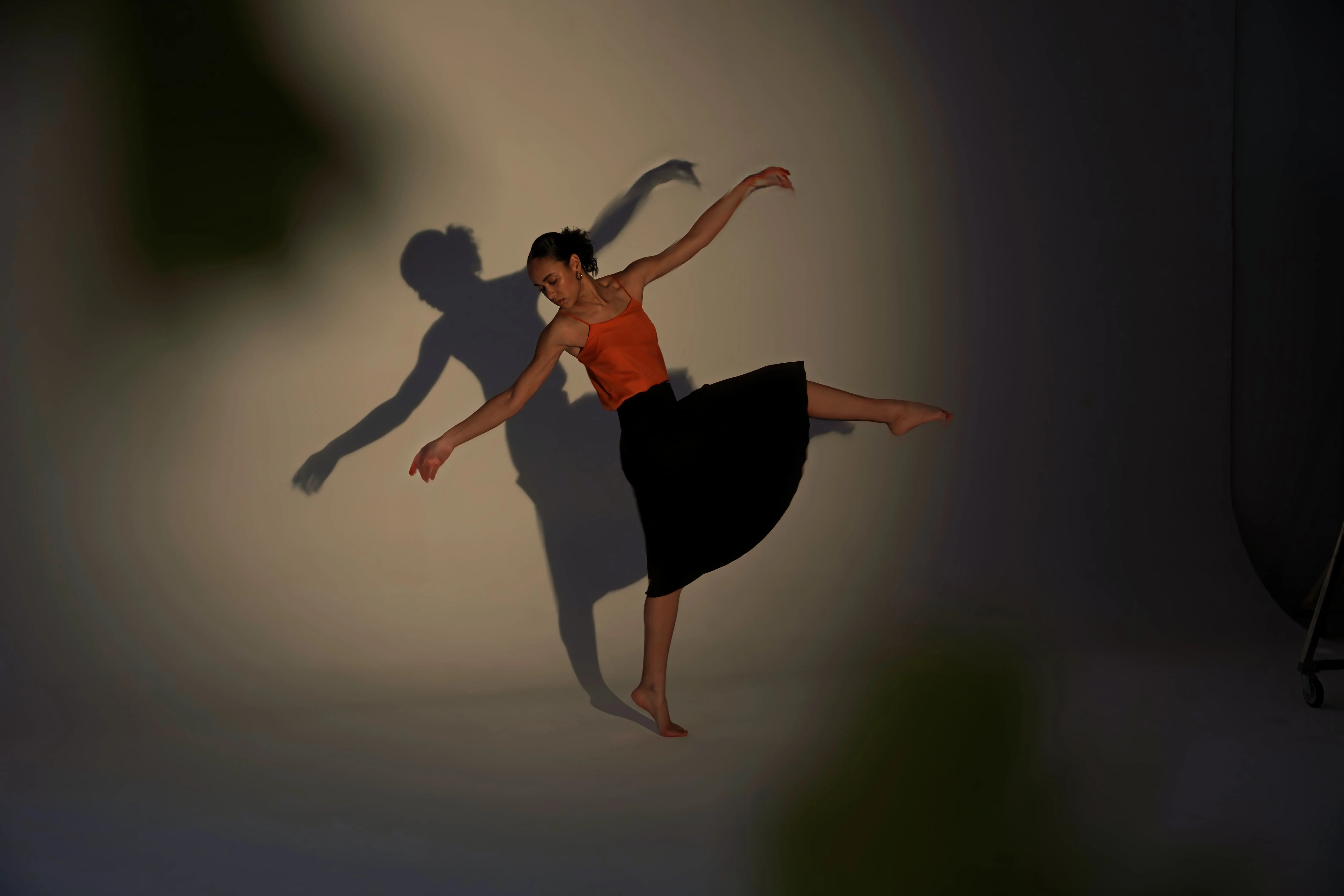
After
© DSC
(6)
(7)
(8)
Before
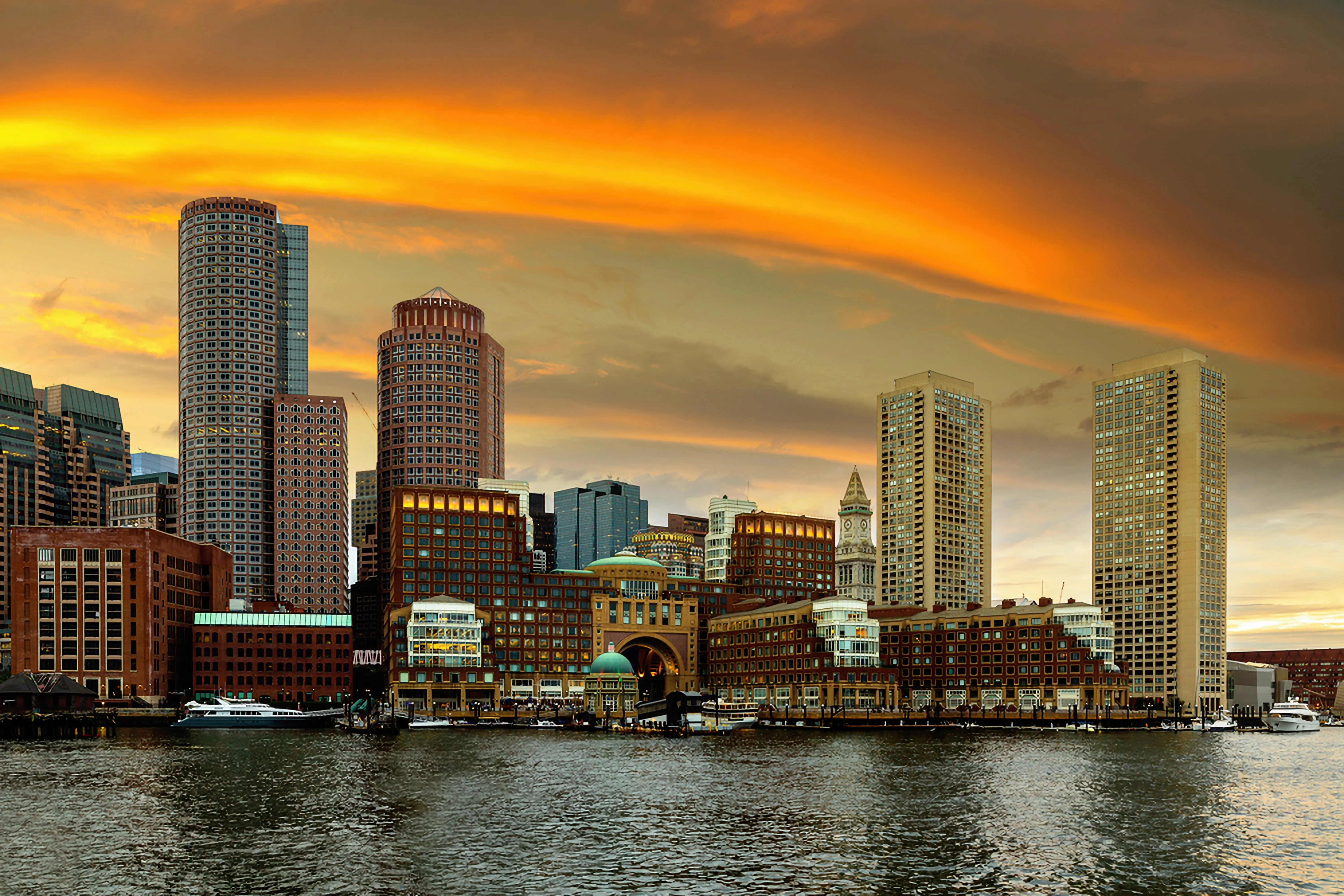
After
© Depositphotos

Transforming Blurry to Crystal-Clear With Pixelation Removal

Unpixelate a picture with Upscale AI. This feature can help you upscale a photo up to 6X and enhance image resolution naturally with AI.

Crop an interesting frame from a panoramic landscape, get high-quality zoom-ins of wildlife, improve macro shots, enhance old photos, prepare your images for printing, and more. 

Fix Pixelated Images with Supersharp AI

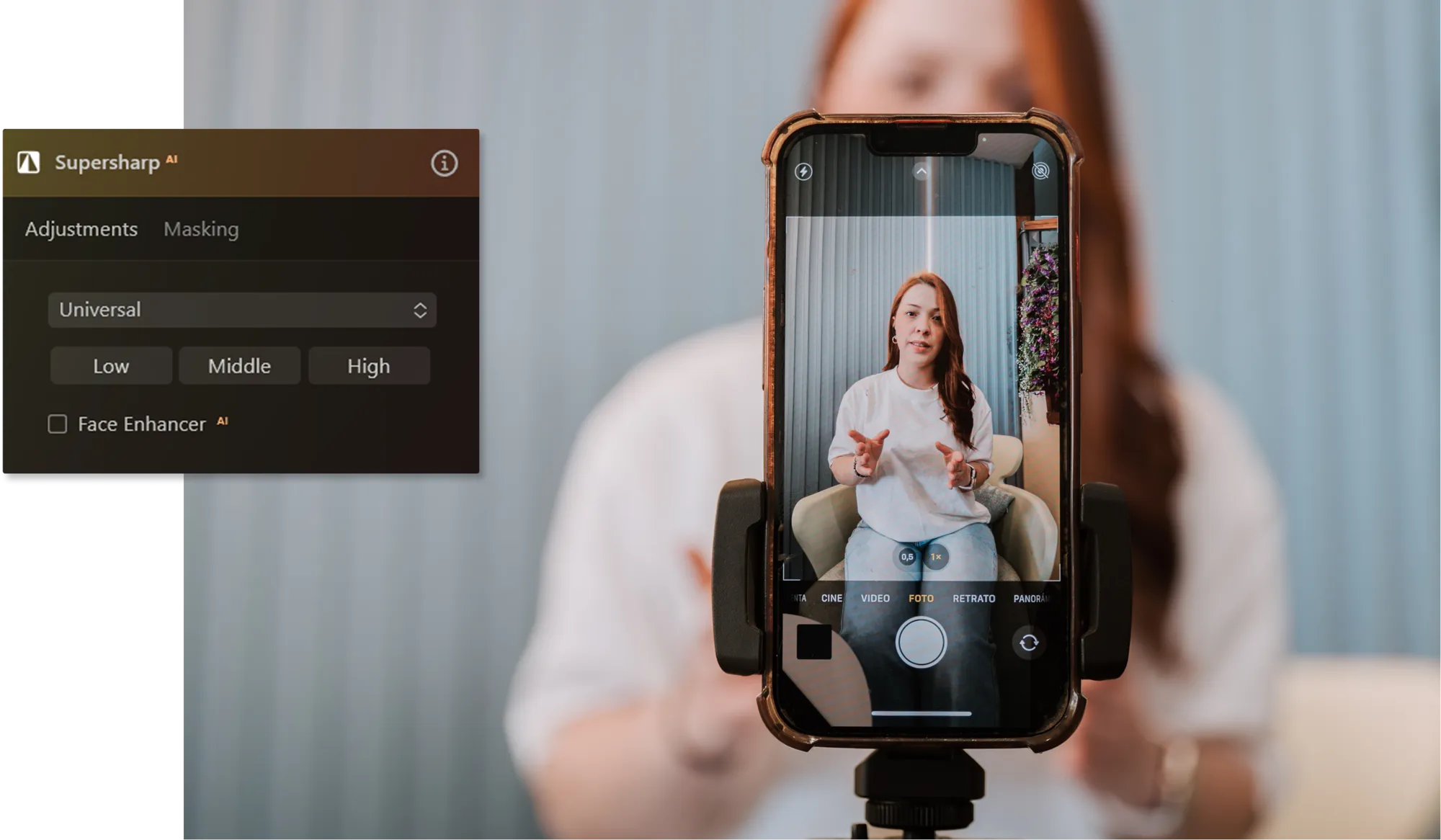
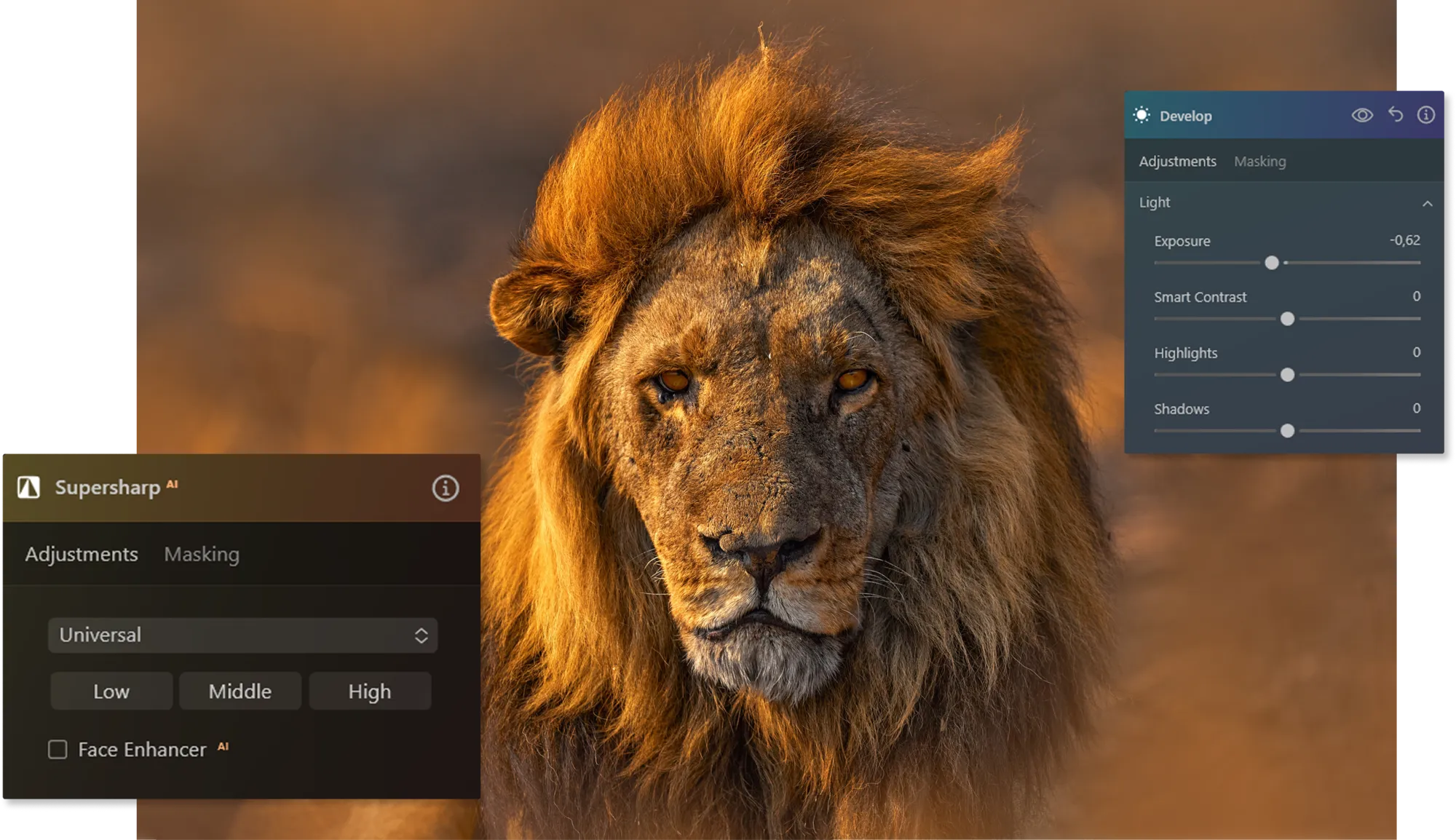
Clean up pixelated images easily with Supersharp AI. This tool refines the blur on an object’s outlines caused by movement, missed focus, or a shaky camera and logically stabilizes the photo. The neural network, at its core, analyses depth, perspective, and the environment of the photo and works out with a compression algorithm. The result is a crisp and naturally sharp photo, just as it was meant to be. Here’s what you can do with it:

© Ksenia Kazak
Universal correction: a general sharpening technique applied to an entire image to improve its clarity and sharpness. It aims to restore lost detail and remove any softness in the image caused by camera shake or other factors.

Motion Blur correction: a specialized technique used to sharpen blurred images by camera movement during exposure.

Where AI Depixelazer Is Most Useful

Pixelated images appear in many real-world situations. Luminar Neo helps restore clarity and make images usable again across different industries and creative workflows.
(9)

Social Media & Content Creation

Content creators often deal with pixelated images when zooming into photos, downloading compressed media, or reusing older posts. AI depixelation helps improve image quality before publishing on platforms like Instagram, TikTok, or YouTube.

E-commerce Product Images

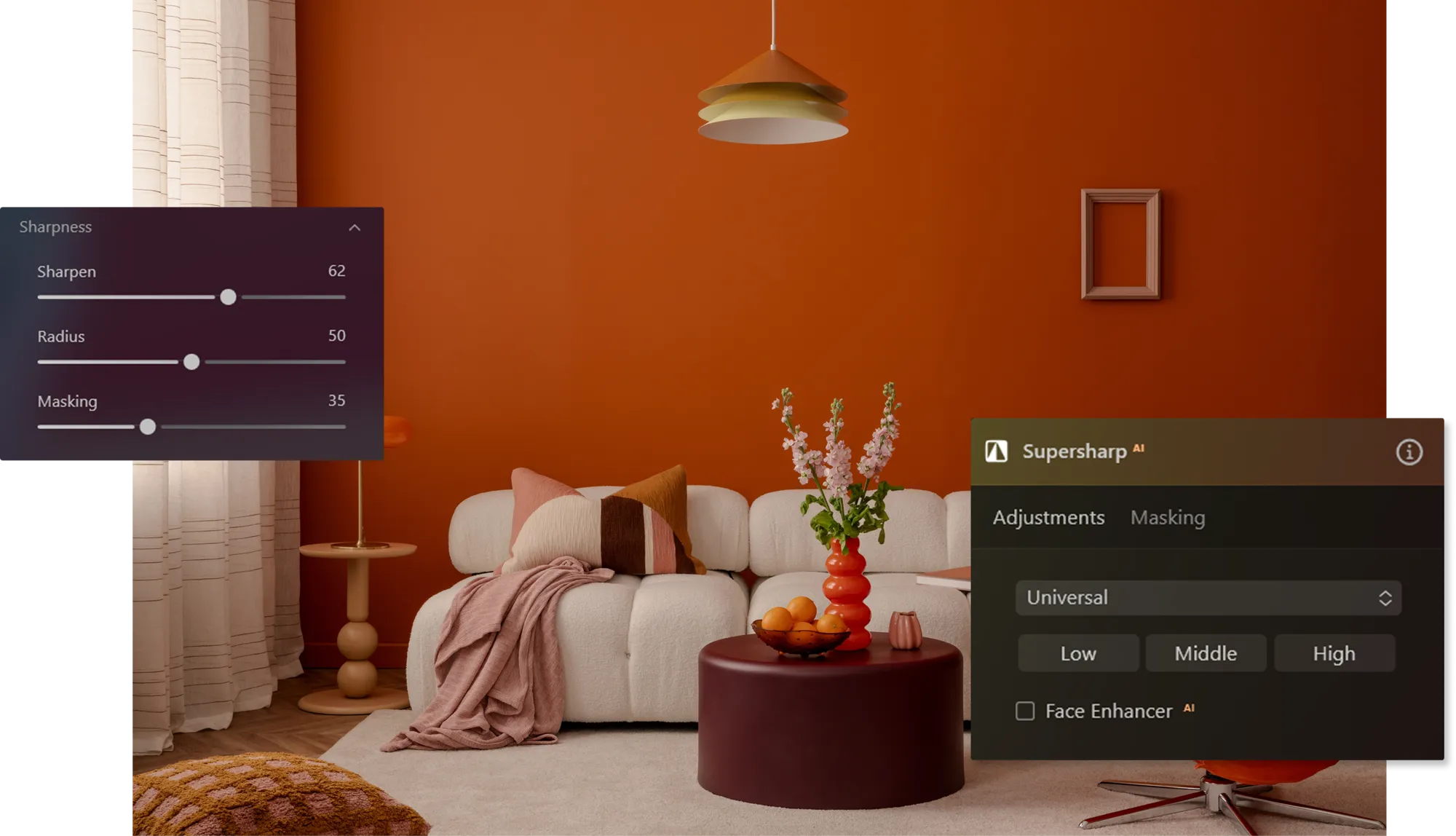
Online stores rely on clean, high-quality product photos to build trust and increase conversions. If images become pixelated after resizing or cropping, AI image depixelator can restore detail and improve clarity so product visuals look more professional.

(10)
(11)

Real Estate Photography

Real estate listings depend on clear visuals to attract potential buyers. Depixelation can enhance low-resolution property photos and improve details in interior and exterior shots, making listings look more polished and appealing.

Wildlife & Telephoto Photography

Photographers often crop heavily when capturing distant subjects such as wildlife or sports scenes. AI image depixelator helps recover lost detail and improve clarity in zoomed-in shots while keeping the image natural.
(12)
(13)

Restoring Old or Low-Resolution Photos

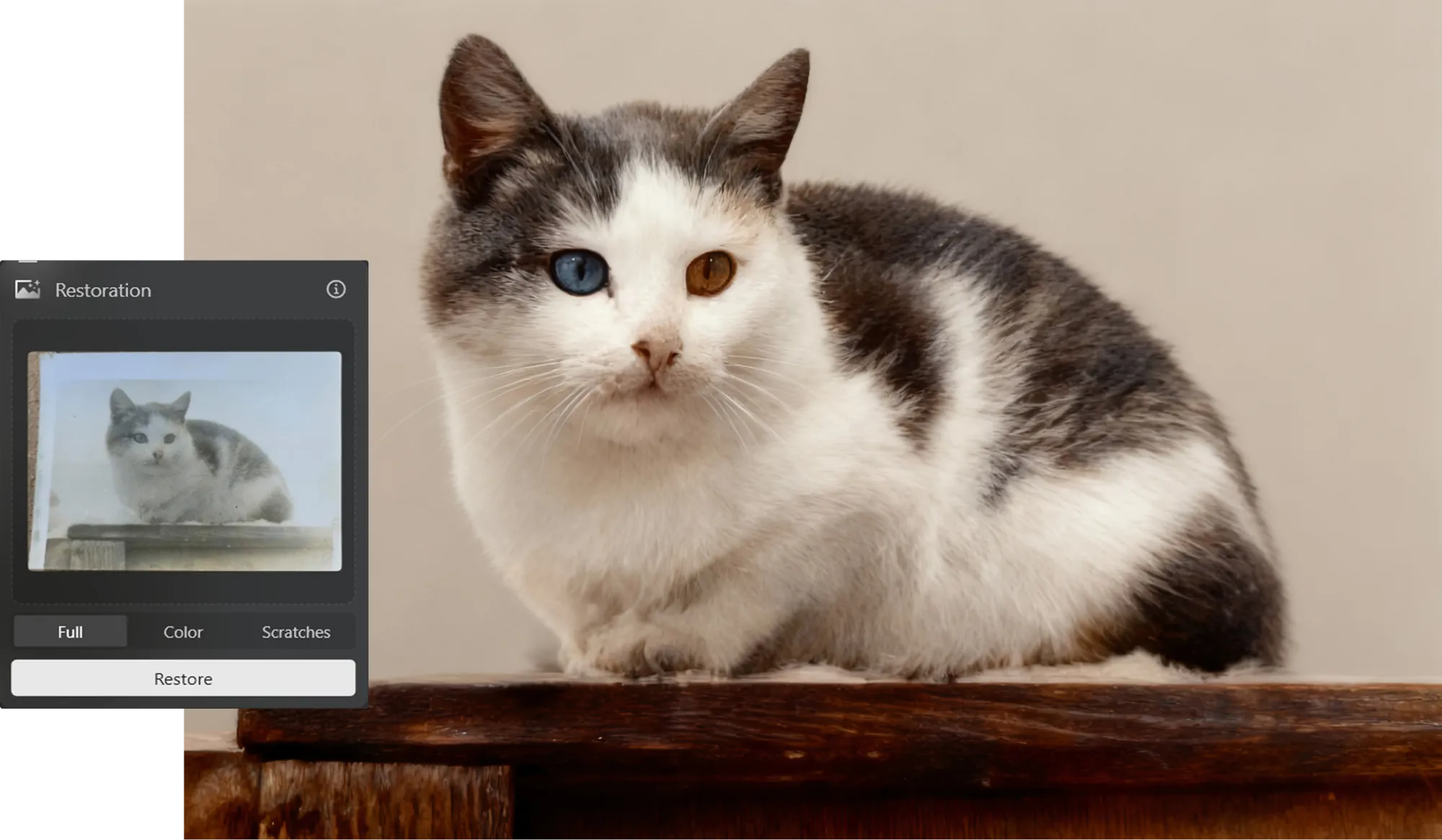
Older photos, scanned images, or compressed files often appear pixelated. AI depixelazer can upscale and enhance these images while preserving natural textures and details.

Explore Other Features

Luminar Neo has plenty of other features to help you edit faster and easier
(14)
Blur Backgrounds
(15)
(16)
Before
After
© pichukovaekaterina

Blur Backgrounds

Effortlessly blur backgrounds to bring your main subject into sharp focus.
(17)
Color Photo Editor
(18)
(19)
Before
After
© Lisa

Color Photo Editor

Breathe new life into your images by adjusting their colors and tones or create a specific mood.
(20)
Photo Restoration
(21)
(22)
Before
After
© Devid Persson

Photo Restoration

Transform old photos into stunning, rejuvenated images with the magic of AI-powered photo restoration.
(23)
Clean Up Pictures
(24)
(25)
Before
After
© EkaterinaSid

Clean Up Pictures

Missed the details while on location? Don't let distractions ruin your perfect shots.
(26)
Supersharp AI
(27)
(28)
Before
After
© Ksenia Kazak

Supersharp AI

Use our cutting-edge technology to naturally restore the sharpness of your cherished memories.
(29)
4K Image Upscale
(30)
(31)
Before
After
© bloodua

4K Image Upscale

Experience up to 4x better resolution on panoramas, wildlife zoom-ins, macro shots, and old photos.

An application & plugin
For macOS & Windows

  • High-performance AI editor
  • 24/7 technical support

  • 30-day money back guarantee

  • Join our communities

Frequently Asked Questions

How to clean up a pixelated image with Luminar Neo?

Remove blurry pixels from an image using different tools of Luminar Neo. Use the sharpening tools that increase the apparent sharpness of the image by enhancing the contrast along the edges. You can also use AI-based upscaling features that improve the resolution of an image. You can also use deblurring features to reduce blur in images. These tools analyze the blur pattern and attempt to reverse the blurring effects to improve image clarity.

Is there a limit to the size of images that can be depixelated?

Luminar Neo supports all kinds of image sizes, and you can always resize your images before working with them.

How can I control the level of depixelation in my photos?

All of the tools offered in Luminar Neo have local masking or sliders for adjusting the effect according to personal preference!

Who can benefit from Luminar Neo photo depixelizer?

Luminar Neo can be useful for photographers, content creators, designers, and online business owners who work with images that appear pixelated or low resolution. It helps restore clarity in photos that were cropped, zoomed in, compressed for social media, or scanned from older prints. The AI-powered enhancement makes images look sharper and more detailed without requiring advanced editing skills.

Why Luminar Neo is the best photo editor to depixelate image?

Luminar Neo combines AI-powered enhancement with manual editing controls, making it easy to improve pixelated images while maintaining a natural look. Features like Upscale AI and Supersharp AI help increase resolution, recover lost detail, and sharpen images intelligently. At the same time, the layer-based editing system allows you to refine results with precision.

Can I unpixelate multiple images at once?

Yes. Luminar Neo supports batch processing, which allows you to apply adjustments to multiple images at once. This can be useful when working with large photo collections or preparing images for social media, websites, or printing. Batch editing helps save time while maintaining consistent quality across all images.
(33)