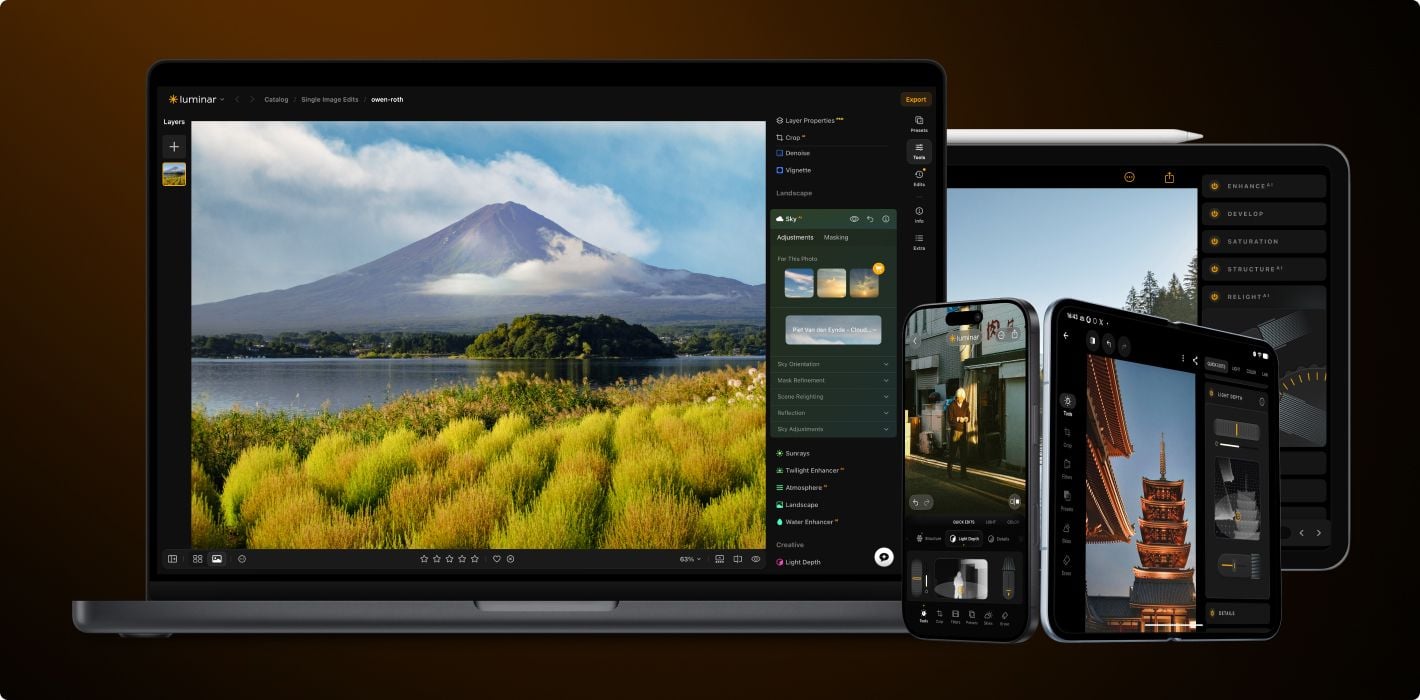
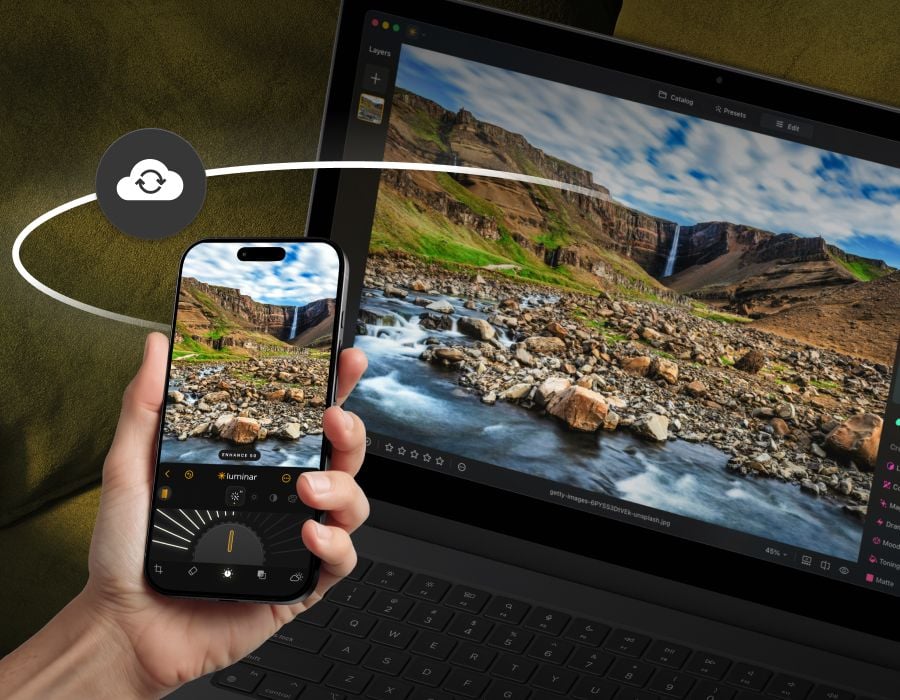
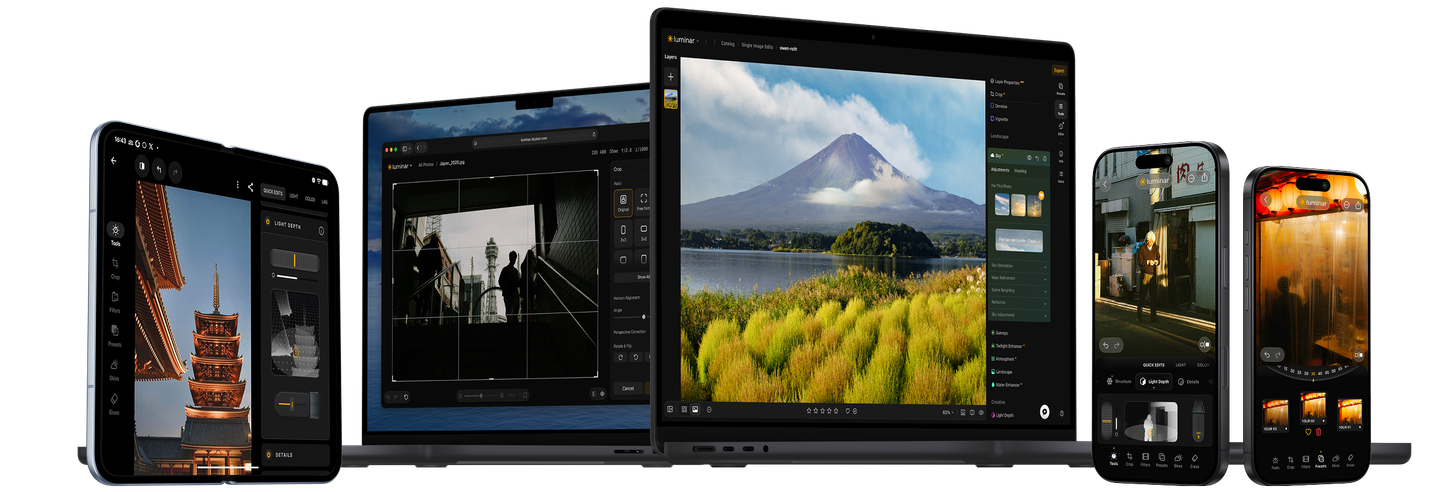
Try Luminar’s AI power for free

Download Luminar and get a 7-day free trial. Customer Support 7 days a week.

Try it now
  • 7-day free trial

  • No credit card required

View plans
Luminar Trial: Download Luminar for Free | Skylum
Luminar Trial: Download Luminar for Free | Skylum(2)

6 reasons to try Luminar now

Luminar Trial: Download Luminar for Free | Skylum(3)

Easy to use

Accessible to everyone thanks to an intuitive and user-friendly interface.

Luminar Trial: Download Luminar for Free | Skylum(4)

AI-powered

Replace skies, enhance landscapes and portraits, all with AI-powered tools.

Luminar Trial: Download Luminar for Free | Skylum(5)

Editing tools

Enjoy a wide range of instruments including layers, masking, and local adjustments.

Luminar Trial: Download Luminar for Free | Skylum(6)

Available everywhere

Use it on Windows, macOs, or as a plugin for Photoshop & Lightroom.

Luminar Trial: Download Luminar for Free | Skylum(7)

Multiform presets

Achieve quick pro-level results, and a consistent look across your photos.

Luminar Trial: Download Luminar for Free | Skylum(8)

Continuous improvement

Receive regular release of updates and new features.

Effortless editing for amazing results

Advanced yet easy to use tools, AI-powered technologies, one-click Presets — all wrapped in an intuitive, award-winning interface. Discover the joy of editing with a free trial of Luminar.

Luminar Trial: Download Luminar for Free | Skylum(9)
Before After
© cuma cevik
Before After
© cuma cevik
Before After
© ksenia kazak

Try now without obligations

Download Luminar and get a
7-day free trial. 24/7 technical support.

Frequently Asked Questions

What is Luminar?

Luminar is a powerful photo editor that is easy to use by everyone. It is powered by AI, simplifying complex tasks and letting you focus on your creativity. Luminar is a desktop application available for macOS and Windows, and can be also used as a plug-in for Photoshop, Lightroom, or Apple Photos. Sign up for this photo editor’s free trial to see how it can help you get higher-quality photos with ease.

Do I need to provide any payment information to sign up for the free trial?

No, all we need is your email to send you a download link for Luminar.

Can I cancel my trial any time?

Yes, you can cancel your trial at any time.

Will I be charged now?

No, we won't charge you when you sign up for a free trial.

Can I access all of Luminar's tools and functionality during the trial period?

You will get access to all the features of Luminar, including pro-level premium Extensions.

What happens after the 7-day free trial ends?

You'll need to purchase one of our paid plans to continue using Luminar after your free trial ends. Fortunately, we have several convenient options for you to choose from. View plans.

How can I start my 7-day free trial of Luminar?

Simply download the Luminar trial version and follow the in-app instructions. It’s easy!

Is the Luminar trial available for both Mac and Windows users?

Of course! Luminar is available for macOS and Windows.

Can I use the free trial on multiple devices?

The Luminar free trial version includes one seat (meaning one device). However, when you purchase Luminar you can select multiple seats, and use it on multiple devices.

Is technical support available during the free trial period?

Yes. We’re happy to assist you with any questions.

Get started for free

Try out Luminar Neo for free for 7 days. No credit card needed.
Please, enter email to get Luminar Neo Trial

Sent successfully!

Please check your email

Make sure it's a valid email address

👆 This app is available for desktop only. We will send you a link when you’re back on your computer.

App Requirements

macOS

Mac Model

MacBook, MacBook Air, MacBook Pro, iMac, iMac Pro, Mac Pro, Mac mini, early 2010 or newer

Processor

CPU Intel® Core™ i5 8 Gen or better

OS version

macOS 12.0 or higher.

RAM

Memory 8 GB RAM or more (16+ GB RAM is recommended)

Disk space

Hard disk 10 GB free space; SSD for best performance

Display

1280x768 size or better

Windows

Hardware

Windows-based hardware PC with mouse or similar input device

Processor

CPU Intel® Core™ i5 8 Gen or better, AMD Ryzen™ 5 or better

OS version

10 version 1909 or higher (only 64-bit OS)

RAM

Memory 8 GB RAM or more (16+ GB RAM is recommended)

Disk space

Hard disk 10 GB free space; SSD for best performance

Display

1280x768 size or better

Graphics

Open GL 3.3 or later compatible graphics card