
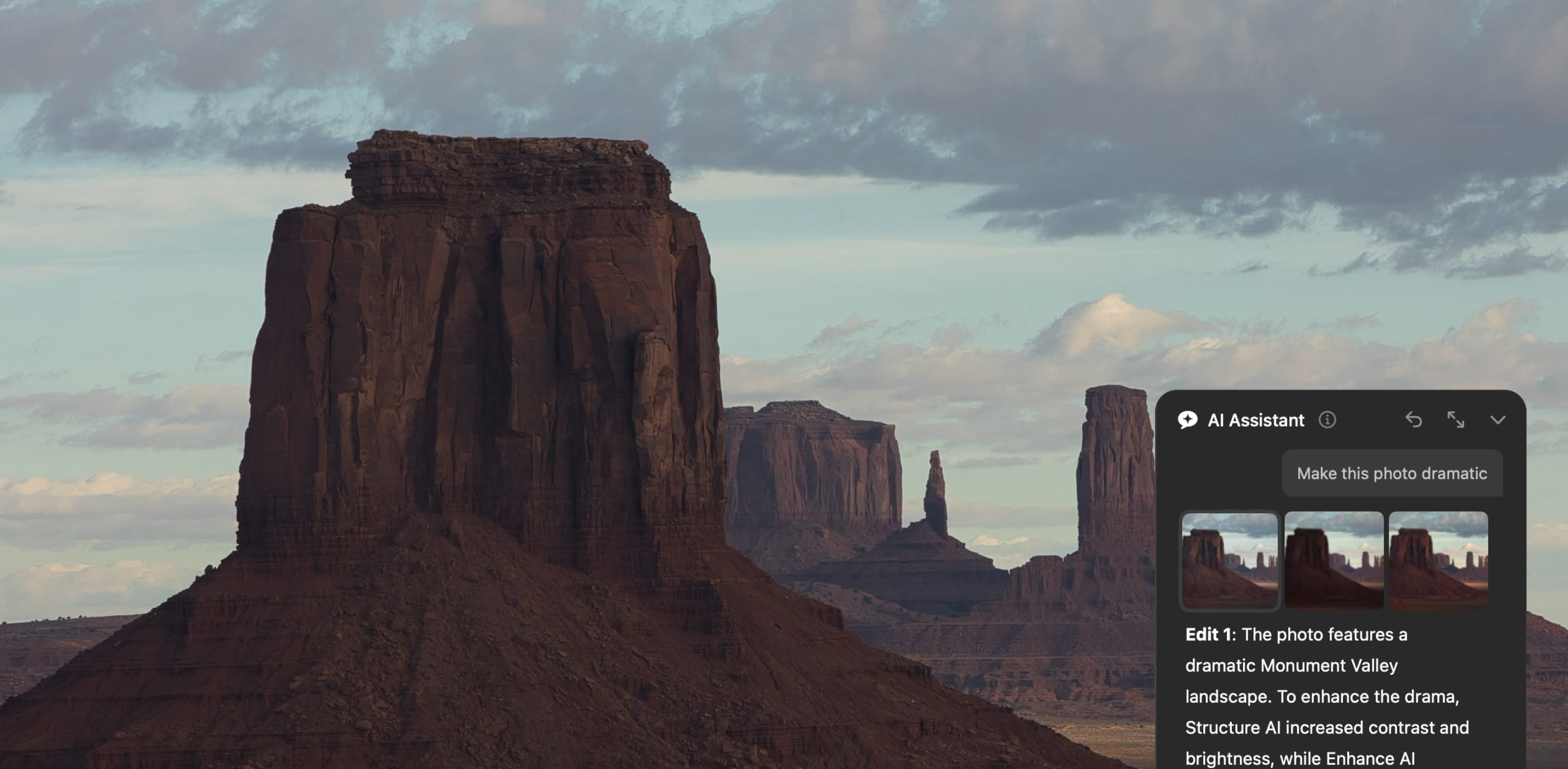
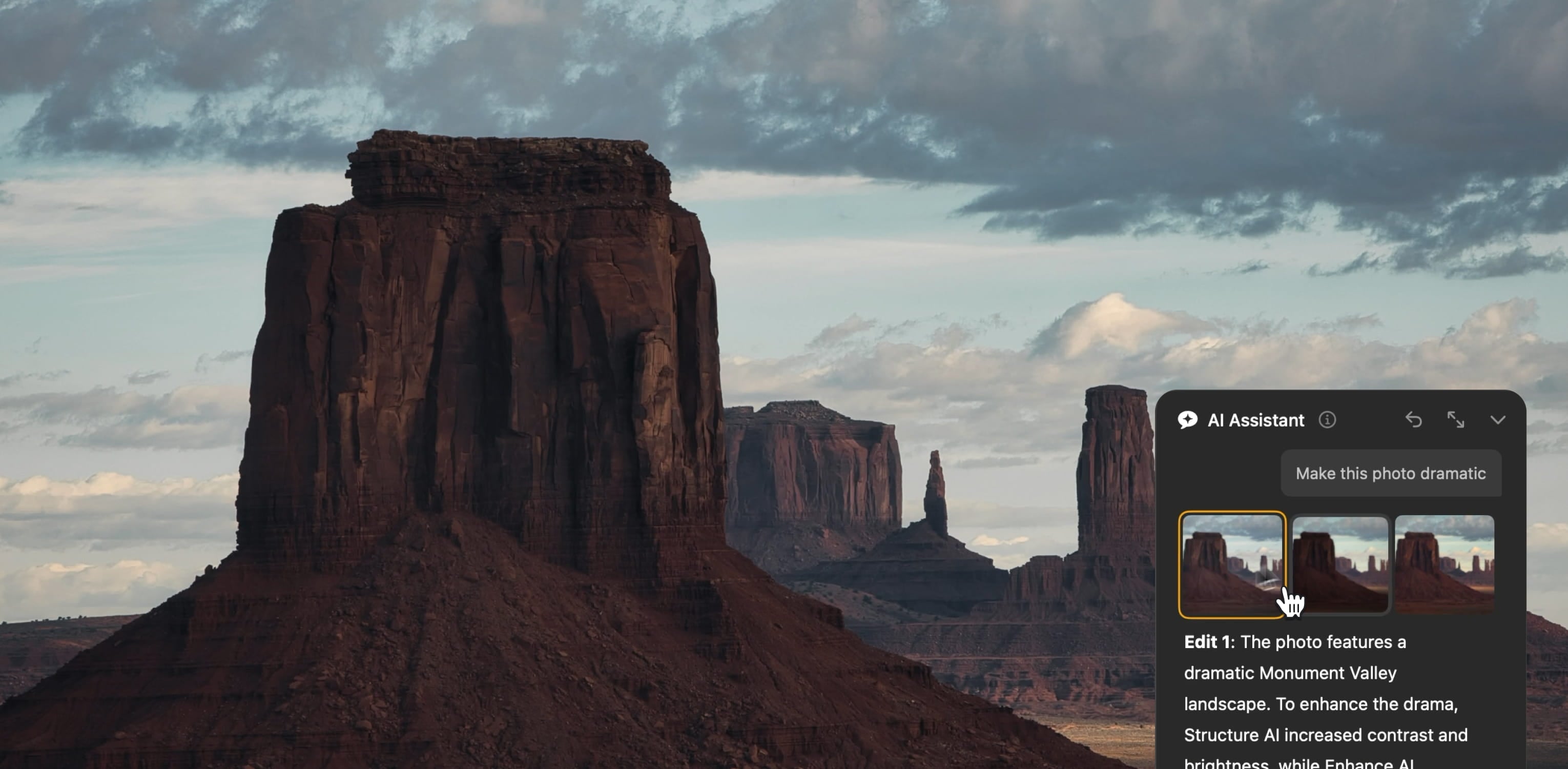
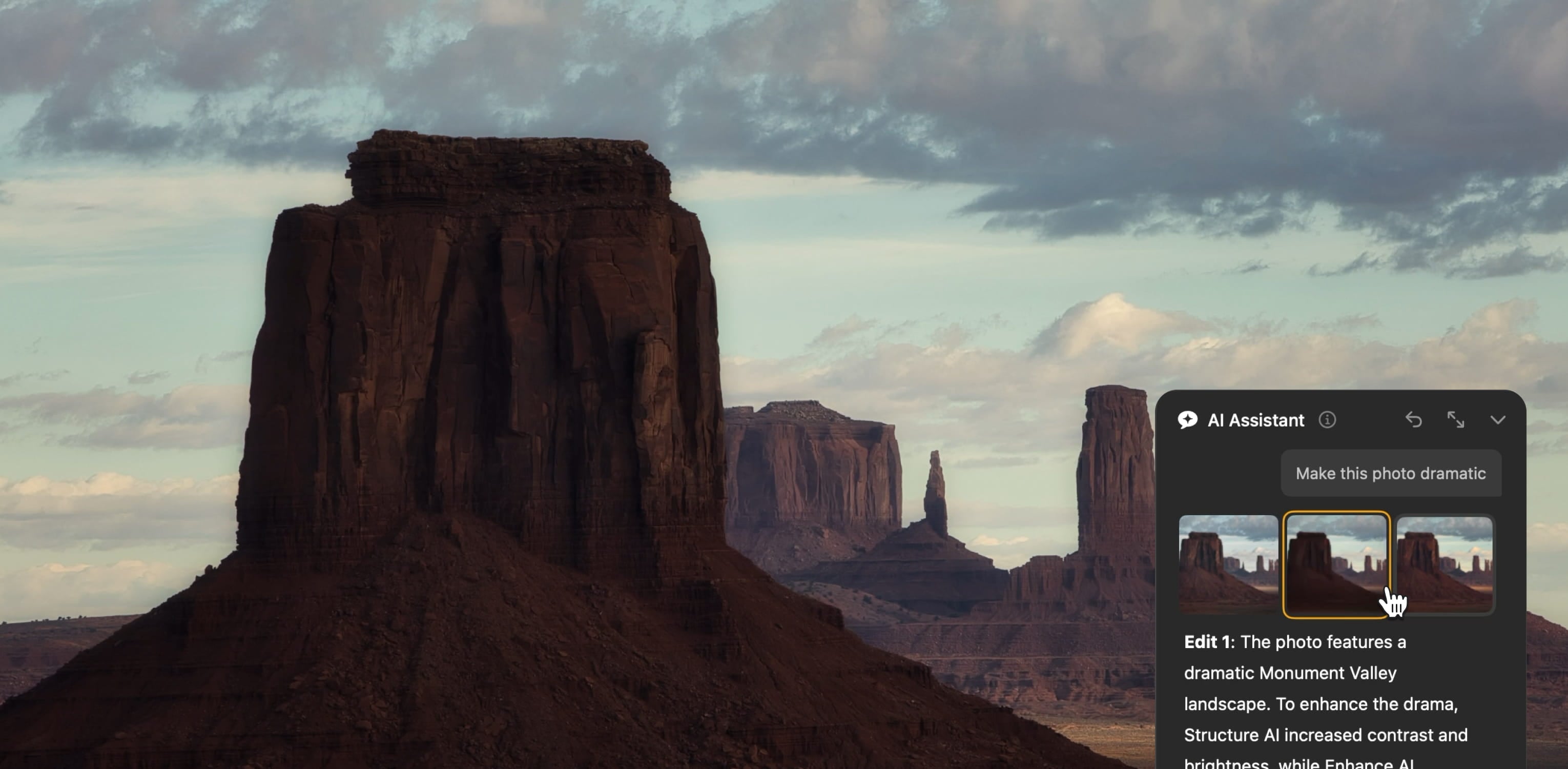
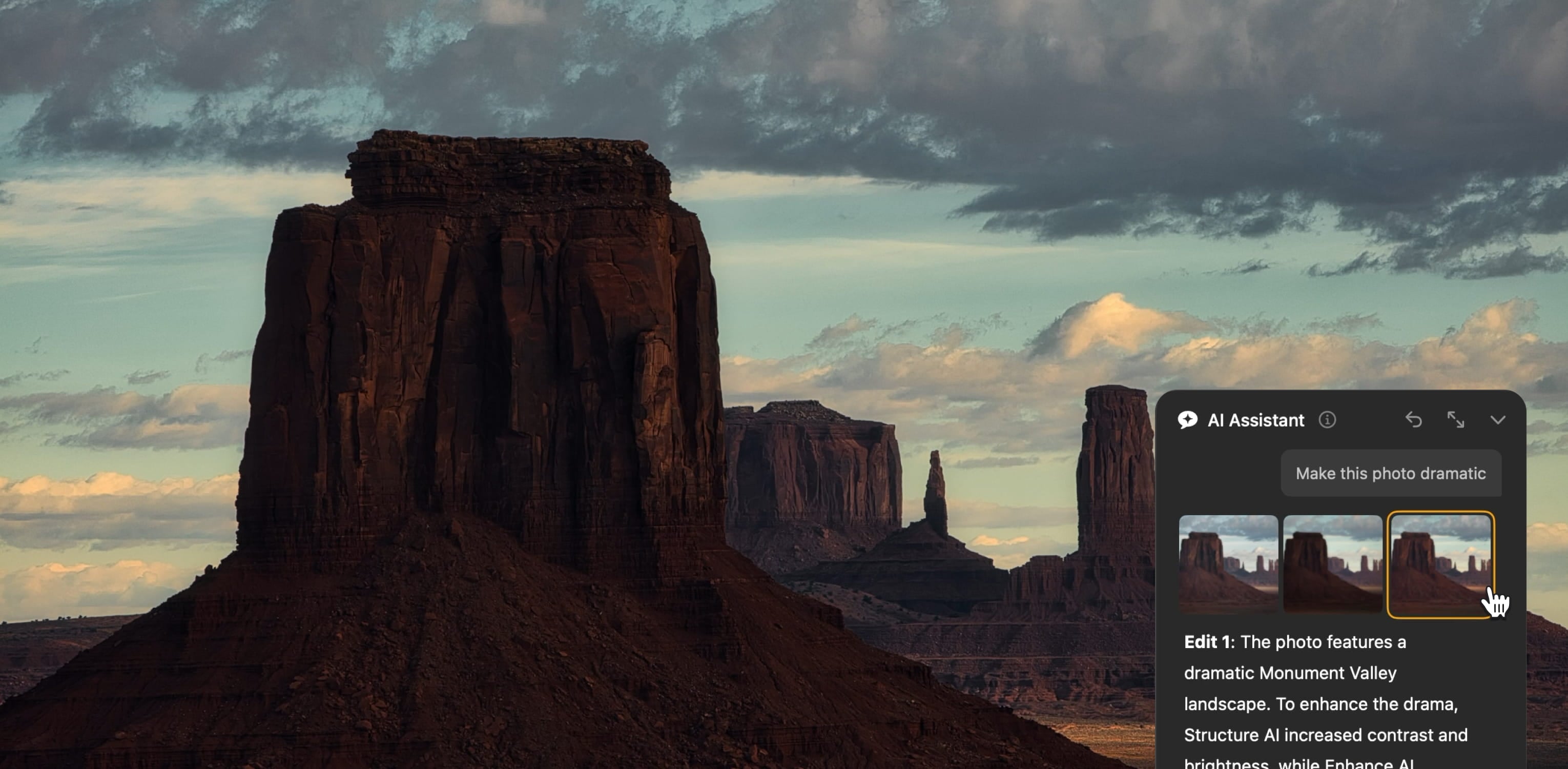


自動更新
1 年內續訂 $ 33 .00

Experience new AI-powered editing, generative tools, and improvements with huge savings.
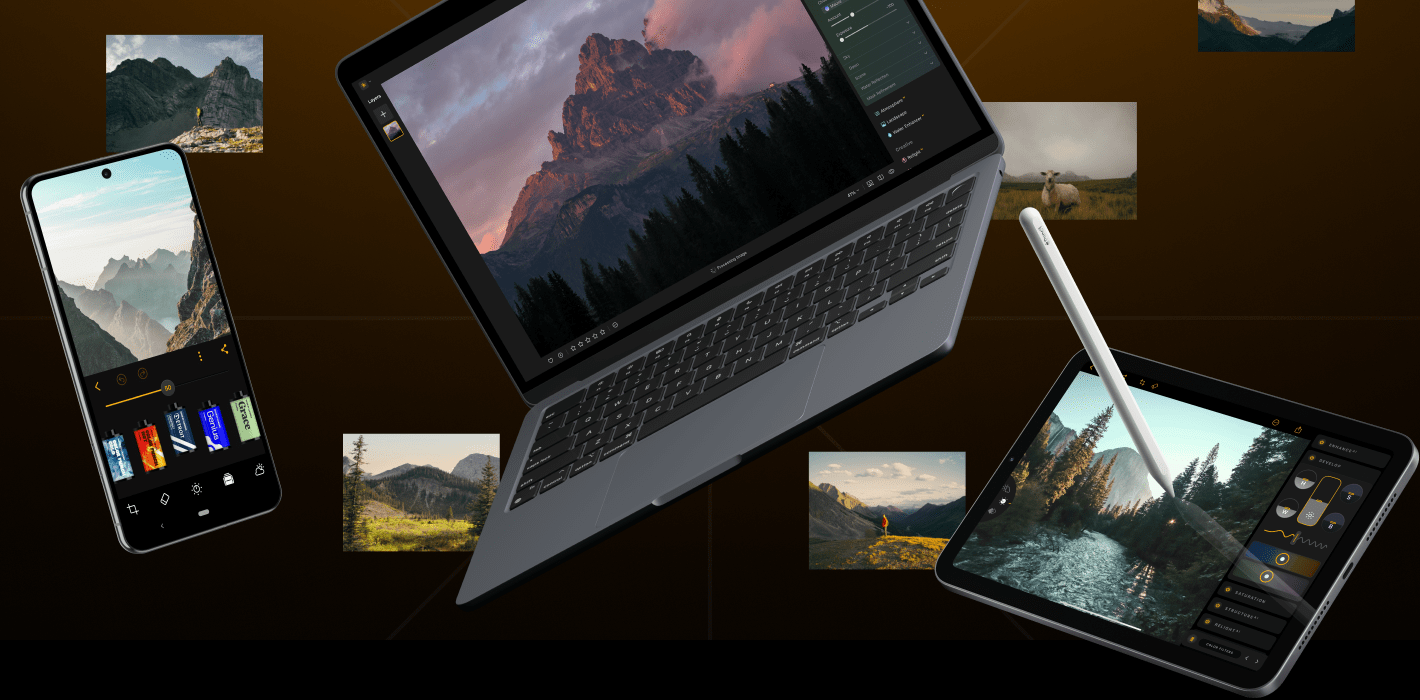
Get a lifetime access to Luminar Mobile, sync your photos across devices, and showcase them anywhere with Spaces.
新的
Create stunning background blur in seconds. Bokeh AI adds depth and focus in a click.
improved
Enhance facial features and lighting with Face AI. Smooth, remove shine and imperfections with Skin AI.
只需單擊光深即可添加深度和戲劇效果,該智能工具可以塑造光線和陰影,實現專業級效果。
只需點擊恢復即可恢復舊記憶,獲得強大且充滿情感的效果。
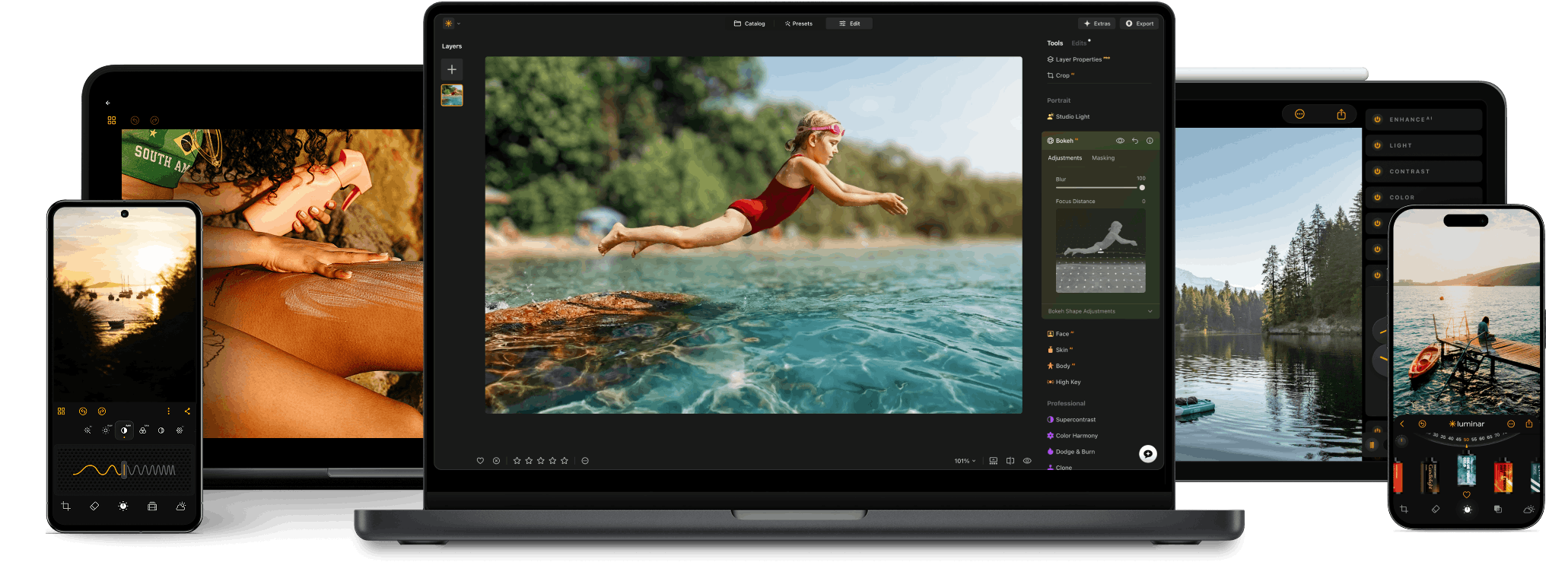
全平台
一次付費,永久使用應用程式
$ 159 .00
產品:
已包含:
Luminar 桌面版、行動版、網頁版:永久屬於您。AI 工具可在 365 天後透過 Luminar Prime 續訂。
*365 days unlimited usage. Subject to fair use policy.
最人氣
Max
一次付費,永久使用應用程式
$ 199 .00
產品:
Luminar Prime:
Luminar 桌面版、行動版、網頁版:永久屬於您。新增及生成式 AI 工具,以及資產庫使用權限:365 天。
*365 days unlimited usage. Subject to fair use policy.
Desktop Only
一次付費,永久使用應用程式
$ 129 .00
產品:
已包含:
Luminar: yours forever. AI Tools renewable after 365 days with Luminar Prime
*365 days unlimited usage. Subject to fair use policy.
您的額外 10% 折扣正在等待 — 複製下方的代碼並在結帳時使用,但請儘快,15 分鐘後即將到期!
15:00



適用於 Windows/MacOS 的桌面,以及一年內所有生成工具的完全存取權。
Luminar 影片課程
適用於 Windows/MacOS 的桌面,以及一年內所有生成工具的完全存取權。
適用於 iOS/Android/ChromeOS 的行動應用程式
Luminar 影片課程
適用於 Windows/MacOS 的桌面,以及一年內所有生成工具的完全存取權。
適用於 iOS/Android/ChromeOS 的行動應用程式
Luminar 影片課程
100 Creative Add-ons






















Create atmospheric images with these 10 Overlays in JPEG format that contain shimmering lights and flares in various colors. Make sure to use them with Luminar’s Layers and/or the Portrait Background Removal tool, and experiment with your photos in any genre. You can add an interesting light effect or make the subject stand out in new ways, all in just a few clicks. Time to try it out!












Feel like adding a touch of something extra to your photos? Discover these 10 Experimental Overlays in JPEG format that you can easily use with Luminar’s Layers feature to transform any photo into a shot that catches the eye. Choose from 10 mesmerizing effects of different colors and shapes, and create a unique mood in a few clicks. From pink hues to golden circles, you’ll certainly find an Overlay perfect for your next masterpiece.









_after.jpeg?q=80&w=625&h=448&resize=cover)


_after.jpeg?w=54&h=30&resize=cover)
Enhance photos that you captured during a trip to Japan, or the ones that you want to have an atmospheric feeling reminiscent of the Japanese style. From landscapes, to iconic sights, to photos of food — this pack is incredibly versatile!












Designed to give your camping and hiking photos their best look, these 10 Presets are here to give your outdoor photos a natural, vibrant look. Whether you’re capturing shots of majestic mountains or cozy campfires, bring out the best in your images in one click.












Is it still Earth, or are we on an alien planet? This collection of 10 extraordinary Presets is designed to give your landscape photos an ethereal, otherworldly feel. Transform ordinary landscapes into surrealistic scenes with vivid colors that will immediately draw the viewer’s eye.












Experience the cinematic feel each of these 10 Presets adds to your photos as you journey through the countries of Latin America. Embrace the beauty and add some flair to your shots with this travel-friendly collection designed for landscapes.












Dedicated to the wonderful continent of Africa, this pack combines a variety of Presets, both for portrait and landscape shots. Enhance landmarks, safari shots, architecture photos, and portraits of people that you meet on your travels around Africa.












Create fantastic photos during your travels across the USA. Enhance images of landmarks, national parks, and general cityscapes of famous cities. Achieve various stunning effects with a few clicks of these 10 wonderful Presets.












This alluring collection of 10 Presets is designed to bring out the mysterious beauty of Middle Eastern scenery, architecture, street style, and nature. Warm-toned, deep yellow, or blue and golden — you will certainly find a Preset perfect for your photo.












Discover this wonderful collection of 10 versatile Presets that are perfect for your travel photos from Nordic countries. Capture idyllic landscapes, natural wonders, and cozy architectural shots that breathe with the Scandinavian mood. Time to pack your travel bag!
Luminar Video Course
Creative Photo Editing Techniques in Luminar

Introduction & Course Outline
Albert Dros introduces himself and gives a quick overview of what you will learn in this photography and...

Introduction to Photography
What should you focus on when taking your photos to get the best results?

Basic Editing
Albert introduces the layout of Luminar and the basic instruments you can use to achieve great results instantly.

Advanced Editing
Going in depth, Albert shows you the more advanced tools in Luminar and how to use them to make your photos stand out.

Dramatic Editing
Get creative with your photos! Albert edits a photo with more creative tools to bring forward its dramatic aspects and breathe new life into it.

焦點堆疊
Luminar has Extensions that let you get even more impressive results. In this video, you will learn how to do focus stacking with Luminar’s Focus Stacking Extension.

Cityscapes
What makes or breaks a cityscape shot? Take a look at how to transform a photo from Dubai from ordinary to impressive.

Forests
Find out what Luminar tools Albert uses to make his impressive signature forest photos. Look out for Atmosphere AI, Sunrays, and other tools!

預設置
Learn to use Presets to quickly get interesting color solutions in your photos. Albert guides you through using Presets to make even more beautiful forest shots.

Course Summary
Get a quick summary of everything you have learned in this course. Happy creating!
阿爾伯特·德羅斯
PHOTOGRAPHER, WRITER AND EDUCATOR
Albert Dros is a Dutch landscape photographer who has an extraordinary passion to plan and create unique shots. Volcanoes, solar eclipses and unique aspects of nature draw his attention. He doesn’t just go for the simple shot.
"Go big or go home" is his motto, always trying to add some unique element to his shots.
His work has been recognized on a worldwide scale and he has been published worldwide in the biggest media outlets.
Albert travels a lot as a photo educator but also for personal projects. But even in The Netherlands, he can’t stop photographing. His inspiration never stops.
可獨立運作:

macOS

Windows
可作為插件使用:

Adobe Photoshop®

Adobe Lightroom®

Apple Photos®
可獨立運作:

安卓

iOS

ChromeOS
永久桌面許可證
購買永久桌面許可證後,您將獲得永久擁有 Luminar Neo 的權利。透過此計劃,您可以:
永久跨裝置許可證
包括永久桌面許可證中的所有內容,以及:
永久最大許可證
我們最全面的永久計劃。包含永久跨裝置計劃的全部功能,以及:
是的。跨裝置編輯包含在永久跨裝置授權與永久 Max 授權中。您可以在手機上開始編輯,並在桌面或平板電腦上無縫接續。目前僅支援單向流程(行動端 → 桌面端);反向(桌面端 → 行動端)將在未來更新中推出。
要在新裝置上安裝 Luminar Neo,只需下載應用程式即可。下載完成後,使用您的 Skylum 帳戶憑證登入。
如果您的所有許可證席位都已使用,則會彈出一個窗口,顯示目前已啟動的裝置。選擇「退出並啟動」即可在舊裝置上停用該應用,並在新裝置上啟動。 了解更多
如果您想繼續使用所有先前的設備以及當前設備,您可以透過點擊「取得席位」按鈕直接從 Skylum 帳戶的「我的軟體」標籤下購買額外的席位。
您可以在我們的支援頁面上找到詳細的系統需求:
一年後,您將根據目前的方案收到個人化優惠,以繼續存取生成式工具和新功能升級。
有。您的購買享有我們的退款保證,自購買之日起至2025年秋季升級版所有工具發布後30天(包括2025年12月推出的AI助理)。這確保您在做出決定之前能夠享受完整的Luminar Neo體驗。
Mac 款式
MacBook、MacBook Air、MacBook Pro、iMac、iMac Pro、Mac Pro、Mac mini、2010 年初或更新機型
處理器
CPU Intel® Core™ i5 8gen 或更高版本
OS版本
macOS 12.0 或更高版本。
RAM
記憶體 8 GB RAM 或以上(建議 16+ GB RAM)
磁盤空間
硬碟10 GB可用空間; SSD 以提供最佳效能
顯示器
1280x768或更高分辨率
硬件
硬件 – 基於Windows的電腦,配備鼠標或類似輸入設備
處理器
CPU Intel® Core™ i5 8gen 或更高版本,AMD Ryzen™ 5 或更高版本
OS版本
10 版本 1909 或更高版本(僅限 64 位元作業系統)
RAM
記憶體 8 GB RAM 或以上(建議 16+ GB RAM)
磁盤空間
硬碟10 GB可用空間; SSD 以提供最佳效能
顯示器
1280x768或更高分辨率
圖像
Open GL 3.3或者更高版本的兼容顯卡
