
 View plans
Sports Photo Editor Dynamic Touch
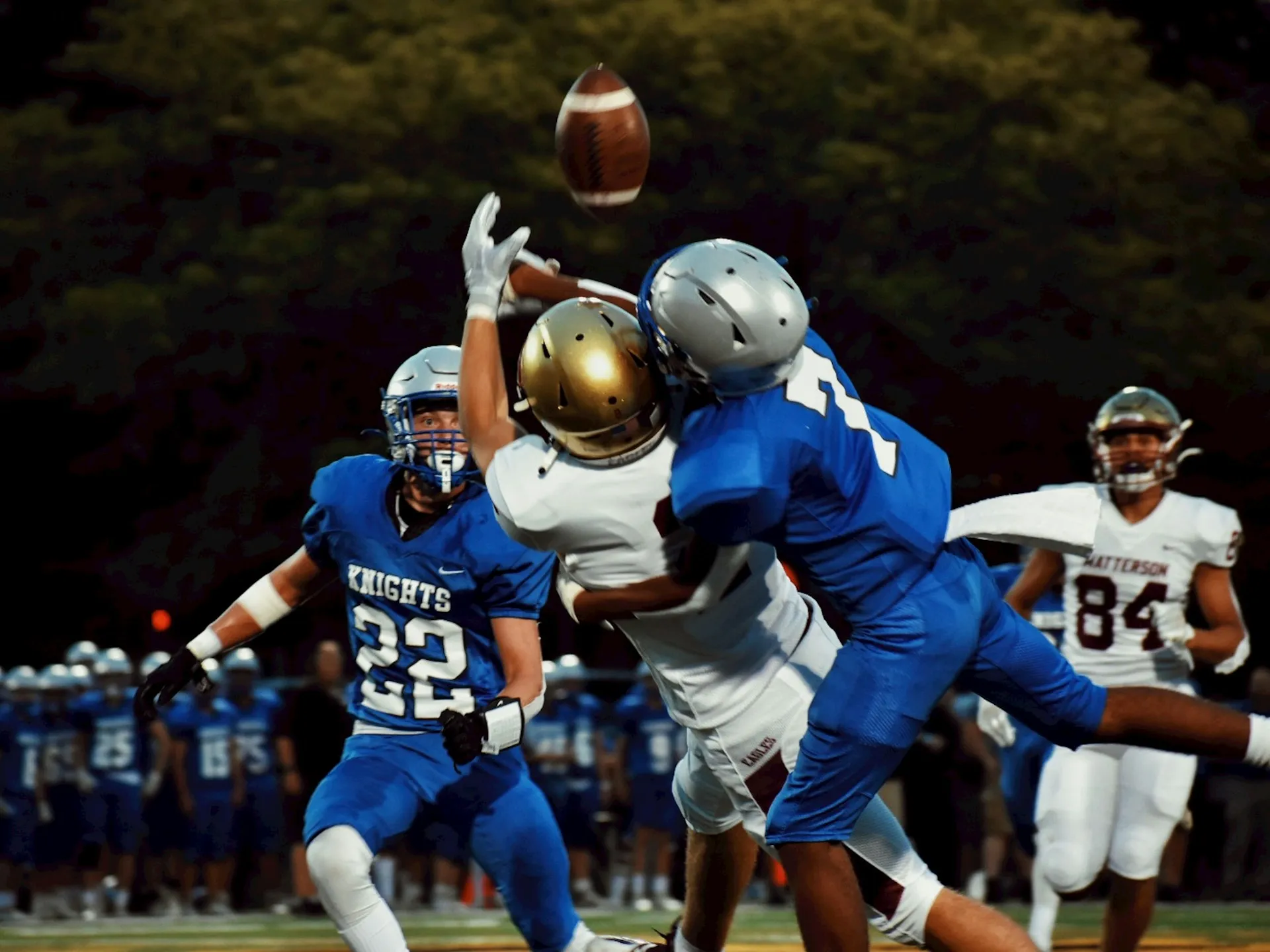
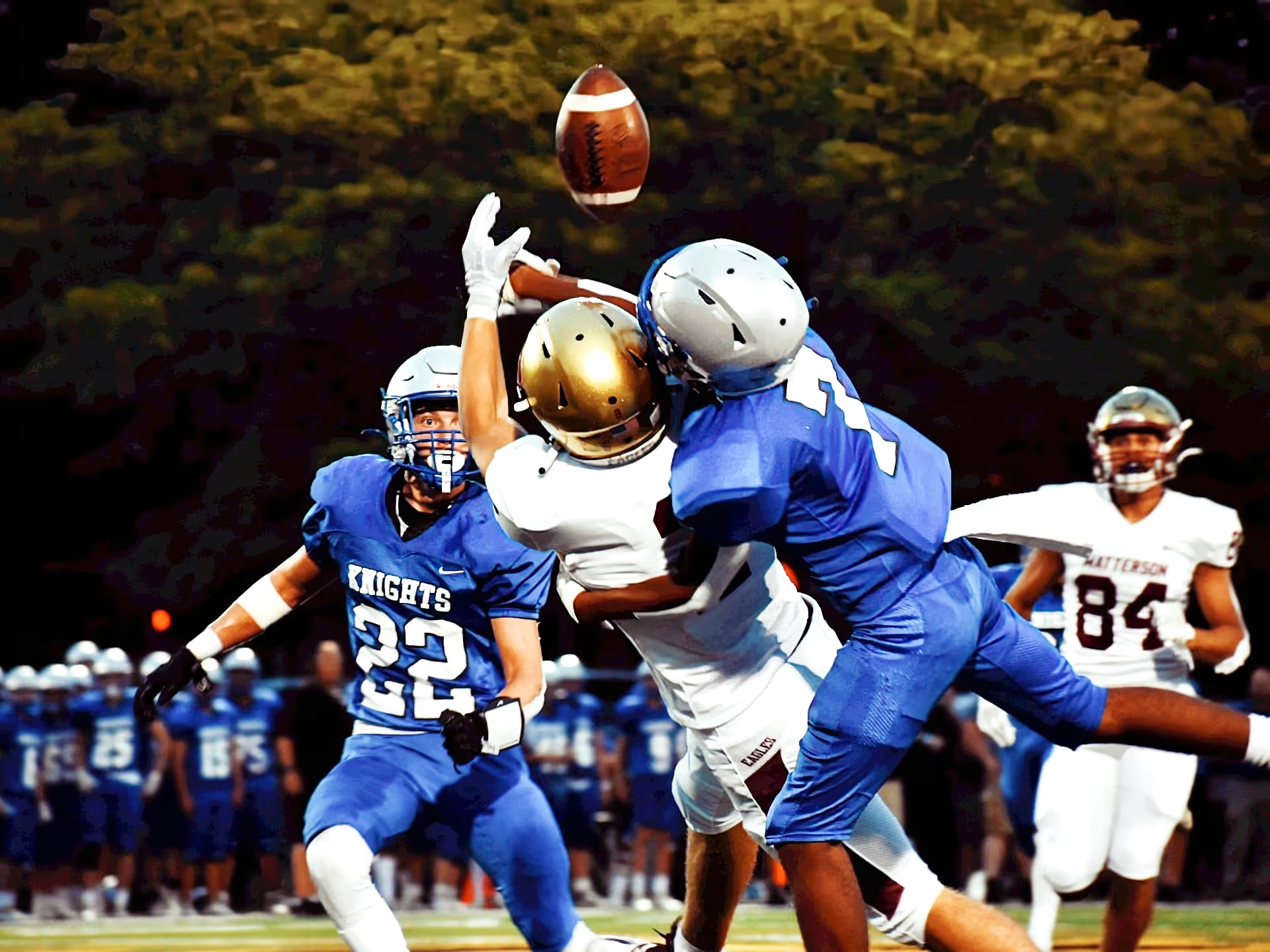
In Luminar, it’s easy to refine the overall look and feel of your sports photos, making them more visually appealing. Adjustments in contrast, colors, and sharpness can bring out the intensity and dynamism of the sports moment captured.
VIEW PLANSEnhancing Movement, Dynamism, and Emotional Impact
Looking for a photo editor for sports? Use Luminar’s powerful tools to reduce motion blur, add sharpness, and make your photos stand out.



Transform RAW Sports Photos into Dramatic Masterpieces
Start with basic adjustments like exposure, contrast, highlights, shadows, and saturation. Ensure the overall lighting and colors look natural and appealing. Luminar sports pic editor has plenty of features like Enhance AI and Develop that will help you achieve a stunning look in no time.
Edit Sports Pictures Beyond Basic Adjustments
Luminar has powerful Extensions that let you achieve more, like Supersharp AI and Noiseless AI. Supersharp AI detects blur caused by movement or missed focus, and then stabilizes the affected area, delivering a crisp and naturally sharp photo.Noiseless AI gets rid of the noise and keeps all the details intact, while ensuring a natural look. Try them out now and edit sports photos with ease.
-min_genExpand%201-min.webp)
Add More Impact With A Background Change
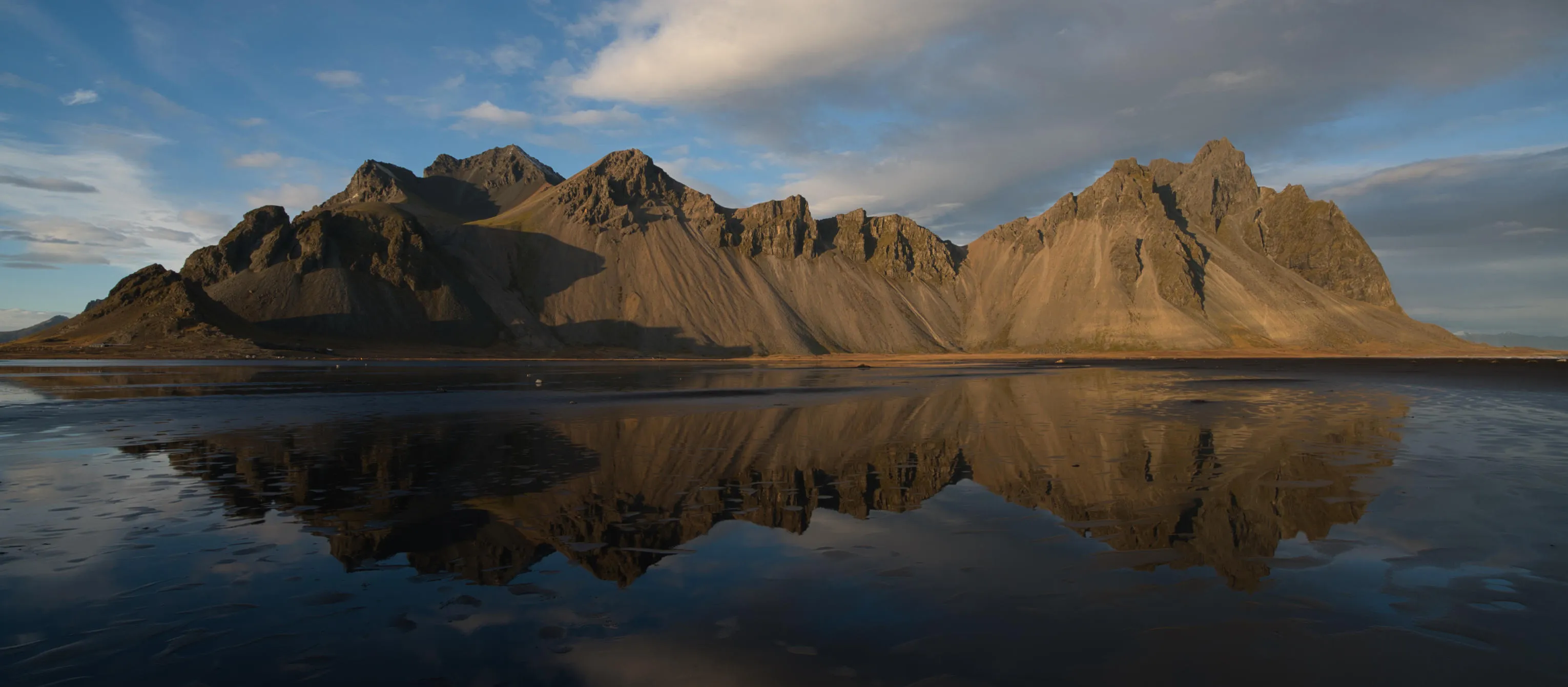
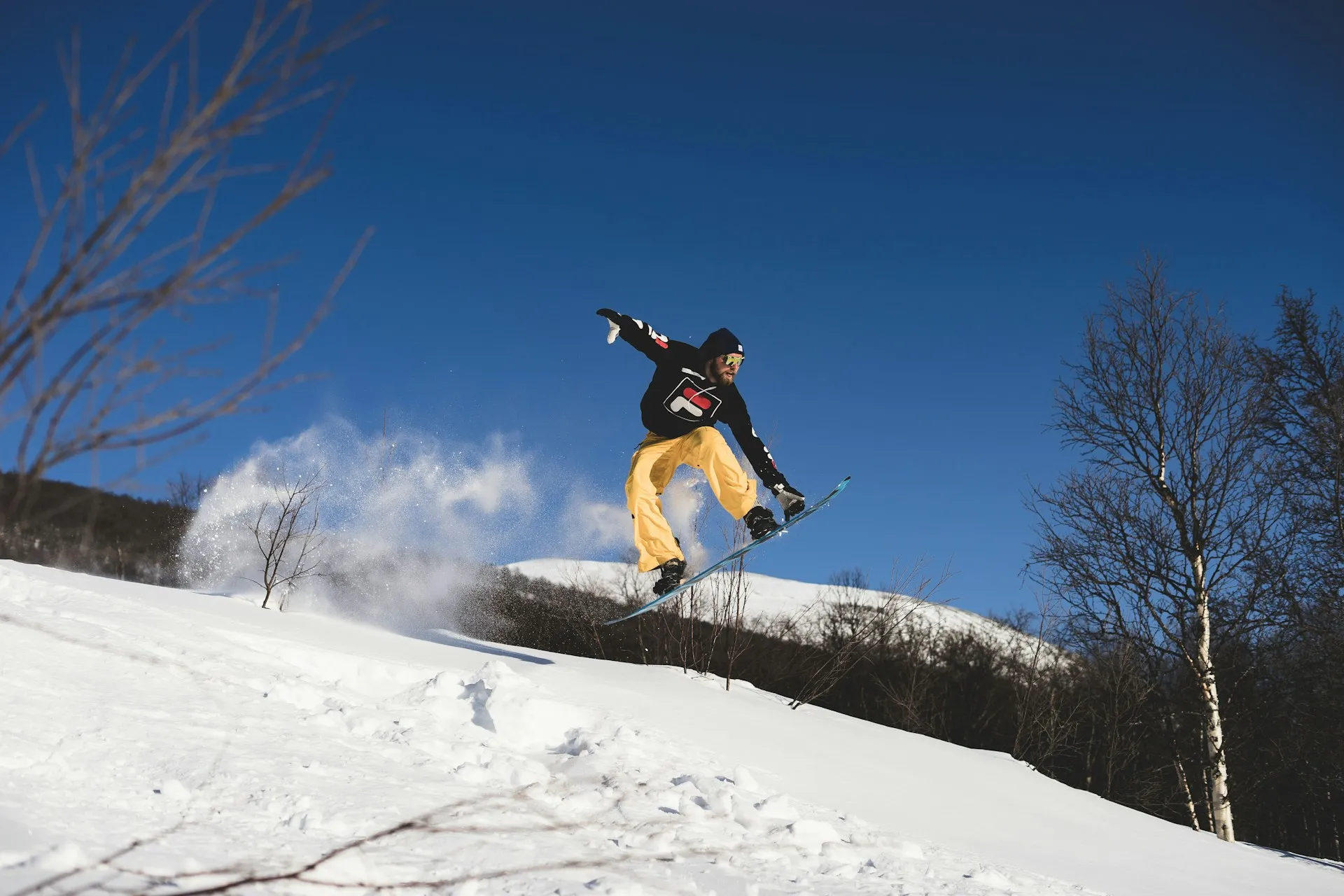
If your focus during post-processing is on the sports edit background, you can ensure a seamless and dynamic backdrop by removing it in one click using Luminar’s Background Removal AI and then adding a Layer.


An application & Lightroom plugin
For macOS & Windows

AI-powered editing tools
4.8 TrustPilot Reviews
Technical support
30-day money back guarantee
Other Use Cases
Luminar has plenty of other use cases to help you edit faster and easier

Landscape Photography


© Shutterstock
Achieve astonishing results with intuitive, AI-powered landscape photo editing tools of Luminar.

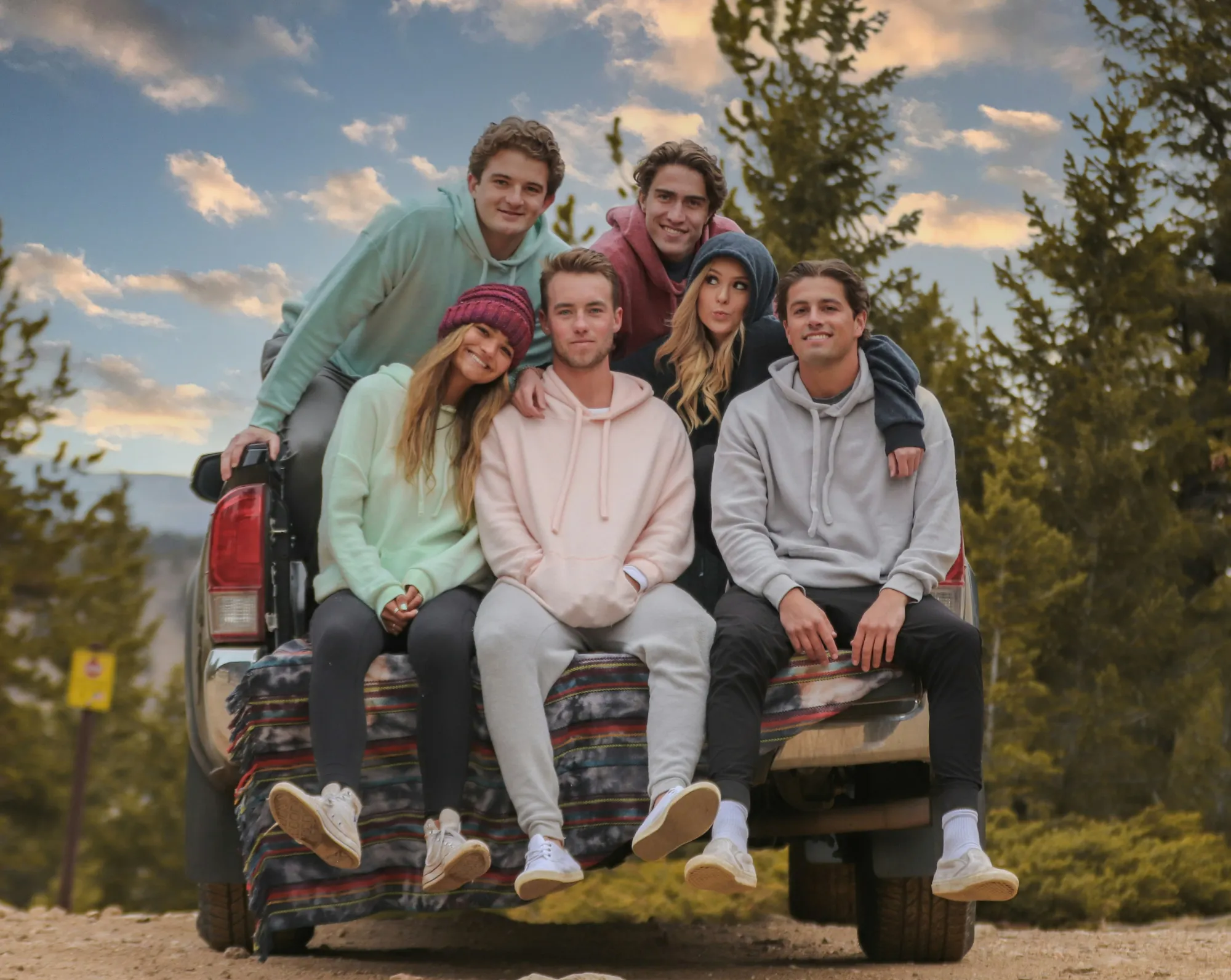
Family Photography
© Ivan
Try Our Easy-to-Use Family Photo Editor for Mac & PC Today and Start Preserving Your Precious Moments in Time.

Newborn Photography


© germay10
Transform your baby's precious moments into timeless memories!

E-commerce Photography


© Rawpixel
Enhance your product Images and elevate your e-commerce success with Luminar!
.svg)
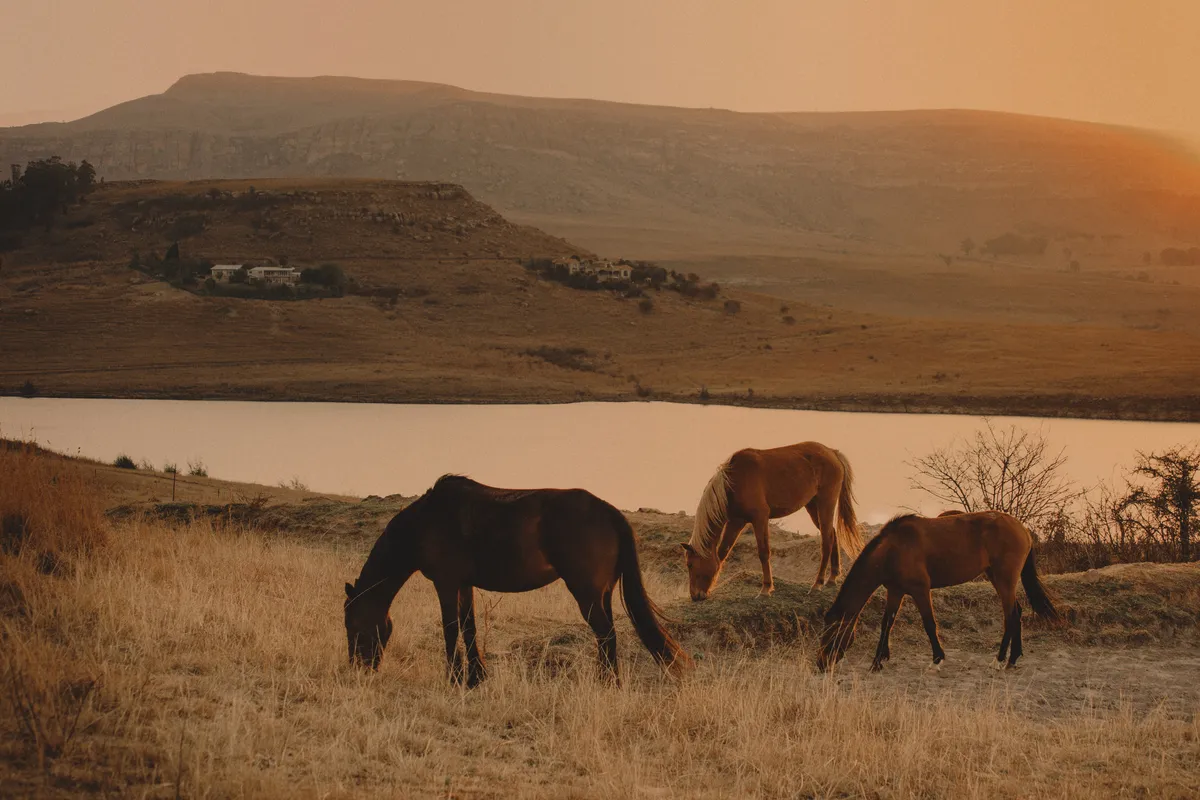
Wildlife Photography

© Depositphot
Transform Your Wildlife Photos into Masterpieces! Unlock the full potential of your wildlife photography with our exclusive AI editing tools

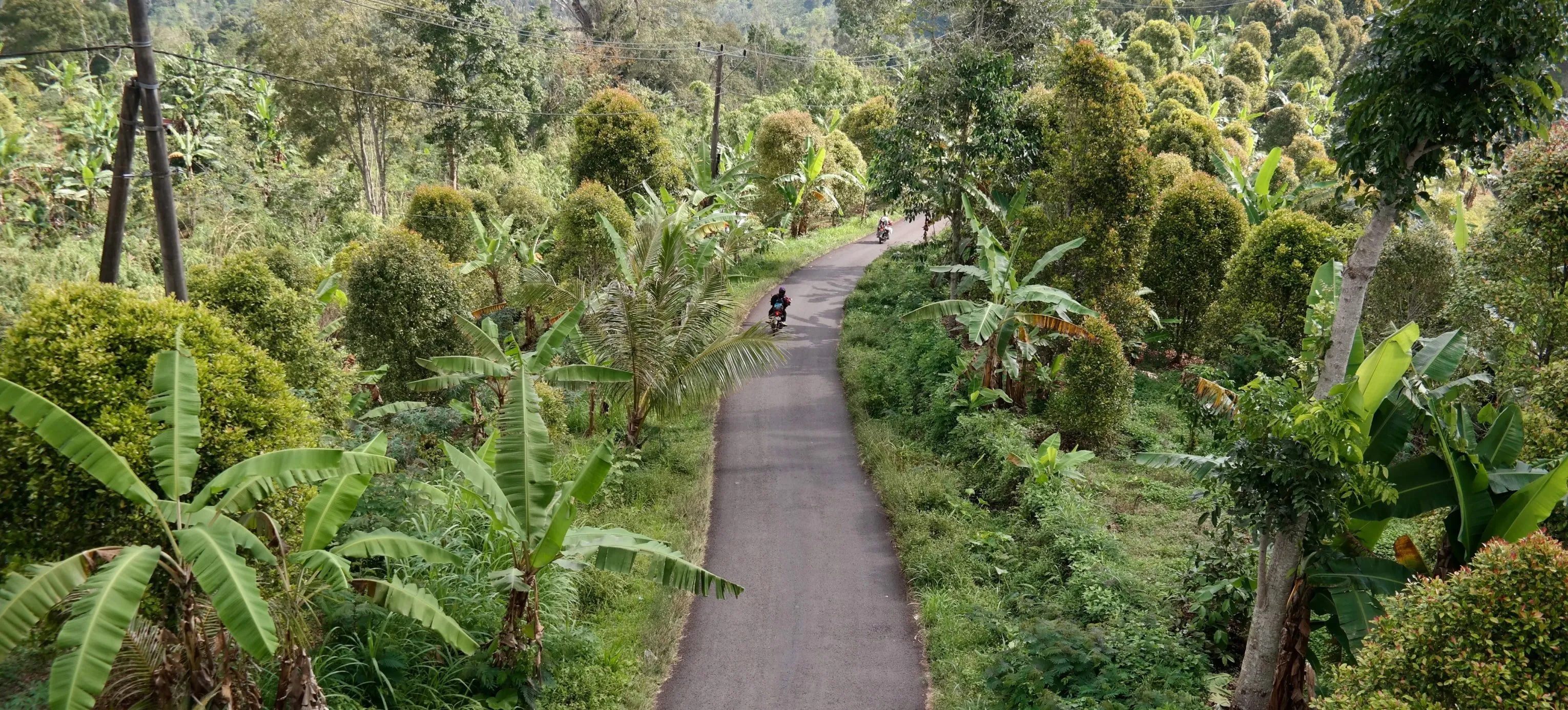
Drone Photography

© goffkein
Take your aerial shots to new heights—try our professional editing tools.
Frequently Asked Questions
How to edit sports photos with Luminar?
If you’re looking for a sports editor, Luminar can easily help you get the job done. Apart from the basic adjustment tools it provides, there are plenty of powerful features, including generative AI tools, that can give you dynamic and impactful sports photos, just like you envisioned.
What kind of sports-themed effects and filters are available in the editor?
Luminar's pro-level Extensions like Noiseless AI and Supersharp AI can help you get rid of noise caused by high ISO settings in sports photos, as well as make the results extra crispy and sharp. Plus, you can use GenErase to get rid of unwanted details, or GenExpand to broaden the edges of the photo and adding more breathing room to your composition. There are plenty of features to discover!
Can I integrate sports logos or mascots into my photos using the editor?
Of course, you can easily add a logo or any picture to your photo by using the Layers feature. You can also modify it and place it anywhere you want, plus adjust the opacity.
Is there a feature to remove unwanted elements from sports photos, like background distractions?
Sure. The powerful generative AI tool GenErase lets you easily get rid of distractions, while filling the photo with realistic AI visuals.
Why Luminar is the best sports editing software?
Luminar is the best sports editing software because it is built to handle fast-paced images where light, motion, and clarity matter. The tool is strong in recovering detail, correcting exposure in challenging lighting, and enhancing contrast and structure—common needs in sports photography.
Photographers choose Luminar because it helps improve action shots quickly without slowing down the workflow or forcing complex manual setups.
Photographers choose Luminar because it helps improve action shots quickly without slowing down the workflow or forcing complex manual setups.
Who can benefit from Luminar sports photo editor?
Luminar benefits:
- sports and action photographers working with large photo series
- event photographers covering games, races, or competitions
- creators producing sports content for media, clubs, or social platformsIt is especially useful when speed and consistency are more important than heavy artistic retouching.
- sports and action photographers working with large photo series
- event photographers covering games, races, or competitions
- creators producing sports content for media, clubs, or social platformsIt is especially useful when speed and consistency are more important than heavy artistic retouching.
Why Luminar sports editing tool is trusted by photographers?
Luminar sports editing tool is trusted because edits are predictable, adjustable, and non-destructive. Photographers rely on it to refine sharpness, light, and color while keeping motion natural and details intact.
This reliability makes Luminar a practical choice for sports workflows where images must be edited fast, accurately, and consistently.
This reliability makes Luminar a practical choice for sports workflows where images must be edited fast, accurately, and consistently.
