

Photolemur vs Luminar: Which AI Photo Editor Suits You Best
Unsure which AI photo editor is the right fit for your needs? Or perhaps you’re looking to upgrade from the outdated Photolemur? Either way, this page will help you make the best choice
View plansWhat is Photolemur
However, it is old software that is no longer updated. That’s why we want to introduce you to a new product from Skylum—Luminar. This photo editor also focuses on AI tools but is more modern and professional, offering advanced features and regular updates to meet today’s photo editing needs.


Why Luminar is a Better Option
Ongoing Enhancements and Updates
Luminar, unlike Photolemur, is a newer software from Skylum. So it is better suited for today’s users. Also, as a more recent release, it benefits from constant updates and improvements, ensuring that it stays at the cutting edge of photo editing technology.
.webp)
Broader Range of AI-Powered Tools
If you’re looking for something more advanced and professional, Luminar is the ideal choice. It combines the best technologies from Photolemur with new features designed to enhance any photo. Plus, Luminar is more comprehensive, offering both tools for manual correction and high-level automation.
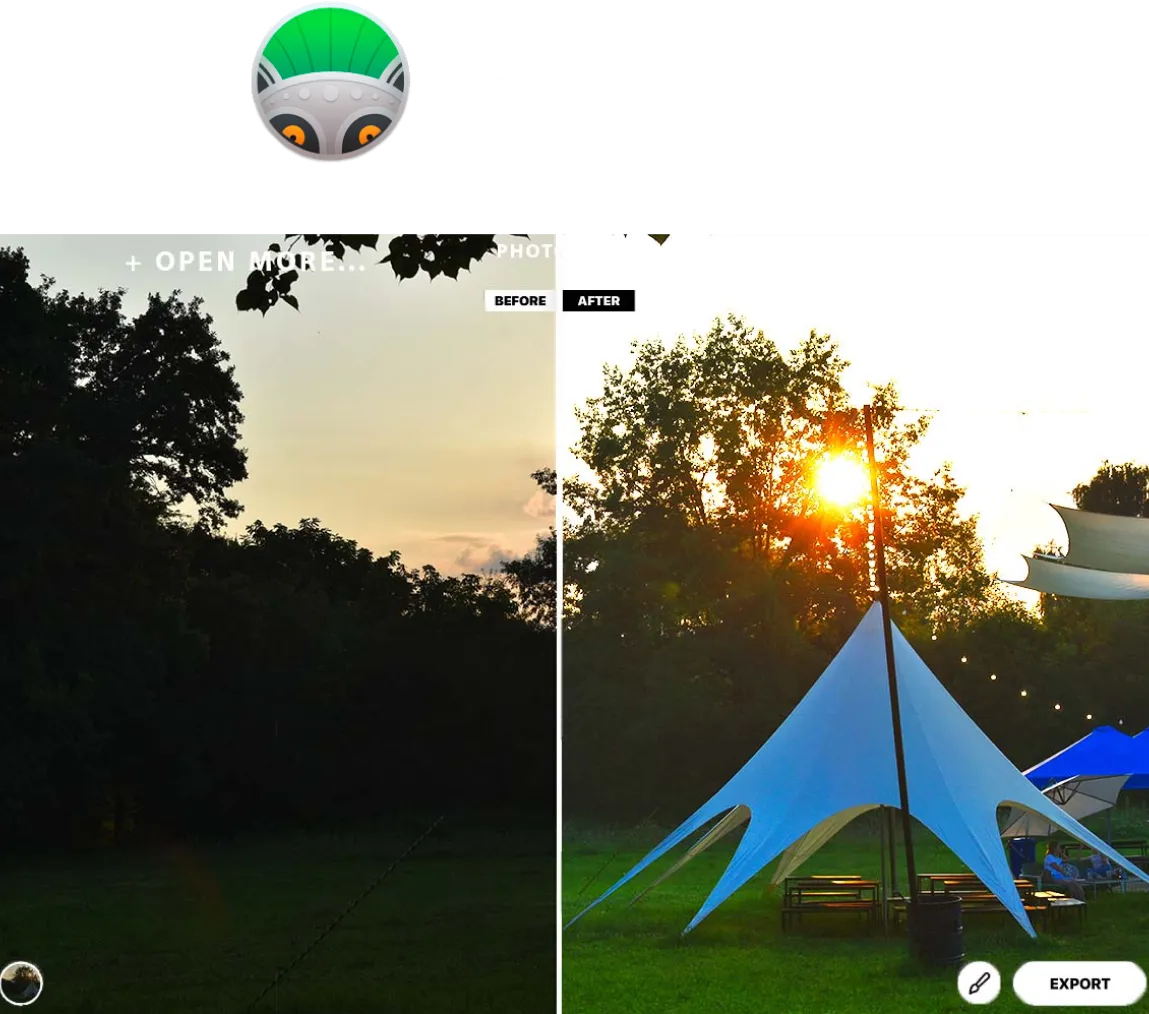
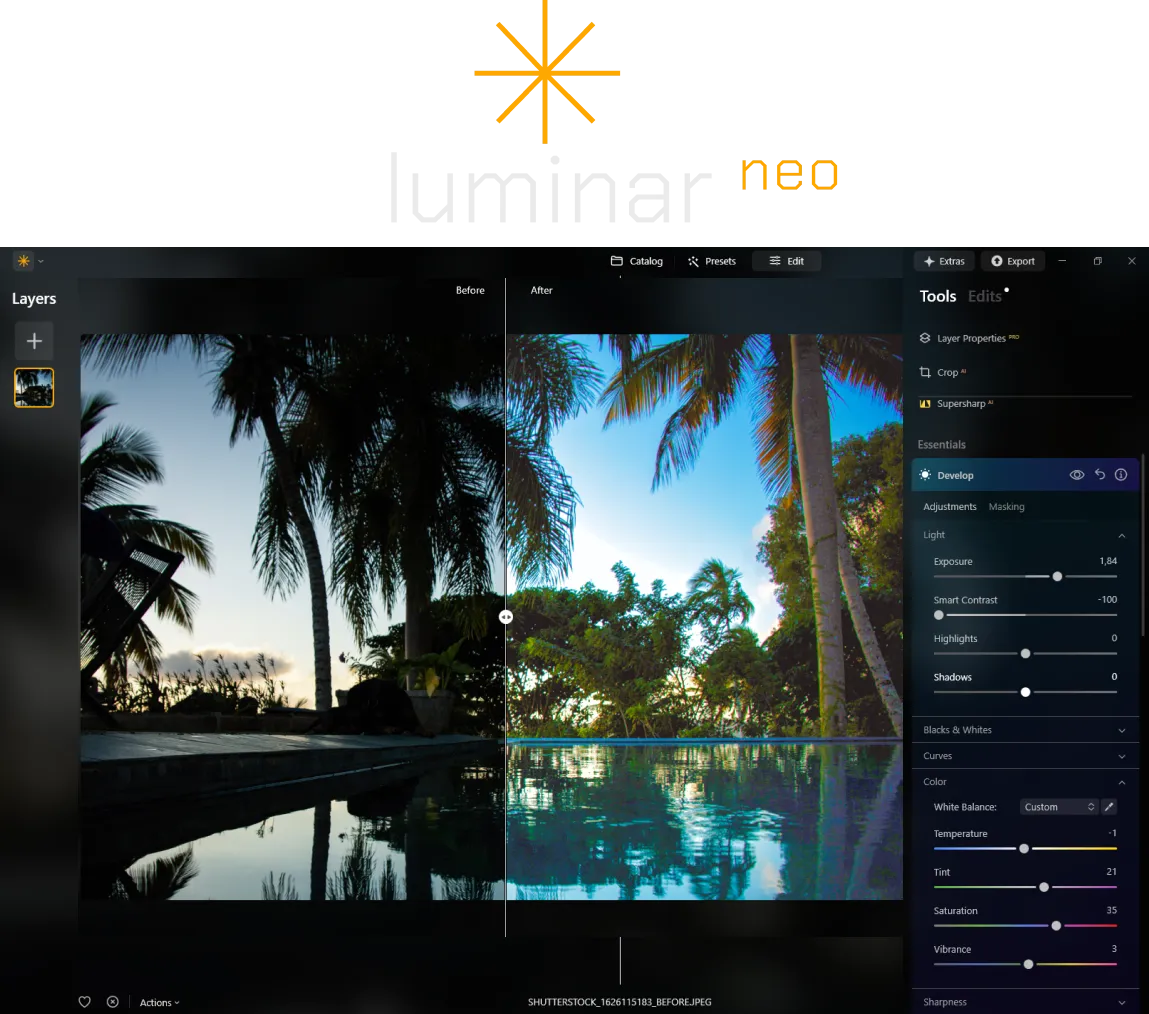
for yourself
Next-Level Generative Features
Luminar also includes generative technologies that elevate your creativity to the next level:
• GenErase: Removes unwanted elements from your photo while intelligently filling the space.
• GenSwap: Replaces objects in your photo with the ones you want.
• GenExpand: Expands the boundaries of your photo, giving you more space to work with.
.webp)
Photolemur vs Luminar:
Key Differences
| Aspect | Photolemur | Luminar |
|---|---|---|
Library Management |  |  |
Batch Processing | | |
AI-Powered Features | | |
Transparency PNG Support | | |
Support for New Cameras | | |
Styles and LUTs | | |
Sync Adjustments | | |
System Sounds | | |
Native Support for ARM and Apple M | | |
Aurora HDR
Luminar
Single image tone mapping
Single bracket HDR merge
Batch Processing
Auto batch processing detection
Improved HDR brackets detection in Batch Processing
New Cameras Support
Batch file naming and export quality settings
Export presets saving
Up to ~1.5x-1.8x faster on different OS
Wide functionality

An application & plugin for macOS & Windows


.webp)

Keep your workflow, expand your possibilities
Want to get all the benefits of Luminar but have an established Lightroom workflow? Great news! You can use all the power of Luminar within a plugin for Lightroom without changing up your usual post-production process.

An application & plugin
For macOS & Windows
- High-performance AI editor
24/7 technical support
30-day money back guarantee
Join our communities

