

Photolemur vs Luminar: Which AI Photo Editor Suits You Best
어떤 AI 사진 편집기가 여러분의 필요에 맞는지 잘 모르시겠어요? 아니면 오래된 PhotoLemur에서 업그레이드하고 싶으신가요? 어느 쪽이든, 이 페이지가 최선의 선택을 하는 데 도움이 될 것입니다.
요금제 보기PhotoLemur가 무엇인가요
However, it is old software that is no longer updated. That’s why we want to introduce you to a new product from Skylum—Luminar. This photo editor also focuses on AI tools but is more modern and professional, offering advanced features and regular updates to meet today’s photo editing needs.


Why Luminar is a Better Option
지속적인 개선 및 업데이트
Luminar, unlike Photolemur, is a newer software from Skylum. So it is better suited for today’s users. Also, as a more recent release, it benefits from constant updates and improvements, ensuring that it stays at the cutting edge of photo editing technology.
.webp)
더욱 다양한 AI 기반 도구
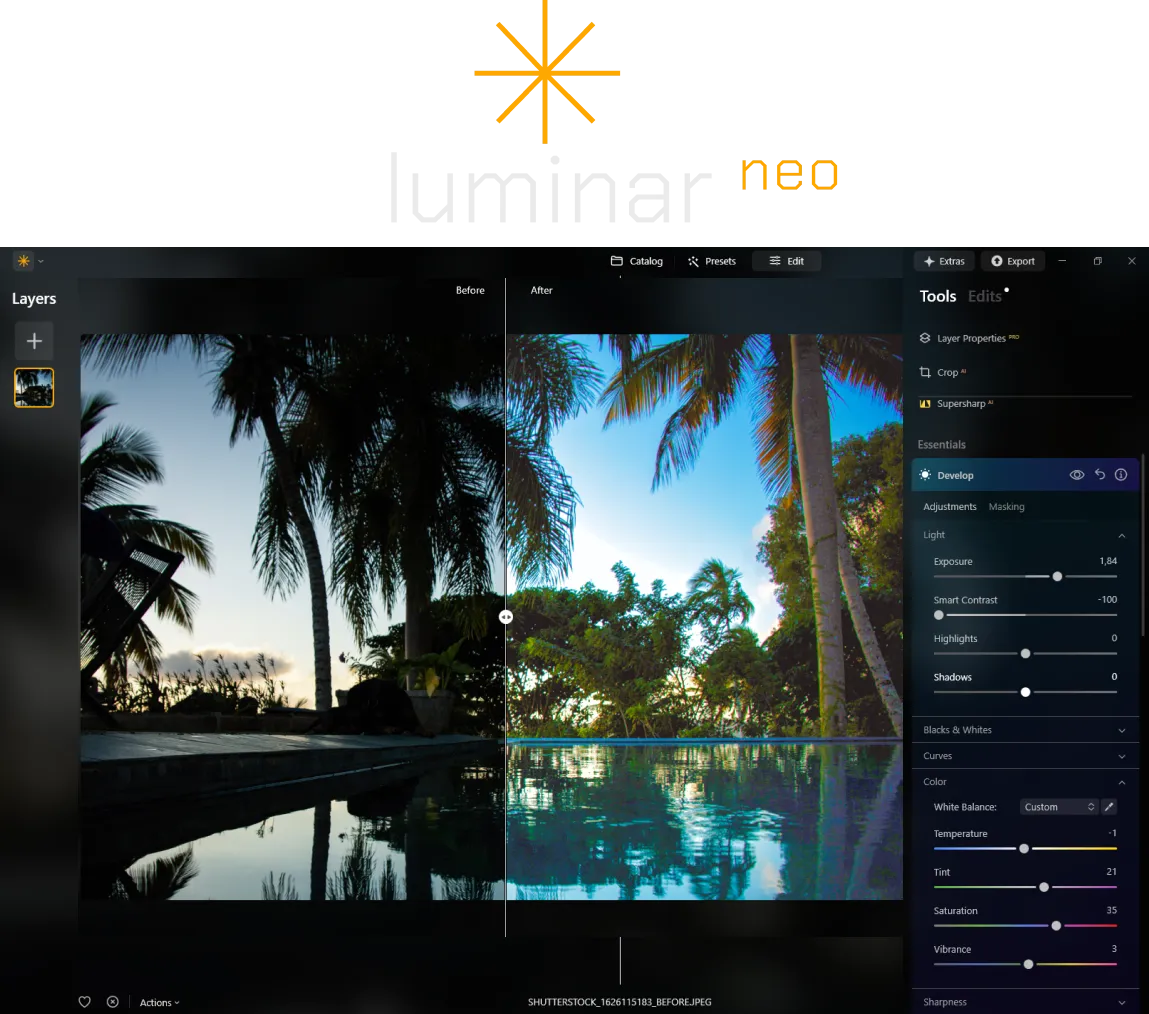
If you’re looking for something more advanced and professional, Luminar is the ideal choice. It combines the best technologies from Photolemur with new features designed to enhance any photo. Plus, Luminar is more comprehensive, offering both tools for manual correction and high-level automation.
발견해보세요
차세대 생성형 기능
Luminar also includes generative technologies that elevate your creativity to the next level:
• GenErase: 사진에서 원치 않는 요소를 제거하고 빈 공간을 자연스럽게 채워줍니다.
• GenSwap: 사진 속 개체를 원하는 개체로 바꿔줍니다.
• GenExpand: 사진의 경계를 확장하여 작업 공간을 더 많이 확보해 줍니다.
.webp)
Photolemur vs Luminar:
주요 차이점
| 측면 | Photolemur | Luminar |
|---|---|---|
라이브러리 관리 |  |  |
일괄 처리 | | |
AI 기반 기능 | | |
투명 PNG 지원 | | |
신규 카메라 지원 | | |
스타일 및 LUT | | |
동기화 조정 | | |
시스템 음향 | | |
ARM 및 Apple M에 대한 기본 지원 | | |
Aurora HDR
Luminar
단일 이미지 톤 매핑
단일 브래킷 HDR 병합
일괄 처리
자동 일괄 처리 감지
일괄 처리에서 HDR 브래킷 감지 개선
새로운 카메라 지원
일괄 파일 이름 지정 및 내보내기 품질 설정
다른 OS에서 최대 1.5배-1.8배 더 빠르게
프리셋을 내보낼 수 있습니다
다양한 기능

MacOS 및 Window 전용 애플리케이션 및 플러그인


.webp)

워크플로를 유지하고 가능성을 확장하세요
Want to get all the benefits of Luminar but have an established Lightroom workflow? Great news! You can use all the power of Luminar within a plugin for Lightroom without changing up your usual post-production process.

애플리케이션 및 플러그인
macOS 및 Windows 전용
- 고성능 AI 편집기
24시간 기술 지원
30일 환불 보장
Join our communities

