

FX Photo Studio vs Luminar: Choose Your Go-To
최적의 선택
FX Photo Studio를 대체할 프로그램을 찾고 계신가요? 아니면 똑같이 멋진 사진 필터를 제공하지만 더 고급 도구를 갖춘 프로그램을 찾고 계신가요? 어느 쪽이든, 저희 비교 페이지가 최선의 선택을 할 수 있도록 도와드립니다.
요금제 보기.webp)
FX Photo 빠르게 살펴보기
That’s why we recommend turning your attention to FX Photo Studio’s successor, Luminar. This AI-powered photo editor has gained popularity among photographers of all skill levels and offers a modern solution that might just become your new go-to assistant for creative editing.
Why Luminar Stands as Better Option in 2024
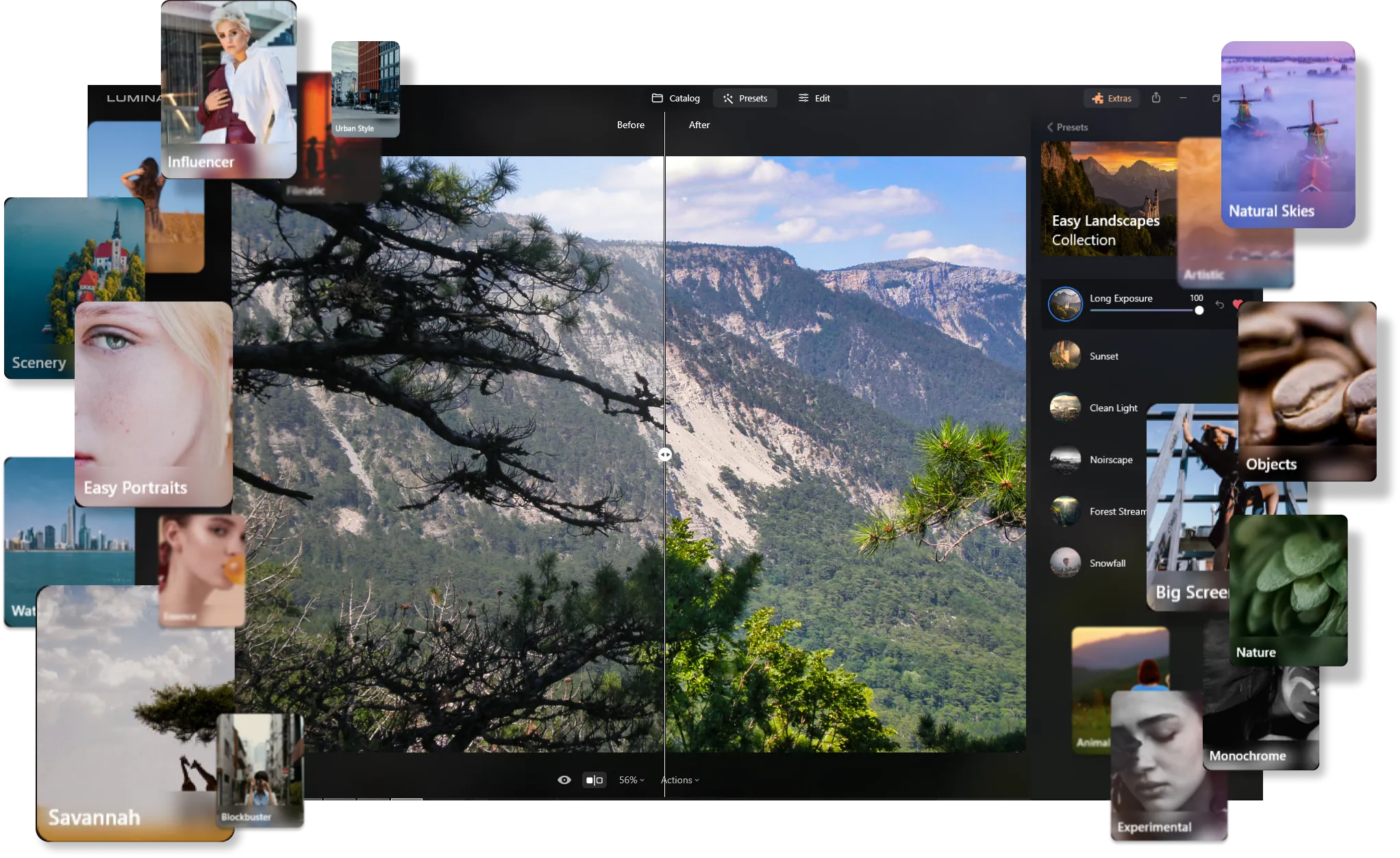
모든 스타일을 위한 광범위한 프리셋 라이브러리
Much like FX Photo Studio, Luminar offers a vast array of photo effects crafted by the Skylum team. These presets allow you to instantly give your photos a unique and professional touch with just one click.
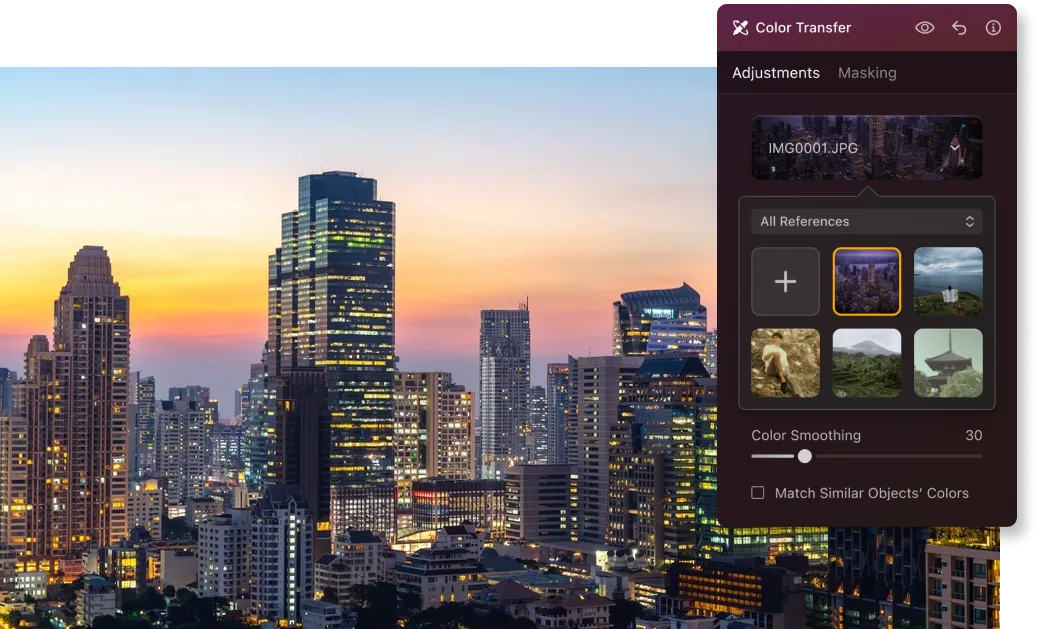
혁신적인 색상 변환 기능
Beyond ready-made presets, Luminar has recently introduced the Color Transfer feature, much to the delight of its users. This smart tool detects the color scheme of a reference photo and seamlessly transfers it to your own, adding a new level of creativity to your edits.
전문 사진 편집을 위한 종합 도구
Luminar stands out for its AI-powered tools that elevate your editing experience. The extensive toolkit includes:
• 하늘 교체: 칙칙한 하늘을 환상적이고 실감나는 하늘로 바꾸어
사진의 분위기를 바꿔보세요.
• 생성형 도구: 전체 모습을 방해하지 않고 원치 않는 개체를 쉽게 제거하거나 누락된 요소를 추가할 수도 있습니다.
• 리라이트 AI: 까다로운 조명 문제를 해결하고 사진을 더욱 빛나게 만드세요.
• 피브 AI 및 신체 AI: 결점을 쉽게 보정하여 인물 사진을 완벽하게 마무리하세요.
• 향상 AI:슬라이더 하나로 사진의 최대 10가지 측면을 한 번에 개선하는 빠르고 인상적인 편집을 할 수 있습니다.
.webp)
FX Photo Studio vs Luminar: Key Differences
| 측면 | FX Photo Studio | Luminar |
|---|---|---|
카탈로그 (라이브러리) |  |  |
일괄 처리 | | |
AI 기반 기능 | | |
생성형 도구 | | |
레이어 | | |
모바일 어시스턴트 지원 (Luminar Share) | | |
효과 | | |
ARM 및 Apple M 프로세서에 대한 기본 지원 | | |
Lightroom 및 Photoshop 플러그인으로 기능합니다 | | |
Aurora HDR
Luminar
단일 이미지 톤 매핑
단일 브래킷 HDR 병합
일괄 처리
자동 일괄 처리 감지
일괄 처리에서 HDR 브래킷 감지 개선
새로운 카메라 지원
일괄 파일 이름 지정 및 내보내기 품질 설정
다른 OS에서 최대 1.5배-1.8배 더 빠르게
프리셋을 내보낼 수 있습니다
다양한 기능

MacOS 및 Window 전용 애플리케이션 및 플러그인




워크플로우를 유지하고 가능성을 확장하세요
Want to get all the benefits of Luminar but have an established Lightroom workflow? Great news! You can use all the power of Luminar within a plugin for Lightroom without changing up your usual post-production process.

애플리케이션 및 플러그인
macOS 및 Windows 전용
- 고성능 AI 편집기
연중무휴 24시간 기술 지원
30일 환불 보장
Join our communities

