


FX Photo Studio vs Luminar: Choose Your Go-To
voor Creatieve Bewerking
Ben je op zoek naar een vervangende app voor FX Photo Studio? Of misschien zoek je een app die dezelfde gave fotofilters biedt, maar met meer geavanceerde tools? Hoe dan ook, onze vergelijkingspagina helpt je de beste keuze te maken.
Bekijk opties.webp)
Snell Overzicht van FX Photo Studio
That’s why we recommend turning your attention to FX Photo Studio’s successor, Luminar. This AI-powered photo editor has gained popularity among photographers of all skill levels and offers a modern solution that might just become your new go-to assistant for creative editing.
Why Luminar Stands as Better Option in 2024
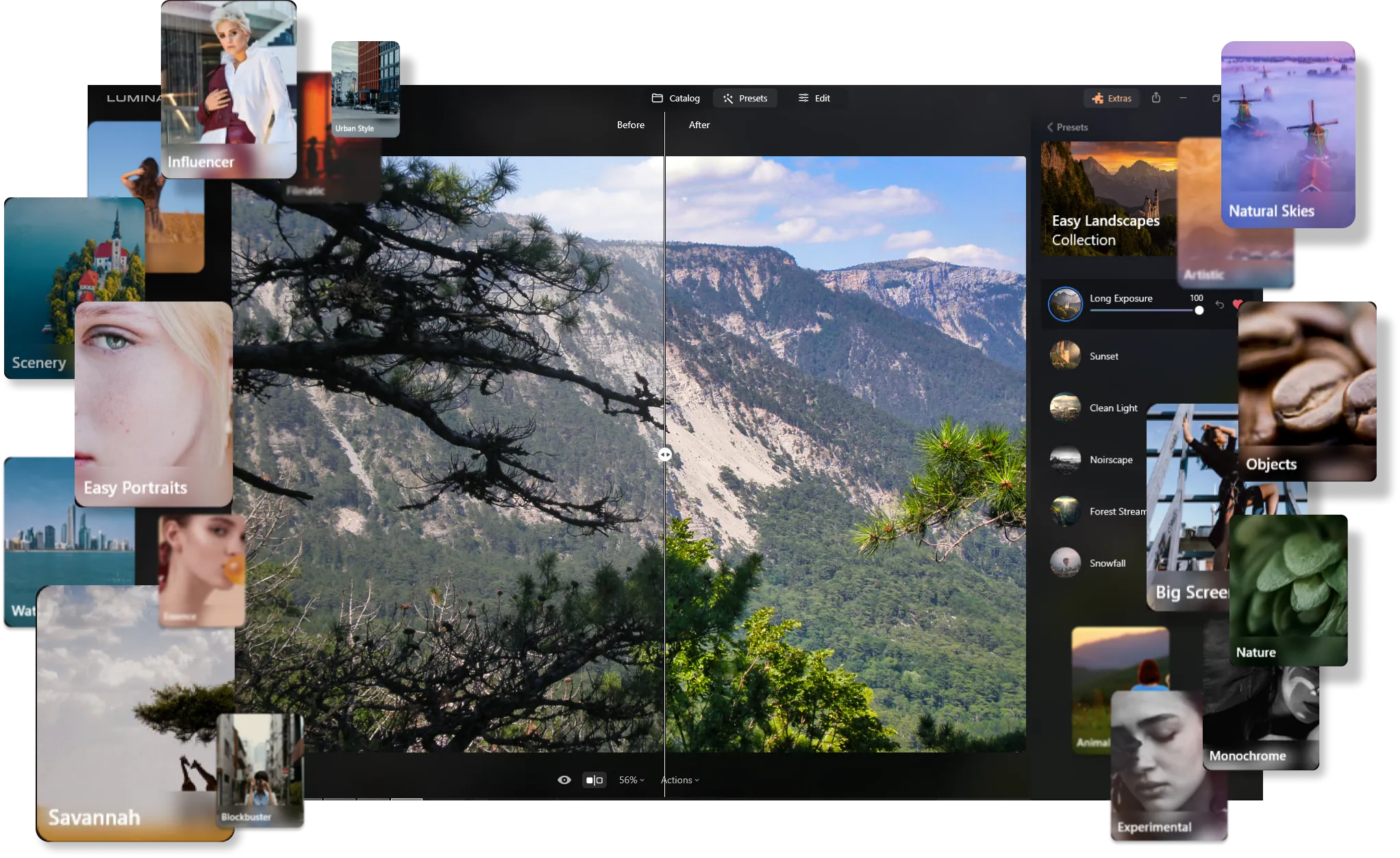
Een Uitgebreide Bibliotheek van Voorinstellingen voor Elke Stijl
Much like FX Photo Studio, Luminar offers a vast array of photo effects crafted by the Skylum team. These presets allow you to instantly give your photos a unique and professional touch with just one click.
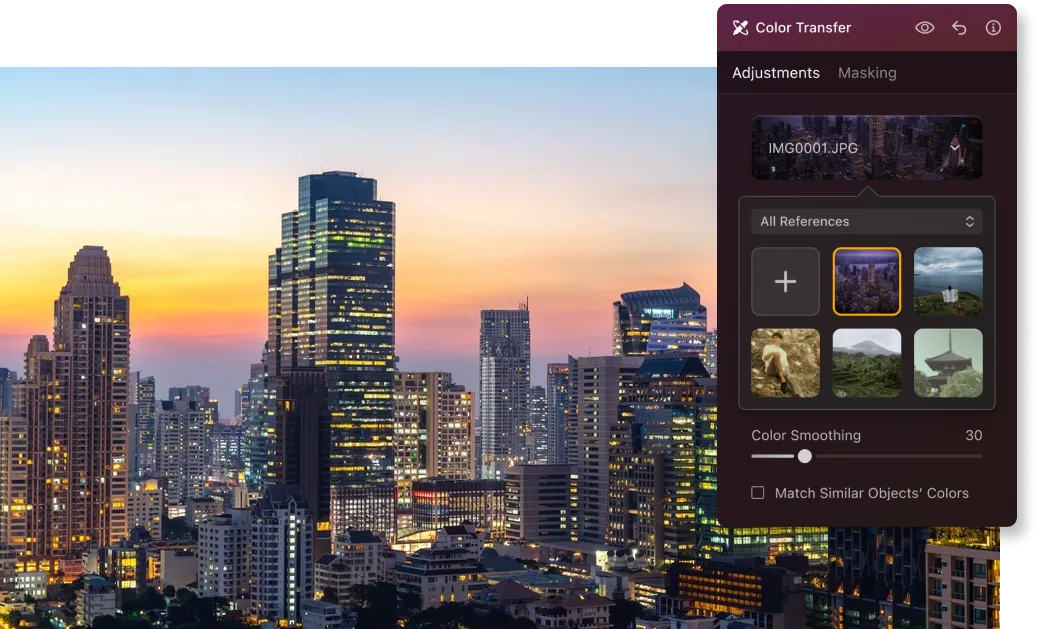
Innovatieve Kleuroverdrachtfunctie
Beyond ready-made presets, Luminar has recently introduced the Color Transfer feature, much to the delight of its users. This smart tool detects the color scheme of a reference photo and seamlessly transfers it to your own, adding a new level of creativity to your edits.
Uitgebreide Tools voor Professionele Fotobewerking
Luminar stands out for its AI-powered tools that elevate your editing experience. The extensive toolkit includes:
• Sky Replacement: Vervang saaie luchten door prachtige, realistische luchten die
je foto's transformeren.
• Generatieve Tools:Verwijder eenvoudig ongewenste objecten zonder de algehele uitstraling te verstoren, of voeg elementen toe die je mist.
• Opnieuw verlichten AI: Los die lastige belichtingsproblemen op en laat je foto’s stralen.
• Huid AI and Lichaam AI: Geef je portretten een vlekkeloze afwerking door oneffenheden moeiteloos glad te strijken.
• Verbeteren AI: Maak snelle, impactvolle aanpassingen met één enkele schuifregelaar die tot 10 verschillende aspecten van je foto in één keer verbetert.
.webp)
FX Photo Studio vs Luminar: Key Differences
| Aspect | FX Photo studio | Luminar |
|---|---|---|
Catalogus (Bibliotheek) |  |  |
Batch Processing | | |
AI-gestuurde Functies | | |
Generatieve Tools | | |
Ebenen | | |
Ondersteuning met Mobiele Assistent (Luminar Share) | | |
Effecten | | |
Native Ondersteuning voor ARM en Apple M Processor | | |
Werkt als plugin voor Lightroom en Photoshop | | |
Aurora HDR
Luminar
Tone mapping van één enkele afbeelding
HDR-samenvoeging met enkele bracket
Batch Processing
Automatische detectie van batchverwerking
Verbeterde detectie van HDR-brackets in Batchverwerking
Nieuwe Camera Ondersteuning
Batch bestandsnaamgeving en exportkwaliteitsinstellingen
Export Voorinstellingen opslag
Tot ~1,5x-1,8x sneller op verschillende besturingssystemen
Brede functionaliteit

Een applicatie & plug-in voor MacOS & Windows




Behoud uw workflow, breid uw mogelijkheden uit
Want to get all the benefits of Luminar but have an established Lightroom workflow? Great news! You can use all the power of Luminar within a plugin for Lightroom without changing up your usual post-production process.

Een applicatie & plug-in
Voor macOS & Windows
- Krachtige AI-afbeeldingsbewerker
24/7 technische ondersteuning
30-dagen geld terug garantie
Join our communities

