

 Visualizza tariffe
Editor di Immagini Rapido – Ottieni Foto Finite in un Attimo
Need fast, flawless photo edits? Luminar’s Quick Photo Editor lets you enhance lighting, sharpen details, and remove distractions in seconds. It delivers professional results without the wait, making photo retouching a breeze
Prova oraEditor Di Immagini Rapido Che Completa Il Lavoro Prima Che Ti Si Freddi Il Caffè
Luminar’s Quick Photo Editor is perfect for those moments when you need fast and effective photo touch-ups.
Che tu stia ritoccando da mobile o abbia bisogno di rifinire rapidamente i tuoi scatti, questo tool è pensato per offrirti risultati prima ancora che ti si freddi il caffè. Niente più attese!
Che tu stia ritoccando da mobile o abbia bisogno di rifinire rapidamente i tuoi scatti, questo tool è pensato per offrirti risultati prima ancora che ti si freddi il caffè. Niente più attese!
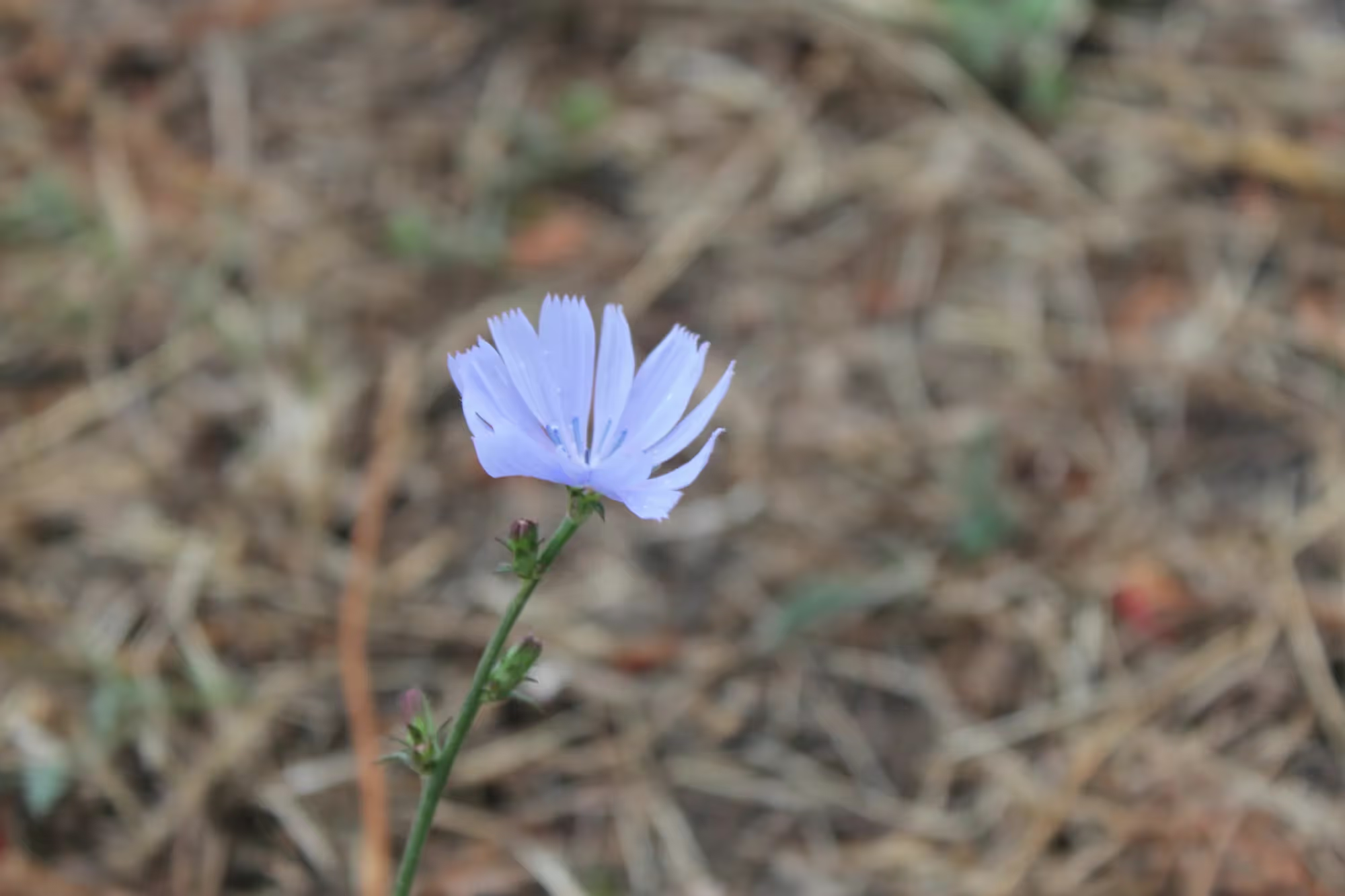
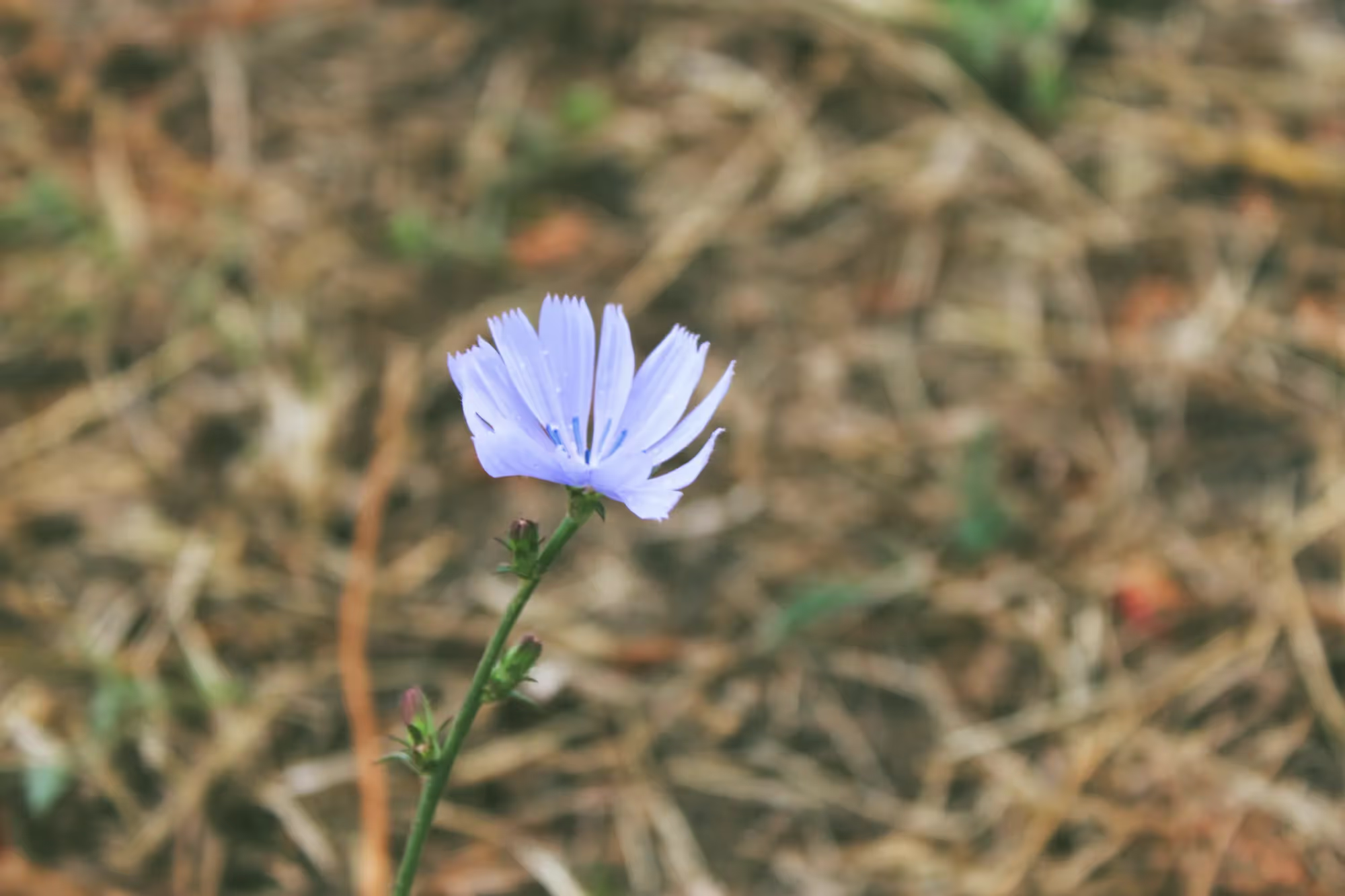
© shutterstock
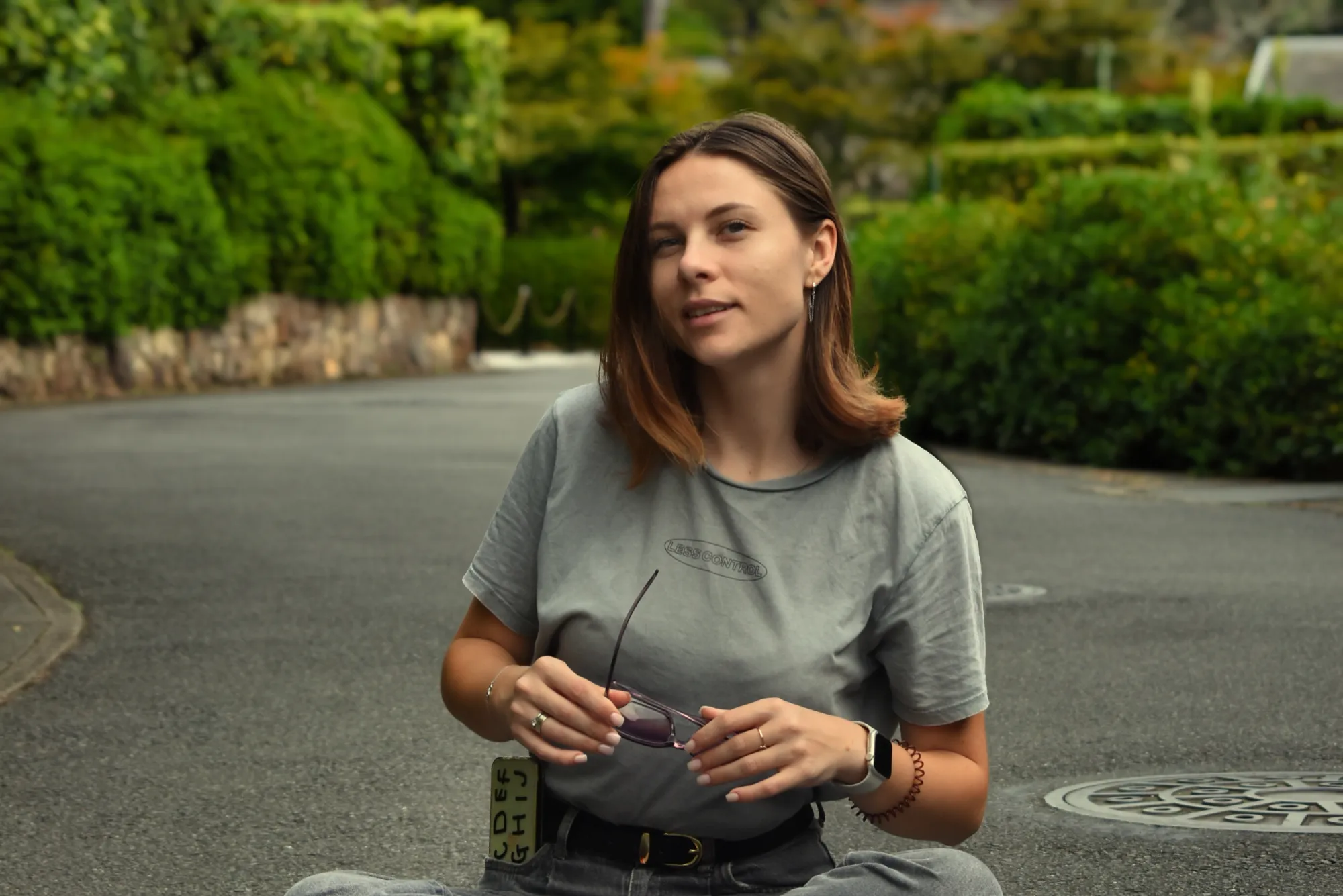
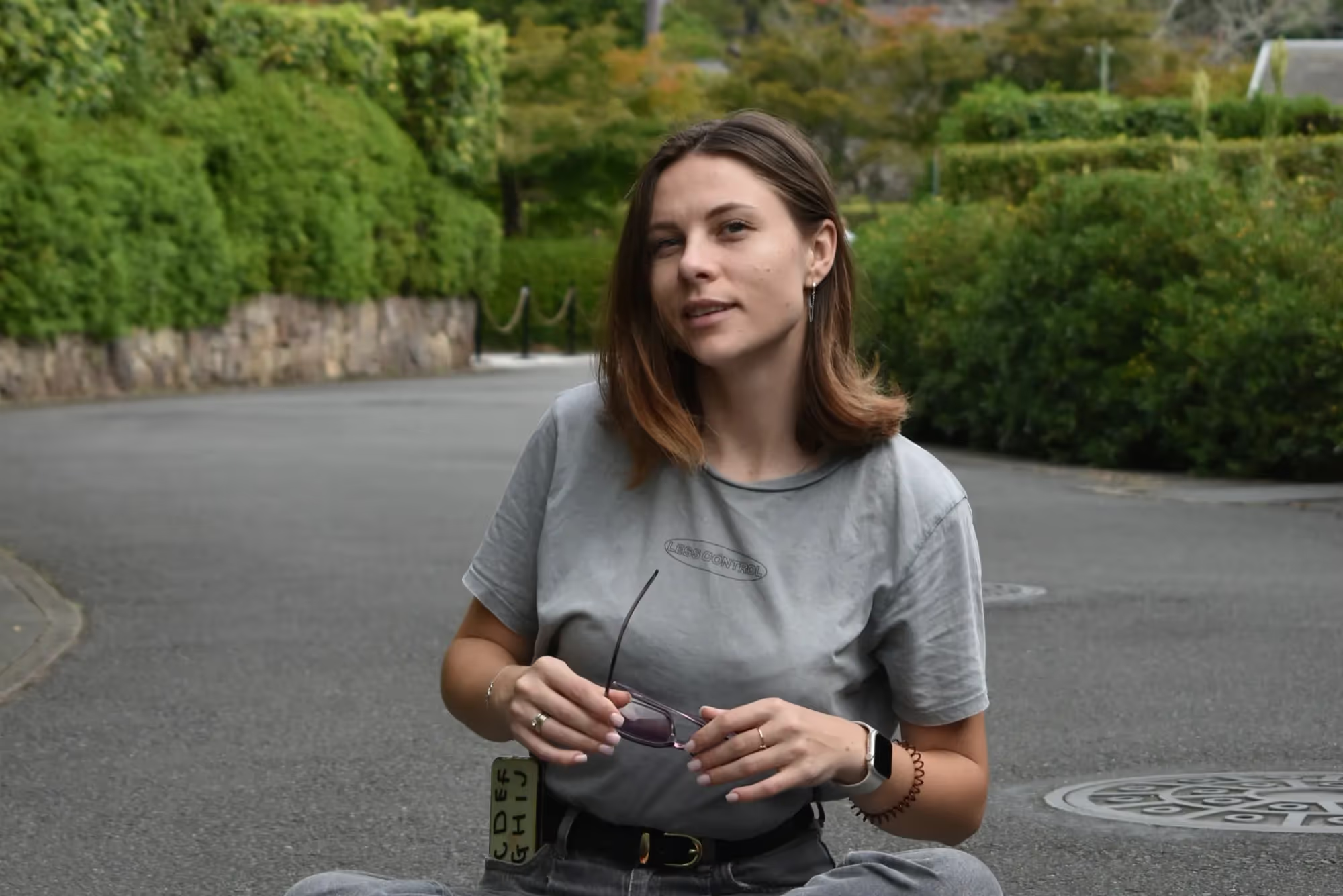
Scatta, Ritocca, Stupisci! Foto Editing Rapido in un Attimo
Take your photos from good to great in seconds. With Luminar’s intuitive interface and AI-powered tools, editing your images becomes a breeze.
Migliora la luce, metti a fuoco i dettagli e rimuovi le distrazioni in un attimo. L'ideale per post sui social, immagini di blog o semplicemente per la tua galleria personale.
Migliora la luce, metti a fuoco i dettagli e rimuovi le distrazioni in un attimo. L'ideale per post sui social, immagini di blog o semplicemente per la tua galleria personale.
Edit in Half the Time with Luminar Quick Photo Editing Software
Time is precious, and Luminar's Quick Photo Editor makes every second count. Speed through your editing tasks with easy-to-use tools that help you achieve professional results without the lengthy editing process.
Che sia per regolare l'esposizione o rimuovere le imperfezioni, porta a termine il lavoro con più rapidità ed efficienza che mai.
Che sia per regolare l'esposizione o rimuovere le imperfezioni, porta a termine il lavoro con più rapidità ed efficienza che mai.
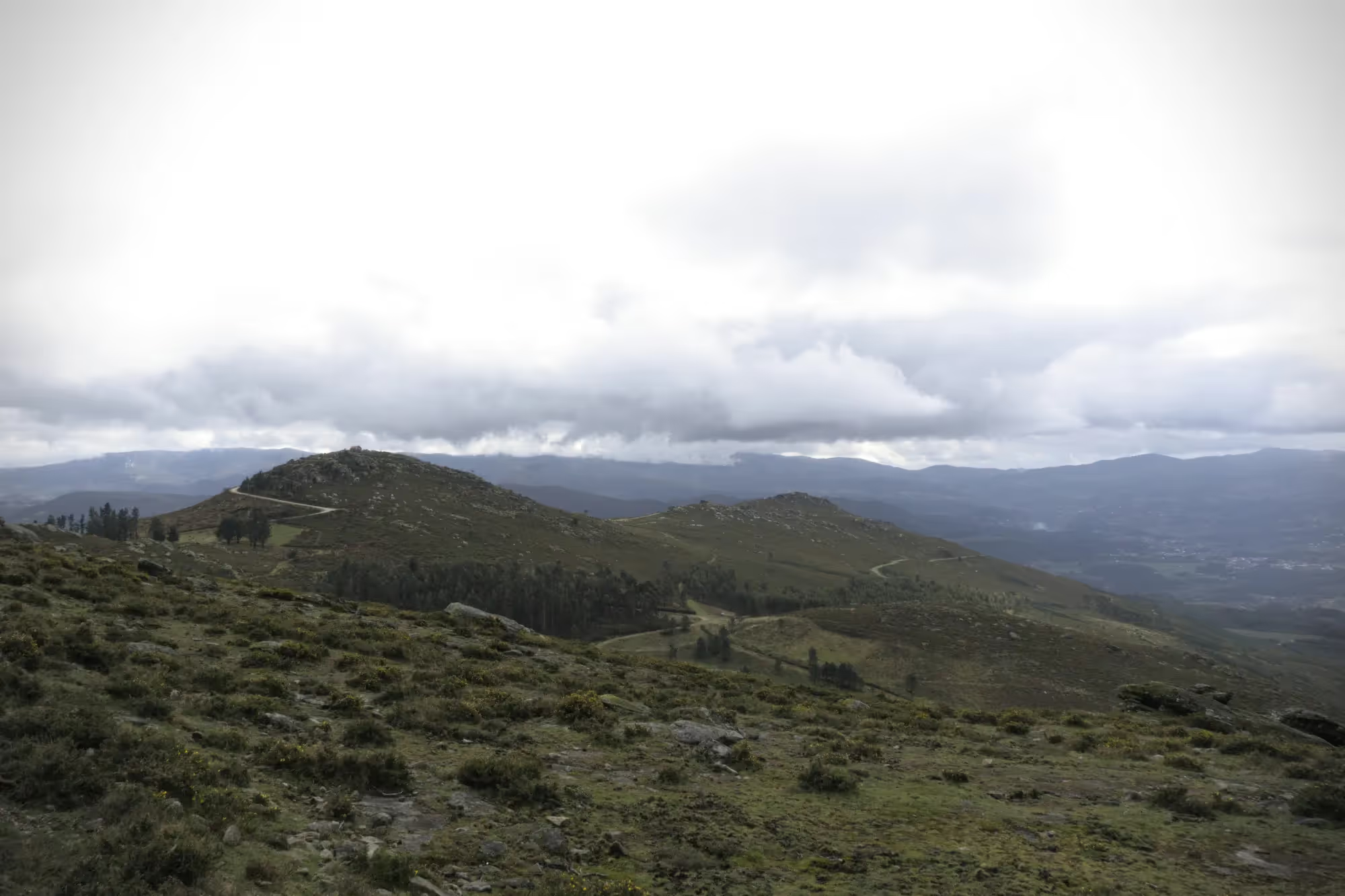
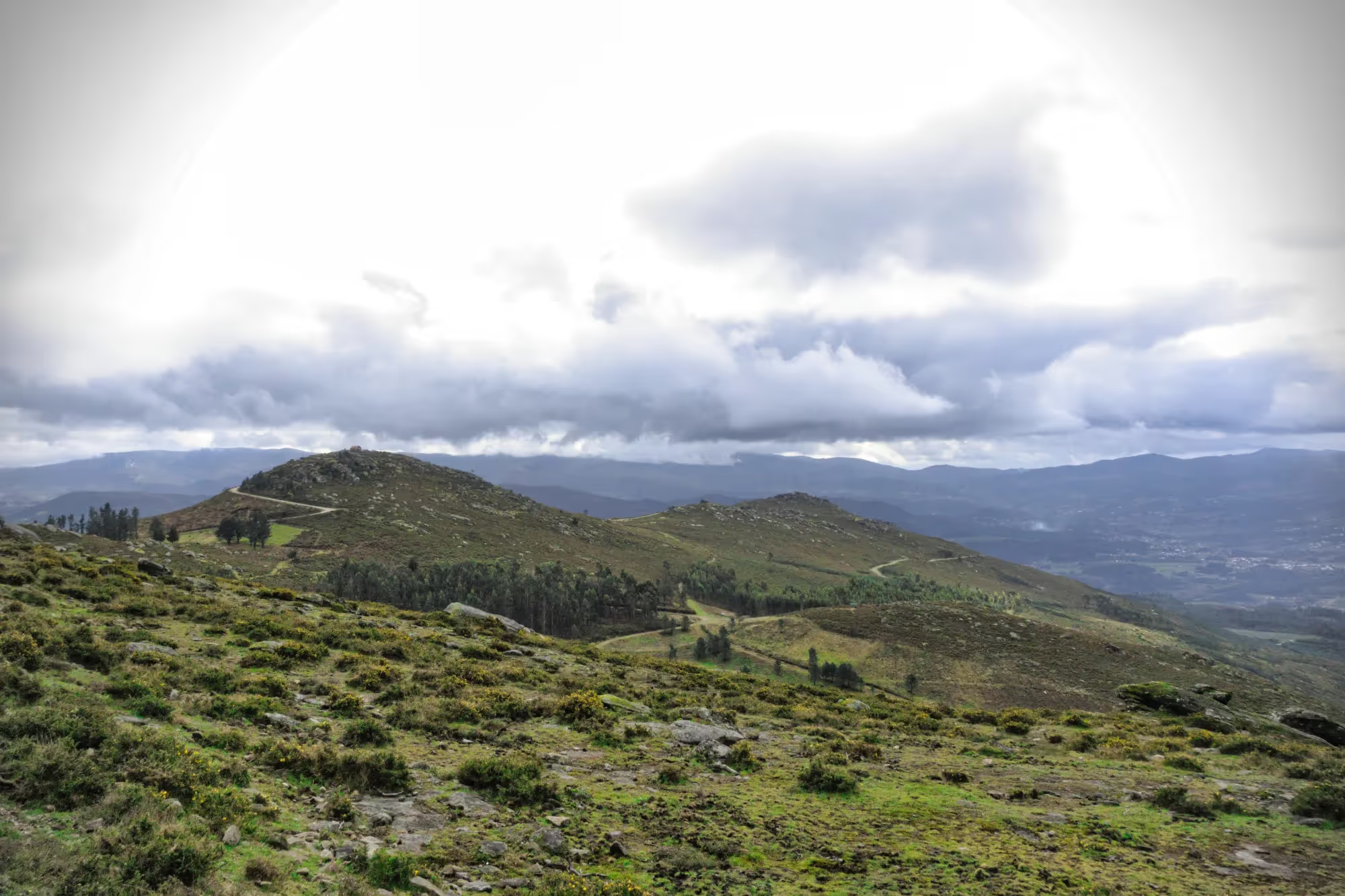
© shutterstock
Niente Più Attese: Il Foto Editor Rapido Con AI Che Finisce Il Lavoro Prima
No need for long waits or complicated editing steps. Luminar uses cutting-edge AI technology to speed up your editing process. Quickly adjust colors, details, and lighting, ensuring that your photos are perfect in less time. The future of fast photo editing is here!
Esplora Altre Funzionalità
Luminar has plenty of other features to help you edit faster and easier

Foto Editor in Serie
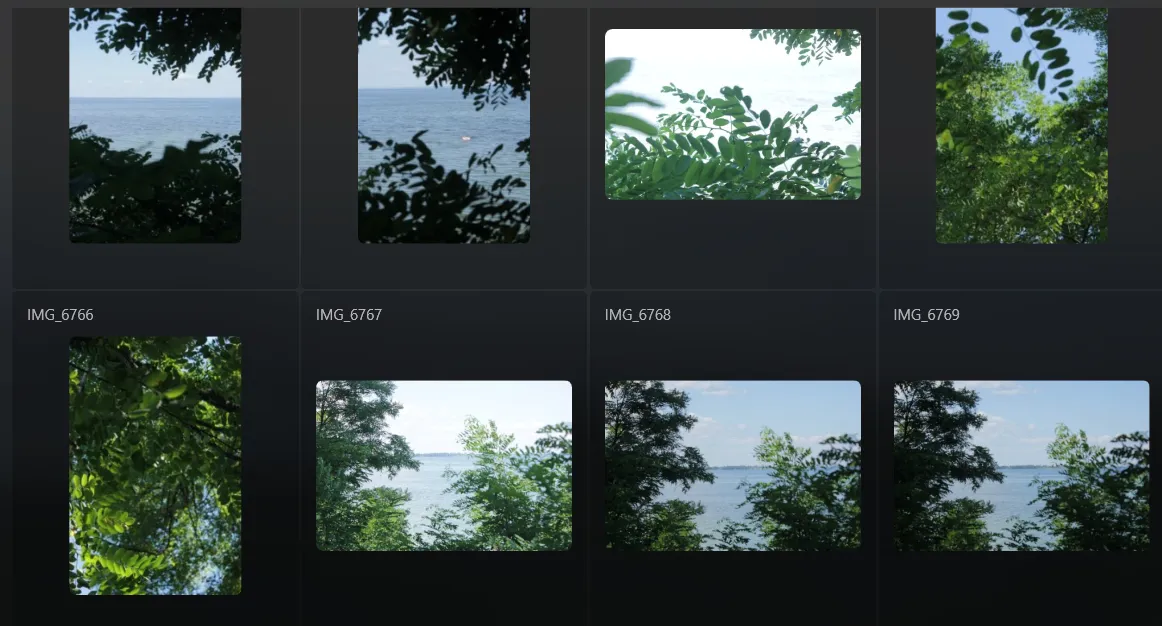
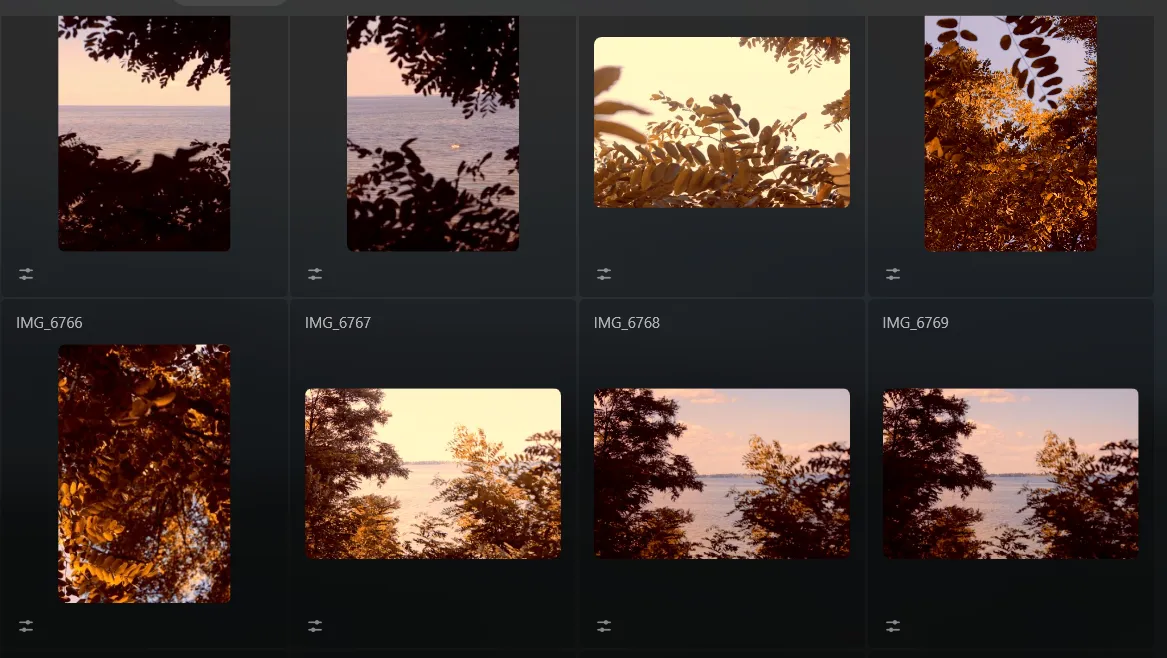
Risparmia tempo e migliora la produttività ritoccando le foto in serie. Prova subito e rivoluziona il tuo processo di editing!


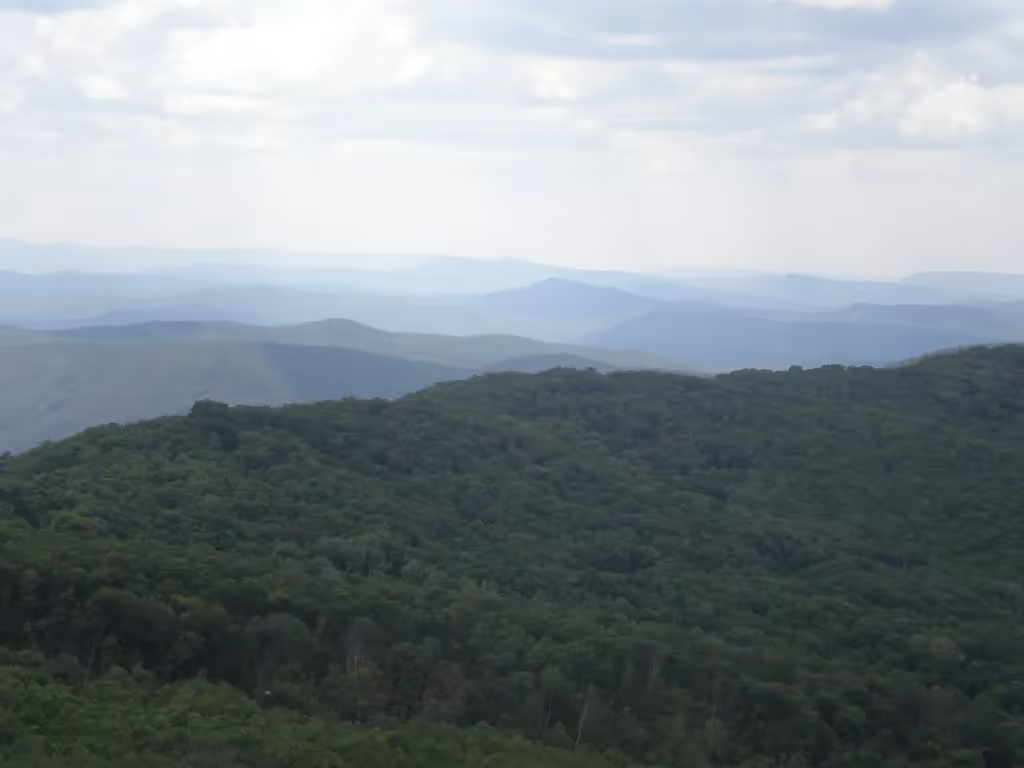
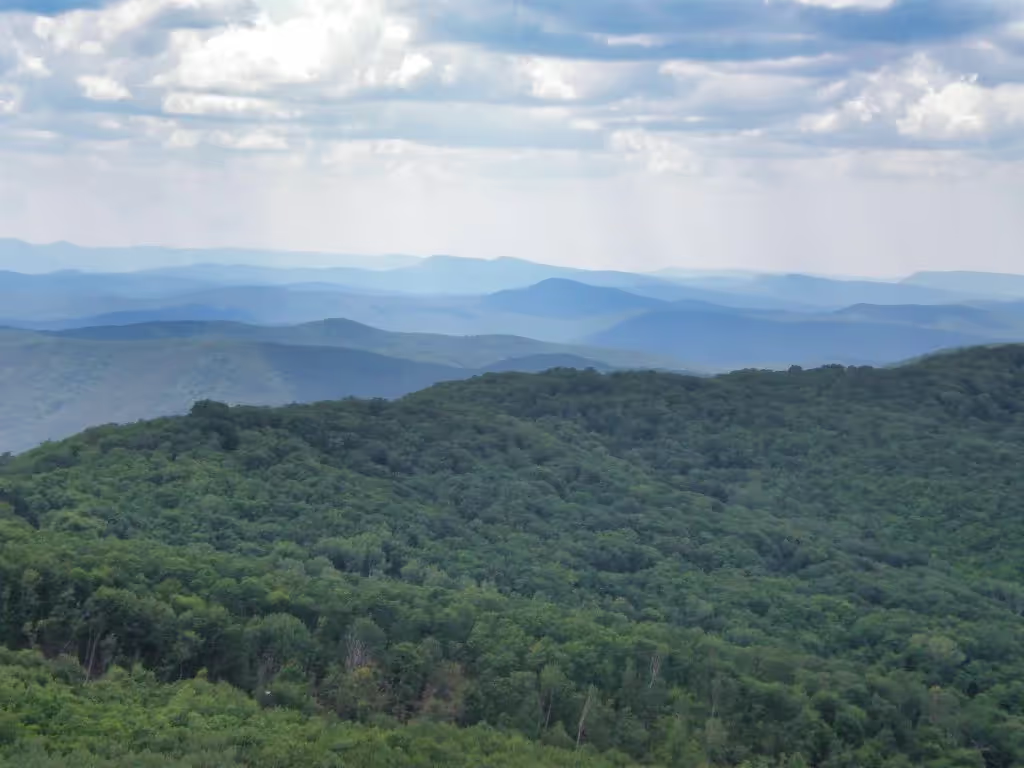
Ritocca le tue foto, rimuovi le distrazioni e metti in mostra i tuoi lavori migliori in modo facile e veloce.

Ritocco Fotografico con AI
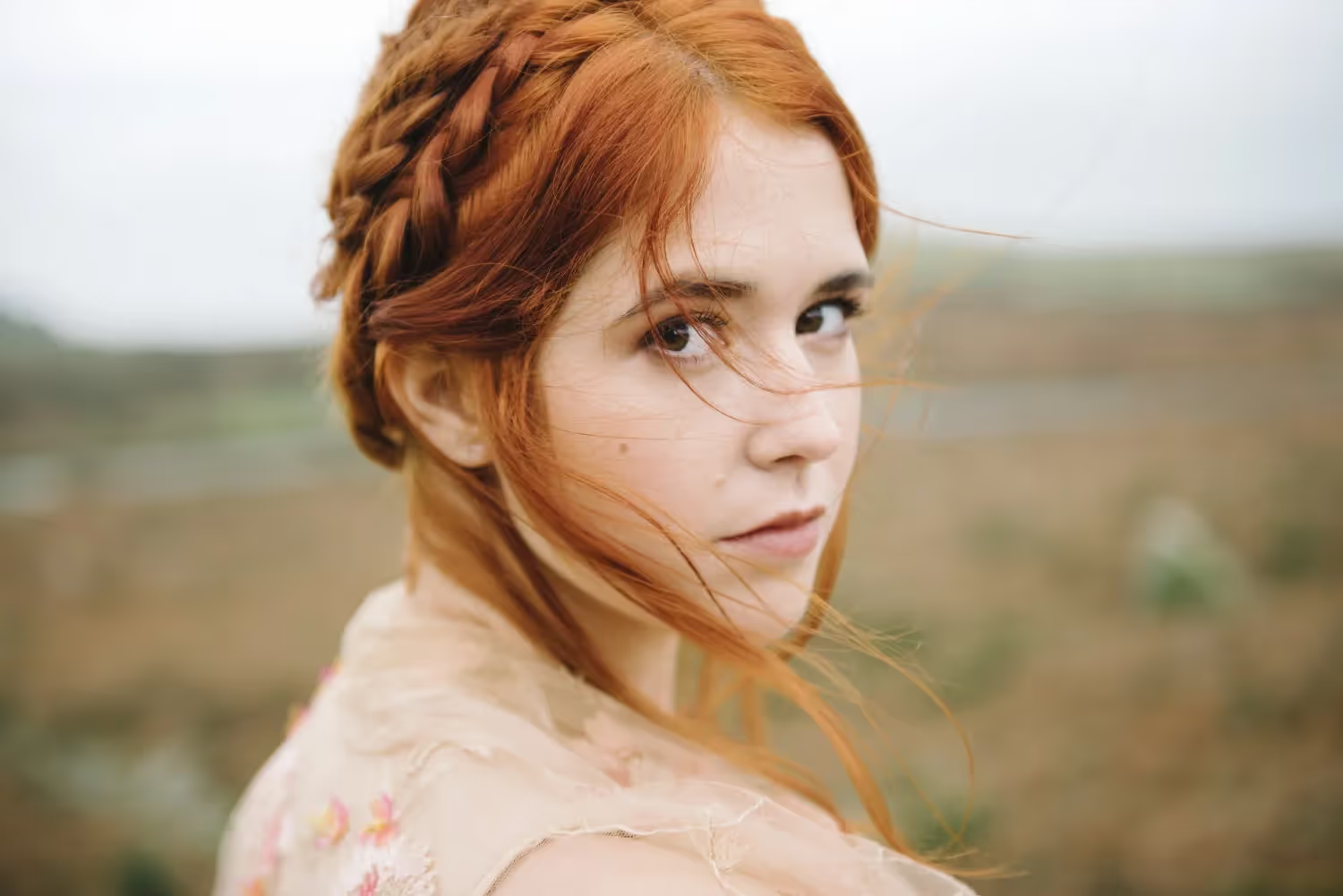
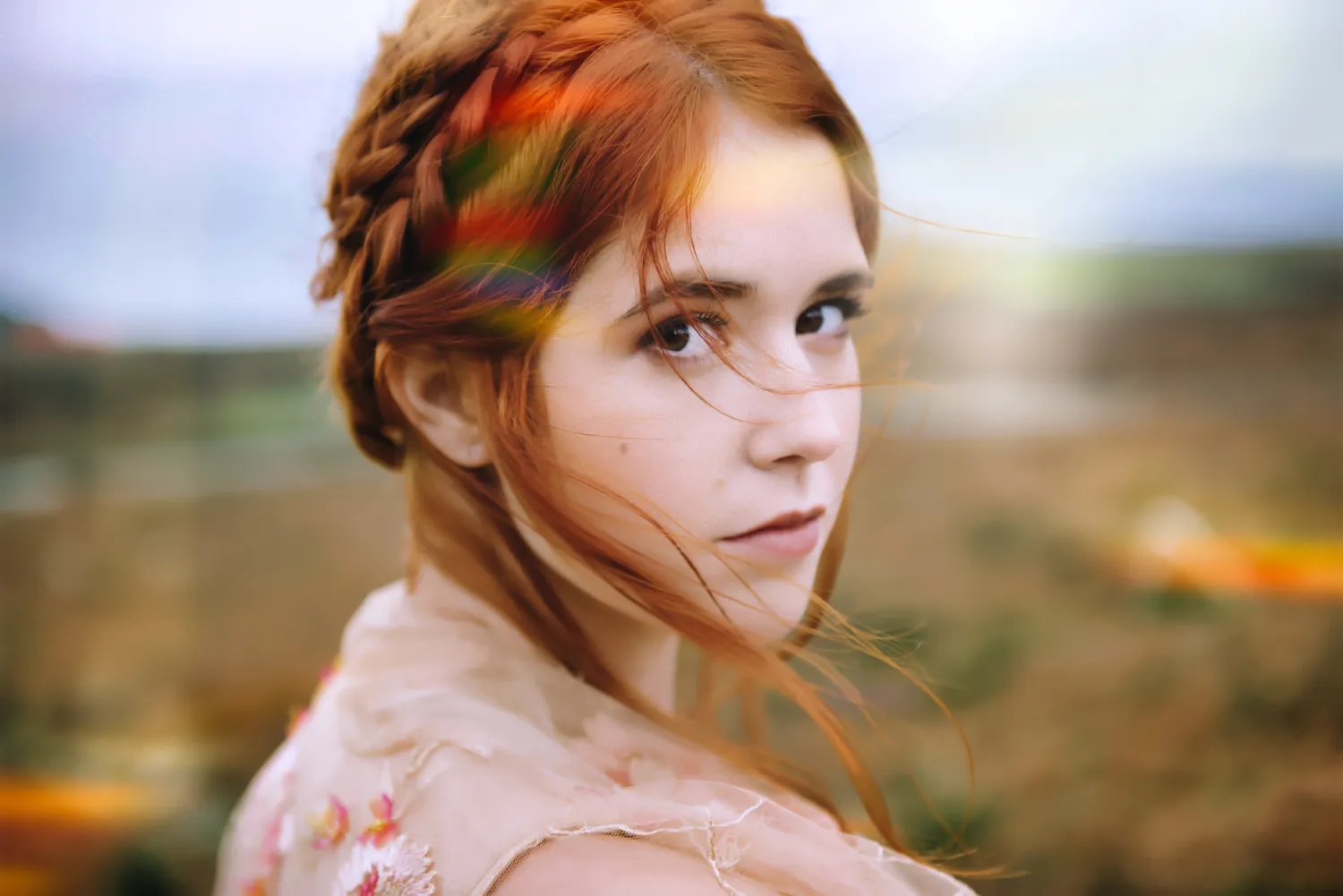
Trasforma i tuoi scatti all'istante con il miglioramento fotografico basato sull'AI

Foto Editor con Prompt AI

.webp)
Dai vita alle tue idee: digita il prompt in GenSwap e guarda come l'AI trasforma la foto all'istante.

MiglioraAI


Semplifica il tuo workflow e amplifica i risultati con un solo slider basato sull'AI
Domande frequenti
Does Luminar Offer Powerful Features While Still Being A Quick Picture Editor?
Sì! Luminarunisce la potenza dell'AI con un'interfaccia di facile utilizzo, offrendo valido tool di editing ma senza attese. Puoi migliorare, correggere e rifinire rapidamente le tue foto, senza compromessi sulla qualità.
Quali Sono I Vantaggi Principali Dell'Utilizzo Di Un Foto Editor Rapido Per I Contenuti Per I Social Media?
Speed and efficiency are key when creating social media content. With Luminar, you can quickly perfect your photos, making them ready to post in no time. Adjustments like cropping, color correction, and lighting are all handled in a few clicks, giving you more time to focus on your content.
Can Luminar Be Used Offline For Quick Photo Editing?
Yes! Luminar works offline, allowing you to edit photos anytime, anywhere, even without an internet connection. Perfect for on-the-go editing.
Un Software Di Editing Rapido È In Grado Di Gestire L'Elaborazione Di Foto In Serie?
Absolutely! Luminar supports batch processing, letting you edit multiple photos at once. This saves time, especially for large projects or when you need to apply similar adjustments across a collection of images.
