
 View plans
Elevate Aesthetics with AI Photo Retouching
AI-powered tools can swiftly enhance photos with minimal manual effort. Achieve high-quality results, correcting imperfections, adjusting colors, and enhancing details to make the image visually appealing
View plansHow to Master AI Photo Retouching in Just a Few Clicks?
Insertested in retouching with AI? Luminar is your perfect place to start. This powerful photo editor has won multiple awards for its intuitive design. Easy-to-use tools give you amazing results in just a few clicks.
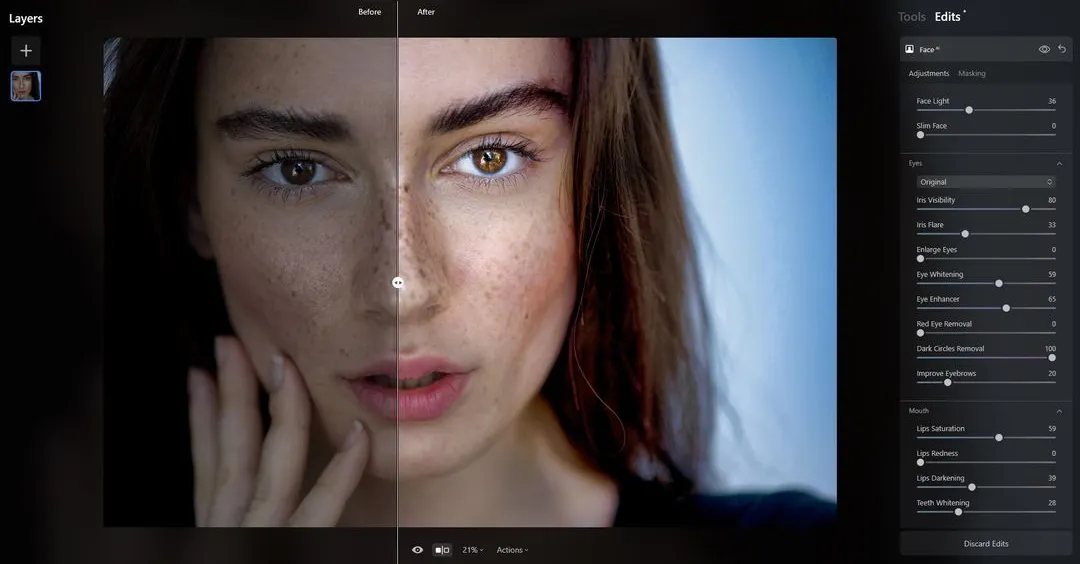
© Depositphotos


© David Tadevosian
Why Ditch the Manual Retouching and Embrace AI Power?
AI photo retouching offers a swift, accessible, and cost-effective solution for enhancing images with professional-level results.
It streamlines the editing process, ensuring consistency, high-quality adjustments, saving time and effort while offering a range of creative possibilities.
It streamlines the editing process, ensuring consistency, high-quality adjustments, saving time and effort while offering a range of creative possibilities.
Captivating Masterpieces with AI
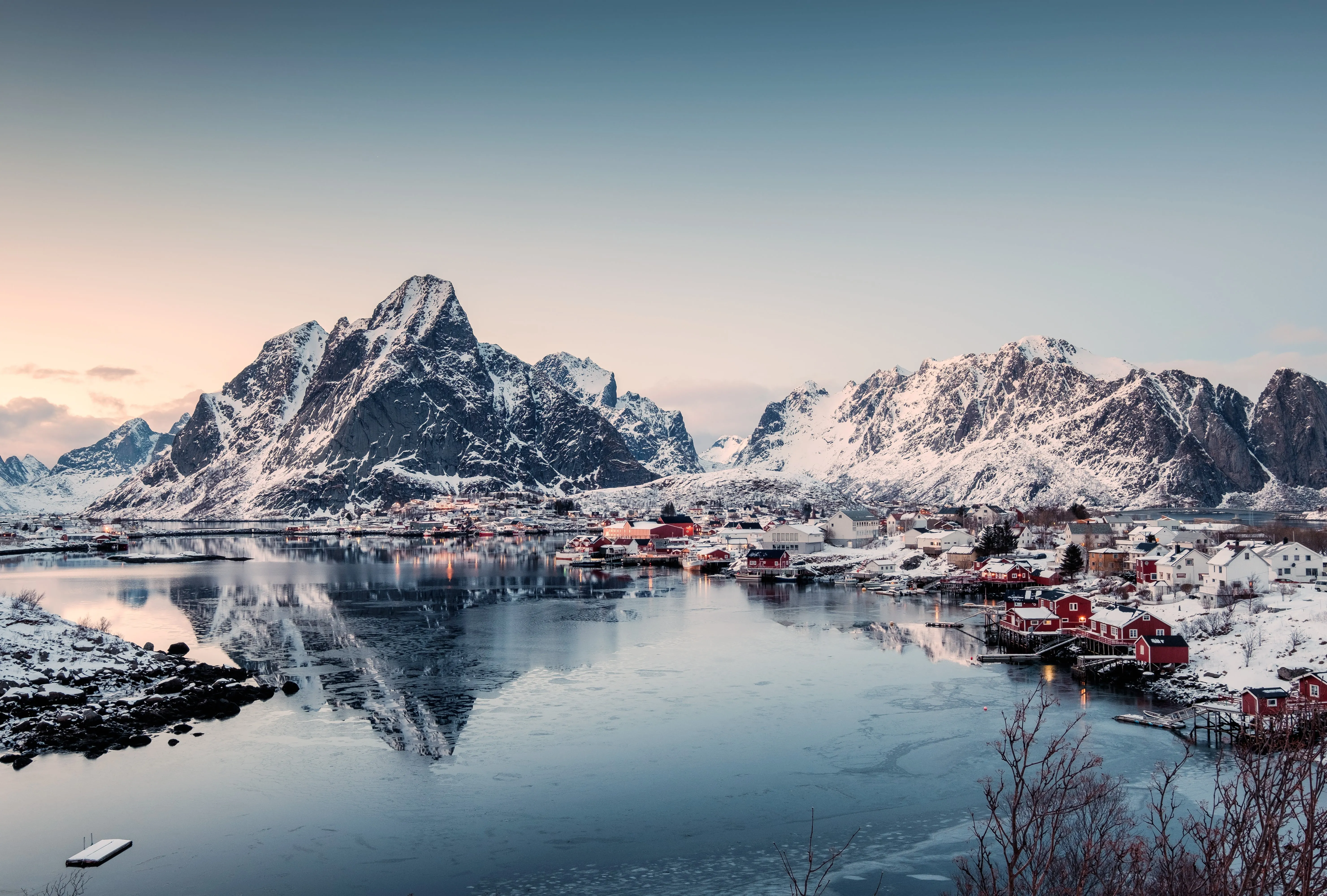
Luminar also boasts three generative AI features that can help you create realistic photos with AI-generated visuals. Remove imperfections and fill the textures with AI-genereated elements, swap whole elements in your scene, or expand your image beyond the borders.
It’s easy to create captivating masterpieces with AI.
It’s easy to create captivating masterpieces with AI.
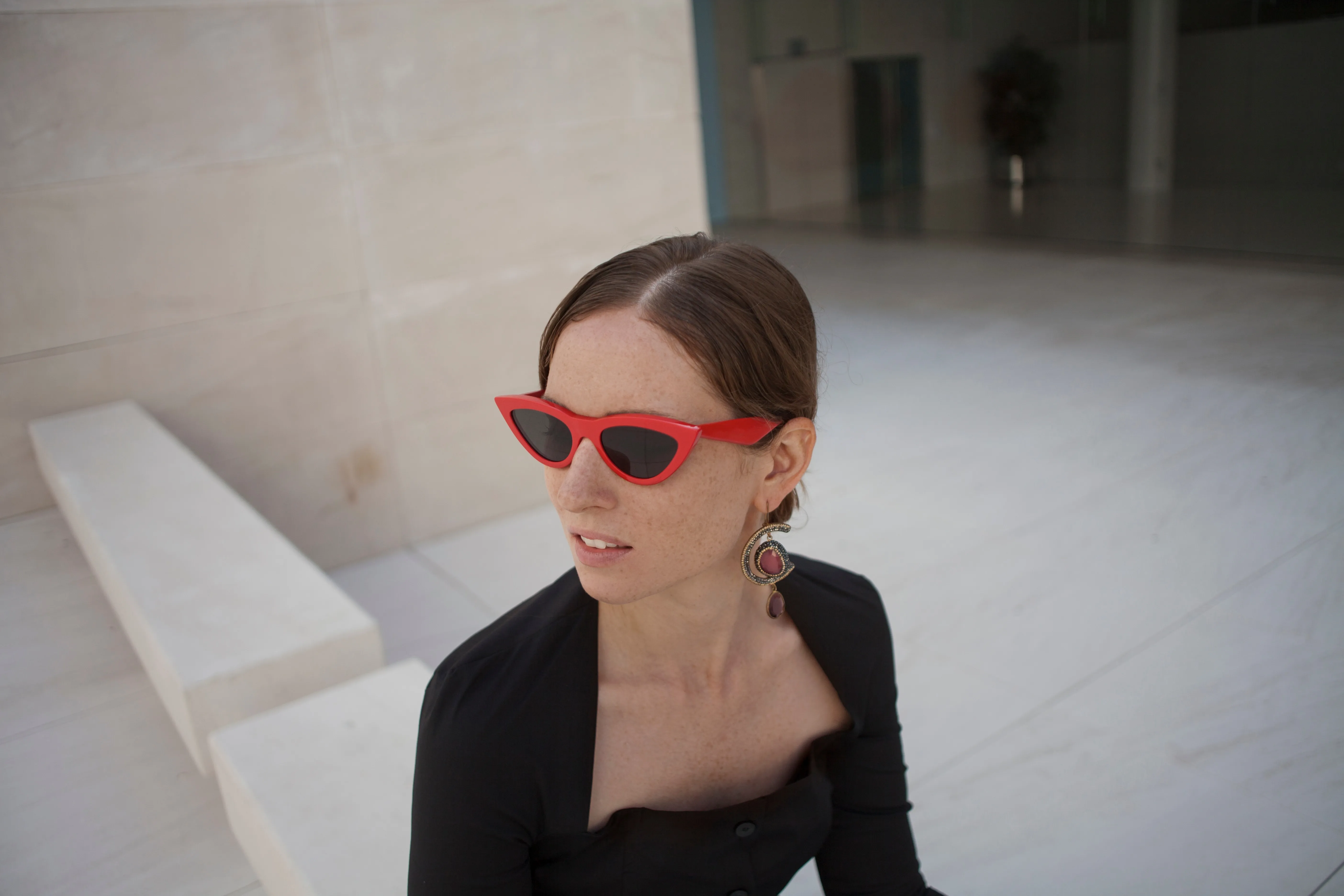
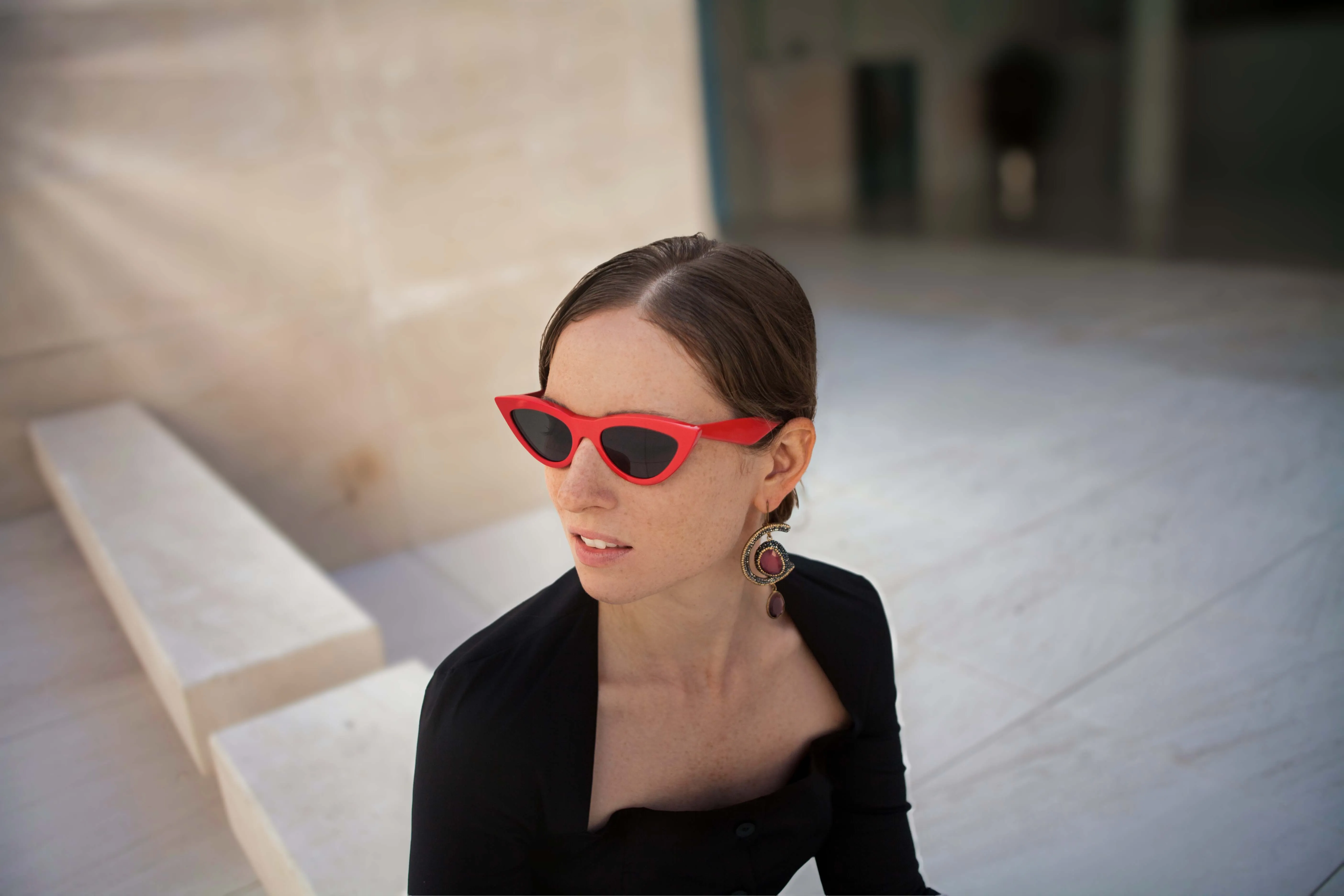
© facereader.images
AI Photo Touch-up for Flawless Portraits
Luminar has a wide range of AI-powered tools that can help you edit photos of any genre. It’s particularly good for portraits. Try these tools:
• The FaceAI tool selectively targets a subject’s face, eyes, and mouth using face recognition technology.
•SkinAI can eliminate various skin imperfections, including acne, freckles, and moles. It can also smooth the skin but make sure small details like hair and eyelashes are sharp.
The BodyAI tool shapes a subject’s torso and abdomen.
• The FaceAI tool selectively targets a subject’s face, eyes, and mouth using face recognition technology.
•SkinAI can eliminate various skin imperfections, including acne, freckles, and moles. It can also smooth the skin but make sure small details like hair and eyelashes are sharp.
The BodyAI tool shapes a subject’s torso and abdomen.
Explore Other Features

Blend Two Images
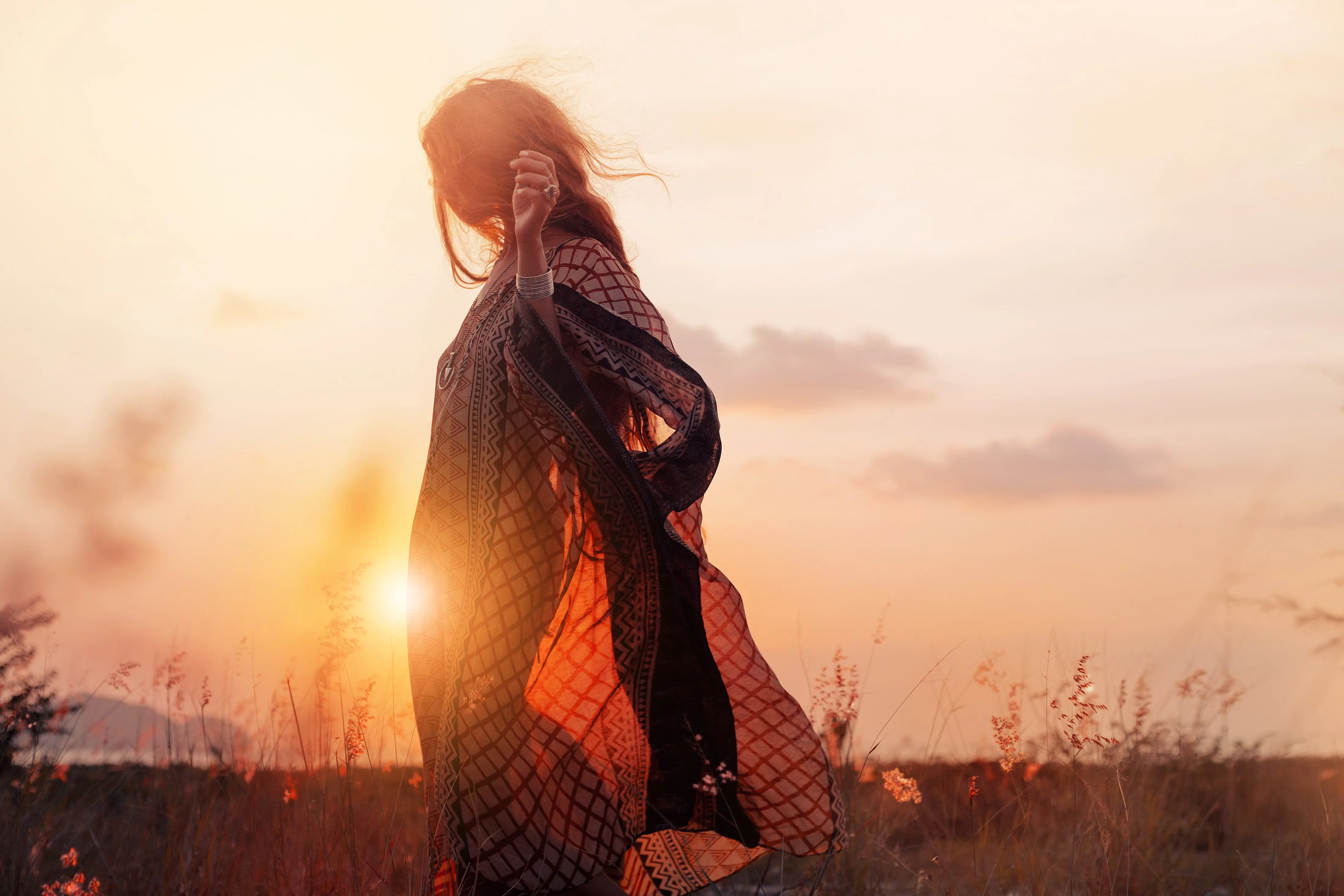
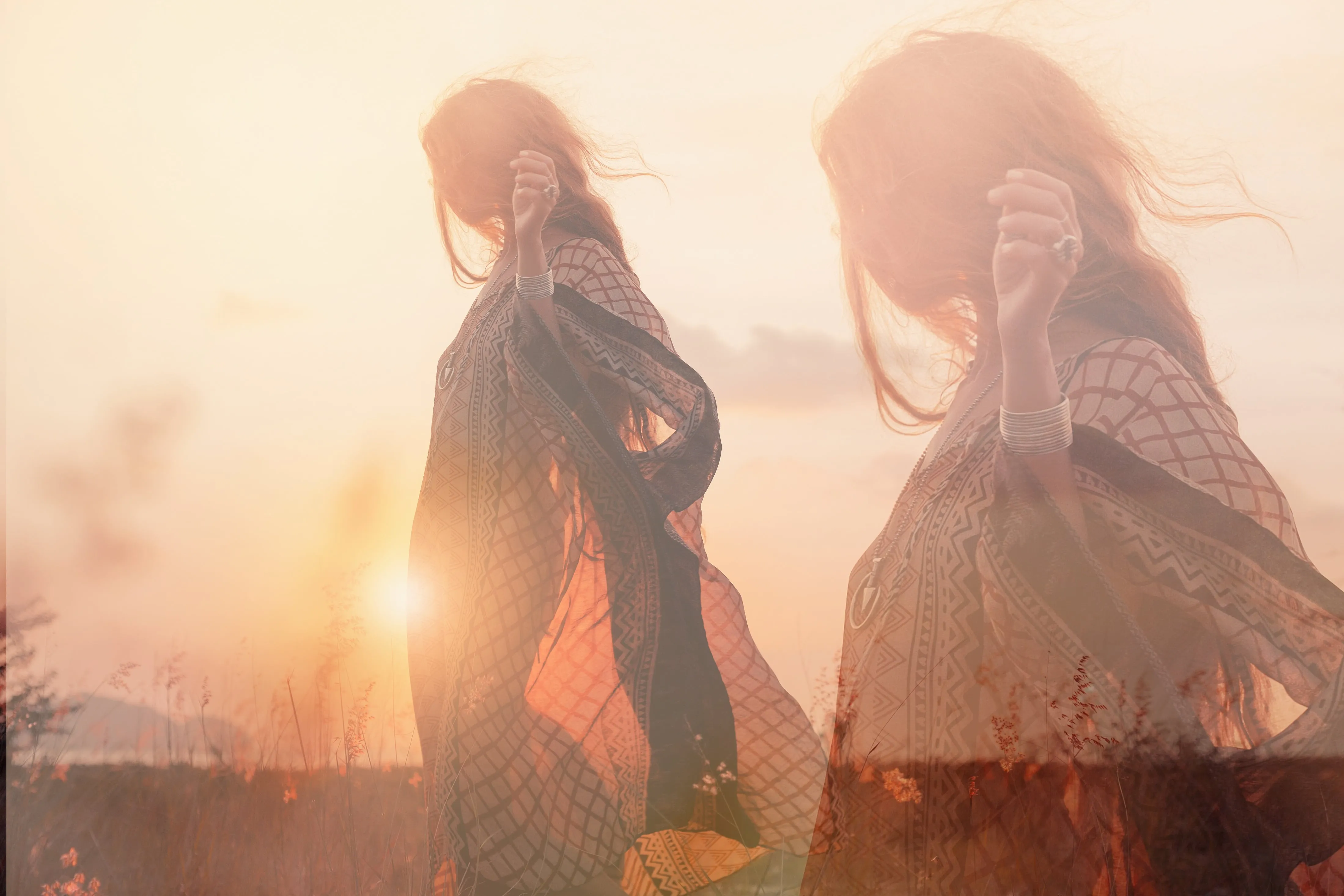
© shutterstock
Elevate your photography to new heights by seamlessly blending two images

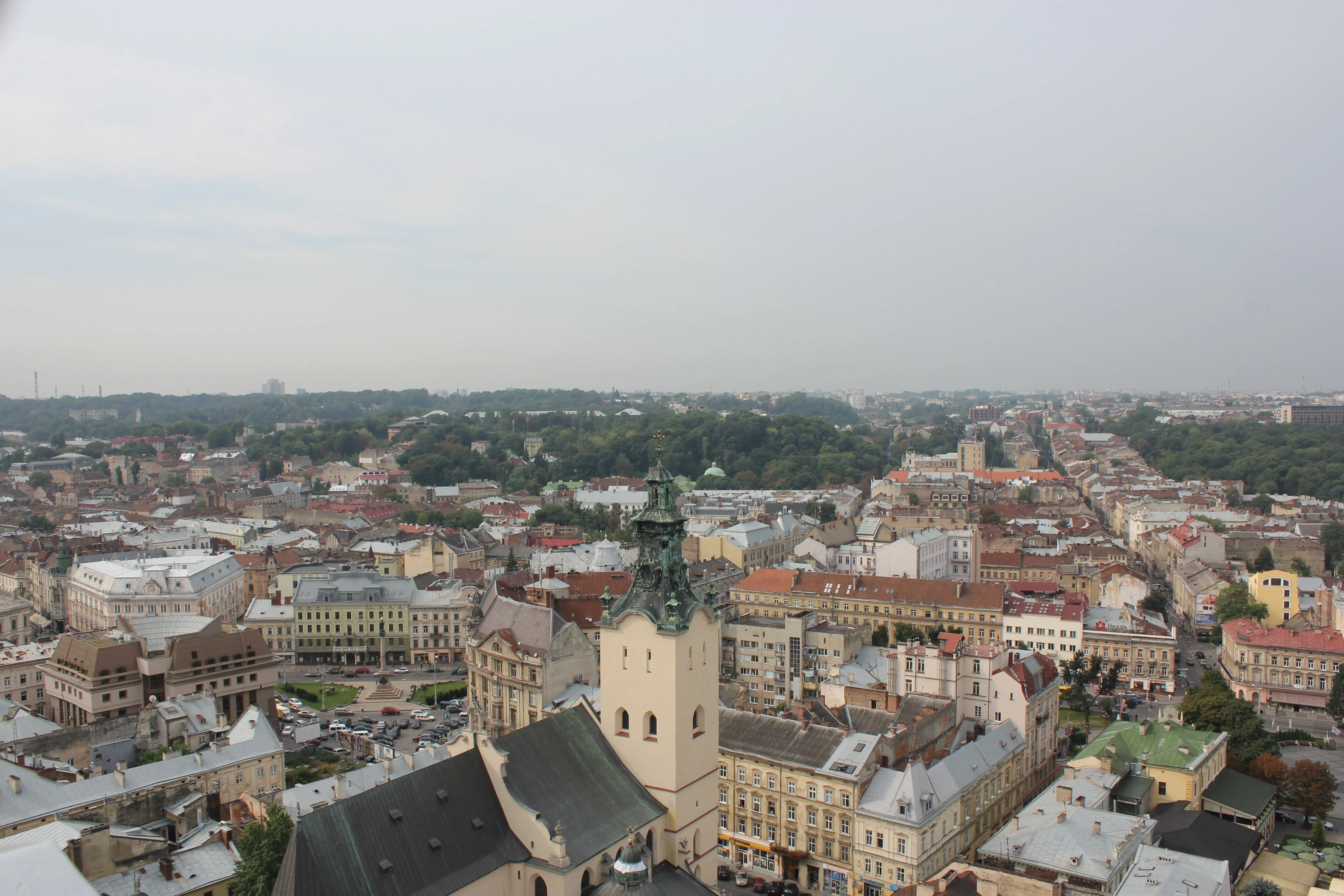
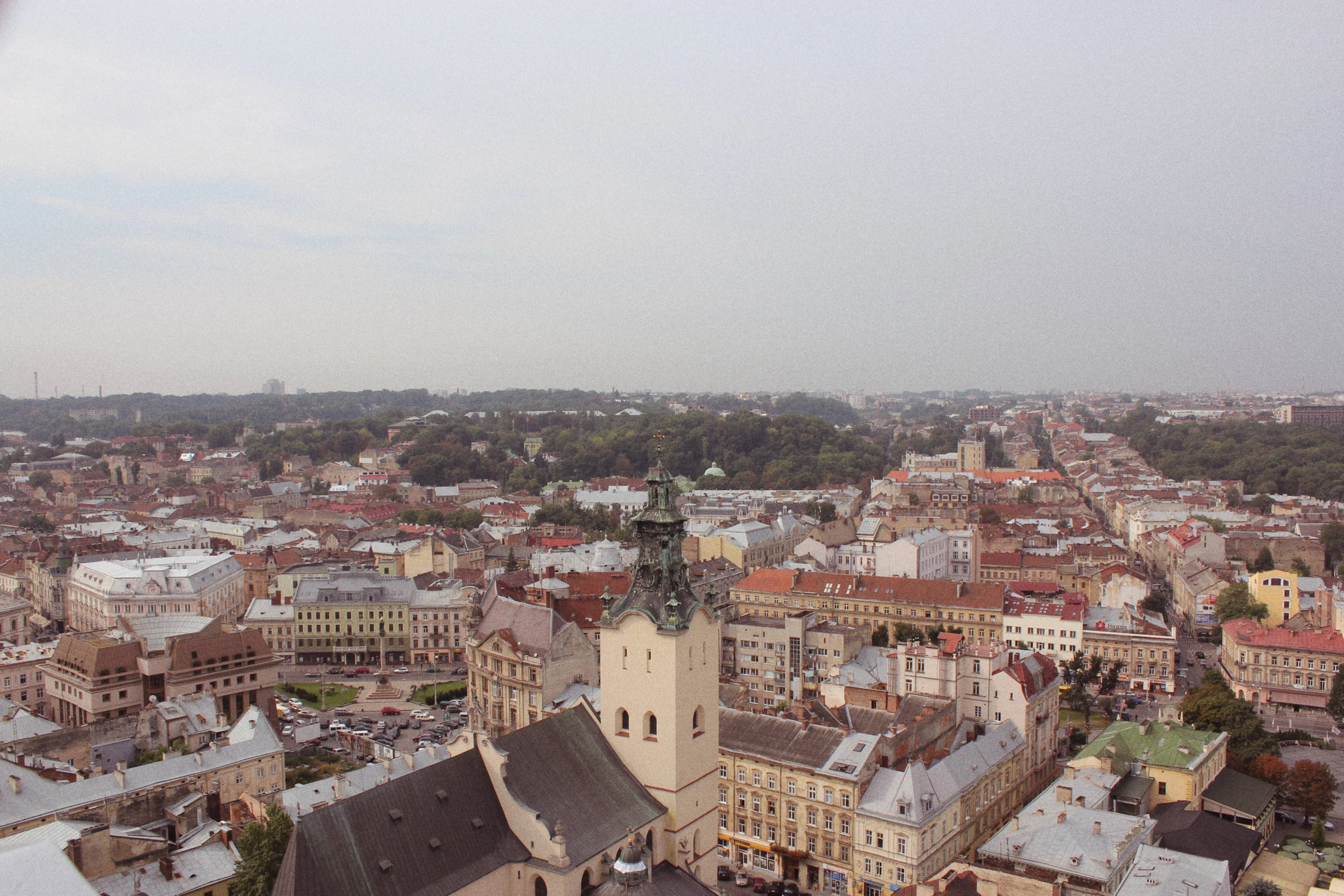
Supersharp AI
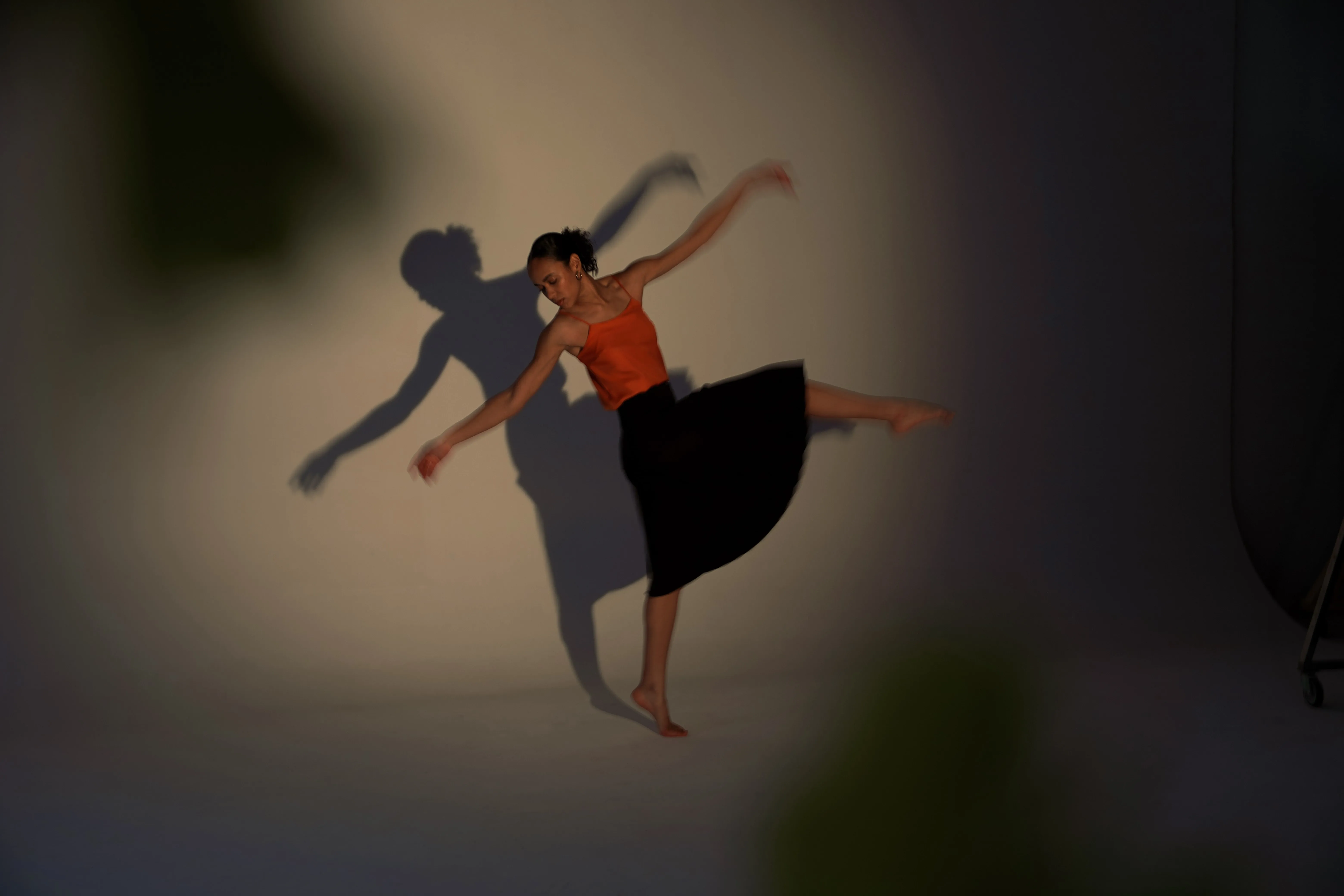
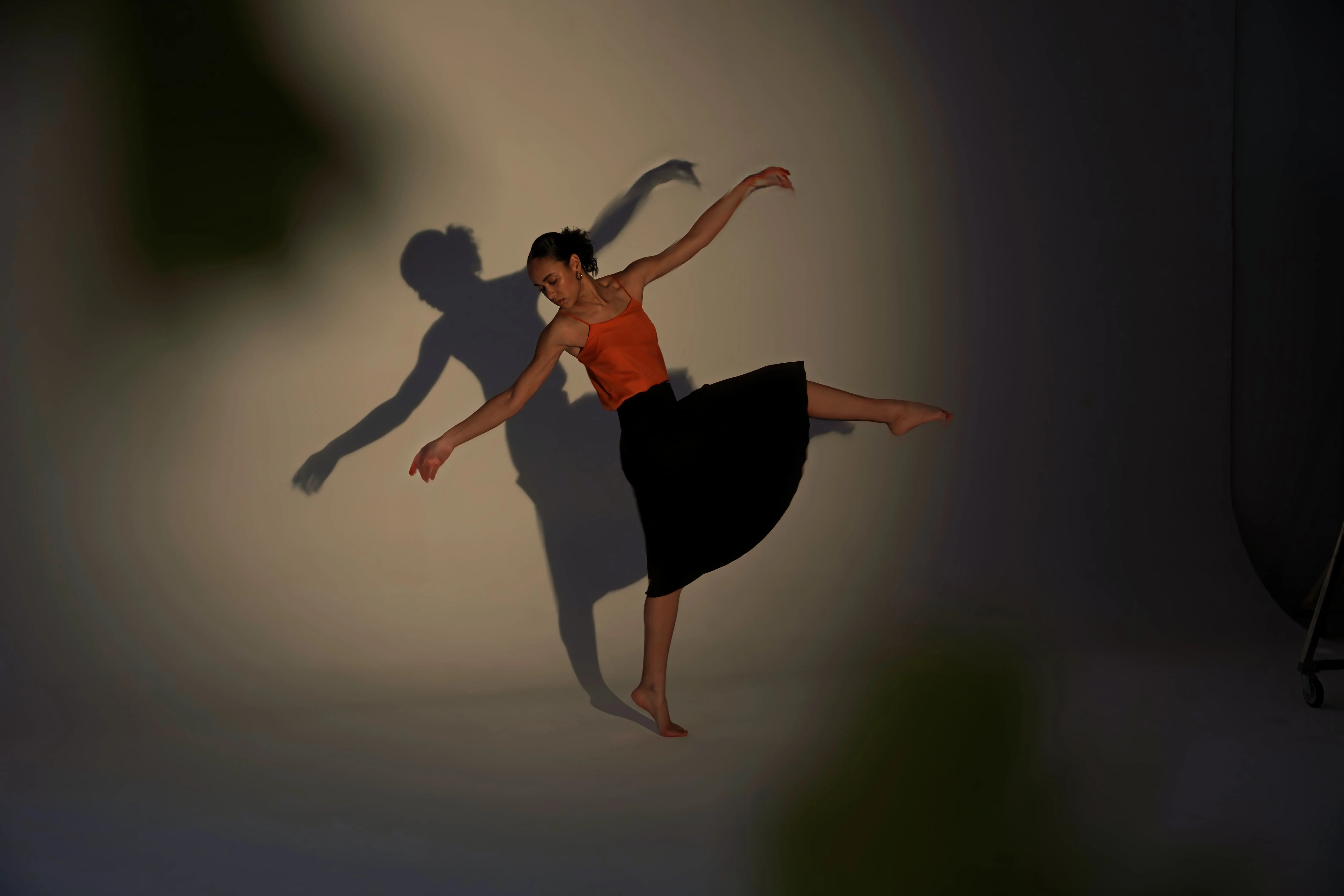
© Ksenia Kazak
Use our cutting-edge technology to naturally restore the sharpness of your cherished memories


Background Removal AI
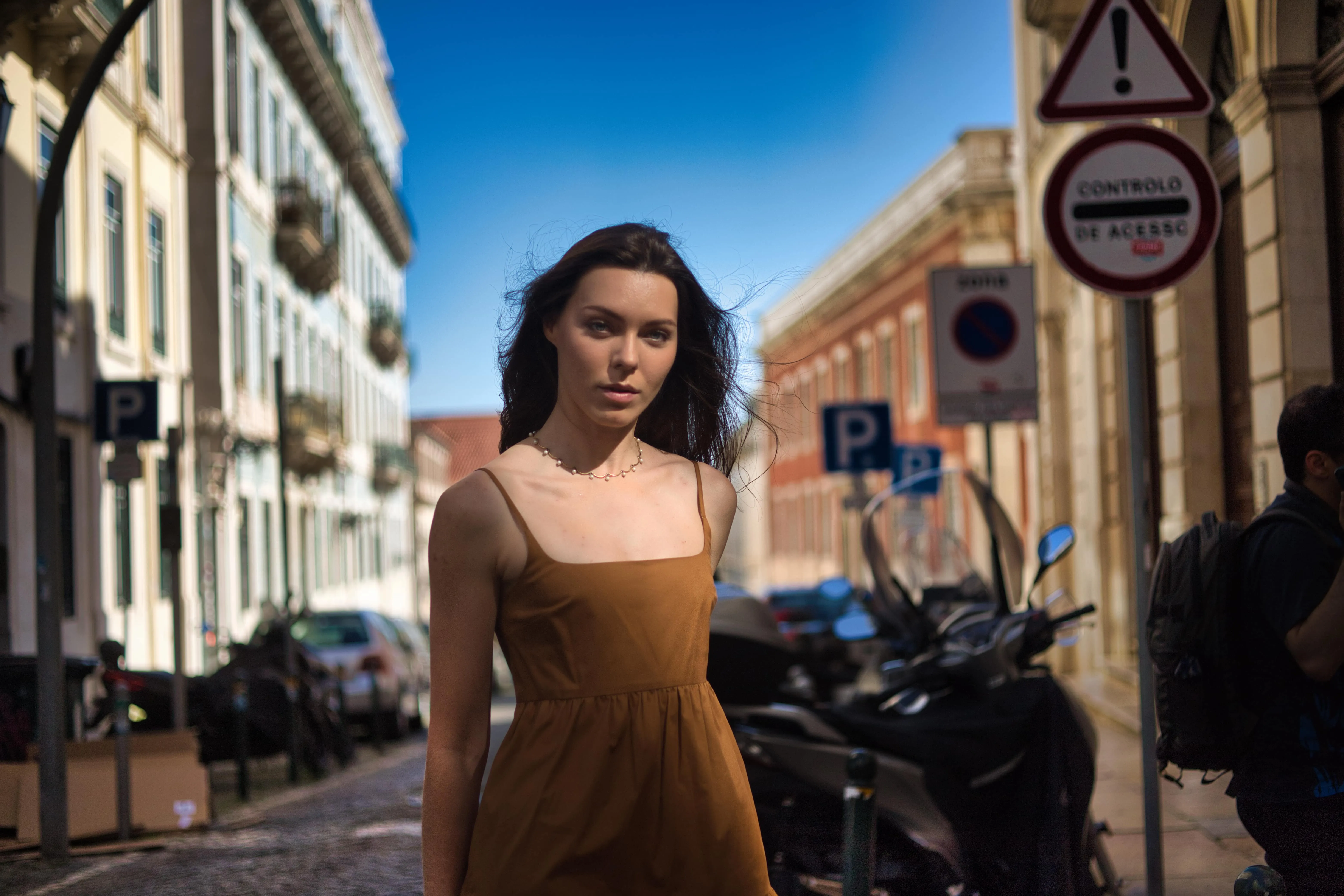
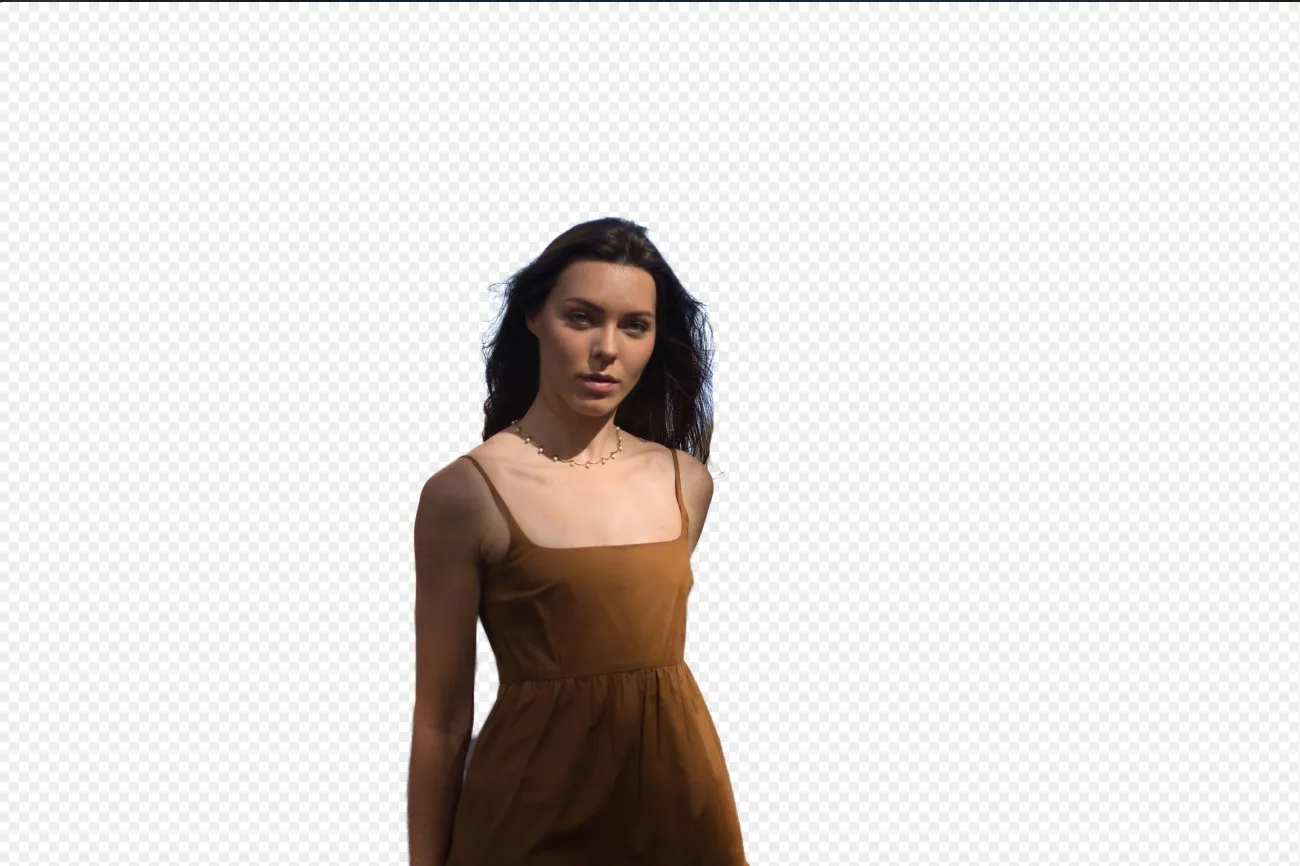
© Ksenia Kazak
Use our advanced tool to automatically erase backgrounds behind any object in your images.

Enhance AI


© mathewbrowne_anglesey
Simplify your workflow and amplify your results with a single, AI-driven slider

Hue Changer
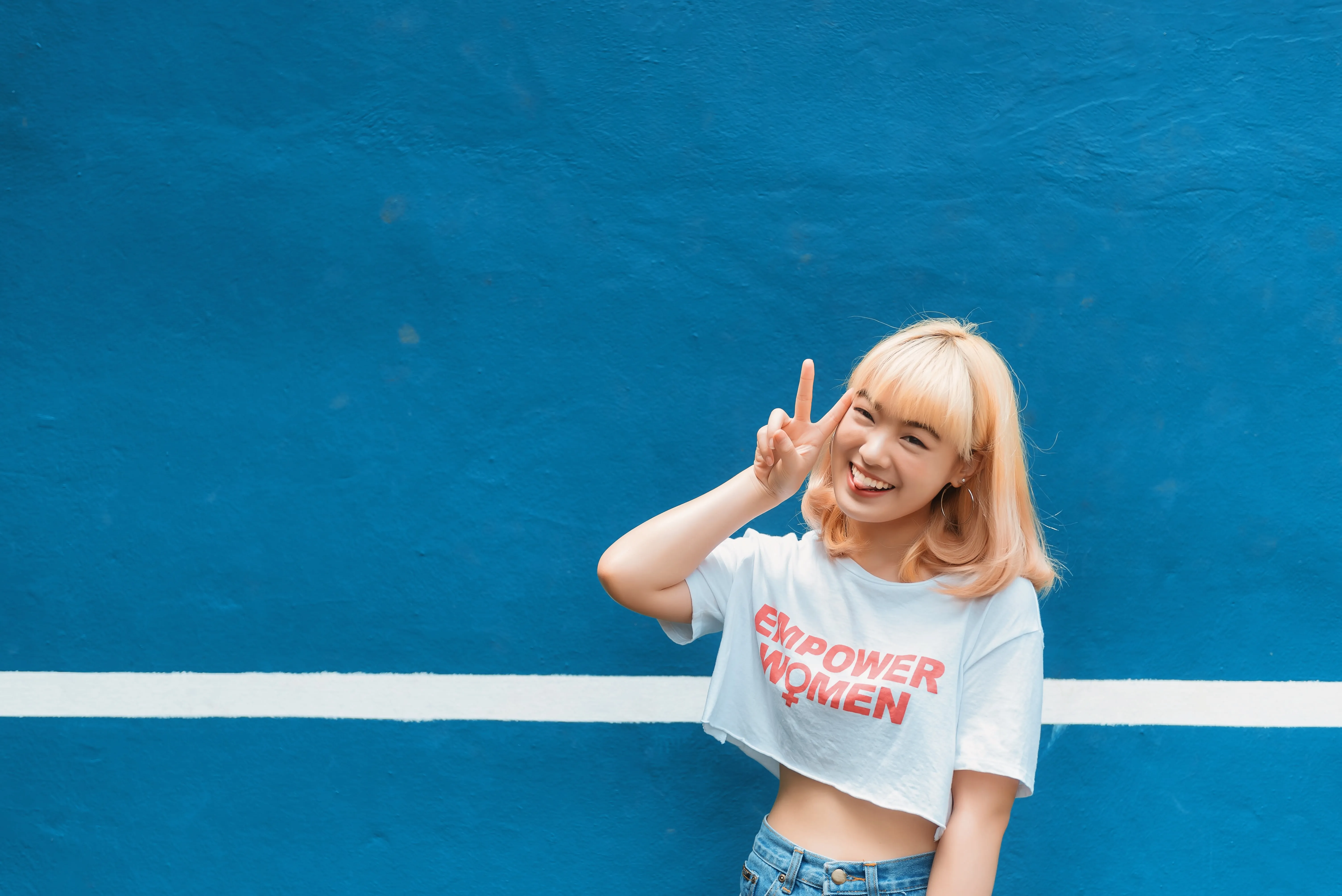
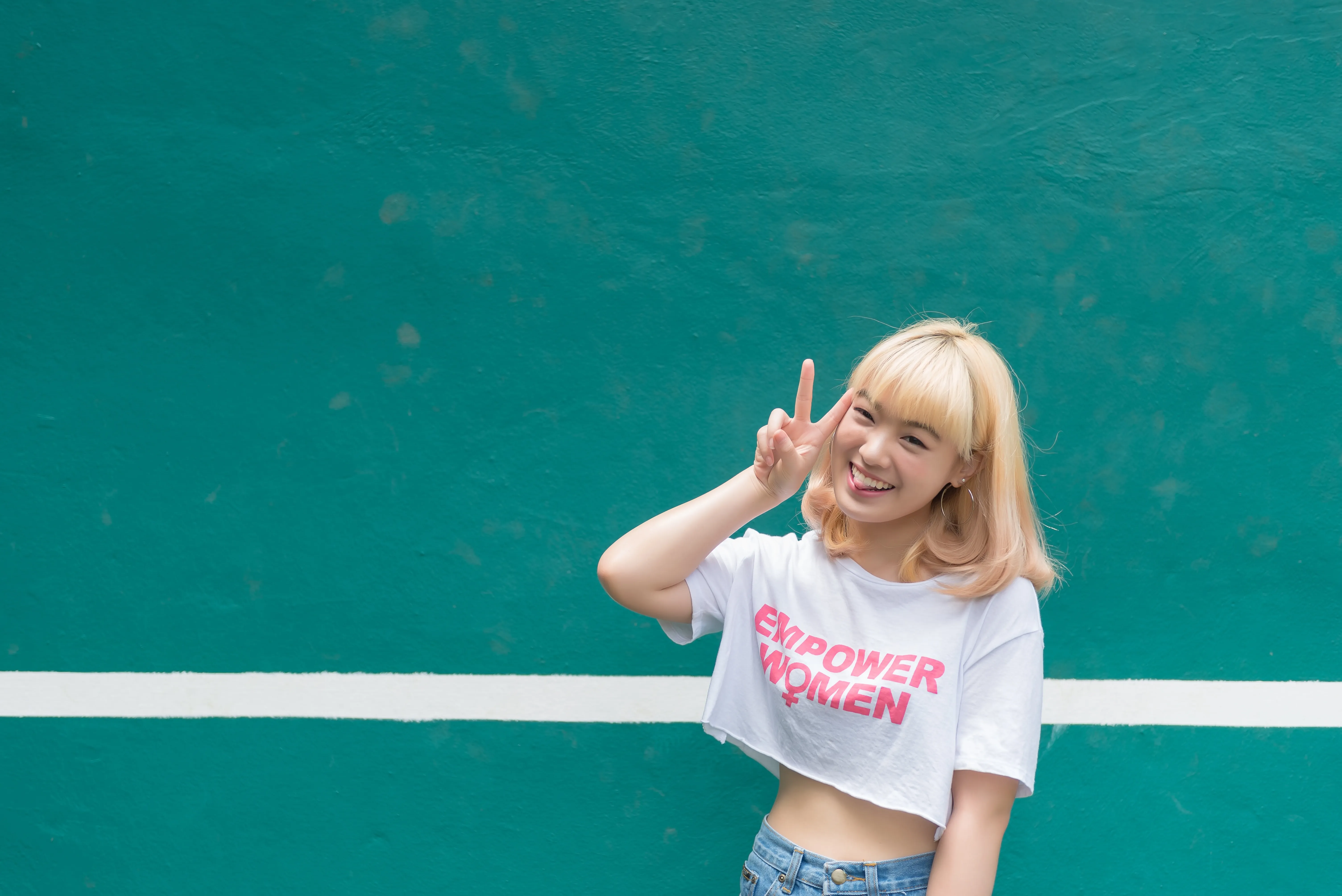
© reewungjunerr
Easily correct tones, experiment with new looks, or add unique creative effects.
An application & plugin
For macOS & Windows
- High-performance AI editor
24/7 technical support
30-day money back guarantee
Join our communities

Frequently Asked Questions
How to use AI photo retoucher with Luminar?
Out of all the Luminar’s tools used to retouch, AI tools are the most powerful. Try the generative AI features, or other iconic tools like Sky AI that lets you replace the sky in a click, Face AI for portraits, Atmosphere AI that adds realistic fog and haze to your landscape, and so many more. It’s easy!
Can AI photo retouching be applied to any type of photo?
Depends on the feature you’re using. Tools like Face AI or Skin AI will only work if the AI can detect a person in your photo. But generally, any photo can be improved with an AI feature.
What kind of improvements can I expect from AI photo retouching?
AI photo retouching analyzes your photo and provides improvements based on the contents of the photo. You can expect anything from basic color correction with Enhance AI, to more advanced editing like swapping whole scenes with AI-generated elements in GenSwap. The creative possibilities are endless!
Can I customize the level of retouching with AI tools?
Yes. Luminar always offers you control over your results.
Why Luminar is the best AI touch up tool?
Luminar is recognized as a leading solution for AI photo touch-ups because it combines automated portrait enhancements with precise manual control. The tool excels at improving skin, facial features, lighting, and overall image balance while keeping the result natural and avoiding an over-retouched look.
Who can benefit from Luminar AI photo retouching?
Luminar is useful for a wide range of retouching workflows:
- Portrait photographers: refine skin, eyes, and facial details efficiently
- Beauty and fashion photographers: polish portraits while preserving texture
- Event photographers: speed up retouching across large photo sets
- Content creators: prepare clean, professional-looking portraits for social media
- Everyday users: improve selfies and personal photos without complex editing
- Portrait photographers: refine skin, eyes, and facial details efficiently
- Beauty and fashion photographers: polish portraits while preserving texture
- Event photographers: speed up retouching across large photo sets
- Content creators: prepare clean, professional-looking portraits for social media
- Everyday users: improve selfies and personal photos without complex editing
Why Luminar image retouch tool is trusted by photographers?
Photographers choose Luminar because it combines AI-powered retouching with selective adjustments and non-destructive editing. Tools for skin, face, masking, and local corrections give photographers control over how much retouching is applied, helping them achieve consistent results while preserving natural detail.
