

 Pläne anzeigen
Verbessern Sie die Ästhetik mit KI-gestützter Bildbearbeitung
KI-gestützte Werkzeuge können Fotos mit minimalem manuellem Aufwand schnell optimieren. Erzielen Sie hochwertige Ergebnisse, indem Sie Unvollkommenheiten korrigieren, Farben anpassen und Details hervorheben, um das Bild optisch ansprechend zu gestalten.
Pläne anzeigenWie meistert man die KI-basierte Fotoretusche mit nur wenigen Klicks?
Interessieren Sie sich für Bildbearbeitung mit KI? Dann ist Luminar der perfekte Einstieg für Sie. Dieser leistungsstarke Bildbearbeitungsprogramm wurde für sein intuitives Design mehrfach ausgezeichnet. Mit den benutzerfreundlichen Werkzeugen erzielen Sie mit nur wenigen Klicks beeindruckende Ergebnisse.
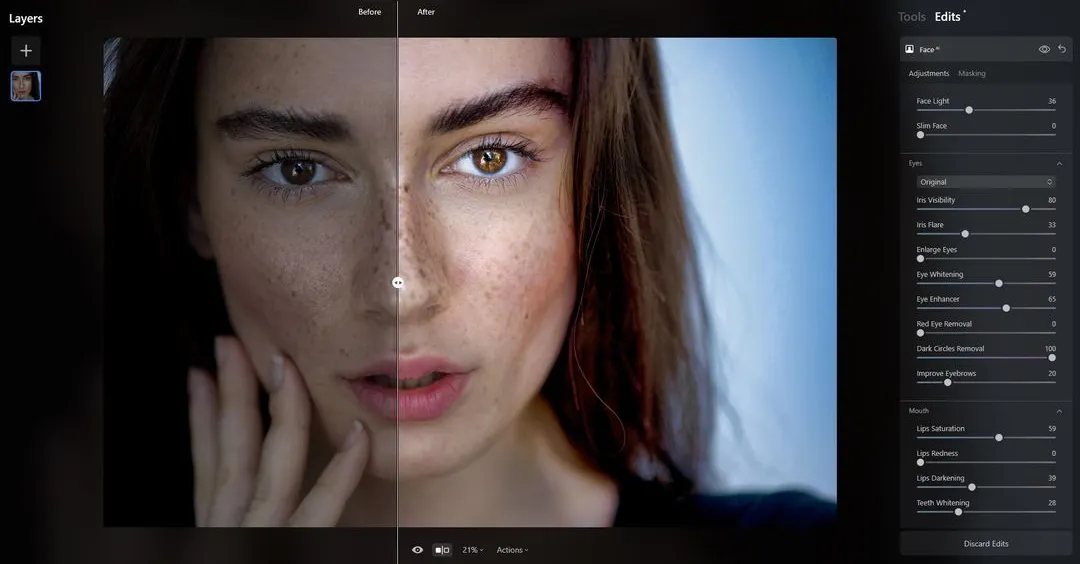
© Depositphotos
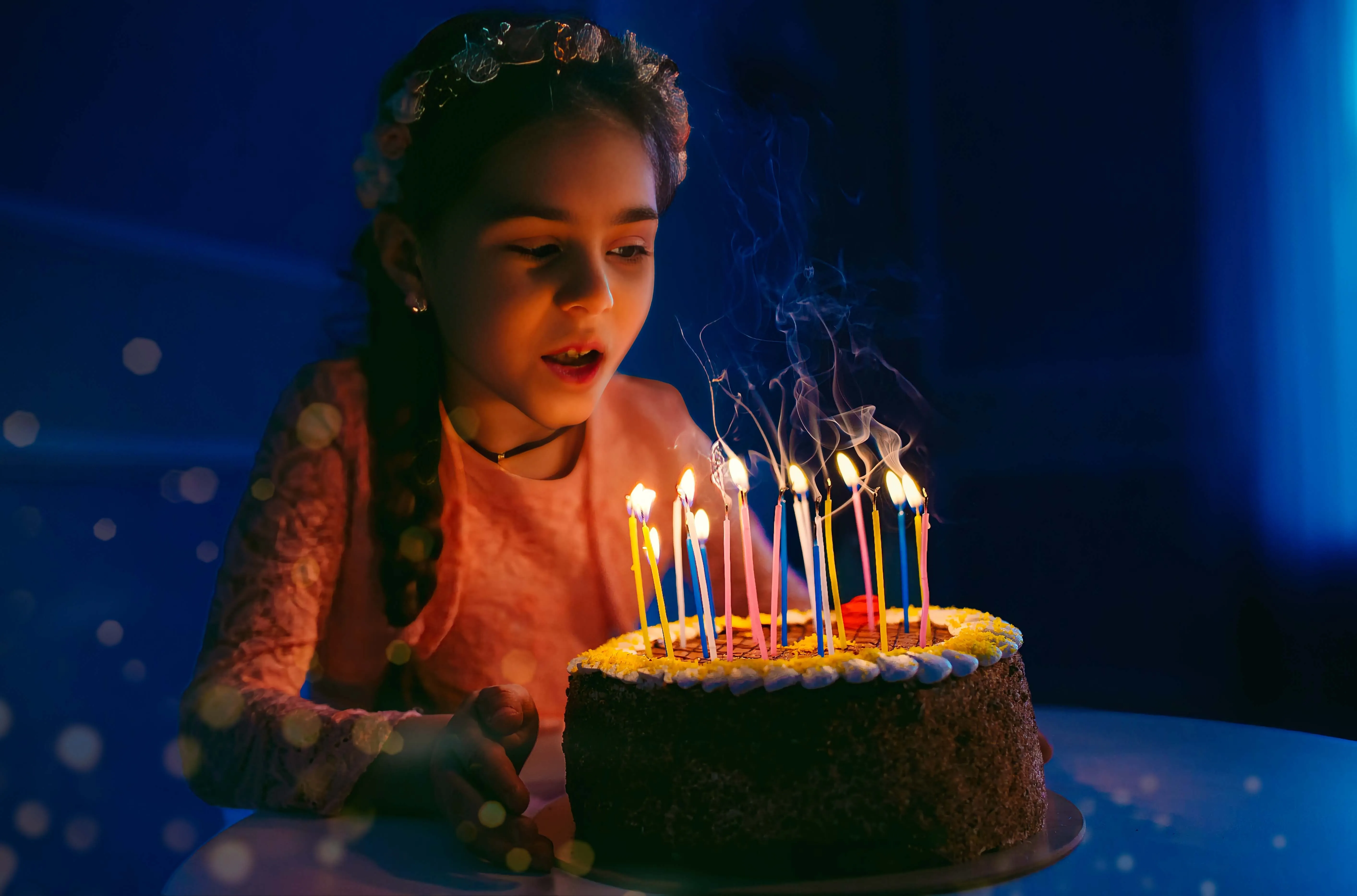
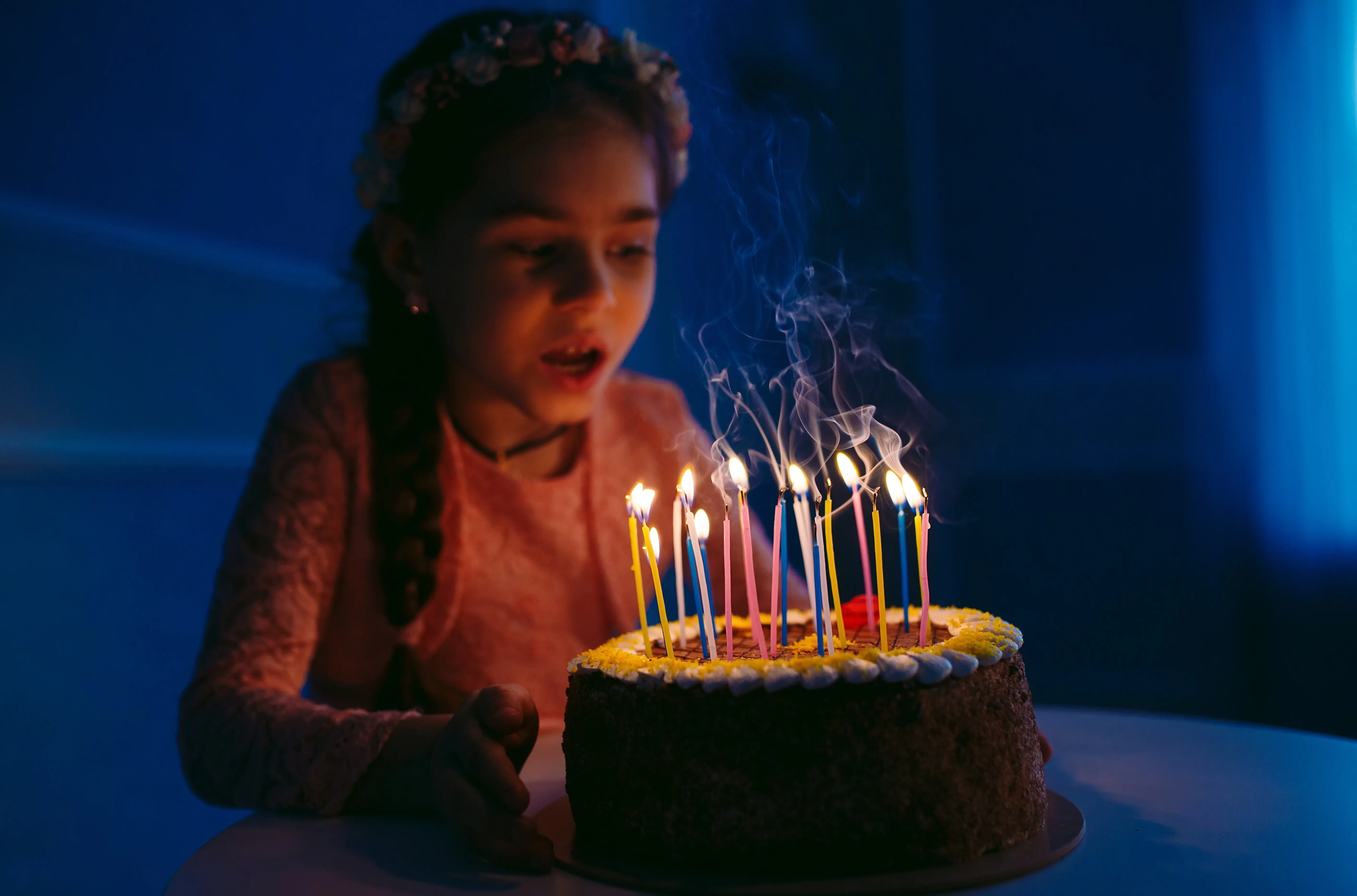
© David Tadevosian
Warum sollte man die manuelle Bildbearbeitung hinter sich lassen und auf die Möglichkeiten der KI setzen?
Die Bildbearbeitung mit KI bietet eine schnelle, leicht zugängliche und kostengünstige Lösung zur Bildoptimierung mit professionellen Ergebnissen.
Es optimiert den Bearbeitungsprozess, gewährleistet Konsistenz und hochwertige Anpassungen, spart Zeit und Aufwand und bietet gleichzeitig eine Vielzahl kreativer Möglichkeiten.
Es optimiert den Bearbeitungsprozess, gewährleistet Konsistenz und hochwertige Anpassungen, spart Zeit und Aufwand und bietet gleichzeitig eine Vielzahl kreativer Möglichkeiten.
Faszinierende Meisterwerke mit KI
Luminar bietet außerdem drei generative KI-Funktionen, mit denen Sie realistische Fotos mit KI-generierten Bildelementen erstellen können. Entfernen Sie Unvollkommenheiten und füllen Sie die Texturen mit KI-generierten Elementen auf, tauschen Sie ganze Elemente in Ihrer Szene aus oder erweitern Sie Ihr Bild über die Ränder hinaus.
Mit KI lassen sich ganz einfach faszinierende Meisterwerke schaffen.
Mit KI lassen sich ganz einfach faszinierende Meisterwerke schaffen.
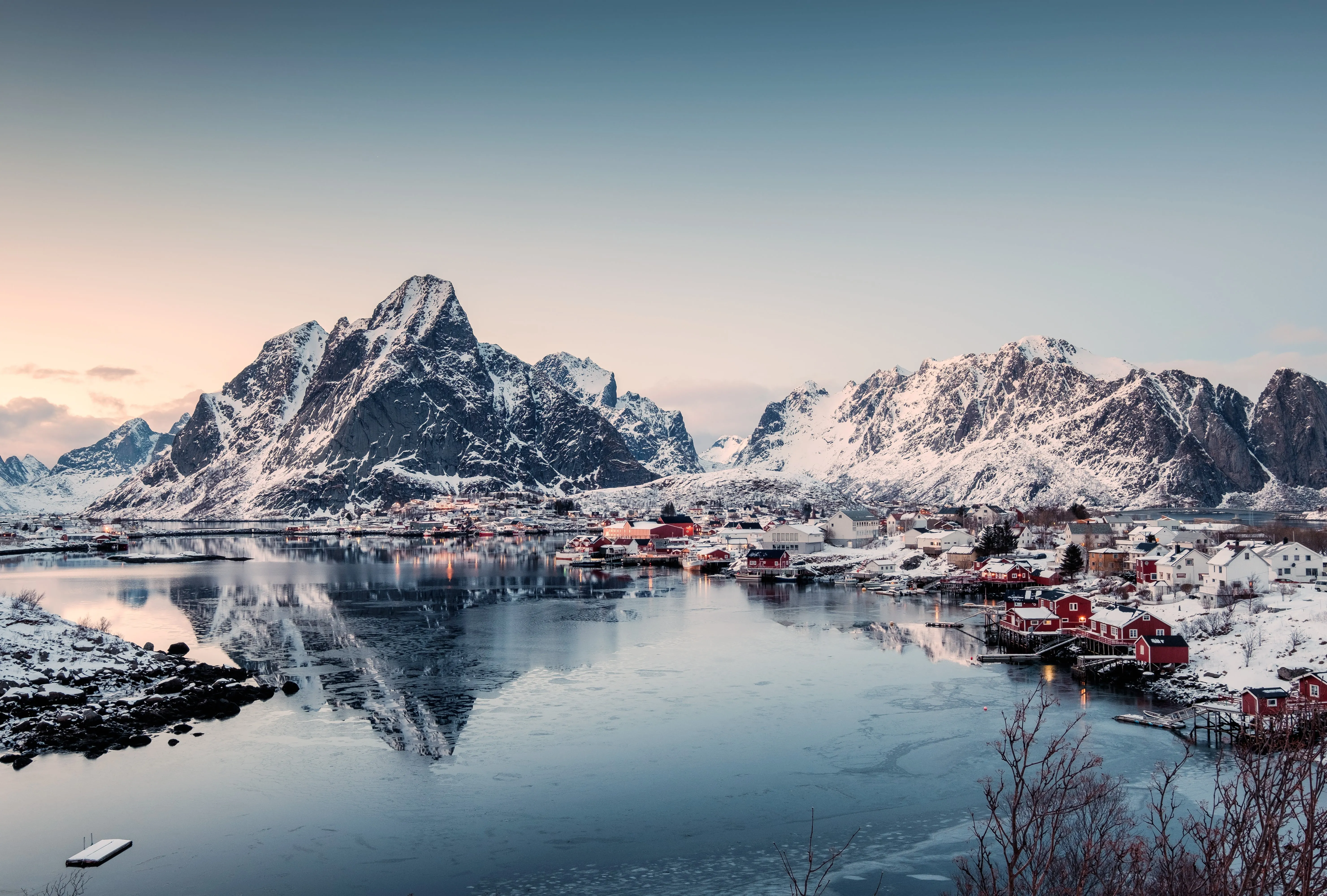
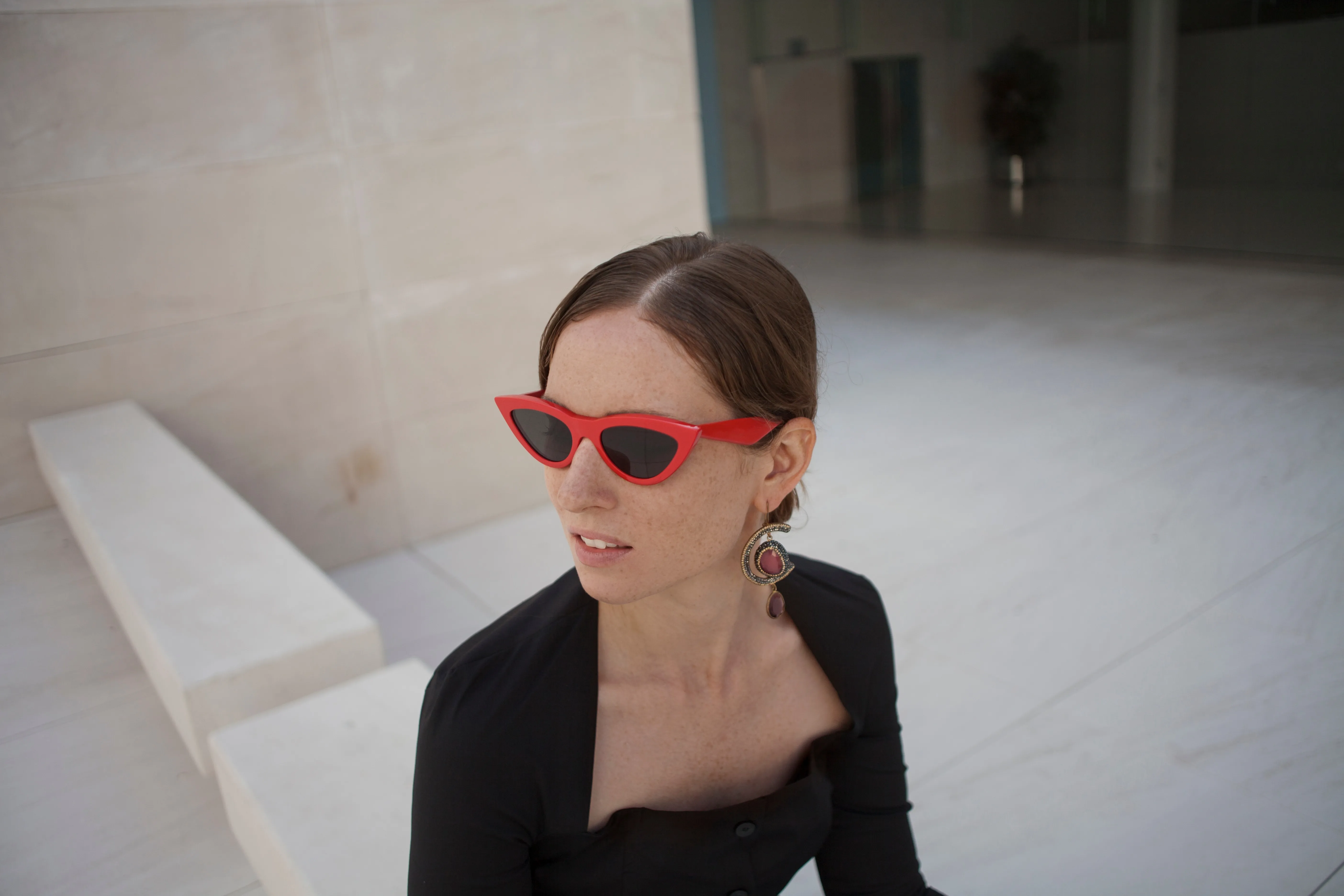
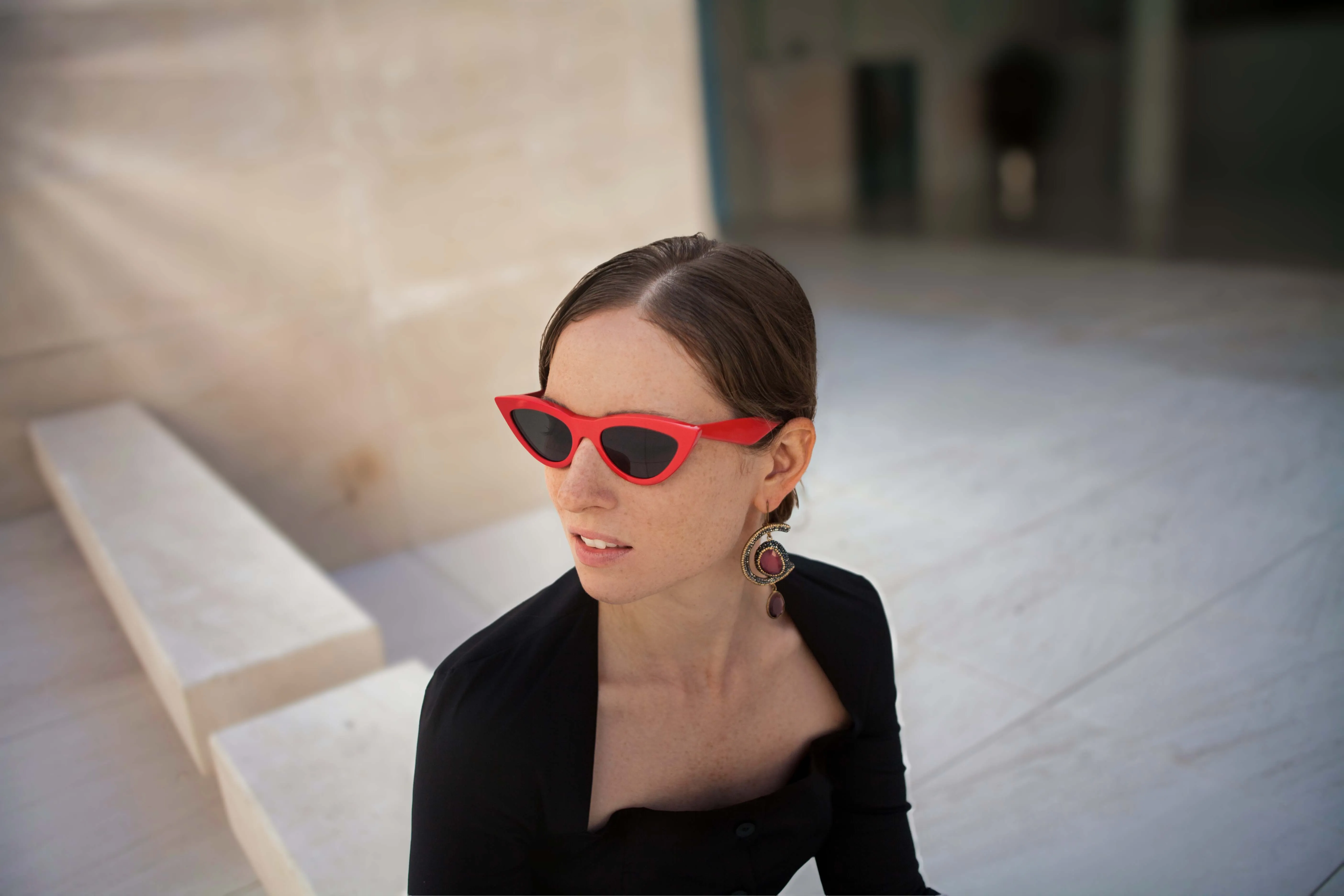
© facereader.images
KI-Bildbearbeitung für makellose Porträts
Luminar bietet eine große Auswahl an KI-gestützten Werkzeugen, mit denen Sie Fotos jeglicher Art bearbeiten können. Besonders gut eignet es sich für Porträts. Probieren Sie diese Werkzeuge aus:
• Die GesichtKI Das Tool zielt mithilfe von Gesichtserkennungstechnologie gezielt auf das Gesicht, die Augen und den Mund einer Person ab.
•HautKI kann verschiedene Hautunreinheiten beseitigen, darunter Akne, Sommersprossen und Muttermale. Außerdem kann es die Haut glätten, wobei jedoch darauf zu achten ist, dass kleine Details wie Haare und Wimpern scharf bleiben.
Die HauptteilKI Das Werkzeug formt den Oberkörper und den Bauch des Patienten.
• Die GesichtKI Das Tool zielt mithilfe von Gesichtserkennungstechnologie gezielt auf das Gesicht, die Augen und den Mund einer Person ab.
•HautKI kann verschiedene Hautunreinheiten beseitigen, darunter Akne, Sommersprossen und Muttermale. Außerdem kann es die Haut glätten, wobei jedoch darauf zu achten ist, dass kleine Details wie Haare und Wimpern scharf bleiben.
Die HauptteilKI Das Werkzeug formt den Oberkörper und den Bauch des Patienten.
Entdecken Sie weitere Funktionen

Zwei Bilder zusammenfügen
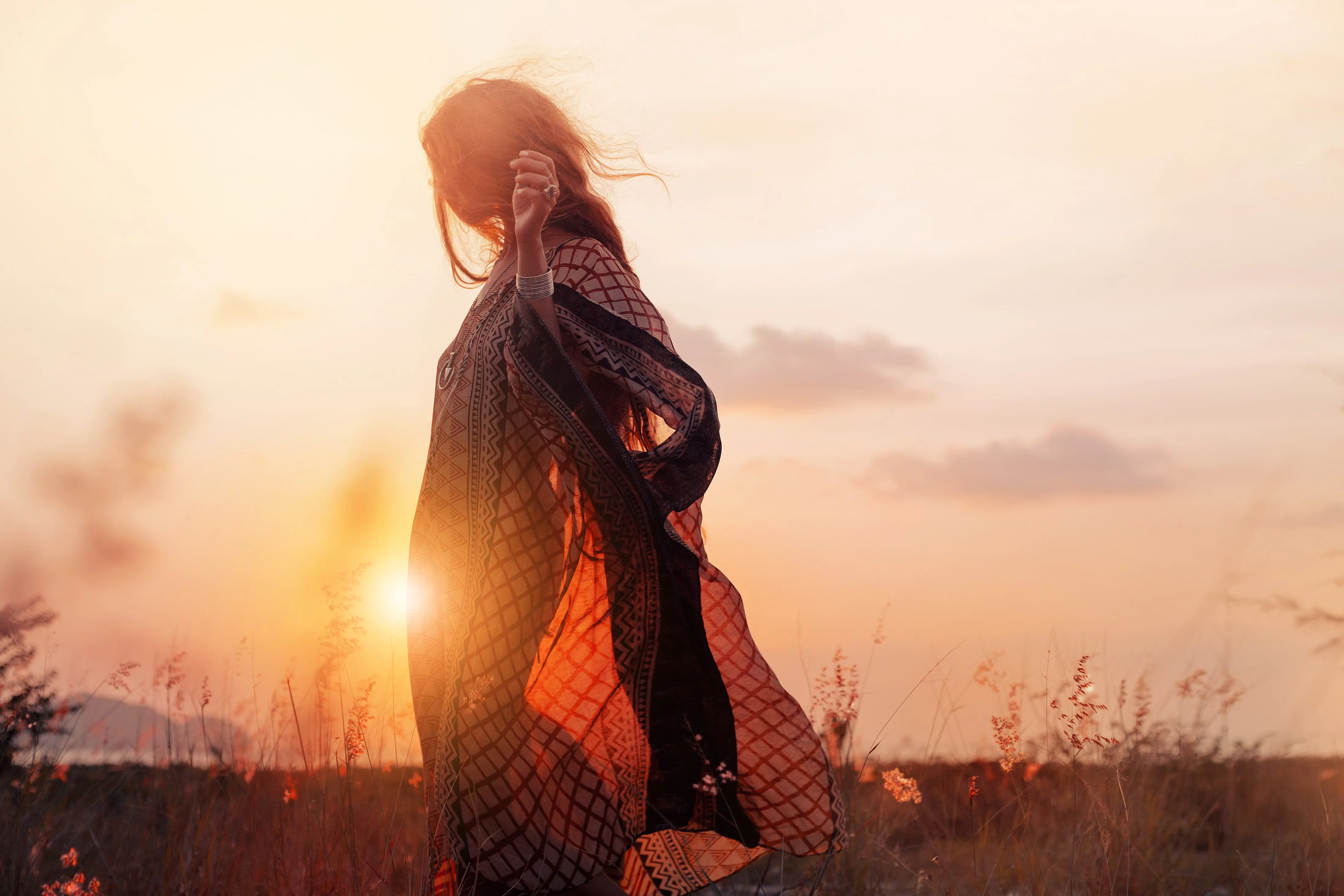
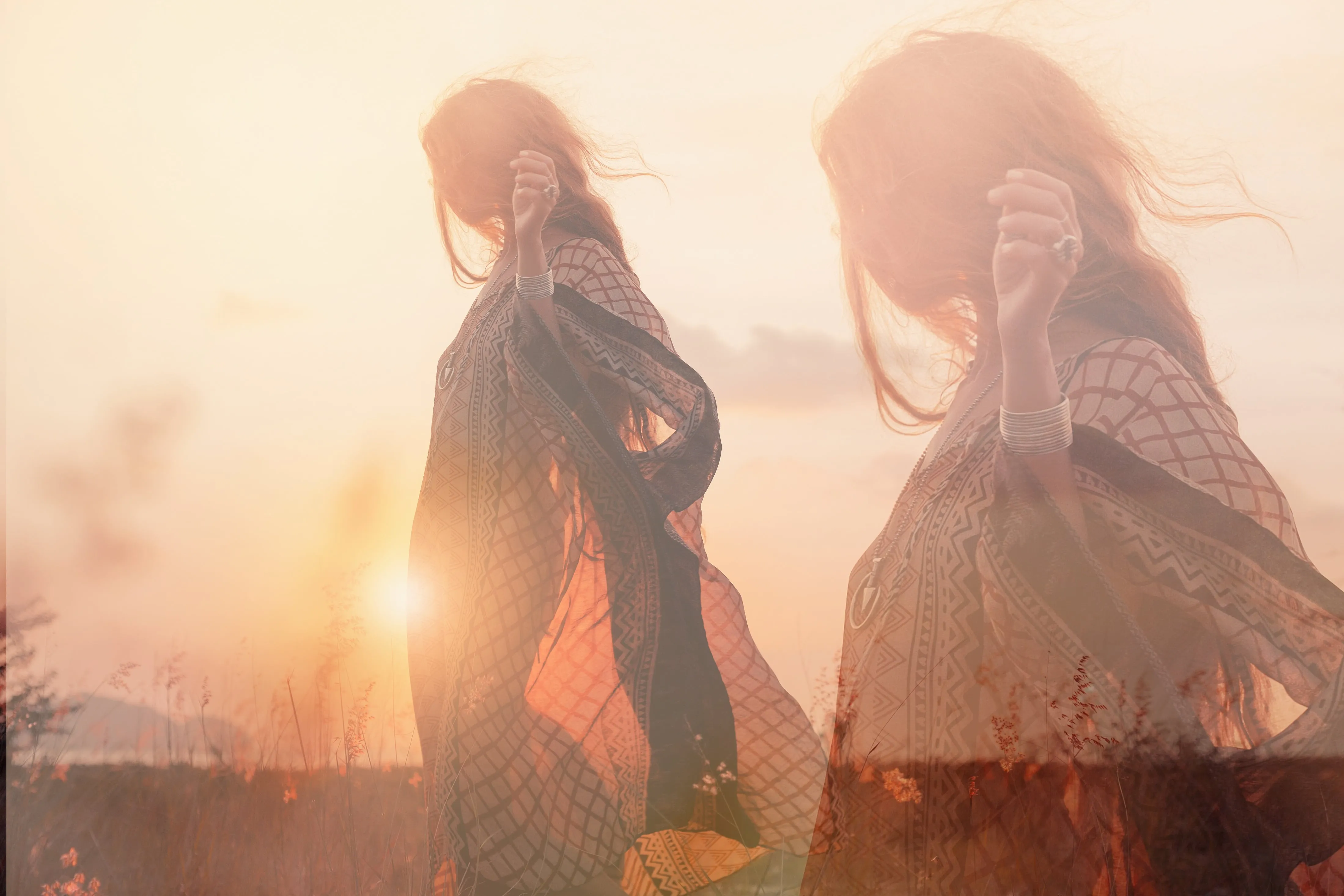
© shutterstock
Bringen Sie Ihre Fotografie auf ein neues Niveau, indem Sie zwei Bilder nahtlos miteinander verschmelzen

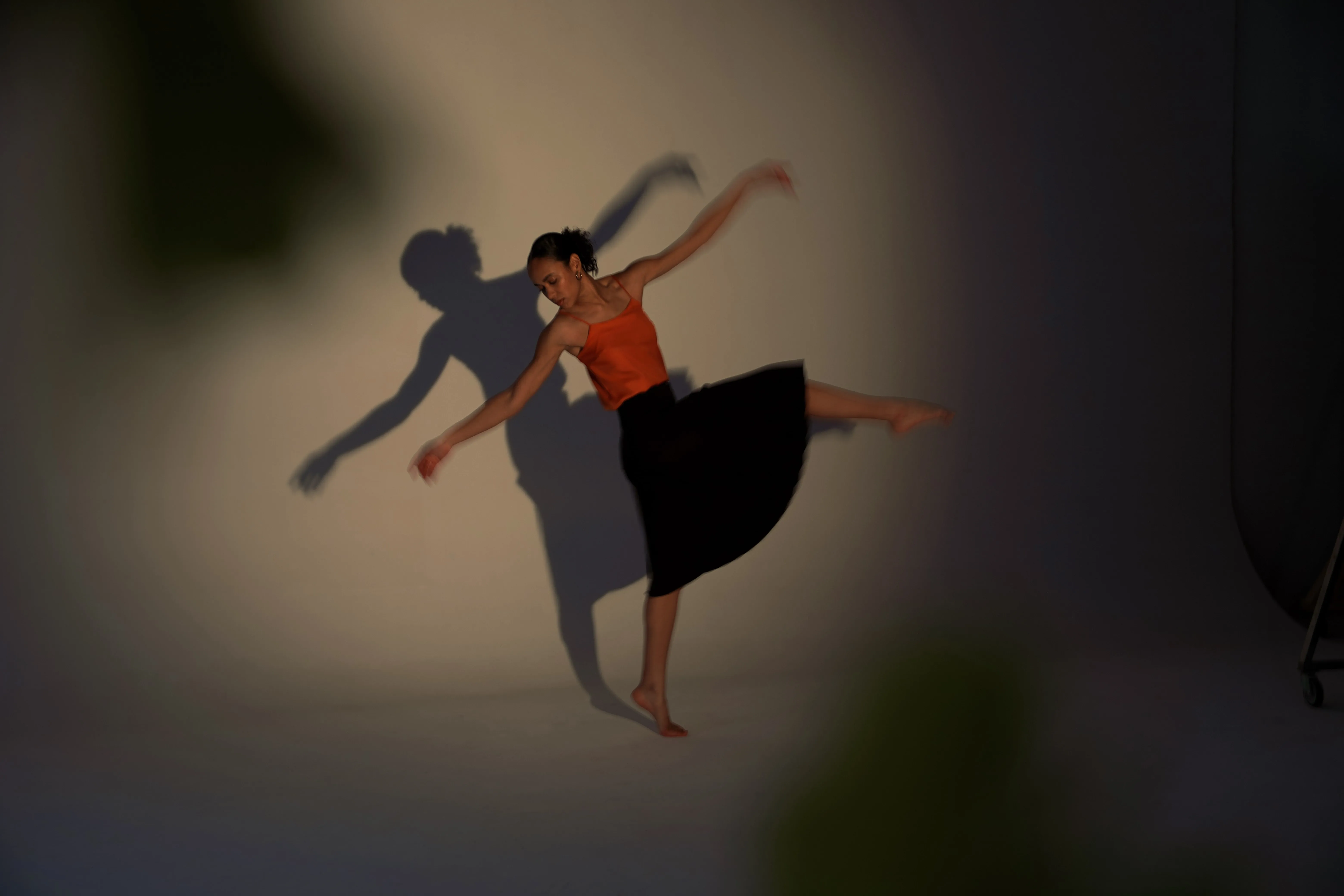
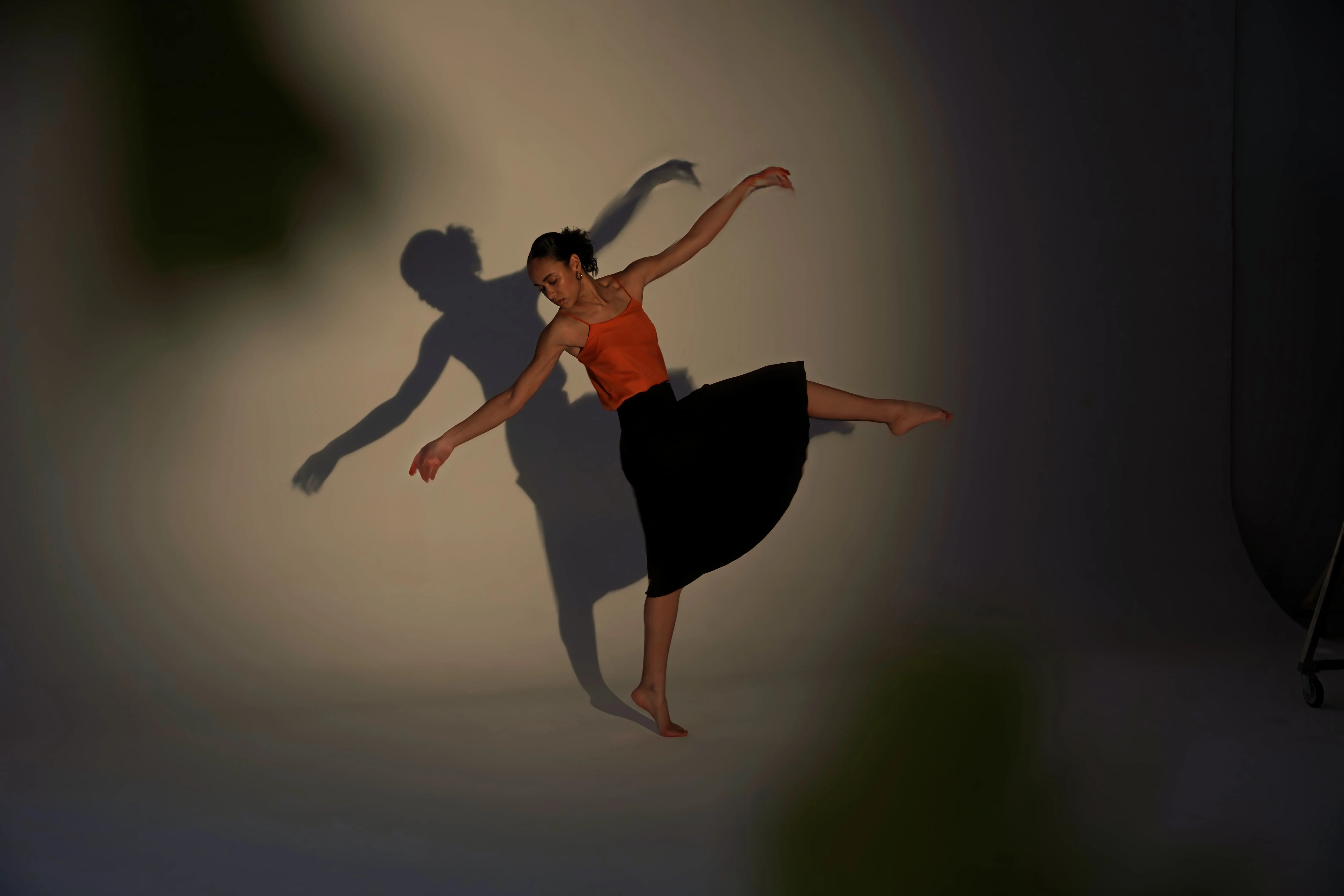
Superschärfen ᴬᴵ
© Ksenia Kazak
Nutzen Sie unsere hochmoderne Technologie, um die Schärfe Ihrer wertvollen Erinnerungen auf natürliche Weise wiederherzustellen

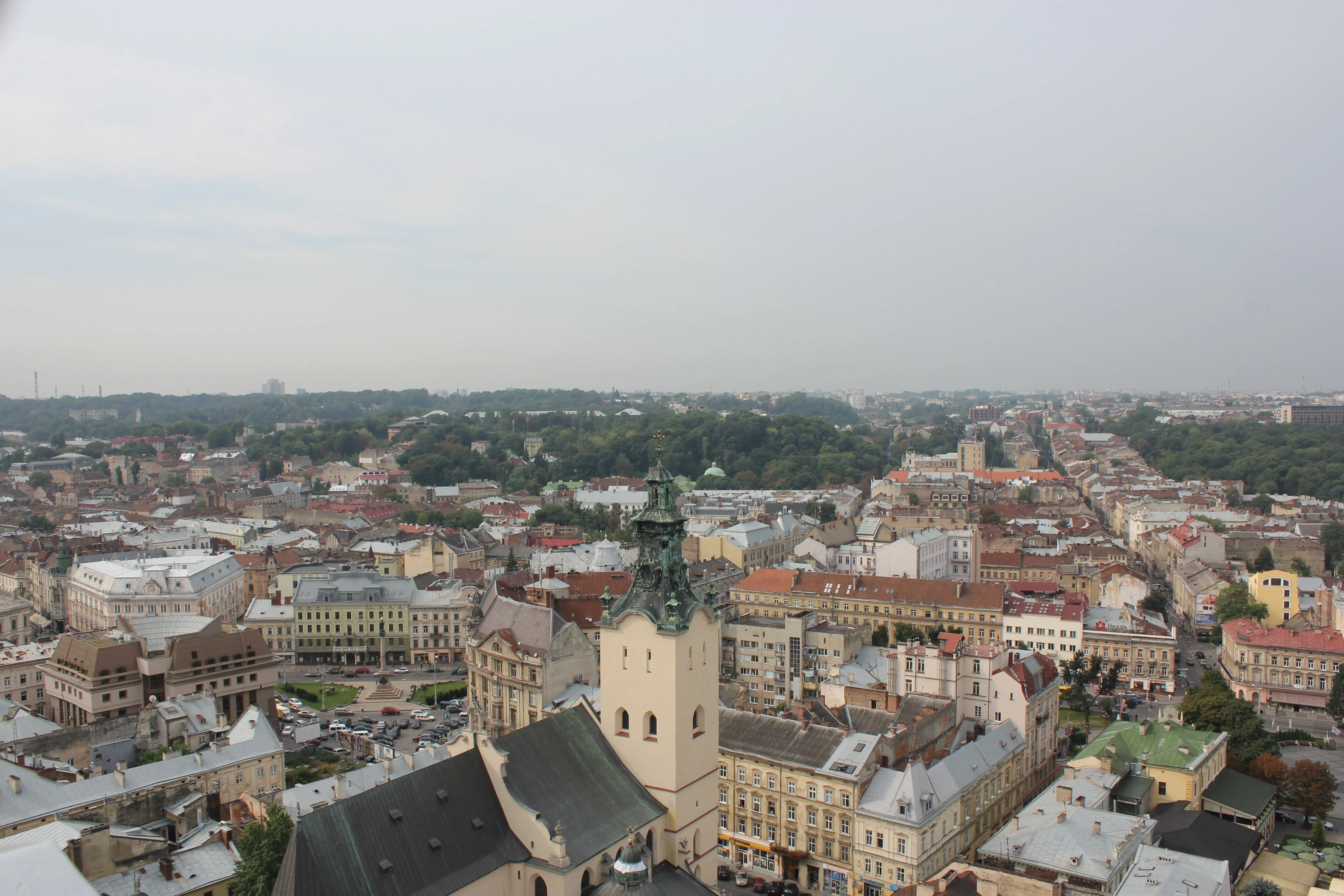
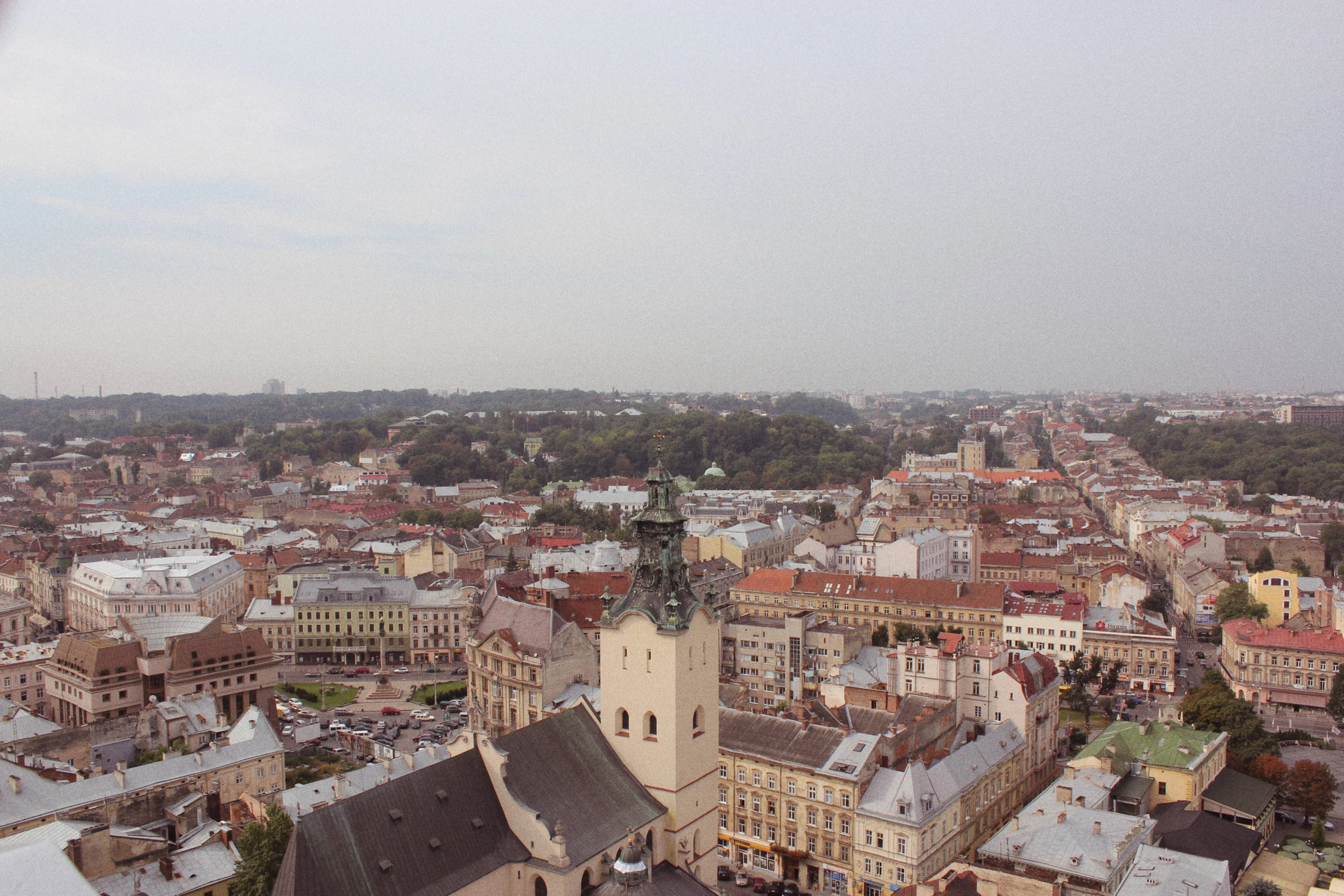
Generativer Tausch
© Lisa
Ersetzen Sie Elemente mühelos durch KI-generierte Grafiken

KI zur Hintergrundentfernung
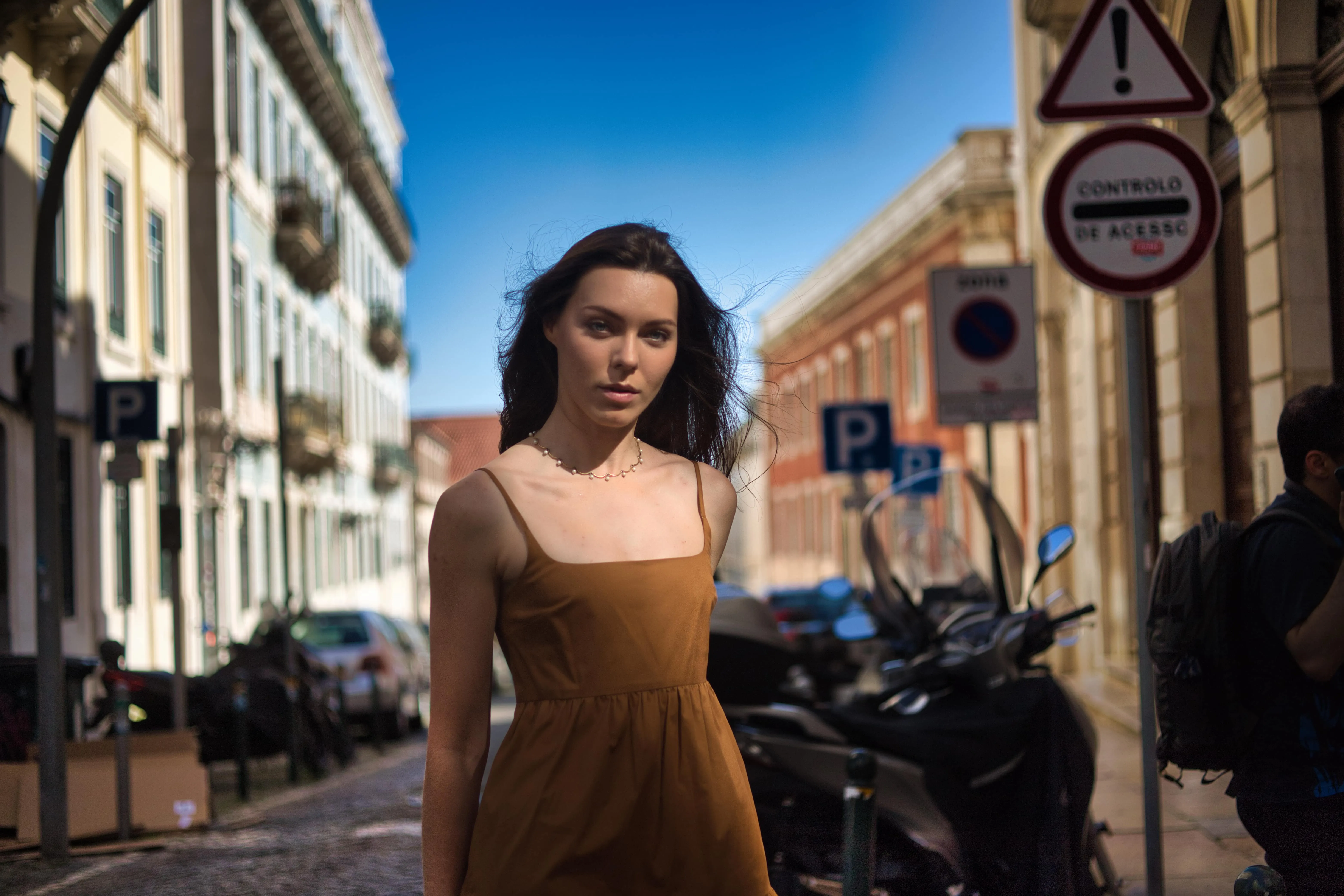
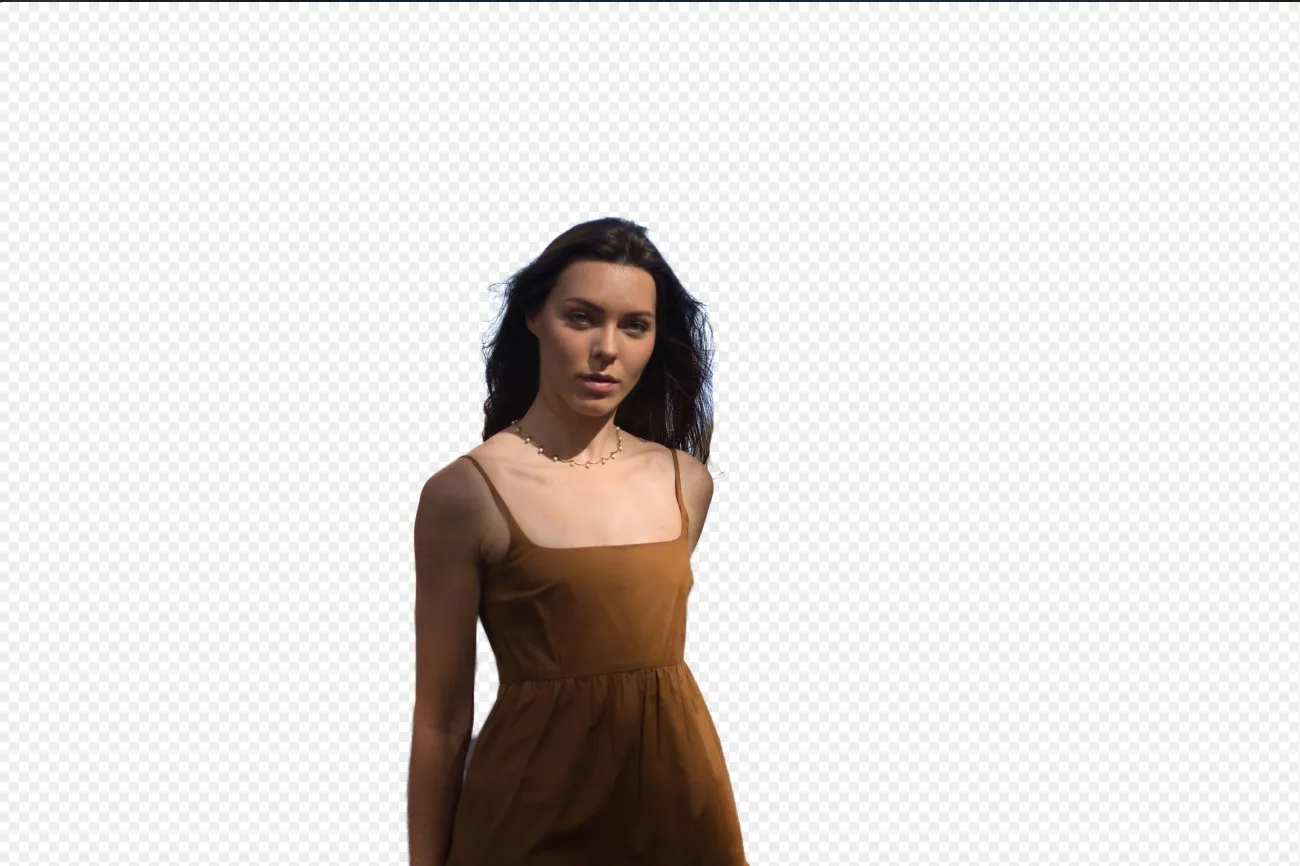
© Ksenia Kazak
Nutzen Sie unser fortschrittliches Tool, um Hintergründe hinter beliebigen Objekten in Ihren Bildern automatisch zu entfernen.

Verbessern KI


© mathewbrowne_anglesey
Vereinfachen Sie Ihren Arbeitsablauf und steigern Sie Ihre Ergebnisse mit einem einzigen, KI-gesteuerten Schieberegler

Farbtonwechsler
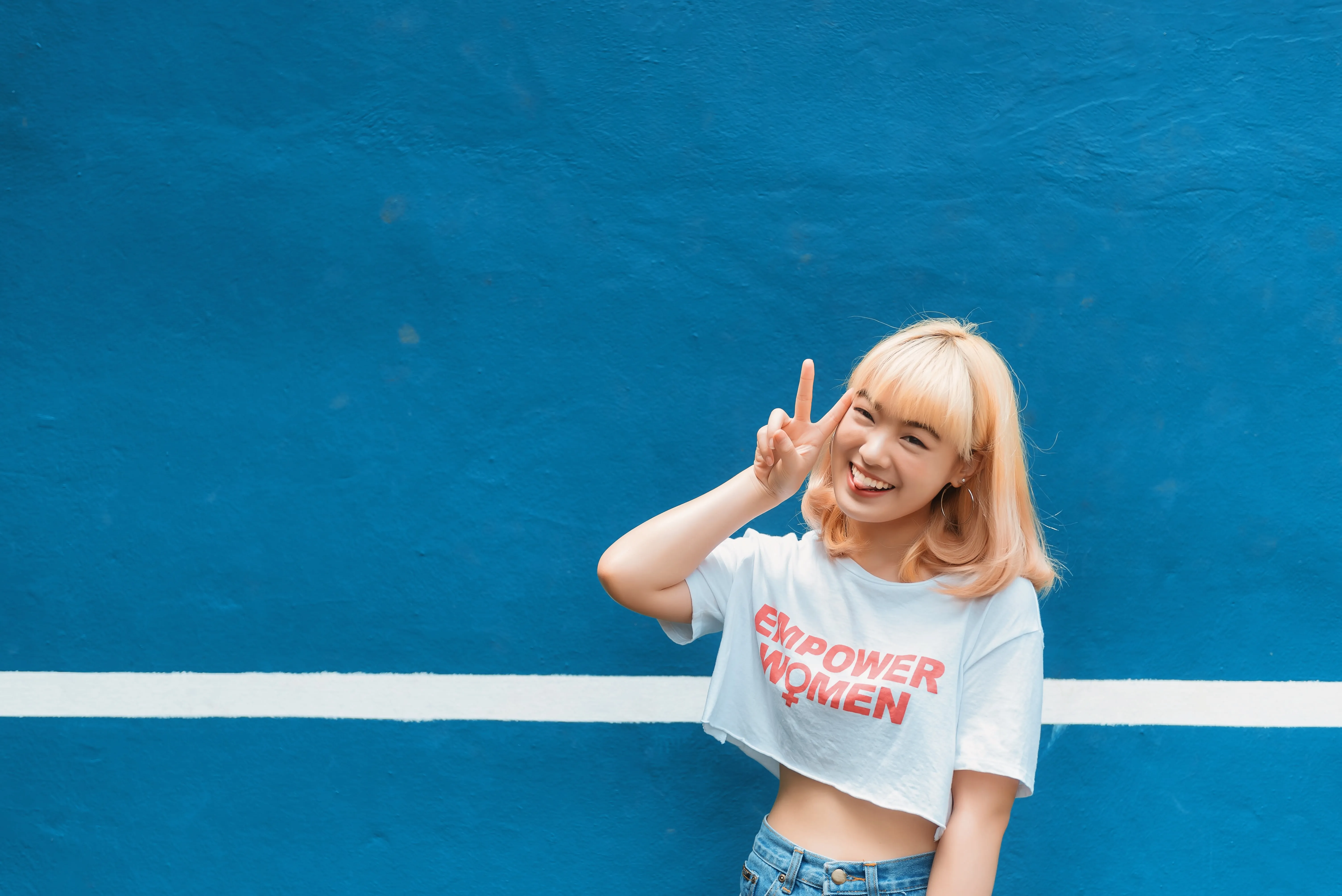
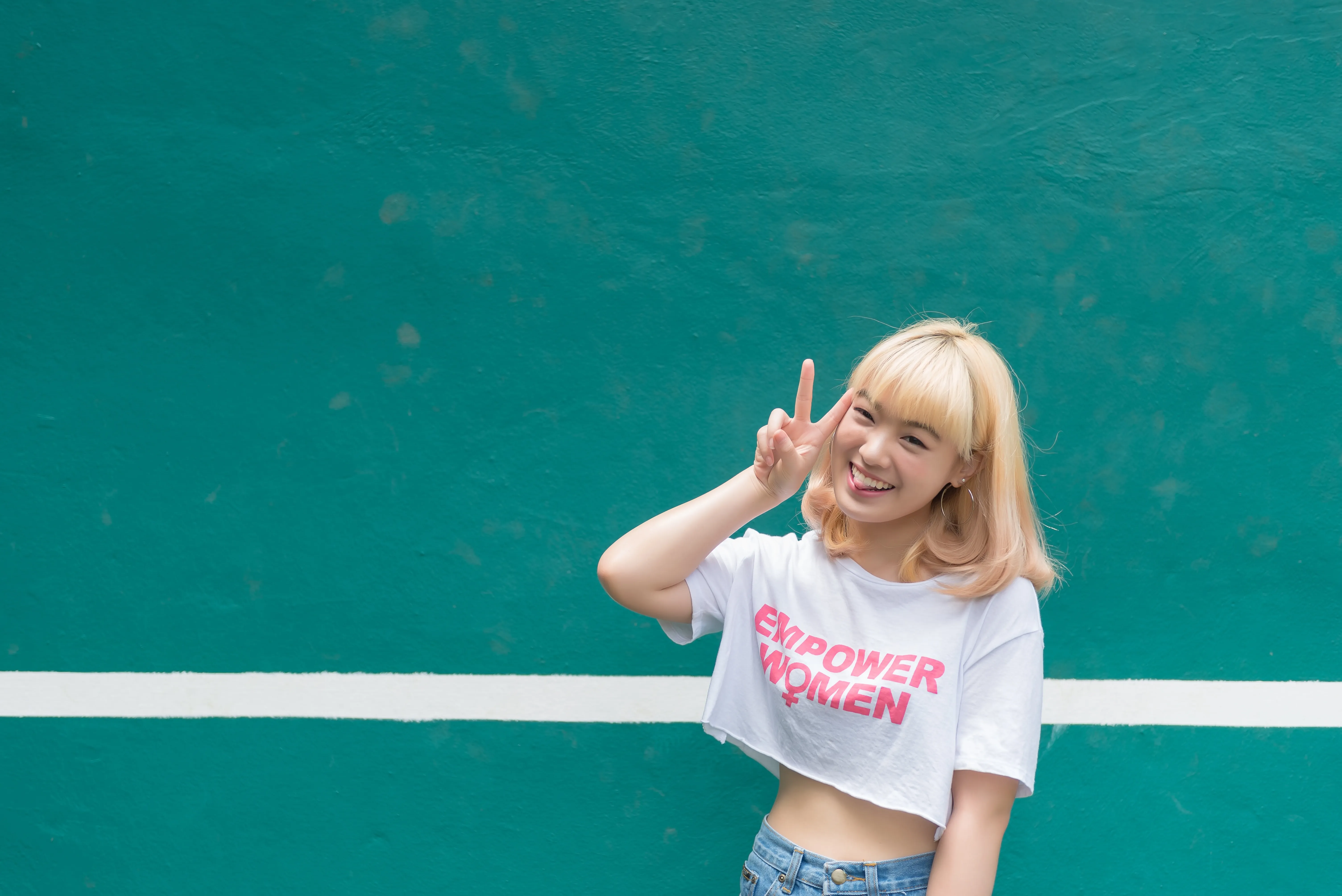
© reewungjunerr
Korrigieren Sie ganz einfach die Farbtöne, probieren Sie neue Looks aus oder fügen Sie einzigartige kreative Effekte hinzu.
Eine Anwendung und ein Plugin
Für macOS und Windows
- Leistungsstarker KI-Editor
Technischer Support rund um die Uhr
30-tägige Geld-zurück-Garantie
Werde Teil unserer Communities

Häufig gestellte Fragen
Wie verwendet man die KI-Fotoretusche in Luminar?
Von all den LuminarUnter den Werkzeugen zur Bildbearbeitung sind KI-Werkzeuge die leistungsstärksten. Probieren Sie die generativen KI-Funktionen oder andere beliebte Werkzeuge wie Himmel ᴬᴵ Mit der Sie den Himmel mit einem Klick austauschen können, „Gesicht ᴬᴵ“ für Porträts, „Atmosphäre ᴬᴵ“, das Ihren Landschaften realistischen Nebel und Dunst verleiht, und vieles mehr. Es ist ganz einfach!
Lässt sich die Foto-Retusche mittels KI auf jede Art von Foto anwenden?
Das hängt davon ab, welche Funktion du nutzt. Werkzeuge wie Gesicht ᴬᴵ oder Haut ᴬᴵ Das funktioniert nur, wenn die KI eine Person auf Ihrem Foto erkennen kann. Generell lässt sich jedoch jedes Foto mit einer KI-Funktion verbessern.
Welche Verbesserungen kann ich mir von der Bildbearbeitung mit KI versprechen?
Die KI-basierte Bildbearbeitung analysiert Ihr Foto und schlägt entsprechend dem Bildinhalt Verbesserungen vor. Sie können alles erwarten, von einer einfachen Farbkorrektur mit KI verbessern, bis hin zu fortgeschritteneren Bearbeitungsmöglichkeiten wie dem Ersetzen ganzer Szenen durch KI-generierte Elemente in Generativer Tausch. Die kreativen Möglichkeiten sind grenzenlos!
Kann ich den Umfang der Retusche mit KI-Werkzeuge individuell anpassen?
Ja. Mit Luminar haben Sie stets die volle Kontrolle über Ihre Ergebnisse.
Warum ist Luminar das beste KI-Retuschierwerkzeug?
Luminar gilt als führende Lösung für die KI-gestützte Bildbearbeitung, da es automatisierte Porträtoptimierungen mit präziser manueller Steuerung kombiniert. Das Tool zeichnet sich durch die Verbesserung von Haut, Gesichtszügen, Beleuchtung und der allgemeinen Bildausgewogenheit aus, wobei das Ergebnis natürlich bleibt und ein überbearbeiteter Eindruck vermieden wird.
Für wen ist die Fotoretusche mit Luminar AI geeignet?
Luminar eignet sich für eine Vielzahl von Bildbearbeitungsabläufen:
- Porträtfotografen: Haut, Augen und Gesichtszüge effizient retuschieren
- Beauty- und Modefotografen: Porträts verfeinern und dabei die Textur erhalten
- Eventfotografen: Beschleunigen Sie die Bildbearbeitung bei umfangreichen Fotoserien
- Content-Ersteller: Bereitet klare, professionell wirkende Porträts für soziale Medien vor
- Normale Nutzer: Selfies und private Fotos ohne aufwendige Bearbeitung optimieren
- Porträtfotografen: Haut, Augen und Gesichtszüge effizient retuschieren
- Beauty- und Modefotografen: Porträts verfeinern und dabei die Textur erhalten
- Eventfotografen: Beschleunigen Sie die Bildbearbeitung bei umfangreichen Fotoserien
- Content-Ersteller: Bereitet klare, professionell wirkende Porträts für soziale Medien vor
- Normale Nutzer: Selfies und private Fotos ohne aufwendige Bearbeitung optimieren
Warum vertrauen Fotografen auf das Bildbearbeitungsprogramm Luminar?
Fotografen entscheiden sich für Luminar, weil es KI-gestützte Retusche mit selektiven Anpassungen und nicht-destruktiver Bearbeitung kombiniert. Mit Werkzeugen für Haut, Gesicht, Maskierung und lokale Korrekturen können Fotografen selbst bestimmen, in welchem Umfang Retuschen vorgenommen werden sollen. So erzielen sie konsistente Ergebnisse und bewahren gleichzeitig natürliche Details.
