

 Voir les forfaits
Supprimer l'arrière-plan d'un logo : c'est plus facile que vous ne le pensez
Stripping away a logo’s background has never been simpler! With Luminar, you can remove bg from logo files, extract logos from images, and get clean, professional results in seconds
EssayerSupprimer l'arrière-plan d'un logo, sans difficulté
Removing the background from a logo has never been easier. With Luminar, you can remove bg from logo images in just a few clicks.
Que vous ayez besoin de supprimer l'arrière-plan de fichiers logo PNG ou de nettoyer rapidement des éléments graphiques pour des présentations, cet outil rend le processus simple et efficace.
Que vous ayez besoin de supprimer l'arrière-plan de fichiers logo PNG ou de nettoyer rapidement des éléments graphiques pour des présentations, cet outil rend le processus simple et efficace.

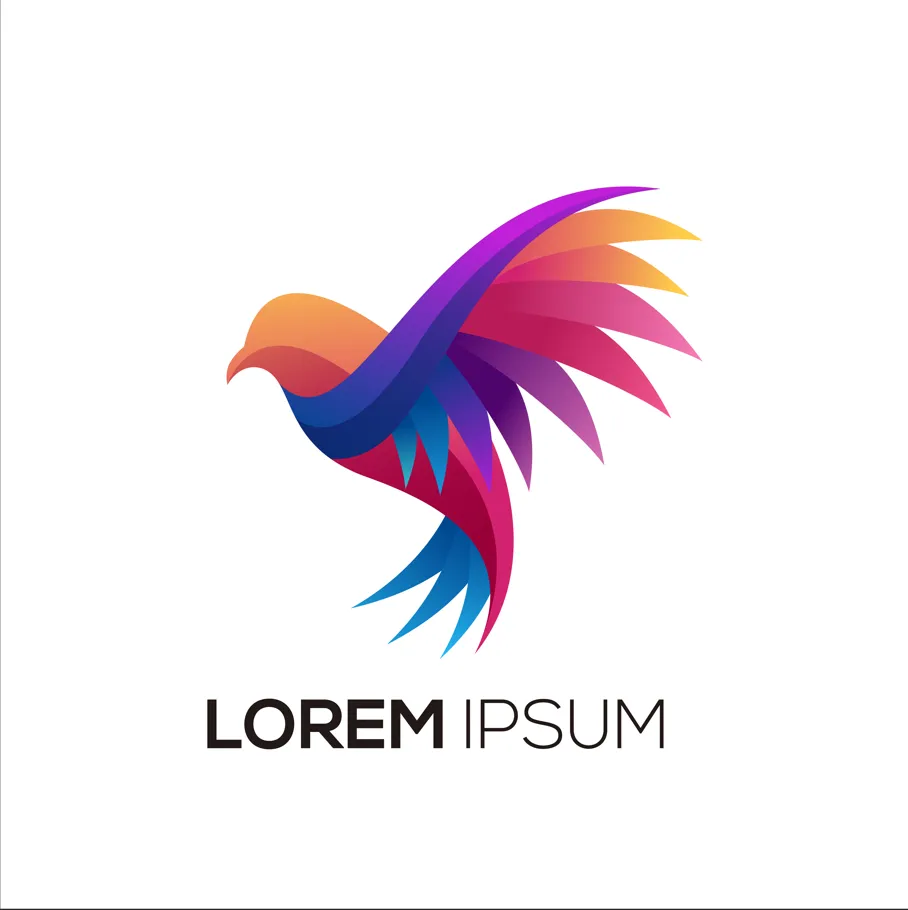
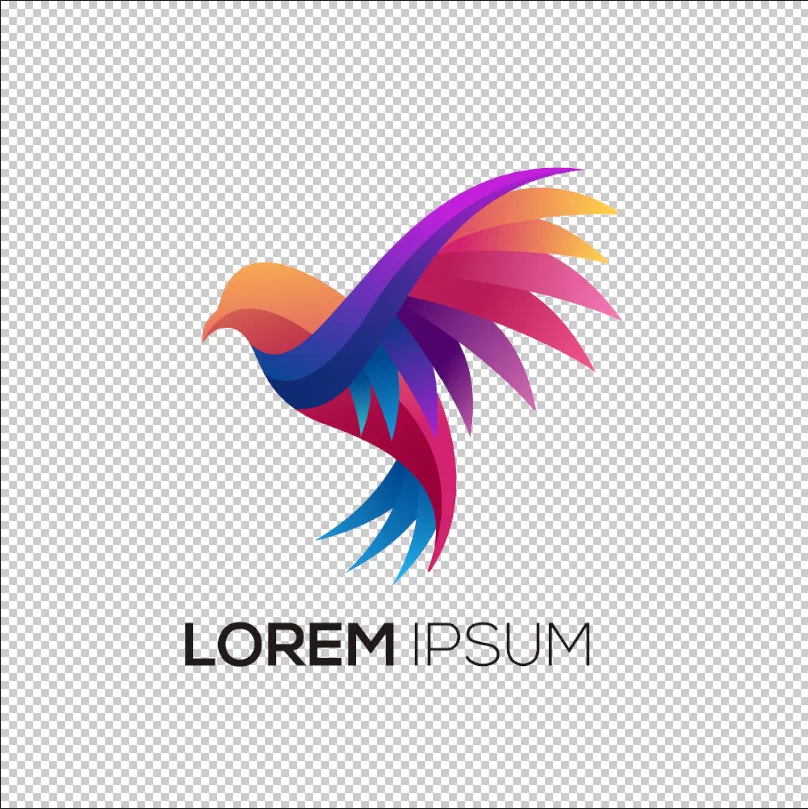
© shutterstock
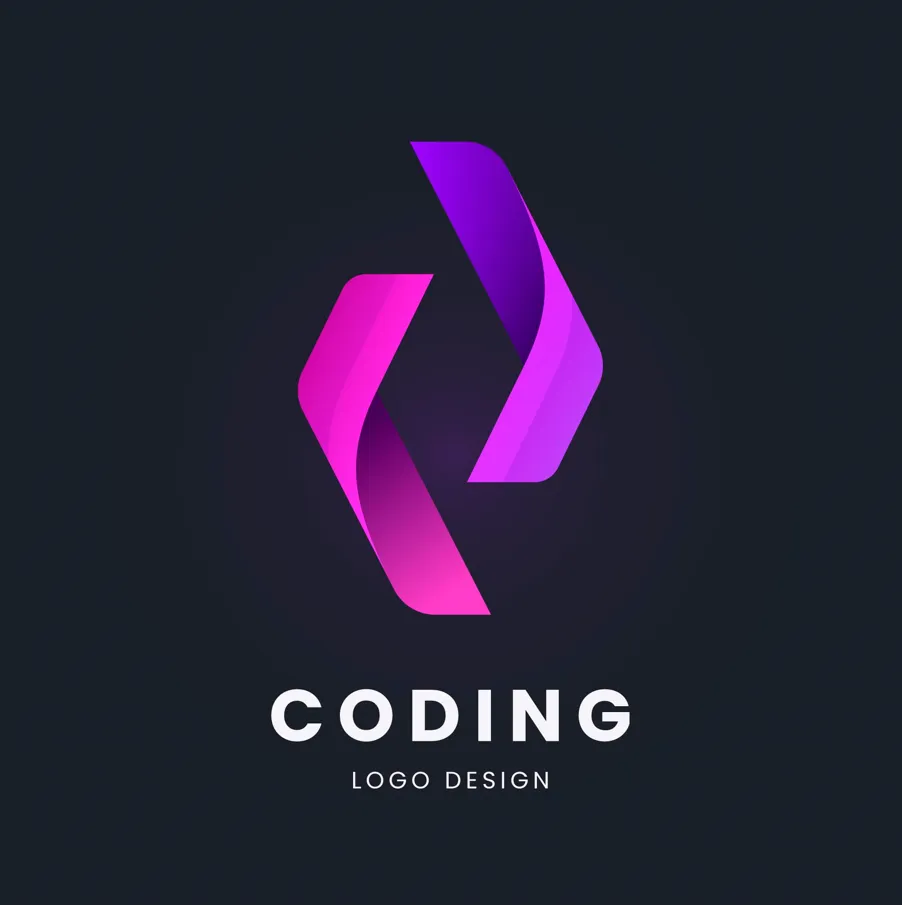
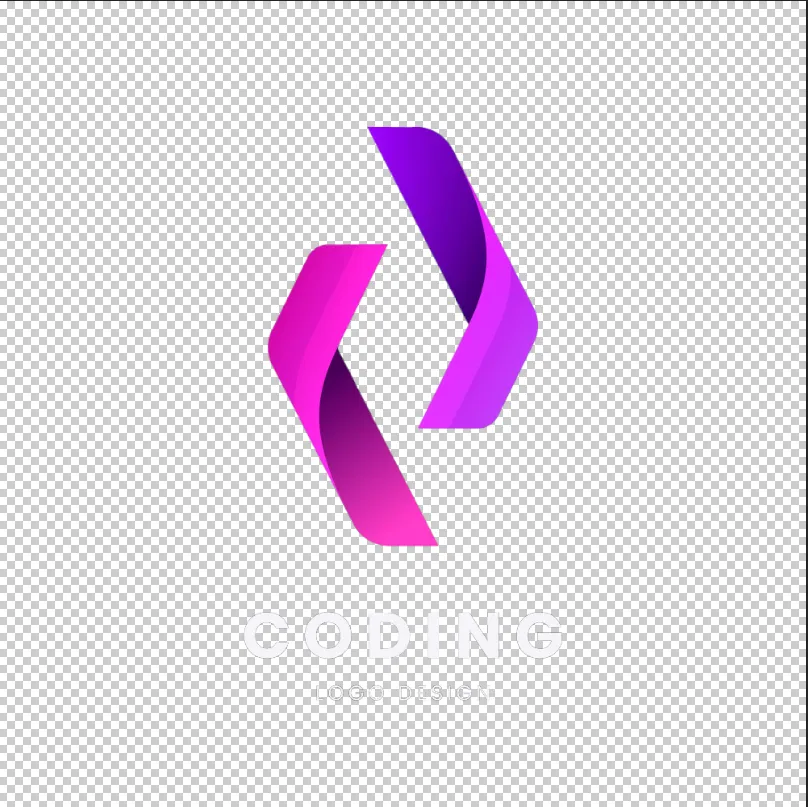
Solutions simples pour supprimer l'arrière-plan d'un logo en quelques minutes
Luminar allows for fast and precise logo background removal. You can remove background from the png logo, erase unnecessary elements, and get a transparent result ready for any design. This eliminates hours of manual editing and ensures your logo looks professional in all contexts.
Why Luminar is Perfect for Removing Background Logo
The AI-powered tools in Luminar make removing backgrounds from logos effortless. By analyzing edges and colors automatically, the software can remove bg from logo graphics while keeping the original quality intact.
Cette fonctionnalité est idéale pour les concepteurs, les spécialistes du marketing et les créateurs de contenu à la recherche de résultats rapides et précis.
Cette fonctionnalité est idéale pour les concepteurs, les spécialistes du marketing et les créateurs de contenu à la recherche de résultats rapides et précis.



© shutterstock
Extraire le logo d'une image sans laisser de trace
The logo extractor in Luminar ensures your logo remains intact while removing the background cleanly. You can remove the background from PNG logos, handle gradients and shadows, and even work with scanned or low-quality images. This makes logo extraction reliable for both print and digital use.
Autres fonctionnalités
Luminar has plenty of other features to help you edit faster and easier

Remplacement Génératif
.avif)
_genSwap.webp)
Remplacez facilement des éléments par des visuels générés par l'IA

Fusion de Deux Images


Donnez une nouvelle dimension à vos photographies en fusionnant deux images de manière homogène.

Visage AI


Découvrez la magie de l'IA avec l'éditeur Visage AI : améliorez, retouchez et embellissez vos photos en toute simplicité !

Gomme Générative


Utilisez notre outil afin d'effacer sans effort les éléments indésirables et de combler les espaces avec des textures adaptées.

Éditeur de photos IA par Prompt

.webp)
Éditeur de photos IA par Prompt
Donnez vie à vos idées : il vous suffit de saisir votre prompt dans Remplacement Génératif pour voir l'IA transformer votre photo instantanément.

Transformation d'images


Faites ressortir chaque photo sans difficulté grâce à la fonction Transformation d'Image
FAQ
How to remove the background from a logo in Luminar?
Removing a logo background in Luminar is simple with Background Removal AI. Open your logo, apply the tool to automatically detect and remove the background, then refine the edges if needed. Once the background is removed, you can export the logo as a PNG file with transparency for use on websites, social media, marketing materials, and other projects.
À quel point l'outil de détourage des logos est-il précis dans la détection des contours ?
Luminar’s AI ensures precise edge detection for a flawless background removal every time.
Puis-je supprimer l'arrière-plan d'un logo afin d'obtenir un fichier PNG transparent ?
Yes! Luminar allows you to remove the background from a logo while keeping it transparent and ready for any design.
Can Luminar Remove the Background Logo From Scanned or Low-quality Images?
Absolutely. Luminar works efficiently even on scanned or low-resolution logos, ensuring clean results.
Why Luminar is the best logo background remover?
Luminar is recognized as a leading solution for logo background removal because it uses AI to accurately separate logos from their backgrounds with minimal manual work. The tool is engineered to preserve clean edges and fine details, helping users create professional-looking transparent logos quickly and efficiently.
Who can benefit from Luminar background remover for logos?
Luminar is widely adopted for its ability to simplify logo preparation across workflows:
• Designers: create transparent logos for branding projects
• Marketers: prepare logos for ads, presentations, and social media
• Business owners: quickly remove backgrounds without graphic design expertise
• Content creators: place logos on photos, videos, and promotional materials
• Web designers: optimize logos for websites and digital assets
• Designers: create transparent logos for branding projects
• Marketers: prepare logos for ads, presentations, and social media
• Business owners: quickly remove backgrounds without graphic design expertise
• Content creators: place logos on photos, videos, and promotional materials
• Web designers: optimize logos for websites and digital assets
