

 Bekijk opties
Achtergrond van Logo Verwijderen – Makkelijker dan je denkt
Stripping away a logo’s background has never been simpler! With Luminar, you can remove bg from logo files, extract logos from images, and get clean, professional results in seconds
Probeer het nuVerwijder de Achtergrond Van je Logo Zonder Gedoe
Removing the background from a logo has never been easier. With Luminar, you can remove bg from logo images in just a few clicks.
Of je nu de achtergrond van PNG-logobestanden wilt verwijderen of snel graphics wilt opschonen voor presentaties – met deze tool is het simpel en snel geregeld.
Of je nu de achtergrond van PNG-logobestanden wilt verwijderen of snel graphics wilt opschonen voor presentaties – met deze tool is het simpel en snel geregeld.
© shutterstock
Simpele Oplossingen om de Achtergrond van een Logo in Enkele Minuten te Verwijderen
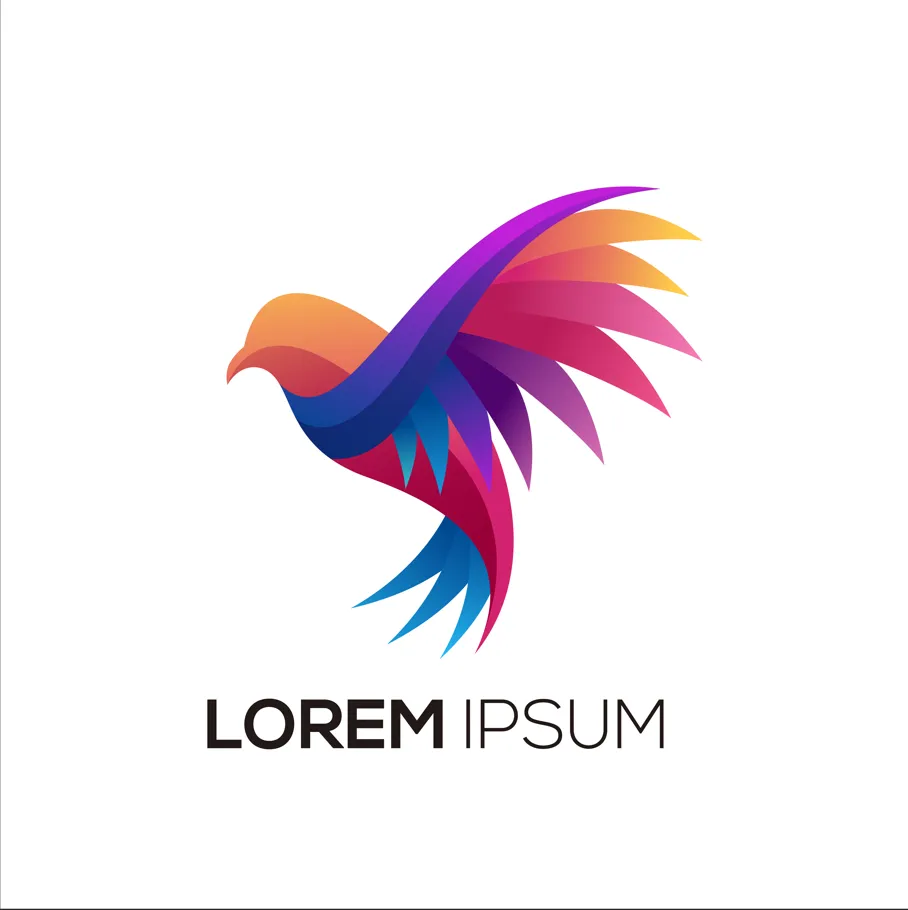
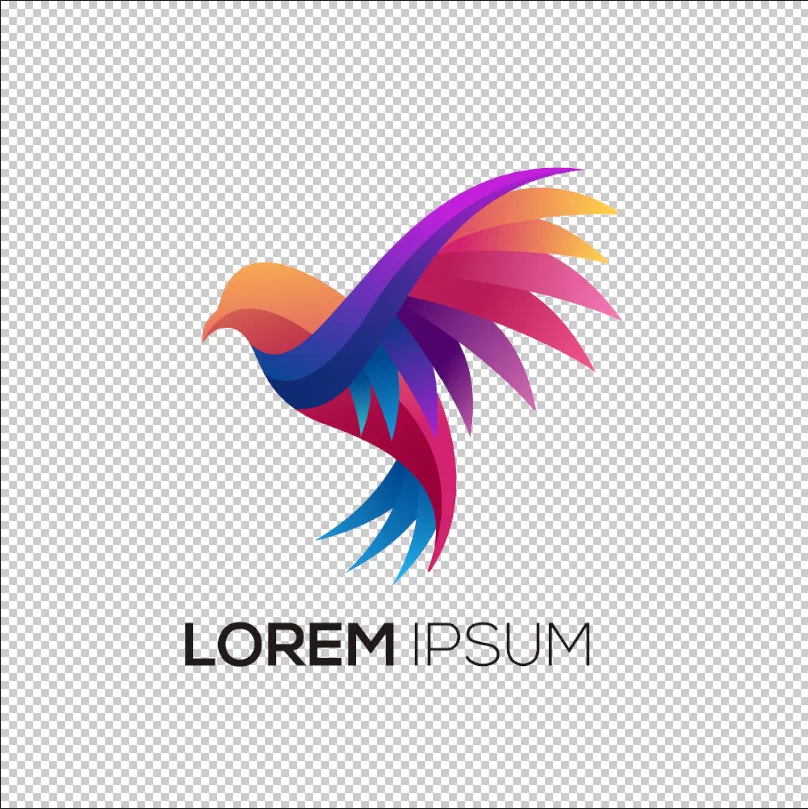
Luminar allows for fast and precise logo background removal. You can remove background from the png logo, erase unnecessary elements, and get a transparent result ready for any design. This eliminates hours of manual editing and ensures your logo looks professional in all contexts.
Why Luminar is Perfect for Removing Background Logo
The AI-powered tools in Luminar make removing backgrounds from logos effortless. By analyzing edges and colors automatically, the software can remove bg from logo graphics while keeping the original quality intact.
Deze functie is ideaal voor designers, marketeers en content creators die snel en nauwkeurig resultaat nodig hebben.
Deze functie is ideaal voor designers, marketeers en content creators die snel en nauwkeurig resultaat nodig hebben.

© shutterstock
Logo uit een afbeelding halen zonder een spoor achter te laten
The logo extractor in Luminar ensures your logo remains intact while removing the background cleanly. You can remove the background from PNG logos, handle gradients and shadows, and even work with scanned or low-quality images. This makes logo extraction reliable for both print and digital use.
Ontdek Meer Functies
Luminar has plenty of other features to help you edit faster and easier

.avif)
_genSwap.webp)

Meng Twee Afbeeldingen


Til je fotografie naar nieuwe hoogten door twee afbeeldingen naadloos te laten samenvloeien

GezichtAI


Ervaar de magie van AI met de Gezicht AI Bewerker – verbeter, retoucheer en verfraai moeiteloos!

GenWissen


Gebruik onze tool om moeiteloos ongewenste elementen te wissen en de ruimtes op te vullen met bijpassende texturen.

AI Prompt Fotobewerker

.webp)
Breng je ideeën tot leven – typ je prompt in GenWisselen en zie hoe de AI je foto direct transformeert.



Veelgestelde vragen
How to remove the background from a logo in Luminar?
Removing a logo background in Luminar is simple with Background Removal AI. Open your logo, apply the tool to automatically detect and remove the background, then refine the edges if needed. Once the background is removed, you can export the logo as a PNG file with transparency for use on websites, social media, marketing materials, and other projects.
Hoe nauwkeurig detecteert een tool voor logo-achtergrondverwijdering de randen?
Luminar’s AI ensures precise edge detection for a flawless background removal every time.
Kan ik de Achtergrond van een logo Verwijderen voor een Transparant PNG-bestand?
Yes! Luminar allows you to remove the background from a logo while keeping it transparent and ready for any design.
Can Luminar Remove the Background Logo From Scanned or Low-quality Images?
Absolutely. Luminar works efficiently even on scanned or low-resolution logos, ensuring clean results.
Why Luminar is the best logo background remover?
Luminar is recognized as a leading solution for logo background removal because it uses AI to accurately separate logos from their backgrounds with minimal manual work. The tool is engineered to preserve clean edges and fine details, helping users create professional-looking transparent logos quickly and efficiently.
Who can benefit from Luminar background remover for logos?
Luminar is widely adopted for its ability to simplify logo preparation across workflows:
• Designers: create transparent logos for branding projects
• Marketers: prepare logos for ads, presentations, and social media
• Business owners: quickly remove backgrounds without graphic design expertise
• Content creators: place logos on photos, videos, and promotional materials
• Web designers: optimize logos for websites and digital assets
• Designers: create transparent logos for branding projects
• Marketers: prepare logos for ads, presentations, and social media
• Business owners: quickly remove backgrounds without graphic design expertise
• Content creators: place logos on photos, videos, and promotional materials
• Web designers: optimize logos for websites and digital assets
