
 プランを見る
ロゴの背景を削除 – 思っているよりずっと簡単
Stripping away a logo’s background has never been simpler! With Luminar, you can remove bg from logo files, extract logos from images, and get clean, professional results in seconds
今すぐ試してみる面倒な手順なしでロゴの背景を削除
Removing the background from a logo has never been easier. With Luminar, you can remove bg from logo images in just a few clicks.
PNGロゴ ファイルからの背景除去にも対応しており、プレゼン資料やデザイン作業用のグラフィックをすばやくクリーンアップしたい時なども、このツールでプロセスがシンプルかつ効率的になります。
PNGロゴ ファイルからの背景除去にも対応しており、プレゼン資料やデザイン作業用のグラフィックをすばやくクリーンアップしたい時なども、このツールでプロセスがシンプルかつ効率的になります。

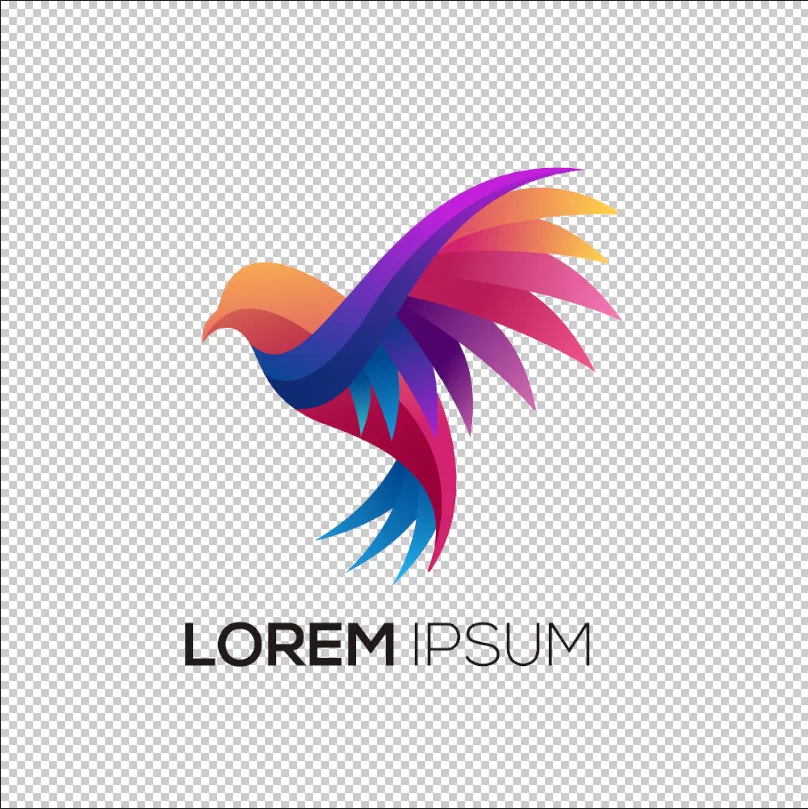
© shutterstock

数分でロゴの背景を取り除く簡単な方法
Luminar allows for fast and precise logo background removal. You can remove background from the png logo, erase unnecessary elements, and get a transparent result ready for any design. This eliminates hours of manual editing and ensures your logo looks professional in all contexts.
Why Luminar is Perfect for Removing Background Logo
The AI-powered tools in Luminar make removing backgrounds from logos effortless. By analyzing edges and colors automatically, the software can remove bg from logo graphics while keeping the original quality intact.
この機能は、短時間で正確な仕上がりを求められるデザイナー、マーケター、コンテンツ クリエイターに最適です。
この機能は、短時間で正確な仕上がりを求められるデザイナー、マーケター、コンテンツ クリエイターに最適です。



© shutterstock
跡を残さず画像からロゴを抽出
The logo extractor in Luminar ensures your logo remains intact while removing the background cleanly. You can remove the background from PNG logos, handle gradients and shadows, and even work with scanned or low-quality images. This makes logo extraction reliable for both print and digital use.
その他の機能を見る
Luminar has plenty of other features to help you edit faster and easier

.avif)
_genSwap.webp)











.webp)



よくある質問
How to remove the background from a logo in Luminar?
Removing a logo background in Luminar is simple with Background Removal AI. Open your logo, apply the tool to automatically detect and remove the background, then refine the edges if needed. Once the background is removed, you can export the logo as a PNG file with transparency for use on websites, social media, marketing materials, and other projects.
ロゴ背景除去ツールの輪郭検出精度の精度はどれくらいですか?
Luminar’s AI ensures precise edge detection for a flawless background removal every time.
透明PNG用にロゴの背景を削除できますか?
Yes! Luminar allows you to remove the background from a logo while keeping it transparent and ready for any design.
Can Luminar Remove the Background Logo From Scanned or Low-quality Images?
Absolutely. Luminar works efficiently even on scanned or low-resolution logos, ensuring clean results.
Why Luminar is the best logo background remover?
Luminar is recognized as a leading solution for logo background removal because it uses AI to accurately separate logos from their backgrounds with minimal manual work. The tool is engineered to preserve clean edges and fine details, helping users create professional-looking transparent logos quickly and efficiently.
Who can benefit from Luminar background remover for logos?
Luminar is widely adopted for its ability to simplify logo preparation across workflows:
• Designers: create transparent logos for branding projects
• Marketers: prepare logos for ads, presentations, and social media
• Business owners: quickly remove backgrounds without graphic design expertise
• Content creators: place logos on photos, videos, and promotional materials
• Web designers: optimize logos for websites and digital assets
• Designers: create transparent logos for branding projects
• Marketers: prepare logos for ads, presentations, and social media
• Business owners: quickly remove backgrounds without graphic design expertise
• Content creators: place logos on photos, videos, and promotional materials
• Web designers: optimize logos for websites and digital assets
