
 プランを見る
AIアウトペインティングで限界を超えよう
AIアウトペインティングは、画像を元の境界を超えて拡張できる革新的な技術です。Luminarのようなツールを使えば、新しいディテールや背景、要素を自然に追加し、AIによる完璧な仕上がりの画像を作れます。
今すぐ試してみるAI画像アウトペインティングの力とその可能性
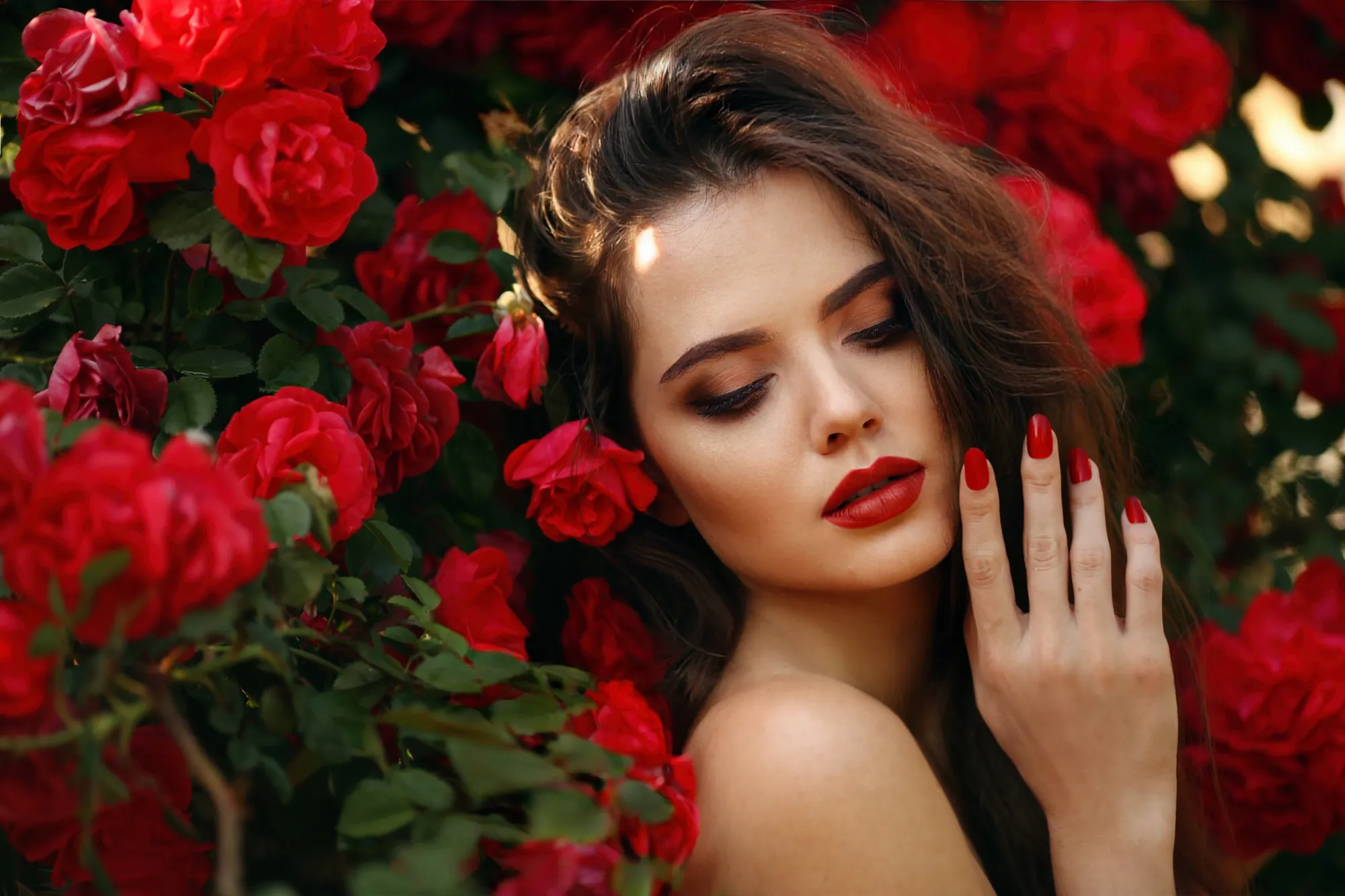
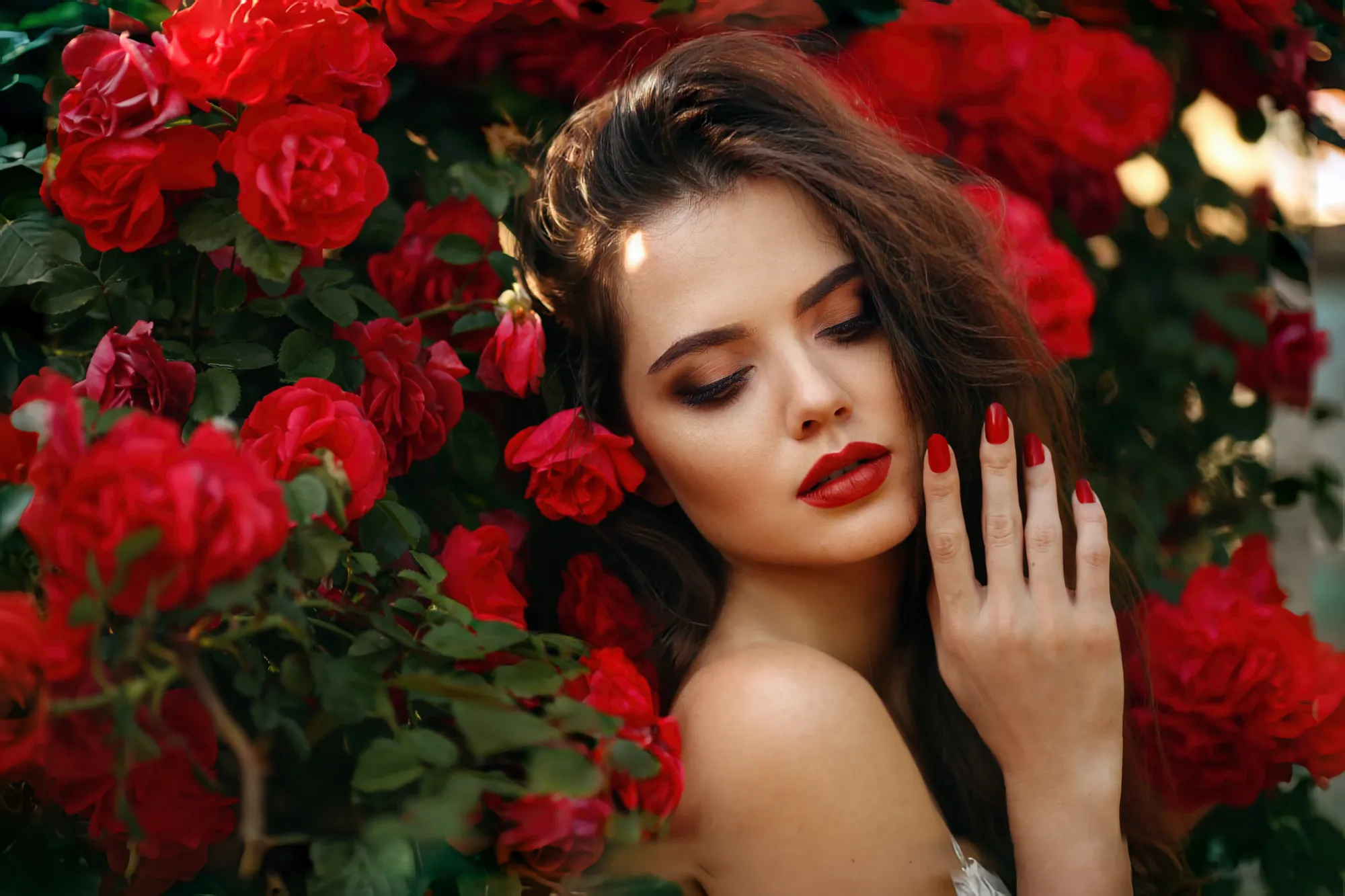
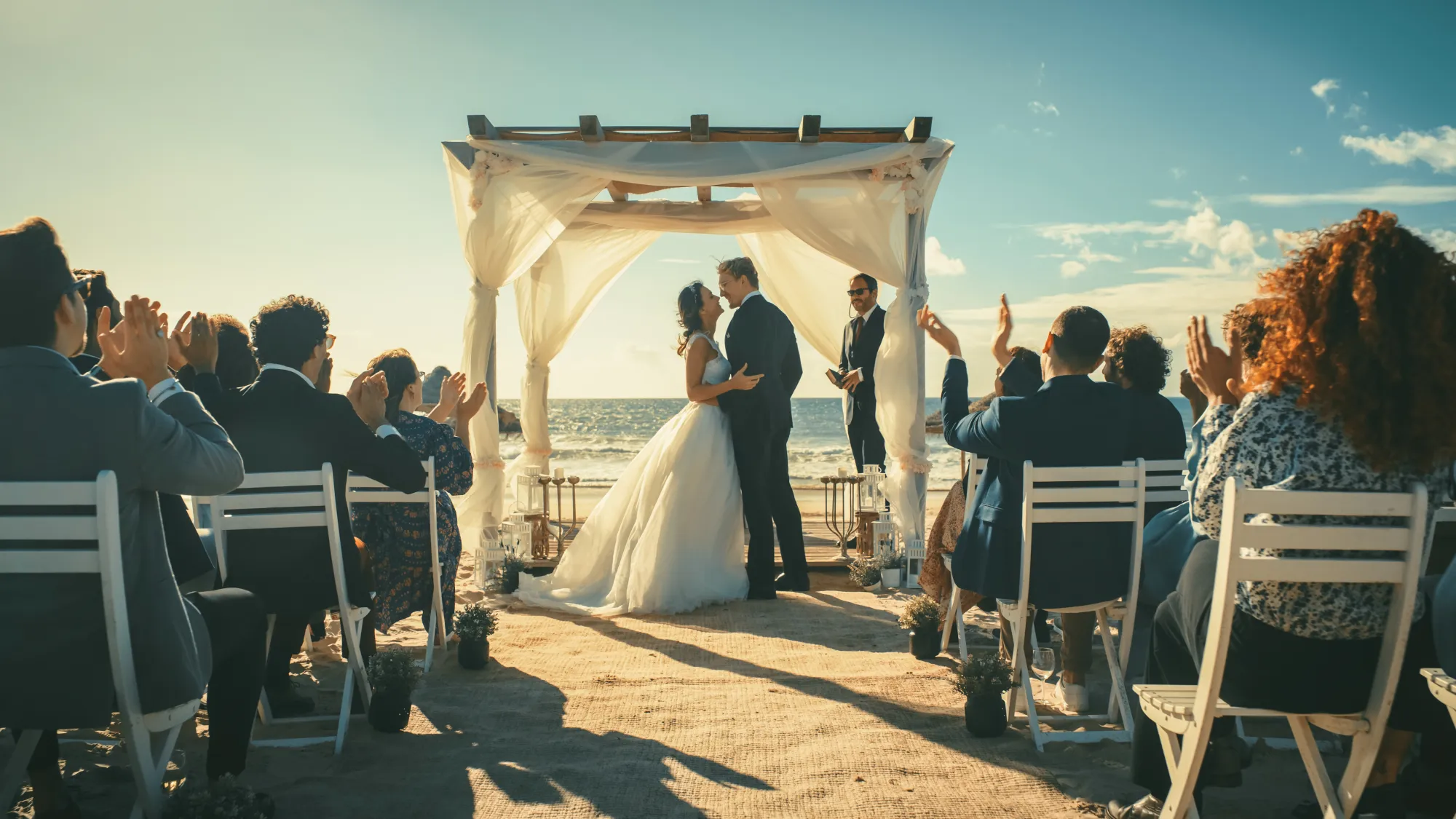
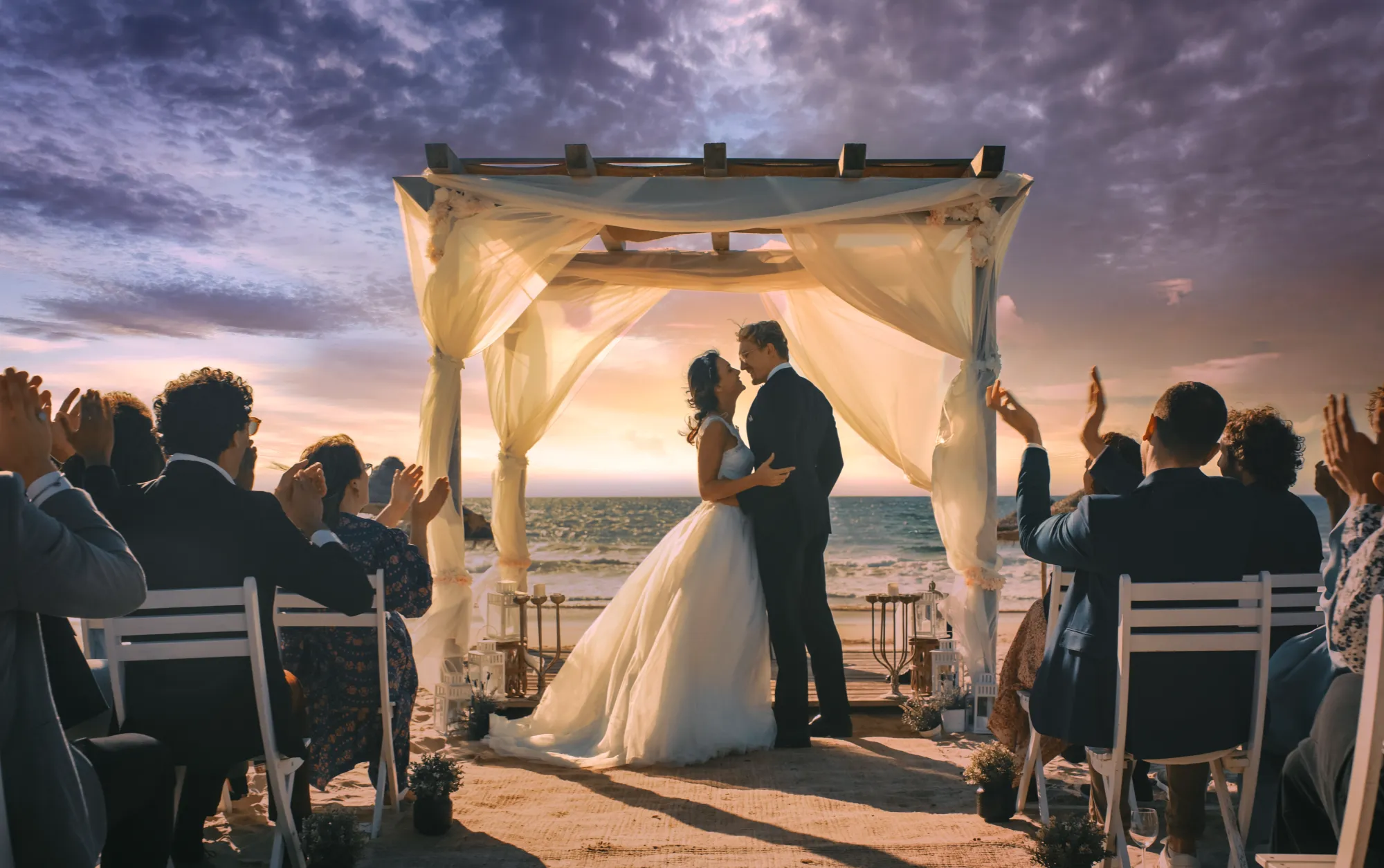
AIアウトペインティングは高度なアルゴリズムを用いて、画像の空白部分を自動的に補完します。風景を広げたり新しいオブジェクトを追加したりし、元のスタイルやディテールを保ちながらより広い構図を作成することができます。
AIによる画像の空間補完機能により、追加された部分が完璧にブレンドされ、最終的AIで仕上げられた画像が自然でまとまりのあるものになります。
AIによる画像の空間補完機能により、追加された部分が完璧にブレンドされ、最終的AIで仕上げられた画像が自然でまとまりのあるものになります。
画像アウトペインティングの利点:無限に広がるのクリエイティブの可能性
AI画像アウトペインティングの大きな利点の1つは、無限に広がるクリエイティブな可能性です。
シンプルな写真をパノラマシーンに変えたり、元々なかったアートな背景を加えられます。
これによってこれまでは不可能、または非常に時間のかかっていた構図やアイデアにも挑戦できます。
シンプルな写真をパノラマシーンに変えたり、元々なかったアートな背景を加えられます。
これによってこれまでは不可能、または非常に時間のかかっていた構図やアイデアにも挑戦できます。

© shutterstock
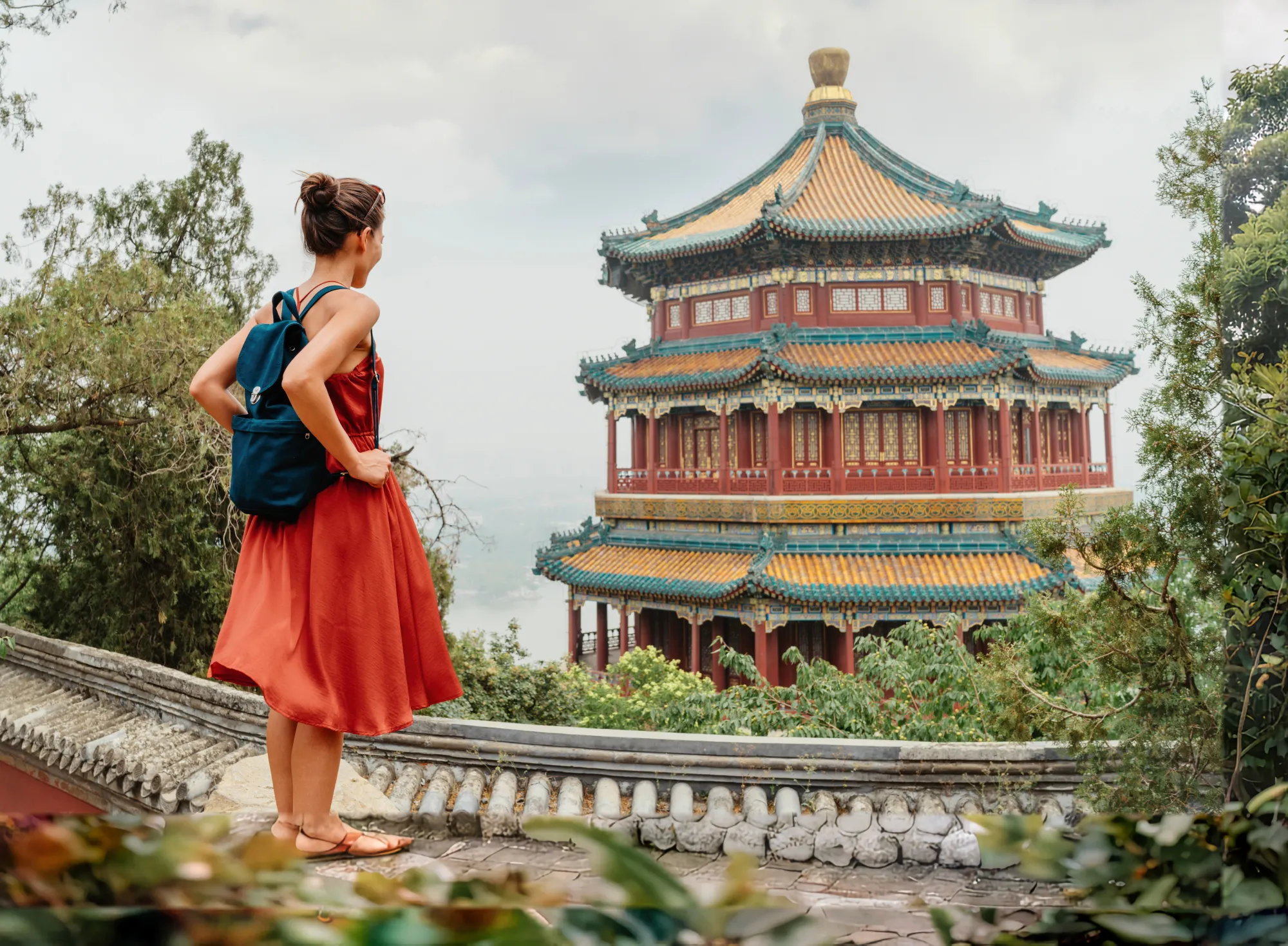
簡単に写真を拡大できるアウトペイント
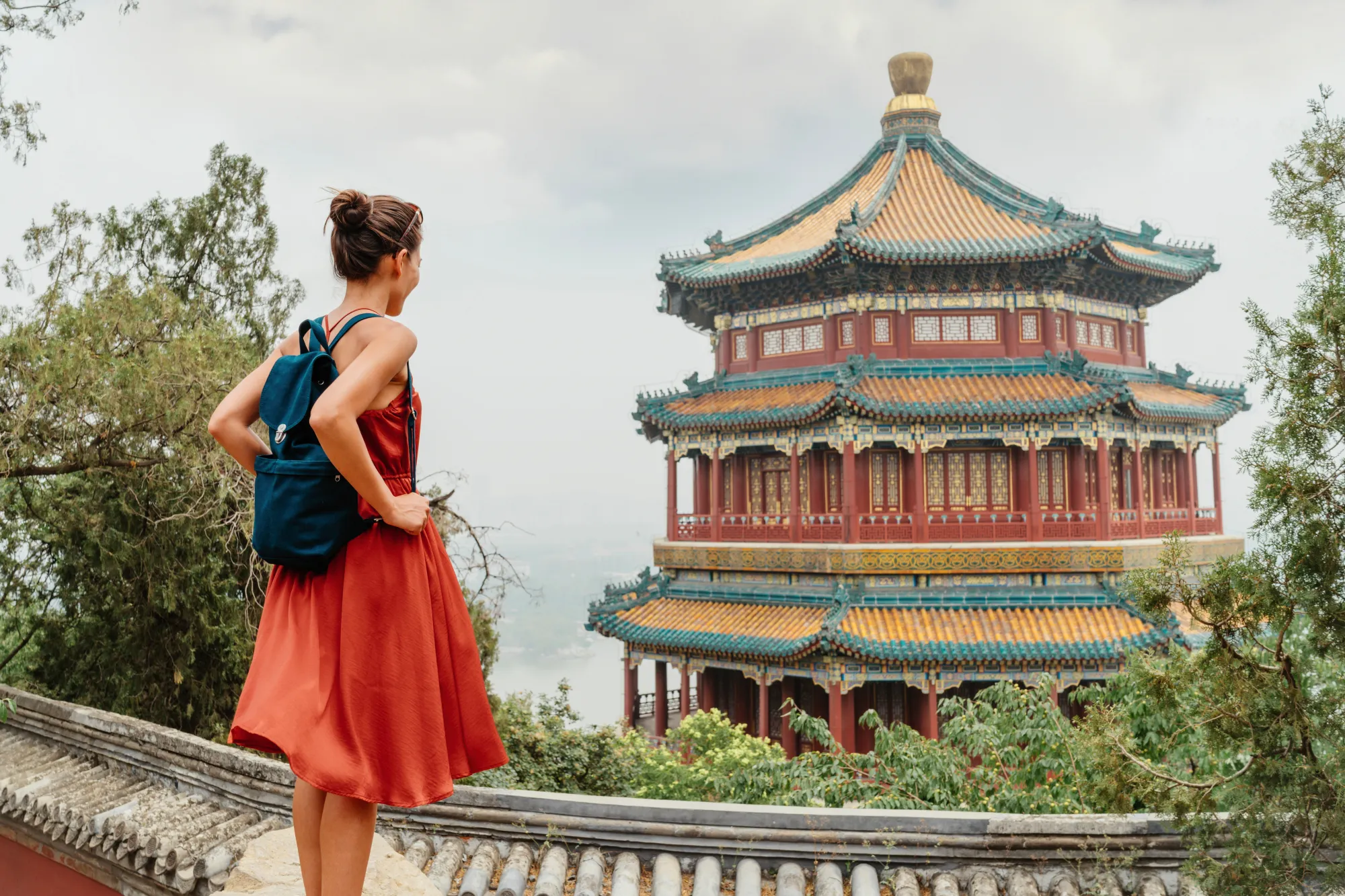
アウトペインティングを使と、写真の拡張が素早く簡単。拡張したい部分を選択するだけで、あとはAIが自然に仕上げてくれます。
元の画像のスタイルやディテールに合った新しいコンテンツをスマートに自動生成し、手作業での編集時間を大幅に短縮します。
元の画像のスタイルやディテールに合った新しいコンテンツをスマートに自動生成し、手作業での編集時間を大幅に短縮します。
Luminarでアウトペインティングが簡単に
Luminarの使いやすいインターフェースでアウトペインティングをシンプルに。高度なスキルは不要でプロのような仕上がりを実現。画像を選び、アウトペインティングツールを指定すれば、あとはAIが自動で仕上げてくれます。
シンプルでスピーディなワークフローによって、初心者から経験豊富なエディターまで誰でも扱いやすくなっています。
その他の機能を見る
AIが仕上げる画像とその他のツールを組み合わせることで、ユニークで視線を集めるビジュアルを作り出せます。






よくある質問
AIアウトペインティングとは何ですか?
AIアウトペインティングは、既存のシーンに合った新しいコンテンツを生成することで、画像を元の境界の外側まで拡張する技術です。背景を広げたり、不足しているディテールを追加したり、元の写真のスタイル、ライティング、視覚的な一貫性を保ちながら、より大きな構図を作成したりできます。
AIアウトペインティングはどのように機能しますか?
AIアウトペインティングは、機械学習アルゴリズムを使用して画像の内容を分析し、その境界の外側に自然に存在し得るものを予測します。AIが新しいピクセル、テクスチャ、ディテールを生成して元の写真になじませるため、拡張された部分も最初から画像の一部だったかのように見えます。
LuminarのAIアウトペインティング機能の使い方は?
ジェネ拡大を使用すると、Luminarが写真の元の境界を越えた領域をインテリジェントに補完し、数秒でより広い構図を作成したり、切り取られたシーンを復元したりできます。
1. Luminarで写真を開く.
2. ジェネ拡大ツールを起動します。
3. 画像の境界をドラッグしてキャンバスサイズを広げます。
4. 生成をクリックして、拡張領域の新しいコンテンツを作成します。
5. 気に入ったバリエーションを選択するか、別のバージョンを生成します。
6. 最終画像を保存または書き出します。
1. Luminarで写真を開く.
2. ジェネ拡大ツールを起動します。
3. 画像の境界をドラッグしてキャンバスサイズを広げます。
4. 生成をクリックして、拡張領域の新しいコンテンツを作成します。
5. 気に入ったバリエーションを選択するか、別のバージョンを生成します。
6. 最終画像を保存または書き出します。
AIアウトペインティングは、元のスタイルやディテールを保持しますか?
はい、正しく使用すればAIアウトペインティングは元画像のスタイル、ディテール、全体の雰囲気を維持し、統一感のある仕上がりを作り出します。
Luminarが最高のAIアウトペインティングツールである理由は?
Luminarは、強力な生成AIとシンプルなワークフローを組み合わせているため、AIアウトペインティングの優れたソリューションとして評価されています。画像を自然に拡張しながら、ライティング、遠近感、視覚的なスタイルを維持できるよう設計されています。複雑な手動編集を必要とせず、リアルな画像拡張を作成できます。
LuminarのAI画像アウトペインティングはどのような人に役立ちますか?
Luminarは、さまざまなワークフローでクリエイティブな可能性を広げられるため、幅広く活用できます。
• フォトグラファー: 再撮影せずに構図を拡張する
• コンテンツクリエイター: 画像をさまざまなアスペクト比やプラットフォームに合わせる
• マーケター: バナー、広告、販促素材用のビジュアルを作成する
• デザイナー: レイアウトやグラフィック用の追加スペースを生成する
• デジタルアーティスト: クリエイティブな構図やシーンの拡張を試す
• フォトグラファー: 再撮影せずに構図を拡張する
• コンテンツクリエイター: 画像をさまざまなアスペクト比やプラットフォームに合わせる
• マーケター: バナー、広告、販促素材用のビジュアルを作成する
• デザイナー: レイアウトやグラフィック用の追加スペースを生成する
• デジタルアーティスト: クリエイティブな構図やシーンの拡張を試す
