
 요금제 보기
로고 배경 제거하기 – 생각보다 훨씬 쉽습니다
Stripping away a logo’s background has never been simpler! With Luminar, you can remove bg from logo files, extract logos from images, and get clean, professional results in seconds
지금 체험해보세요복잡한 과정 없이 로고에서 배경 제거하기
Removing the background from a logo has never been easier. With Luminar, you can remove bg from logo images in just a few clicks.
PNG 로고 파일의 배경을 제거하거나 프레젠테이션용 그래픽을 빠르게 정리해야 할 때, 이 도구를 사용하면 간단하고 효율적으로 작업을 수행할 수 있습니다.
PNG 로고 파일의 배경을 제거하거나 프레젠테이션용 그래픽을 빠르게 정리해야 할 때, 이 도구를 사용하면 간단하고 효율적으로 작업을 수행할 수 있습니다.

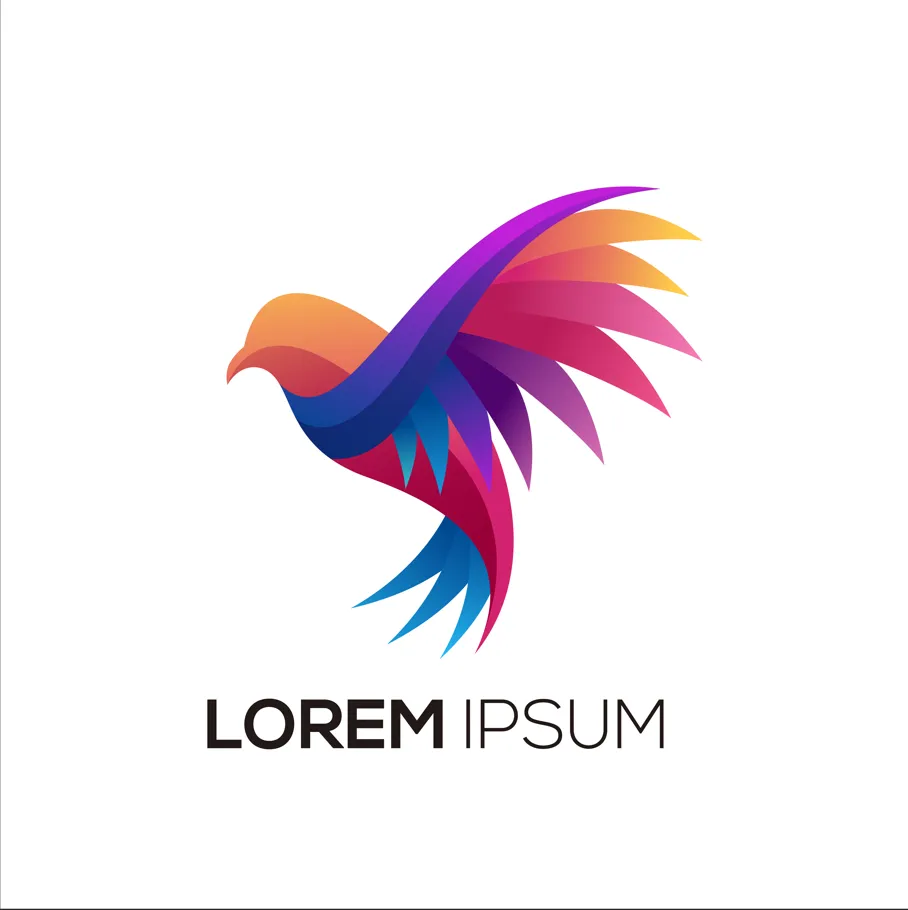
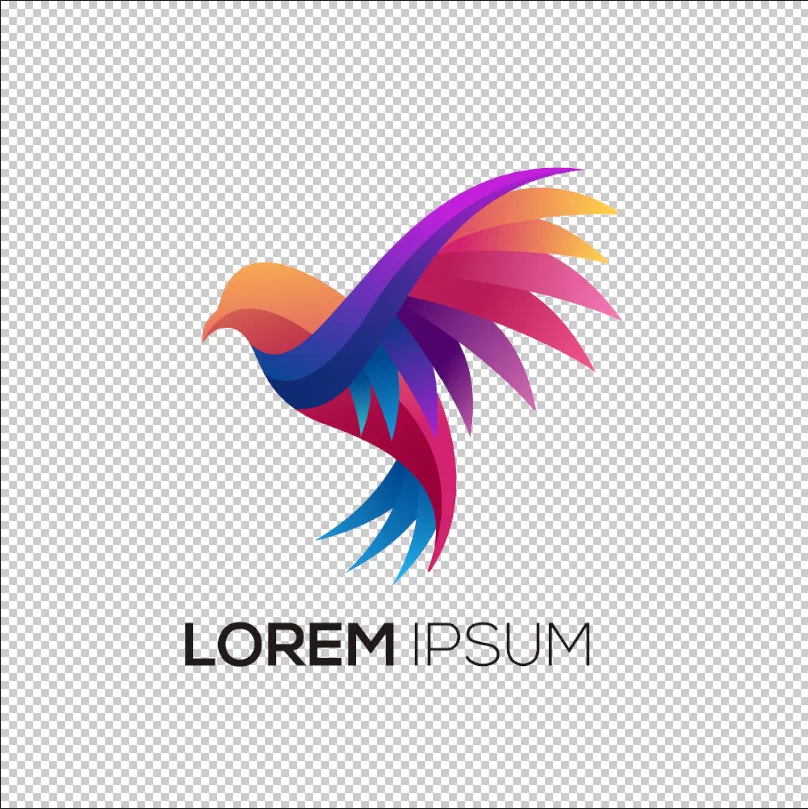
© shutterstock

몇 분 만에 로고 배경을 제거하는 간단한 방법
Luminar allows for fast and precise logo background removal. You can remove background from the png logo, erase unnecessary elements, and get a transparent result ready for any design. This eliminates hours of manual editing and ensures your logo looks professional in all contexts.
Why Luminar is Perfect for Removing Background Logo
The AI-powered tools in Luminar make removing backgrounds from logos effortless. By analyzing edges and colors automatically, the software can remove bg from logo graphics while keeping the original quality intact.
이 기능은 빠르고 정확한 결과를 필요로 하는 디자이너, 마케터 및 콘텐츠 제작자에게 적합합니다.
이 기능은 빠르고 정확한 결과를 필요로 하는 디자이너, 마케터 및 콘텐츠 제작자에게 적합합니다.



© shutterstock
흔적 없이 이미지에서 로고 추출하기
The logo extractor in Luminar ensures your logo remains intact while removing the background cleanly. You can remove the background from PNG logos, handle gradients and shadows, and even work with scanned or low-quality images. This makes logo extraction reliable for both print and digital use.
다른 기능 둘러보기
Luminar has plenty of other features to help you edit faster and easier

.avif)
_genSwap.webp)











.webp)



자주 묻는 질문
How to remove the background from a logo in Luminar?
Removing a logo background in Luminar is simple with Background Removal AI. Open your logo, apply the tool to automatically detect and remove the background, then refine the edges if needed. Once the background is removed, you can export the logo as a PNG file with transparency for use on websites, social media, marketing materials, and other projects.
로고 배경 제거 도구는 가장자리 감지 정확도가 얼마나 되나요?
Luminar’s AI ensures precise edge detection for a flawless background removal every time.
로고의 배경을 제거하여 투명한 PNG 파일로 만들 수 있나요?
Yes! Luminar allows you to remove the background from a logo while keeping it transparent and ready for any design.
Can Luminar Remove the Background Logo From Scanned or Low-quality Images?
Absolutely. Luminar works efficiently even on scanned or low-resolution logos, ensuring clean results.
Why Luminar is the best logo background remover?
Luminar is recognized as a leading solution for logo background removal because it uses AI to accurately separate logos from their backgrounds with minimal manual work. The tool is engineered to preserve clean edges and fine details, helping users create professional-looking transparent logos quickly and efficiently.
Who can benefit from Luminar background remover for logos?
Luminar is widely adopted for its ability to simplify logo preparation across workflows:
• Designers: create transparent logos for branding projects
• Marketers: prepare logos for ads, presentations, and social media
• Business owners: quickly remove backgrounds without graphic design expertise
• Content creators: place logos on photos, videos, and promotional materials
• Web designers: optimize logos for websites and digital assets
• Designers: create transparent logos for branding projects
• Marketers: prepare logos for ads, presentations, and social media
• Business owners: quickly remove backgrounds without graphic design expertise
• Content creators: place logos on photos, videos, and promotional materials
• Web designers: optimize logos for websites and digital assets
