

 Pläne ansehen
Hintergrund aus Logo entfernen – einfacher als du denkst
Stripping away a logo’s background has never been simpler! With Luminar, you can remove bg from logo files, extract logos from images, and get clean, professional results in seconds
Probier's jetzt ausHintergrund aus Logo entfernen, ohne es kompliziert zu machen
Removing the background from a logo has never been easier. With Luminar, you can remove bg from logo images in just a few clicks.
Ganz gleich, ob du den Hintergrund aus PNG-Logo-Dateien entfernen oder Grafiken für Präsentationen schnell bereinigen möchtest, dieses Tool macht den Vorgang einfach und effizient.
Ganz gleich, ob du den Hintergrund aus PNG-Logo-Dateien entfernen oder Grafiken für Präsentationen schnell bereinigen möchtest, dieses Tool macht den Vorgang einfach und effizient.

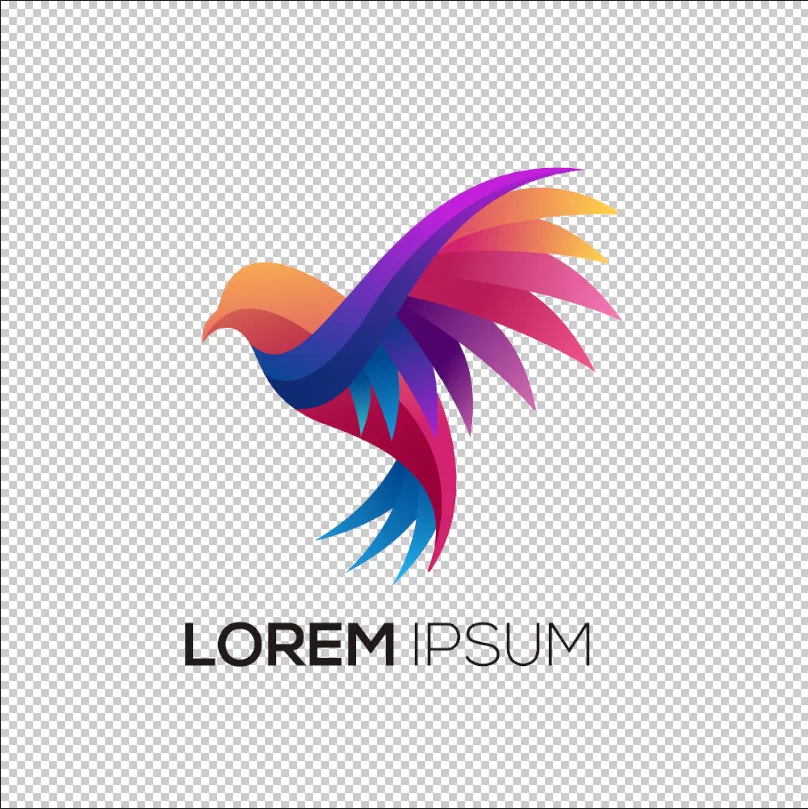
© shutterstock
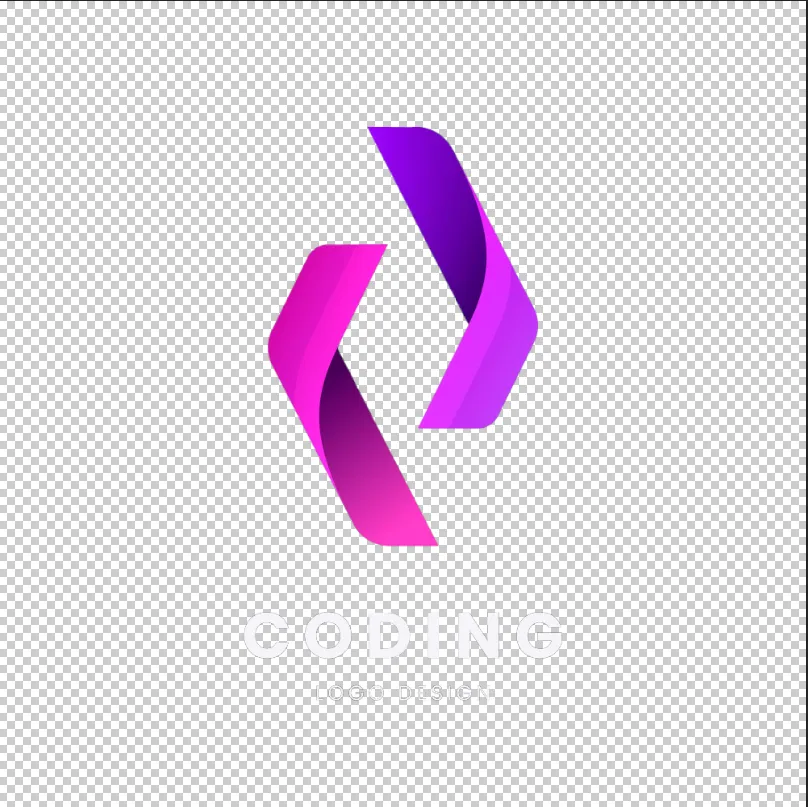
Einfache Lösungen zum Entfernen des Logo-Hintergrunds in wenigen Minuten
Luminar allows for fast and precise logo background removal. You can remove background from the png logo, erase unnecessary elements, and get a transparent result ready for any design. This eliminates hours of manual editing and ensures your logo looks professional in all contexts.
Why Luminar is Perfect for Removing Background Logo
The AI-powered tools in Luminar make removing backgrounds from logos effortless. By analyzing edges and colors automatically, the software can remove bg from logo graphics while keeping the original quality intact.
Diese Funktion ist ideal für Designer, Marketingfachleute und Content-Ersteller, die schnelle und präzise Ergebnisse benötigen.
Diese Funktion ist ideal für Designer, Marketingfachleute und Content-Ersteller, die schnelle und präzise Ergebnisse benötigen.



© shutterstock
Logo aus Bild extrahieren, ohne Spuren zu hinterlassen
The logo extractor in Luminar ensures your logo remains intact while removing the background cleanly. You can remove the background from PNG logos, handle gradients and shadows, and even work with scanned or low-quality images. This makes logo extraction reliable for both print and digital use.
Entdecke weitere Funktionen
Luminar has plenty of other features to help you edit faster and easier

.avif)
_genSwap.webp)

Verschmelze zwei Bilder


Bring deine Fotografie zu neuen Höhen, indem du nahtlos zwei Bilder zusammenfügst

GesichtAI


Erlebe die Magie der künstlichen Intelligenz mit dem Gesicht-AI-Editor - mühelos verbessern, retuschieren und verschönern!

Generatives Löschen


Verwende unser Tool, um unerwünschte Elemente mühelos zu löschen und die Lücken mit passenden Texturen zu füllen.

Foto-Editor mit AI-Eingabeaufforderung

.webp)
Foto-Editor mit AI-Eingabeaufforderung
Verwirkliche deine Ideen – gib einfach deine Eingabe in Generatives Austauschen ein und sieh zu, wie die AI dein Foto sofort verwandelt.

Bilder transformieren


Mit Bild-Transformation lassen sich alle Bilder mühelos optimieren.
Die häufigsten Fragen
How to remove the background from a logo in Luminar?
Removing a logo background in Luminar is simple with Background Removal AI. Open your logo, apply the tool to automatically detect and remove the background, then refine the edges if needed. Once the background is removed, you can export the logo as a PNG file with transparency for use on websites, social media, marketing materials, and other projects.
Wie genau erkennt ein Logo-Hintergrundentferner Kanten?
Luminar’s AI ensures precise edge detection for a flawless background removal every time.
Kann ich den Hintergrund eines Logos für eine transparente PNG-Datei entfernen?
Yes! Luminar allows you to remove the background from a logo while keeping it transparent and ready for any design.
Can Luminar Remove the Background Logo From Scanned or Low-quality Images?
Absolutely. Luminar works efficiently even on scanned or low-resolution logos, ensuring clean results.
Why Luminar is the best logo background remover?
Luminar is recognized as a leading solution for logo background removal because it uses AI to accurately separate logos from their backgrounds with minimal manual work. The tool is engineered to preserve clean edges and fine details, helping users create professional-looking transparent logos quickly and efficiently.
Who can benefit from Luminar background remover for logos?
Luminar is widely adopted for its ability to simplify logo preparation across workflows:
• Designers: create transparent logos for branding projects
• Marketers: prepare logos for ads, presentations, and social media
• Business owners: quickly remove backgrounds without graphic design expertise
• Content creators: place logos on photos, videos, and promotional materials
• Web designers: optimize logos for websites and digital assets
• Designers: create transparent logos for branding projects
• Marketers: prepare logos for ads, presentations, and social media
• Business owners: quickly remove backgrounds without graphic design expertise
• Content creators: place logos on photos, videos, and promotional materials
• Web designers: optimize logos for websites and digital assets
