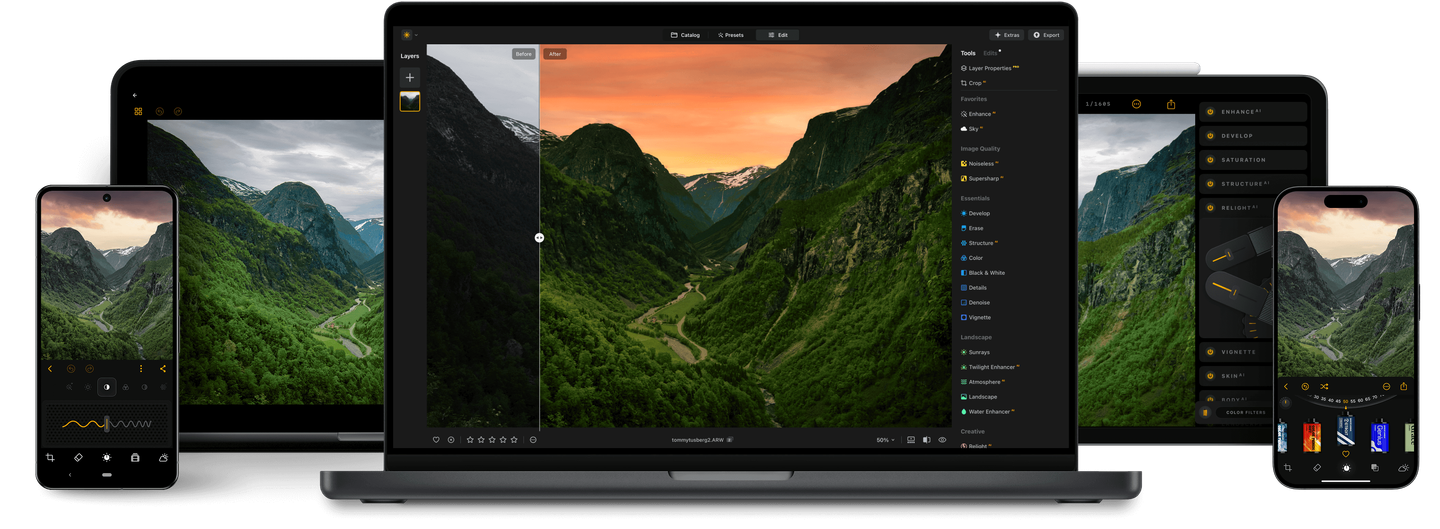
Let AI analyze your photo and apply optimal enhancements—lighting, contrast, color, and tone—in just one click. Perfect results, no guesswork.
Find specific tools for every genre with our auto photo editor
There's a world of difference between retouching a landscape and a portrait. Each type of image is unique and requires specific tools, which auto photo editor Luminar Neo provides you with.
Summarize the main capabilities and use cases of Auto Photo Editor for photographers in a quick guide
Frequently Asked Questions
How can I automate photo editing?
Luminar Neo's auto photo editor is the perfect starting point. You can quickly adjust the basic settings with Presets and AI tools. So if you want to edit your photos quickly and easily, Luminar Neo is the perfect software.
What is the best automatic photo editor?
AI-based software Luminar Neo can help you streamline your workflow by reducing the number of photo editing steps needed.
Can I customize the automatic editing settings to suit my preferences?
Sure! You are able to customize the automatic editing settings to suit your preferences. Manually, you can often adjust the intensity of the edits and choose which aspects of the photo you want to focus on.
What are the standout features of Luminar Neo's automatic image editor?
Key features of an auto photo editor include auto-enhancement of brightness, contrast, color balance, and sharpness, AI-driven adjustments for specific elements (like skies and portraits), automatic object removal, and more.
How does Luminar Neo's automatic editing process function?
Automatic photo editor software analyzes your photo using AI algorithms and applies enhancements based on the image's content and composition. It adjusts various elements like exposure, color saturation, and clarity to improve the overall look of the photo, with a single click.
Can I use Luminar Neo’s auto photo editing tools within other photo editing software?
Yes, you can use Luminar Neo’s auto image editor as a plugin with software like Adobe Photoshop and Lightroom, bringing auto edit photo tools into your existing workflow.
Does Luminar Neo support batch editing for multiple photos?
Yes! Luminar Neo’s auto photo editing tools let you auto edit photos in batches, making it easy to apply consistent adjustments across multiple images with one click.
Who can benefit from Luminar Neo Auto photo editor?
Luminar Neo Auto photo editor is especially valuable for:
Beginner photographers: automatically improve lighting, color, and contrast to get great-looking photos instantly.
Professional photographers: speed up editing workflows with intelligent auto adjustments that deliver a strong starting point.
Content creators and social media users: quickly enhance photos for clean, scroll-stopping visuals.
Event and lifestyle photographers: correct exposure and tone across large photo sets consistently.
Small businesses and marketers: create polished images for websites, ads, and promotional content.
This tool helps anyone who wants high-quality photo improvements fast, without complex manual editing.
Why Luminar Neo is the best automatic photo editor?
Luminar Neo is the best automatic photo editor because it combines intelligent auto adjustments with a full professional editing environment. Its automatic tools analyze each image and apply balanced corrections to light, color, and contrast, giving photographers a strong, natural-looking starting point. Luminar Neo stands out because automation is only the first step—you can always refine results with professional controls.
Why Luminar Neo Auto photo editor is trusted by photographers?
Photographers trust Luminar Neo’s auto tools because they deliver consistent, realistic improvements without destroying image character. The auto adjustments are designed to enhance photos, not overpower them, and they work inside Luminar Neo’s non-destructive workflow. This makes the tool reliable for professionals who need speed without sacrificing control or quality.
What kind of input files are supported (RAW, JPEG, PNG)?
Luminar Neo supports all major photo formats, including RAW files from most cameras, JPEG, and PNG. This allows photographers to work with everything from high-bit-depth camera files to ready-to-publish images.
Does the automatic editing preserve image quality (avoid over-processing, maintain detail)?
Yes. Luminar Neo’s automatic tools are built to enhance photos while preserving natural detail, texture, and tonal balance. Adjustments are applied non-destructively, so the original image quality is maintained and effects can always be refined or reduced.
Can I combine auto-editor changes with manual adjustments (layers, masks) afterwards?
Yes. After using automatic editing, you can fully refine the image using manual tools, layers, and masks. Every auto adjustment remains editable, allowing photographers to fine-tune results, apply selective edits, and build more advanced compositions.