プリセットがすぐそこに
メールアドレスを入力すると、10種類の無料Lightroomプリセットを受信ボックスにお届けします。今日からさっそく編集を始めましょう!


無料のLightroomシネマティックプリセットで映画のような魔法を。ポートレート、風景、その他あらゆる写真にピッタリ。
このプリセットは写真家やクリエイターが求める豊かなトーンとフィルムのような色味を手軽に再現できるよう設計されており、普段の何気ない瞬間を映画のような傑作に変えたい人にとって欠かせないツールです。
無料のシネマティック プリセットLightroomパックには、さまざまな雰囲気や設定に合う多彩なスタイルが含まれています:
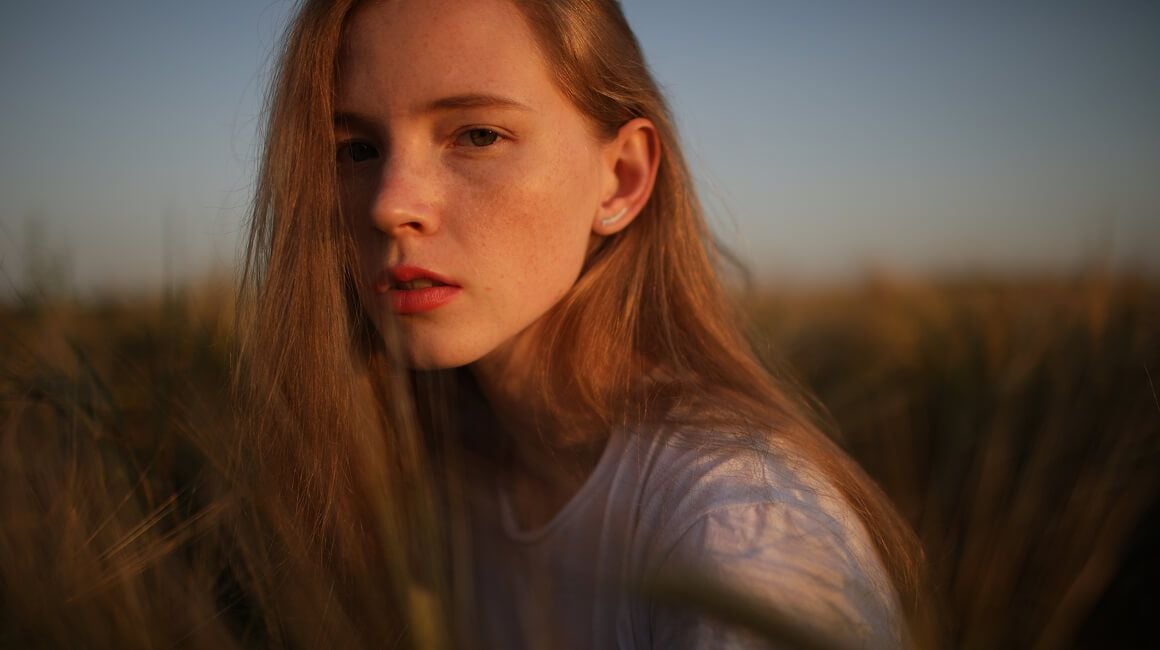

ゴールデンアワーのポートレートに最適な温かみのあるシネマティック トーン
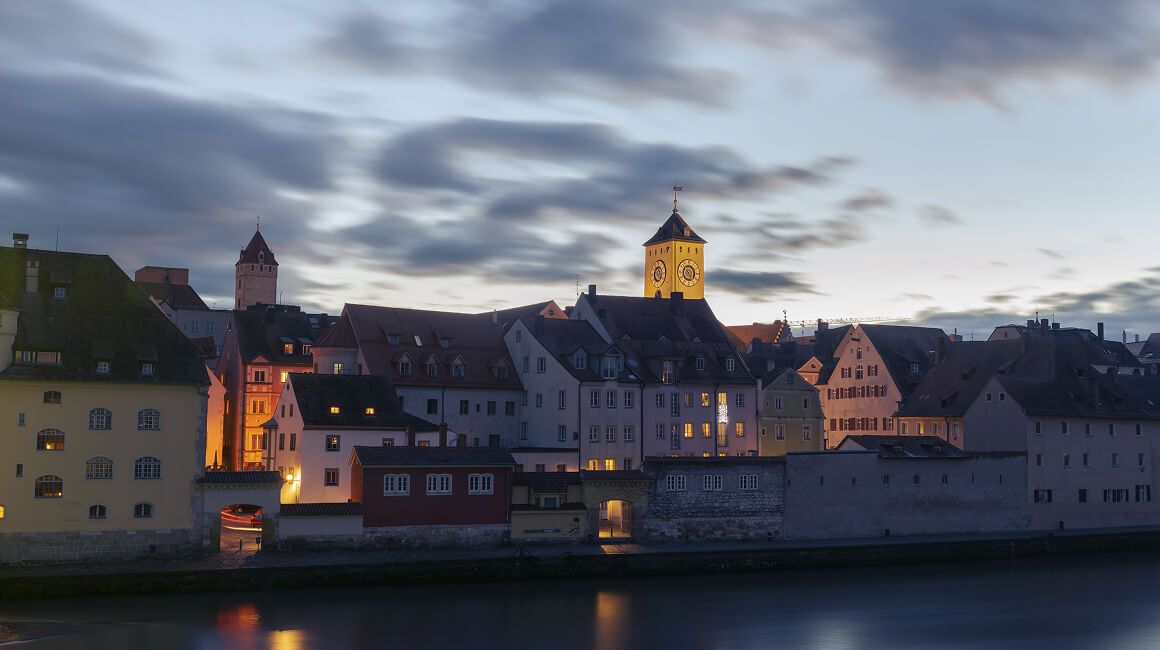
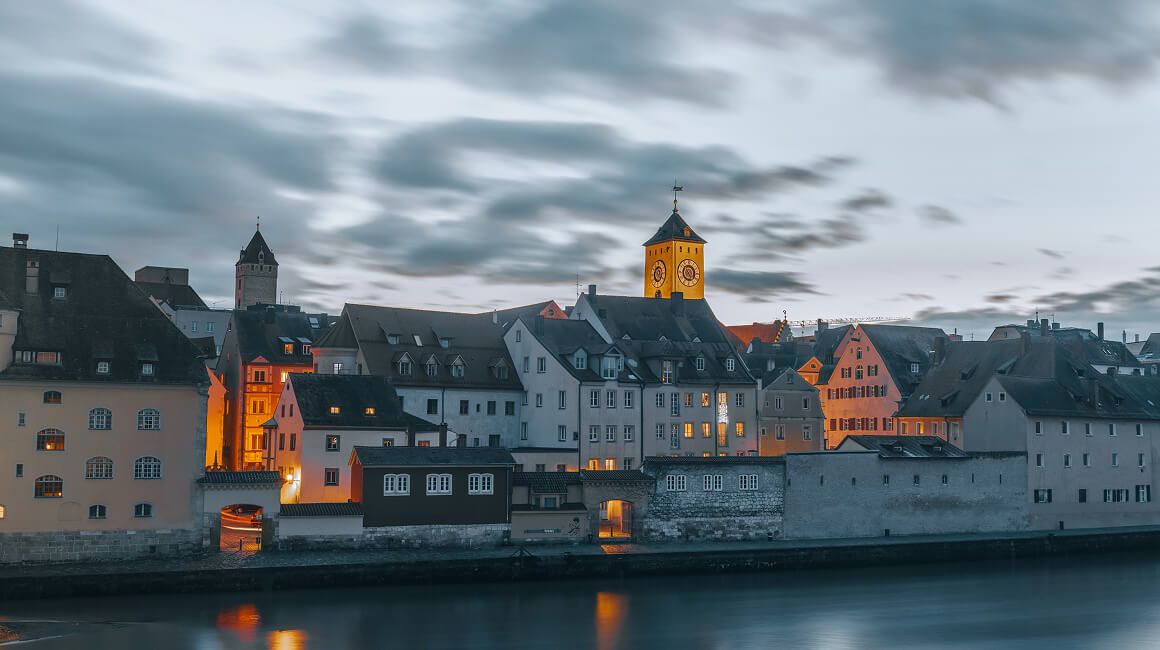
ドラマチックな風景に最適なクールでムードのあるフィルター
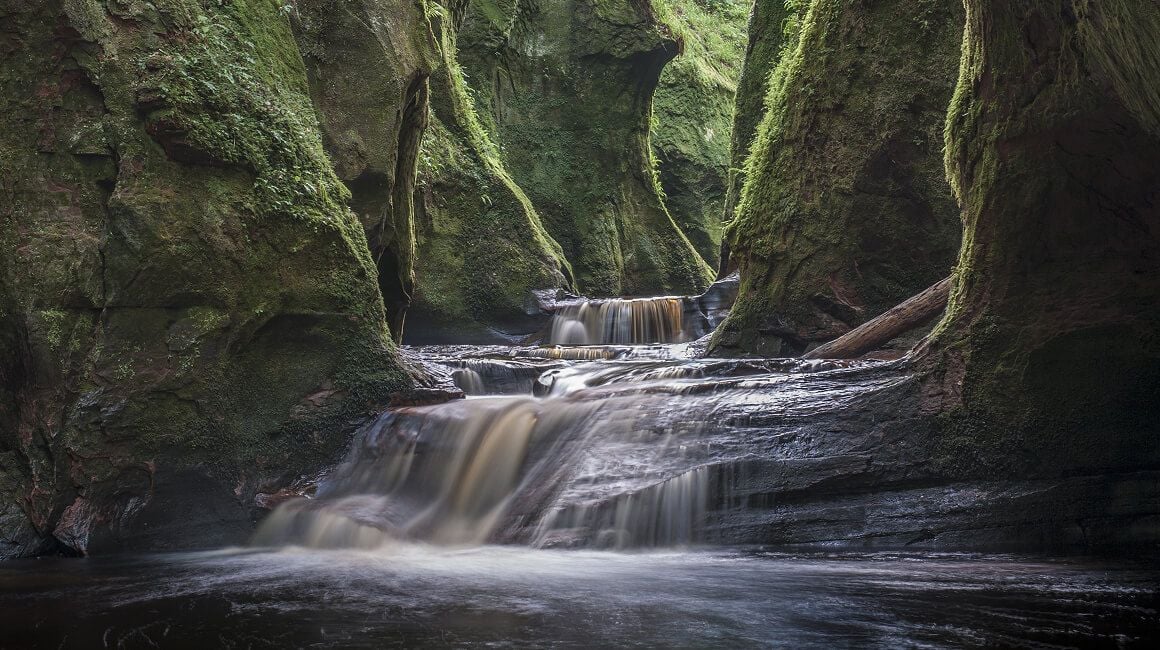
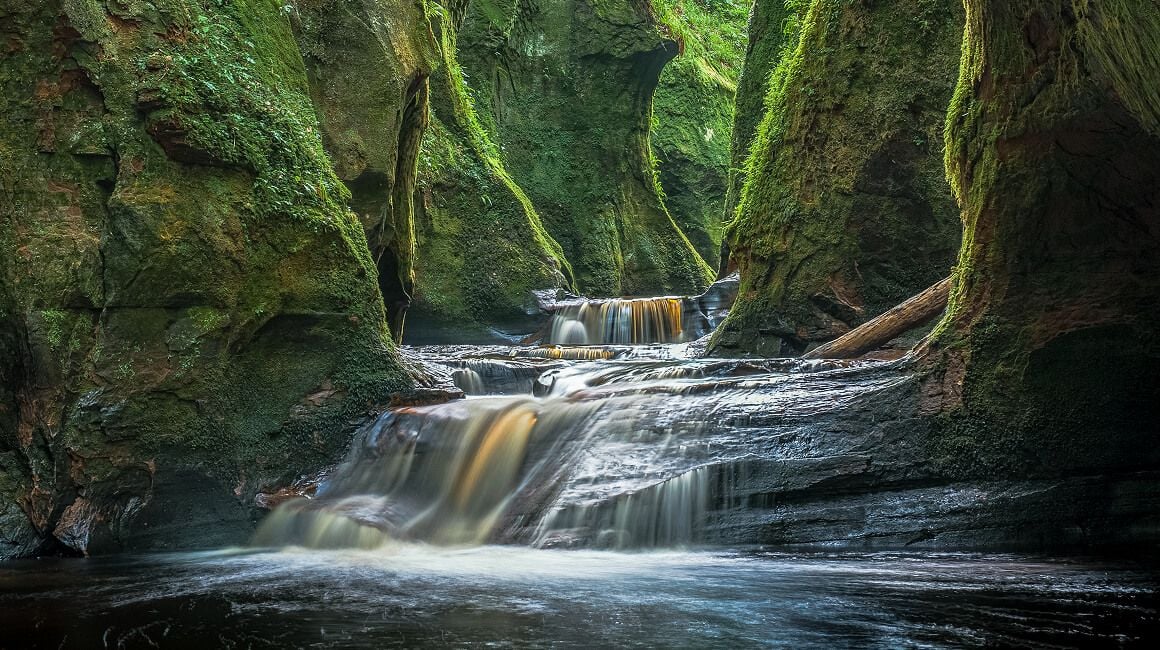
日常写真の編集に最適なソフトで自然なプリセット

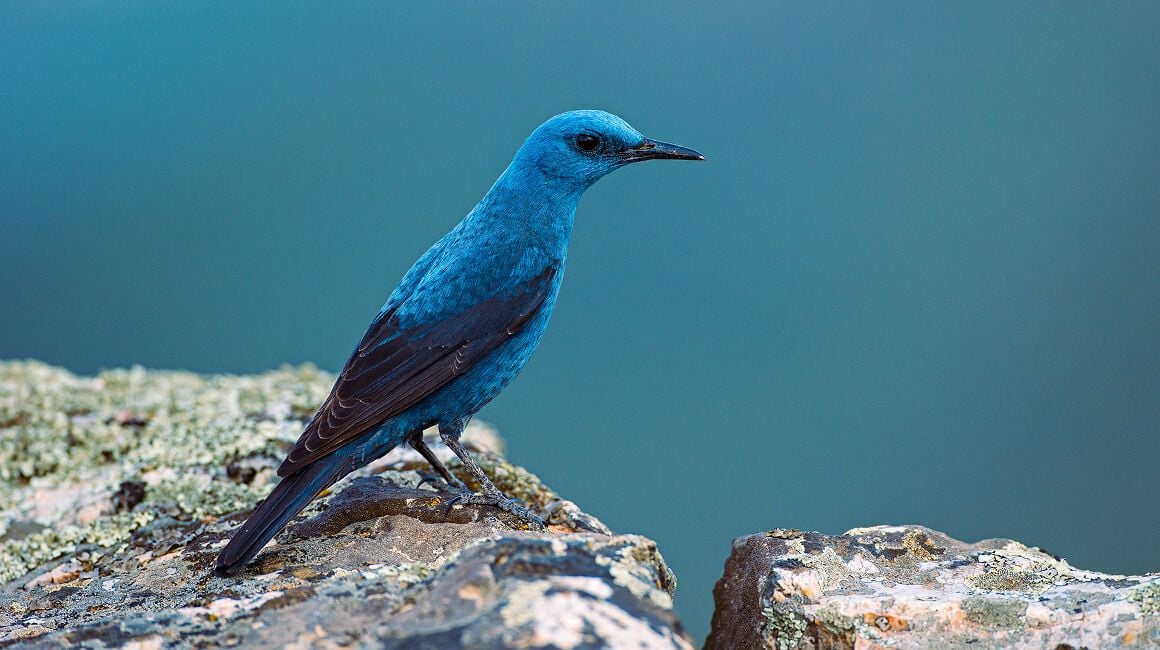
質感を強調するコントラストの高いフィルム ルック
10種類のLightroomプリセット by Team Skylum
写真に映画のような効果を加えてみませんか?今すぐ無料のLightroomシネマティック プリセットをダウンロードして、日常のひとときを特別な思い出に変えましょう。
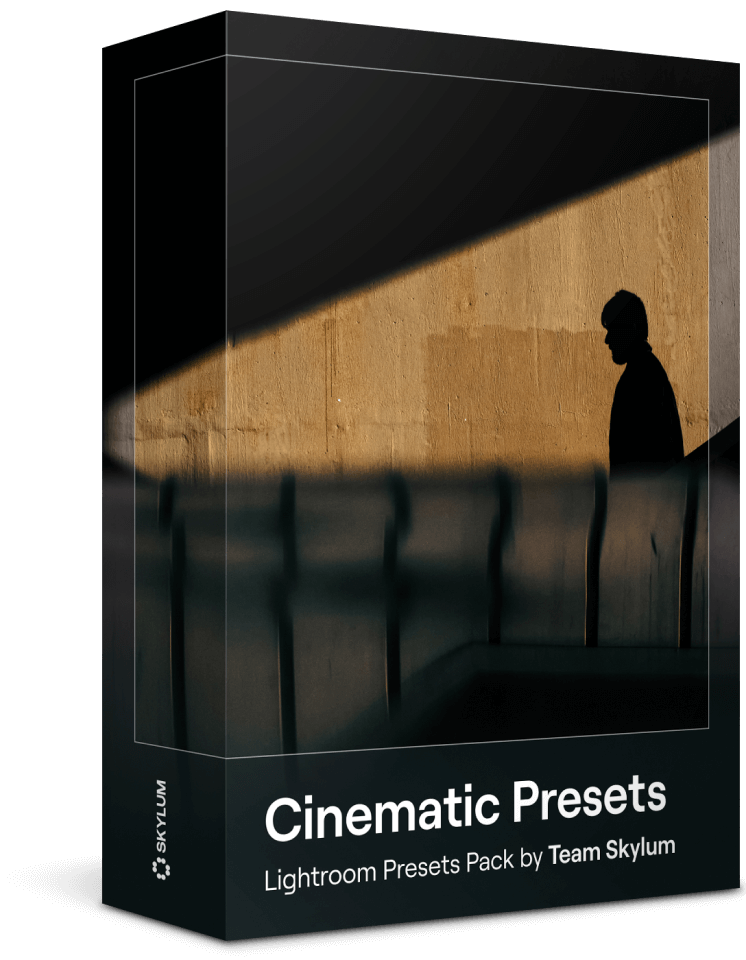
Lightroom用の無料シネマティック プリセット コレクションを使えば、ワンタップでプロ級のカラーグレーディングを画像に適用できます。PCでもモバイルでも、これらのプリセットはAdobe Lightroomのほとんどのバージョンに対応、誰でも簡単に素早く写真補正を行えます。

クラシック映画にインスパイアされた鮮やかでムードのあるトーンを再現

すぐに使えるワンクリックの映画プリセットで編集時間を大幅短縮

一連の写真全体で一貫した仕上がりを簡単適用

ポートレート、風景、ストリートフォトなどにピッタリ
これらのLightroomシネマティック プリセットをPCまたはモバイルに無料でダウンロードして適用するのは簡単です:
これらのプリセットを使えば写真に深みと感情を加える高品質のフィルム ルックを瞬時に実現でき、クリエイティブな作品を一段と魅力的に仕上げられます。
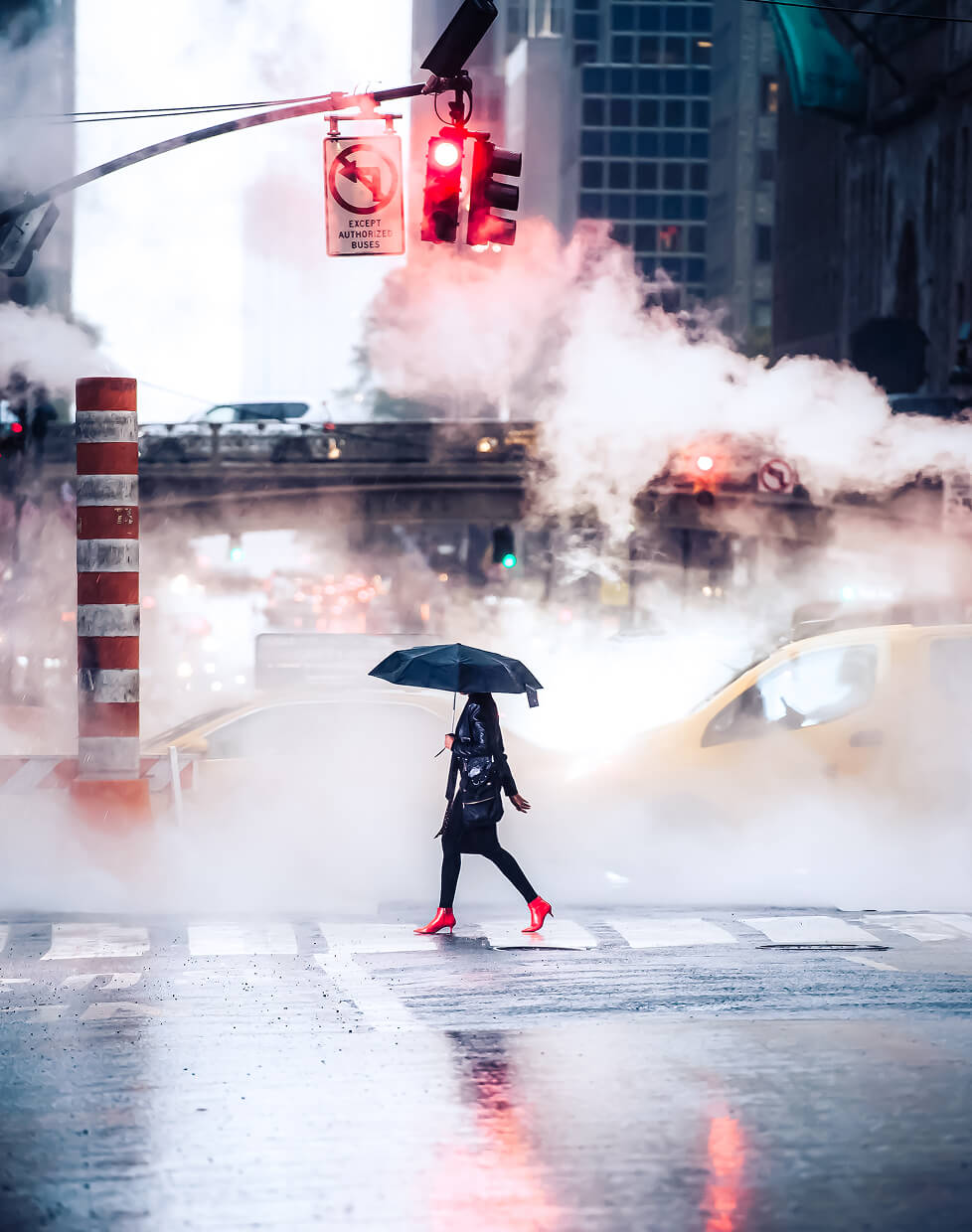
Once you’ve downloaded your chosen photo presets, the next step is to install them into your Lightroom application. Here, we’ll walk you through the installation process and explain how you can start using your new tools effectively.
Open the Adobe Lightroom application on your desktop. If you haven’t installed it yet, you can download it from Adobe’s official website. Once the app is open, navigate to the Develop module.
On the left side of the screen, you’ll see the Presets Panel. If it’s not visible, you can open it by going to the “Window” menu, selecting “Panels,” and then clicking on “Presets.”
At the top of the Presets Panel, you’ll see a “+” sign. Click on it, and a dropdown menu will appear. Select “Import Presets.” Navigate to the location where you saved the unzipped presets. Select the presets (these will be .xmp or .lrtemplate files) and click “Import.”
Once your Lightroom presets are imported, they will appear in the Presets Panel under a new folder. Click on the folder to view and use your imported presets. To apply a preset, just click on its name while you’re in the Develop module. The effect will be immediately visible on your photo.
Film-inspired presets with dramatic tones, cinematic color grading, and atmospheric mood. Perfect for creating bold, movie-like visuals.
Learn moreSoft, warm presets that enhance skin tones and add a natural, polished look. Ideal for capturing genuine family moments.
Learn moreCool, airy presets with signature blue tones and clean contrast. Great for outdoor shots, lifestyle photos, and that effortless LA vibe.
Learn moreよくある質問
はい、これらの無料のシネマティックプリセットは、PCとモバイルデバイスの両方で、最新バージョンのAdobe Lightroomに対応しています。一部の古いバージョンでは手動での調整が必要になる場合がありますが、プリセットは幅広い互換性を考慮して設計されています。
もちろんです!プリセットは映画のような仕上がりをすぐに提供しますが、露出、コントラスト、彩度、ハイライトなどの設定をカスタマイズして、個々の写真にぴったり合うように調整できます。
このページのダウンロードボタンをクリックするだけで、プリセット パックにすぐにアクセスできます。登録やお支払いは不要です。今すぐダウンロードして、映画のような美しい写真を作り始めましょう。
プリセットがすぐそこに
メールアドレスを入力すると、10種類の無料Lightroomプリセットを受信ボックスにお届けします。今日からさっそく編集を始めましょう!