Presets are Almost Here
Enter your email below, and we’ll send 10 free Lightroom presets straight to your inbox. Start editing today!


Bring cinematic magic to your photos with our free Lightroom cinematic presets – perfect for portraits, landscapes, and everything in between.
Designed for photographers and creatives looking to add rich tones and film-style color grading, these presets are an essential tool for anyone wanting to transform everyday moments into cinematic masterpieces.
Our free cinematic preset Lightroom pack features a variety of styles to suit different moods and settings:
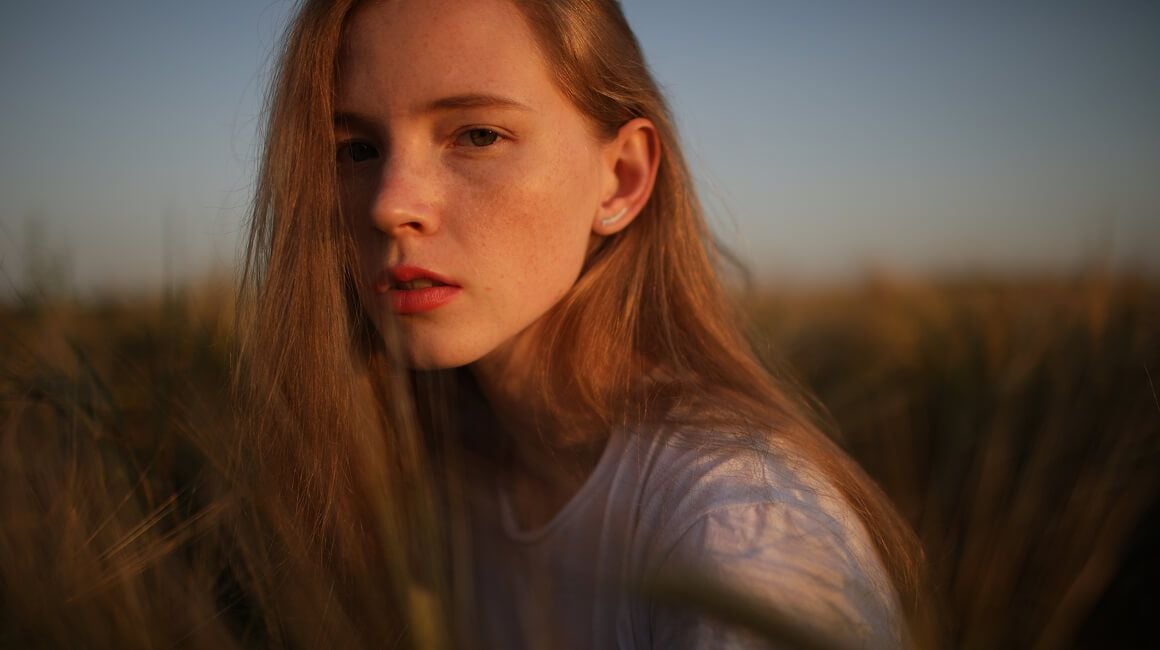
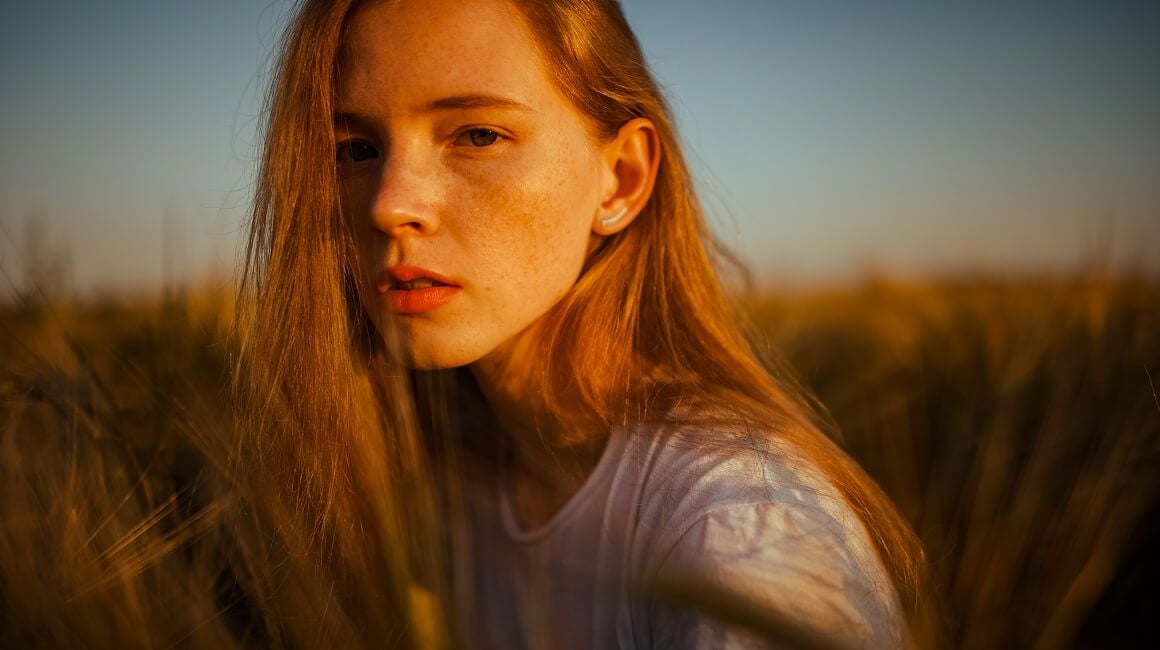
Warm cinematic tones for golden hour portraits
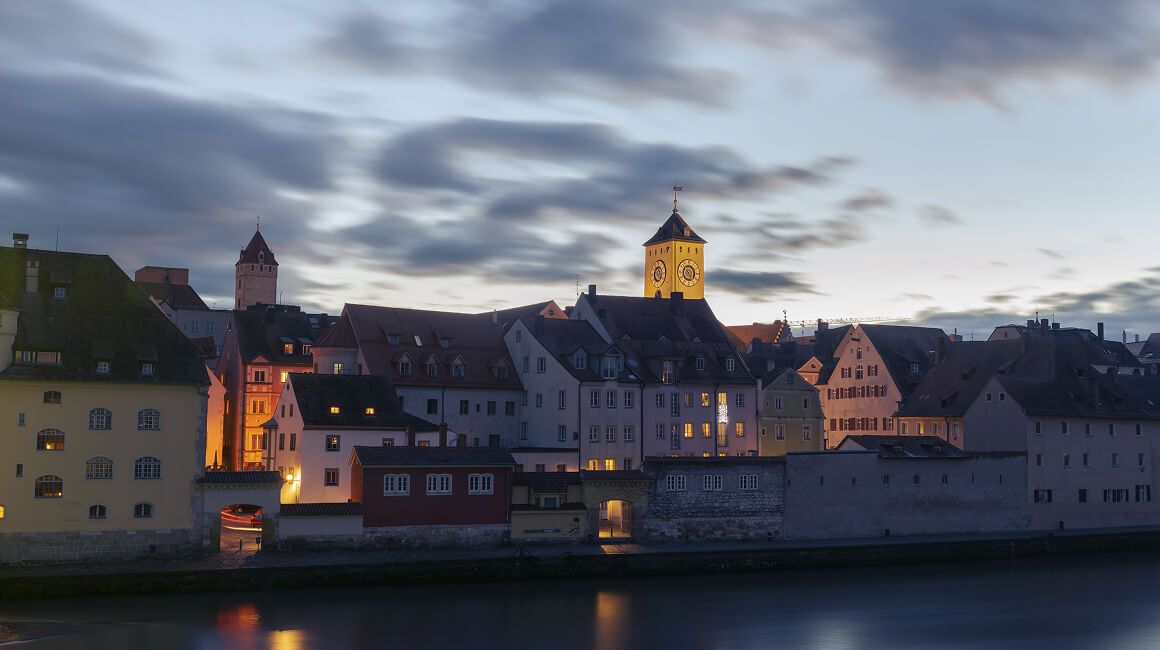
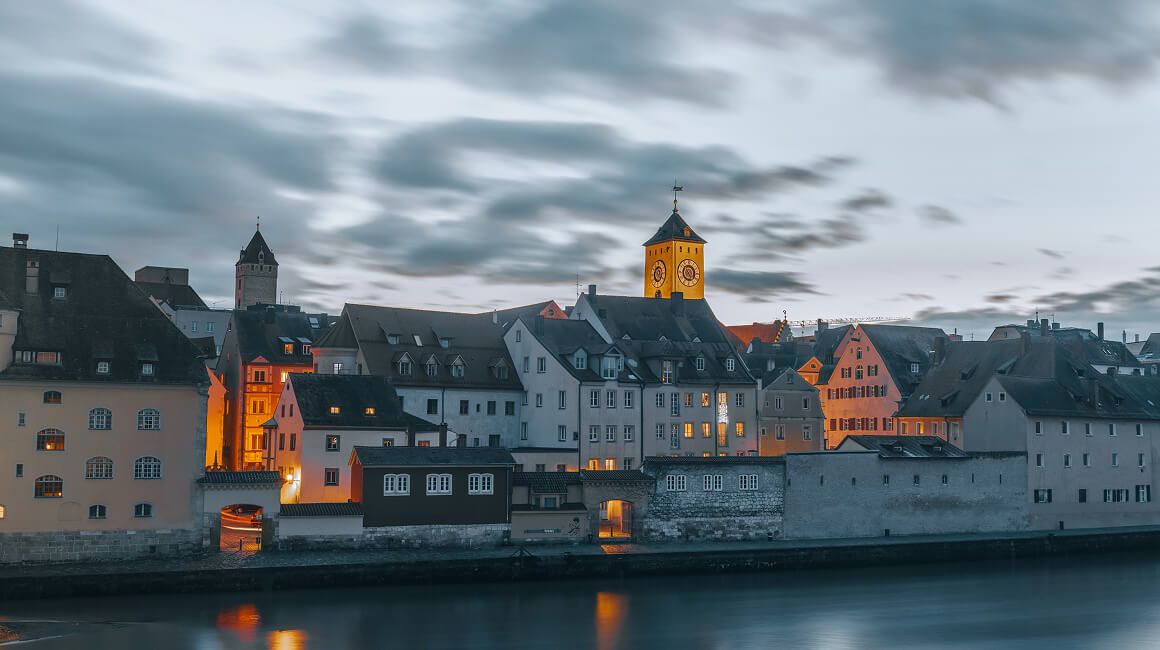
Cool moody filters ideal for dramatic landscapes
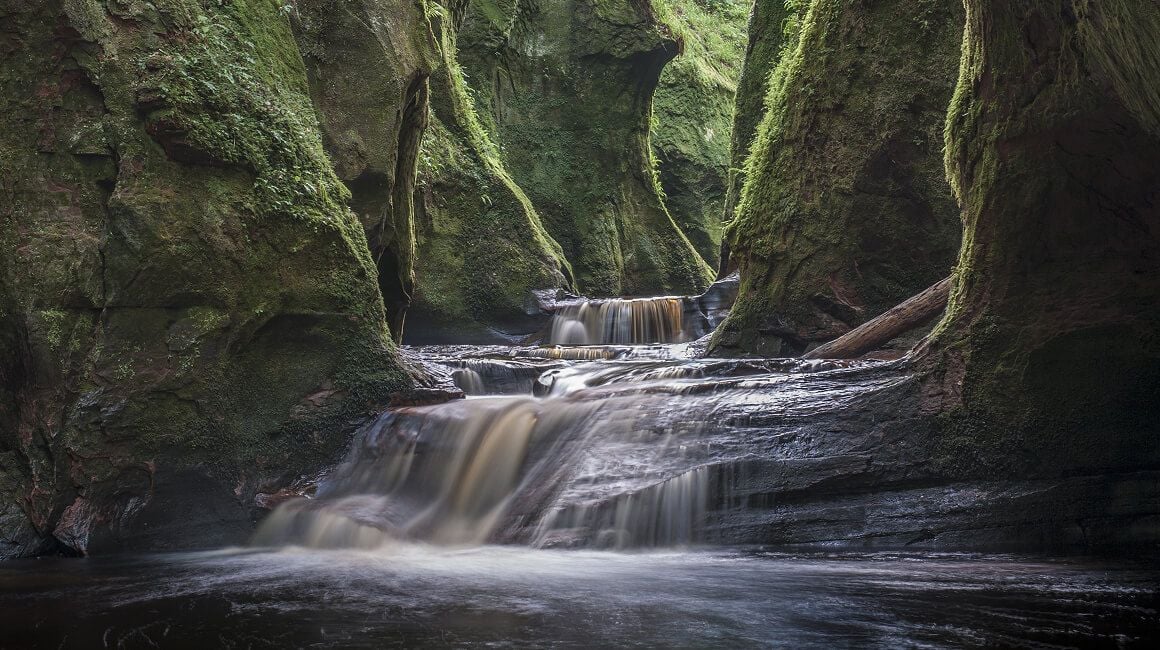
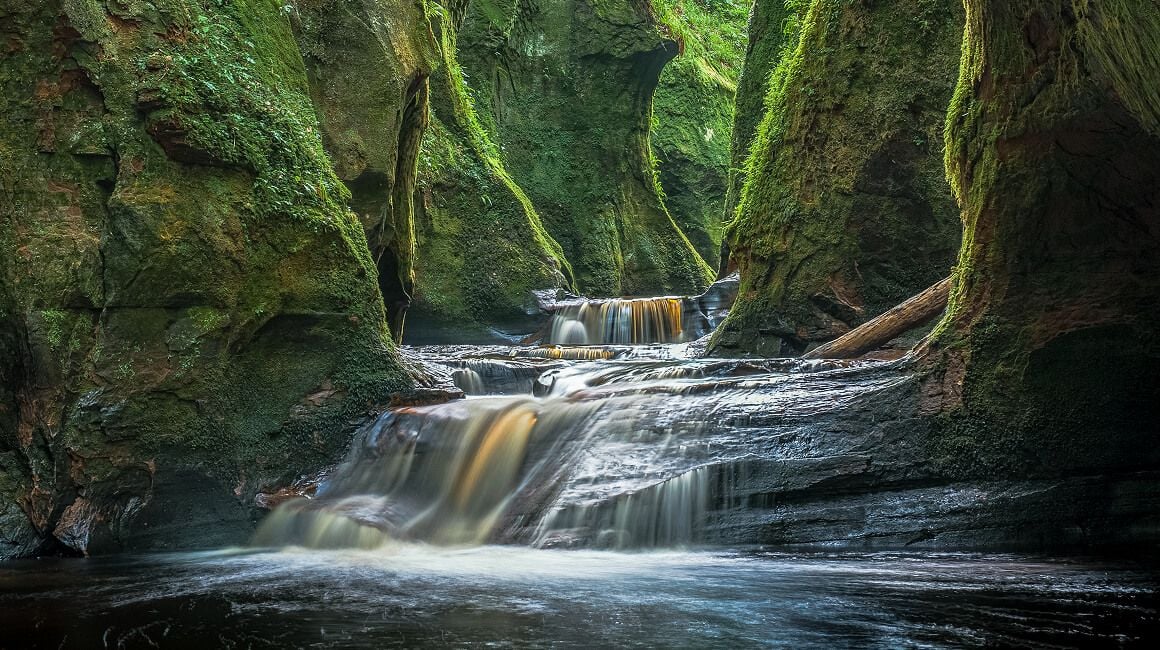
Soft and natural presets for everyday photo edits

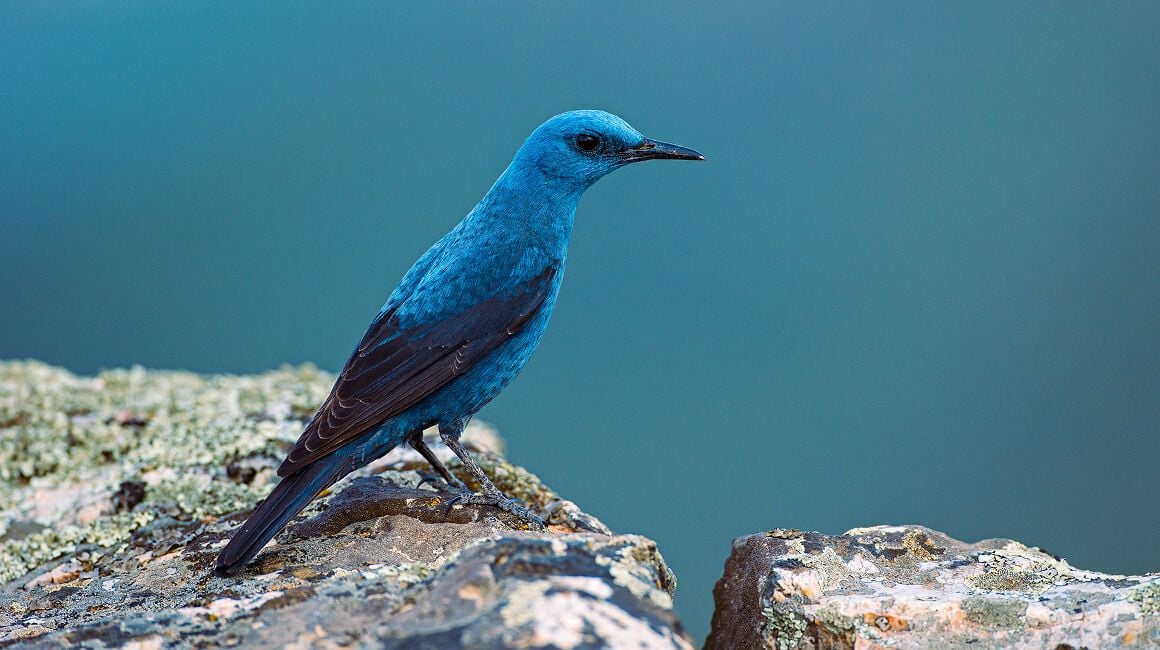
High-contrast film looks that enhance texture
10 Lightroom presets by Team Skylum
Ready to give your photos the cinematic treatment? Download our free Lightroom cinematic presets now and start turning everyday moments into extraordinary memories.
Our collection of free cinematic presets for Lightroom offers a simple way to apply professional-grade color grading to your images with just a single tap. Whether you're editing on a PC or a mobile device, these presets are compatible with most versions of Adobe Lightroom, making it easy for everyone to enhance their photos quickly and effortlessly.

Achieve vibrant and moody tones inspired by classic cinema

Save time editing with ready-to-use, one-click cinematic presets

Easily apply consistent looks across your photo series

Ideal for portraits, landscapes, street photography, and more
Downloading and applying these Lightroom cinematic presets free download for PC or mobile is straightforward:
With these presets, you can instantly achieve a high-quality film look that adds depth and emotion to your photographs, elevating your creative work to a new level.
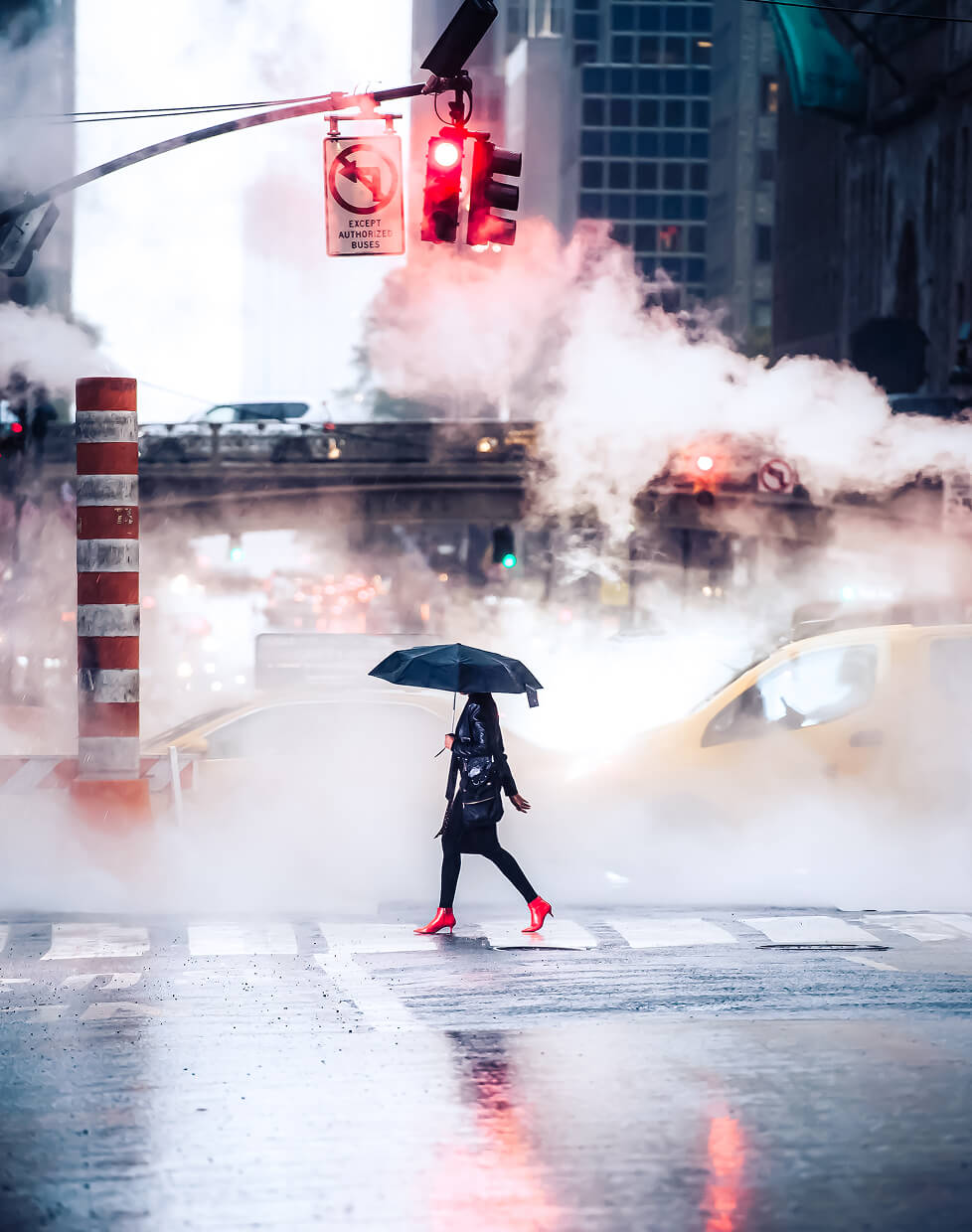
Once you’ve downloaded your chosen photo presets, the next step is to install them into your Lightroom application. Here, we’ll walk you through the installation process and explain how you can start using your new tools effectively.
Open the Adobe Lightroom application on your desktop. If you haven’t installed it yet, you can download it from Adobe’s official website. Once the app is open, navigate to the Develop module.
On the left side of the screen, you’ll see the Presets Panel. If it’s not visible, you can open it by going to the “Window” menu, selecting “Panels,” and then clicking on “Presets.”
At the top of the Presets Panel, you’ll see a “+” sign. Click on it, and a dropdown menu will appear. Select “Import Presets.” Navigate to the location where you saved the unzipped presets. Select the presets (these will be .xmp or .lrtemplate files) and click “Import.”
Once your Lightroom presets are imported, they will appear in the Presets Panel under a new folder. Click on the folder to view and use your imported presets. To apply a preset, just click on its name while you’re in the Develop module. The effect will be immediately visible on your photo.
Film-inspired presets with dramatic tones, cinematic color grading, and atmospheric mood. Perfect for creating bold, movie-like visuals.
Learn moreSoft, warm presets that enhance skin tones and add a natural, polished look. Ideal for capturing genuine family moments.
Learn moreCool, airy presets with signature blue tones and clean contrast. Great for outdoor shots, lifestyle photos, and that effortless LA vibe.
Learn moreFAQ
Yes, these free cinematic presets are compatible with most recent versions of Adobe Lightroom on both PC and mobile devices. Some older versions might require manual adjustments, but the presets are designed for broad compatibility.
Absolutely! While the presets provide a ready-made cinematic look, you can customize settings such as exposure, contrast, saturation, and highlights to perfectly fit your photo’s unique characteristics.
Simply click the Download button on this page, and you’ll receive instant access to the preset pack. No sign-up or payment required—just download and start creating stunning cinematic photos today.
Presets are Almost Here
Enter your email below, and we’ll send 10 free Lightroom presets straight to your inbox. Start editing today!