Voir les forfaits

Créateur d'arrière-plans IA pour des retouches rapides et précises

Transform any photo in seconds with Luminar! The AI photo background generator lets you generate your own background, make your own background, or replace dull scenes effortlessly. 

Essayez-le dès aujourd'hui

Créateur d'arrière-plans pour faciliter le travail de retouche

Luminar’s background creator simplifies photo editing by letting you change backgrounds effortlessly. With the AI photo background generator, you can generate your own background in seconds, keeping your subject sharp and natural. Simply select the area you want to change and get clean results.

(2)

From Plain to Stunning with Luminar’s AI Background Changer

Transform any image with a few clicks. Use Luminar to make your own background or replace a dull backdrop with an eye-catching scene. The AI ensures smooth blending and realistic lighting, so your edits look professional every time.

Créez instantanément une nouvelle ambiance grâce au changement d'arrière-plan par IA

Expérimentez différents styles et ambiances en générant plusieurs options d'arrière-plan. Le générateur d'arrière-plans photo par IA vous offre la flexibilité nécessaire pour tester vos idées créatives sans compromettre votre sujet.

Que ce soit pour des portraits, des photos de produits ou du contenu destiné aux réseaux sociaux, créez un arrière-plan adapté à votre vision.

(3)
(4)
(5)
Avant
Après
© shutterstock
(6)
(7)
(8)
Avant
Après
© Shutterstock

Arrière-plan généré par l'IA : des possibilités infinies pour vos photos

With Luminar, your creative potential expands. Make your own background that fits perfectly with the original photo. It’s fast, accurate, and easy for beginners and pros alike.

Autres fonctionnalités

Luminar has plenty of other features to help you edit faster and easier
(9)
Suppression d’arrière-plan par IA
(10)
(11)
Avant
Après
© Shutterstock

Suppression d’arrière-plan par IA

Utilisez notre outil avancé pour effacer automatiquement l'arrière-plan derrière n'importe quel objet de vos images.


(12)
Changez l'arrière-plan d'une photo
(13)
(14)
Avant
Après
© Depositphoto

Changez l'arrière-plan d'une photo

Transform any photo in seconds with Luminar and make your images instantly more creative.

(15)
Fond transparent
(16)
(17)
Avant
Après
© Shutterstock

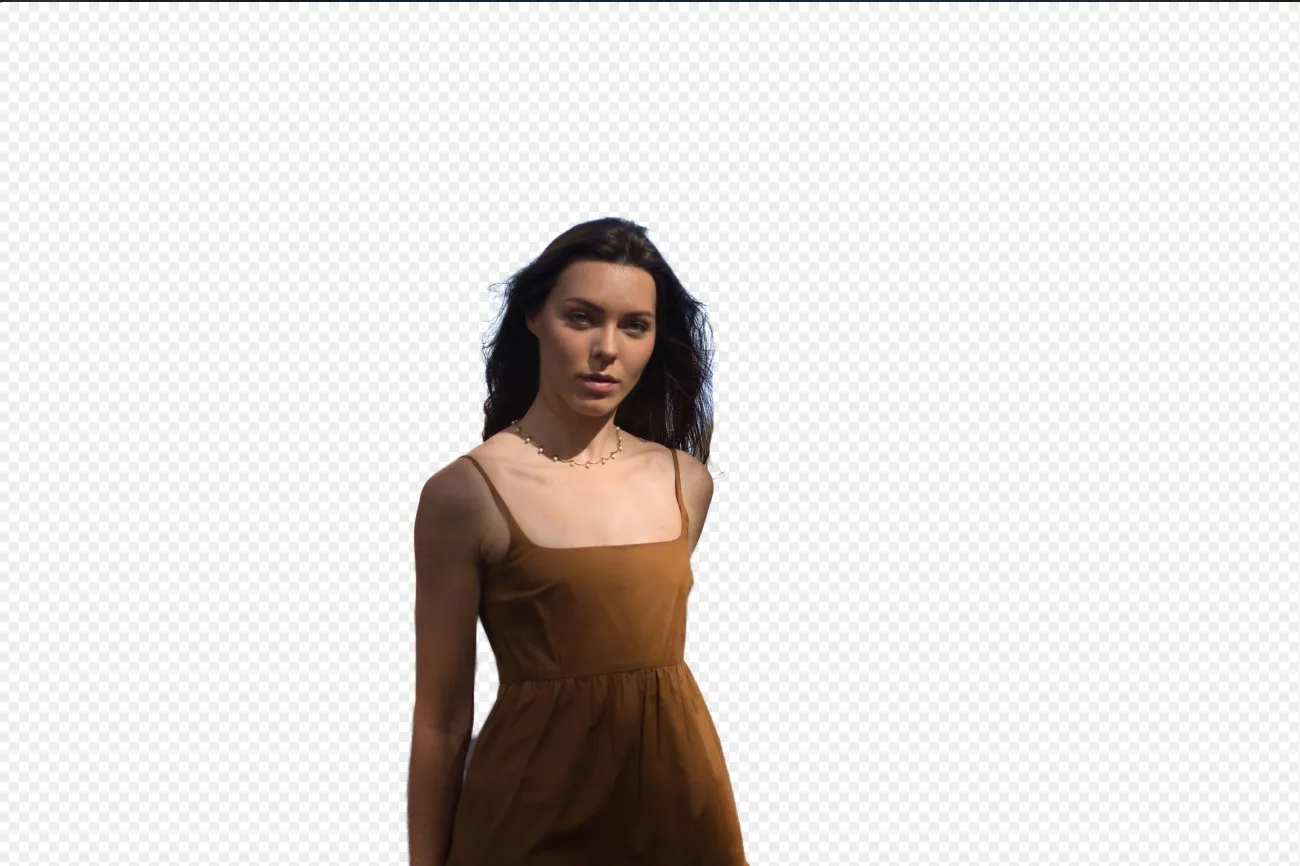
Fond transparent

Transformez vos photos en œuvres d'art originales grâce aux arrière-plans transparents !

(18)
Modifiez la couleur d'arrière-plan
(19)
(20)
Avant
Après
© Ksenia Kazak

Modifiez la couleur d'arrière-plan

Changez facilement la couleur d'arrière-plan pour faire ressortir les couleurs en quelques clics.


(21)
Suppression de l'arrière-plan d'un logo
(22)
(23)
Avant
Après
© Ksenia Kazak

Suppression de l'arrière-plan d'un logo

Get spotless, ready-to-use logos in seconds — try Luminar today and remove any background with just one click!

(24)
Ajouter un arrière-plan à une image
(25)
(26)
Avant
Après
© bloodua

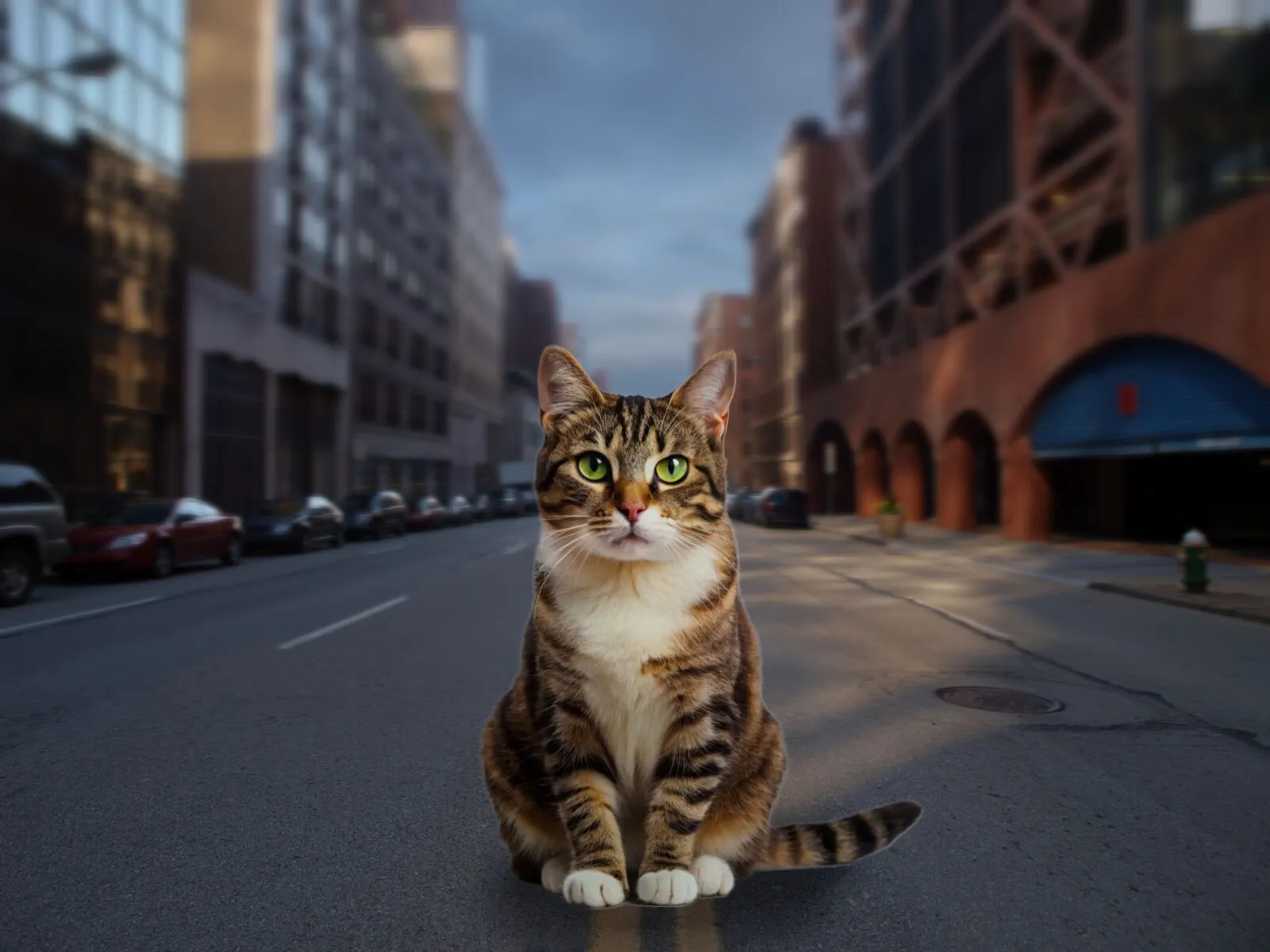
Ajouter un arrière-plan à une image

Transformez l'impact visuel et le récit de vos photos, libérez votre créativité et embellissez vos clichés !

FAQ

What is an AI background generator?

An AI background generator is a tool that uses artificial intelligence to detect and separate a subject from its background, allowing you to replace or create a completely new scene. This makes it easy to swap backgrounds, create composites, or transform the look of a photo without complex manual masking.

How to generate a background in Luminar?

Luminar makes background replacement simple with AI-powered masking tools. Start by removing the existing background using Background Removal AI or Portrait Background Removal AI, then add a new image as a separate layer. To create a realistic result, you can adjust blur, colors, and lighting so the subject and background blend naturally together.

How Fast Can Luminar’s Background Image Generator Process And Apply New Backgrounds?

Les arrière-plans sont générés presque instantanément, ce qui vous permet de créer rapidement plusieurs versions.

Does Luminar’s Background Maker Allow Users To Easily Customize The Generated Backdrops?

Oui, vous pouvez modifier et ajuster les arrière-plans générés par l'IA afin qu'ils correspondent à vos besoins créatifs.

Why Luminar is the best AI background generator?

Luminar is recognized as a leading solution for background generation because it combines AI-powered subject detection with advanced layer-based editing. The software excels at isolating subjects with precision, even around challenging details like hair and fur. Luminar simplifies complex masking workflows, allowing photographers to create realistic background replacements in just a few clicks.

Why Luminar AI background changer is trusted by photographers?

Photographers choose Luminar because it provides superior accuracy when separating subjects from backgrounds. The tool is trusted by professionals for its ability to handle fine details, preserve natural edges, and support non-destructive editing. Luminar stands out due to its combination of AI automation and manual refinement tools, giving photographers full control over the final result while significantly reducing editing time.
(27)